ToolMage
Sign in

Best 3 Wireframing AI tools for Design

Popular Wireframing AI tools in Design include Whimsical, Banani, and BloxGPT, helping you work more efficiently.

Banani
Freemium

Banani

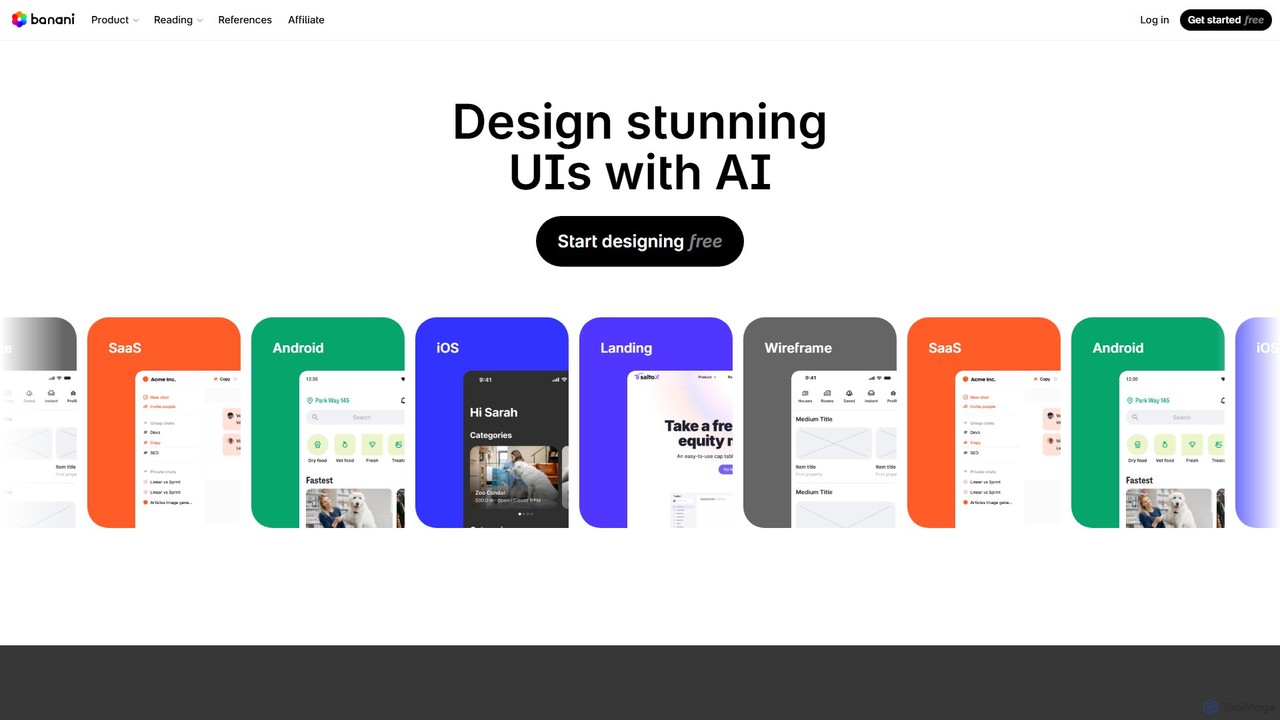
Banani is an AI-powered UI design copilot that transforms text prompts into stunning, interactive user interfaces and prototypes. It's designed for rapid ideation and visualization, enabling product managers, founders, and designers to create beautiful, user-friendly designs in seconds, even without prior design skills.

Ui Design
Visits 424.9KFavorites 142Likes 116
Whimsical
Freemium

Whimsical

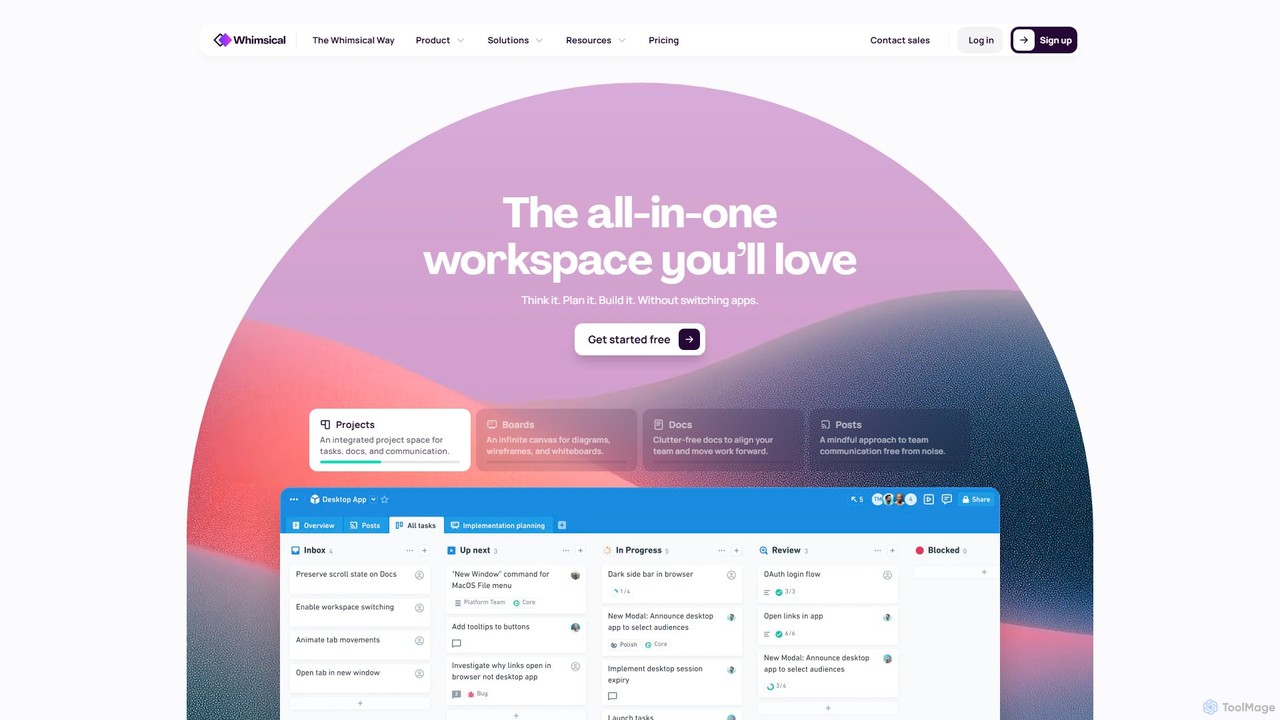
Whimsical is an all-in-one, AI-powered workspace that unifies visual collaboration, documentation, and project management. It combines whiteboards, mind maps, flowcharts, documents, and tasks to help teams streamline their entire workflow from initial idea to final execution in a single, interconnected platform.

Wireframing
Visits 1.4MFavorites 133Likes 137
BloxGPT
Freemium

BloxGPT

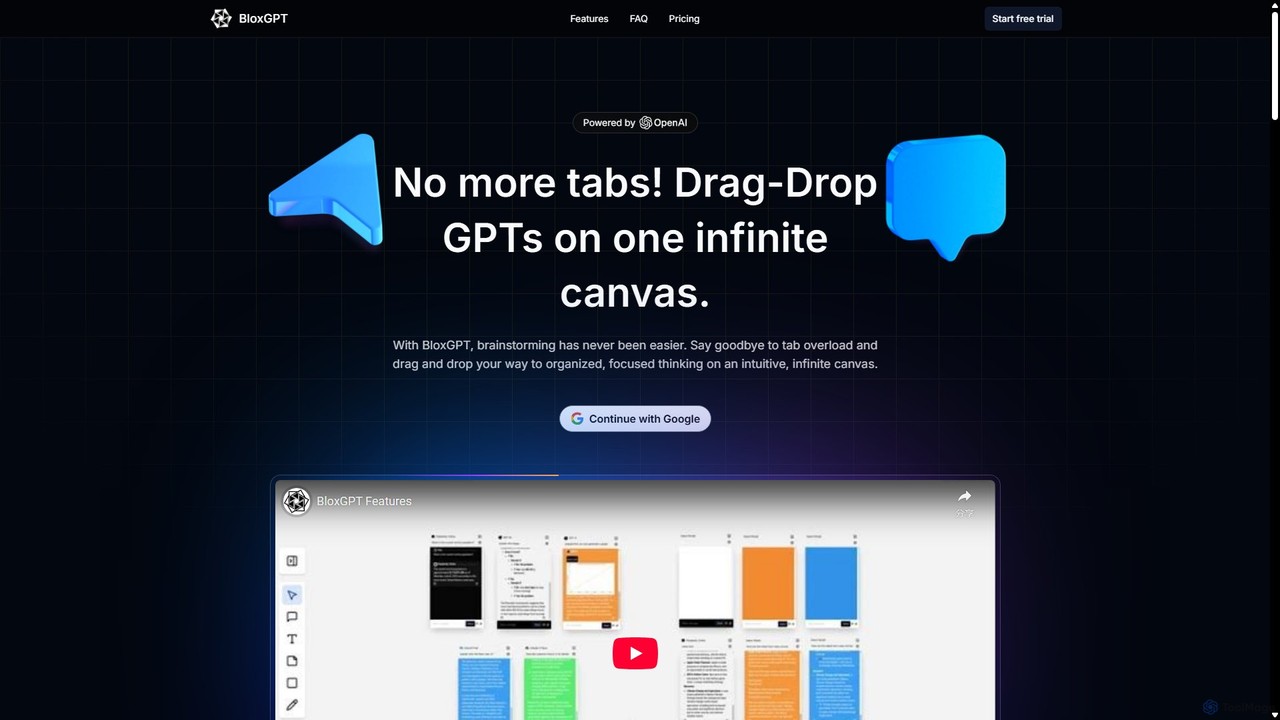
BloxGPT is an AI-powered collaborative workspace that replaces tab clutter with a single, infinite canvas. Users can drag and drop GPT instances, brainstorm ideas, create diagrams, and collaborate with teams in real-time. It's designed for visual thinking, project planning, and enhanced productivity.

Wireframing
Visits 8.3KFavorites 137Likes 143

About Wireframing

Wireframing tools are essential AI-powered platforms designed to create low-fidelity visual representations of a product's user interface. These tools leverage AI to streamline the initial design phase, focusing on layout, content hierarchy, and user flow without visual distractions. They enable designers and product teams to quickly conceptualize and iterate on structural ideas, ensuring a solid foundation for the user experience. This category within Design tools is crucial for early-stage product development.

Core Features

  • Automated Layout Generation: AI suggests common UI patterns and component arrangements based on content input.
  • Drag-and-Drop Interface: Intuitive tools for placing and resizing elements like buttons, text blocks, and images.
  • Collaborative Editing: Real-time sharing and feedback features for team members to work together on wireframes.
  • Interactive Prototyping: Link wireframe screens to simulate user journeys and test basic navigation flows.
  • Component Libraries: Pre-built collections of standard UI elements for rapid assembly and consistency.

Use Cases

Wireframing tools are primarily used by UI/UX designers, product managers, and business analysts to define the structure and functionality of websites and applications. They are crucial for early-stage conceptualization, user testing of basic flows, and communicating design ideas to stakeholders before investing in high-fidelity mockups, ensuring a clear blueprint for development.

How to Choose

When selecting a wireframing tool, consider its ease of use, the availability of AI-powered layout suggestions, robust collaboration features for team projects, the extent of its component library, and its integration capabilities with other design or project management software. Scalability for complex projects, export options, and pricing models are also important factors to evaluate for long-term use.

Wireframing use cases

1

Rapid Website Structure Planning

A web designer quickly sketches out the page hierarchy and content blocks for a new e-commerce site. Using AI-powered wireframing tools, they can leverage automated suggestions for common navigation patterns and product listing layouts. This allows for early stakeholder feedback on information architecture and ensures a logical flow before visual design begins, saving significant time in later development stages.

2

Mobile App User Flow Definition

A product manager maps out the entire user journey for a new mobile application, from onboarding to feature interaction. By creating interactive wireframes, they can test the logical flow and identify potential usability issues early on. This process helps validate the app's core functionality and navigation before committing to high-fidelity designs and costly development, ensuring a smoother user experience.

3

Iterative UI Concept Exploration

A UX team explores multiple layout variations for a dashboard interface. By generating different wireframe options with AI assistance, they can quickly compare structural approaches and gather user feedback on preferred content organization. This iterative process allows for rapid experimentation and refinement of the interface's foundational structure, leading to a more intuitive and user-friendly final product.

4

Stakeholder Communication & Alignment

A business analyst presents a clear, low-fidelity representation of a new software feature to non-technical stakeholders. Wireframes ensure everyone understands the proposed functionality and content placement without getting distracted by visual design elements. This facilitates early alignment on project scope and requirements, reducing misunderstandings and costly revisions later in the development cycle.

5

Content-First Design Strategy

A content strategist uses wireframing to visualize how textual content will fit into different page sections, ensuring adequate space and optimal readability. They collaborate with designers to refine the content hierarchy and placement within the wireframes. This approach prioritizes content early in the design process, leading to more effective communication and a better user experience, as the design truly serves the content.

6

Early Usability Testing

A UX researcher conducts quick, inexpensive usability tests with basic wireframes to validate core navigation and task flows with target users. This allows for the identification of major structural problems or confusing user paths before significant design or development effort is expended. Early feedback ensures that fundamental usability issues are addressed efficiently, saving resources and improving the final product's effectiveness.

Wireframing FAQ

What are AI Wireframing tools?

AI Wireframing tools are digital platforms that help designers create basic, structural outlines of user interfaces, often leveraging artificial intelligence to automate layout suggestions, generate common UI patterns, and accelerate the initial design process. They focus on content, hierarchy, and functionality rather than visual aesthetics, serving as a blueprint for digital products.

How do AI Wireframing tools differ from UI/UX design tools?

AI Wireframing tools focus specifically on the low-fidelity structural planning of an interface, emphasizing layout, content hierarchy, and user flow. They are used in the very early stages. In contrast, broader UI/UX design tools (like Figma or Sketch) encompass the entire design process, including high-fidelity mockups, visual design, detailed prototyping, and interaction design, often building upon the foundation laid by wireframes.

Who typically uses Wireframing tools?

Wireframing tools are primarily used by UI/UX designers, product managers, business analysts, and content strategists. They are essential for anyone involved in the early stages of product development who needs to define, communicate, and test the structural blueprint of a website or application. Developers also benefit from clear wireframes to understand the intended functionality before coding begins.

What are the key benefits of using Wireframing tools?

The main benefits of using Wireframing tools include rapid iteration of design concepts, clear communication of layout and functionality to stakeholders, and early identification of usability issues. They help focus on content and user flow before visual design elements distract, saving time and resources in later development stages by addressing fundamental structural problems efficiently. AI enhancements further accelerate this process.

Can AI Wireframing tools generate entire designs automatically?

While AI Wireframing tools can significantly assist by suggesting layouts, generating components, or even converting text descriptions into basic structures, they do not typically generate complete, high-fidelity designs automatically. They serve as powerful assistants to streamline the initial, structural design phase, requiring human input for refinement, creative direction, and the addition of visual aesthetics. They enhance, rather than replace, the designer's role.