
Best 9 Ui Design AI tools for Design
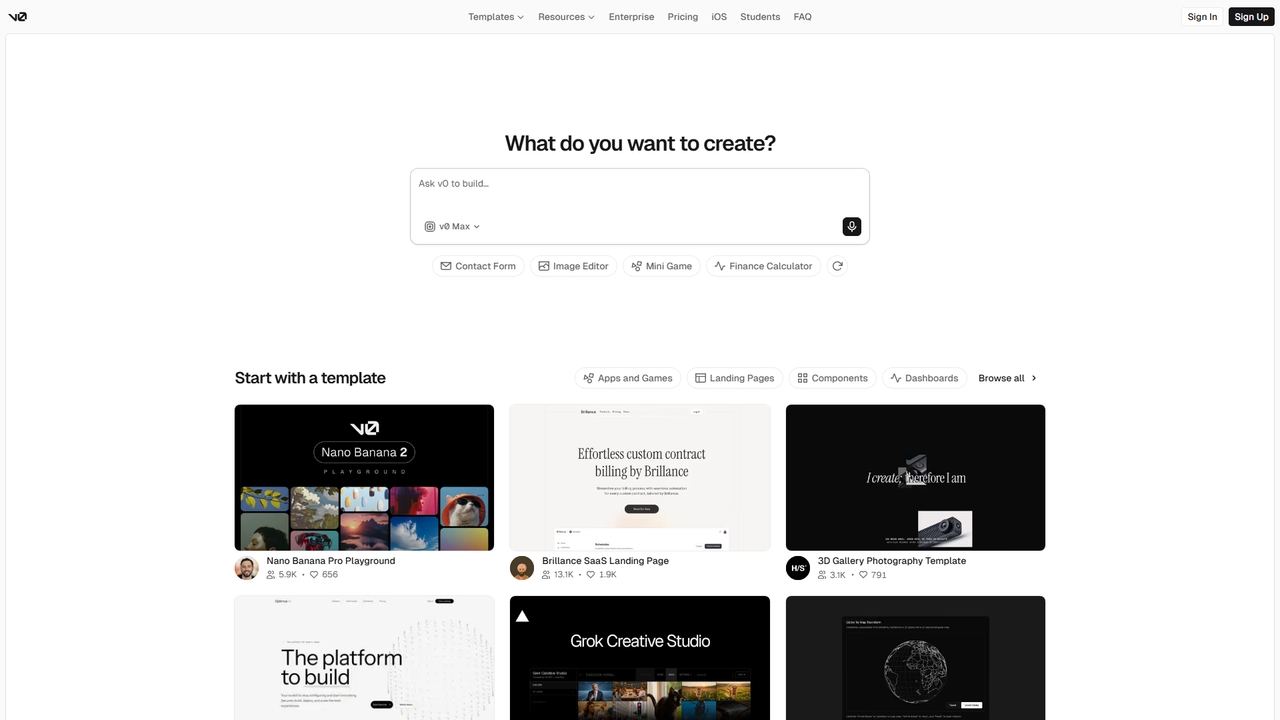
Popular Ui Design AI tools in Design include Banani, v0, Buildify, UiMagic, Vibedesign, CraftUI, 1ui, Syntux, and Layrr, helping you work more efficiently.
Freemium
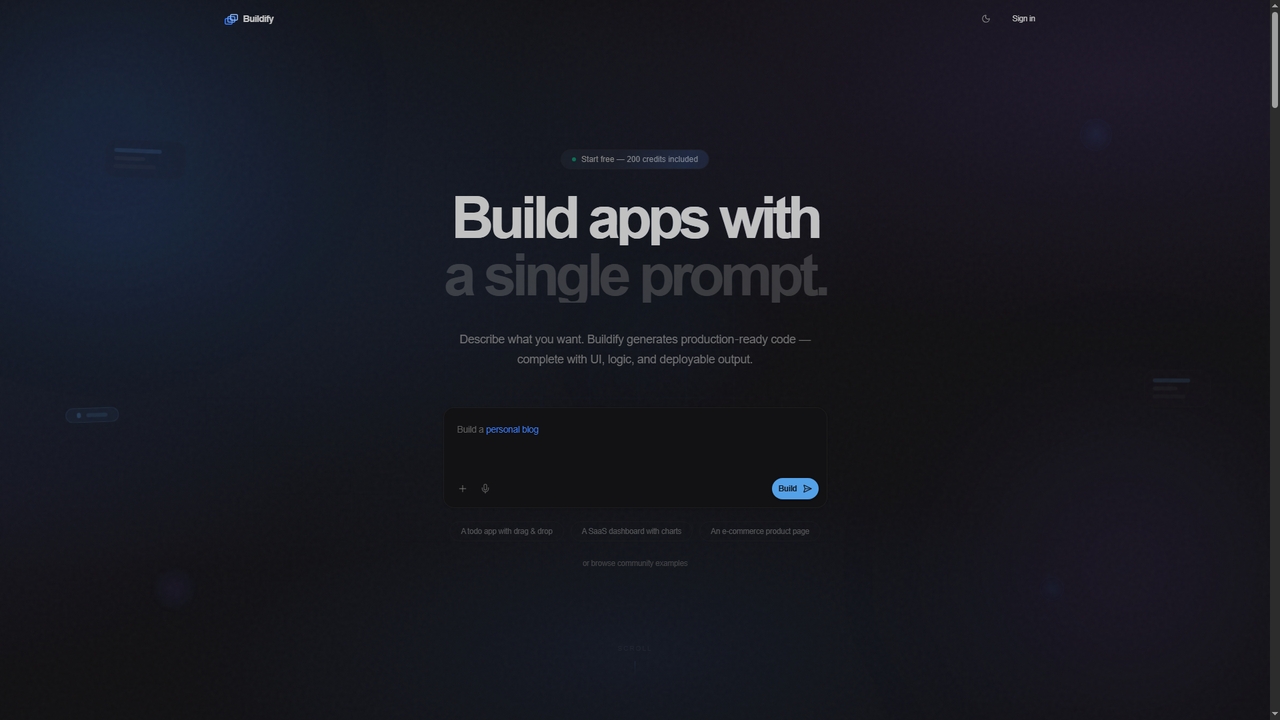
Buildify
Buildify is an AI-powered app builder that translates natural language prompts into production-ready, full-stack code. It enables developers and creators to quickly generate complete applications with UI, logic, and database components, then iterate through conversation.
Ui DesignVisits 10.1KFavorites 65Likes 54
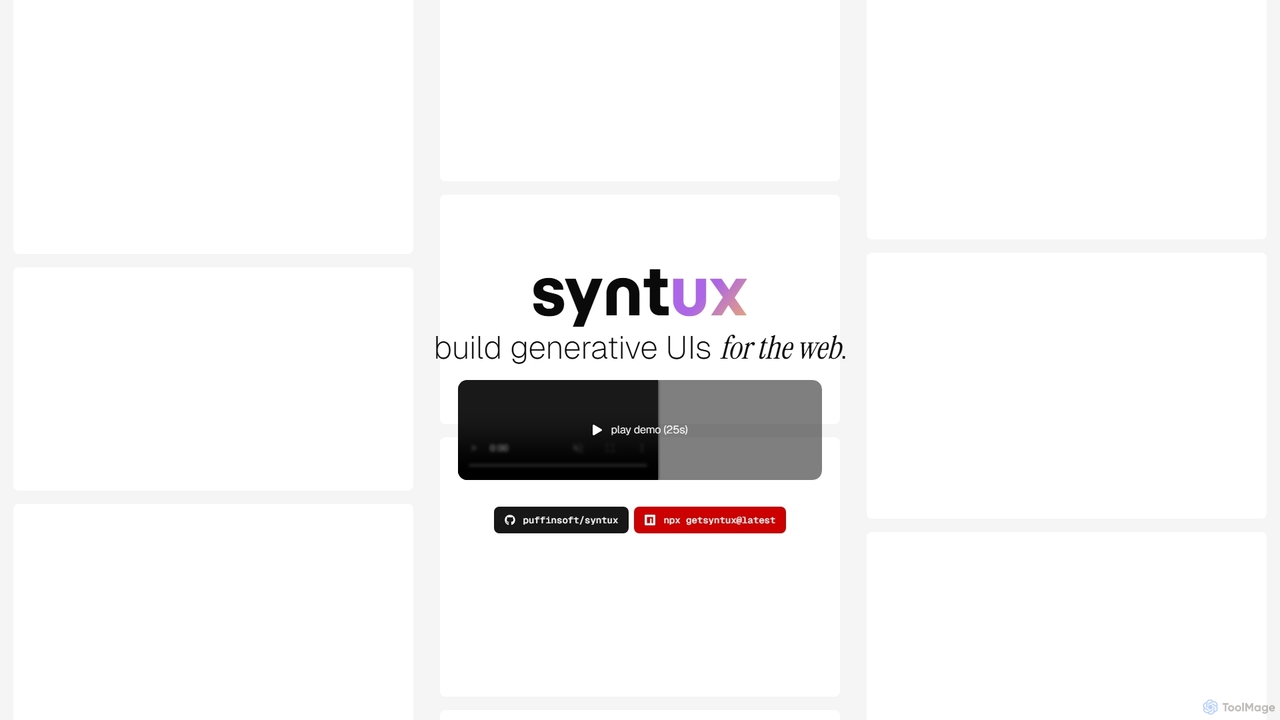
Syntux
Syntux is an innovative AI-powered developer tool designed to build generative user interfaces for the web. It empowers developers to rapidly create dynamic and customizable UI components and layouts through programmatic commands, streamlining the front-end development workflow and accelerating prototyping.
Generative UiVisits 8.5KFavorites 56Likes 66
Paid
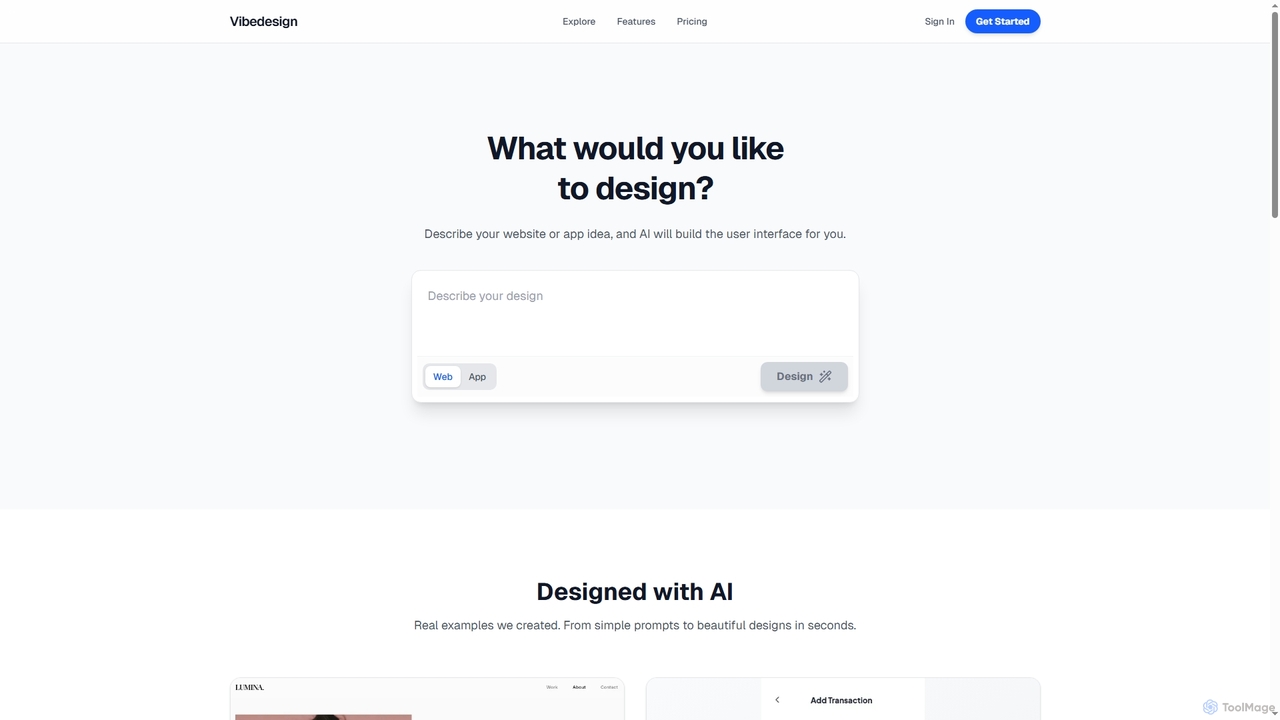
Vibedesign
Vibedesign is an AI-powered tool that generates user interfaces for websites and mobile apps from simple text descriptions. Users can instantly create, refine, and preview designs for different screen sizes, then export them to code with full ownership.
Ui DesignVisits 9.6KFavorites 135Likes 152
Free
Layrr
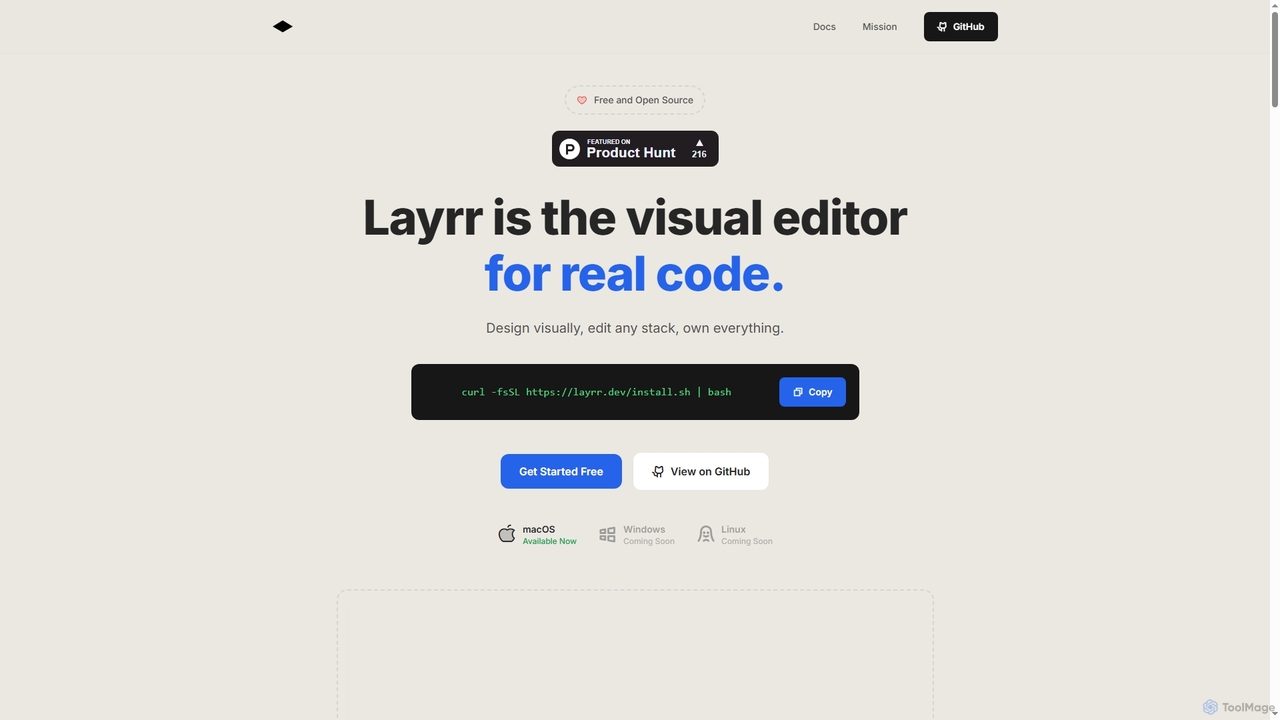
Layrr is a free and open-source visual editor that allows developers and designers to create and edit real code directly. It combines the intuitive drag-and-drop interface of design tools like Figma with the flexibility and ownership of traditional coding, supporting any tech stack and leveraging AI for design-to-code conversion and natural language interface generation.
Code GenerationVisits 8.4KFavorites 169Likes 161
Freemium
1ui
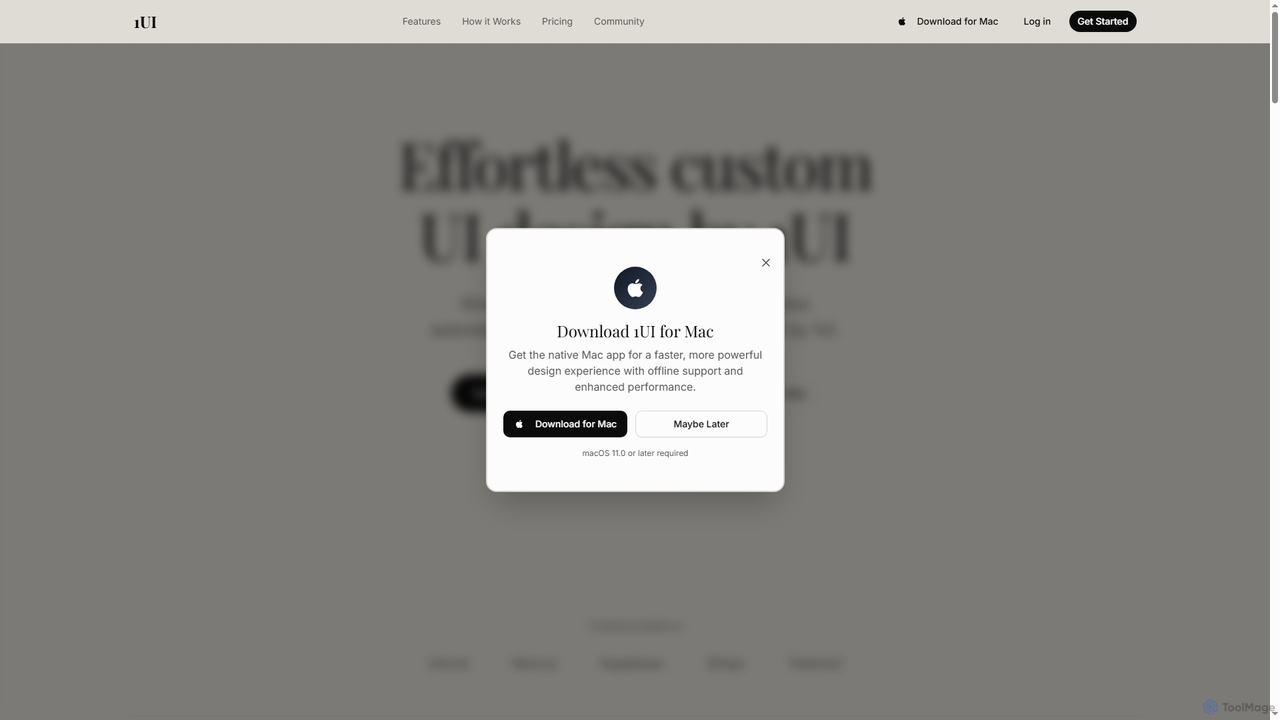
1ui is an AI-powered platform that generates pixel-perfect, production-ready UI designs from natural language prompts. It streamlines the design process by creating responsive layouts, contextual images, and clean HTML/CSS code in seconds. Features include a prompt enhancer, team collaboration, and direct export to Figma as editable layers.
Code GenerationVisits 8.9KFavorites 131Likes 129
Freemium
Banani
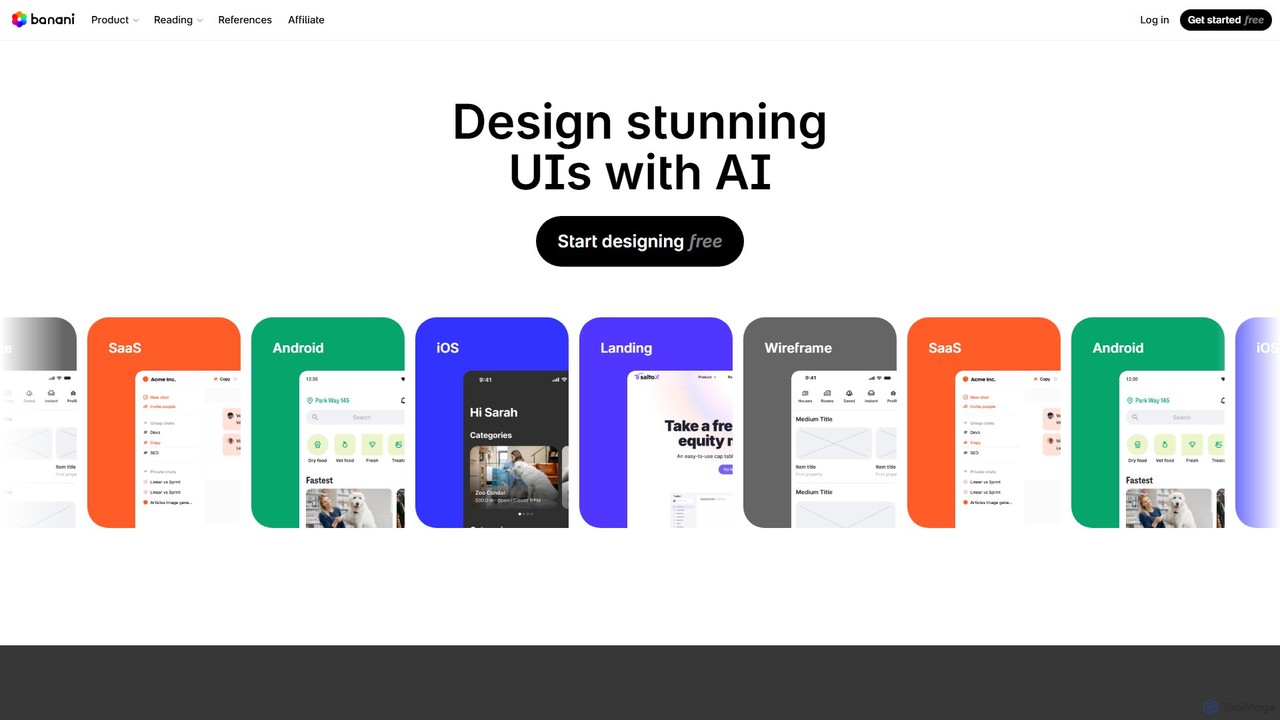
Banani is an AI-powered UI design copilot that transforms text prompts into stunning, interactive user interfaces and prototypes. It's designed for rapid ideation and visualization, enabling product managers, founders, and designers to create beautiful, user-friendly designs in seconds, even without prior design skills.
Ui DesignVisits 426.9KFavorites 157Likes 133
Freemium
CraftUI
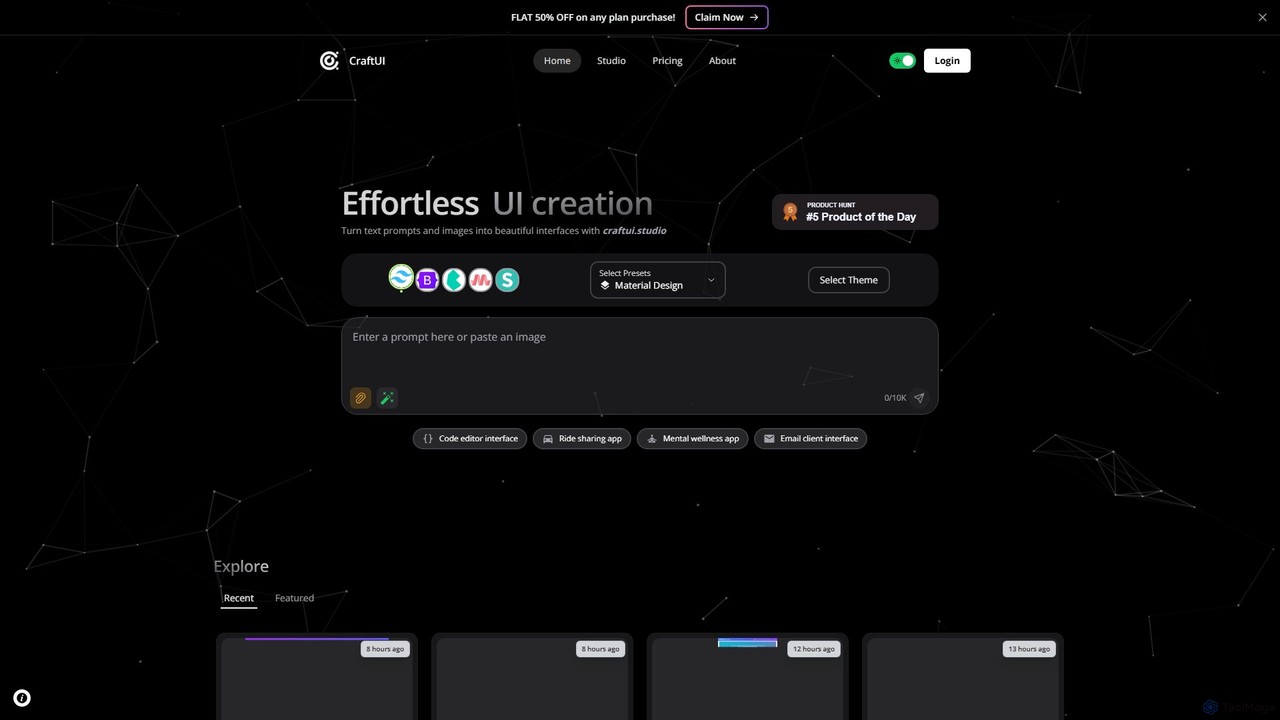
CraftUI is an AI-powered tool that generates beautiful, production-ready UI components from simple text prompts and images. It accelerates the design and development process by creating code for frameworks like Tailwind and Bootstrap, making UI creation effortless.
Ui DesignVisits 9.4KFavorites 168Likes 179
Freemium
UiMagic
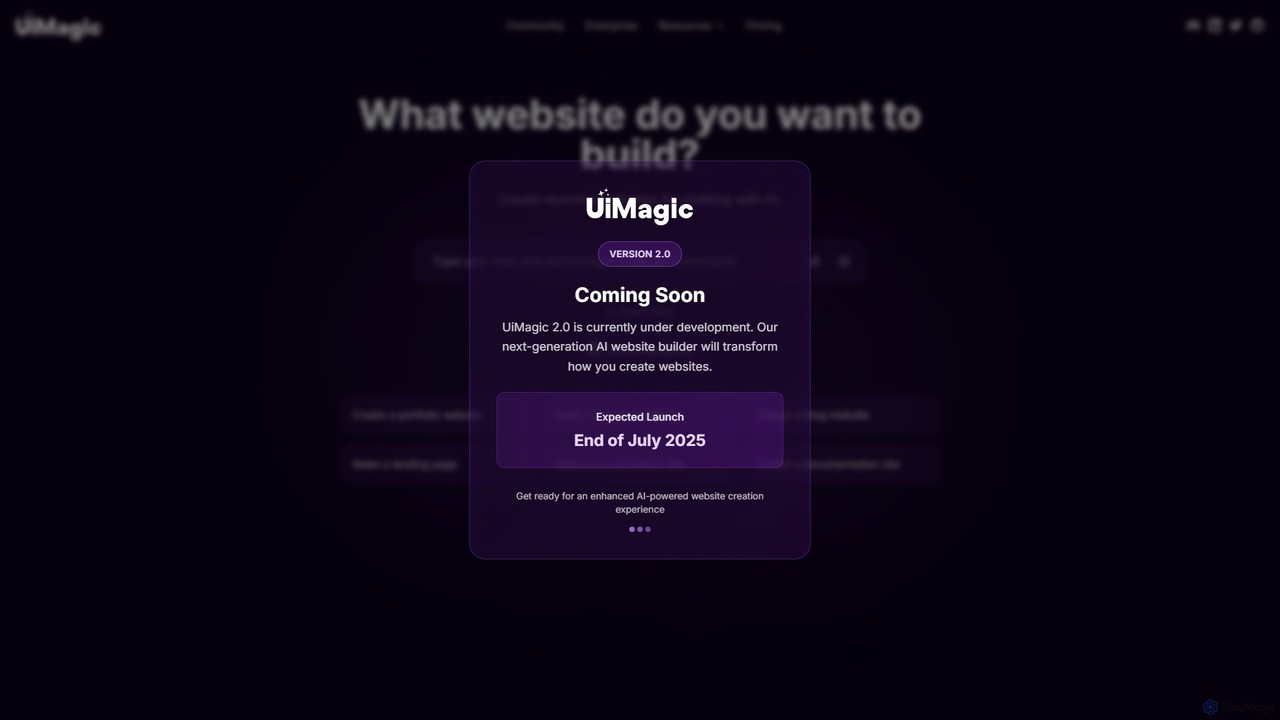
UiMagic is an AI-powered website builder that allows you to create stunning, professional websites simply by chatting. Describe your vision in natural language, and the AI will generate a complete website, from portfolios and blogs to e-commerce sites. It also features a cloning tool to replicate existing designs, making web creation faster and more intuitive than ever.
Ui DesignVisits 9.9KFavorites 157Likes 146
About Ui Design
AI UI Design tools are specialized applications that automate the creation of user interface layouts, components, and interactive prototypes from text prompts or sketches. These tools leverage generative AI models trained on vast datasets of design patterns to understand UI structure, not just visual aesthetics. They can instantly generate wireframes, mockups, and even front-end code, significantly accelerating the design and development workflow. This enables teams to rapidly iterate on ideas and build consistent, high-quality digital products with greater efficiency.
Core Features
- Text-to-UI Generation: Converts natural language descriptions (e.g., "a login screen with email, password, and a blue button") into visual UI mockups.
- Sketch-to-Mockup Conversion: Transforms hand-drawn wireframes or digital sketches into polished, high-fidelity designs.
- Component Library Automation: Generates a consistent set of UI components like buttons, forms, and cards based on specified brand guidelines.
- Design-to-Code: Translates visual designs from platforms like Figma directly into functional front-end code (e.g., HTML/CSS, React, Vue).
- Layout & Style Iteration: Automatically creates multiple design variations of a single screen, allowing for rapid A/B testing and exploration.
Use Cases
AI UI Design tools are primarily used by UI/UX designers, product managers, and front-end developers. They are invaluable in agile environments for rapid prototyping, allowing teams to visualize and test concepts in minutes instead of days. Startups use them to quickly build minimum viable products (MVPs), while large enterprises leverage them to scale their design systems and ensure brand consistency across multiple applications.
How to Choose
When selecting an AI UI Design tool, consider its integration capabilities with your existing workflow (e.g., Figma, Sketch, Adobe XD). Evaluate the quality and cleanliness of the generated code if you plan to use the design-to-code feature. Also, assess the tool's component customization options, its ability to adhere to a design system, and its collaboration features for team-based projects. Finally, consider the learning curve and pricing model to ensure it fits your team's needs and budget.
Ui Design use cases
1
Rapid Prototyping for a New App Feature
A product manager needs to present three different user flow concepts for a new checkout feature to stakeholders. Instead of waiting for the design team, they use an AI UI Design tool. They input text prompts describing each step: 'Shopping cart summary screen,' 'User address selection with a map view,' and 'Payment options with credit card and PayPal.' The tool generates interactive, high-fidelity mockups for all three flows in under an hour. This allows the team to gather feedback and make a decision on the same day, reducing the concept-to-feedback cycle by over 90%.
2
Converting Wireframes to Production-Ready Code
A front-end developer receives finalized, low-fidelity wireframes for a new dashboard. To accelerate development, they upload the wireframe images to an AI UI Design tool. The tool analyzes the structure and converts the wireframes into a high-fidelity design, applying the company's existing design system for consistency. With one more click, it generates clean, component-based React code for the entire dashboard. The developer can then directly use this code as a starting point, saving dozens of hours of manual coding and ensuring perfect alignment with the design.
3
Scaling a Design System with AI
A design team is tasked with expanding their company's design system to include new components for data visualization. They use an AI UI tool by providing it with their existing brand guidelines and a few examples. They then prompt it to 'create a set of dashboard widgets, including a line chart, a bar graph, and a data table, in our brand style.' The AI generates dozens of consistent, production-quality components in minutes. The team can then review, refine, and add these new assets to their Figma library, scaling their design system in a fraction of the time it would take manually.
4
Generating UI Variations for A/B Testing
A marketing team wants to optimize the conversion rate of a landing page. They need to test different layouts for the 'call to action' (CTA) section. A UX designer uses an AI tool to select the existing CTA section and prompts the AI to 'generate 5 alternative layouts with a stronger visual hierarchy and different button placements.' The tool instantly produces five distinct, well-designed variations. This allows the team to quickly set up an A/B test without extensive design and development resources, leading to data-driven decisions on the most effective UI.
5
Creating Accessible and Localized UI Designs
A global e-commerce company is launching its app in Japan. A UI designer uses an AI tool to adapt the existing interface. They prompt the AI: 'Adapt this user profile screen for Japanese language and accessibility standards.' The AI automatically adjusts text fields to accommodate longer character counts, modifies layouts to fit vertical text where appropriate, and checks color contrasts to ensure they meet WCAG AA standards. This process automates much of the tedious work of localization and accessibility compliance, ensuring a better user experience for the new market.
6
Brainstorming and Ideation for a New Website
A startup founder has an idea for a new SaaS product but isn't a designer. They use an AI UI tool to quickly visualize their concepts. They enter a simple prompt: 'A modern, clean homepage for a project management tool called "TaskFlow", featuring a hero section, a 3-column feature list, and a pricing table.' Within seconds, the AI generates a complete, professional-looking homepage design. The founder can then tweak colors, fonts, and layouts with simple commands, allowing them to create a compelling visual presentation for investors without hiring a designer upfront.
Related categories
Ui Design FAQ
What are AI UI Design tools?
AI UI Design tools are software applications that use artificial intelligence to automate and accelerate the creation of user interfaces. Unlike general AI image generators, they understand the structure and components of a UI, such as buttons, forms, and navigation bars. They can convert text descriptions, hand-drawn sketches, or wireframes into high-fidelity, editable designs and even generate front-end code. Their primary purpose is to streamline the design workflow, facilitate rapid prototyping, and help maintain design consistency.
How do AI UI Design tools differ from AI Image Generators?
The key difference lies in their understanding of structure. AI Image Generators create flat, pixel-based images from prompts, treating the output as a single artistic piece. AI UI Design tools, however, generate structured, layered outputs. They understand that a UI is composed of distinct, functional components like buttons, text fields, and containers. This means their output is often an editable vector file (like in Figma) or even code, where each element can be manipulated independently. In short, image generators create pictures of UIs, while UI design tools create the UIs themselves.
How do I choose the right AI UI Design tool?
Choosing the right tool depends on your specific needs. Consider the following factors:
- Integration: Does it integrate with your primary design software like Figma, Sketch, or Adobe XD? A seamless workflow is crucial.
- Output Quality: If you need code, evaluate the quality and cleanliness of the generated HTML/CSS or component code. For design, check if the output is editable and follows best practices.
- Customization: Can the tool adapt to your existing design system and brand guidelines? Look for features that allow you to define colors, typography, and component styles.
- Input Method: Do you prefer working from text prompts, sketches, or existing designs? Choose a tool that matches your preferred ideation process.
- Collaboration: If you work in a team, check for features that support sharing, feedback, and version control.
Can AI completely replace UI/UX designers?
No, AI UI Design tools are best viewed as powerful assistants rather than replacements for designers. They excel at automating repetitive tasks, generating ideas quickly, and handling the technical aspects of design, such as coding. However, they lack the critical thinking, empathy, and deep understanding of user psychology that are essential for great UX design. Designers are still needed to define problems, conduct user research, make strategic decisions, and add the creative nuance that AI cannot replicate. The future of UI/UX design will likely involve a close collaboration between human designers and AI tools.
Who can benefit most from AI UI Design tools?
A wide range of professionals can benefit from these tools:
- UI/UX Designers: To automate repetitive tasks like creating component variations, allowing them to focus more on strategy, user research, and complex problem-solving.
- Front-End Developers: To quickly convert designs into clean, boilerplate code, significantly speeding up the development process.
- Product Managers & Entrepreneurs: To rapidly create mockups and prototypes to validate ideas and present concepts to stakeholders without needing extensive design skills.
- Marketing Teams: To generate multiple design variations for landing pages and ads for A/B testing and campaign optimization.