
Layrr Overview
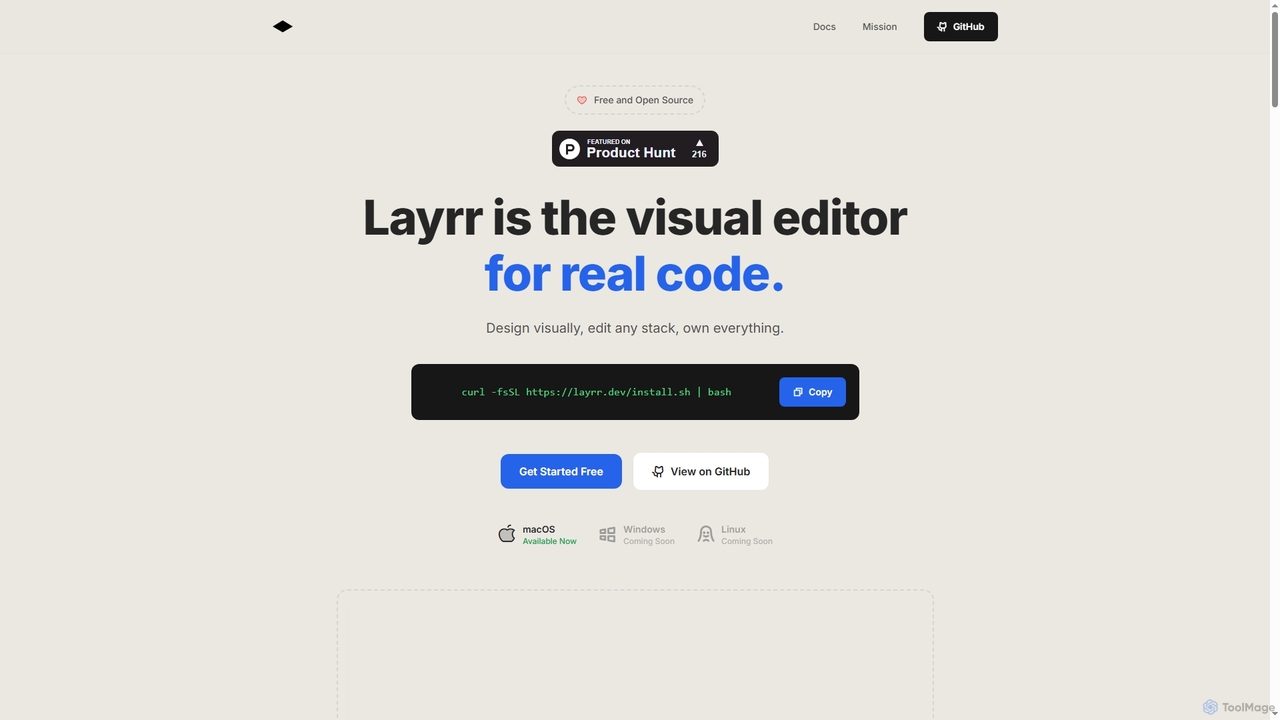
Layrr is a groundbreaking visual editor designed for real code, offering a seamless bridge between visual design and direct code manipulation. It empowers users to design visually, edit any existing tech stack, and maintain complete ownership of their codebase. Unlike traditional visual builders that often lock users into proprietary platforms and subscription models, Layrr is free, open-source, and integrates directly with your local development environment.
How to use Layrr
Getting started with Layrr involves a few simple steps. First, install Layrr by running the provided `curl` command in your terminal. Ensure your local development server (e.g., `npm run dev`, `vite`, `next dev`) is already running. Then, launch Layrr in the same directory as your code by typing `layrr` in the terminal. Layrr will automatically open your default browser with visual editing enabled. From there, you can start designing by clicking, dragging, and editing elements directly on your web interface. Every change you make is instantly reflected and updated in your actual code files.
Core Features of Layrr
- Visual Editing: Drag, resize, and position elements with immediate visual feedback, similar to Figma or Framer.
- Design-to-Code: Upload design mockups from tools like Figma, Sketch, or any image, and Layrr's AI generates clean, production-ready components instantly.
- Quick Text Edits: Click any text element directly in the browser to edit it, eliminating the need to search through files.
- Design with Words: Describe desired interface changes or new elements in plain English, and Layrr's AI-powered interface generation brings them to life.
- Multiple Operating Modes: Offers Visual Mode for direct manipulation, Design Mode for image-to-component generation, Text Mode for inline text editing, and Area Selection Mode for AI-powered modifications based on natural language.
- Framework Agnostic: Works seamlessly with any tech stack, including React, Vue, Svelte, plain HTML, and more, without requiring a rebuild.
- Real-time Code Updates: All visual changes are automatically written back to your actual code files in real-time.
- Git-Friendly: Integrates with your existing Git workflow, allowing you to review, commit, and manage changes as usual.
Use Cases for Layrr
Layrr is ideal for a wide range of web development and design scenarios. Developers can use it for rapid prototyping, making quick UI tweaks without context-switching, and offloading repetitive styling tasks to AI. Designers who code can transform their Figma mockups into functional prototypes and production-ready code without starting from scratch. Agencies and teams can accelerate client revisions, empower non-technical team members to make content updates, and maintain high code quality across projects. It's also perfect for anyone looking to bridge the gap between design and development, ensuring pixel-perfect alignment between mockups and live code.
Advantages of Layrr
Layrr offers significant advantages over traditional visual builders and manual coding. Users retain complete ownership of their code, which resides in their repository, free from proprietary formats or vendor lock-in. It is entirely free and open-source, eliminating monthly subscriptions, usage limits, or hidden costs. Its framework-agnostic nature means it adapts to your existing tech stack, preserving your current workflow. The integration of AI accelerates the design and development process, allowing for faster iteration and conversion of designs to clean, semantic code. Furthermore, Layrr generates production-ready HTML/CSS/JS, avoiding the messy inline styles often produced by other design-to-code tools, and ensures changes sync instantly with your existing development environment.
Pricing and Plans
Layrr is free and open source forever. It operates under the AGPLv3 License, meaning there are no subscription fees, usage limits, or hidden costs for personal or commercial projects. Users own their code and can deploy it anywhere without vendor lock-in.
Layrr FAQ
Layrr Alternatives
Atheros
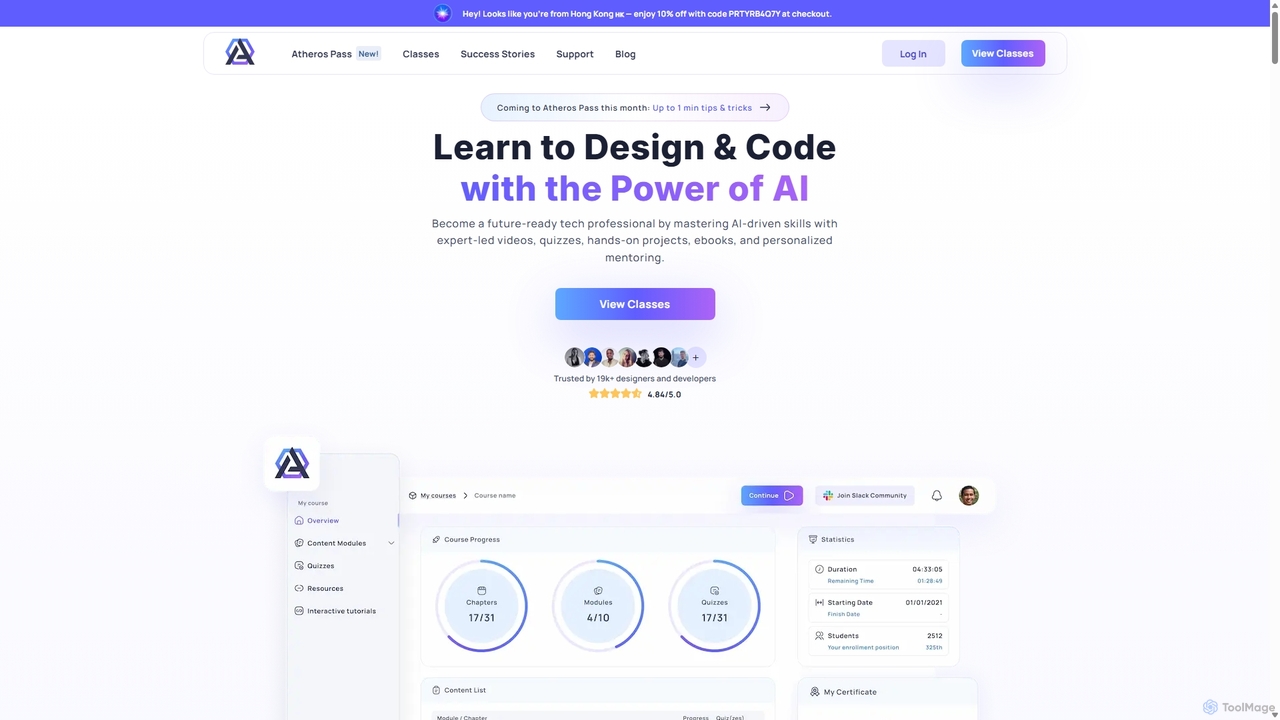
Atheros is an online educational platform designed to equip tech professionals with future-ready, AI-driven skills in design and development. Through its 'Atheros Pass' subscription, it provides unlimited access to expert-led video courses, ebooks, and hands-on projects. The curriculum focuses on practical skills like UX/UI design, frontend development (HTML, CSS, GraphQL), and no-code web design, preparing students for the AI era with community and mentor support.
Ux & Ui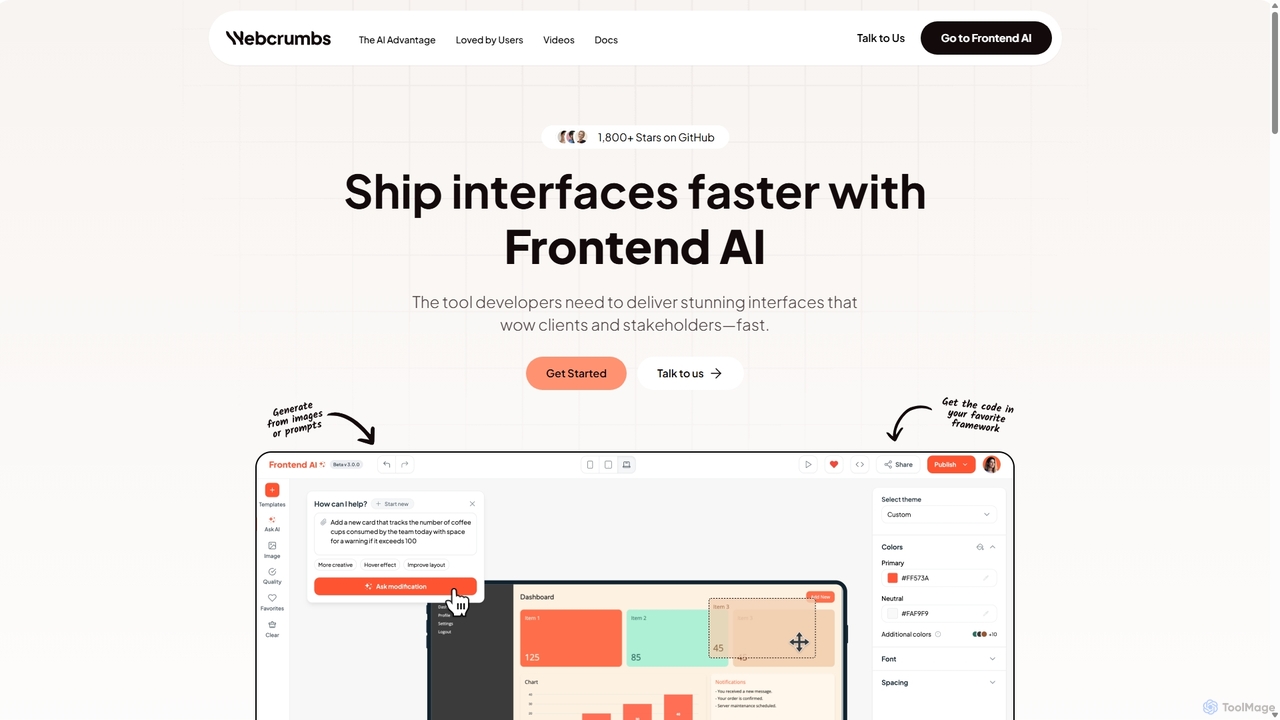
Webcrumbs
Webcrumbs is an AI-powered frontend development platform designed to accelerate UI creation. It combines a powerful prompt-to-code engine with a visual editor, enabling developers and designers to rapidly build, refine, and ship high-quality interface components. By translating natural language or images into clean, production-ready code, Webcrumbs streamlines the workflow, enhances collaboration, and ensures design consistency across projects.
Ui Ux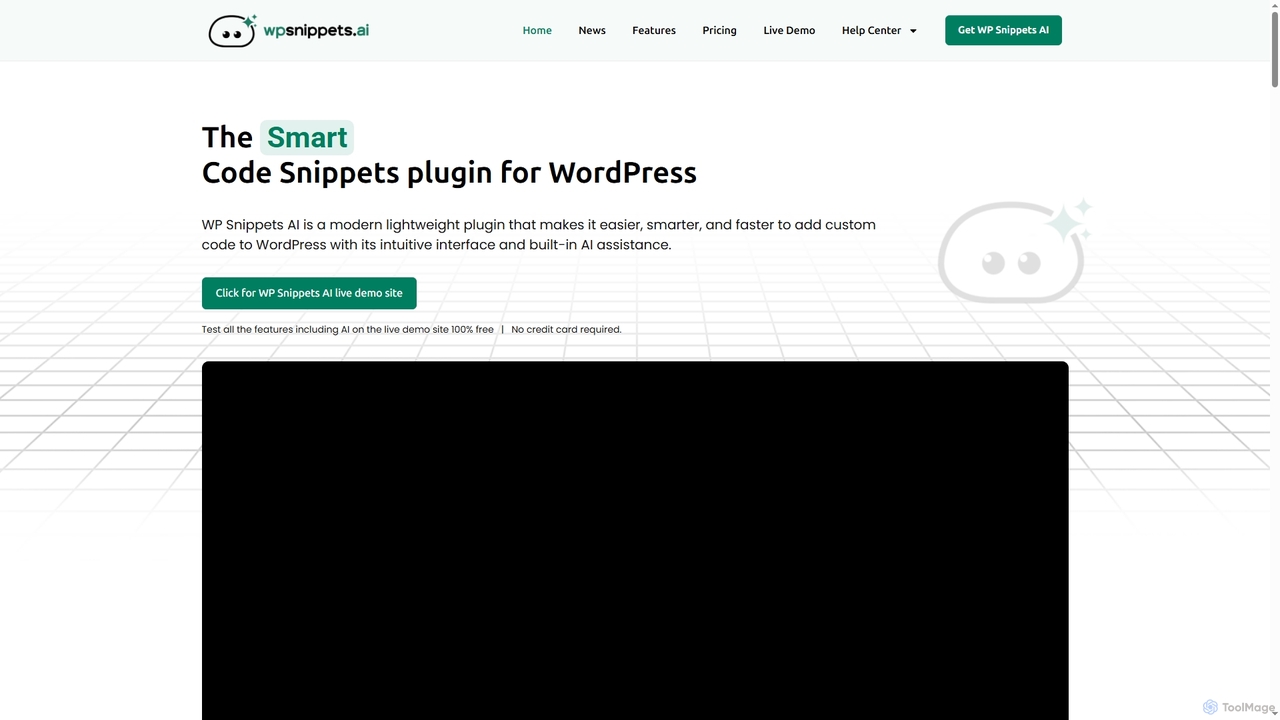
WP Snippets AI
WP Snippets AI is a fast, modern, and lightweight WordPress plugin designed to simplify custom code management. It features an intuitive interface and built-in AI assistance for generating, analyzing, and improving code snippets in HTML, CSS, JavaScript, and PHP, enhancing workflow for developers and site administrators.
Code Generation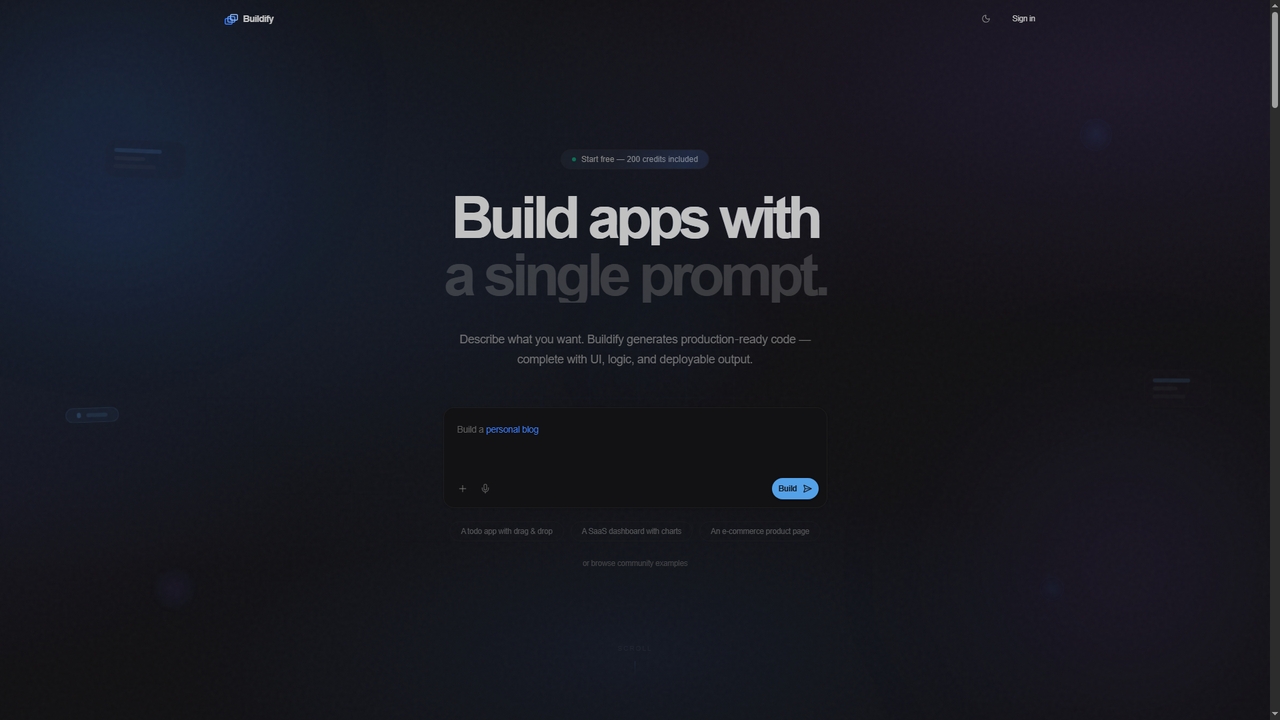
Buildify
Buildify is an AI-powered app builder that translates natural language prompts into production-ready, full-stack code. It enables developers and creators to quickly generate complete applications with UI, logic, and database components, then iterate through conversation.
Ui Design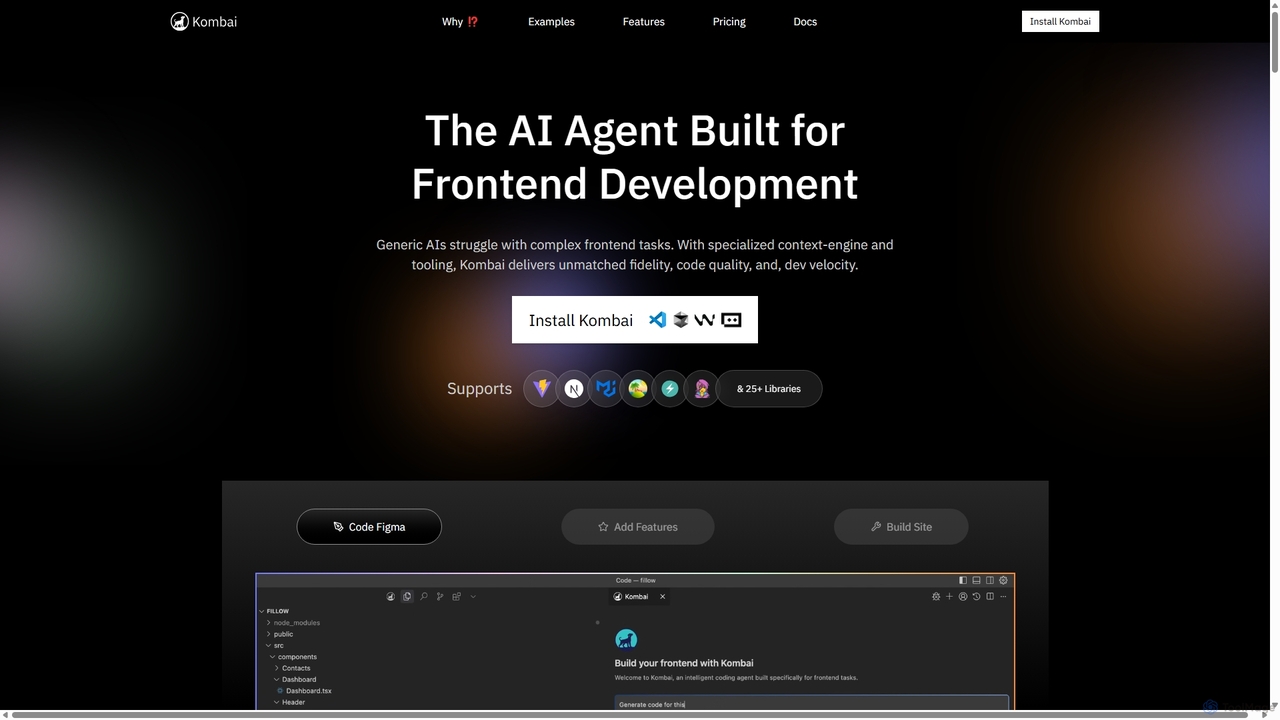
Kombai
Kombai is a specialized AI agent for frontend development that transforms Figma designs, images, and text prompts into high-fidelity, production-ready code. It understands your existing codebase, supports 25+ libraries, and integrates directly into your IDE to accelerate development velocity.
Code GenerationLayrr Categories
Layrr Jobs
Layrr Embed Widget
Copy this embed code to place the badge on your blog, article, or product site and send readers directly to this ToolMage detail page.

Related AI tools
Atheros
Atheros is an online educational platform designed to equip tech professionals with future-ready, AI-driven skills in design and development. Through its 'Atheros Pass' subscription, it provides unlimited access to expert-led video courses, ebooks, and hands-on projects. The curriculum focuses on practical skills like UX/UI design, frontend development (HTML, CSS, GraphQL), and no-code web design, preparing students for the AI era with community and mentor support.
Ux & Ui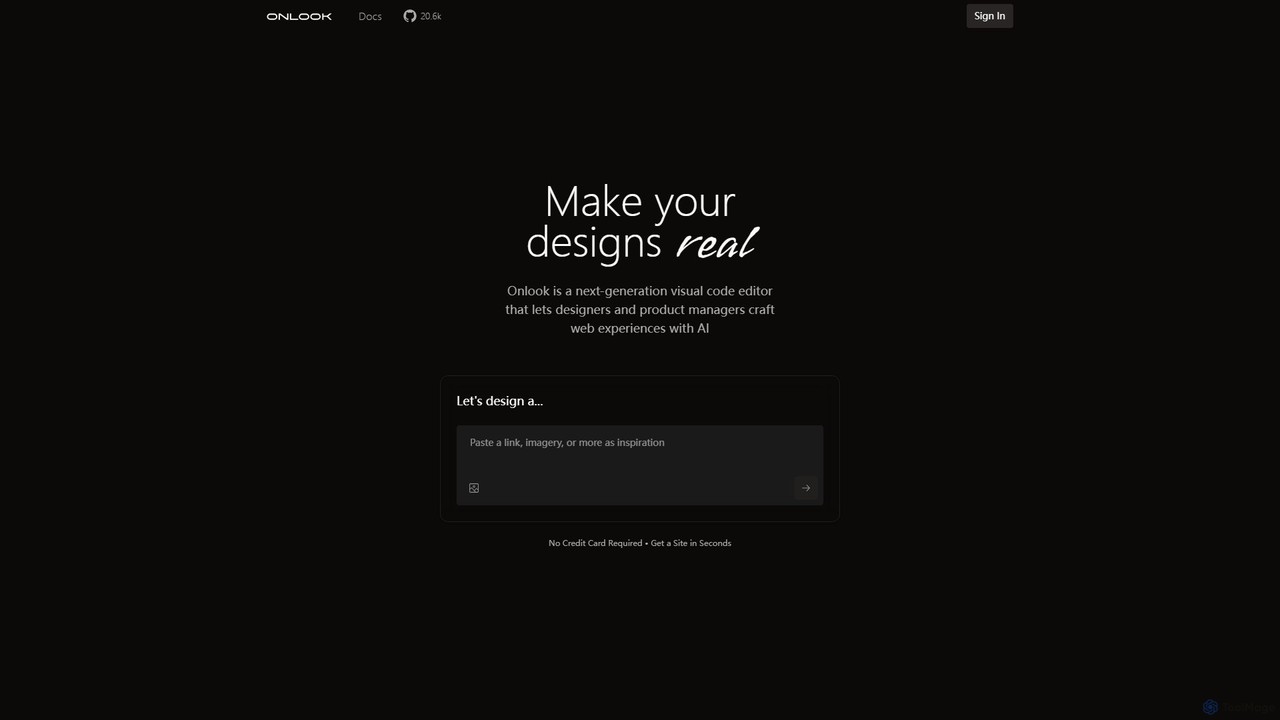
Onlook
Onlook is a next-generation, AI-powered visual code editor that allows designers, product managers, and developers to build and edit web experiences directly on live React/Next.js code. It bridges the gap between design and implementation, offering a Figma-like interface with AI chat, direct manipulation, and seamless integration with existing codebases.
Ui UxWebcrumbs
Webcrumbs is an AI-powered frontend development platform designed to accelerate UI creation. It combines a powerful prompt-to-code engine with a visual editor, enabling developers and designers to rapidly build, refine, and ship high-quality interface components. By translating natural language or images into clean, production-ready code, Webcrumbs streamlines the workflow, enhances collaboration, and ensures design consistency across projects.
Ui Ux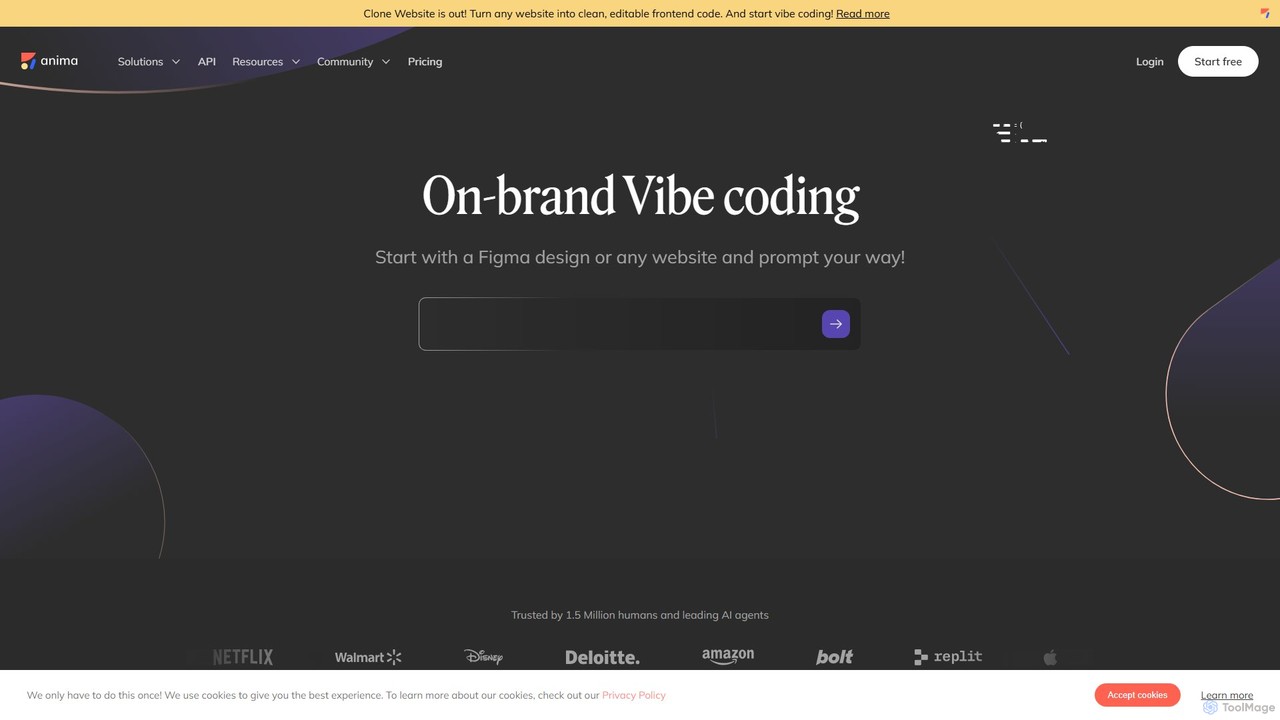
Anima
Anima is an AI-powered design-to-code platform that automates frontend development. It transforms designs from Figma, Adobe XD, and Sketch into clean, production-ready React, Vue, and HTML code. Featuring AI-driven iteration and website cloning, it empowers designers, developers, and founders to build and launch web applications and prototypes up to 10x faster.
Design To Code
Locofy.ai
Locofy.ai is an AI-powered platform that accelerates frontend development by converting designs from Figma, Adobe XD, and Penpot into high-quality, production-ready code. It supports a wide range of frameworks like React, React Native, Vue, and HTML/CSS, helping teams build UI 10x faster and significantly reducing the design-to-code workflow.
Design To Code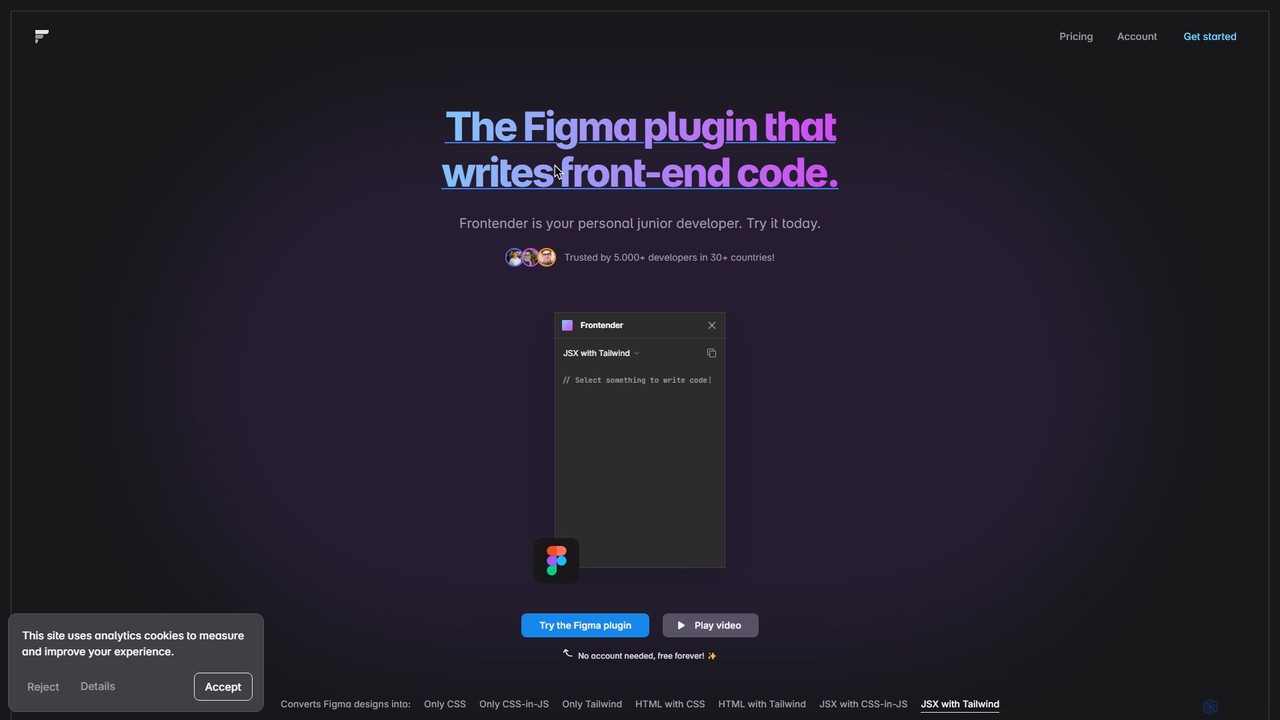
Frontender
A powerful Figma plugin that acts as your personal junior developer, instantly converting Figma designs into clean, production-ready front-end code. It supports HTML, JSX, CSS, CSS-in-JS, and Tailwind CSS, and works seamlessly with frameworks like React, Vue, and Svelte, even with messy design files.
Design To Code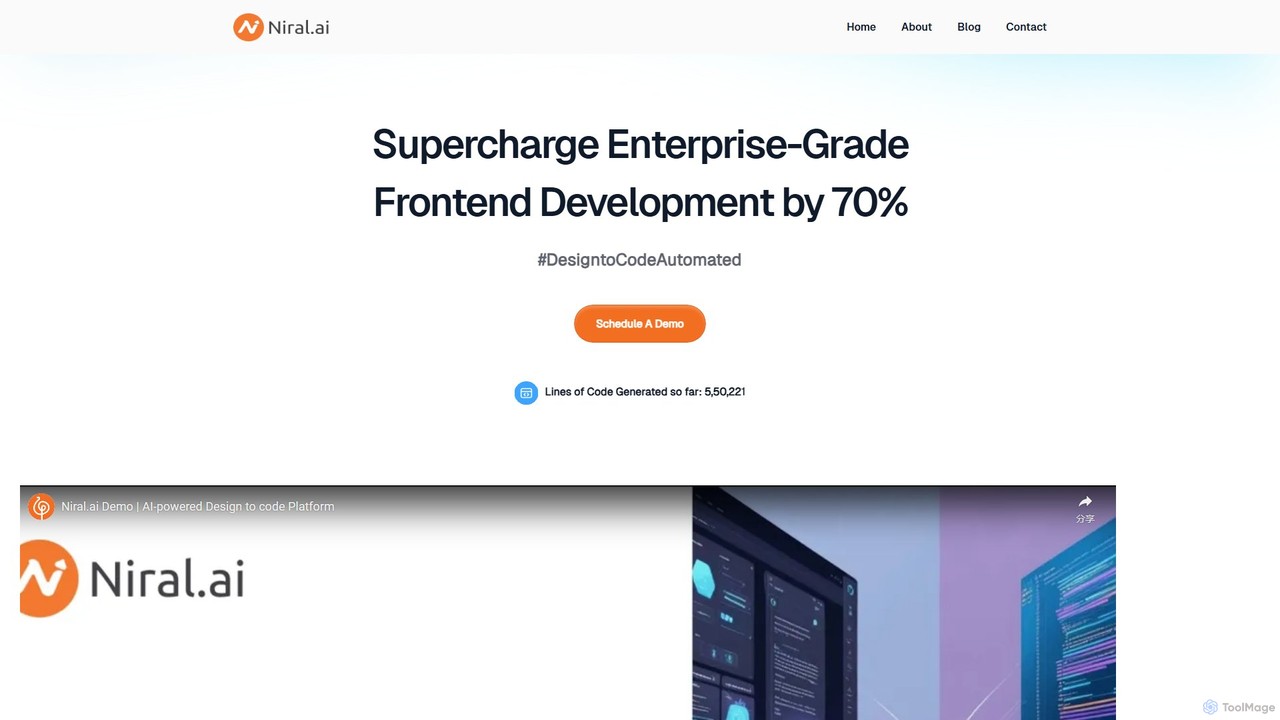
Niral.ai
Niral.ai is an AI-powered platform that converts Figma designs into high-quality, production-ready front-end code. It streamlines the design-to-development workflow, enabling teams to build user interfaces faster with full code ownership and Git integration.
Design To CodeKombai
Kombai is a specialized AI agent for frontend development that transforms Figma designs, images, and text prompts into high-fidelity, production-ready code. It understands your existing codebase, supports 25+ libraries, and integrates directly into your IDE to accelerate development velocity.
Code Generation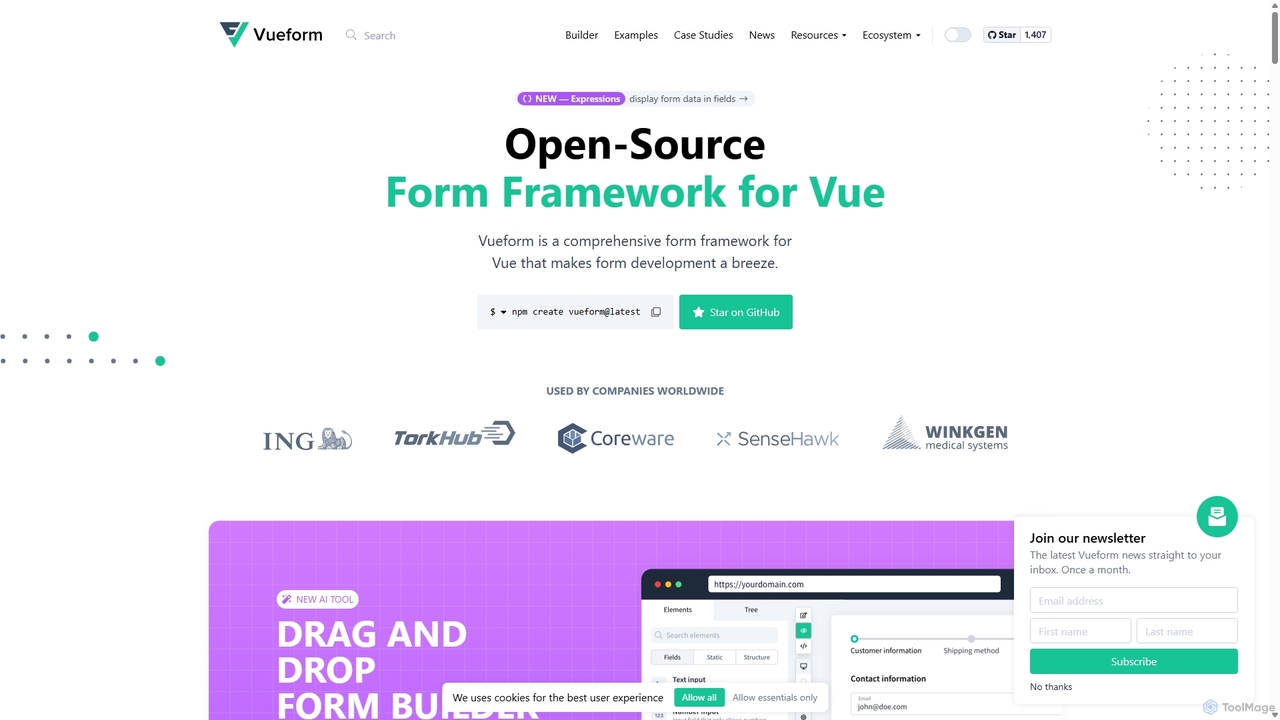
Vueform
Vueform is an open-source form framework for Vue.js, designed to streamline form development. It features a drag-and-drop builder, an AI Assistant for instant form generation, over 50 validation rules, complex conditional logic, and extensive pre-built elements. It simplifies handling nested data, multi-step wizards, and internationalization, making it a comprehensive solution for any Vue application.
Libraries & Frameworks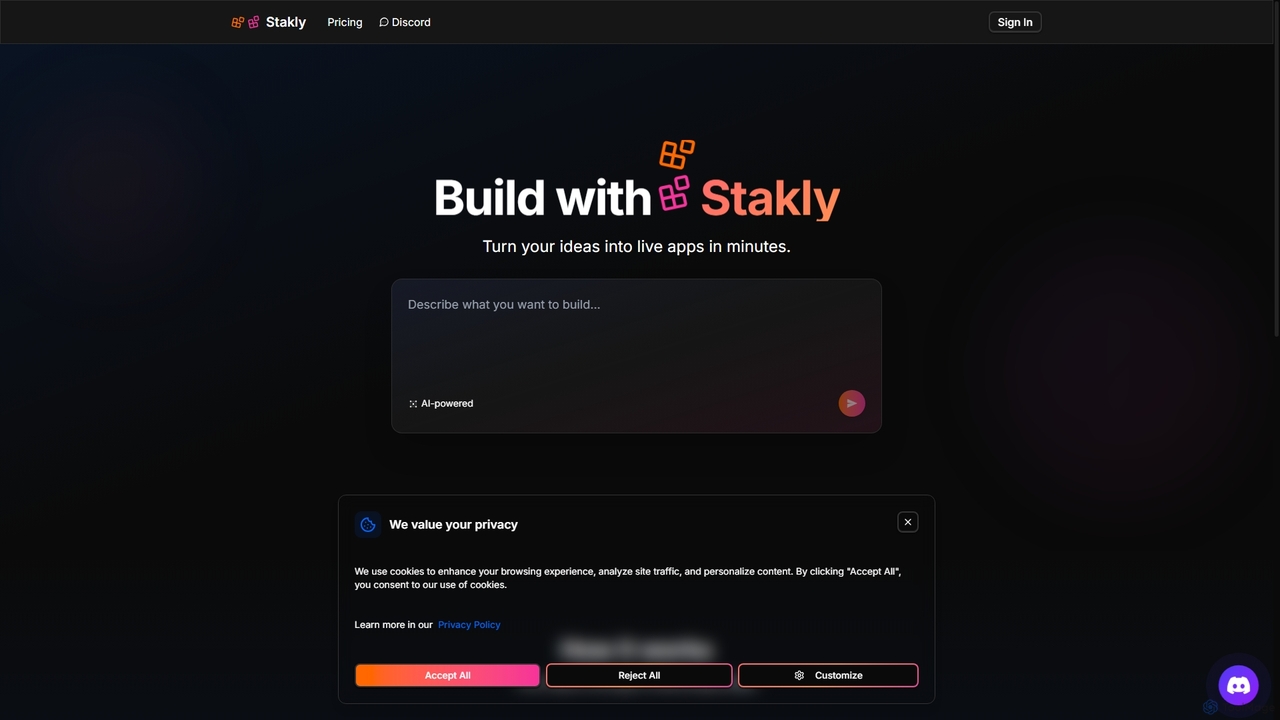
Stakly
Stakly is an AI-powered development platform that transforms natural language prompts into production-ready, full-stack web applications in minutes. Describe your idea, and the AI generates clean code, which you can deploy with one click or export to own completely. It supports modern frameworks like React, Next.js, and Python, making it ideal for rapid prototyping and development.
Code Assistant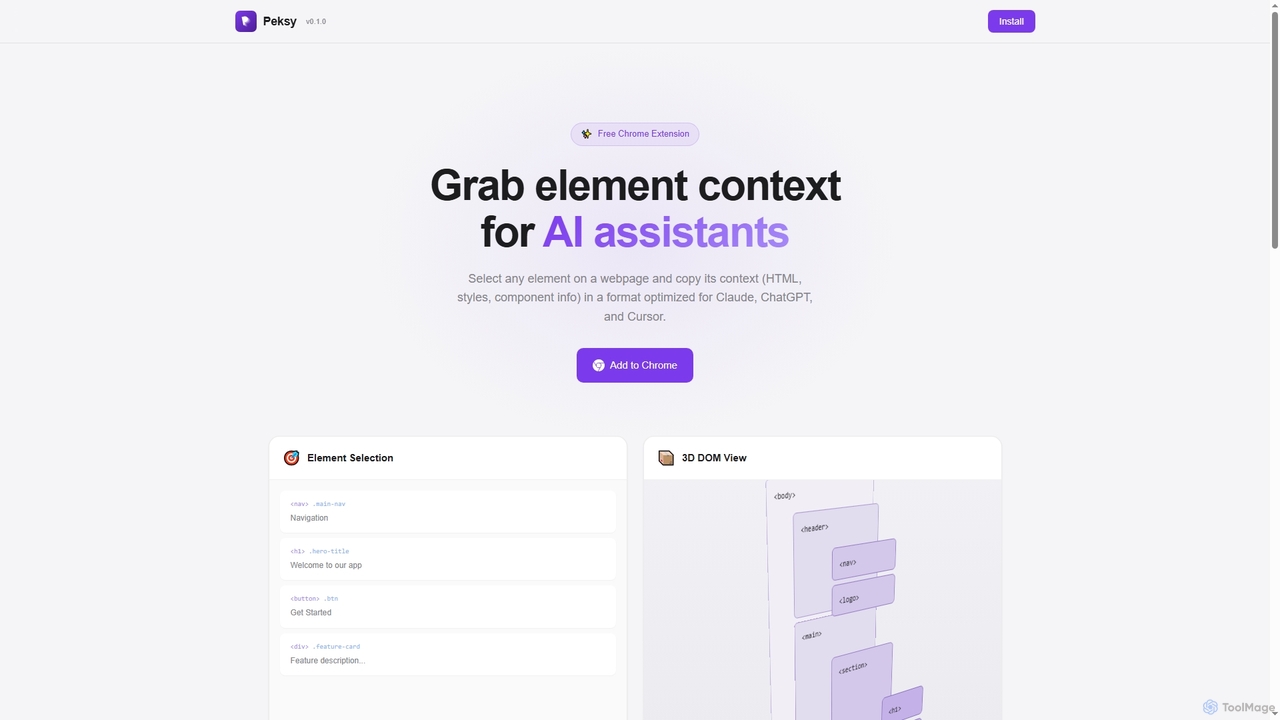
Peksy
Peksy is a free Chrome extension for developers. It lets you select any web element and instantly copy its context—including HTML, CSS, and component info—in a Markdown format optimized for AI coding assistants like ChatGPT, Claude, and Cursor.
Chrome Extensions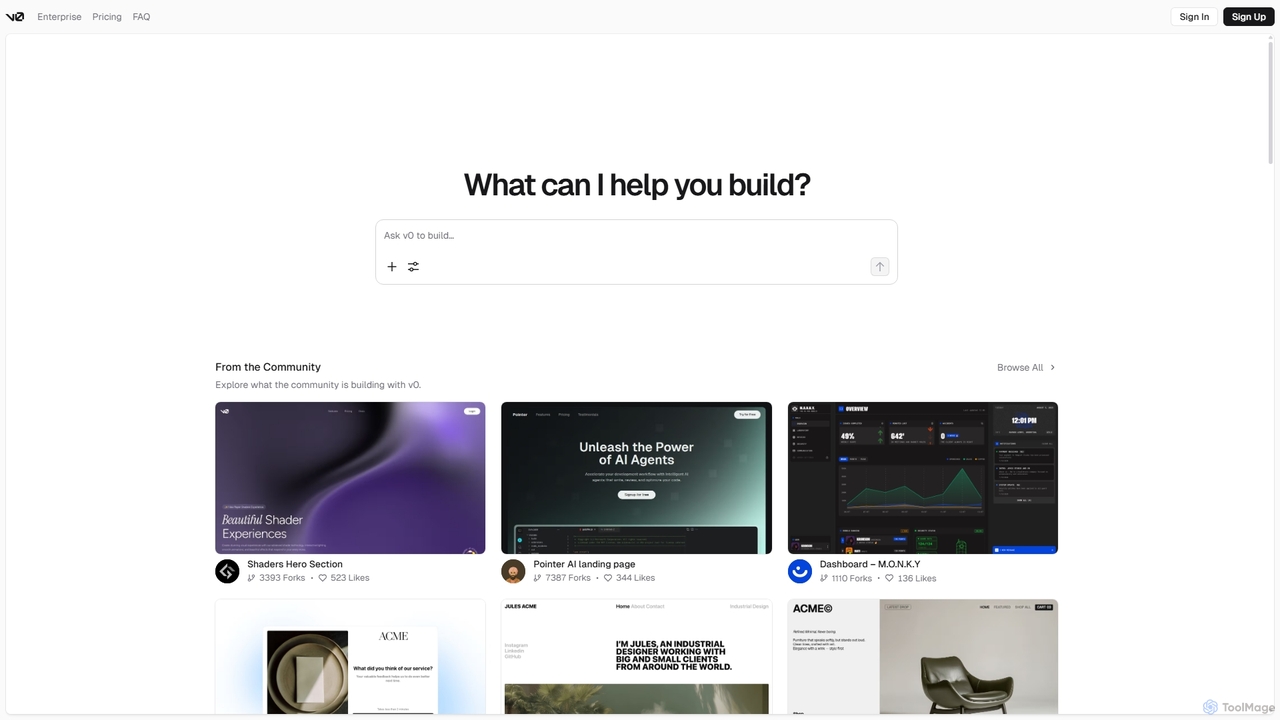
V0
V0 by Vercel is a generative AI platform that transforms text prompts, screenshots, and Figma designs into production-ready frontend code. It acts as an AI pair-programmer, enabling users to rapidly build and iterate on UI components and full-stack applications using React, Svelte, and Vue. With its chat-based interface, it accelerates the development workflow for engineers, designers, and product managers, allowing for seamless deployment to the Vercel platform.
Ui Ux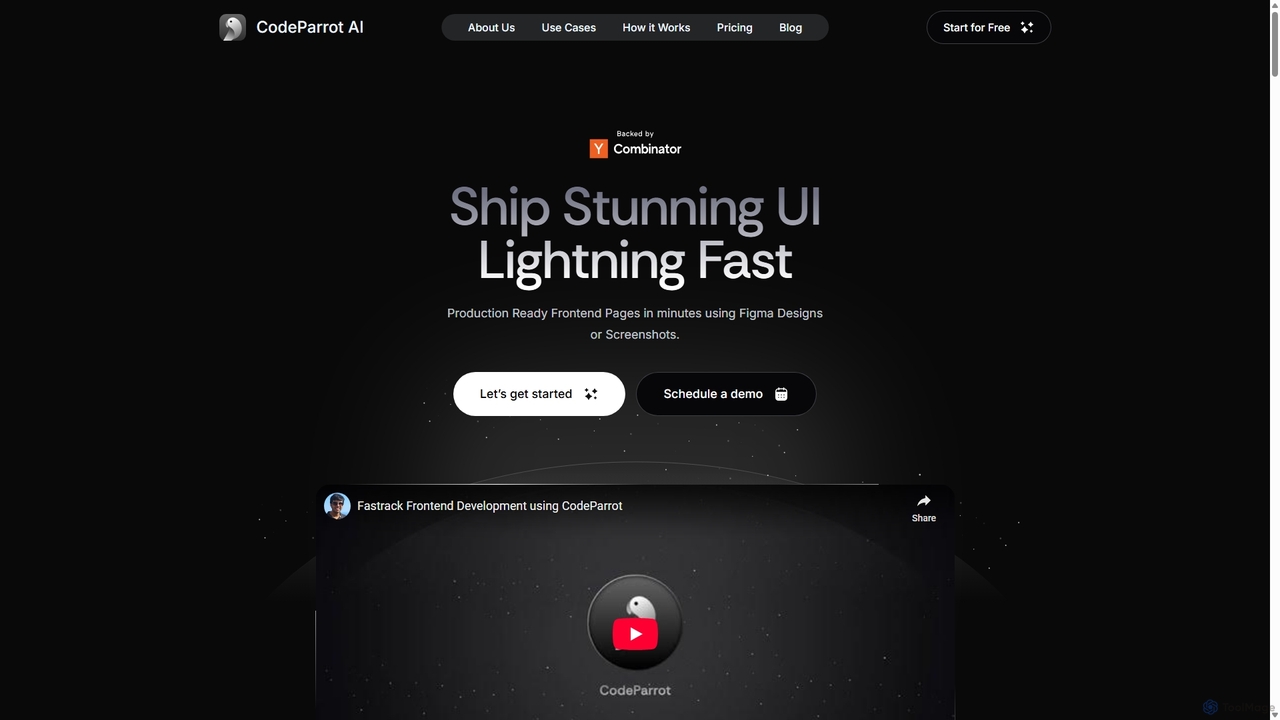
CodeParrot
CodeParrot is an AI-powered copilot that transforms Figma designs and screenshots into production-ready frontend code. It intelligently understands your existing codebase, reuses components, and adheres to your coding standards, dramatically accelerating UI development for frameworks like React, Vue, and Angular.
Design To CodeWP Snippets AI
WP Snippets AI is a fast, modern, and lightweight WordPress plugin designed to simplify custom code management. It features an intuitive interface and built-in AI assistance for generating, analyzing, and improving code snippets in HTML, CSS, JavaScript, and PHP, enhancing workflow for developers and site administrators.
Code Generation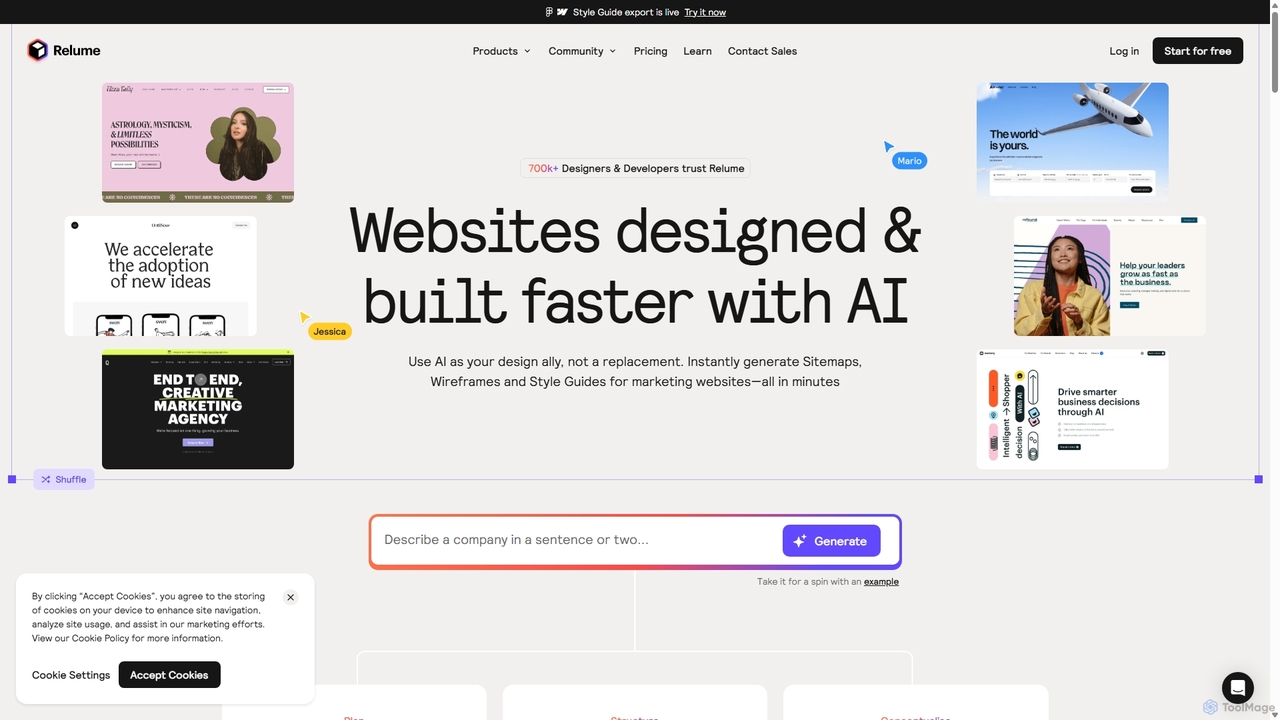
Relume
Relume is an AI-powered website builder designed to accelerate the web design and development process. It enables users to generate sitemaps and wireframes from simple text prompts, create comprehensive style guides, and utilize a vast library of over 1,000 components for Figma, Webflow, and React. Relume streamlines the entire workflow from initial concept to final export, empowering designers, developers, and agencies to build high-quality websites faster.
Web Design
Layrr Comments (0)
Sign in to comment.
Sign inNo comments yet.