ToolMage
Sign in

Best 2 Frontend Development AI tools for Development

Popular Frontend Development AI tools in Development include Stryama and Layrr, helping you work more efficiently.

Stryama
Freemium

Stryama

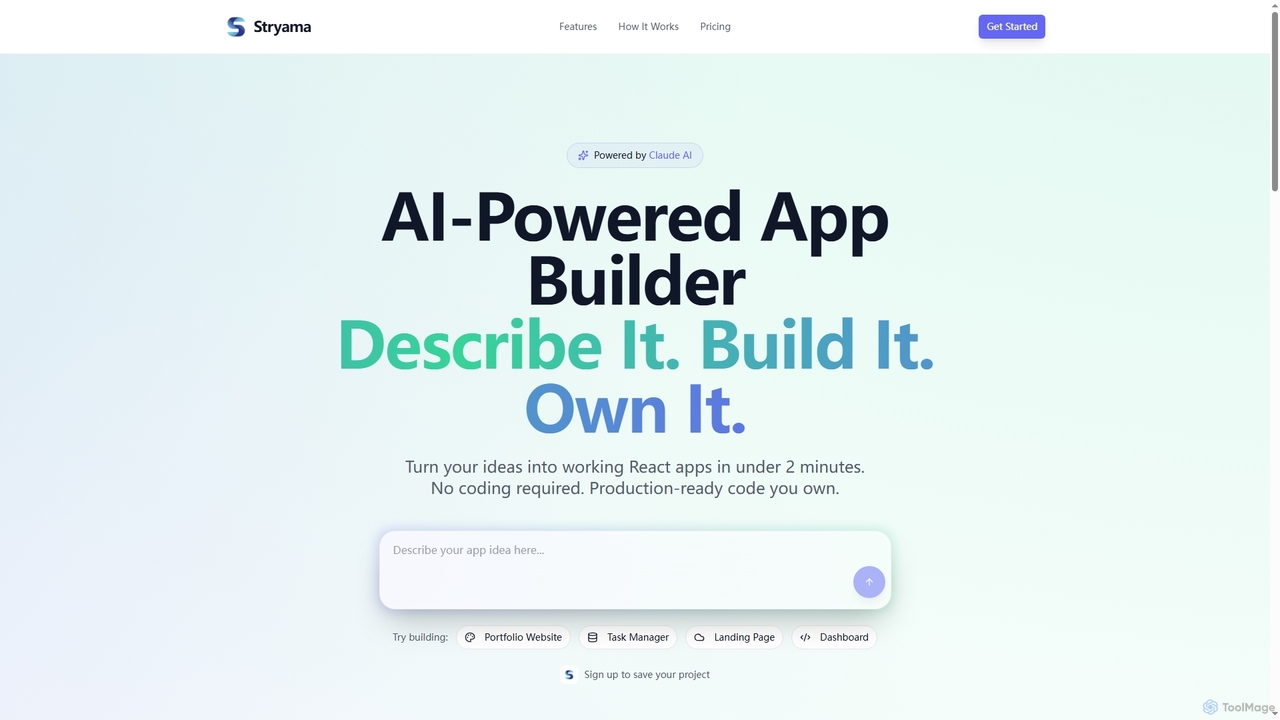
Stryama is an AI-powered app builder that transforms your ideas into functional React applications in minutes, requiring no coding. It generates production-ready code that you fully own, enabling rapid development and deployment for various web projects.

App Development
Visits 6.4KFavorites 70Likes 56
Layrr
Free

Layrr

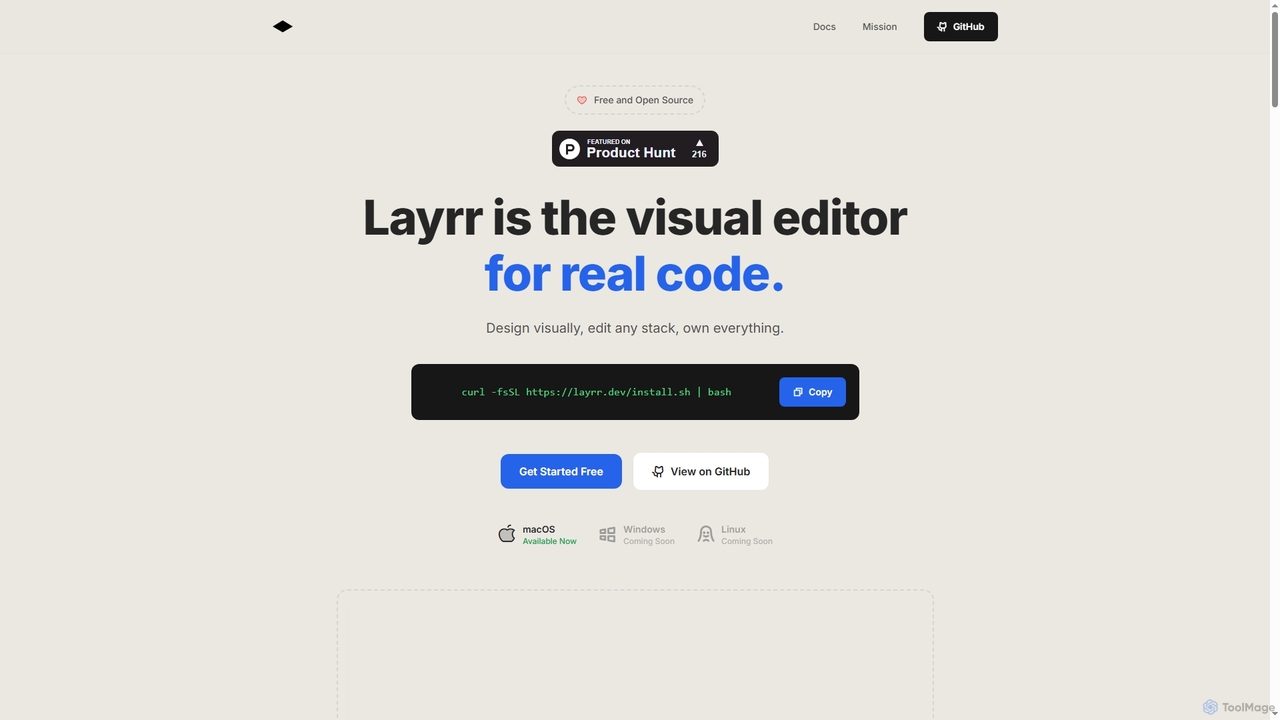
Layrr is a free and open-source visual editor that allows developers and designers to create and edit real code directly. It combines the intuitive drag-and-drop interface of design tools like Figma with the flexibility and ownership of traditional coding, supporting any tech stack and leveraging AI for design-to-code conversion and natural language interface generation.

Code Generation
Visits 6.4KFavorites 154Likes 138

About Frontend Development

Frontend Development tools are AI-powered solutions designed to streamline and automate various aspects of building user interfaces and experiences for web and mobile applications. These tools leverage machine learning to assist with tasks ranging from design conversion to code generation, significantly enhancing developer productivity. They aim to accelerate the creation of responsive, accessible, and performant frontend applications, allowing developers to focus on complex logic and innovation.

Core Features

  • Design-to-Code Conversion: Automatically transforms UI/UX designs (e.g., from Figma, Sketch) into clean, functional HTML, CSS, and JavaScript code.
  • Intelligent Code Generation: Generates boilerplate code, UI components, or even entire page sections based on natural language prompts or visual inputs.
  • Responsive Design Assistance: Provides AI-driven suggestions and automated adjustments to ensure layouts adapt seamlessly across various devices and screen sizes.
  • Accessibility Auditing & Correction: Identifies potential accessibility issues (WCAG compliance) in UI code and suggests automated fixes or improvements.
  • Performance Optimization: Analyzes frontend code for bottlenecks and suggests optimizations for faster loading times and smoother user interactions.

Applicable Scenarios

Web development teams use these tools to rapidly prototype new features and convert designer mockups into functional code, reducing manual coding effort. Freelance developers leverage AI for quick component generation and boilerplate setup, accelerating project kick-off. Large enterprises integrate these solutions to maintain consistent design systems and ensure high code quality across multiple frontend projects.

How to Choose

When selecting Frontend Development AI tools, consider their compatibility with your existing design tools and tech stack (e.g., React, Vue). Evaluate the quality and maintainability of the generated code, as well as the level of customization offered. Assess the tool's ability to handle complex UI patterns and its support for accessibility standards. Finally, review pricing models and community support for long-term viability.

Frontend Development use cases

1

Accelerating UI Component Generation from Mockups

UI/UX designers can use AI frontend development tools to rapidly convert static design mockups (e.g., Figma, Sketch files) into functional, production-ready code components. By simply importing designs, the AI analyzes visual elements and generates corresponding HTML, CSS, and JavaScript/TypeScript, significantly reducing the manual coding effort and ensuring pixel-perfect implementation. This allows design teams to quickly iterate on concepts and hand off clean code to developers, saving weeks on front-end build times.

2

Converting UI/UX Designs to Code

For UI/UX designers and frontend developers, AI tools can automatically transform high-fidelity design mockups from platforms like Figma or Sketch into production-ready HTML, CSS, and JavaScript. This eliminates the tedious manual coding of visual elements, allowing developers to focus on interactivity and backend integration, significantly speeding up the design-to-development handover process and reducing errors.

3

Automating Responsive Layout Adjustments

Web developers often spend considerable time ensuring applications look and function correctly across diverse devices. AI frontend tools can automate this process by analyzing the initial design and intelligently generating responsive CSS and media queries. This ensures optimal display on desktops, tablets, and mobile phones without manual tweaking, drastically cutting down on cross-browser and cross-device testing, and allowing developers to focus on core application logic rather than layout adjustments.

4

Generating Boilerplate and UI Components

Frontend developers often spend considerable time writing repetitive boilerplate code or common UI components. AI tools can generate these elements—such as navigation bars, forms, or cards—based on simple text prompts or visual cues. This accelerates initial project setup, ensures consistency with design systems, and frees developers to concentrate on unique application logic rather than foundational structures.

5

Automating Responsive Layout Adjustments

Ensuring a website or application looks good and functions correctly on all devices is crucial. AI-powered frontend tools can analyze existing layouts and automatically suggest or implement responsive adjustments for different screen sizes (desktop, tablet, mobile). This saves developers from manually writing extensive media queries and testing across numerous breakpoints, ensuring a consistent user experience.

6

Enhancing Code Quality and Accessibility Compliance

For development teams, maintaining high code quality and accessibility standards is crucial. AI tools can integrate directly into the development workflow to perform real-time code reviews, identifying potential bugs, performance bottlenecks, and violations of WCAG (Web Content Accessibility Guidelines). They provide actionable suggestions for refactoring code, optimizing assets, and adding ARIA attributes, helping teams deliver more robust, performant, and inclusive web applications with less manual auditing.

7

Enhancing Web Accessibility Compliance

Accessibility is a critical but often overlooked aspect of web development. AI tools can scan frontend code and identify violations of Web Content Accessibility Guidelines (WCAG), such as missing alt text, insufficient color contrast, or improper semantic HTML. They can then suggest or automatically apply fixes, helping developers build more inclusive applications without extensive manual auditing.

8

Generating Boilerplate Code for New Projects

Startups and individual developers can leverage AI frontend development tools to quickly scaffold new projects or add new features. By providing high-level descriptions or selecting common patterns, the AI can generate entire project structures, essential components, and routing configurations. This eliminates the tedious setup phase, allowing developers to jump straight into building unique features and accelerating time-to-market for new applications or prototypes.

9

Optimizing Frontend Performance Automatically

Performance is critical for user experience and SEO. AI-powered frontend tools can analyze an application's codebase and assets to identify areas for optimization. This includes suggesting efficient image formats, automatically compressing assets, implementing code splitting, and recommending lazy loading strategies. By automating these complex optimizations, developers can achieve faster load times and smoother user interactions without deep manual analysis, improving overall application responsiveness.

10

Optimizing Frontend Performance

Slow loading times can significantly impact user experience and SEO. Frontend Development AI tools can analyze JavaScript, CSS, and image assets to identify performance bottlenecks. They can suggest or automatically apply optimizations like code splitting, lazy loading, image compression, and critical CSS extraction, leading to faster page loads and improved overall application responsiveness.

11

Creating Interactive Prototypes from Text Prompts

Product managers and designers can utilize AI frontend tools to generate interactive prototypes directly from textual descriptions or user stories. Instead of manually designing every screen, they can describe desired functionalities and layouts, and the AI will generate clickable prototypes. This significantly speeds up the ideation and validation phases, enabling quicker feedback loops with stakeholders and users before committing extensive resources to full development.

12

Rapid Prototyping and Iteration

Product managers and development teams can use AI frontend tools for rapid prototyping. By inputting basic requirements or wireframes, these tools can quickly generate functional prototypes, allowing for faster user testing and design iteration. This accelerates the feedback loop, enables quicker validation of ideas, and reduces the time and resources spent on early-stage development.

Frontend Development FAQ

What are AI Frontend Development tools?

AI Frontend Development tools are software solutions that use artificial intelligence, primarily machine learning and natural language processing, to assist and automate various aspects of building user interfaces for web and mobile applications. They aim to enhance developer productivity, improve design consistency, and optimize application performance. These tools can generate code, suggest design improvements, and identify potential issues, streamlining the entire frontend development workflow.

What are AI Frontend Development tools?

AI Frontend Development tools are software solutions that leverage artificial intelligence to assist in building the user-facing parts of websites and applications. They automate tasks like converting designs to code, generating UI components, optimizing performance, and ensuring responsiveness and accessibility. Their core purpose is to enhance developer productivity and accelerate the frontend development lifecycle.

How do AI Frontend Development tools differ from traditional IDEs or frameworks?

Traditional Integrated Development Environments (IDEs) and frameworks provide the foundational environment and structure for coding, offering features like syntax highlighting, debugging, and component libraries. AI Frontend Development tools, however, add an intelligent layer on top. They actively assist by generating code, making design suggestions, and performing automated checks, going beyond passive support. While IDEs are execution environments, AI tools are proactive assistants that learn and adapt to improve the development process itself.

How do AI tools help with responsive design?

AI tools assist with responsive design by analyzing your UI components and layouts, then automatically suggesting or applying adjustments to ensure they display correctly across various screen sizes and devices. They can generate appropriate CSS media queries, optimize image scaling, and rearrange elements dynamically, significantly reducing the manual effort required to achieve cross-device compatibility.

What specific tasks can AI automate in frontend development?

AI can automate a wide range of tasks in frontend development. This includes generating boilerplate code for components, pages, or entire applications from design inputs or text prompts. It can also assist with responsive design adjustments, ensuring cross-device compatibility. Furthermore, AI tools excel at identifying and suggesting fixes for accessibility issues, performance bottlenecks, and common coding errors, significantly reducing manual review and debugging efforts.

What is the difference between AI Frontend Development and traditional frontend development?

Traditional frontend development relies entirely on manual coding and design implementation by developers. AI Frontend Development, while still requiring human oversight, integrates AI to automate repetitive tasks, generate code from designs, optimize performance, and identify issues like accessibility flaws. The key difference is the AI's role in augmenting human effort, speeding up workflows, and improving code quality through intelligent automation.

Who benefits most from using AI in frontend development?

A broad spectrum of professionals benefits from AI in frontend development. Individual developers gain increased productivity by offloading repetitive tasks. UI/UX designers can rapidly prototype and ensure design system consistency. Development teams and agencies can accelerate project delivery and maintain higher code quality. Startups can quickly build MVPs, while large enterprises can enforce design standards and optimize complex applications, making development more efficient and scalable across the board.

Can AI Frontend Development tools generate entire websites?

While AI Frontend Development tools are highly capable of generating significant portions of a website, such as individual components, sections, or even full pages from design inputs, they typically do not generate entire complex, fully functional websites autonomously. They excel at automating the visual and structural aspects, but human developers are still essential for integrating complex business logic, backend connections, and ensuring a cohesive user experience across the entire application.

What are the key benefits of using AI in frontend development?

The key benefits of using AI in frontend development include significantly increased productivity by automating repetitive coding tasks, faster time-to-market for new features and products, improved code quality through AI-driven optimization and error detection, and enhanced consistency across design systems. Additionally, AI tools can help ensure better accessibility and responsiveness, leading to a superior user experience and reduced development costs.

What are the key considerations when integrating AI tools into a frontend workflow?

When integrating AI tools, consider their compatibility with your existing tech stack, including frameworks (e.g., React, Vue) and design tools (e.g., Figma). Evaluate the learning curve for your team and the level of control you retain over the generated code, as some tools offer more customization than others. Data privacy and security are also crucial, especially for proprietary projects. Finally, assess the tool's ability to adapt to evolving project requirements and its long-term support from the vendor.