ToolMage
Sign in

Best 1 Accessibility AI tools for Development

Popular Accessibility AI tools in Development include Skynet Technologies, helping you work more efficiently.

Paid

Skynet Technologies

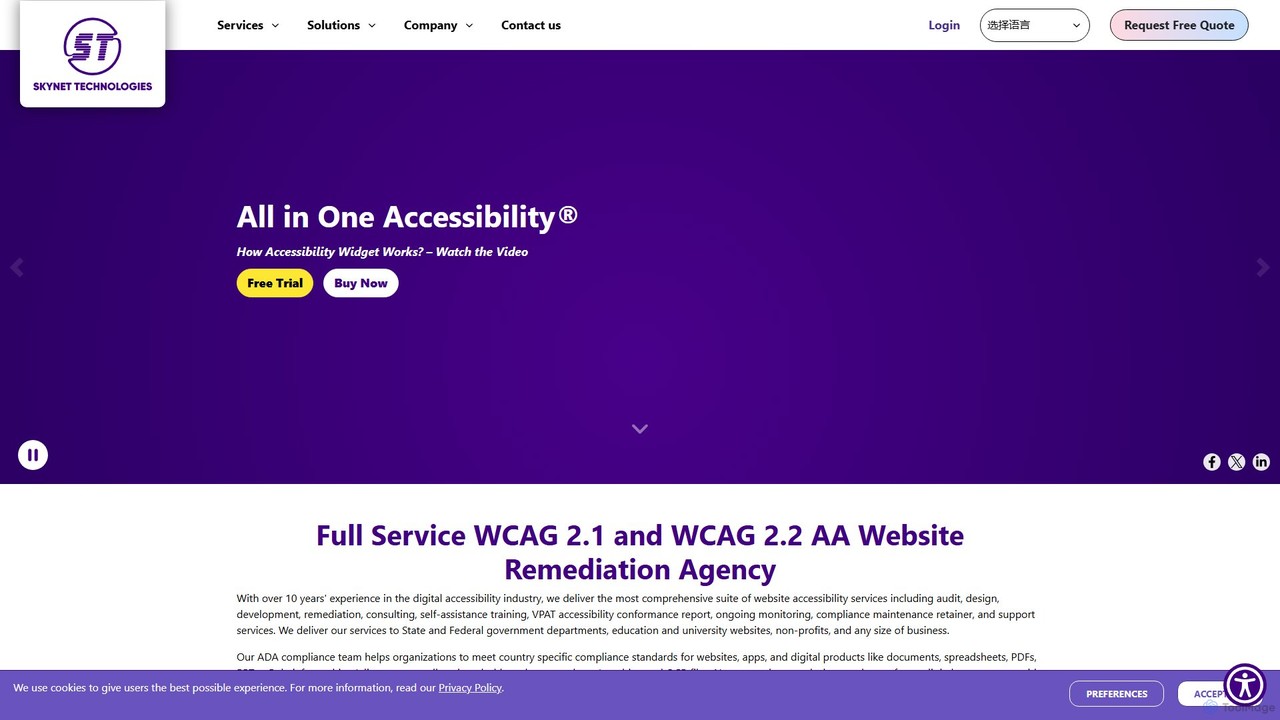
Skynet Technologies offers a comprehensive suite of IT services, specializing in AI-powered website accessibility solutions. Their 'All in One Accessibility®' widget and full-service remediation help businesses and organizations achieve compliance with WCAG, ADA, Section 508, and other global standards. With over 23 years of experience, they provide end-to-end solutions from audits and development to ongoing monitoring, ensuring digital inclusion for all users across various industries.

Accessibility
Visits 53.7KFavorites 132Likes 112

About Accessibility

AI Accessibility tools are a class of software that uses artificial intelligence to identify, diagnose, and often remediate accessibility issues in digital products. These tools leverage machine learning models, computer vision, and natural language processing to automate compliance with standards like the Web Content Accessibility Guidelines (WCAG). Their primary value lies in making websites, applications, and digital content usable for people with disabilities by automating complex testing and correction processes. This allows development teams to build inclusive products more efficiently and at scale.

Core Features

  • Automated Auditing: Scans code and user interfaces to automatically detect accessibility violations, such as missing alt text, low contrast ratios, or improper ARIA roles.
  • AI-Powered Remediation: Provides intelligent code suggestions or automatically generates fixes for identified issues, reducing manual effort.
  • Alt Text Generation: Uses computer vision to analyze images and generate descriptive alternative text for screen readers.
  • Real-time Captioning & Transcription: Employs speech-to-text technology to create accurate captions for live video and transcripts for audio content.

Use Cases

These tools are essential for web developers and QA testers integrating accessibility checks directly into their CI/CD pipelines. They are also used by content creators to ensure their media is accessible, and by compliance officers in large organizations to monitor and maintain the accessibility of all digital assets, from public websites to internal applications.

How to Choose

When selecting an AI Accessibility tool, consider the level of standards compliance it supports (e.g., WCAG 2.1 AA/AAA). Evaluate its integration capabilities with your existing development tools like Jira, GitHub, or Figma. Assess the accuracy of its automated suggestions and the scope of its analysis—does it cover web, mobile, and documents? Finally, consider the balance between automated detection and the need for expert human review, as no AI is a complete substitute for manual testing.

Featured tool rankings

Accessibility use cases

1

Automating WCAG Audits in Development Pipelines

A front-end developer working on a large e-commerce platform integrates an AI Accessibility tool directly into their CI/CD pipeline via a GitHub Action. Before any new code is merged, the tool automatically scans the changes for WCAG 2.1 AA violations. It flags an issue where a new button component is missing an ARIA label. Instead of just reporting the error, the AI provides a specific code snippet to fix it. This proactive approach catches accessibility bugs early, reduces the burden on the QA team, and ensures the site remains compliant without slowing down development cycles.

2

Generating Alt Text for Social Media Content

A social media manager for a retail brand needs to post dozens of product images daily across multiple platforms. Manually writing descriptive alt text for each image is time-consuming. They use an AI Accessibility tool with a browser extension. When uploading an image, the tool's computer vision analyzes the content (e.g., 'a person wearing a red wool sweater against a white background') and suggests a detailed alt text. The manager can quickly review, edit if needed, and approve it, ensuring all visual content is accessible to users with visual impairments and improving SEO in the process.

3

Live Captioning for Webinars and Online Meetings

A university hosts a live webinar for a global audience. To ensure it's accessible to students who are deaf or hard of hearing, as well as those in noisy environments or non-native speakers, they use an AI tool integrated with their streaming platform. The tool provides real-time, AI-generated captions with high accuracy. It can even be trained on specific terminology relevant to the lecture's topic. This not only meets accessibility requirements but also improves engagement and comprehension for all attendees, who can follow along with the text.

4

Enhancing UX Design with Accessibility Simulations

A UX/UI designer is creating a new mobile banking app. Before handing off the designs to developers, they use an AI-powered plugin within their design tool (like Figma or Sketch). This plugin simulates how the app interface would appear to users with various types of color blindness or low vision. It highlights text with insufficient contrast and visual elements that might be difficult to distinguish. By identifying and fixing these issues at the design stage, the company saves significant development time and costs that would otherwise be spent on post-launch remediation.

5

Large-Scale Compliance Monitoring for Enterprises

A compliance officer at a multinational corporation is responsible for ensuring hundreds of public-facing websites and internal applications meet legal accessibility standards like the ADA. Manually auditing each asset is impossible. They deploy an enterprise-grade AI Accessibility platform that provides a centralized dashboard. The platform continuously scans all registered digital properties, flags new issues in real-time, assigns remediation tasks to the relevant teams, and generates comprehensive compliance reports for legal and executive review. This automated oversight helps mitigate legal risks and demonstrates a commitment to digital inclusion.

6

Making Educational Content Accessible to All Students

An online learning platform wants to ensure its video courses are accessible to every student. They use an AI service to process their entire video library. The AI automatically generates accurate transcripts for all lectures, creates synchronized captions (in multiple languages), and even produces audio descriptions for visual elements in the videos. This allows students with hearing or visual impairments to fully access the course material. Furthermore, the searchable transcripts provide a valuable study aid for all students, allowing them to quickly find specific topics within a long lecture.

Accessibility FAQ

What are AI Accessibility tools?

AI Accessibility tools are software applications that use artificial intelligence to help create and maintain digital products that are usable by people with disabilities. They automate tasks like scanning websites for compliance issues, generating alt text for images, and creating real-time captions for videos. The goal is to make the process of adhering to accessibility standards, such as WCAG, faster and more scalable for development and content teams.

How do I choose the right AI Accessibility tool?

Choosing the right tool depends on your specific needs. Consider the following factors:

  • Integration: Does it integrate with your workflow, such as code repositories (GitHub), design tools (Figma), or content management systems (CMS)?
  • Scope of Analysis: Does it cover what you need, including websites, mobile apps, PDFs, or other documents?
  • Compliance Level: Which standards does it test against (e.g., WCAG 2.1 A, AA, or AAA)?
  • Remediation Features: Does it only detect issues, or does it also provide actionable code suggestions or automated fixes?
  • Accuracy: Evaluate the reliability of its findings, as AI can sometimes produce false positives or negatives. A trial period can be useful for this.
AI accessibility tools vs. manual audits: what's the difference?

The key difference is scale versus depth. AI tools excel at quickly scanning thousands of pages to find common, code-based issues (like missing alt text or low contrast) at scale. They are ideal for continuous monitoring within a development process. Manual audits, performed by accessibility experts, are slower and more expensive but can identify nuanced user experience issues that AI cannot, such as confusing navigation flows or illogical content structure. A comprehensive accessibility strategy typically uses both: AI tools for broad, continuous checks and manual audits for deep, periodic validation.

Can AI tools fully guarantee WCAG compliance?

No, AI tools cannot fully guarantee 100% WCAG compliance on their own. Automated tools are very effective at detecting a significant portion of technical violations (estimated to be around 30-50% of all possible issues), especially those related to code structure. However, many accessibility requirements are subjective and require human judgment. For example, an AI can check if an image has alt text, but it cannot definitively determine if that text is a meaningful and accurate description of the image's content and context. Therefore, AI tools should be seen as powerful assistants that augment, rather than replace, human expertise.

What are the main features of AI Accessibility tools?

While features vary, most AI Accessibility tools offer a core set of capabilities. These typically include:

  • Automated Scanning: The ability to crawl websites or analyze applications to detect accessibility errors based on rule sets like WCAG.
  • Issue Reporting: Detailed dashboards that categorize issues by severity, location, and type, making it easy to prioritize fixes.
  • Code-level Suggestions: Providing developers with specific code snippets or guidance on how to remediate identified problems.
  • Content Assistance: AI-powered generation of alt text for images and captions for videos to help content creators.
  • Design Tool Integration: Plugins for tools like Figma that check for issues like color contrast during the design phase.