

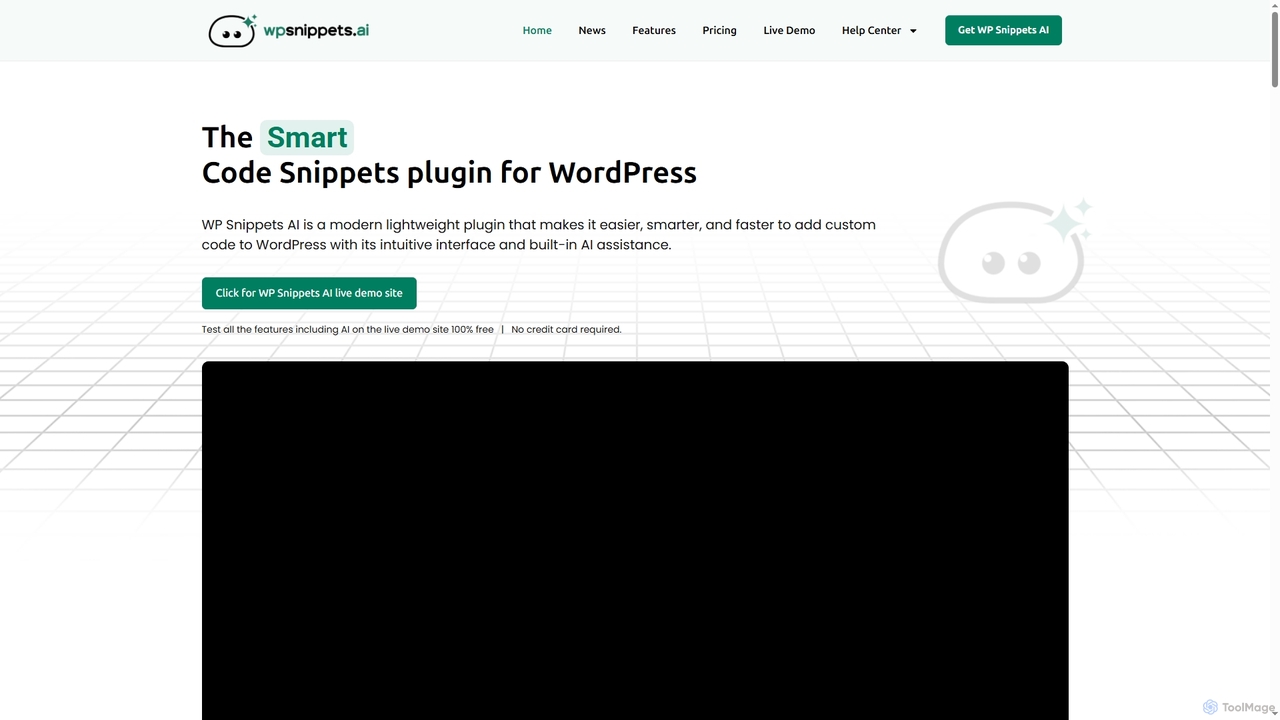
WP Snippets AI Overview
WP Snippets AI is a cutting-edge WordPress plugin that streamlines the process of adding and managing custom code snippets on your website. Engineered for speed, modernity, and ease of use, it provides an intuitive interface that simplifies complex coding tasks. The plugin integrates powerful AI capabilities, allowing users to generate clean, secure, and optimized code in seconds, even without extensive coding experience. It supports various programming languages including HTML, CSS, JavaScript, and PHP, making it a versatile tool for enhancing WordPress site functionality, performance, and user experience.
How to use WP Snippets AI
To use WP Snippets AI, first install and activate the plugin on your WordPress site. You can then create a new snippet by giving it a name and selecting the desired programming language (HTML, CSS, JavaScript, or PHP). Once created, you can add or edit your code in the intuitive editor, which offers features like syntax highlighting and auto-completion. For AI assistance, describe the function you need, and the AI will generate the code. You can also select snippet hooks to determine where the code runs on your page (e.g., Header, Footer, or specific post/page locations) and define placements for your snippets across posts, pages, categories, or the entire website. Premium features, including AI tools, require a WP Snippets AI license and your own Anthropic or OpenAI API key, which can be added in the plugin's settings.
Core Features of WP Snippets AI
- Snippet Management: Create, view, edit, sort, search, activate, and deactivate an unlimited number of code snippets.
- AI Code Generation: Generate clean, secure, and optimized code in HTML, CSS, JavaScript, or PHP from natural language prompts using integrated Anthropic or OpenAI models.
- AI Code Analysis & Improvement: Analyze existing code snippets for descriptive feedback and receive AI-powered suggestions for improvements.
- Flexible Snippet Placements: Add code to specific WordPress pages, posts, custom posts, categories, tags, or apply it across the entire website, with advanced placement options for premium users.
- Extensive Snippet Hooks: Utilize predefined hooks like Header and Footer, with premium access to 8 additional hooks for precise code placement (e.g., Body Open, Before Post Content).
- Advanced Code Editor: Enjoy features such as code auto-completion, syntax highlighting, error notices, code beautify, code minify, and 11 editor themes.
- Snippet Revisions: Automatically save code changes as revisions with timestamps and author details, allowing for easy restoration of previous versions (premium feature).
- Keyboard Shortcuts: Efficiently navigate and edit code using platform-specific keyboard shortcuts for Windows and macOS.
Use Cases for WP Snippets AI
WP Snippets AI is ideal for WordPress users who need to add custom functionalities without altering theme files or installing numerous plugins. It's perfect for web developers looking to speed up their workflow by generating code quickly and managing snippets from a centralized dashboard. Site administrators can use it to easily integrate third-party scripts like Google Analytics or chatbot widgets, or to apply custom CSS for front-end changes. Content managers can leverage it to add specific features to posts or pages, ensuring site performance and security by keeping custom code organized and separate from core WordPress files.
Advantages of WP Snippets AI
The primary advantages of WP Snippets AI include its ability to simplify custom code management, significantly speed up development with AI assistance, and enhance website performance by reducing reliance on multiple plugins. It offers a secure-first approach, minimizing risks associated with adding custom PHP code. The intuitive interface and powerful editor tools, such as code beautify/minify and syntax highlighting, improve code readability and efficiency. Furthermore, the snippet revision system provides peace of mind, allowing users to track changes and restore previous versions, which is particularly beneficial for development teams.
Pricing and Plans
WP Snippets AI offers a free version and several premium plans, available as annual subscriptions or one-time lifetime purchases:
Free Version (Base)
- Use on 1 Site
- Hooks: Header, Footer only
- Placements: Pages, Posts, Custom Posts, Categories, Tags, Entire Website
- Basic Editor Tools
- No AI Tools, No Snippet Revisions, No Email Support
Annual Plans
- Boost: $29 USD/year for 1 Site. Includes all premium features, 1 year of updates, and Email Support.
- Ultimate: $55 USD/year for 5 Sites. Includes all premium features, 1 year of updates, and Email Support.
- Agency: $89 USD/year for Unlimited Sites. Includes all premium features, 1 year of updates, and Priority Email Support.
Lifetime Plans
- Boost: $59 USD/one-time for 1 Site. Includes all premium features, Lifetime of Updates, and Email Support.
- Ultimate: $165 USD/one-time for 5 Sites. Includes all premium features, Lifetime of Updates, and Email Support.
- Agency: $549 USD/one-time for Unlimited Sites. Includes all premium features, Lifetime of Updates, and Priority Email Support.
All premium plans unlock advanced hooks, additional placements, premium editor tools, AI code generation/analysis/improvement, and snippet revision history. A 100% money-back guarantee is offered within 7 days of purchase.
WP Snippets AI FAQ
WP Snippets AI Alternatives
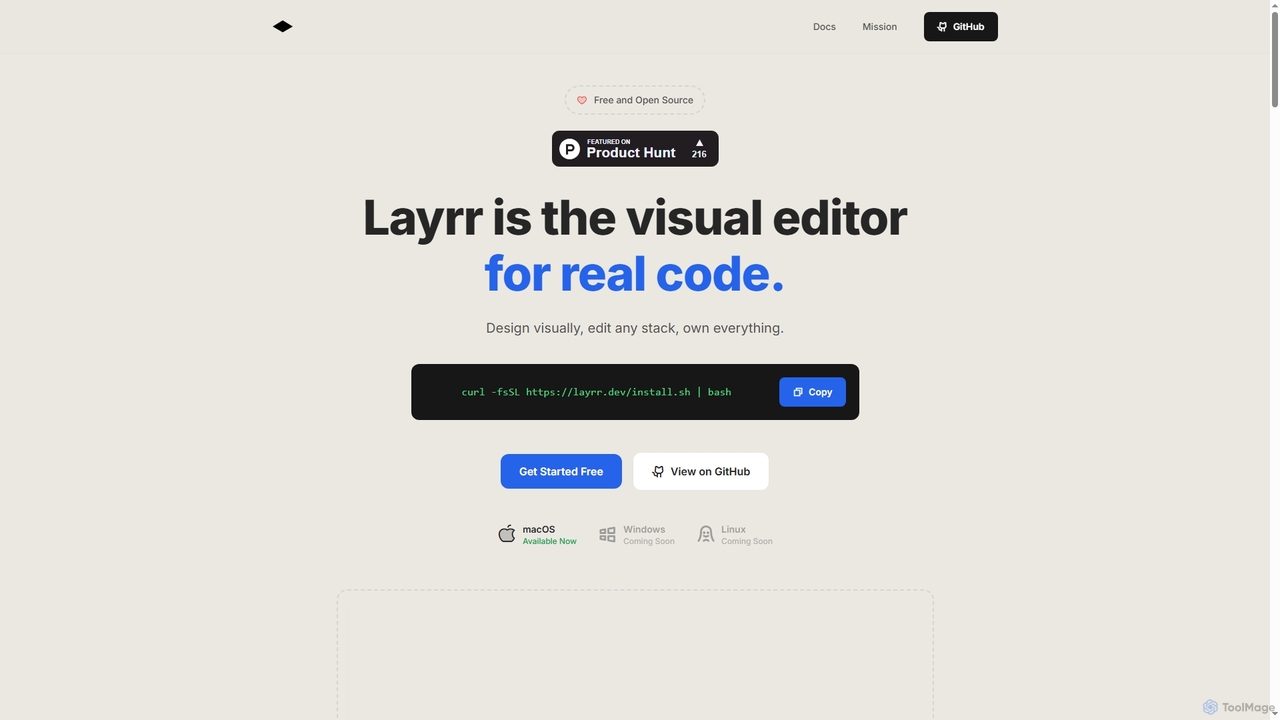
Layrr
Layrr is a free and open-source visual editor that allows developers and designers to create and edit real code directly. It combines the intuitive drag-and-drop interface of design tools like Figma with the flexibility and ownership of traditional coding, supporting any tech stack and leveraging AI for design-to-code conversion and natural language interface generation.
Code Generation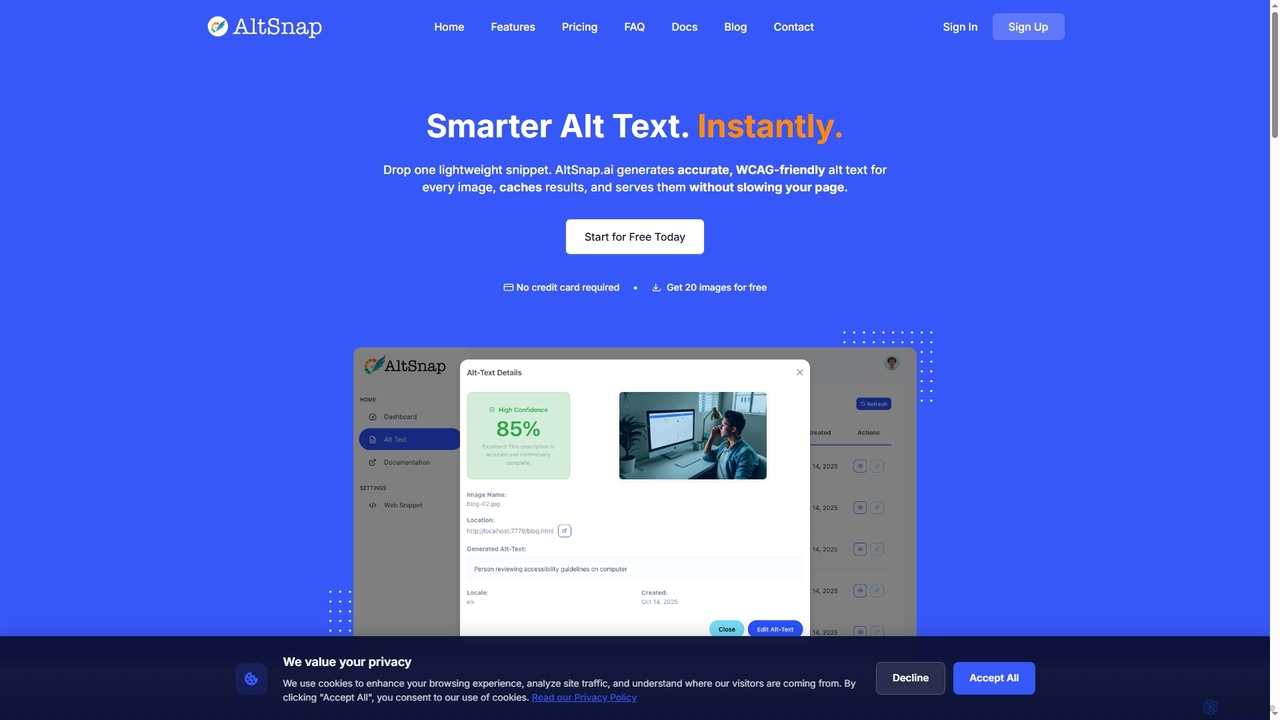
Altsnap
Altsnap is an AI-powered tool that automatically generates accurate, WCAG-compliant alt text for website images. It improves accessibility and SEO with a simple JavaScript snippet, offering features like a client dashboard, performance caching, and evaluation of existing alt text.
Web Development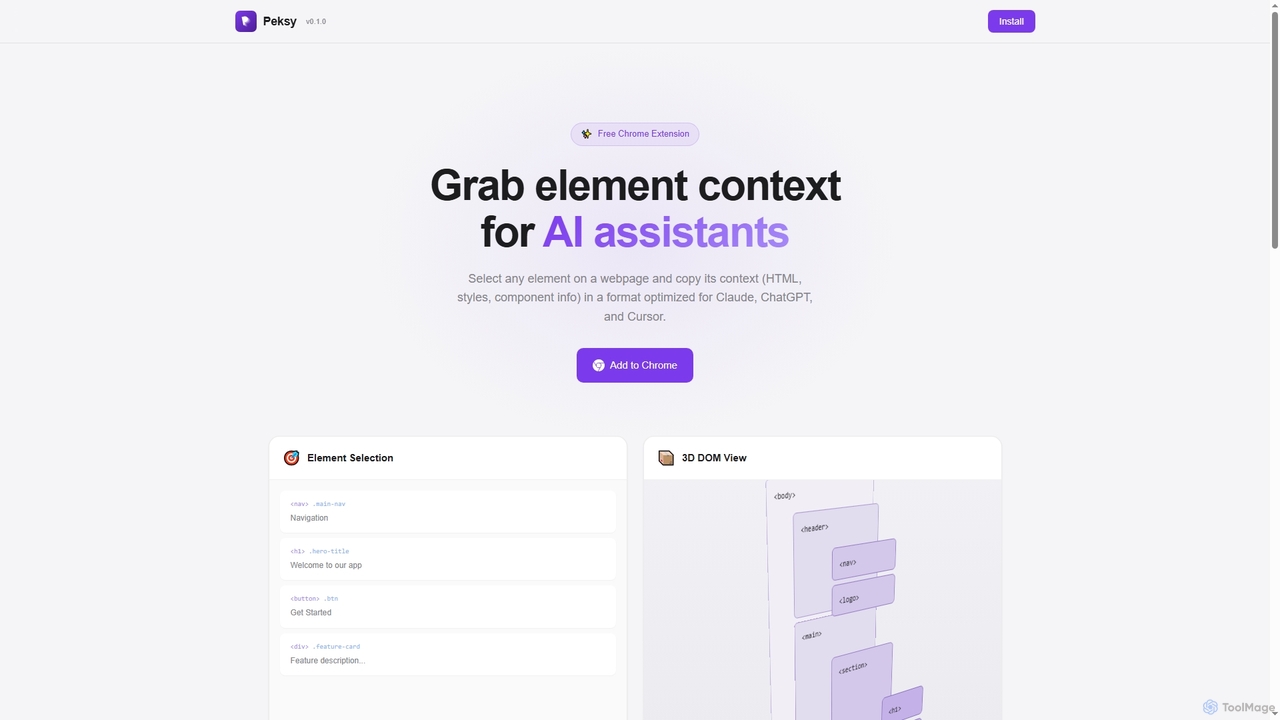
Peksy
Peksy is a free Chrome extension for developers. It lets you select any web element and instantly copy its context—including HTML, CSS, and component info—in a Markdown format optimized for AI coding assistants like ChatGPT, Claude, and Cursor.
Chrome Extensions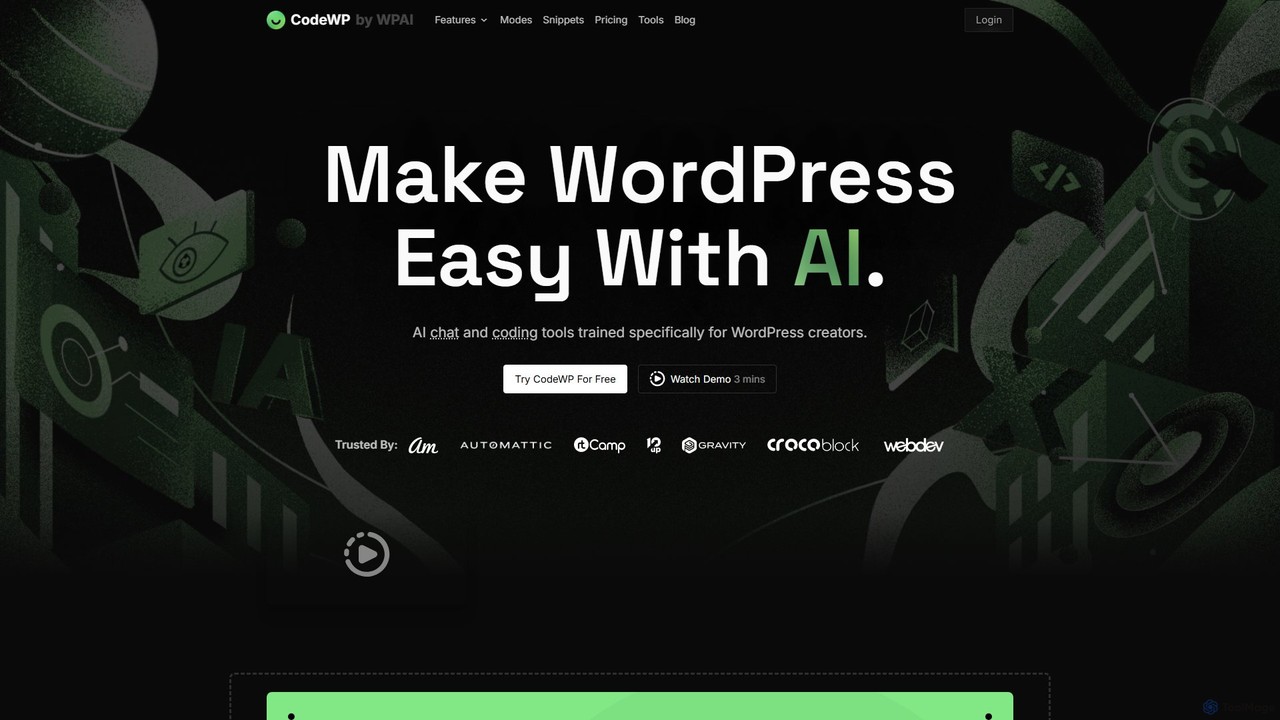
CodeWP
CodeWP is a specialized AI platform for WordPress creators. It offers AI-powered code generation (PHP, JS, CSS), an expert chat assistant, and troubleshooting tools. Trained specifically on WordPress, it produces accurate, secure, and up-to-date code snippets and plugins, streamlining workflows for developers and empowering non-technical users to build and manage their sites more efficiently.
Code Assistant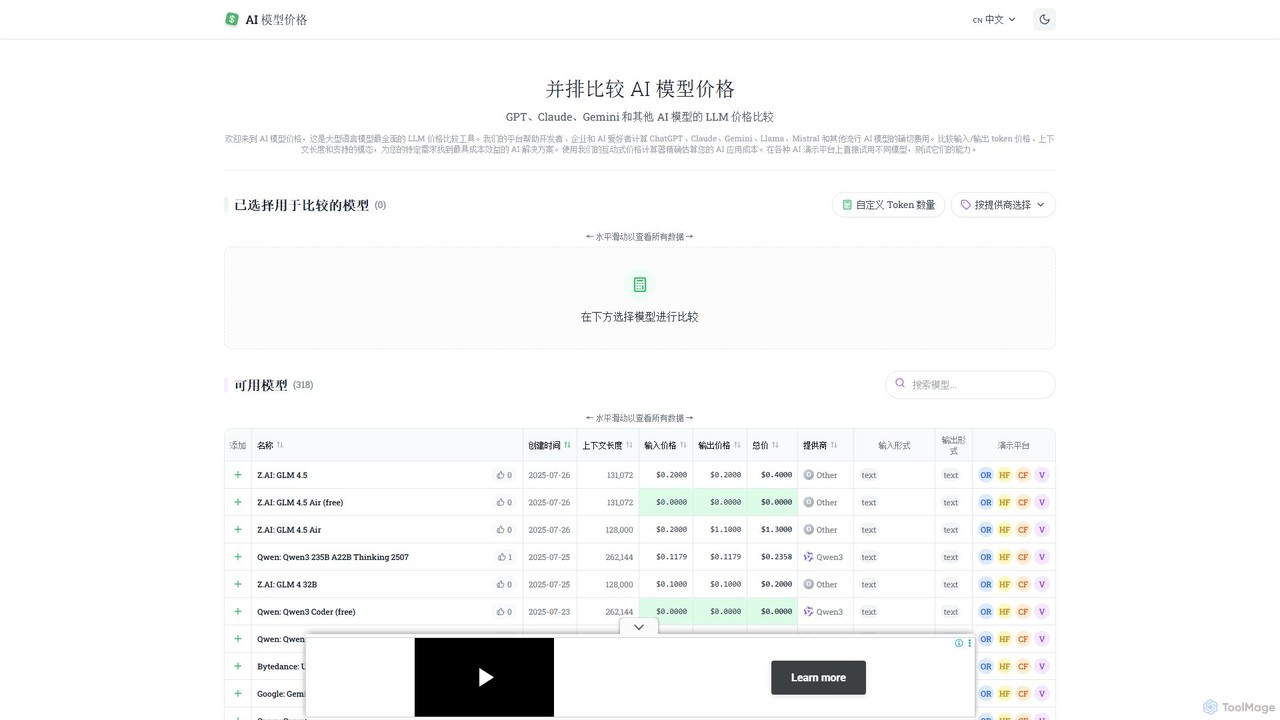
llm_price
llm_price is a comprehensive comparison tool for Large Language Model (LLM) API pricing. It enables developers, businesses, and AI enthusiasts to easily compare the costs of hundreds of models from providers like OpenAI, Google, Anthropic, and Mistral. With an interactive cost calculator and side-by-side analysis of token prices, context lengths, and modalities, it simplifies the process of selecting the most cost-effective AI solution for any project.
Api ManagementWP Snippets AI Categories
WP Snippets AI Jobs
WP Snippets AI Embed Widget
Copy this embed code to place the badge on your blog, article, or product site and send readers directly to this ToolMage detail page.

Related AI tools
Layrr
Layrr is a free and open-source visual editor that allows developers and designers to create and edit real code directly. It combines the intuitive drag-and-drop interface of design tools like Figma with the flexibility and ownership of traditional coding, supporting any tech stack and leveraging AI for design-to-code conversion and natural language interface generation.
Code GenerationPeksy
Peksy is a free Chrome extension for developers. It lets you select any web element and instantly copy its context—including HTML, CSS, and component info—in a Markdown format optimized for AI coding assistants like ChatGPT, Claude, and Cursor.
Chrome ExtensionsCodeWP
CodeWP is a specialized AI platform for WordPress creators. It offers AI-powered code generation (PHP, JS, CSS), an expert chat assistant, and troubleshooting tools. Trained specifically on WordPress, it produces accurate, secure, and up-to-date code snippets and plugins, streamlining workflows for developers and empowering non-technical users to build and manage their sites more efficiently.
Code AssistantAltsnap
Altsnap is an AI-powered tool that automatically generates accurate, WCAG-compliant alt text for website images. It improves accessibility and SEO with a simple JavaScript snippet, offering features like a client dashboard, performance caching, and evaluation of existing alt text.
Web Developmentllm_price
llm_price is a comprehensive comparison tool for Large Language Model (LLM) API pricing. It enables developers, businesses, and AI enthusiasts to easily compare the costs of hundreds of models from providers like OpenAI, Google, Anthropic, and Mistral. With an interactive cost calculator and side-by-side analysis of token prices, context lengths, and modalities, it simplifies the process of selecting the most cost-effective AI solution for any project.
Api Management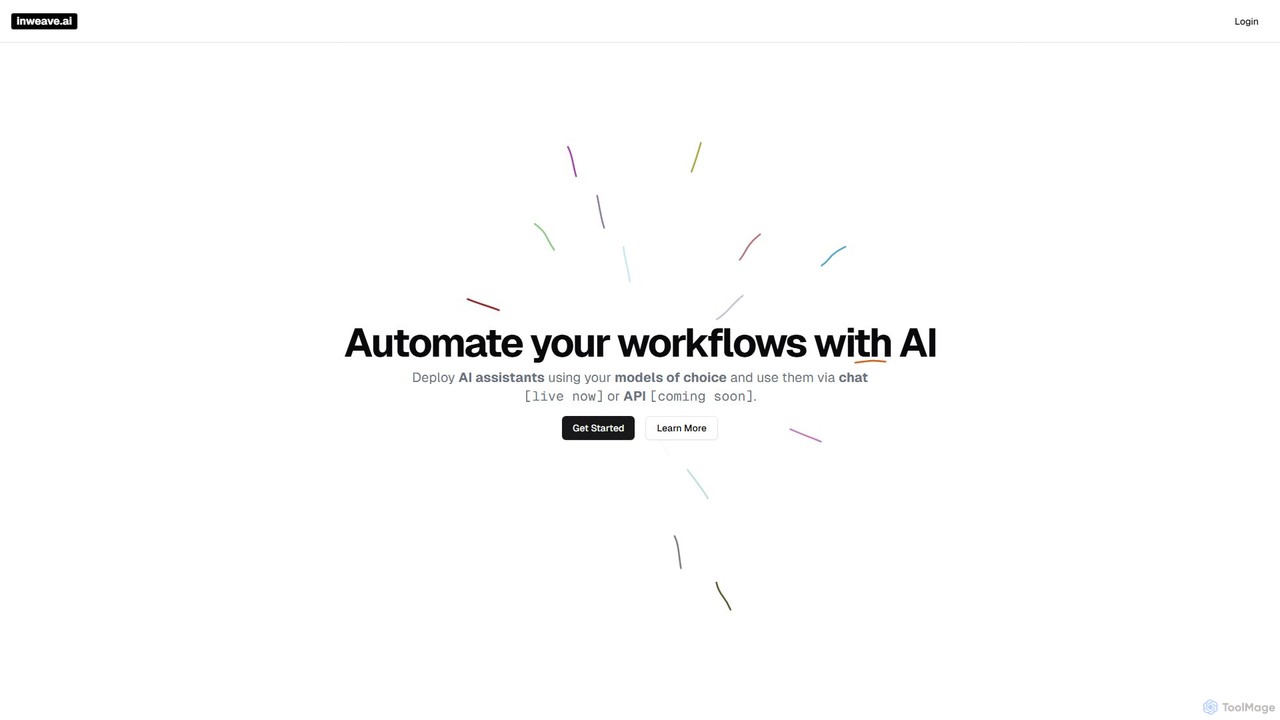
inweave
inweave is an AI integration platform designed for startups and developers, providing a unified interface to deploy and manage AI assistants. It allows users to choose from a wide range of models from top providers like OpenAI, Anthropic, and Groq, automating workflows through a simple chat interface or a powerful API. The platform emphasizes flexibility, scalability, and transparent pay-as-you-go pricing, eliminating vendor lock-in and simplifying AI integration.
Startup Tools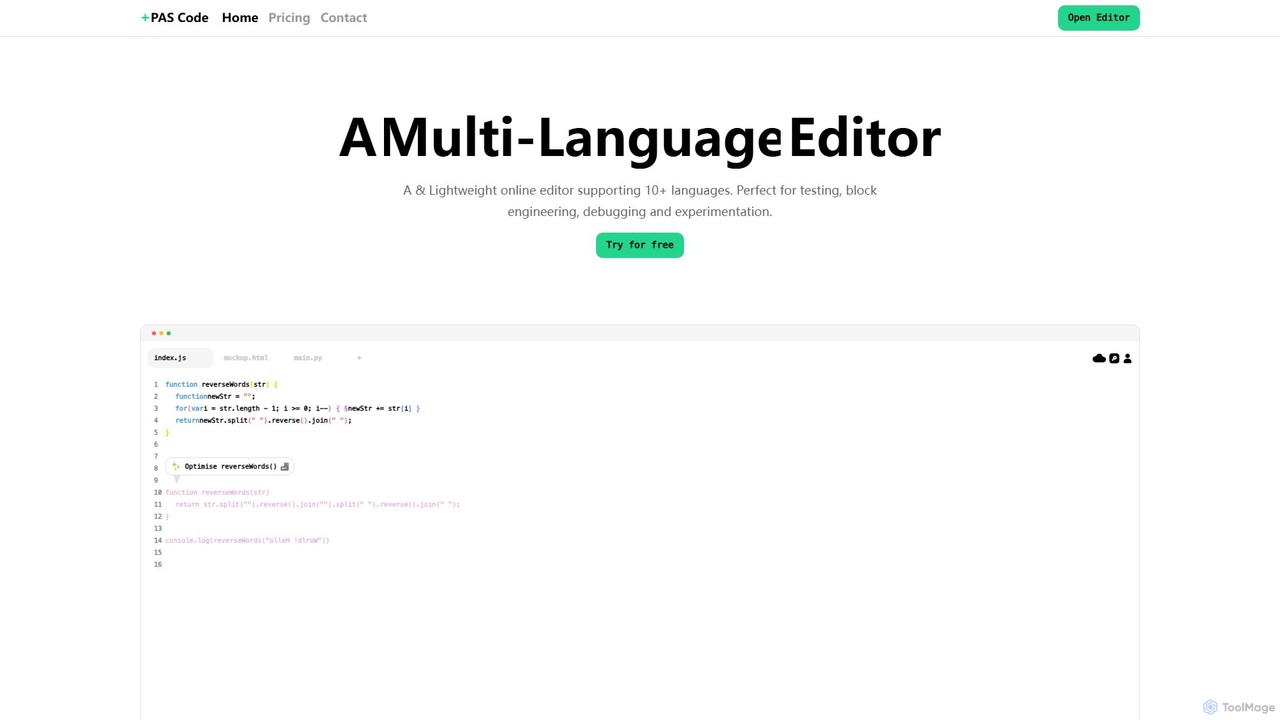
PAS Code
PAS Code is a lightweight, customizable online code editor designed for developers. It supports over 10 languages and features AI-powered autofill, smart prompts, and seamless cloud syncing. With features like a block editor for notes, live HTML previews, and secure compilation, it's perfect for testing, debugging, and rapid prototyping. It offers a free tier to get started.
Code Generation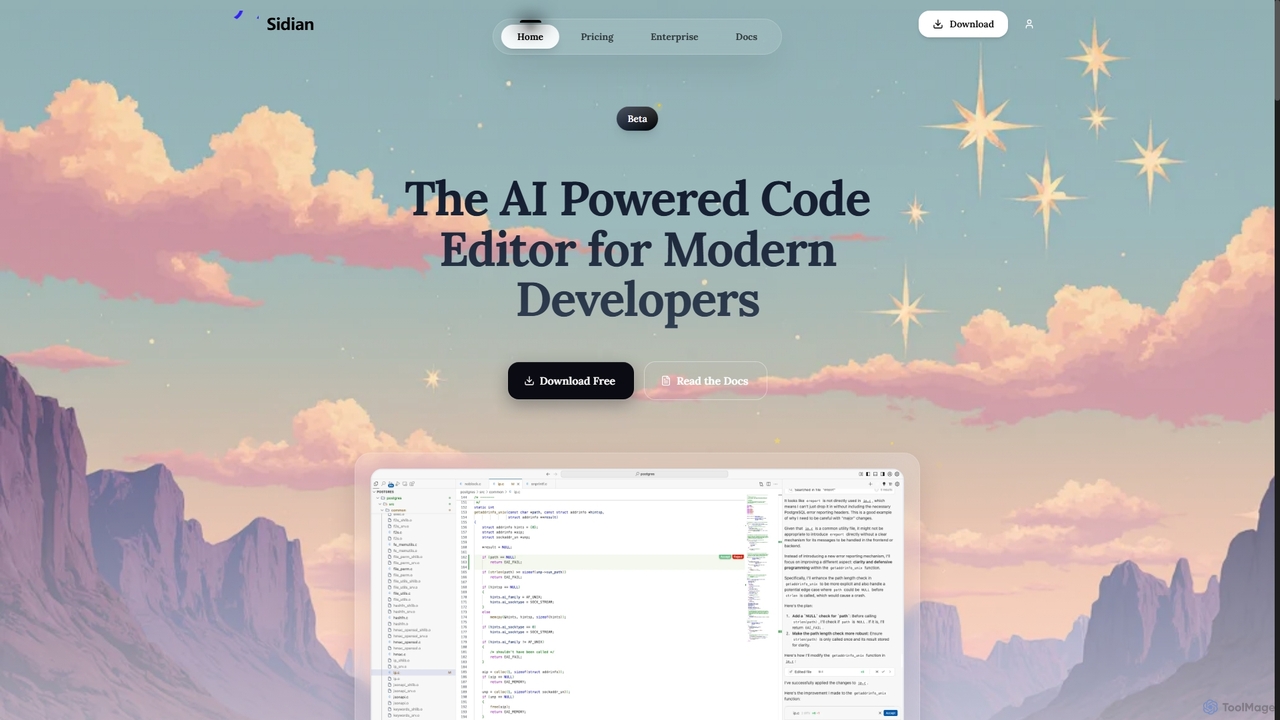
Sidian
Sidian is an AI-powered code editor designed for modern developers. It features a sophisticated context engine that rapidly understands complex codebases, integrates with major AI providers like OpenAI and Google, and supports local models for enhanced privacy and flexibility.
Code Generation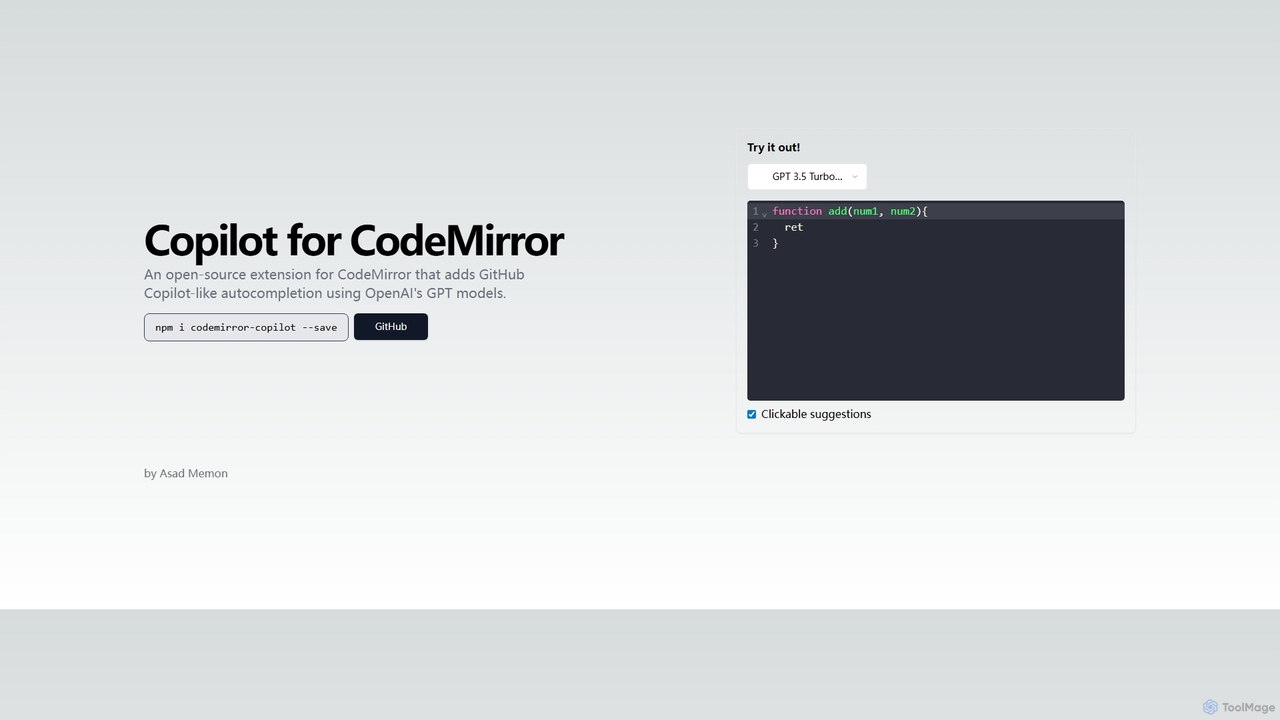
Copilot for CodeMirror
An open-source extension that integrates GitHub Copilot-like AI-powered autocompletion into the CodeMirror editor. Powered by OpenAI's GPT models, it provides intelligent, context-aware code suggestions to accelerate web development and enhance productivity within any application using CodeMirror.
Code Assistant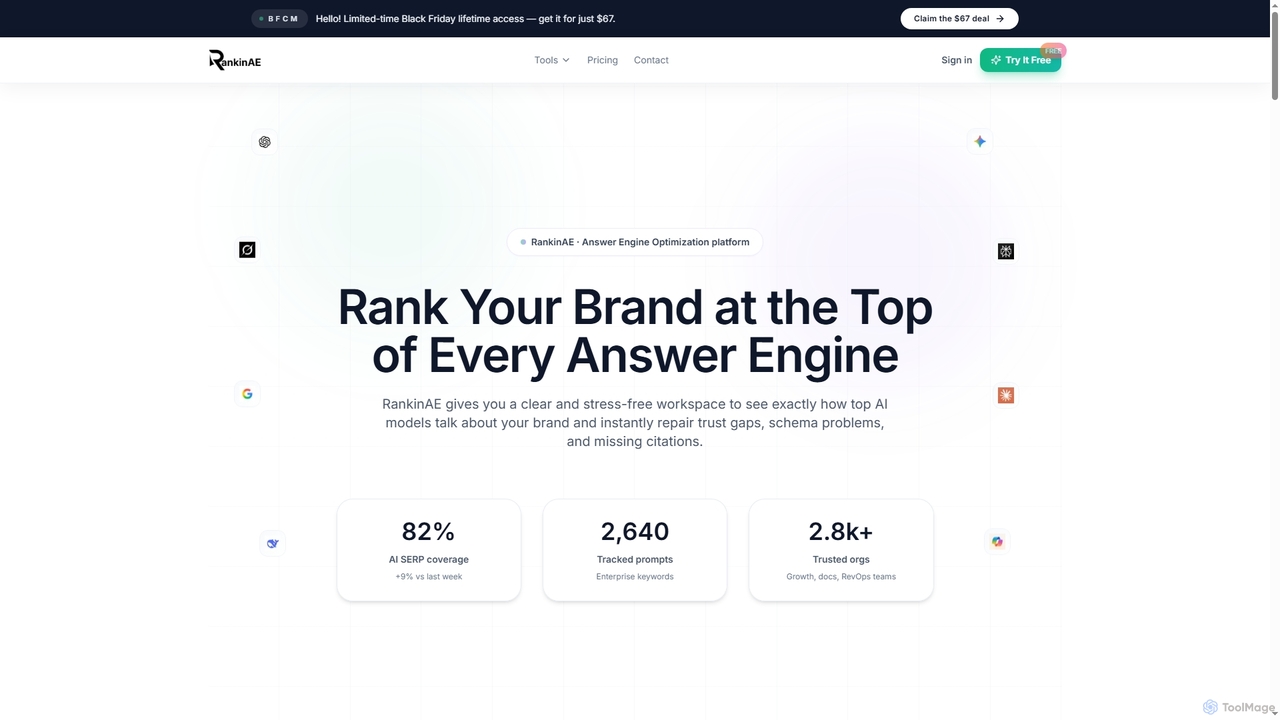
RankinAE
RankinAE is an Answer Engine Optimization (AEO) platform designed to help brands achieve top visibility and accurate representation within leading AI models like ChatGPT, Gemini, and Claude. It provides tools to monitor AI perception, identify content gaps, and optimize trust signals for enhanced AI search performance.
Brand Monitoring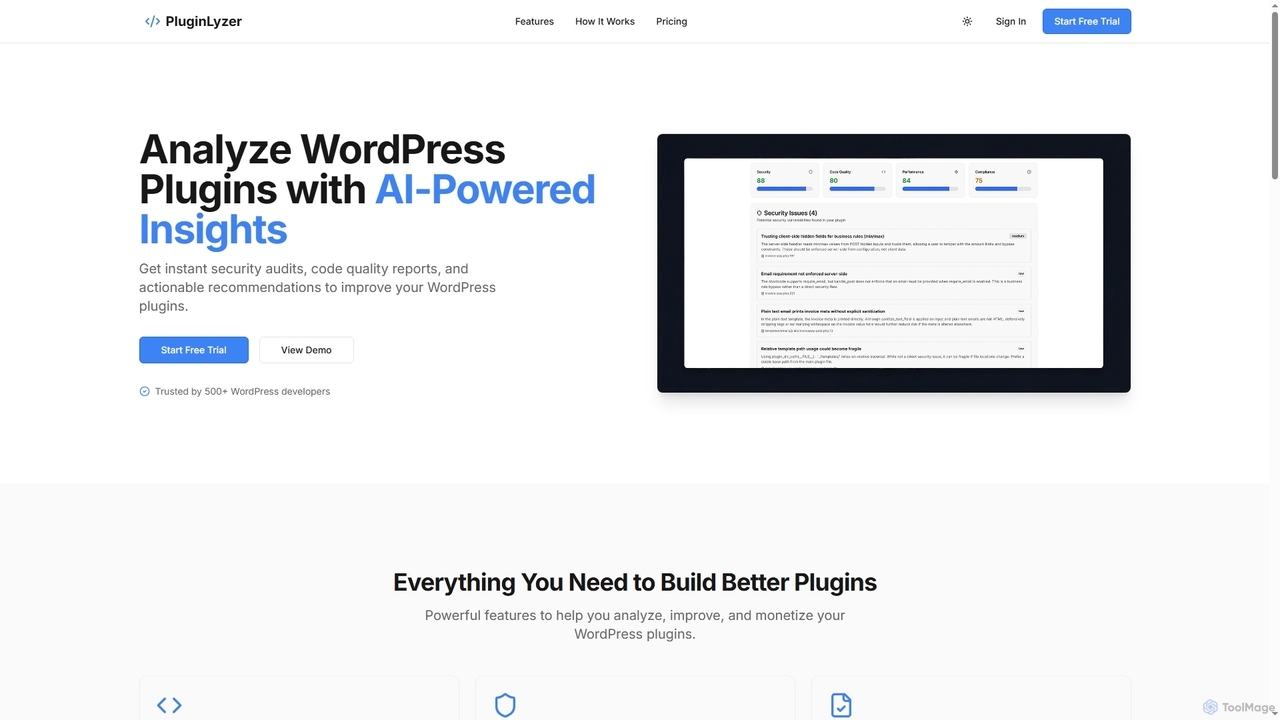
PluginLyzer
PluginLyzer is an AI-powered platform designed for WordPress developers to analyze, improve, and monetize their plugins. It provides instant security audits, comprehensive code quality reports, performance optimization recommendations, and ensures compliance with WordPress coding standards, helping developers build better and more secure plugins efficiently.
Monetization Strategy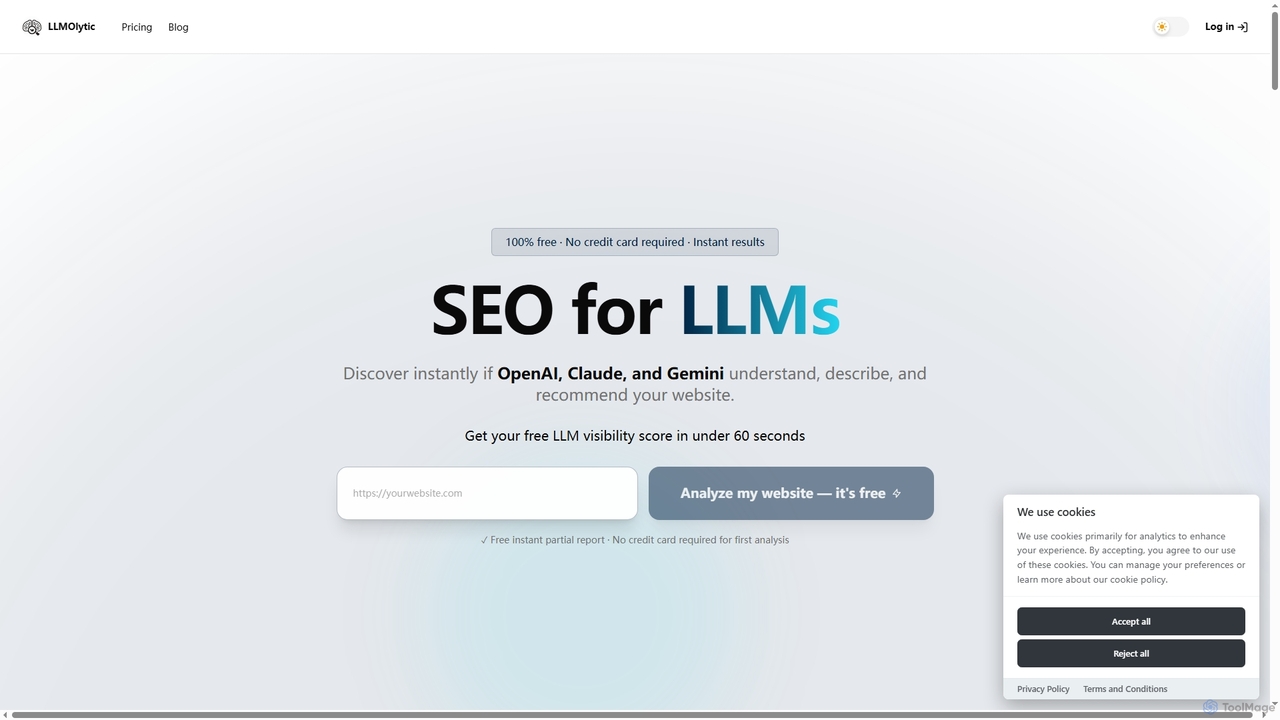
LLMOlytic
LLMOlytic is a powerful AI tool that helps websites optimize their visibility and performance across leading Large Language Models like OpenAI, Claude, and Gemini. It provides an instant LLM visibility score and detailed reports to ensure your site is understood, described, and recommended by AI.
Website Performance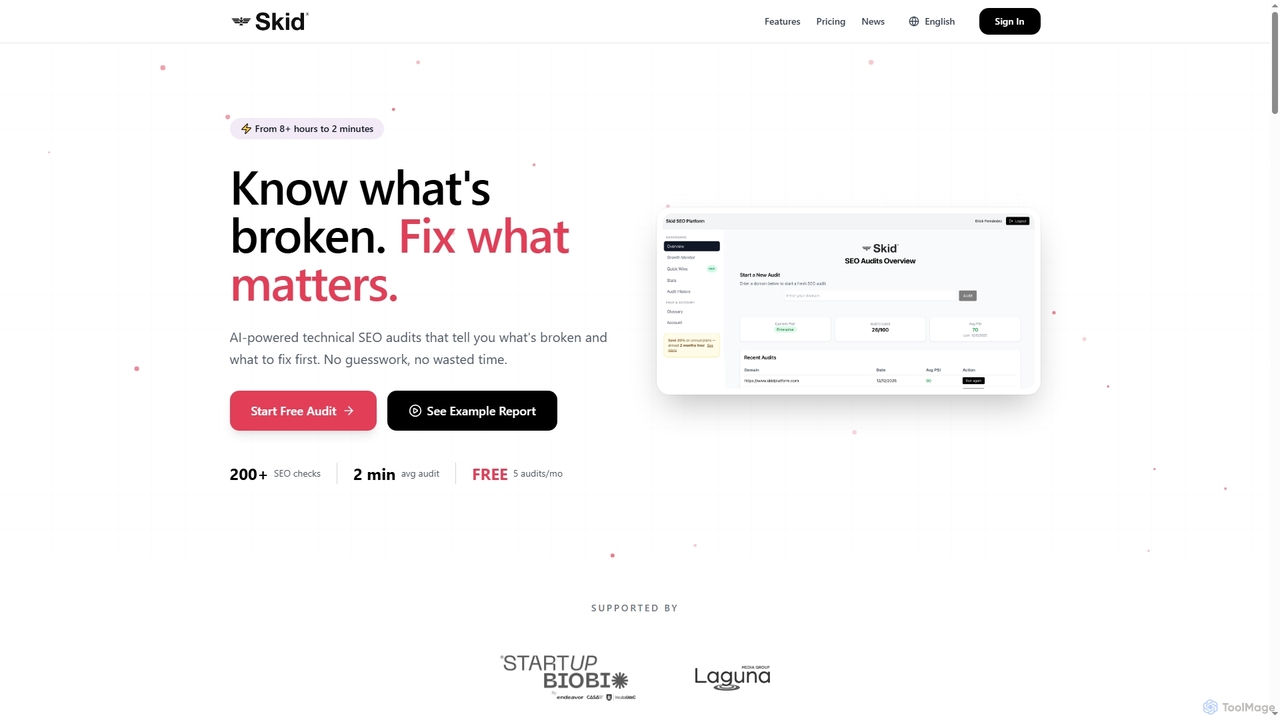
Skid Platform
Skid Platform is an AI-powered SaaS tool designed to automate technical SEO audits, transforming hours of manual work into minutes. It identifies critical website issues, prioritizes fixes based on business impact, and provides actionable insights for improved search engine rankings.
Website Analytics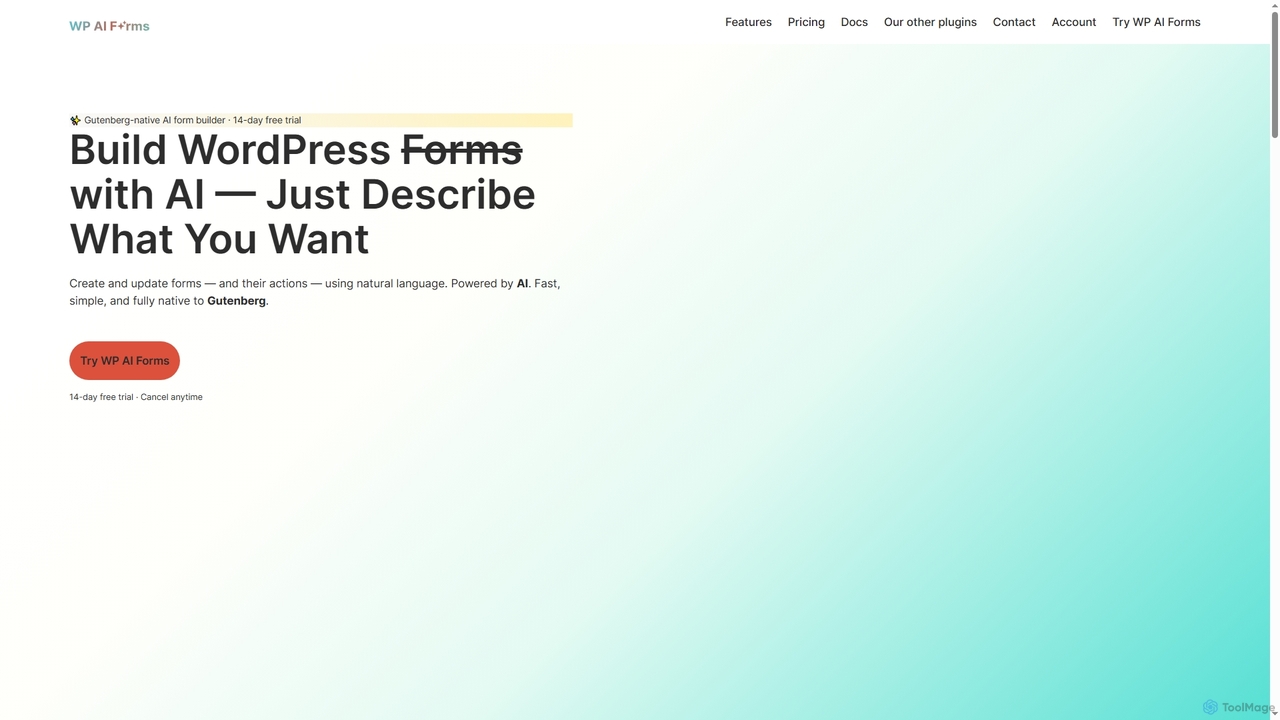
WP AI Forms
WP AI Forms is a Gutenberg-native WordPress plugin that leverages AI to instantly create and update forms using natural language. It simplifies form building, allowing users to describe their desired form and watch it appear, complete with fields, layouts, validation, and actions.
Content Generation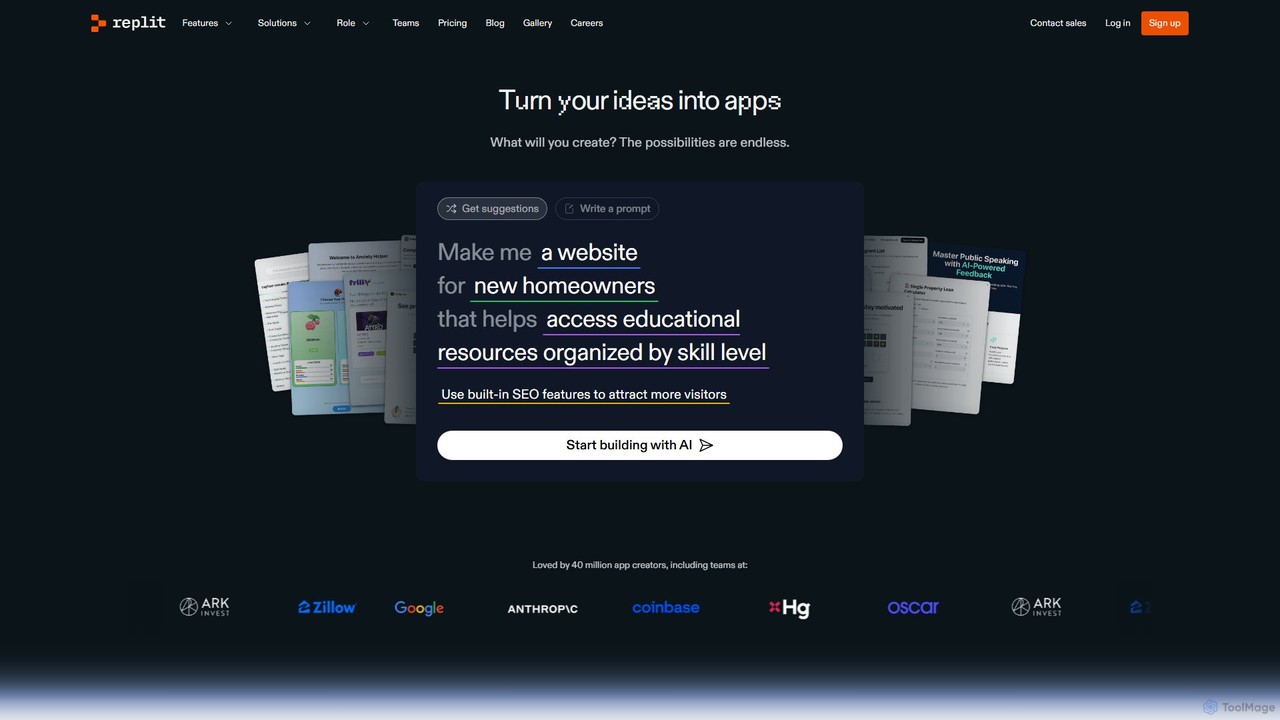
Replit
Replit is an AI-powered, collaborative, in-browser Integrated Development Environment (IDE) that allows users to build, deploy, and host applications, websites, and bots. Featuring the Replit Agent, it turns natural language prompts into functional software, making development faster and more accessible for everyone from beginners to enterprise teams.
Hosting
WP Snippets AI Comments (0)
Sign in to comment.
Sign inNo comments yet.