

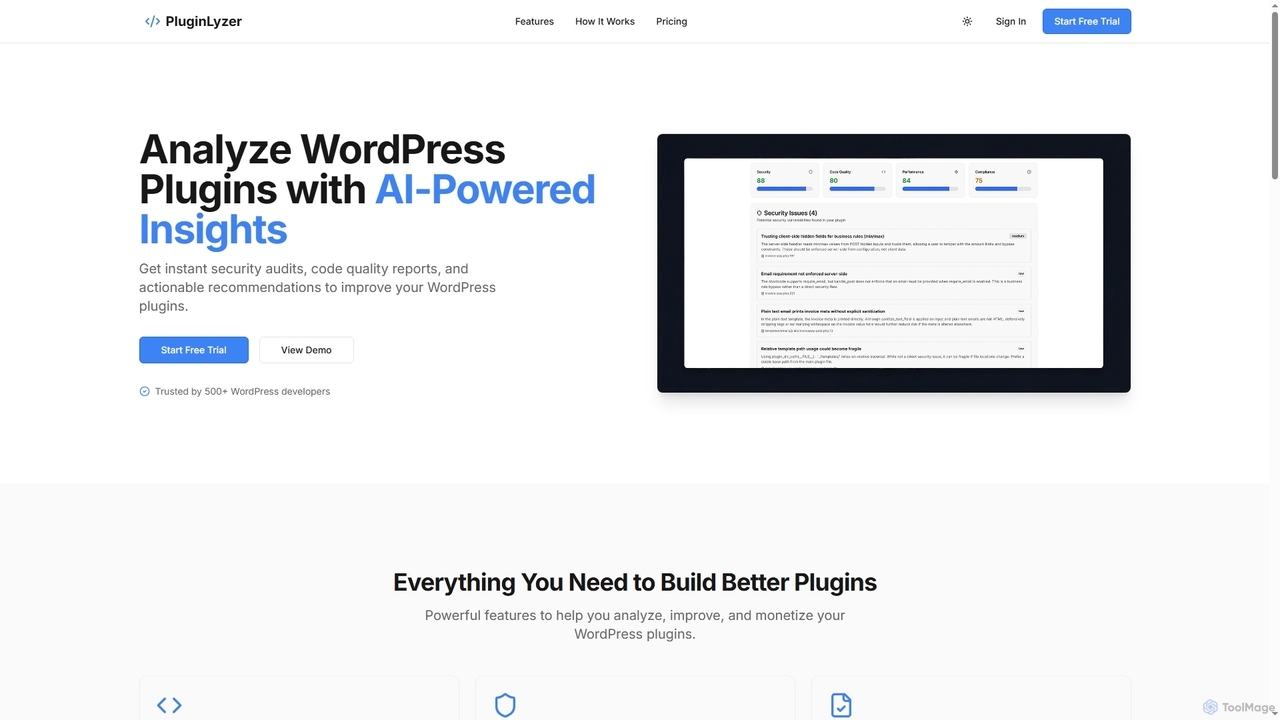
PluginLyzer Overview
PluginLyzer is an advanced AI-powered tool specifically engineered for WordPress plugin developers. It offers a robust suite of features to provide in-depth analysis of WordPress plugin code, ensuring security, quality, performance, and compliance. By leveraging artificial intelligence, PluginLyzer automates the often time-consuming and complex process of manual code review, allowing developers to identify vulnerabilities, inefficiencies, and best practice violations quickly and accurately. The platform aims to streamline the development workflow, enhance plugin reliability, and even assist with monetization strategies by suggesting optimal feature distribution between free and premium versions.
How to use PluginLyzer
Using PluginLyzer is a straightforward four-step process designed for efficiency:
- Upload Plugin: Begin by uploading your WordPress plugin files, either as a .zip archive or a .php file, through the intuitive web interface.
- AI Analysis: Once uploaded, PluginLyzer's advanced AI engine immediately starts analyzing your code. It meticulously scans for security vulnerabilities, assesses code quality, and evaluates performance issues.
- Review Results: After the analysis is complete, you receive detailed insights. These results include severity ratings for identified issues and actionable recommendations on how to resolve them.
- Download Report: For documentation and team collaboration, you can export comprehensive PDF reports. These reports allow you to track improvements over time and share findings effectively.
Core Features of PluginLyzer
- AI Code Review: Advanced AI scrutinizes your plugin code to detect bugs, inefficiencies, and violations of best practices.
- Security Audit: Conducts comprehensive security scans to pinpoint vulnerabilities and potential exploits within your plugin.
- Standards Compliance: Verifies that your plugin adheres to official WordPress coding standards and guidelines, ensuring compatibility and maintainability.
- Performance Analysis: Identifies performance bottlenecks and provides specific recommendations to optimize your plugin's speed and efficiency.
- Free vs Paid Strategy: Offers AI-powered suggestions for strategically distributing features between free and premium versions to maximize monetization potential.
- PDF Reports: Generates and allows download of comprehensive analysis reports, ideal for sharing with development teams or clients.
Use Cases for PluginLyzer
PluginLyzer is an invaluable tool for a variety of scenarios in the WordPress development ecosystem:
- Pre-release Security Checks: Developers can use PluginLyzer to perform thorough security audits before launching a new plugin or an update, minimizing the risk of vulnerabilities.
- Code Quality Assurance: Integrate PluginLyzer into the development workflow to continuously monitor and improve the overall quality, maintainability, and efficiency of plugin code.
- Performance Optimization: Identify and resolve performance bottlenecks in existing plugins to ensure a smooth user experience and reduce server load.
- Monetization Strategy Development: For developers planning to offer both free and premium versions of their plugins, PluginLyzer provides data-driven insights to optimize feature segmentation and increase premium conversions.
- Compliance with WordPress Standards: Ensure that plugins meet WordPress coding standards, which is crucial for submission to the official WordPress plugin directory and for long-term compatibility.
- Developer Education and Training: New developers can use the detailed reports and recommendations to learn best practices in WordPress plugin development.
Advantages of PluginLyzer
PluginLyzer offers several distinct advantages for WordPress developers:
- Time-Saving Automation: Automates complex code reviews and security scans, saving countless hours compared to manual processes.
- Enhanced Security: Proactively identifies critical security vulnerabilities, protecting plugins and their users from potential exploits.
- Improved Code Quality: Provides actionable recommendations to fix bugs, improve efficiency, and ensure adherence to best practices.
- Performance Boost: Helps optimize plugin performance, leading to faster loading times and a better user experience.
- Strategic Monetization: Offers unique AI-powered insights for free vs. paid feature distribution, potentially increasing revenue.
- Comprehensive Reporting: Generates detailed PDF reports for easy tracking, collaboration, and documentation.
- User-Friendly Interface: A simple four-step process makes it accessible even for developers new to advanced code analysis.
Pricing and Plans
PluginLyzer offers a transparent pricing structure with both a Free and a Premium plan:
- Free Plan: Available at $0/month, perfect for trying out the platform. It includes 3 plugin analyses per month, basic code quality reports, security vulnerability scanning, WordPress standards compliance, and email support. No credit card is required to start.
- Premium Plan: Priced at $29/month, this plan auto-renews monthly until canceled. It offers significantly more with 100 plugin analyses per month (33x more than Free). Premium features include an advanced security audit with detailed findings, comprehensive code quality reports, performance optimization recommendations, WordPress compliance checks, AI-powered monetization strategy, code refactoring suggestions with examples, exportable comprehensive PDF reports, and priority email support.
PluginLyzer FAQ
PluginLyzer Alternatives
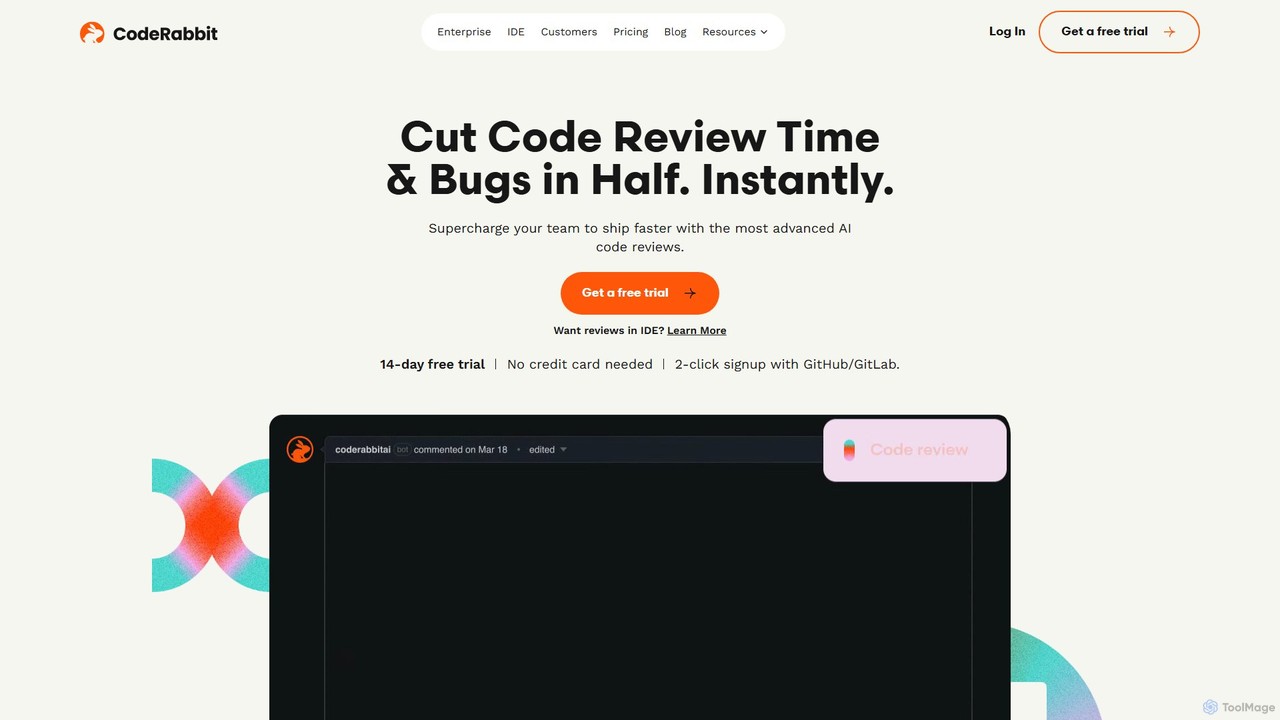
CodeRabbit
CodeRabbit is an AI-powered code review tool that supercharges development teams to ship faster and reduce bugs. It provides instant, context-aware reviews, pull request summaries, and security analysis directly within GitHub, GitLab, and IDEs like VS Code.
Code Review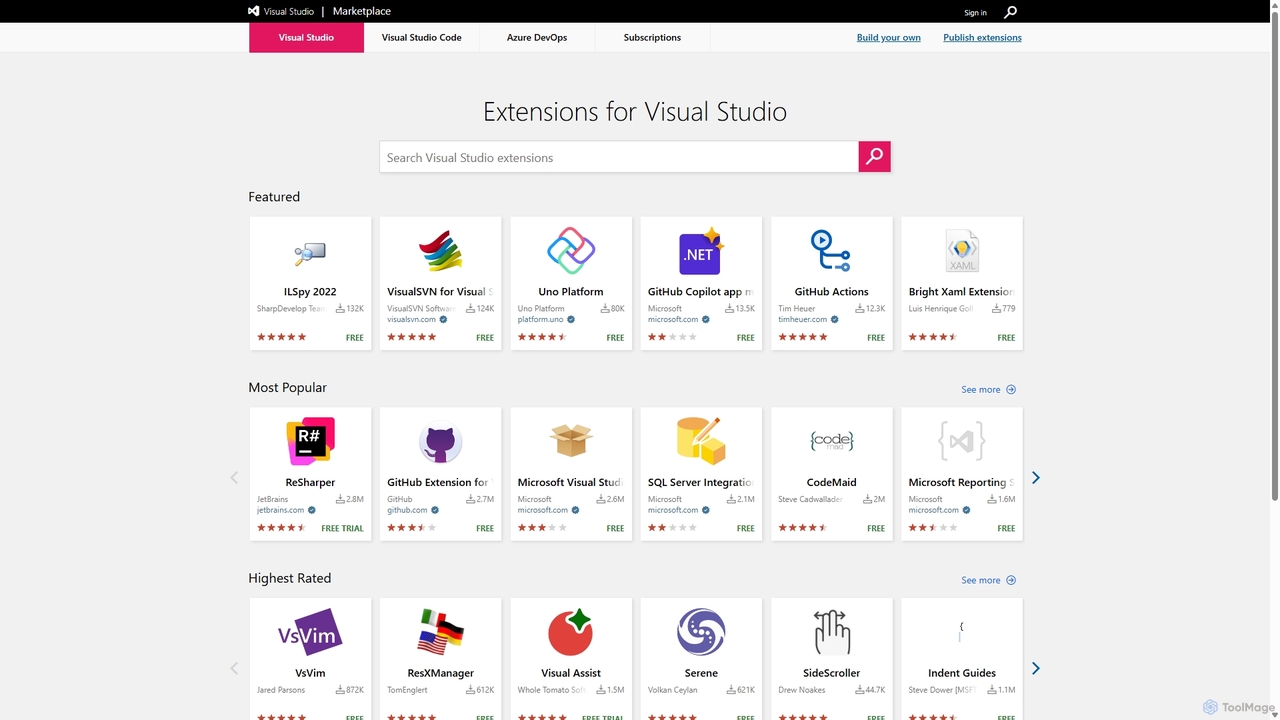
Visual Studio Marketplace
The official marketplace for discovering and installing thousands of extensions for the Visual Studio family of products, including Visual Studio, VS Code, and Azure DevOps. Enhance productivity, add new features, and customize your development environment with tools from Microsoft and the community.
Machine Learning
SwiftAI Boilerplate
SwiftAI Boilerplate is a production-grade SwiftUI starter kit designed to accelerate the development of AI-powered iOS applications. It provides pre-built modules for streaming AI chat, secure authentication (Supabase), subscriptions (RevenueCat), and robust data persistence (SwiftData), saving developers months of integration and setup time.
Ai Development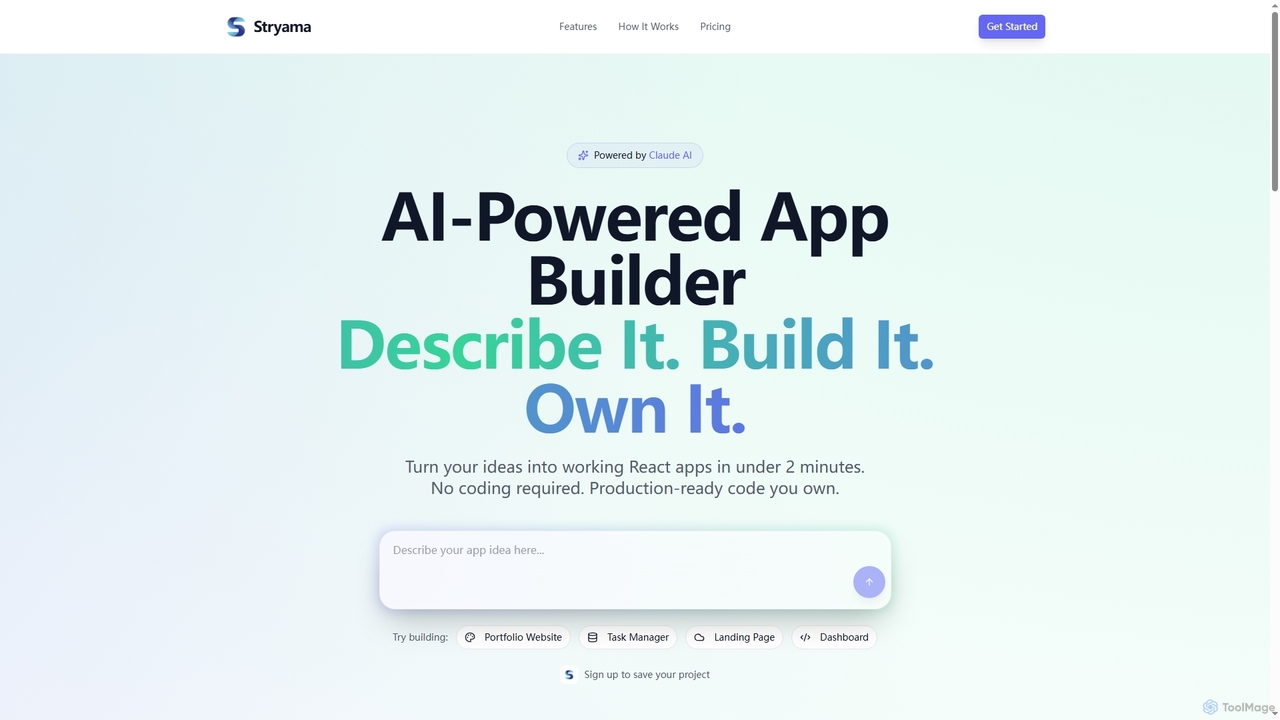
Stryama
Stryama is an AI-powered app builder that transforms your ideas into functional React applications in minutes, requiring no coding. It generates production-ready code that you fully own, enabling rapid development and deployment for various web projects.
App Development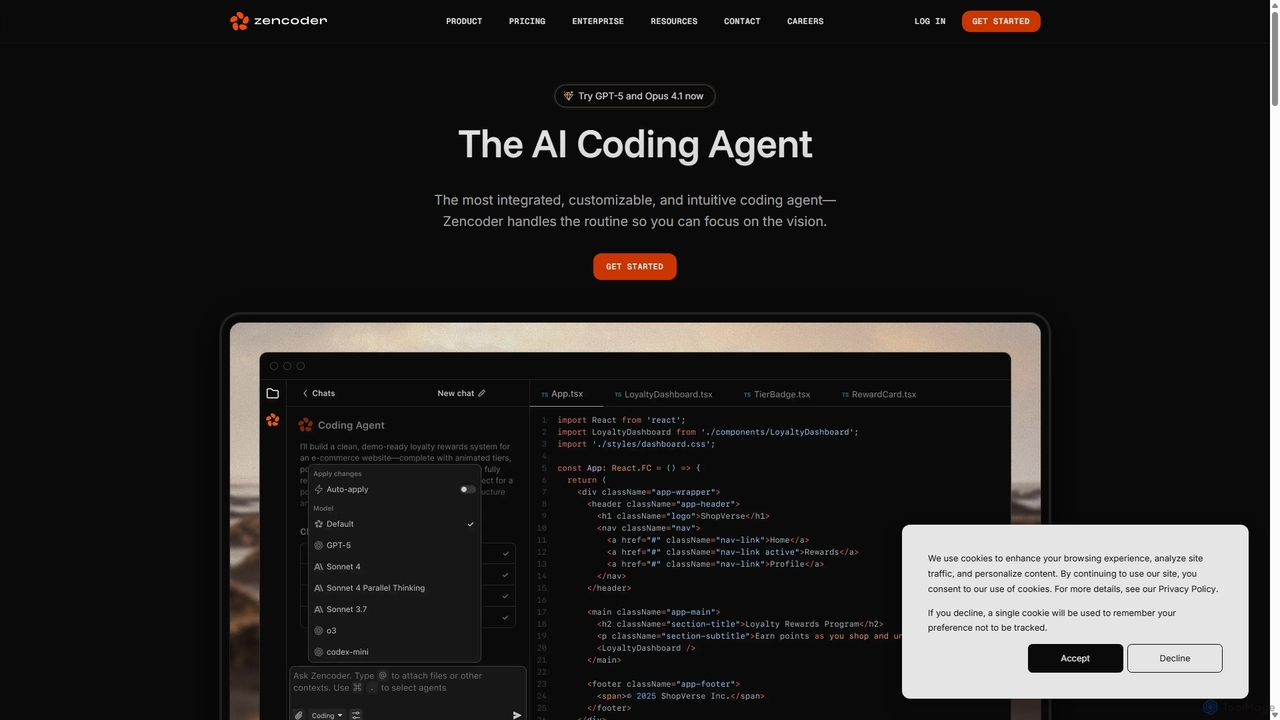
Zencoder
Zencoder is an advanced AI coding agent designed to automate routine development tasks. It deeply integrates into your workflow, understanding your entire codebase to implement features, write tests, fix bugs, and refactor code autonomously. With customizable 'Zen Agents' and seamless integration with VS Code, JetBrains, and over 100 developer tools, Zencoder empowers engineering teams to focus on innovation and ship products faster.
Code AssistantPluginLyzer Categories
PluginLyzer Jobs
PluginLyzer Embed Widget
Copy this embed code to place the badge on your blog, article, or product site and send readers directly to this ToolMage detail page.

Related AI tools
Visual Studio Marketplace
The official marketplace for discovering and installing thousands of extensions for the Visual Studio family of products, including Visual Studio, VS Code, and Azure DevOps. Enhance productivity, add new features, and customize your development environment with tools from Microsoft and the community.
Machine LearningStryama
Stryama is an AI-powered app builder that transforms your ideas into functional React applications in minutes, requiring no coding. It generates production-ready code that you fully own, enabling rapid development and deployment for various web projects.
App DevelopmentZencoder
Zencoder is an advanced AI coding agent designed to automate routine development tasks. It deeply integrates into your workflow, understanding your entire codebase to implement features, write tests, fix bugs, and refactor code autonomously. With customizable 'Zen Agents' and seamless integration with VS Code, JetBrains, and over 100 developer tools, Zencoder empowers engineering teams to focus on innovation and ship products faster.
Code Assistant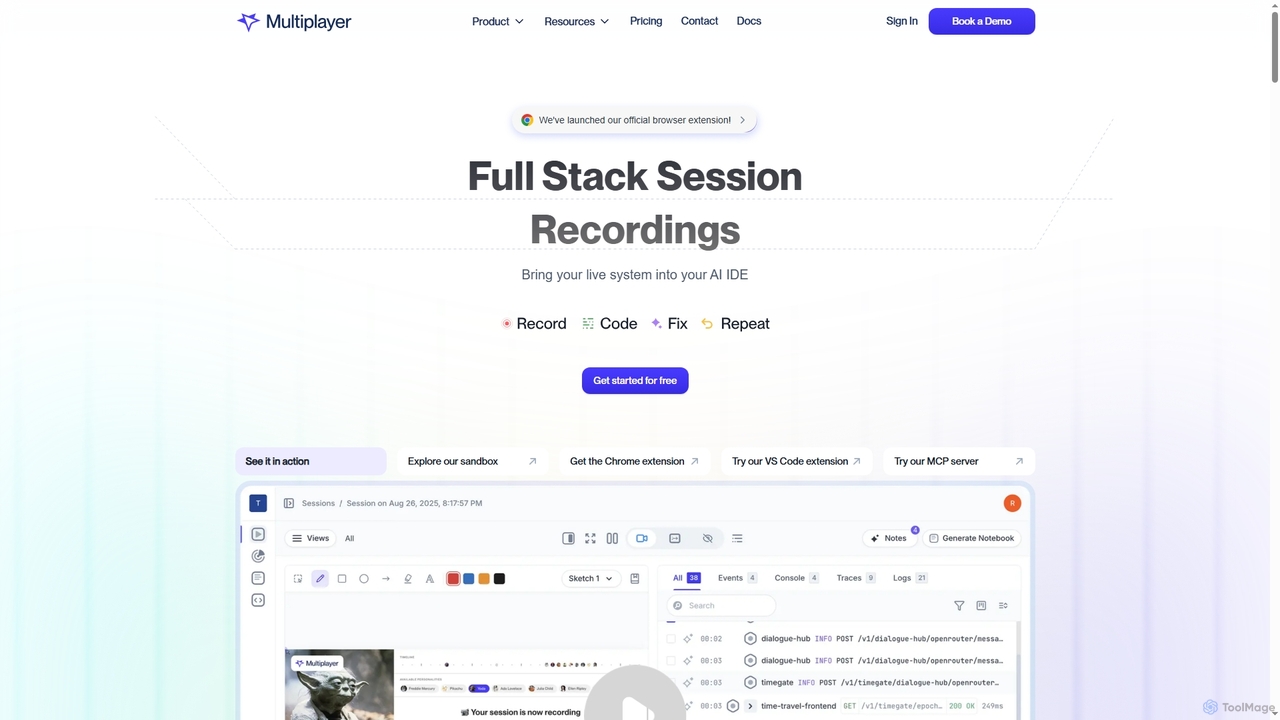
Multiplayer
Multiplayer is a full-stack session recording platform that captures frontend and backend data, providing complete context for debugging, testing, and AI-powered feature development. It integrates seamlessly with AI IDEs and engineering workflows to accelerate problem resolution and build new features with confidence.
Ai Integration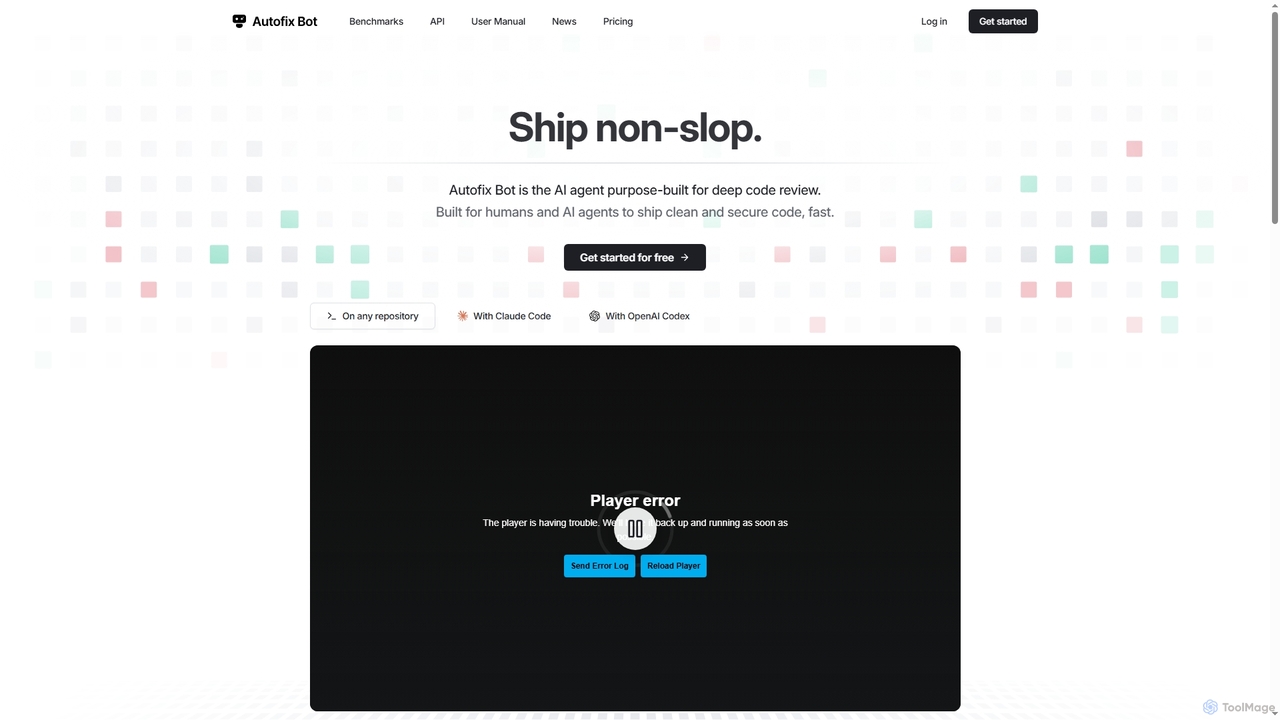
Autofix
Autofix is an AI agent purpose-built for deep code review, identifying security vulnerabilities, hardcoded secrets, and code quality issues. It generates verified patches to help development teams ship clean and secure code faster.
Static Analysis
Jyek
Jyek is an AI agent platform that understands objectives, creates execution plans, uses tools, and delivers verifiable results for complex, multi-step tasks.
Automation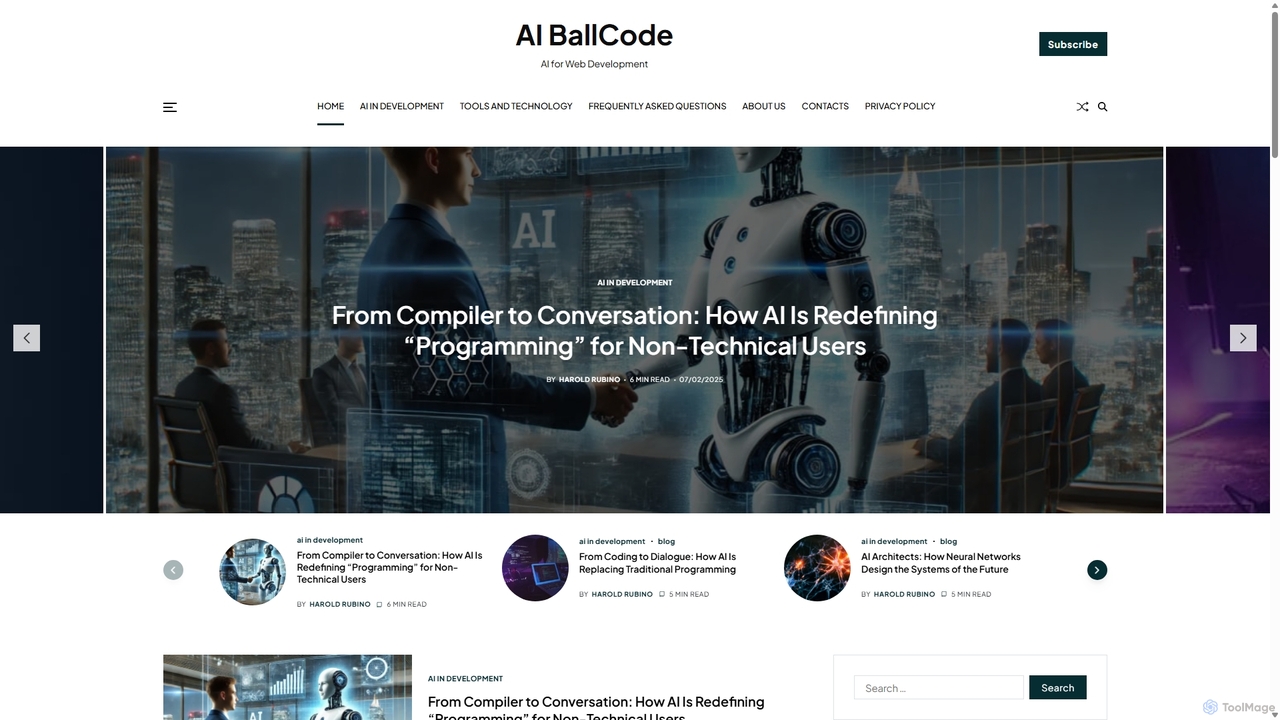
Codeball
Codeball is an AI-powered code review assistant that integrates with GitHub to automatically analyze pull requests. It helps development teams ship better code faster by identifying bugs, suggesting improvements, and ensuring code quality without manual intervention.
Code ReviewCodeRabbit
CodeRabbit is an AI-powered code review tool that supercharges development teams to ship faster and reduce bugs. It provides instant, context-aware reviews, pull request summaries, and security analysis directly within GitHub, GitLab, and IDEs like VS Code.
Code Review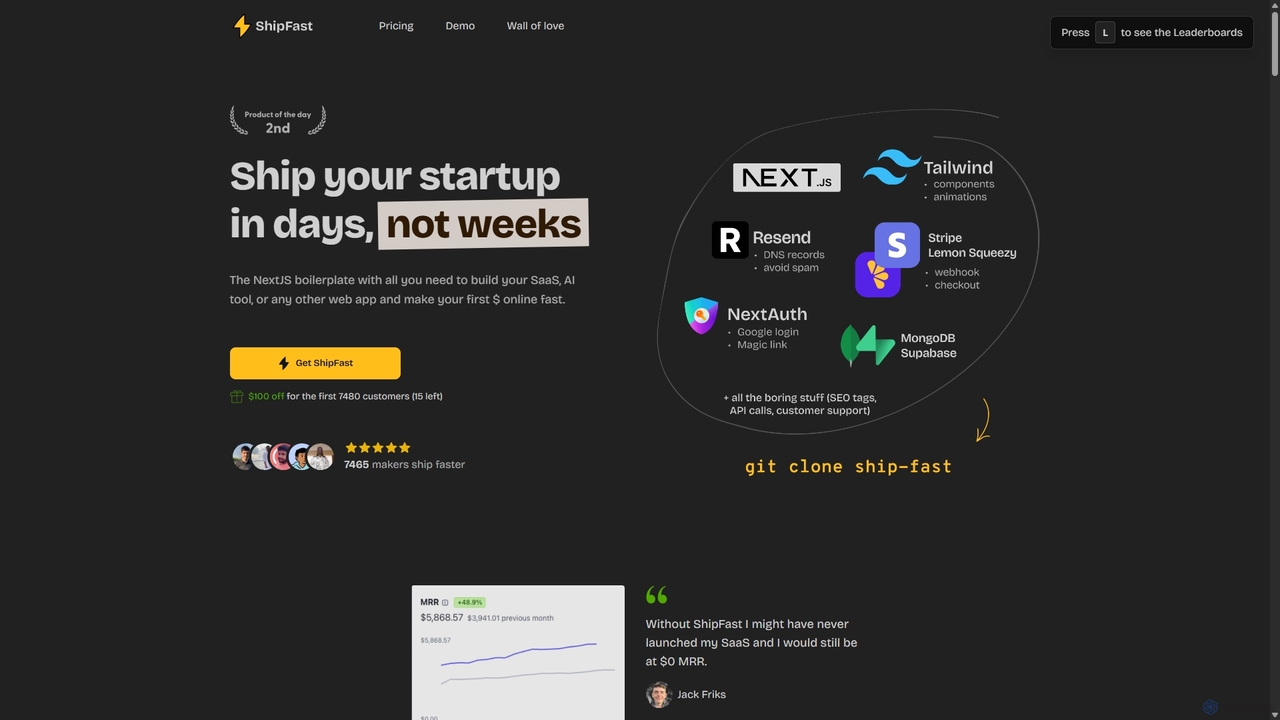
ShipFast
ShipFast is a Next.js boilerplate designed for developers and entrepreneurs to launch SaaS, AI tools, and web applications in days instead of weeks. It includes pre-built features for payments, user authentication, database integration, and email, allowing you to focus on your core product and monetize faster.
Boilerplate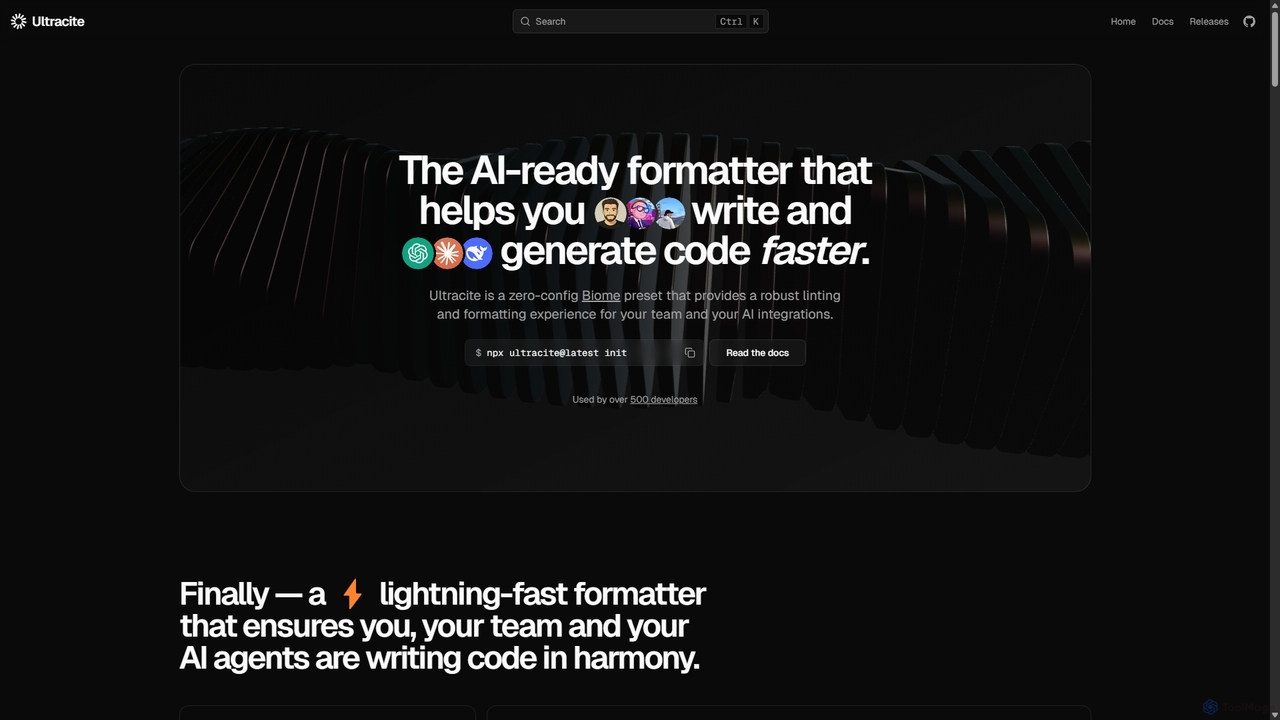
Ultracite
Ultracite is a lightning-fast, zero-config code formatter and linter built on Biome. It's designed to ensure consistent code style for both human developers and AI agents, automating formatting, fixing issues on save, and enforcing best practices for modern TypeScript, React, and Next.js projects.
Code Quality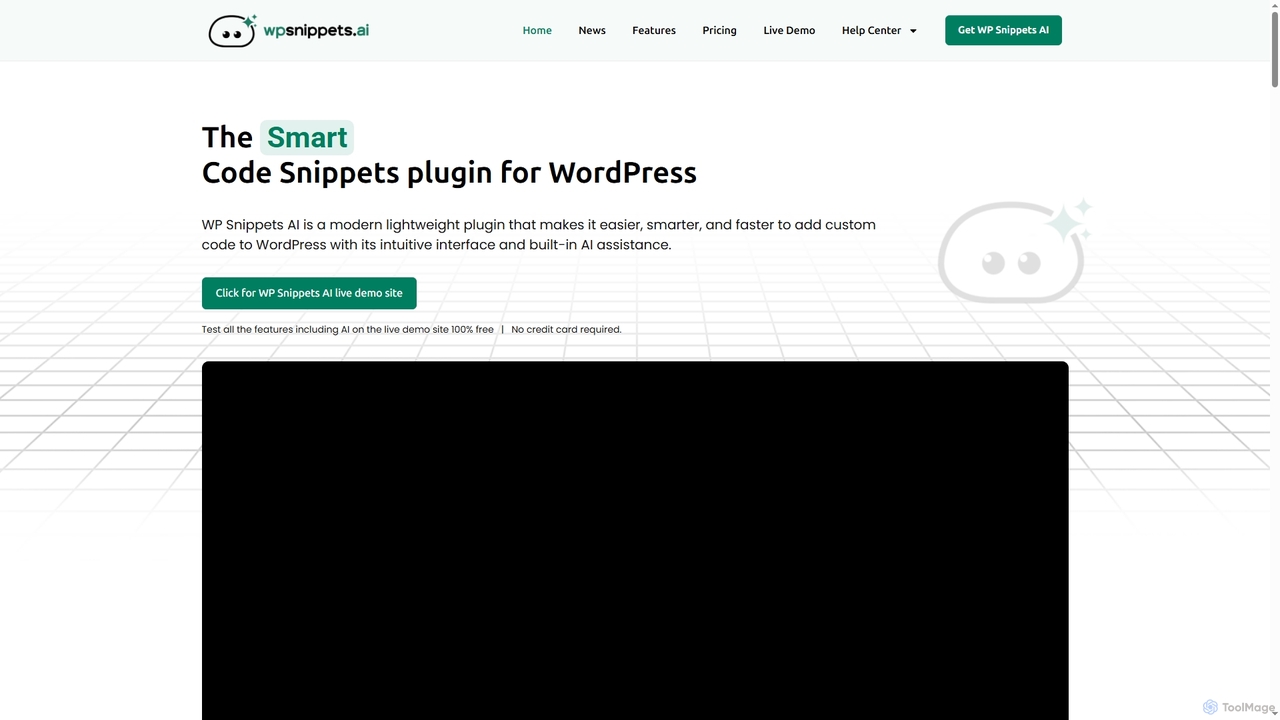
WP Snippets AI
WP Snippets AI is a fast, modern, and lightweight WordPress plugin designed to simplify custom code management. It features an intuitive interface and built-in AI assistance for generating, analyzing, and improving code snippets in HTML, CSS, JavaScript, and PHP, enhancing workflow for developers and site administrators.
Code Generation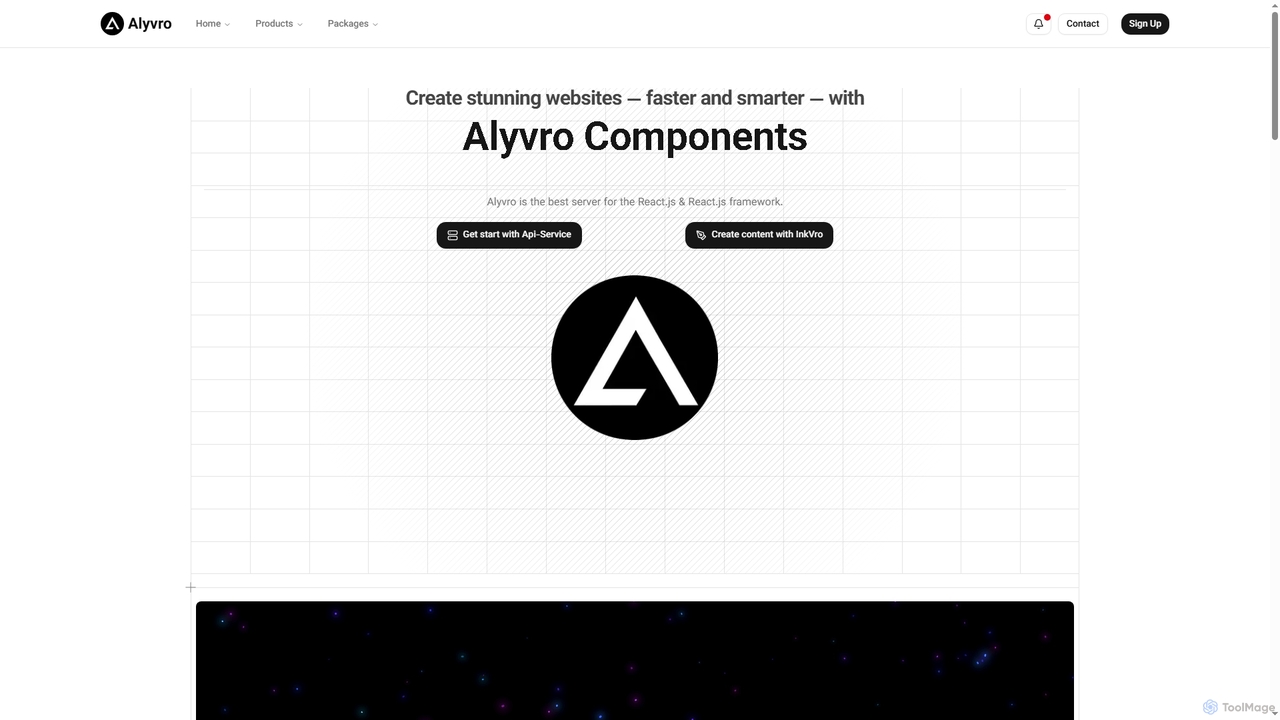
Alyvro
Alyvro is a technology platform specializing in modern web development with React.js and Next.js. It offers developer packages like API services and hooks for efficient application building, alongside InkVro AI, an intelligent content creation tool designed to generate powerful, well-crafted content quickly. Alyvro aims to simplify and accelerate the creation of stunning websites and digital experiences.
Api Management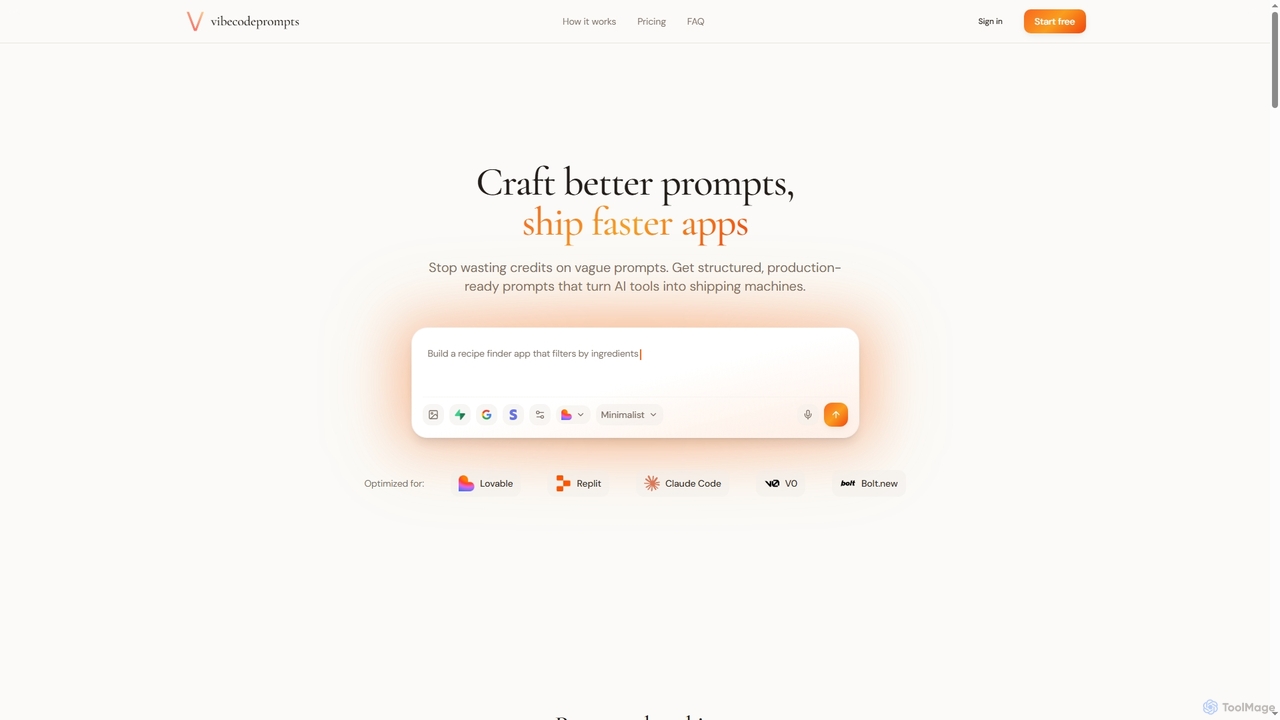
Vibecodeprompts
Vibecodeprompts is an AI-powered tool designed to transform your ideas into structured, production-ready prompts for various AI coding assistants. It helps developers and builders ship applications faster by generating optimized prompts tailored for specific tools like Lovable, Replit, Claude Code, V0, and Bolt.new, saving time and resources.
Code Generation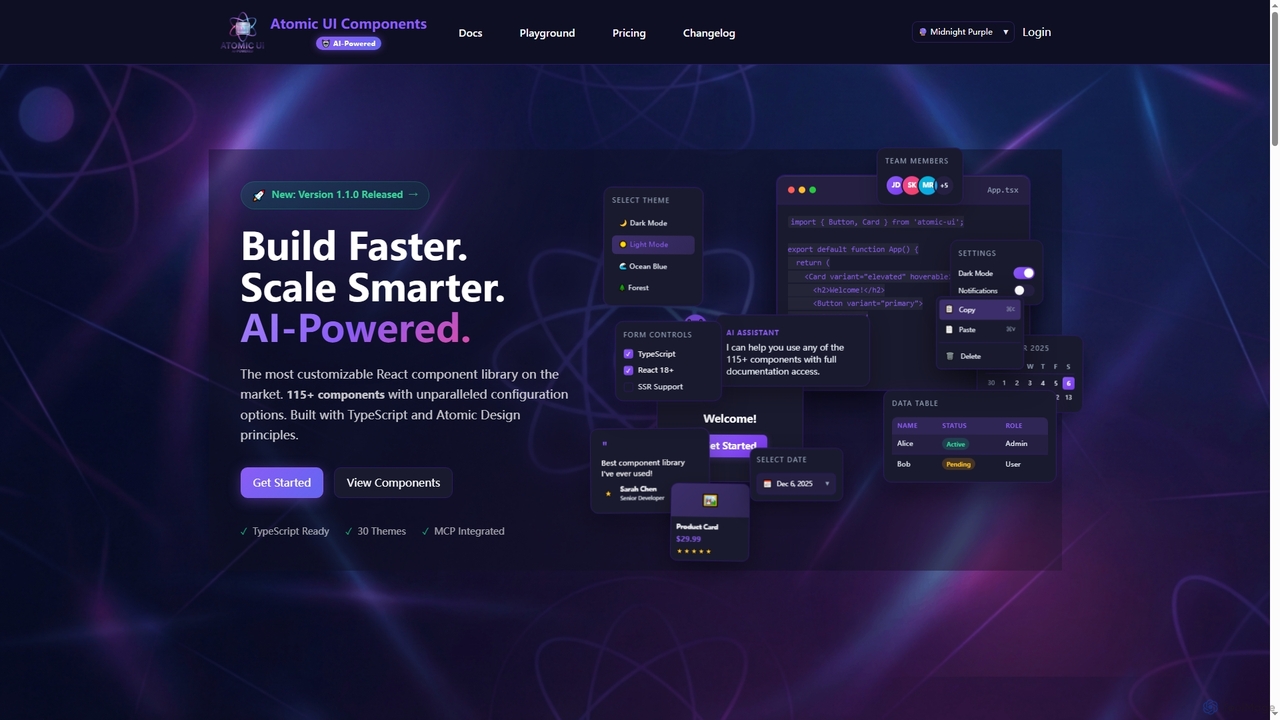
AtomicComponents
AtomicComponents is an AI-powered React component library designed for building modern, scalable, and accessible user interfaces faster. It offers over 115 highly customizable components, 30 built-in themes, and seamless integration with AI assistants like Claude and GitHub Copilot via its Model Context Protocol (MCP) server.
Design Systems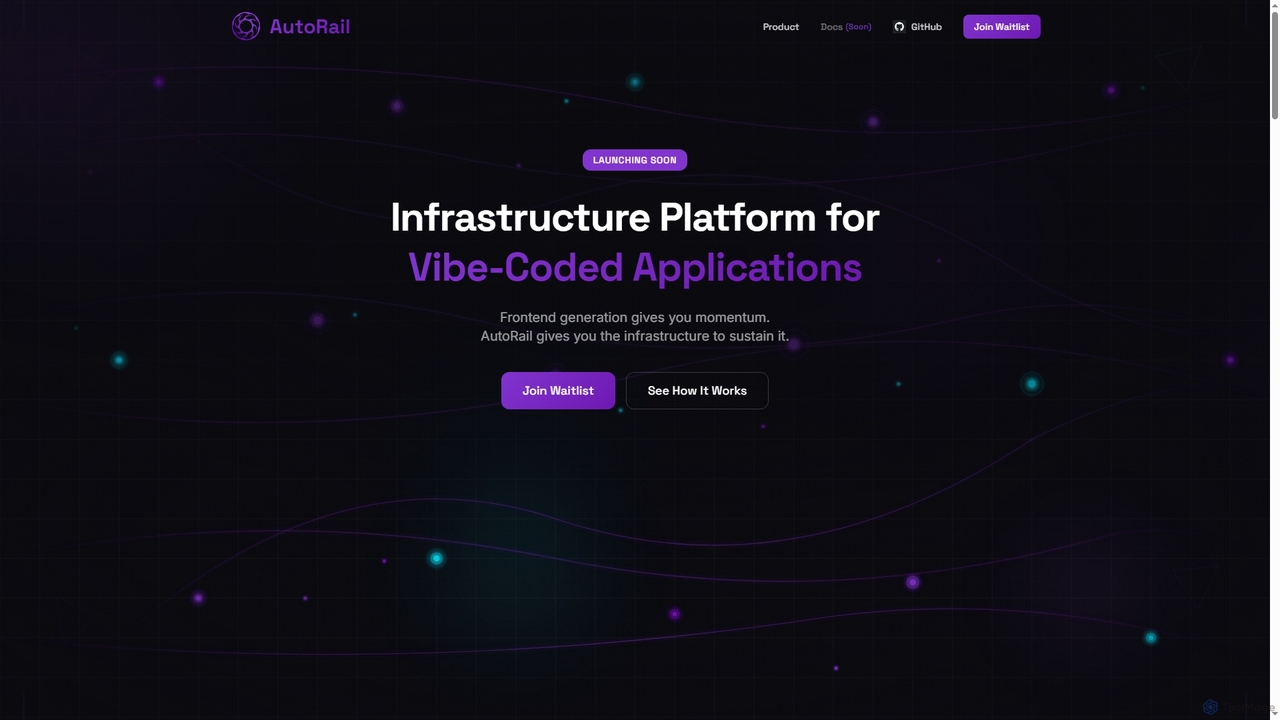
AutoRail
AutoRail is an infrastructure platform designed to transform "vibe-coded" prototypes into production-ready applications. It automatically provisions essential backend primitives like stateful memory, workflow orchestration, and auto-scaling, bridging the critical gap between rapid frontend development and robust, scalable production systems without manual configuration.
Ai Infrastructure
PluginLyzer Comments (0)
Sign in to comment.
Sign inNo comments yet.