ToolMage
Sign in

Best 2 Static Analysis AI tools for Developer Tools

Popular Static Analysis AI tools in Developer Tools include Autofix and AI Code Reviewer, helping you work more efficiently.

Autofix
Freemium

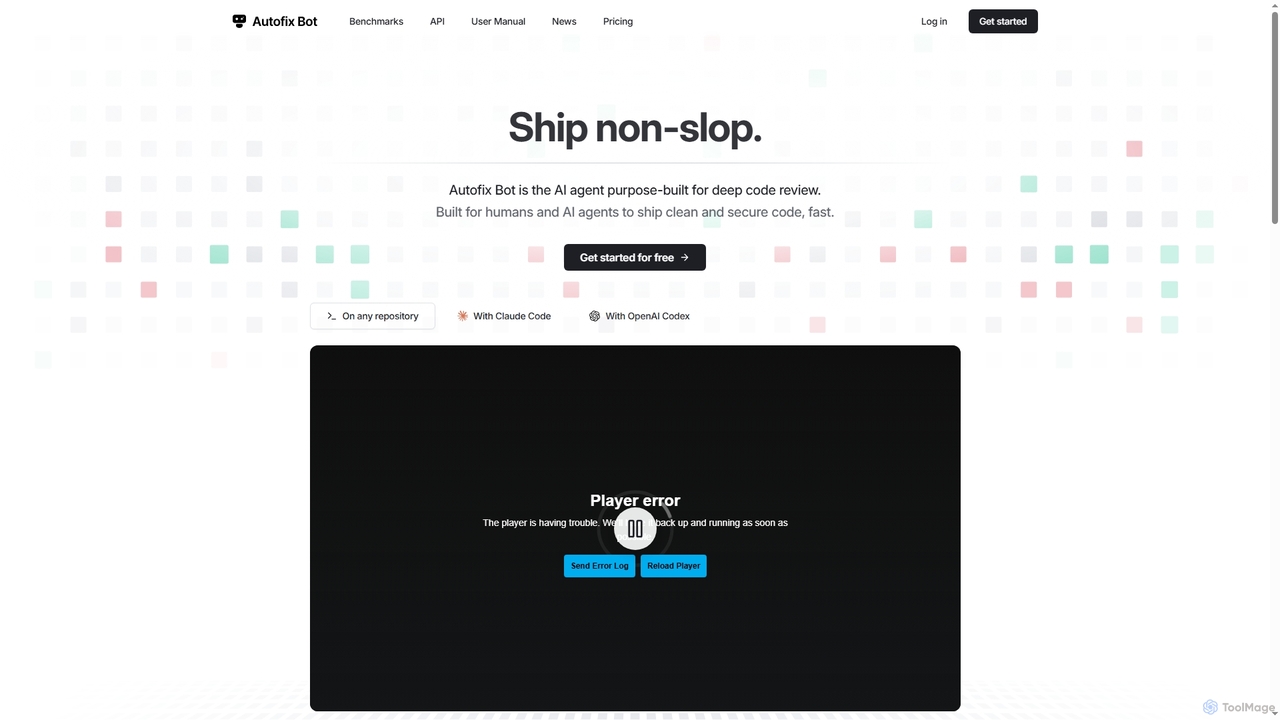
Autofix

Autofix is an AI agent purpose-built for deep code review, identifying security vulnerabilities, hardcoded secrets, and code quality issues. It generates verified patches to help development teams ship clean and secure code faster.

Static Analysis
Visits 3.5KFavorites 47Likes 54
AI Code Reviewer
Freemium

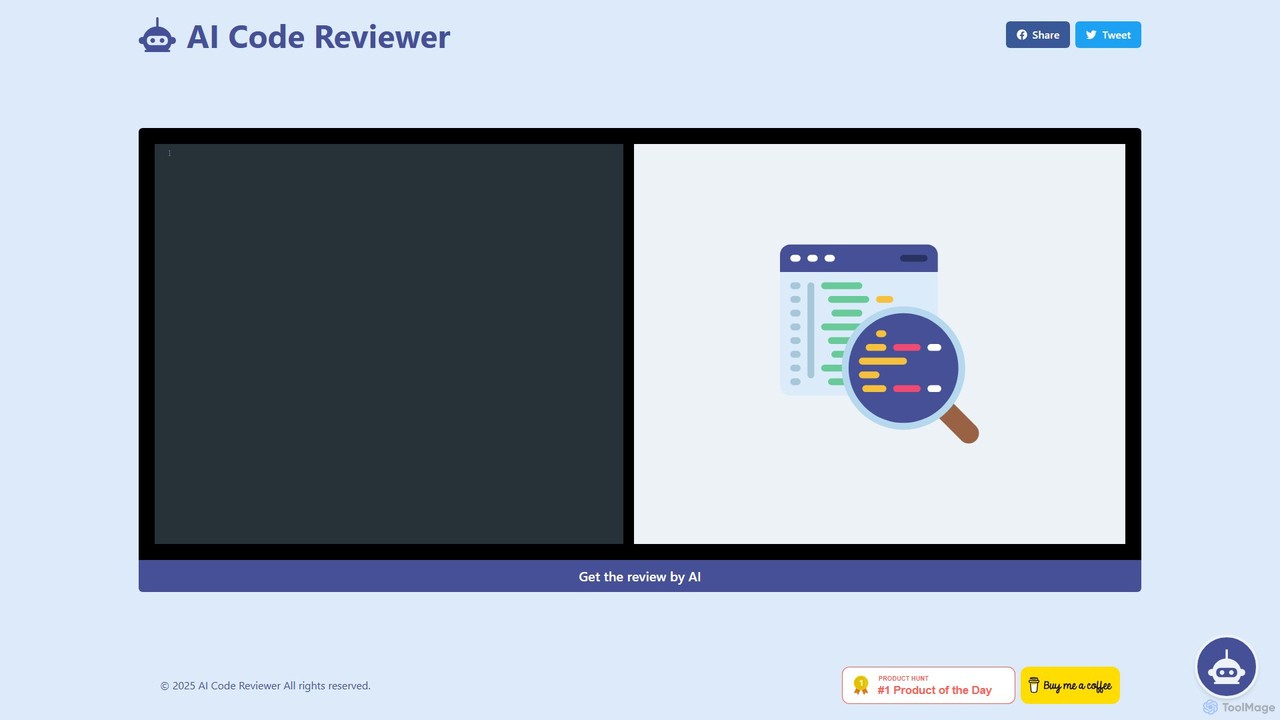
AI Code Reviewer

AI Code Reviewer is an automated tool that uses artificial intelligence to analyze your code. It integrates with your development workflow, like GitHub, to automatically review pull requests. The tool identifies bugs, security vulnerabilities, and style issues, providing instant, actionable feedback to help developers improve code quality and accelerate the development cycle.

Code Review
Visits 3.3KFavorites 105Likes 103

About Static Analysis

Static Analysis tools are a class of developer tools that analyze source code, bytecode, or binary code for errors without executing it. AI enhances this process by leveraging machine learning models to identify complex vulnerabilities, subtle bugs, and code quality issues that traditional rule-based scanners often miss. This proactive approach allows developers to find and fix potential problems early in the development lifecycle, significantly improving software security and maintainability. AI-powered analysis also excels at reducing false positives, ensuring that developers focus on genuine issues.

Core Features

  • AI-Powered Vulnerability Detection: Identifies complex security flaws, such as injection attacks and data leaks, by understanding code context and data flow.
  • Intelligent Code Quality Analysis: Detects 'code smells', anti-patterns, and maintainability issues based on best practices learned from vast codebases.
  • Automated Remediation Suggestions: Provides context-aware recommendations and sometimes even generates code snippets to fix identified issues.
  • False Positive Reduction: Uses machine learning to differentiate between real threats and benign code patterns, increasing the accuracy of reports.
  • Predictive Bug Analysis: Analyzes code history and complexity to forecast areas most likely to contain future defects.

Use Cases

These tools are integral to modern DevSecOps practices and are widely used within CI/CD pipelines for automated security gating. Developers use them directly in their IDEs for real-time feedback, while security teams employ them for comprehensive application security audits and compliance checks (e.g., for OWASP Top 10, CWE).

How to Choose

When selecting a Static Analysis tool, consider its language and framework support to ensure it covers your tech stack. Evaluate its integration capabilities with your existing CI/CD pipeline, repositories, and IDEs. Assess the accuracy and the false positive rate, as high noise levels can reduce developer adoption. Finally, examine the quality of the remediation guidance provided to ensure it is actionable for your team.

Featured tool rankings

Static Analysis use cases

1

Automating Security Audits in CI/CD Pipelines

A DevOps engineer integrates an AI static analysis tool into their GitHub Actions workflow. For every pull request, the tool automatically scans the new code for potential security vulnerabilities like SQL injection, cross-site scripting (XSS), and insecure deserialization. By understanding the data flow, the AI can detect complex vulnerabilities that might be missed by simple pattern matching. This 'shift-left' approach ensures that security issues are identified and fixed before code is merged into the main branch, preventing vulnerabilities from ever reaching production environments and strengthening the overall security posture.

2

Improving Code Maintainability of Legacy Systems

A software architect is tasked with modernizing a large, legacy codebase. They use an AI static analysis tool to perform a deep scan of the entire system. The tool identifies complex anti-patterns, areas with high cyclomatic complexity, and 'code smells' that indicate poor design choices. Unlike traditional tools, the AI provides a prioritized list of refactoring recommendations based on the predicted impact on maintainability and bug proneness. This allows the development team to focus their efforts on the most critical areas, systematically reducing technical debt and making the legacy system easier to understand, modify, and extend for future development.

3

Enforcing Coding Standards Across a Development Team

A tech lead wants to ensure consistent code quality and adherence to best practices across their team. They configure the AI static analysis tool with the team's specific coding standards and integrate it into each developer's IDE. As developers write code, the tool provides real-time, non-intrusive feedback, flagging deviations from standards, potential performance issues, and overly complex logic. This acts as an automated, impartial code reviewer, helping junior developers learn best practices organically and freeing up senior developers' time from mundane review tasks to focus on more complex architectural decisions.

4

Early Bug Detection During Local Development

A junior developer is working on a new feature. They have the AI static analysis tool installed as a plugin in their VS Code IDE. As they type, the tool analyzes the code in the background. It immediately highlights a potential null pointer exception by tracing the path of a variable that was not properly initialized. It also flags a resource leak where a file stream is opened but not closed in all execution paths. This instant feedback loop allows the developer to fix these common but critical bugs on the spot, long before the code is even committed, improving code quality from the very beginning and reducing the number of bugs found later in QA or production.

5

Ensuring Compliance for Regulated Industries

A security officer at a fintech company needs to ensure their applications comply with the PCI DSS standard. They configure their AI static analysis tool to scan for specific vulnerability classes mandated by the regulation, such as improper handling of sensitive data and cryptographic failures. The tool runs automatically on their entire codebase, generating a detailed compliance report. This report not only lists all potential violations but also provides evidence of secure coding practices. This automated process simplifies audit preparation, provides continuous compliance monitoring, and helps the company avoid hefty fines and reputational damage associated with non-compliance.

6

Proactively Optimizing Code Performance

A performance engineer is tasked with improving the latency of a critical microservice. Instead of relying solely on runtime profiling, they use an AI static analysis tool to inspect the code. The tool's AI model, trained on performance best practices, identifies inefficient algorithms, unnecessary object allocations, and suboptimal data structure usage that could lead to performance bottlenecks under load. It provides specific, actionable suggestions, such as replacing a linear search with a hash map lookup. By addressing these issues before deployment, the team proactively improves performance and reduces the need for costly, time-consuming performance tuning in a production environment.

Static Analysis FAQ

What is AI-powered Static Analysis?

AI-powered Static Analysis is a method of debugging and security testing by examining source code without executing the program. It uses artificial intelligence, particularly machine learning models, to detect complex bugs, security vulnerabilities, and code quality issues with higher accuracy and fewer false positives than traditional, rule-based static analysis tools. These tools learn from vast amounts of code to understand context and identify subtle patterns that humans or simple scanners might miss.

How does AI Static Analysis differ from traditional static analysis?

The key difference lies in the detection method. Traditional static analysis tools rely on a predefined set of rules and patterns (e.g., 'find all uses of a dangerous function'). They are effective for known, simple issues but struggle with complex, context-dependent vulnerabilities and often produce many false positives. AI-powered tools use machine learning models trained on millions of code samples. This allows them to understand code semantics, data flow, and developer intent, enabling them to find novel and complex bugs with higher accuracy and provide more relevant remediation advice.

How to choose the right AI Static Analysis tool?

When selecting a tool, consider the following factors:

  • Language and Framework Support: Ensure the tool comprehensively supports your technology stack, including all programming languages, frameworks, and infrastructure-as-code files.
  • Integration Capabilities: Check for seamless integration with your development ecosystem, including IDEs (like VS Code, JetBrains), CI/CD pipelines (like Jenkins, GitHub Actions), and source code repositories.
  • Accuracy and False Positive Rate: Look for tools with a proven track record of high accuracy and a low rate of false positives. Too much noise can lead to alert fatigue and cause developers to ignore results.
  • Actionable Insights: The tool should provide clear, context-rich explanations for each finding and offer actionable guidance or automated suggestions for remediation.
What are the main benefits of using AI Static Analysis tools?

The primary benefits include:

  • Early Bug Detection: Finding and fixing issues during development ('shifting left') is significantly cheaper and faster than fixing them in production.
  • Enhanced Security: Proactively identifies complex security vulnerabilities before they can be exploited, strengthening the application's security posture.
  • Improved Code Quality: Helps enforce coding standards, reduce technical debt, and improve the overall maintainability and readability of the codebase.
  • Increased Developer Productivity: Automates a significant portion of code review, provides instant feedback in the IDE, and reduces time spent debugging, allowing developers to focus on building features.
Who should use Static Analysis tools?

Static Analysis tools are valuable for a wide range of roles in the software development lifecycle. This includes:

  • Developers: To get real-time feedback in their IDE, catch bugs early, and learn secure coding practices.
  • DevOps/DevSecOps Engineers: To automate security and quality checks within CI/CD pipelines, acting as a gatekeeper before deployment.
  • Application Security (AppSec) Professionals: To conduct comprehensive security audits, manage vulnerabilities across the organization, and ensure compliance.
  • Quality Assurance (QA) Engineers: To identify potential bugs and quality issues before manual or automated testing begins, complementing their testing efforts.