

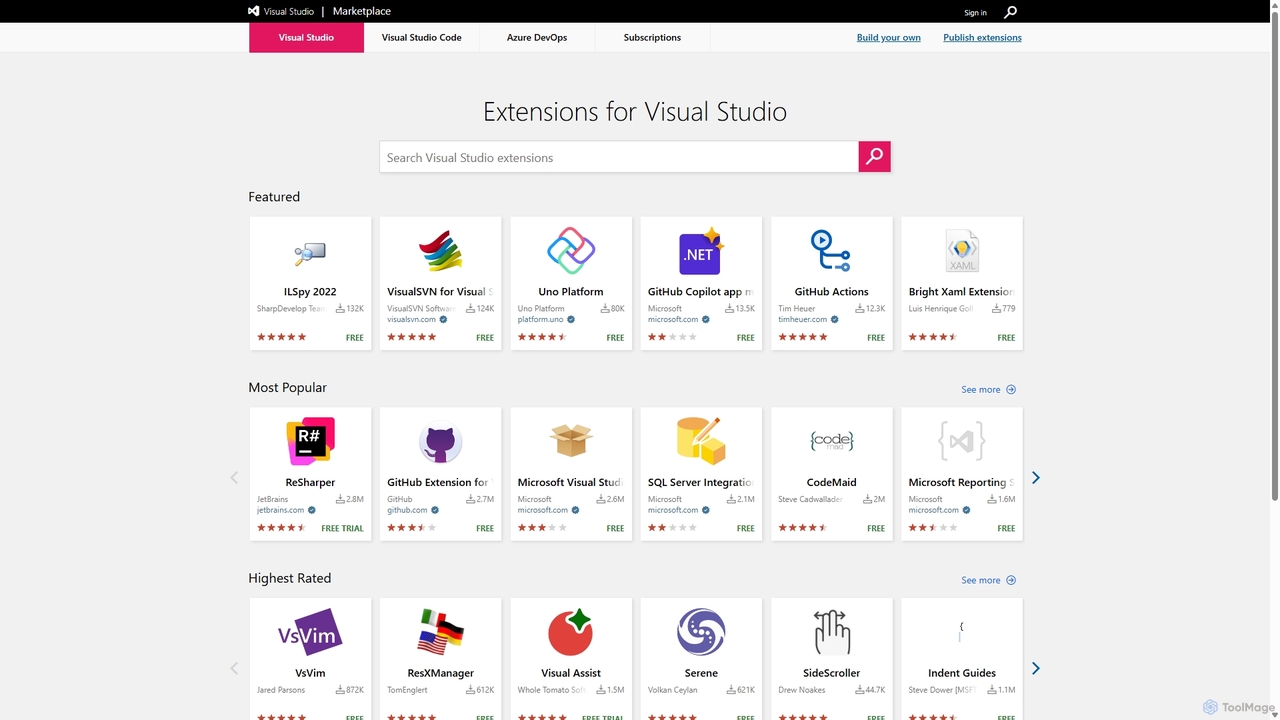
Visual Studio Marketplace Overview
The Visual Studio Marketplace is the central hub and official repository for extensions that enhance the capabilities of the entire Visual Studio family of products. It serves as a comprehensive platform for developers to discover, acquire, and manage add-ons for Visual Studio, Visual Studio Code, and Azure DevOps. With a vast library of thousands of extensions created by both Microsoft and a vibrant third-party community, the marketplace empowers developers to tailor their tools to their specific needs, streamline workflows, and integrate new technologies seamlessly into their development process.
From AI-powered coding assistants like GitHub Copilot to powerful debuggers, custom themes, language support packs, and DevOps integration tools, the marketplace offers a solution for nearly every development challenge. It is designed to be the go-to resource for boosting productivity and personalizing the coding experience, making it an indispensable tool for modern software development.
How to use Visual Studio Marketplace
Using the Visual Studio Marketplace is a straightforward and integrated experience:
- Discover Extensions: You can browse the marketplace directly via its website or access it from within your development environment (Visual Studio or VS Code). Use the powerful search bar to look for specific tools or browse through categories like 'Coding', 'Testing', 'AI', and 'Themes'.
- Evaluate and Select: Each extension has a dedicated page with a detailed description, version history, publisher information, user ratings, and reviews. This helps you make an informed decision before installing.
- Install Seamlessly: Installation is typically a one-click process. When browsing from within your IDE, clicking 'Install' will download and set up the extension automatically. If browsing the website, you'll be prompted to open the IDE to complete the installation.
- Manage Extensions: Once installed, you can easily manage all your extensions—update, disable, or uninstall them—through the 'Extensions' menu in Visual Studio or the Extensions view in VS Code.
Core Features of Visual Studio Marketplace
- Vast Extension Library: Access thousands of free and paid extensions covering a wide range of functionalities, from code linters and formatters to complete framework support.
- Unified Platform: Serves the entire Visual Studio ecosystem, including Visual Studio IDE, Visual Studio Code, and Azure DevOps, providing a consistent experience.
- Community-Driven Ratings and Reviews: Leverage insights from millions of developers to find the highest quality and most popular tools for your needs.
- Seamless IDE Integration: Install, update, and manage extensions directly from your development environment without disrupting your workflow.
- Publisher Portal: Allows developers and organizations to publish, manage, and promote their own extensions to a global audience.
- Advanced Search and Filtering: Easily find relevant extensions by filtering by product, category, rating, price, or sorting by popularity and release date.
- Support for AI and Machine Learning: Hosts a growing number of cutting-edge AI-powered extensions, such as GitHub Copilot, for intelligent code completion, analysis, and application modernization.
Use Cases for Visual Studio Marketplace
The marketplace caters to a diverse range of development roles and scenarios:
- Web Developers: Find extensions for JavaScript frameworks (React, Vue, Angular), CSS pre-processors, API clients, and browser debugging tools.
- Data Scientists: Enhance Python and R development with extensions for Jupyter notebooks, data visualization, and machine learning frameworks.
- DevOps Engineers: Integrate CI/CD pipelines with Azure DevOps extensions for code scanning (SonarQube), automated testing, infrastructure as code (Terraform), and release management.
- Backend Developers: Add support for new languages (Go, Rust), database management tools, and performance profilers for C#, Java, or Node.js.
- General Productivity: Customize the editor with themes, icon packs, keymaps (e.g., Vim emulation), and tools that automate repetitive coding tasks.
Advantages of Visual Studio Marketplace
Using the Visual Studio Marketplace offers significant benefits:
- Enhanced Productivity: Automate tasks, reduce manual effort, and accelerate the development lifecycle with specialized tools.
- Ultimate Customization: Tailor your IDE and DevOps environment to match your personal preferences and project requirements perfectly.
- Trusted and Secure: As the official platform, it provides a secure and reliable source for extensions, with publisher verification and user reviews.
- Access to Innovation: Stay at the forefront of technology by easily integrating the latest tools, frameworks, and AI-powered assistants.
- Strong Ecosystem: Benefit from a massive, active community of developers who create, maintain, and support a rich ecosystem of extensions.
Pricing and Plans
The Visual Studio Marketplace itself is a free platform to access and browse. The pricing models for the extensions within it are determined by their individual publishers and generally fall into three categories:
- Free: A vast majority of extensions are available at no cost, often developed as open-source projects or by the community.
- Freemium / Free Trial: Many commercial extensions offer a free version with basic features or a time-limited trial, allowing you to evaluate the tool before purchasing a license for premium features.
- Paid: Professional-grade extensions for enterprise or specialized use cases may require a one-time purchase or a recurring subscription.
Pricing details for each extension are clearly listed on its respective page in the marketplace.
Traffic
Latest traffic
Status
Monthly traffic trend
- 2025-9: 3.6M
- 2026-1: 4.0M
- 2026-2: 4.3M
- 2026-3: 5.2M
- 2026-4: 5.6M
- 2026-5: 5.0M
Geography
Top 5 countries / regions
- 🇺🇸United States39.6%
- 🇮🇳India29.1%
- 🇨🇳China15.2%
- 🇩🇪Germany9.2%
- 🇬🇧United Kingdom6.9%
Traffic sources
| Source type | Percentage |
|---|---|
Direct | 73.5% |
Referral | 25.7% |
Email | 0.8% |
Top keywords
| Keyword | Cost per click |
|---|---|
| codex | $4.45 |
| github copilot | $1.68 |
| markdown to pdf | $0.49 |
| markitdown | $3.31 |
| vscode marketplace | $5.14 |
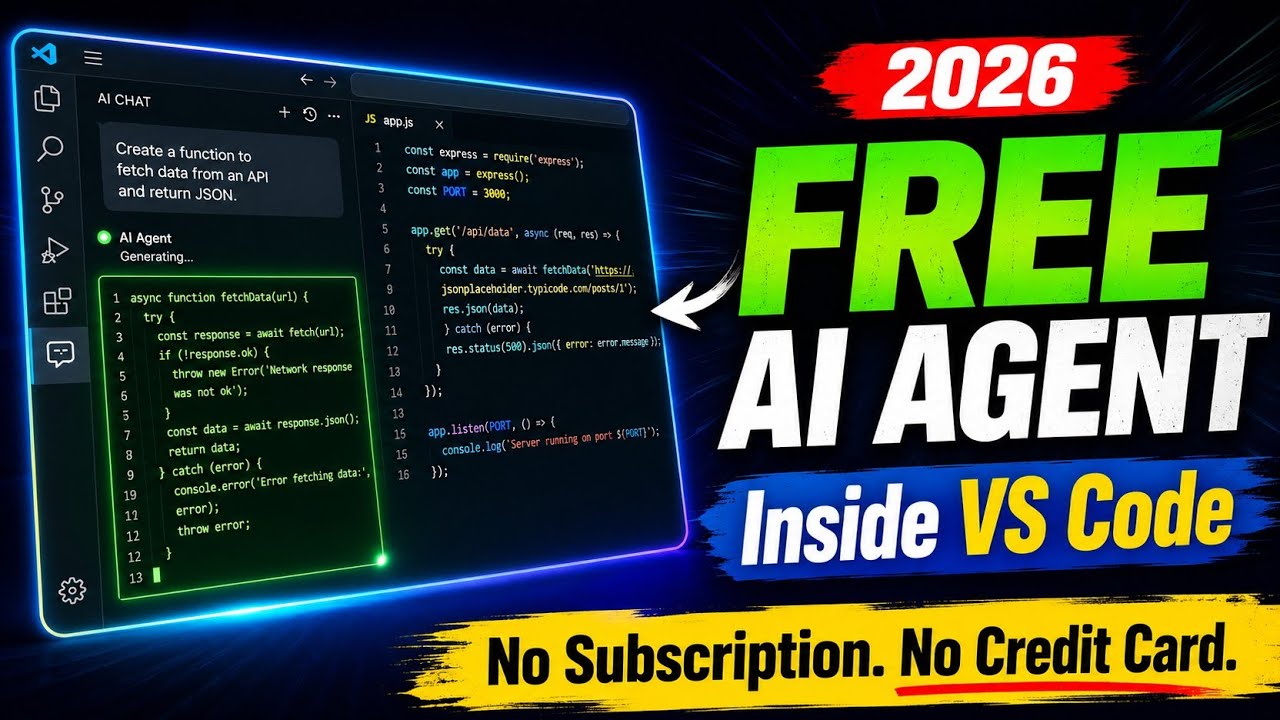
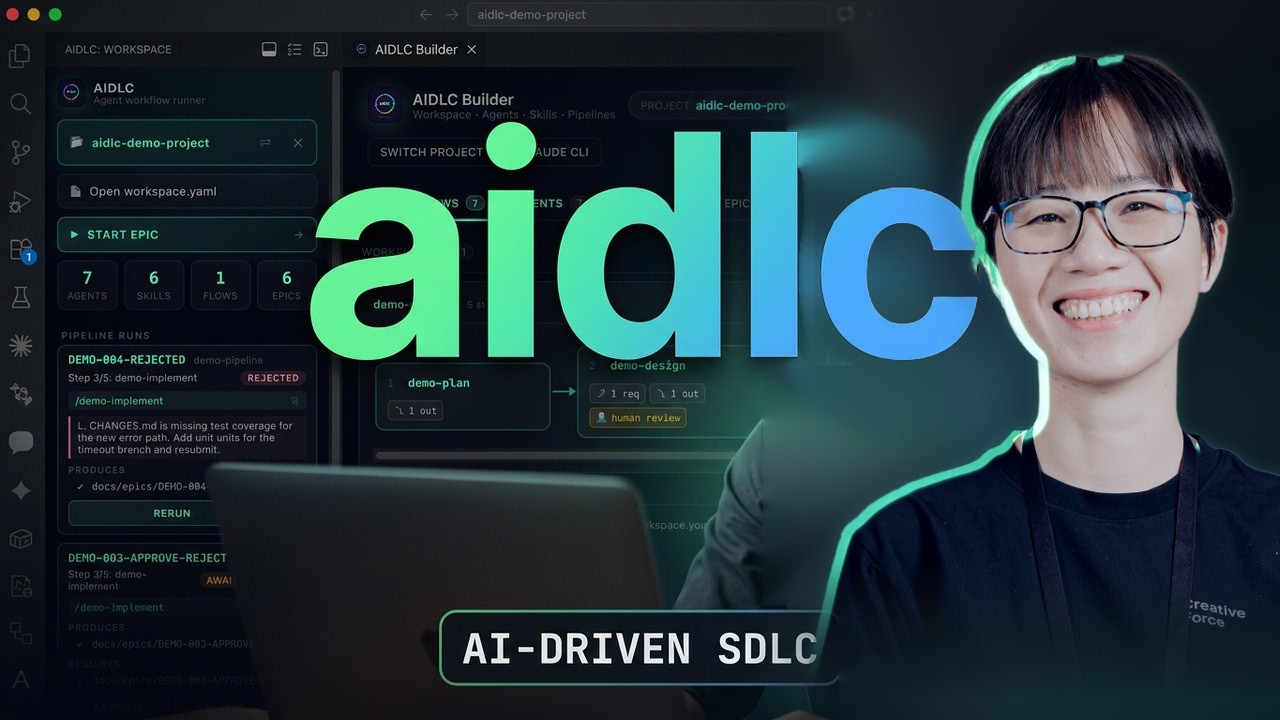
Visual Studio Marketplace Videos on YouTube

Visual Studio Marketplace Alternatives
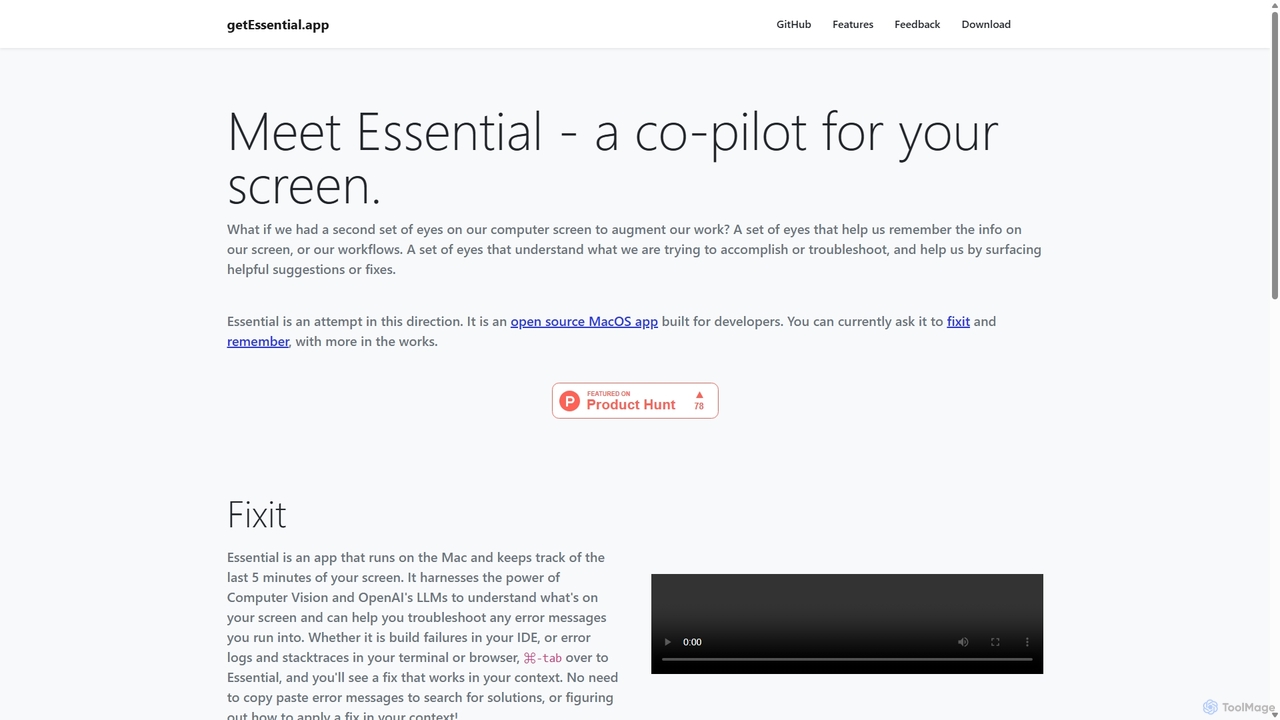
GetEssential
getEssential is an AI-powered Mac application that continuously records your screen to instantly troubleshoot errors. It uses Computer Vision and LLMs to analyze build failures, error logs, and stack traces, providing contextual fixes without manual searching. A productivity booster for developers and IT professionals.
Code Assistant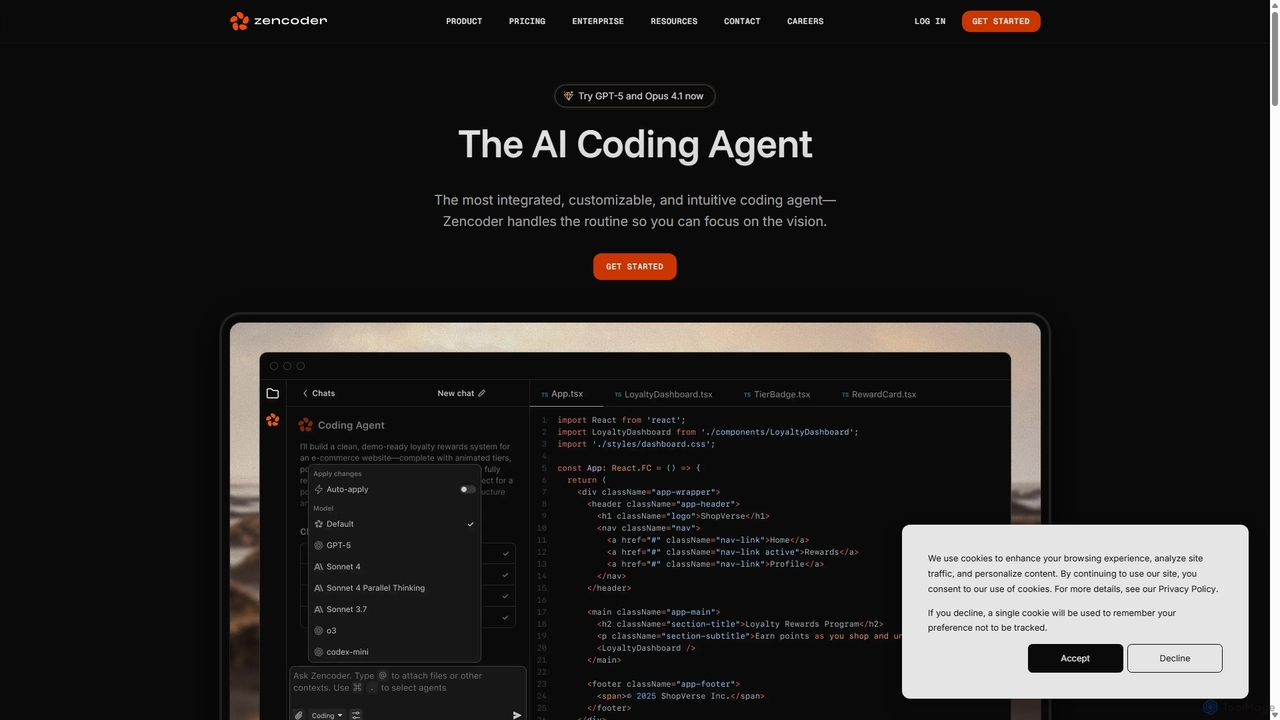
Zencoder
Zencoder is an advanced AI coding agent designed to automate routine development tasks. It deeply integrates into your workflow, understanding your entire codebase to implement features, write tests, fix bugs, and refactor code autonomously. With customizable 'Zen Agents' and seamless integration with VS Code, JetBrains, and over 100 developer tools, Zencoder empowers engineering teams to focus on innovation and ship products faster.
Code Assistant
Devgen
Devgen is an AI-powered coding assistant designed to accelerate the software development lifecycle. It helps developers write better code faster by providing intelligent code generation, completion, refactoring, and automated testing, directly within their IDE.
Code Assistant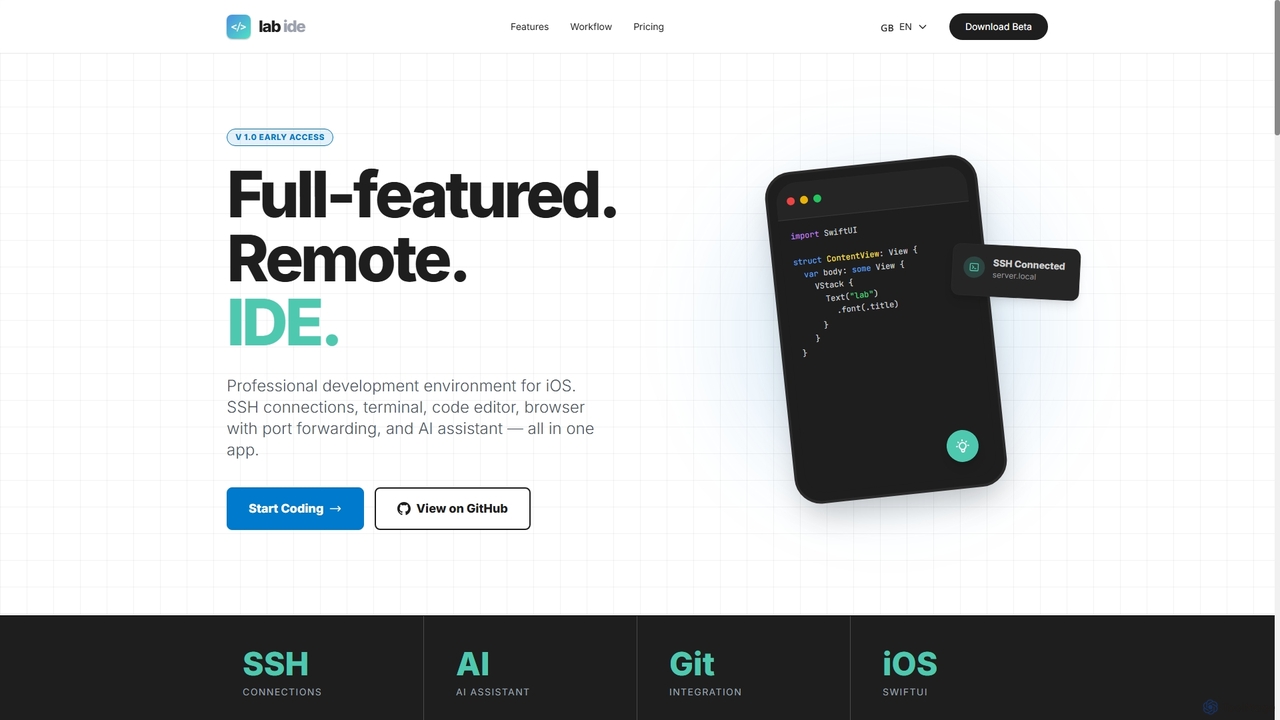
Lab
Lab is a professional mobile IDE for iOS/iPadOS, transforming your device into a powerful remote development workstation. It offers SSH connections, a multi-tab terminal, a code editor, a Git client, and an integrated AI assistant for coding, refactoring, and debugging directly on remote servers. With built-in browser port forwarding and smart web element selection, Lab streamlines mobile-first development workflows.
Mobile Ide
SentinelQA
SentinelQA is an AI-powered test intelligence platform designed to help developers and QA engineers fix CI/CD failures faster. It analyzes test runs to automatically identify flaky tests, detect regressions, and provide clear AI-generated summaries and actionable insights.
TestingVisual Studio Marketplace Categories
Visual Studio Marketplace Jobs
Visual Studio Marketplace Embed Widget
Copy this embed code to place the badge on your blog, article, or product site and send readers directly to this ToolMage detail page.

Related AI tools
GetEssential
getEssential is an AI-powered Mac application that continuously records your screen to instantly troubleshoot errors. It uses Computer Vision and LLMs to analyze build failures, error logs, and stack traces, providing contextual fixes without manual searching. A productivity booster for developers and IT professionals.
Code AssistantZencoder
Zencoder is an advanced AI coding agent designed to automate routine development tasks. It deeply integrates into your workflow, understanding your entire codebase to implement features, write tests, fix bugs, and refactor code autonomously. With customizable 'Zen Agents' and seamless integration with VS Code, JetBrains, and over 100 developer tools, Zencoder empowers engineering teams to focus on innovation and ship products faster.
Code AssistantLab
Lab is a professional mobile IDE for iOS/iPadOS, transforming your device into a powerful remote development workstation. It offers SSH connections, a multi-tab terminal, a code editor, a Git client, and an integrated AI assistant for coding, refactoring, and debugging directly on remote servers. With built-in browser port forwarding and smart web element selection, Lab streamlines mobile-first development workflows.
Mobile IdeDevgen
Devgen is an AI-powered coding assistant designed to accelerate the software development lifecycle. It helps developers write better code faster by providing intelligent code generation, completion, refactoring, and automated testing, directly within their IDE.
Code Assistant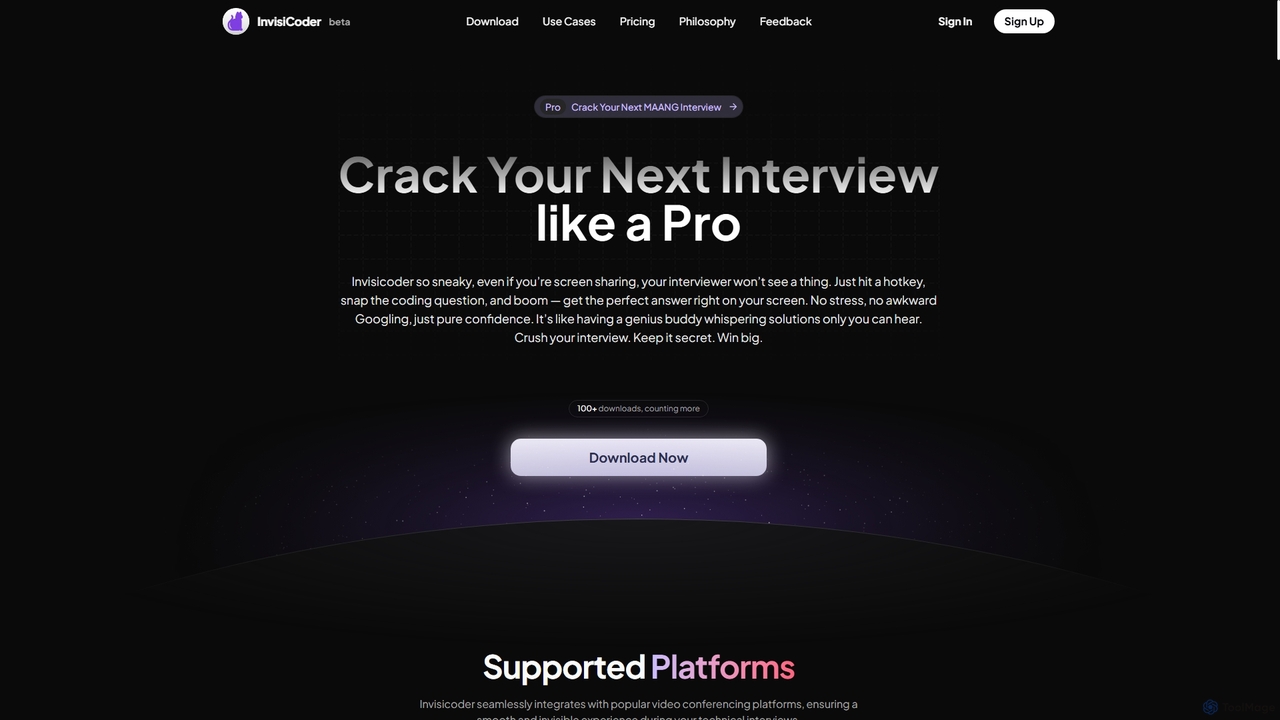
InvisiCoder
InvisiCoder is an AI-powered invisible coding assistant designed to help professionals confidently navigate technical interviews, including MAANG-level challenges, by providing real-time, discreet code suggestions and problem-solving support.
Interview Preparation
Cursor
Cursor is an AI-first code editor designed for modern software development. Built as a fork of VS Code, it integrates powerful AI capabilities directly into the editing experience, allowing developers to chat with their codebase, generate, edit, and debug code with unprecedented speed and context-awareness.
Code Generation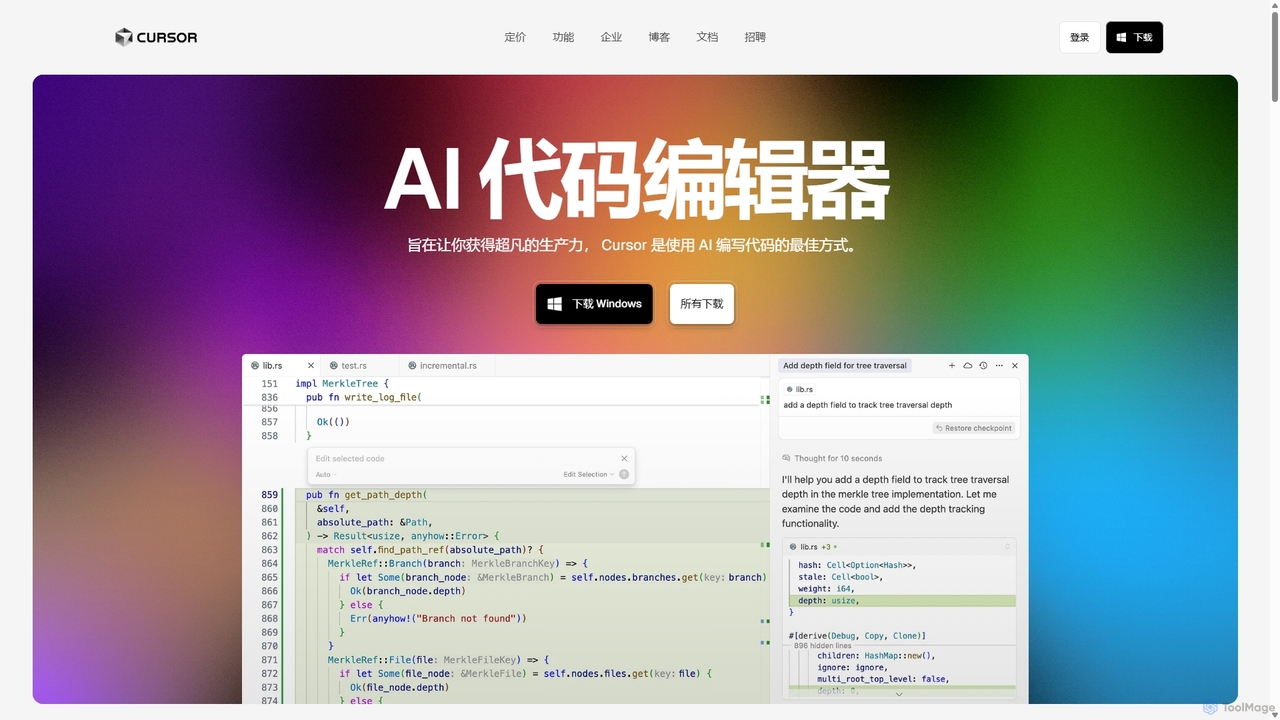
Cursor
Cursor is an AI-first code editor designed for pair-programming with artificial intelligence. Built as a fork of VS Code, it offers a familiar environment supercharged with advanced AI capabilities for code generation, editing, debugging, and codebase comprehension, aiming to significantly boost developer productivity.
Code Assistant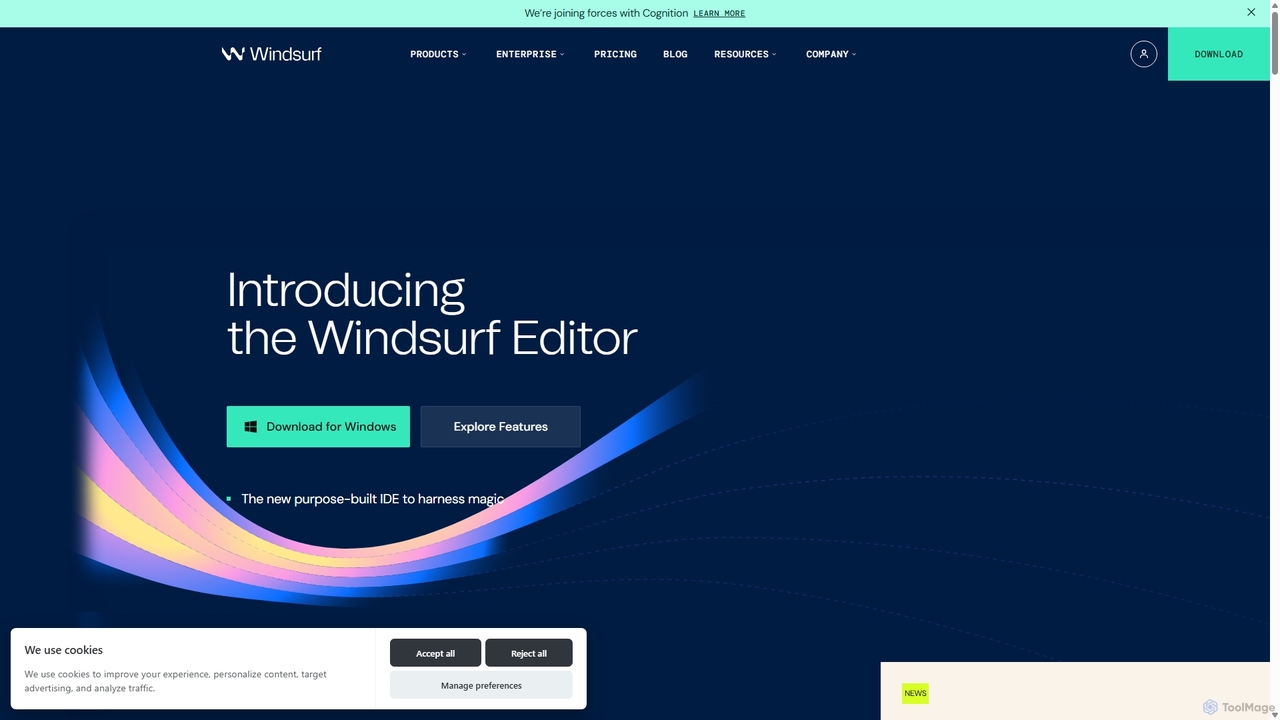
Codeium
Codeium is an AI-powered code acceleration toolkit that provides free, ultra-fast code completion, in-editor chat, and other intelligent features. It supports over 70 programming languages and integrates seamlessly with more than 40 popular IDEs to help developers code faster and more efficiently.
Code Assistant
Cosmicup
Cosmicup is an all-in-one AI platform offering unlimited access to a wide array of advanced AI models like ChatGPT 5, Claude 4.5, Gemini 2.5, and Grok 4 through a single subscription. It streamlines workflows with features including multi-model interaction, code assistance, document analysis, real-time web search, deep research, and AI image generation, eliminating the need for multiple subscriptions.
Multimodal Ai
Codebay
Codebay is an AI-powered development platform designed to accelerate the entire software lifecycle. It acts as an intelligent co-pilot for developers, offering advanced features for code generation, automated review, intelligent debugging, and seamless integration with existing workflows to enhance productivity and code quality.
Code Generation
Rebolt
Rebolt is an AI-powered platform designed to automate the entire software development lifecycle. It helps developer and DevOps teams build, test, and deploy applications faster and more reliably by leveraging AI for CI/CD pipeline optimization, code generation, and intelligent monitoring.
Code Assistant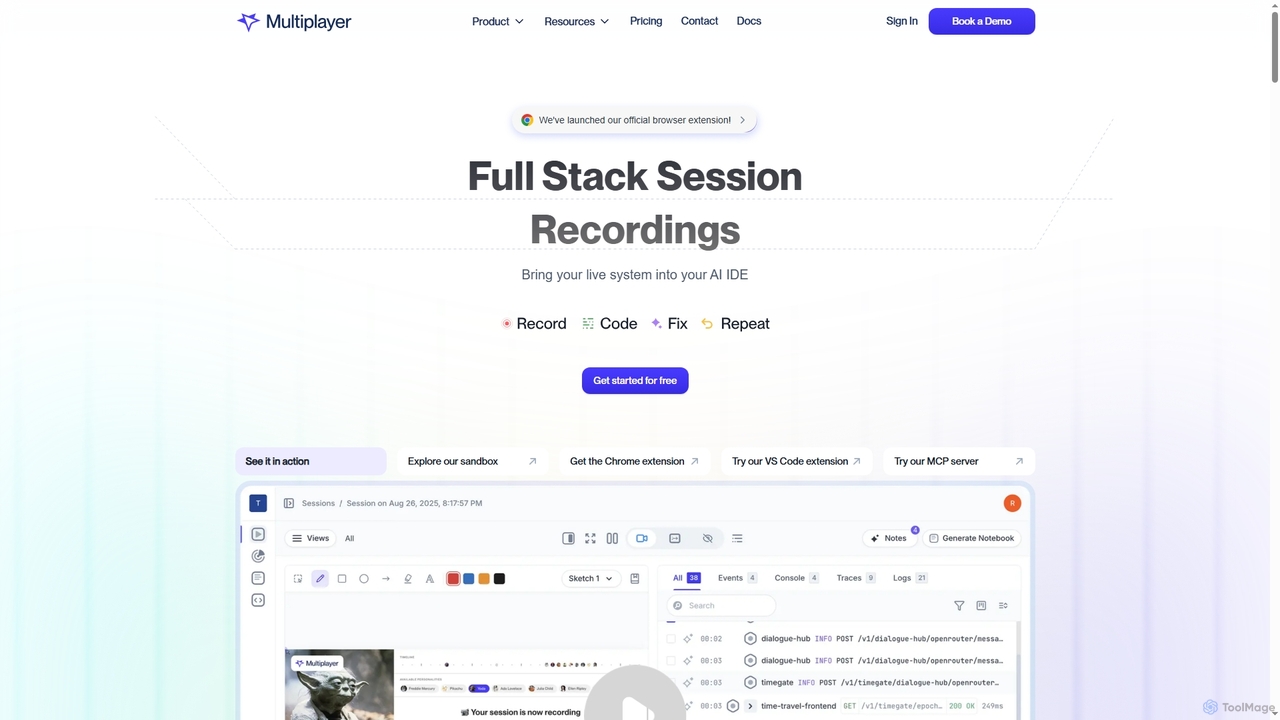
Multiplayer
Multiplayer is a full-stack session recording platform that captures frontend and backend data, providing complete context for debugging, testing, and AI-powered feature development. It integrates seamlessly with AI IDEs and engineering workflows to accelerate problem resolution and build new features with confidence.
Ai Integration
Raycast
Raycast is a blazingly fast, extensible launcher for macOS that supercharges your productivity. It acts as a central command bar to control your tools, with integrated AI, an extensive extension store, and powerful built-in features like window management and clipboard history. It's designed to reduce context switching and keep you in the flow.
Personal Assistant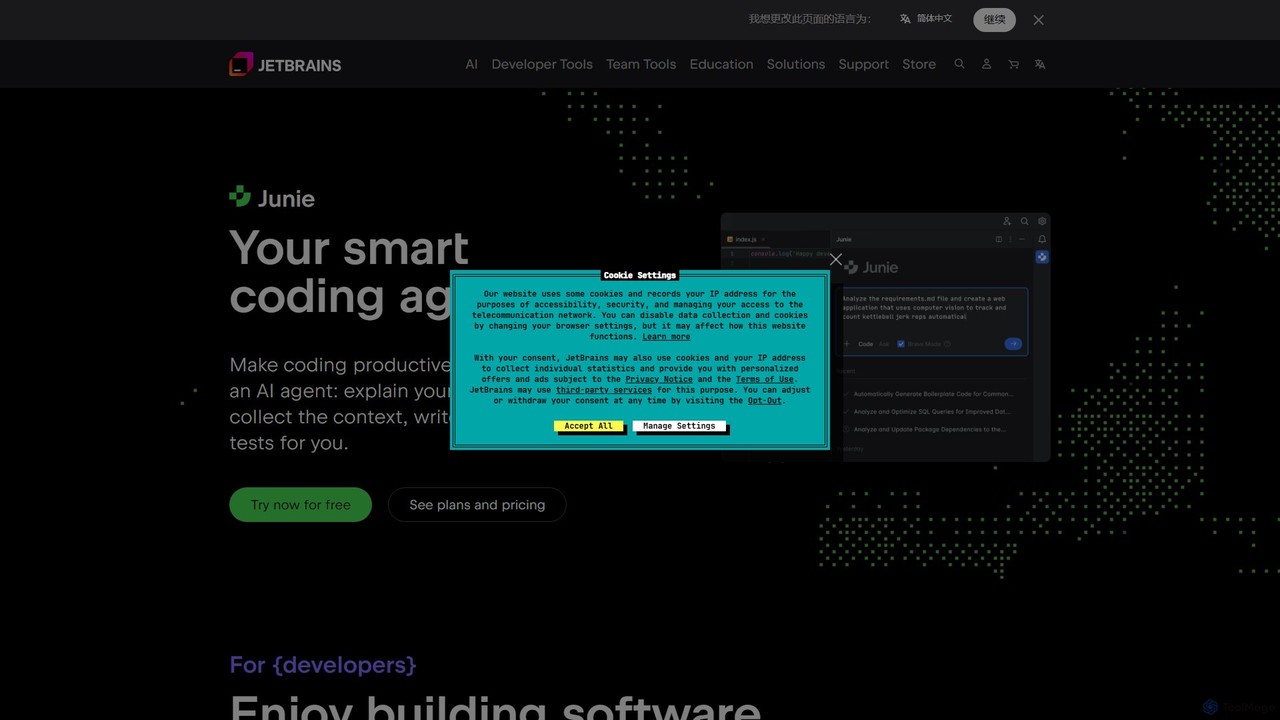
JetBrains
JetBrains provides a comprehensive suite of intelligent tools for software developers and teams, including powerful IDEs and an integrated AI Assistant. It enhances productivity with smart code completion, refactoring, and bug detection, streamlining the entire development lifecycle from coding to deployment. It supports a wide range of languages and offers robust team collaboration platforms.
Integrated Development Environment
ClawCloud Run
ClawCloud Run is a cloud-native development platform designed to simplify the application lifecycle. It enables developers to build, deploy, manage, and run applications in a unified cloud environment without writing complex YAML files. Featuring a visual canvas, one-click templates, and integrated database management, it accelerates the go-to-market process.
Platform As A Service
Visual Studio Marketplace Comments (0)
Sign in to comment.
Sign inNo comments yet.