
Lab Overview
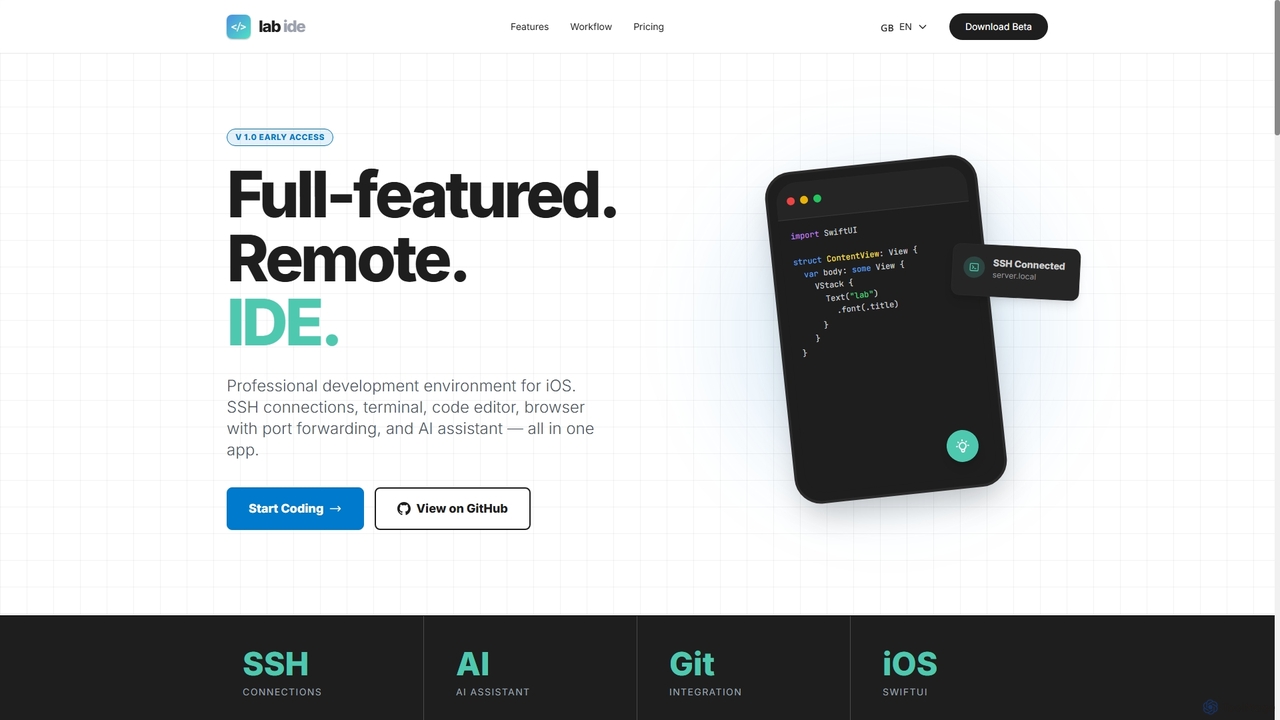
Lab is an innovative, full-featured remote development environment designed specifically for iOS and iPadOS. It empowers developers to turn their mobile devices into robust workstations, enabling professional coding and debugging tasks directly from an iPhone or iPad. By integrating essential development tools like SSH connections, a multi-tab terminal, a code editor, and a Git client, Lab provides a comprehensive platform for managing remote server projects. Its unique AI assistant, operating directly on your server via SSH, offers intelligent support for code generation, refactoring, and debugging, understanding project context and even analyzing visual information from screenshots.
How to use Lab
To use Lab, download the app on your iOS or iPadOS device. Establish SSH connections to your remote macOS or Linux servers using password or key authentication. Utilize the multi-tab terminal for command-line operations and the integrated code editor for file modifications. For web development, leverage the built-in browser with SSH port forwarding to test applications running on your remote server directly on your iPhone. Engage the AI assistant by sending code snippets, project context, or even bug screenshots for intelligent analysis and direct code manipulation on the server. The smart selection feature allows you to pick web elements from a browser, extract their HTML, and send them to the AI for analysis or implementation.
Core Features of Lab
- Remote Development Environment: Full-featured IDE for iOS/iPadOS, optimized for macOS and Linux servers (Windows not supported).
- SSH & Multi-Terminal: Multiple SSH connections with password/key authentication, multi-tab terminal based on SwiftTerm, local network device auto-discovery (Bonjour).
- Integrated AI Assistant: CLI integration on the remote server for code generation, refactoring, debugging; understands project structure/context, analyzes screenshots/files, performs direct code work (creates/edits files, executes commands, commits changes).
- Code Editor & Git Client: Native code editor and a built-in Git client for version control.
- Browser with Port Forwarding: Built-in browser for testing web apps on remote servers directly on iPhone, supports multiple tabs, session saving, screenshots, and fullscreen.
- Smart Selection: Unique element picker to extract full HTML with styles from web pages, copy code, save as snippets, and send to AI assistant.
- Built-in Tools: Includes Remote Control and System Monitor for professional work.
Use Cases for Lab
Lab is ideal for software developers, web developers, and system administrators who require a portable and powerful development environment. It's perfect for on-the-go coding, quick bug fixes on remote servers, managing server configurations, and testing web applications from mobile devices. Developers can leverage the AI assistant for accelerated coding, intelligent debugging, and understanding complex project structures. Its remote capabilities make it suitable for professionals working with distributed teams or needing to access development environments from various locations without carrying a laptop.
Advantages of Lab
Lab offers unparalleled mobility and flexibility, transforming an iPhone or iPad into a professional development workstation. Its deep integration of SSH, terminal, code editor, and Git client within a native SwiftUI app provides a seamless and efficient workflow. The on-server AI assistant significantly boosts productivity by offering intelligent coding support directly within the development context. The built-in browser with port forwarding eliminates the need for external services, ensuring secure and direct testing of web applications. Furthermore, features like smart selection and local network auto-discovery enhance the overall development experience, making remote work more accessible and powerful.
Pricing and Plans
Lab offers a Free plan with basic functionality, allowing a maximum of 2 servers, 2 simultaneous terminals, and 1 tunnel, along with browser and devtools access. A Pro plan is coming soon, which will include all Free features plus unlimited terminals, tunnels, and servers. For teams, an Enterprise plan is available with custom features, support, and consulting; interested users should contact Lab for details. The app is free to download and does not require an initial subscription.
Lab FAQ
Lab Alternatives
Visual Studio Marketplace
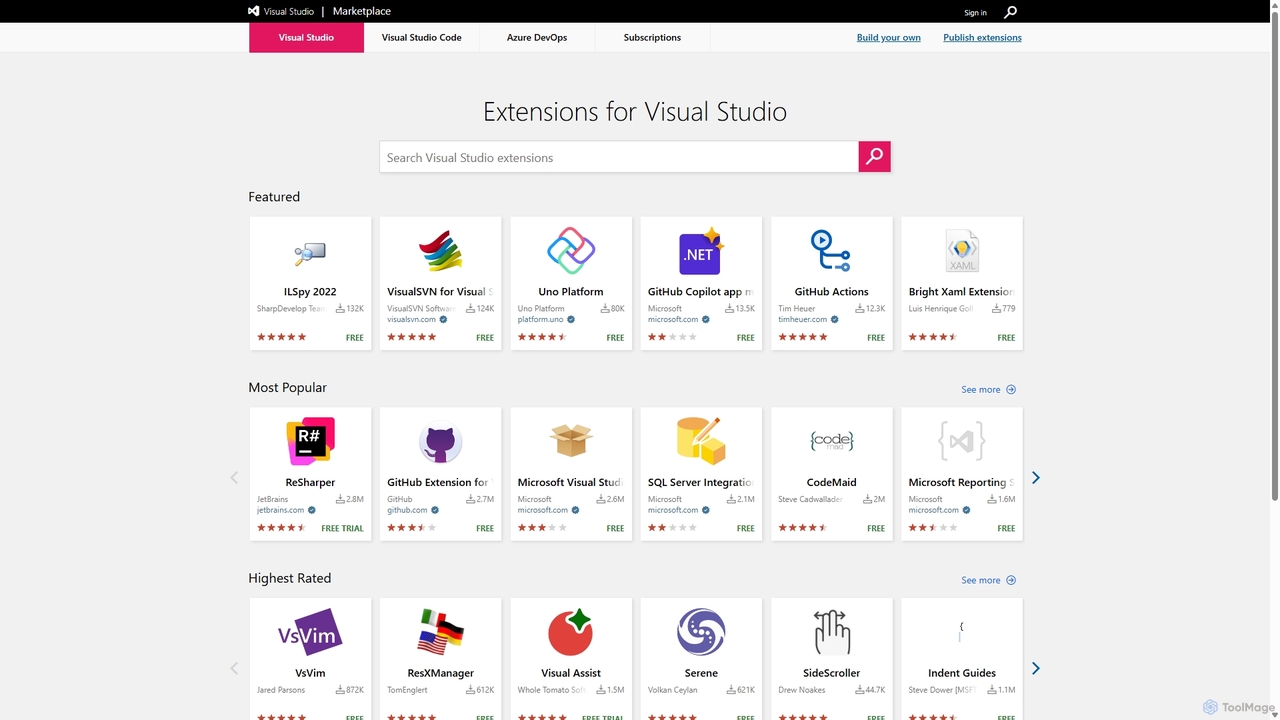
The official marketplace for discovering and installing thousands of extensions for the Visual Studio family of products, including Visual Studio, VS Code, and Azure DevOps. Enhance productivity, add new features, and customize your development environment with tools from Microsoft and the community.
Machine Learning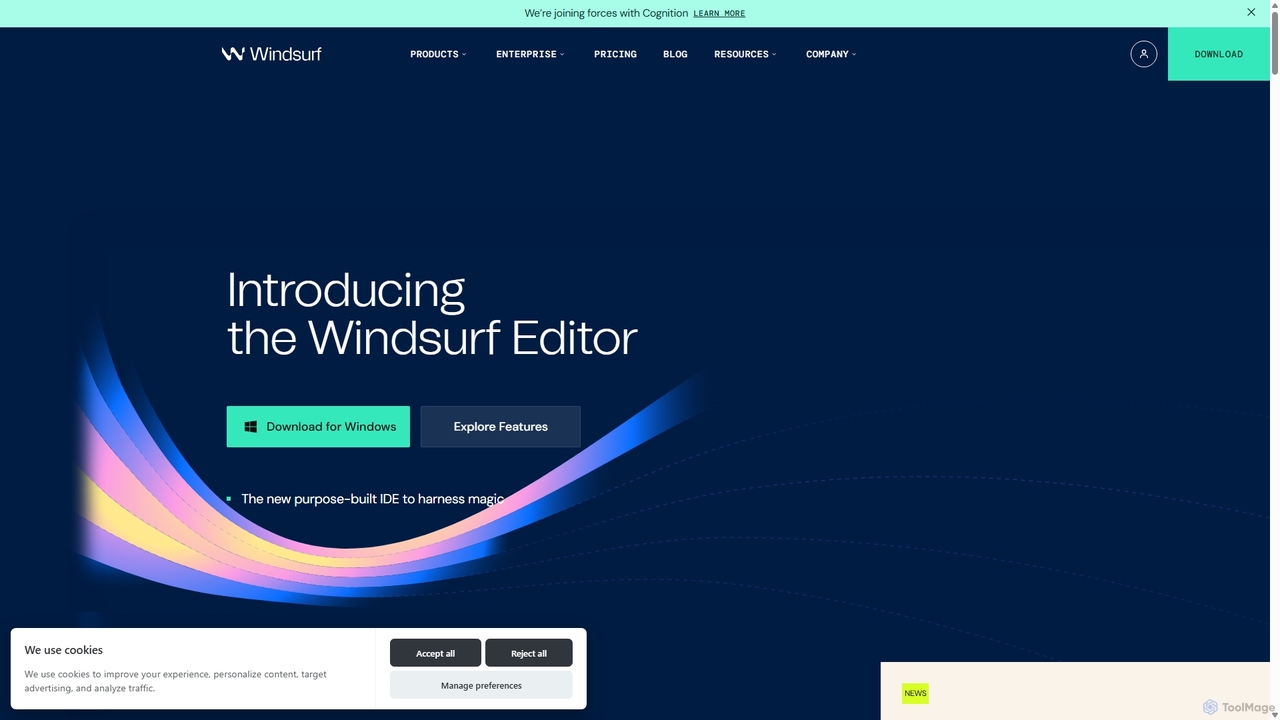
Codeium
Codeium is an AI-powered code acceleration toolkit that provides free, ultra-fast code completion, in-editor chat, and other intelligent features. It supports over 70 programming languages and integrates seamlessly with more than 40 popular IDEs to help developers code faster and more efficiently.
Code Assistant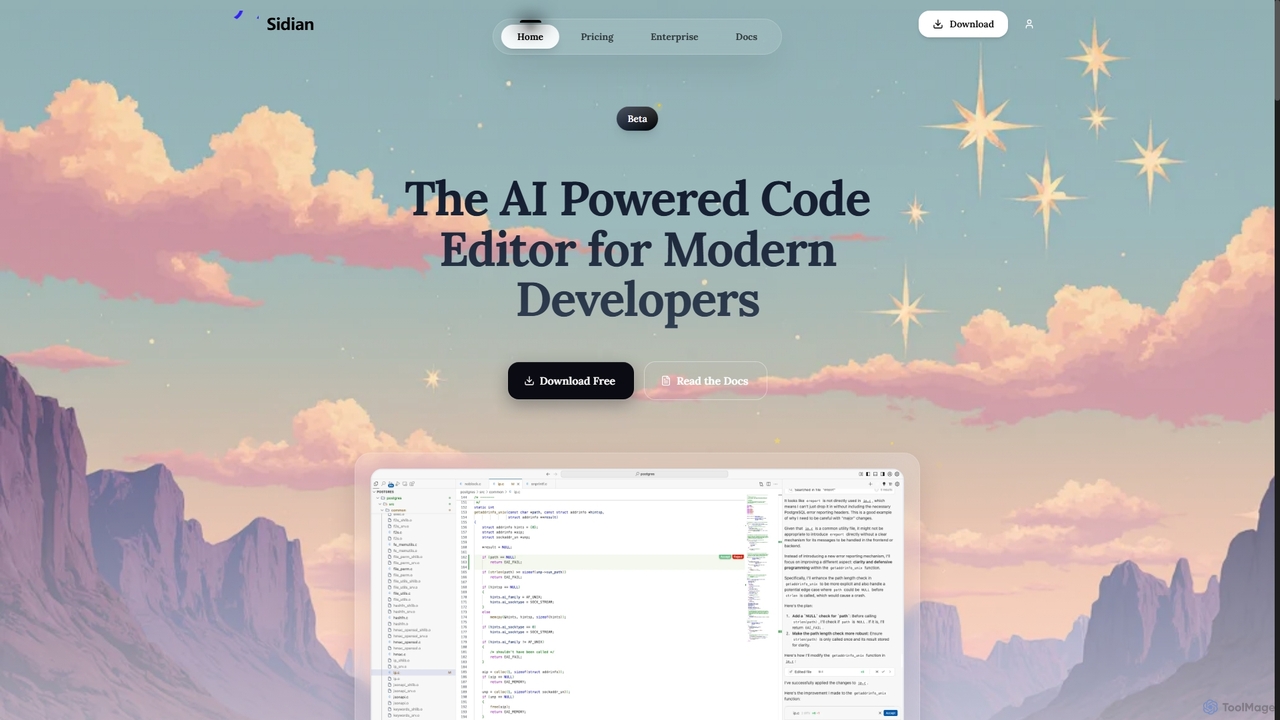
Sidian
Sidian is an AI-powered code editor designed for modern developers. It features a sophisticated context engine that rapidly understands complex codebases, integrates with major AI providers like OpenAI and Google, and supports local models for enhanced privacy and flexibility.
Code Generation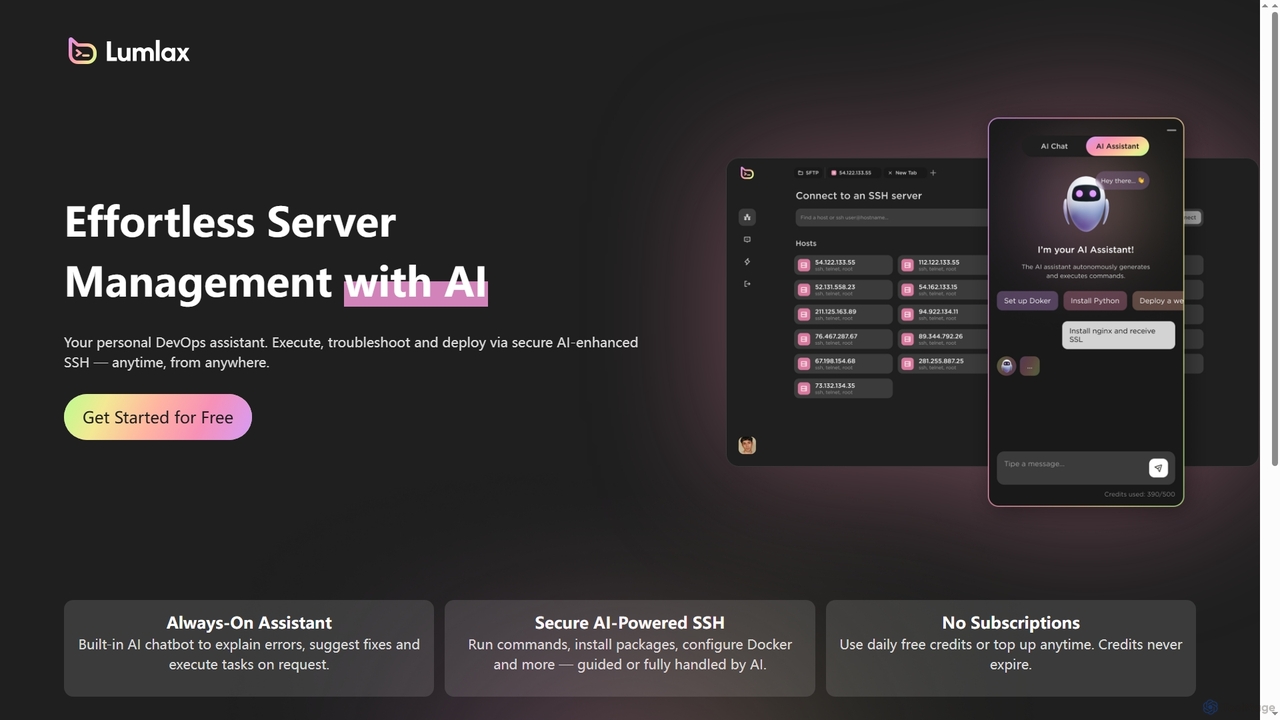
Lumlax
Lumlax is an AI-enhanced SSH application designed for effortless server management. It acts as a personal DevOps assistant, enabling developers to execute commands, troubleshoot issues, and deploy applications securely from anywhere. With its built-in AI chatbot, Lumlax explains errors, suggests fixes, and automates tasks, streamlining operations and boosting productivity.
Devops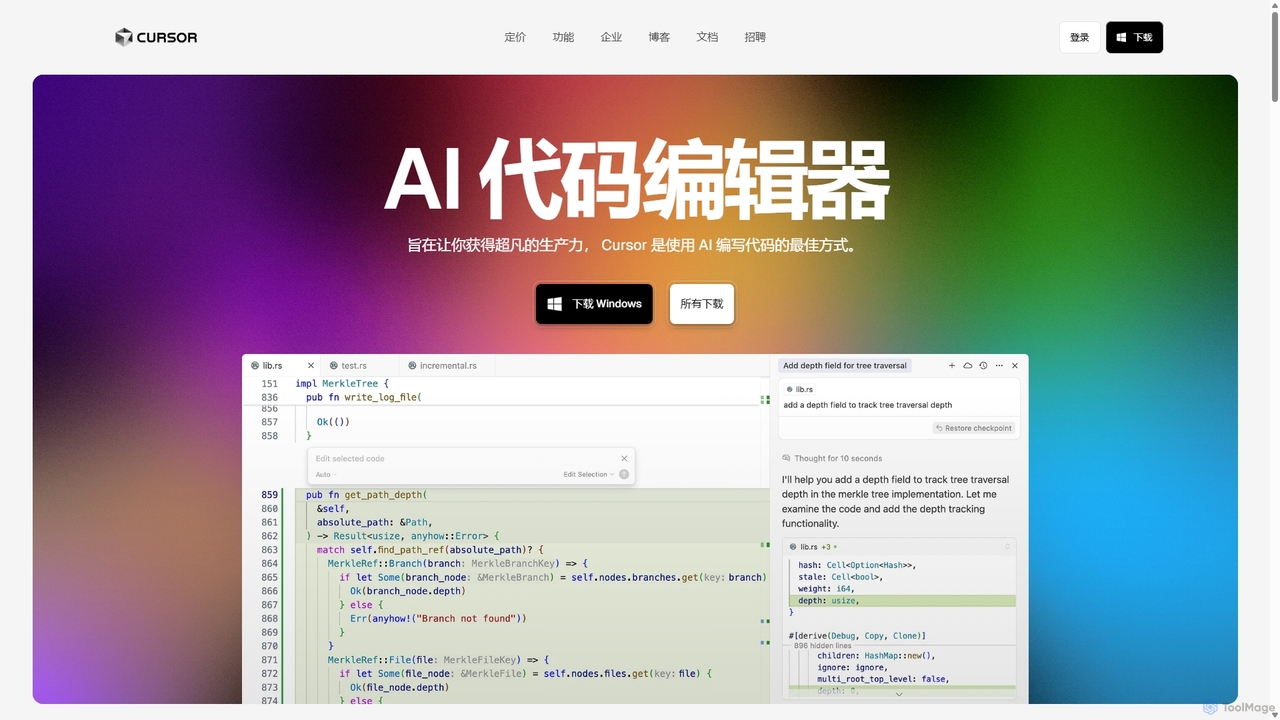
Cursor
Cursor is an AI-first code editor designed for pair-programming with artificial intelligence. Built as a fork of VS Code, it offers a familiar environment supercharged with advanced AI capabilities for code generation, editing, debugging, and codebase comprehension, aiming to significantly boost developer productivity.
Code AssistantLab Categories
Lab Jobs
Lab Embed Widget
Copy this embed code to place the badge on your blog, article, or product site and send readers directly to this ToolMage detail page.

Related AI tools
Visual Studio Marketplace
The official marketplace for discovering and installing thousands of extensions for the Visual Studio family of products, including Visual Studio, VS Code, and Azure DevOps. Enhance productivity, add new features, and customize your development environment with tools from Microsoft and the community.
Machine LearningLumlax
Lumlax is an AI-enhanced SSH application designed for effortless server management. It acts as a personal DevOps assistant, enabling developers to execute commands, troubleshoot issues, and deploy applications securely from anywhere. With its built-in AI chatbot, Lumlax explains errors, suggests fixes, and automates tasks, streamlining operations and boosting productivity.
Devops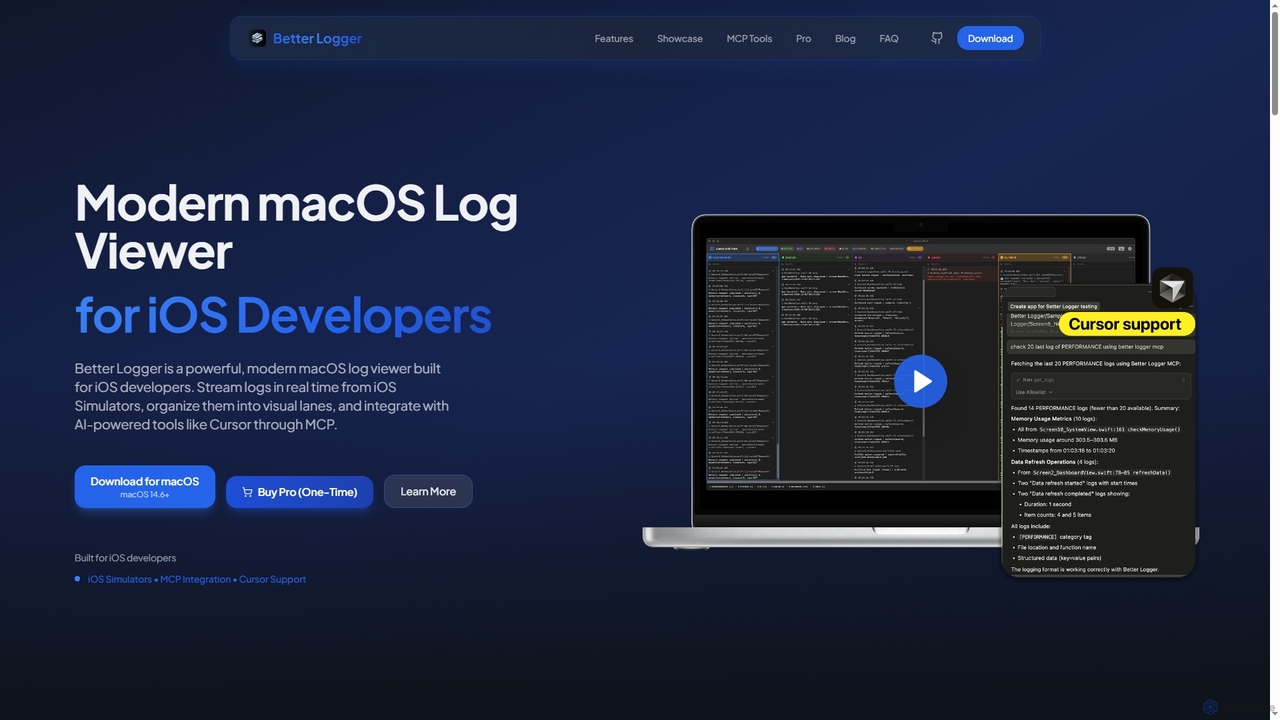
BetterLogger
BetterLogger is a powerful, modern macOS log viewer designed for iOS developers. It streams real-time logs from iOS Simulators, organizes them into visual lanes, and integrates with AI-powered tools like Cursor via MCP for enhanced debugging.
Macos Utilities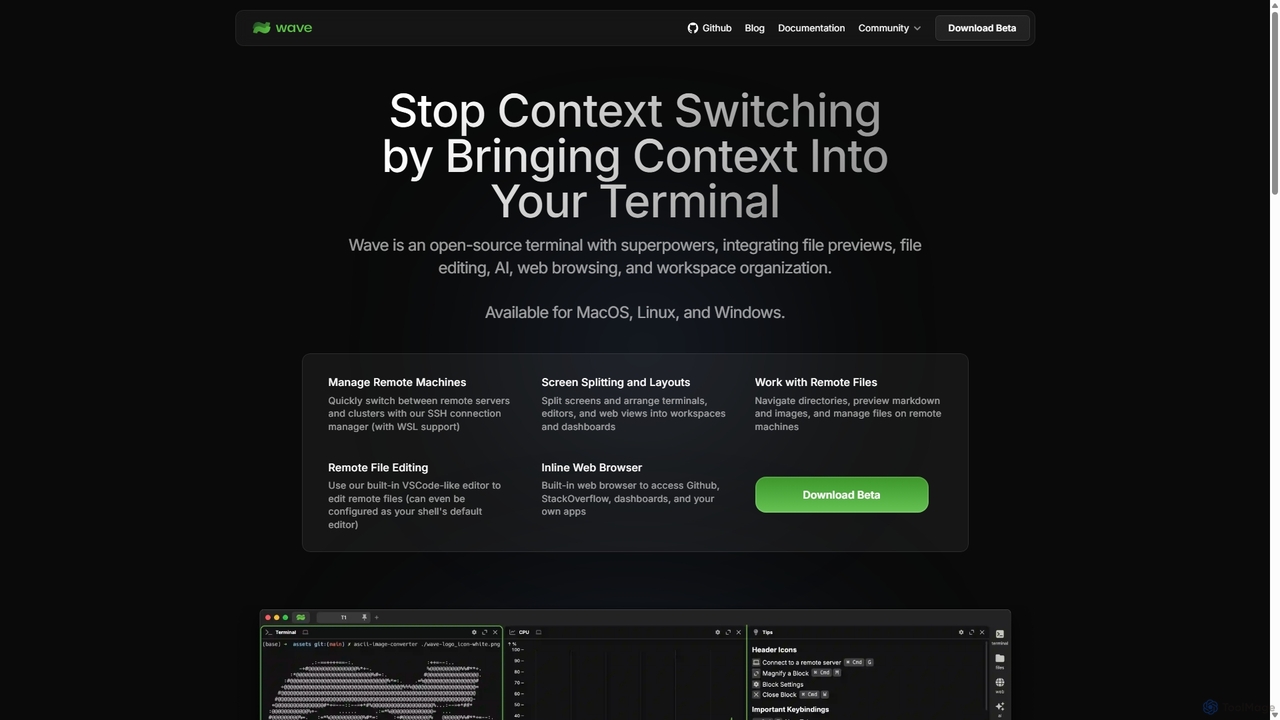
Waveterm
Waveterm is an open-source, modern terminal designed for developers and DevOps engineers. It enhances the command-line experience by integrating AI-powered assistance, a VSCode-like editor, inline file previews, a web browser, and customizable dashboards. This all-in-one workspace reduces context switching and boosts productivity across macOS, Windows, and Linux.
Code Assistant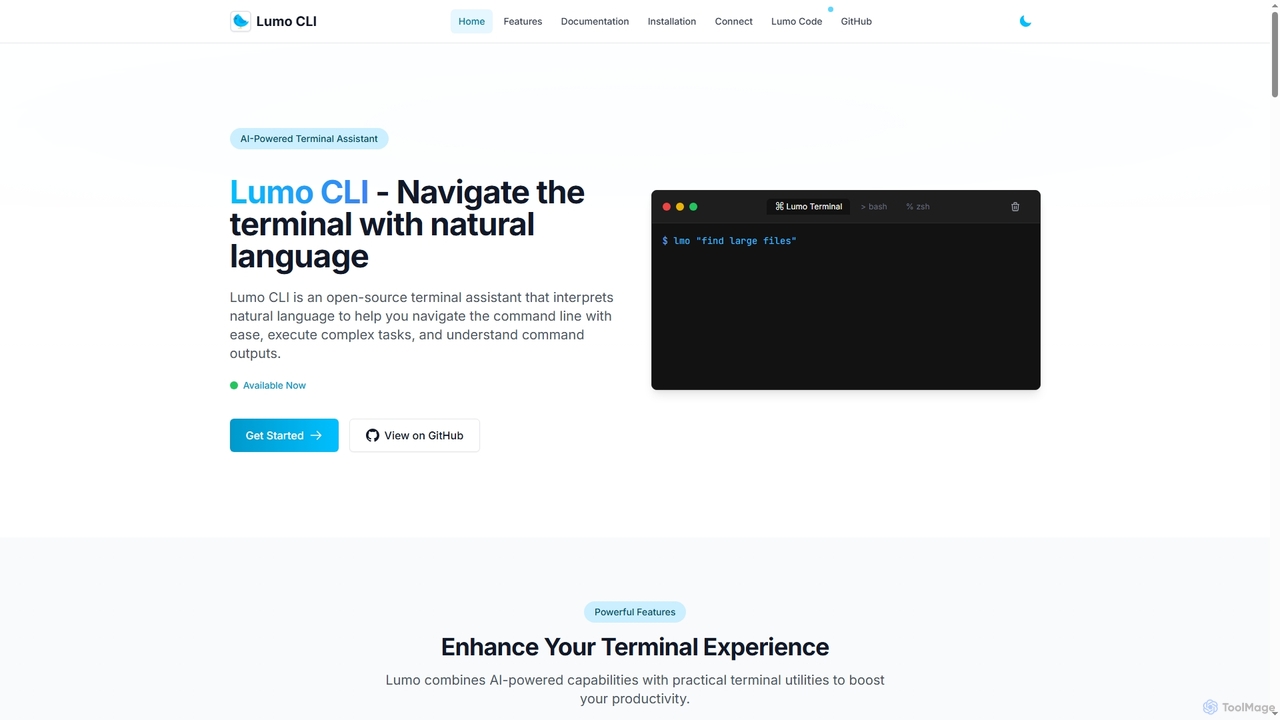
Lumo
Lumo is an open-source, AI-powered terminal assistant that allows users to interact with the command line using natural language. It translates plain English into executable commands, automates complex tasks, monitors system health, and supports multiple AI models including Gemini, OpenAI, and Ollama for local inference.
Code Assistant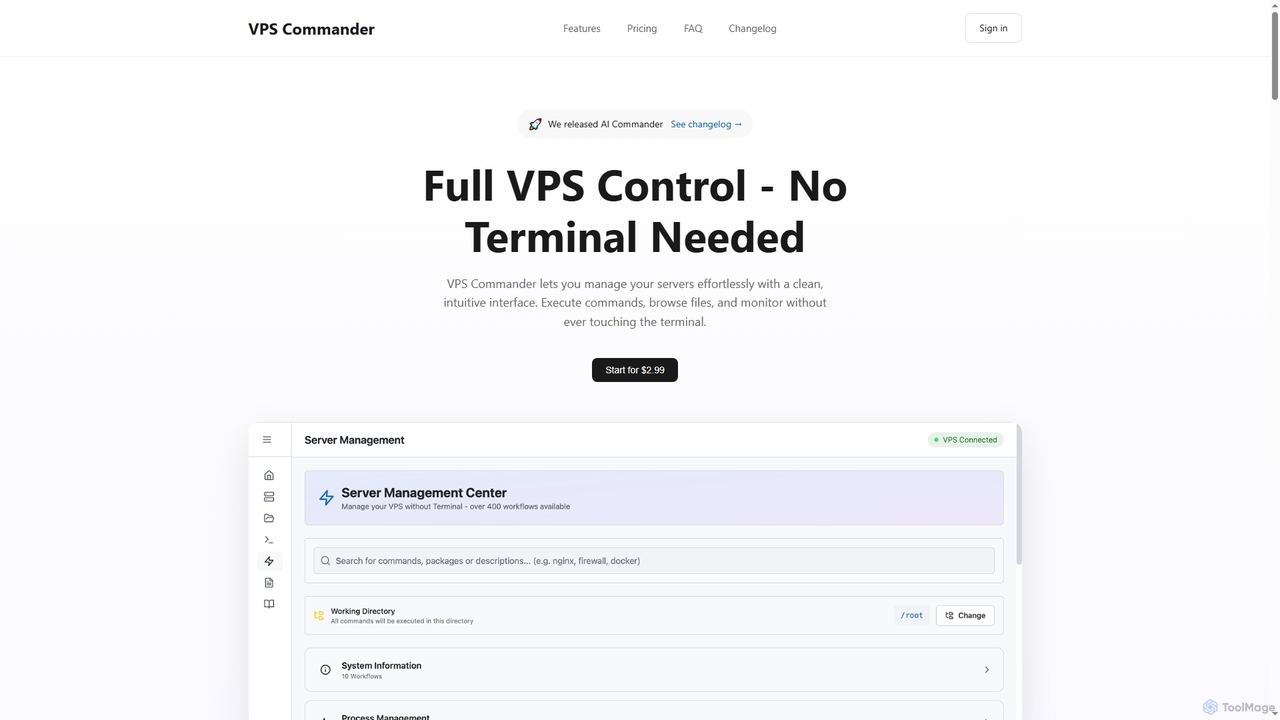
VPS Commander
VPS Commander simplifies complex server management, transforming intricate terminal commands into intuitive clicks. It offers a modern interface for managing workflows, files, and processes, empowering anyone to control their Virtual Private Servers without needing command-line expertise.
Cloud Management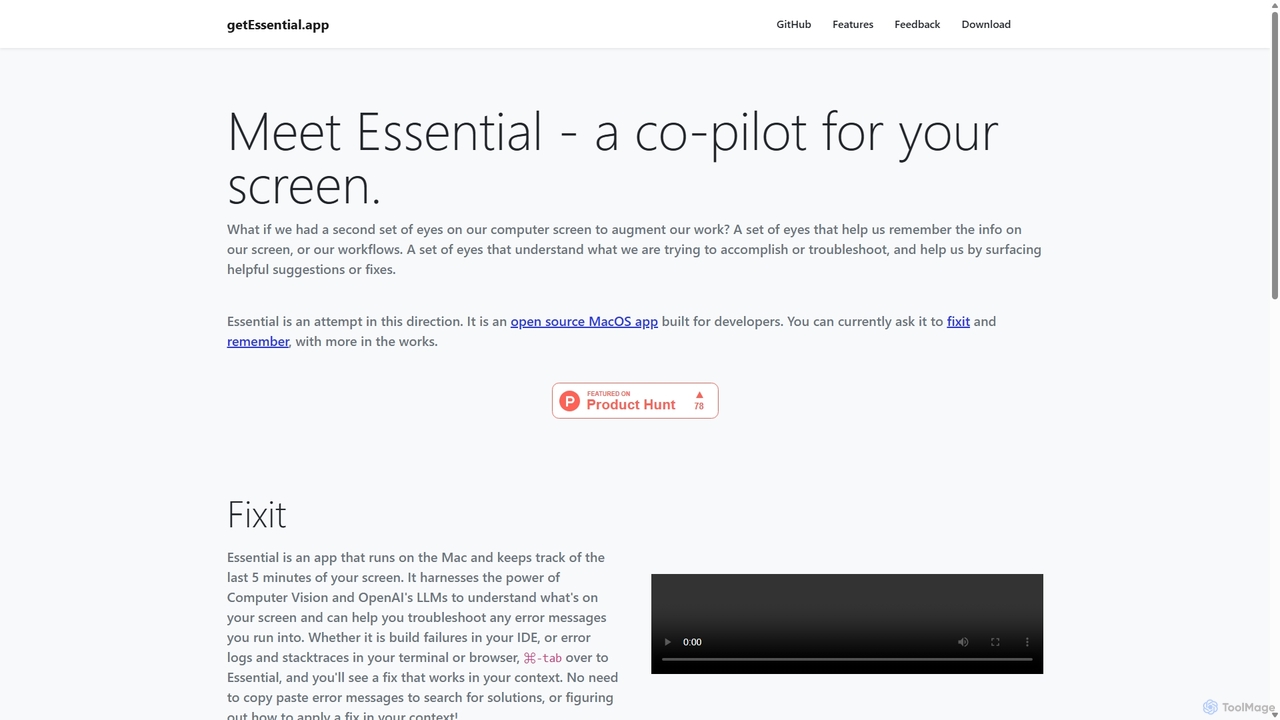
GetEssential
getEssential is an AI-powered Mac application that continuously records your screen to instantly troubleshoot errors. It uses Computer Vision and LLMs to analyze build failures, error logs, and stack traces, providing contextual fixes without manual searching. A productivity booster for developers and IT professionals.
Code Assistant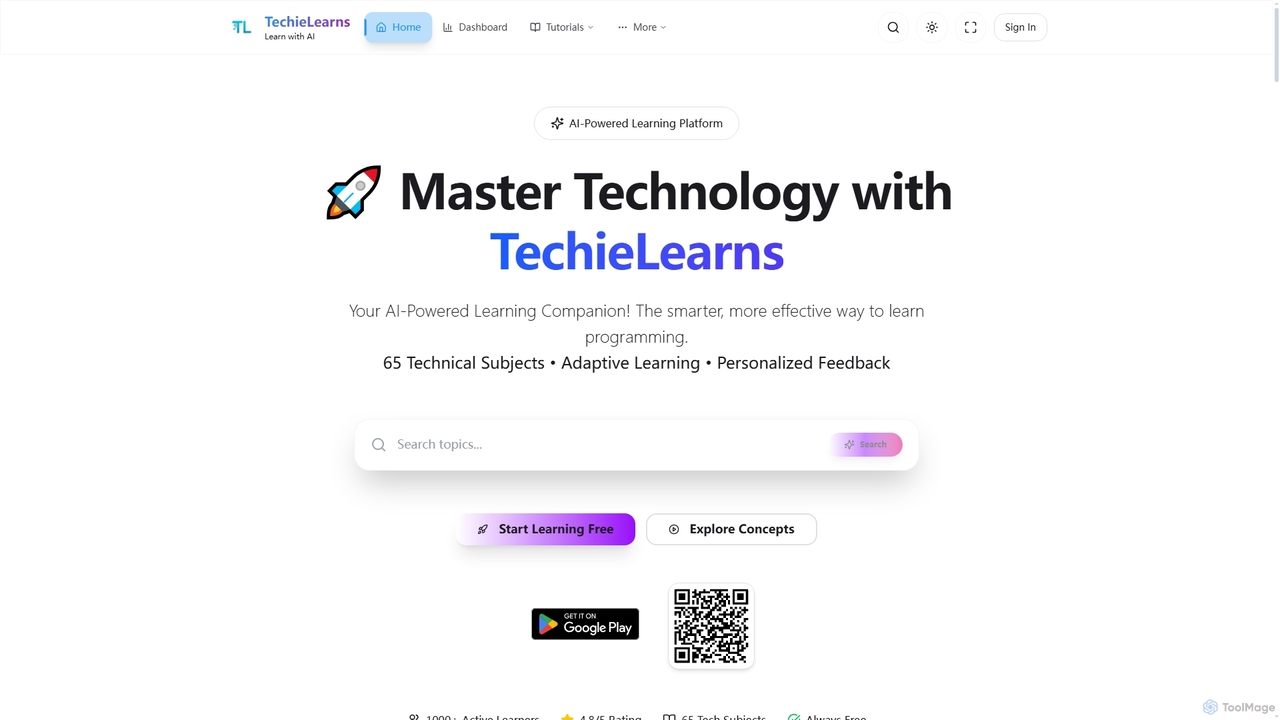
TechieLearns
TechieLearns is an AI-powered learning platform designed to help individuals master programming and various technical subjects through adaptive lessons, interactive coding practice, and personalized feedback. It offers a comprehensive, engaging, and always-free learning experience for all skill levels.
Personalized LearningSidian
Sidian is an AI-powered code editor designed for modern developers. It features a sophisticated context engine that rapidly understands complex codebases, integrates with major AI providers like OpenAI and Google, and supports local models for enhanced privacy and flexibility.
Code Generation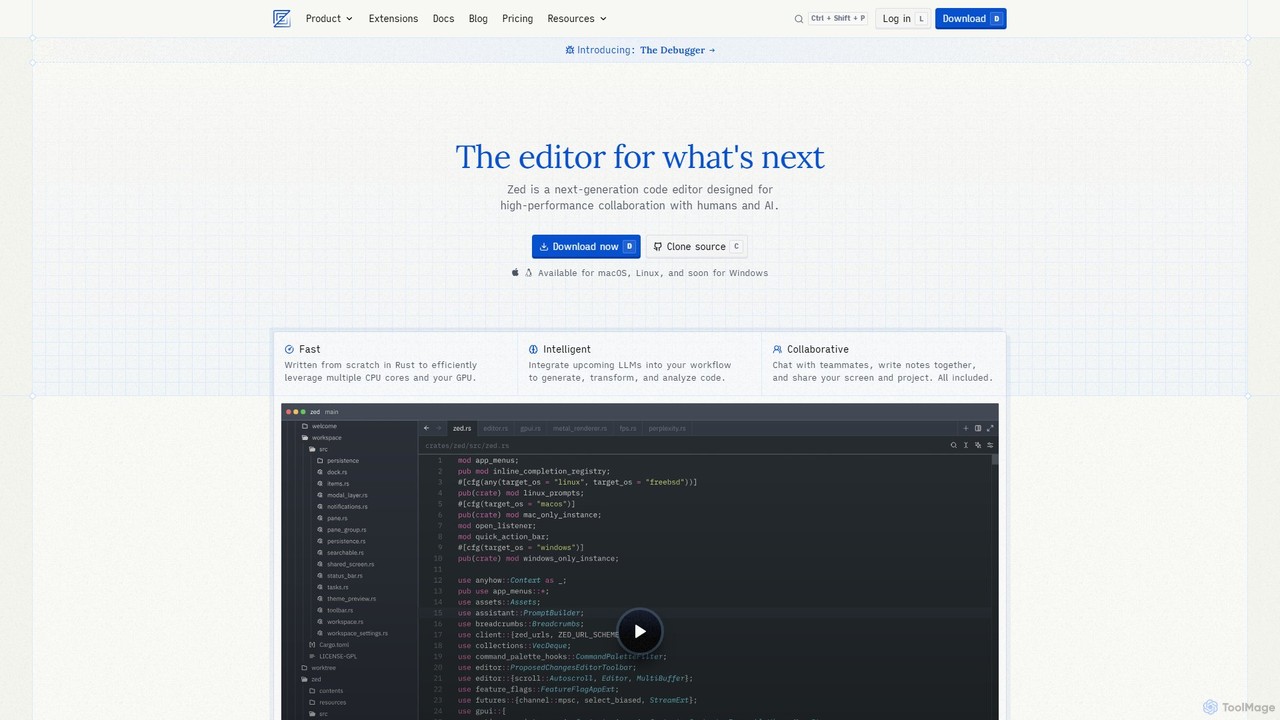
Zed
Zed is a high-performance, collaborative, and AI-powered code editor built from scratch in Rust. Designed for speed and efficiency, it offers real-time collaboration, deep integration with LLMs for agentic editing, and a comprehensive set of built-in tools including a debugger and native Git support. Zed is open-source and available for macOS and Linux, with Windows support coming soon.
Code Generation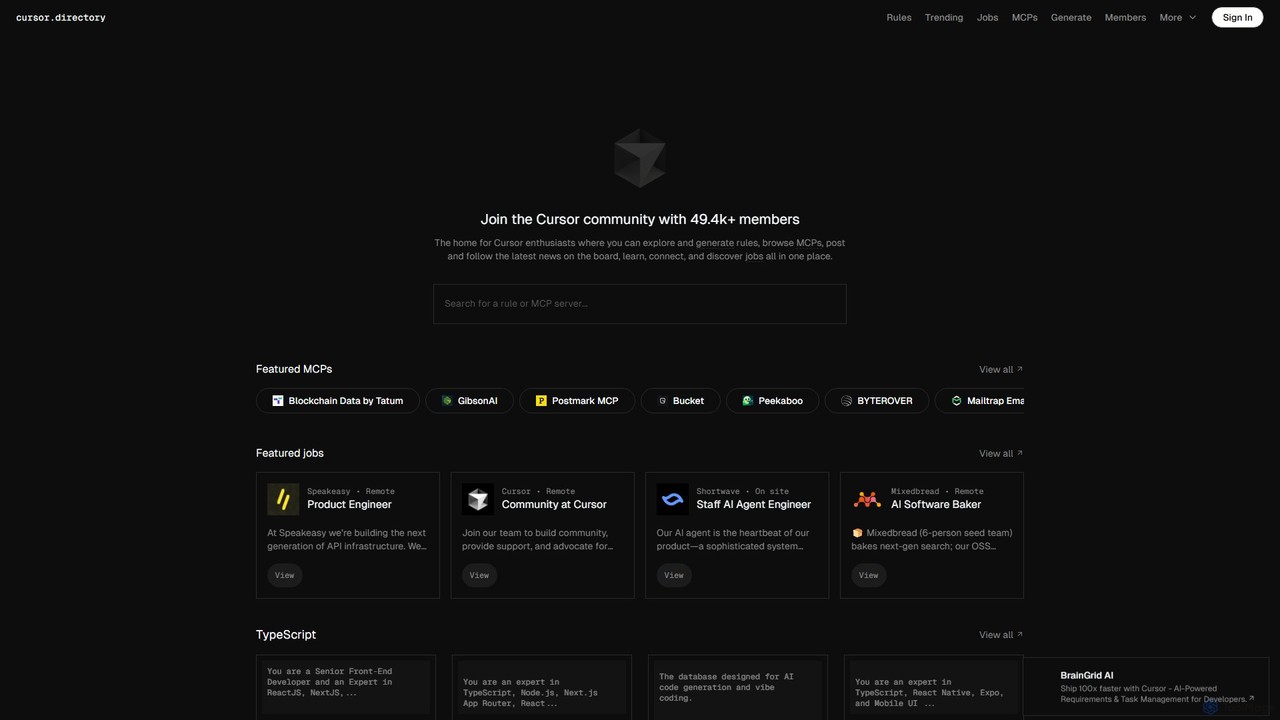
Cursor
Cursor is an AI-first code editor designed for modern software development. Built as a fork of VS Code, it integrates powerful AI capabilities directly into the editing experience, allowing developers to chat with their codebase, generate, edit, and debug code with unprecedented speed and context-awareness.
Code Generation
PearAI
PearAI is an intelligent, all-in-one AI code editor designed for developers. It features a unique AI Router that automatically selects the best coding model (like GPT-4o or Claude 3), a coding agent for autonomous development and bug fixing, and a context-aware chat that understands your entire codebase. It aims to streamline the entire development workflow from idea to deployment.
Code Generation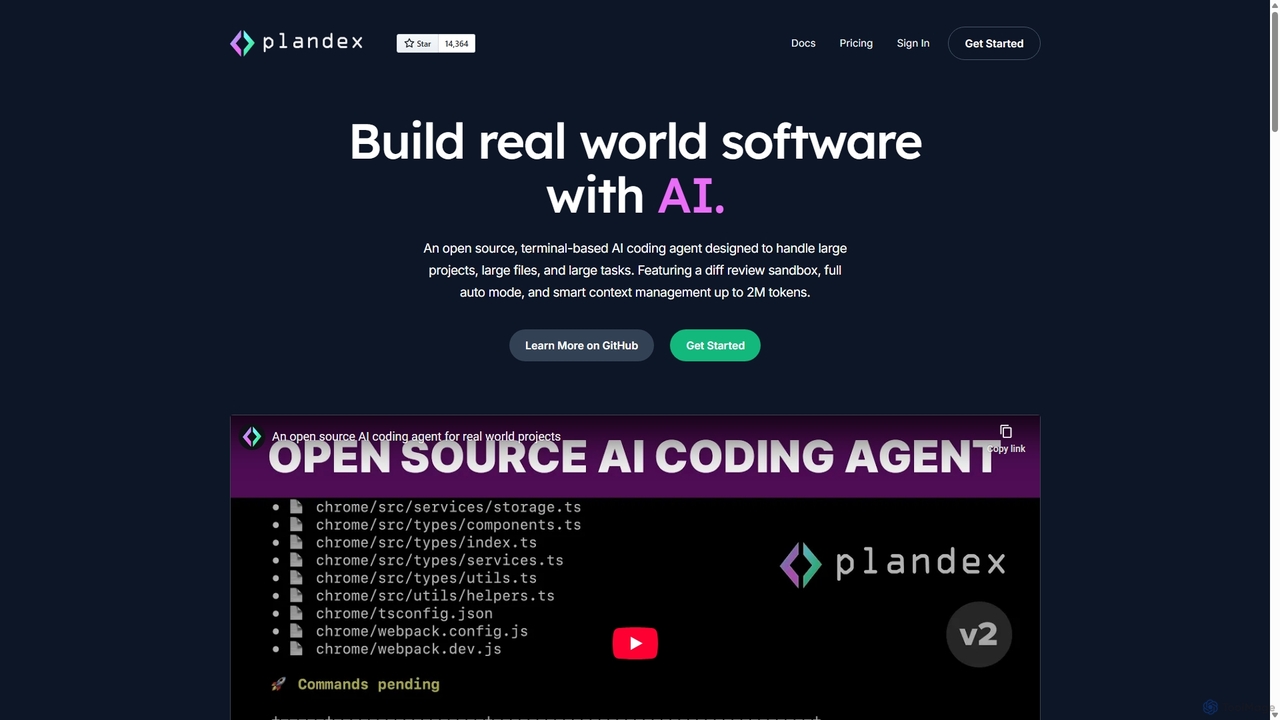
Plandex
Plandex is an open-source, terminal-based AI coding agent designed for complex, large-scale software development tasks. It excels at handling large projects and files with its 2M token context window. Featuring a diff review sandbox, configurable autonomy, and multi-model support, Plandex empowers developers to build, debug, and refactor entire applications with AI assistance, ensuring control and productivity in a dev-friendly workflow.
Code GenerationCodeium
Codeium is an AI-powered code acceleration toolkit that provides free, ultra-fast code completion, in-editor chat, and other intelligent features. It supports over 70 programming languages and integrates seamlessly with more than 40 popular IDEs to help developers code faster and more efficiently.
Code Assistant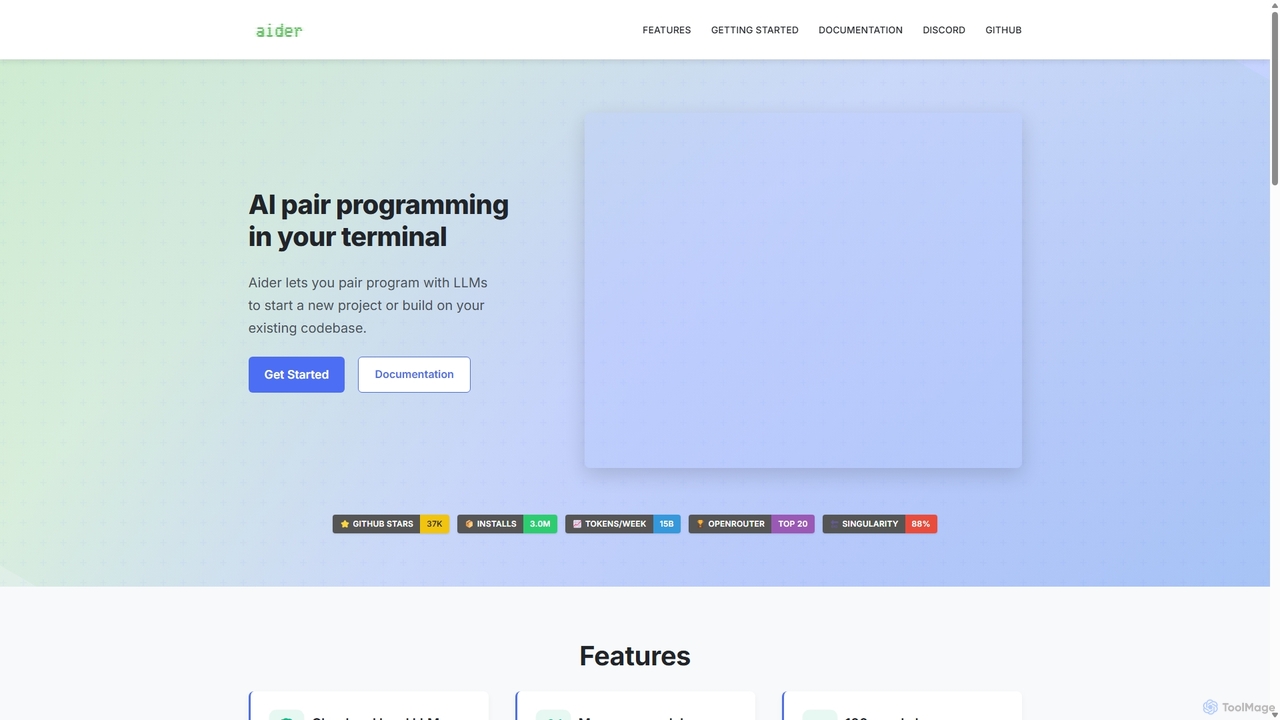
Aider
Aider is an AI-powered pair programmer that operates directly in your terminal. It intelligently maps your entire codebase, providing full project context for complex tasks. Seamlessly integrated with Git, it automates commits and allows you to manage AI-driven changes with familiar tools. Aider supports over 100 programming languages, connects to leading cloud and local LLMs, and even accepts voice and image inputs, making it a versatile and powerful assistant for any developer seeking to accelerate their workflow and improve code quality.
Programming
Lab Comments (0)
Sign in to comment.
Sign inNo comments yet.