

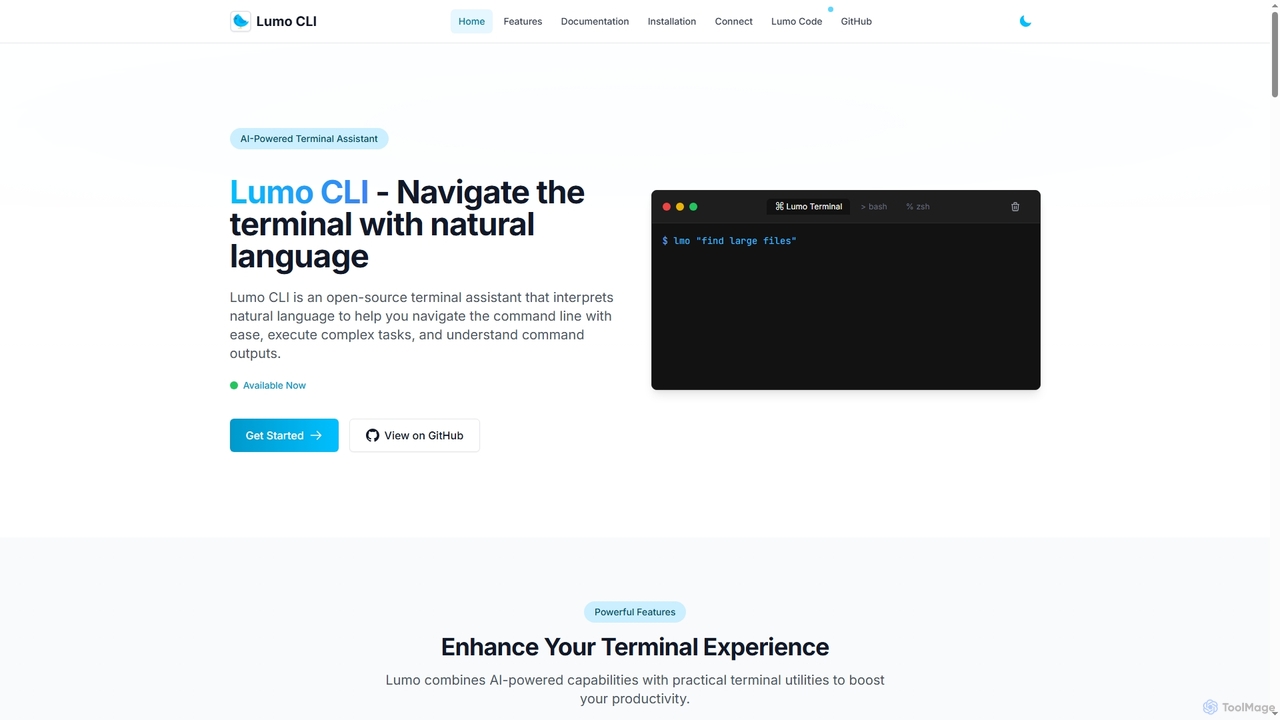
Lumo Overview
Lumo is an open-source AI-powered terminal assistant designed to enhance command-line productivity for developers, system administrators, and tech enthusiasts. It interprets natural language queries to generate and explain terminal commands, eliminating the need to memorize complex syntax. Lumo can also function as an autonomous agent to execute sequences of commands for completing intricate tasks. With support for multiple AI providers like Google Gemini, OpenAI, and local models via Ollama, it offers flexibility and privacy. Additional utilities include system health monitoring, local network file transfer, and clipboard management, making it a comprehensive tool for navigating the terminal with ease.
How to use Lumo
Getting started with Lumo involves a few simple steps. First, install the Lumo CLI on your system (Linux, macOS, or Windows) using either a pre-built binary or by building from the source code available on GitHub. After installation, run the `lumo setup` command to configure your preferred AI provider (e.g., OpenAI, Gemini, or a local Ollama model). Once configured, you can start using it by typing `lumo` followed by your query in natural language, such as `lumo "find large files in Linux"`. For more complex operations, you can use the Terminal Agent Mode with prefixes like `lumo auto:` or `lumo agent:` to have it plan and execute a series of commands.
Core Features of Lumo
- Natural Language Command Processing: Translates plain English questions into executable terminal commands with detailed explanations.
- Terminal Agent Mode: Autonomously plans and executes sequences of commands to perform complex tasks with user review and approval.
- Multi-Provider AI Support: Offers the flexibility to choose between Google Gemini, OpenAI, or Ollama for local AI inference, enabling offline usage.
- System Health Monitoring: Provides commands to check system health, including memory, disk, CPU, and network status, and generate performance reports.
- Pipe Support: Analyzes and explains the output of other commands when piped to Lumo (e.g., `cat error.log | lumo`).
- Lumo Connect File Transfer: Enables simple and duplex file transfers between computers on the same local network.
- Chat Mode: Allows for conversational interactions to get help with technical concepts and terminal usage.
- Open-Source: The entire codebase is open-source, ensuring transparency, security, and community-driven development.
Use Cases for Lumo
Lumo is ideal for a variety of scenarios. Developers can use it to quickly find the right commands for tasks like setting up a Python virtual environment or using `grep` with multiple patterns. System administrators can leverage the Terminal Agent Mode to automate backup procedures or monitor system resources. Beginners learning the command line can use Lumo as an interactive guide to understand commands and their functions. It's also useful for debugging, as users can pipe error logs directly into Lumo for a quick analysis and explanation.
Advantages of Lumo
The main advantage of Lumo is its ability to significantly lower the barrier to entry for complex command-line operations, boosting productivity for both new and experienced users. Its multi-provider support, especially for local models via Ollama, gives users control over their data and allows for offline functionality. Being open-source provides transparency and the ability for customization. The integrated suite of tools, from system monitoring to file transfer, makes it a versatile and powerful assistant rather than just a simple command translator.
Lumo FAQ
Lumo Alternatives
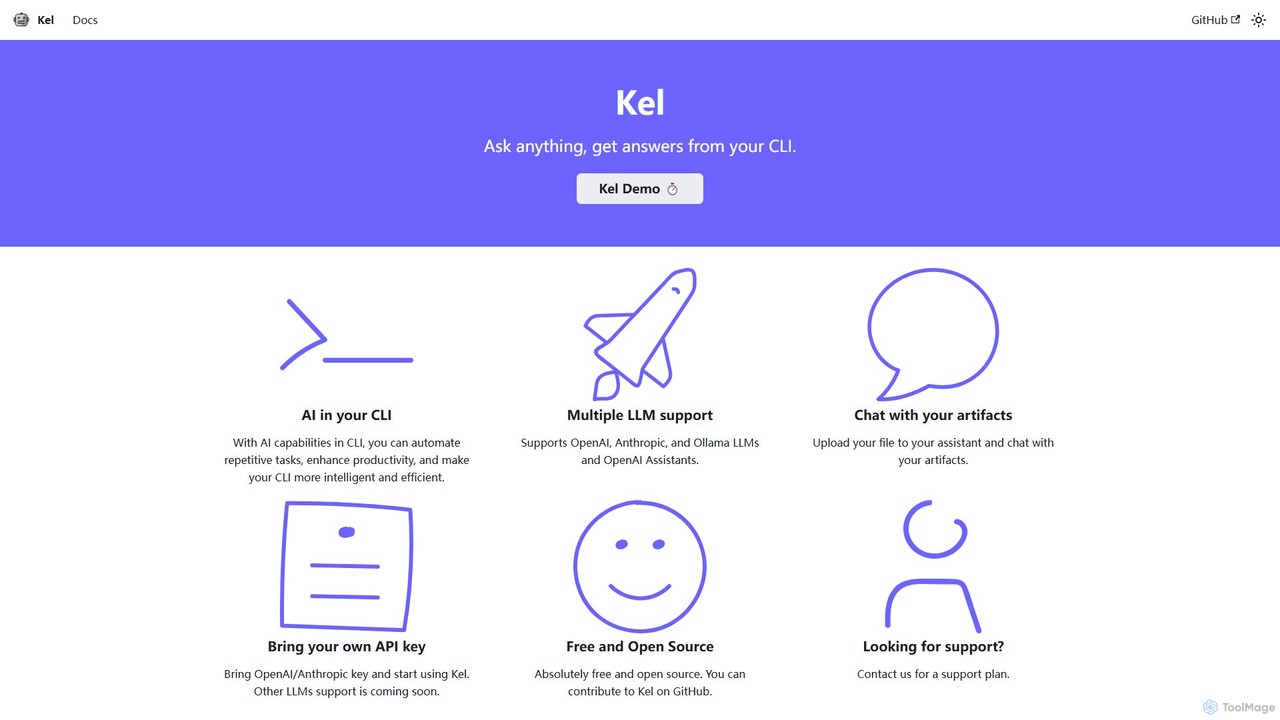
Kel
Kel is a free, open-source AI assistant for your command-line interface (CLI). It integrates with multiple LLMs like OpenAI, Anthropic, and Ollama to help developers and sysadmins automate tasks, generate commands, and even chat with documents directly from the terminal.
Code Assistant
ShellMate
ShellMate is an open-source, AI-powered command-line productivity tool designed for developers and system administrators. Powered by OpenAI, it acts as your terminal's best friend, allowing you to use natural language to find commands, get predictive suggestions based on your history, and receive context-aware help without ever leaving your console. Simply use the `sm` shortcut to boost your command-line efficiency and reduce time spent searching for syntax.
Code Assistant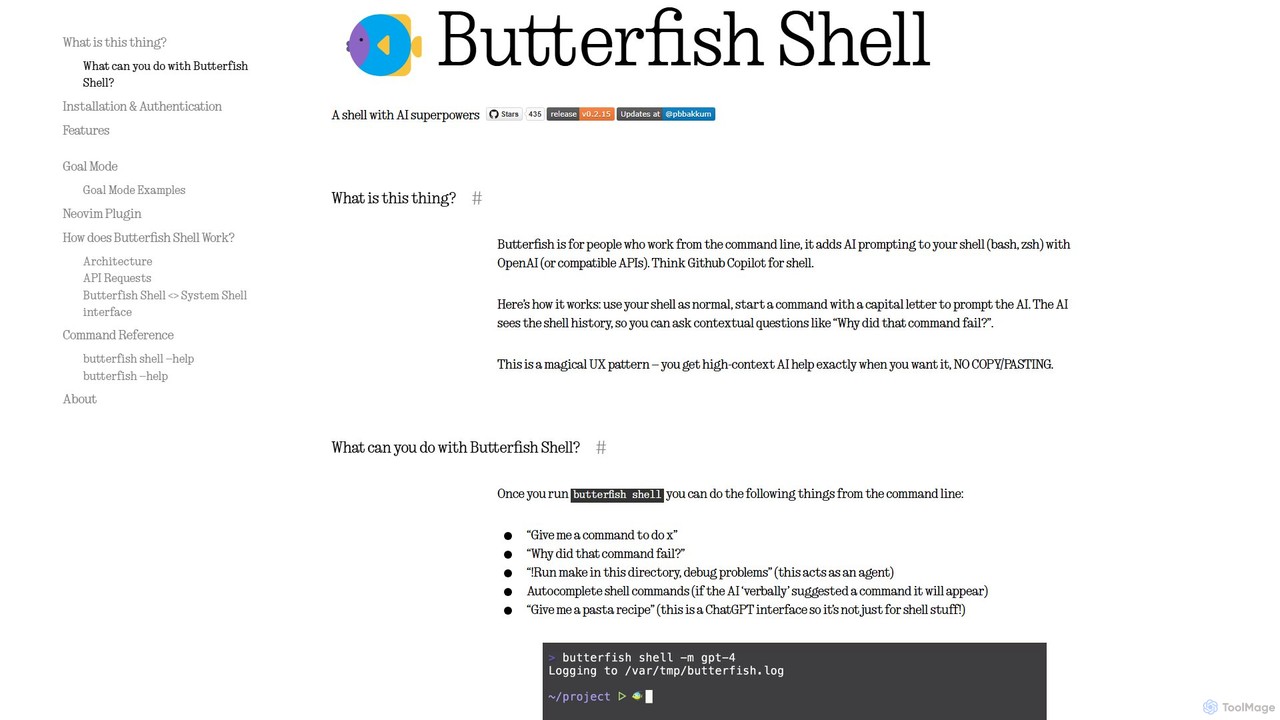
butterfish
butterfish is an open-source CLI tool that supercharges your shell (bash, zsh) with AI capabilities. Acting like GitHub Copilot for the command line, it allows you to generate commands, debug errors, and automate tasks using natural language prompts directly in your terminal. It maintains context from your shell history, providing highly relevant assistance and boosting productivity for developers and sysadmins.
Code Assistant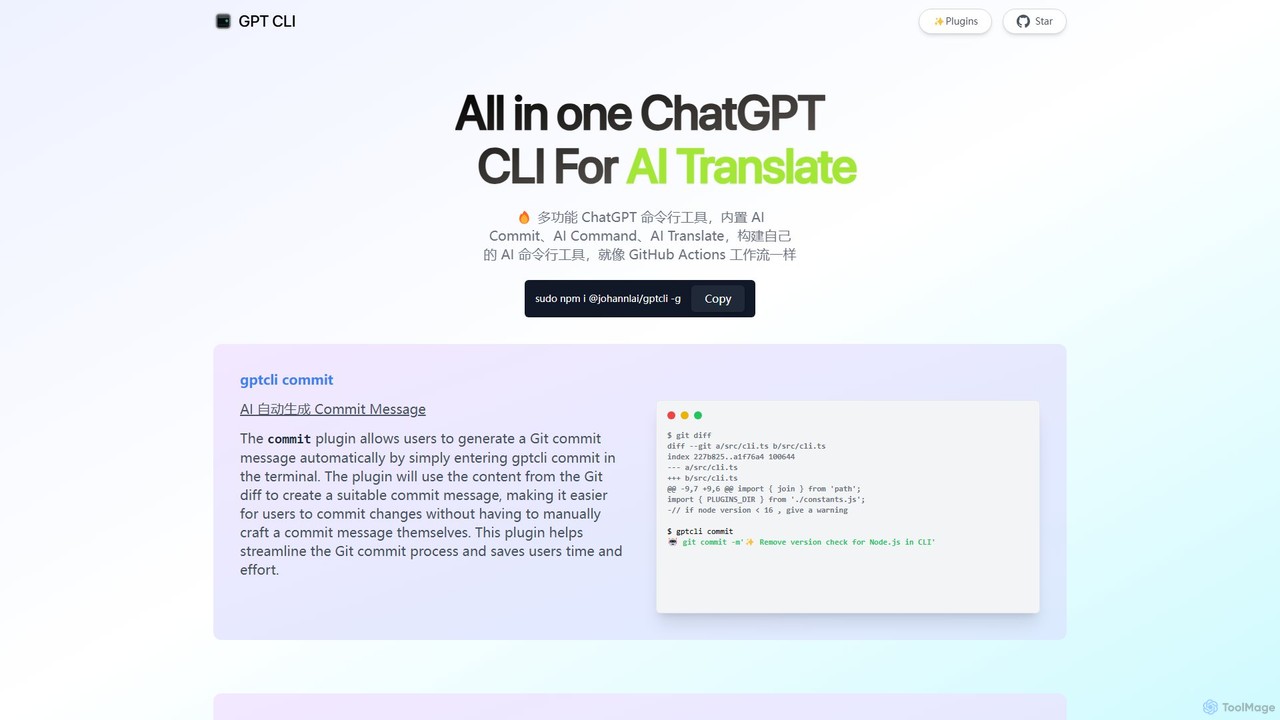
gptcli
gptcli is a versatile, open-source command-line tool that integrates ChatGPT directly into your terminal. It streamlines developer workflows with features like AI-powered Git commits, natural language to shell command translation, and in-terminal chat. With its extensible plugin system, you can build your own custom AI CLI tools, making it the ultimate productivity enhancer for anyone who works extensively with the command line.
Code Assistant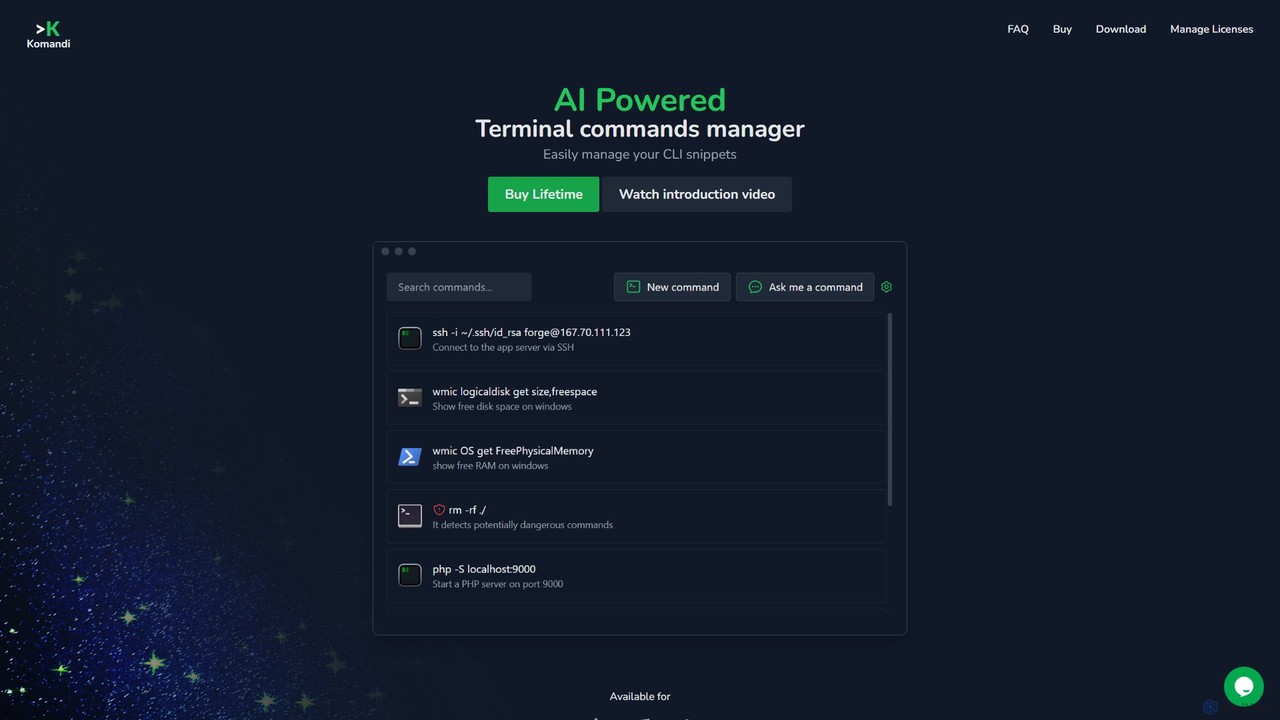
Komandi
Komandi is an AI-powered CLI/terminal command manager for developers and sysadmins. It simplifies command-line operations by allowing you to manage snippets, generate complex commands from natural language, and execute them safely. It supports macOS, Windows, and Linux, streamlining your workflow by organizing frequently used commands and detecting potentially dangerous ones before execution.
Code AssistantLumo Categories
Lumo Jobs
Lumo Embed Widget
Copy this embed code to place the badge on your blog, article, or product site and send readers directly to this ToolMage detail page.

Related AI tools
Kel
Kel is a free, open-source AI assistant for your command-line interface (CLI). It integrates with multiple LLMs like OpenAI, Anthropic, and Ollama to help developers and sysadmins automate tasks, generate commands, and even chat with documents directly from the terminal.
Code Assistant
Dallecli
A powerful command-line interface (CLI) tool for interacting with OpenAI's DALL-E models. Generate, edit, and manage AI images directly from your terminal, perfect for developers, scripters, and automating creative workflows.
Command Line InterfaceShellMate
ShellMate is an open-source, AI-powered command-line productivity tool designed for developers and system administrators. Powered by OpenAI, it acts as your terminal's best friend, allowing you to use natural language to find commands, get predictive suggestions based on your history, and receive context-aware help without ever leaving your console. Simply use the `sm` shortcut to boost your command-line efficiency and reduce time spent searching for syntax.
Code Assistantbutterfish
butterfish is an open-source CLI tool that supercharges your shell (bash, zsh) with AI capabilities. Acting like GitHub Copilot for the command line, it allows you to generate commands, debug errors, and automate tasks using natural language prompts directly in your terminal. It maintains context from your shell history, providing highly relevant assistance and boosting productivity for developers and sysadmins.
Code Assistantgptcli
gptcli is a versatile, open-source command-line tool that integrates ChatGPT directly into your terminal. It streamlines developer workflows with features like AI-powered Git commits, natural language to shell command translation, and in-terminal chat. With its extensible plugin system, you can build your own custom AI CLI tools, making it the ultimate productivity enhancer for anyone who works extensively with the command line.
Code AssistantKomandi
Komandi is an AI-powered CLI/terminal command manager for developers and sysadmins. It simplifies command-line operations by allowing you to manage snippets, generate complex commands from natural language, and execute them safely. It supports macOS, Windows, and Linux, streamlining your workflow by organizing frequently used commands and detecting potentially dangerous ones before execution.
Code Assistant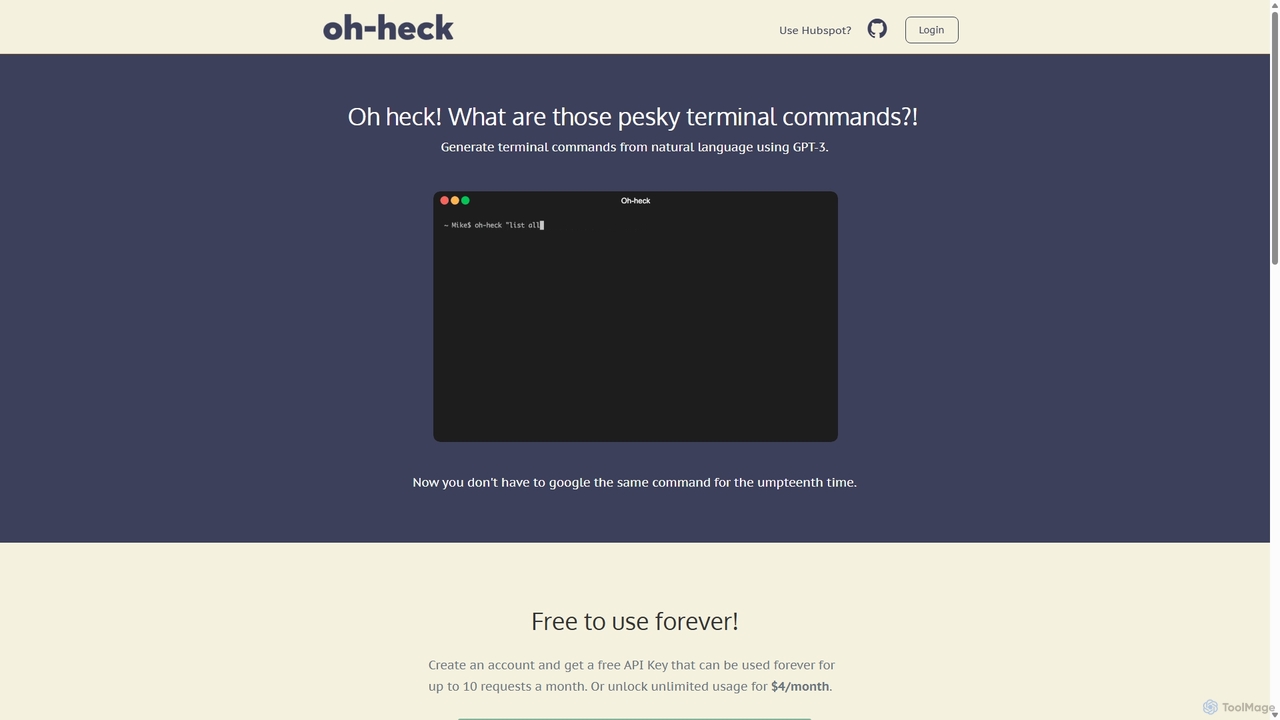
Oh-heck
Oh-heck is a suite of AI-powered productivity tools that convert natural language into terminal commands and generate professional emails directly within your CRM. Powered by GPT-3, it's designed to save time for developers, sales teams, and support agents by simplifying complex and repetitive tasks.
Command Line
Charm
Charm is an ecosystem of open-source tools and libraries designed to make the command-line interface (CLI) glamorous and powerful. It provides developers with applications for AI-powered coding (Crush, Mods), beautiful terminal UIs (Bubble Tea), markdown rendering (Glow), and self-hosted Git servers (Soft Serve). Charm empowers developers to build, style, and enhance their terminal workflows with modern, elegant, and highly functional tools.
Code Assistant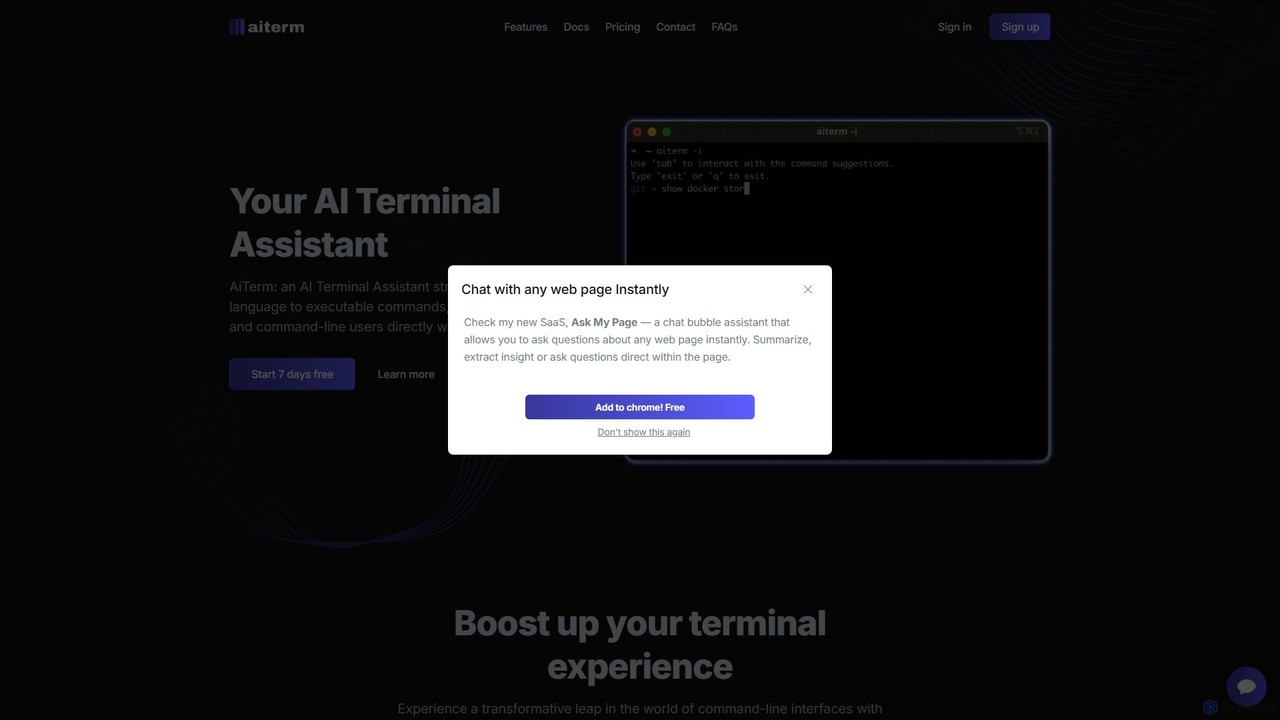
AiTerm
AiTerm is an AI-powered terminal assistant that translates natural language into executable shell commands. It streamlines workflows for developers and command-line users with features like IDE-style autocompletion, command suggestions, and workflow management, all directly within the terminal.
Code Assistant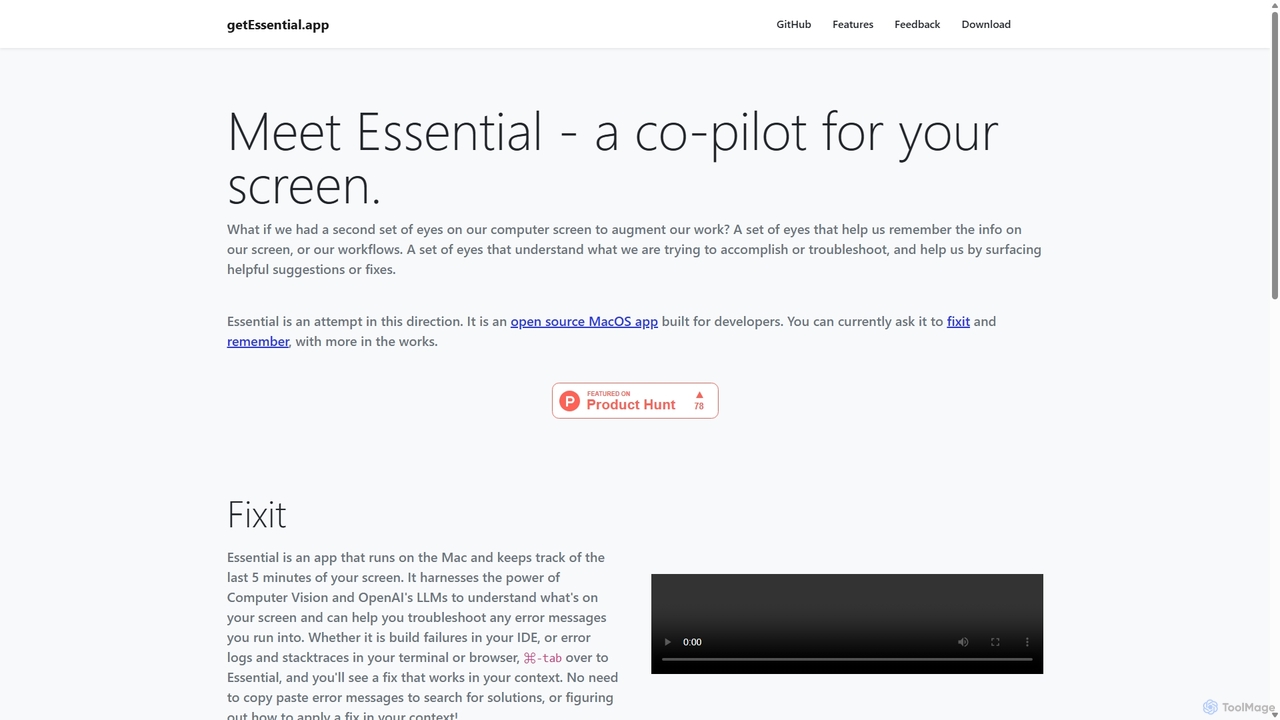
GetEssential
getEssential is an AI-powered Mac application that continuously records your screen to instantly troubleshoot errors. It uses Computer Vision and LLMs to analyze build failures, error logs, and stack traces, providing contextual fixes without manual searching. A productivity booster for developers and IT professionals.
Code Assistant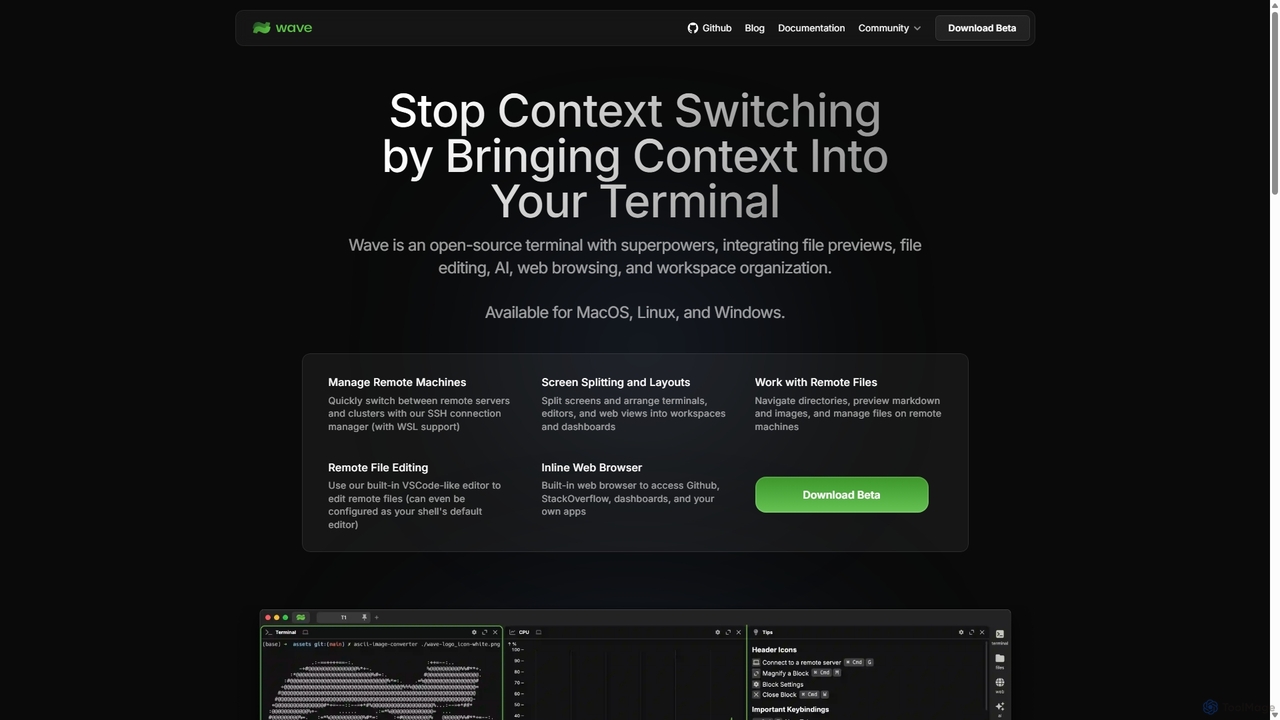
Waveterm
Waveterm is an open-source, modern terminal designed for developers and DevOps engineers. It enhances the command-line experience by integrating AI-powered assistance, a VSCode-like editor, inline file previews, a web browser, and customizable dashboards. This all-in-one workspace reduces context switching and boosts productivity across macOS, Windows, and Linux.
Code Assistant
Cosmicup
Cosmicup is an all-in-one AI platform offering unlimited access to a wide array of advanced AI models like ChatGPT 5, Claude 4.5, Gemini 2.5, and Grok 4 through a single subscription. It streamlines workflows with features including multi-model interaction, code assistance, document analysis, real-time web search, deep research, and AI image generation, eliminating the need for multiple subscriptions.
Multimodal Ai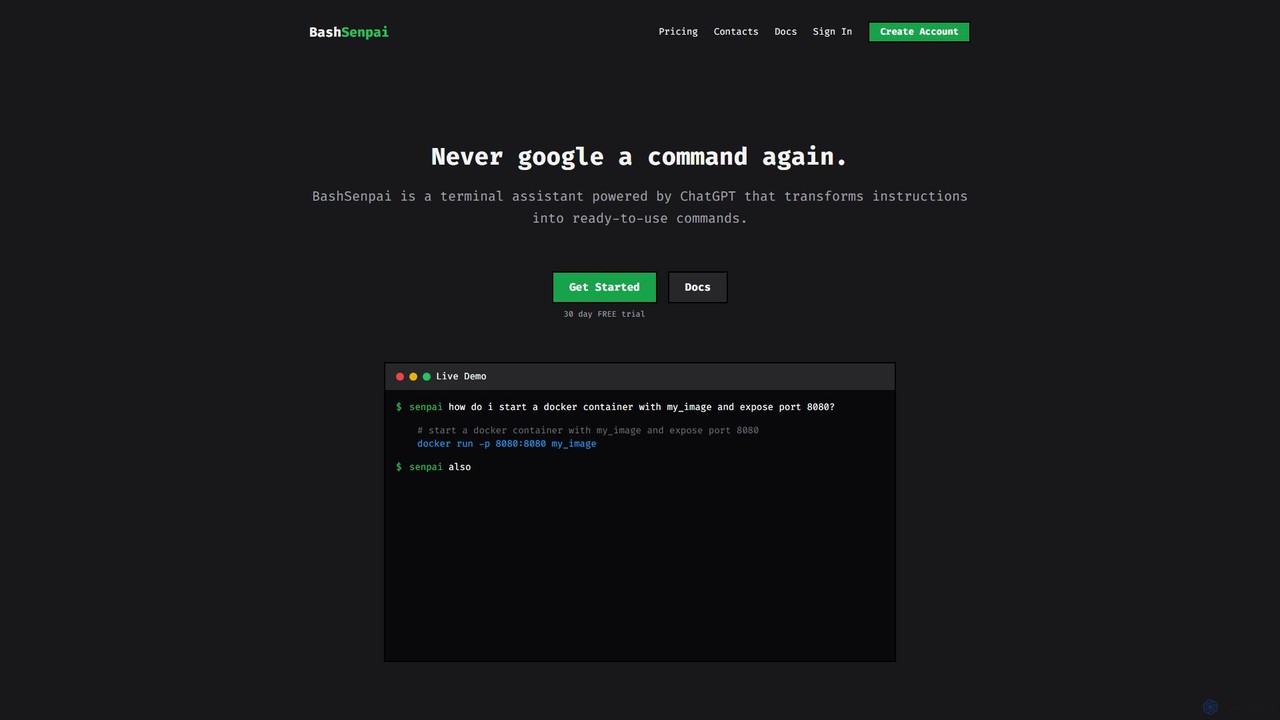
BashSenpai
BashSenpai is a ChatGPT-powered terminal assistant that transforms natural language instructions into ready-to-use shell commands. It operates directly within your terminal, providing context-aware, accurate commands for developers and system administrators, eliminating the need to search online.
Code Assistant
Aider
Aider is an AI-powered pair programmer that operates directly in your terminal. It intelligently maps your entire codebase, providing full project context for complex tasks. Seamlessly integrated with Git, it automates commits and allows you to manage AI-driven changes with familiar tools. Aider supports over 100 programming languages, connects to leading cloud and local LLMs, and even accepts voice and image inputs, making it a versatile and powerful assistant for any developer seeking to accelerate their workflow and improve code quality.
Programming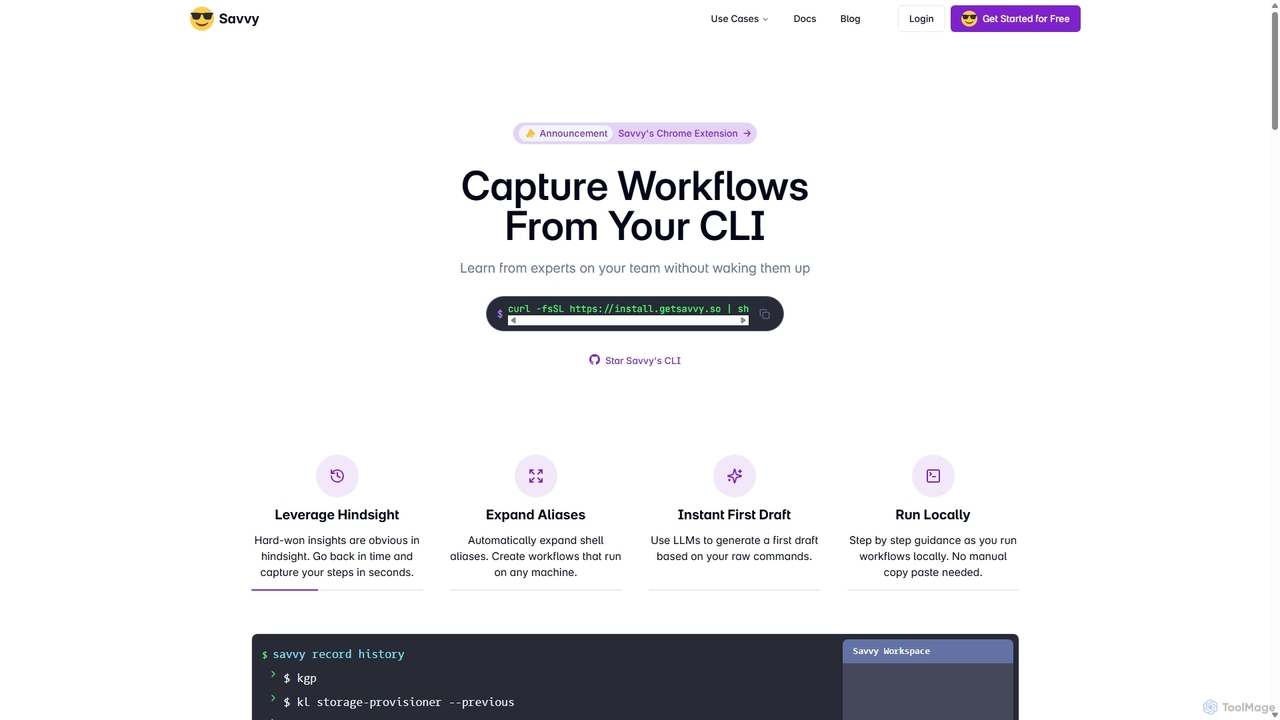
Savvy
Savvy is an AI-powered tool for developers that captures Command Line Interface (CLI) actions to create shareable, step-by-step workflows. It helps teams document tribal knowledge, accelerate new hire onboarding, and resolve incidents faster by turning complex command sequences into easy-to-follow guides. With features like sensitive data redaction and AI-generated documentation, Savvy enhances productivity and collaboration for technical teams.
Command Line
Lumo Comments (0)
Sign in to comment.
Sign inNo comments yet.