

Waveterm Overview
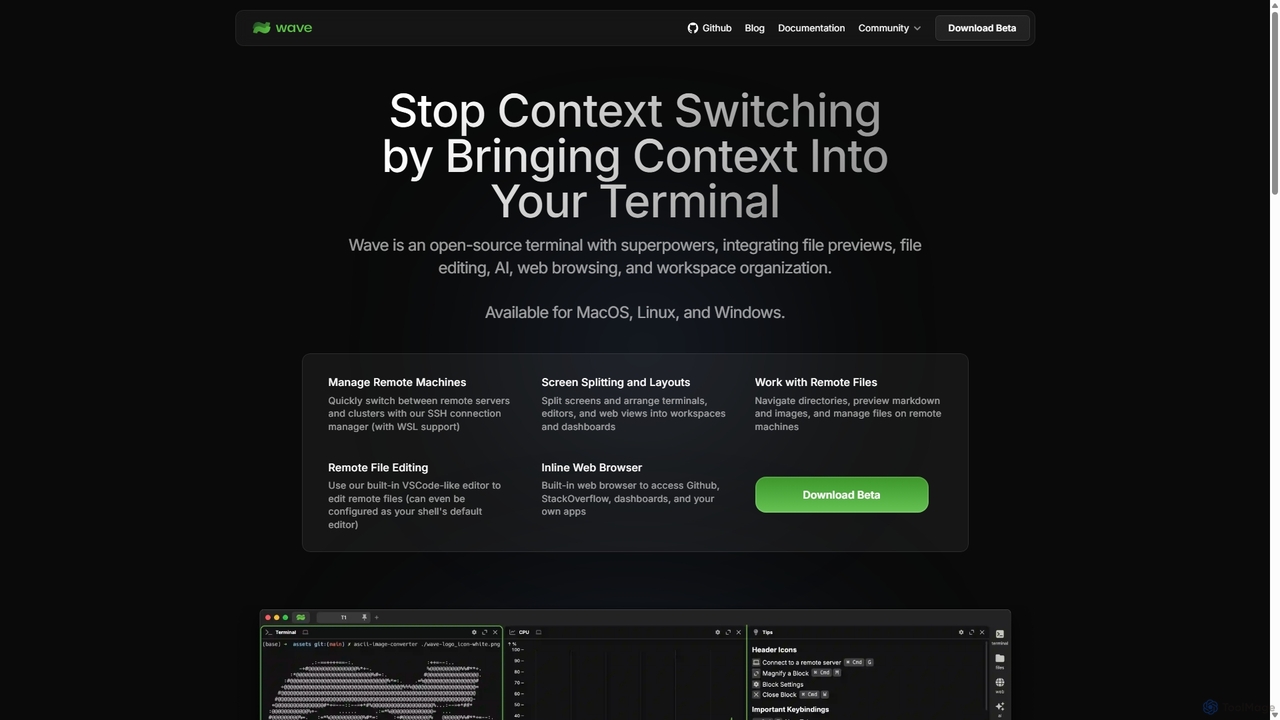
Waveterm (Wave Terminal) is a next-generation, open-source terminal that redefines the command-line interface by integrating a powerful suite of tools directly into your workflow. Designed to eliminate constant context switching, it provides a unified environment where developers, system administrators, and DevOps engineers can manage tasks with unprecedented efficiency. By bringing context into the terminal, Waveterm combines the power of a traditional shell with the convenience of modern GUI applications.
At its core, Waveterm is built for productivity. It features a persistent, organized workspace where you can manage multiple sessions, split screens, and arrange terminals, editors, and web views into custom layouts. This is especially powerful for managing remote machines, as it includes a robust SSH connection manager with full WSL support, allowing you to quickly switch between servers and clusters without losing your place.
How to use Waveterm
Getting started with Waveterm is straightforward. First, download the appropriate version for your operating system (macOS, Windows, or Linux) from the official website. After installation, you can immediately begin using it as your default terminal. To leverage its full potential, start by configuring your remote connections using the built-in SSH manager. You can then create workspaces to organize your projects. For instance, you can set up a workspace with a terminal for running commands, a built-in editor for modifying a remote configuration file, and an inline web browser to view documentation on StackOverflow or check a monitoring dashboard. Utilize the AI features to generate complex commands from natural language or to understand cryptic error messages. Finally, explore building your own dashboards with HTML widgets to visualize logs, metrics, or any data piped from the command line.
Core Features of Waveterm
- AI-Powered Assistance: Integrates AI to help generate commands from plain English, explain errors, and suggest debugging steps, significantly lowering the learning curve for complex CLI tools.
- Integrated VSCode-Like Editor: Edit remote and local files directly within the terminal using a feature-rich editor that supports syntax highlighting, mouse input, and standard copy/paste functionality.
- Inline File & Web Previews: Natively preview various file types, including images, Markdown, CSVs, audio, and video, without opening external applications. An integrated web browser allows you to access websites like GitHub or internal dashboards directly in a terminal pane.
- Advanced Session & Workspace Management: Organize your work with customizable screen splitting, layouts, and persistent workspaces. Easily manage multiple local and remote sessions (SSH, WSL) in one window.
- Customizable Dashboards & Widgets: Build beautiful and functional dashboards using HTML-based widgets. Visualize data directly from CLI output, creating real-time monitoring tools tailored to your needs.
- Open Source and Privacy-Focused: As an open-source tool, all your data is stored locally. No sensitive information leaves your network, and no login or account is required to use the application.
- Cross-Platform Support: A single, consistent experience across macOS (Apple Silicon & Intel), Linux (multiple distributions), and Windows (32-bit & 64-bit).
Use Cases for Waveterm
Waveterm is versatile and benefits a wide range of technical professionals. For DevOps Engineers, it's an ideal control center for managing multiple remote servers, editing configuration files in-place, and monitoring system health with custom dashboards. Software Developers can streamline their coding and debugging process by having their terminal, code editor, and documentation side-by-side, while using AI to quickly solve command-line issues. Data Scientists can use it to run scripts, preview datasets (like CSVs) instantly, and create simple visualizations with widgets. System Administrators benefit from the powerful SSH manager and the ability to create organized workflows for routine maintenance and troubleshooting tasks.
Advantages of Waveterm
The primary advantage of Waveterm is its ability to drastically reduce context switching, which is a major drain on productivity. By consolidating essential tools into one interface, it keeps you focused and in the flow. Its open-source nature guarantees transparency, security, and community-driven development. The high degree of customization through themes, layouts, and user-created widgets allows you to tailor the terminal to your exact preferences and workflow. Finally, the integration of AI makes the command line more accessible to newcomers and more powerful for experts, transforming it from a simple tool into an intelligent assistant.
Pricing and Plans
Waveterm is completely free and open-source. There are no subscription fees, hidden costs, or premium tiers. As it does not require an account or login, you can download and use it immediately with full functionality.
Traffic
Latest traffic
Status
Monthly traffic trend
- 2025-9: 54.8K
- 2026-1: 86.3K
- 2026-2: 76.3K
- 2026-3: 84.3K
- 2026-4: 94.8K
- 2026-5: 129.8K
Geography
Top 5 countries / regions
- 🇰🇷South Korea33.0%
- 🇺🇸United States29.9%
- 🇨🇳China23.1%
- 🇹🇼Taiwan7.8%
- 🇩🇪Germany6.2%
Traffic sources
| Source type | Percentage |
|---|---|
Direct | 67.0% |
Referral | 33.0% |
Email | 0.1% |
Top keywords
| Keyword | Cost per click |
|---|---|
| ai native terminal | $0.00 |
| wave | $0.99 |
| wave 터미널 | $0.00 |
| waveterm | $3.85 |
| wave terminal | $4.87 |
Waveterm Videos on YouTube

Joaquín Ruiz — IA para Desarrolladores

Hyperautomation Labs

Earl Bennett - earldrum

Waveterm Alternatives
AiTerm
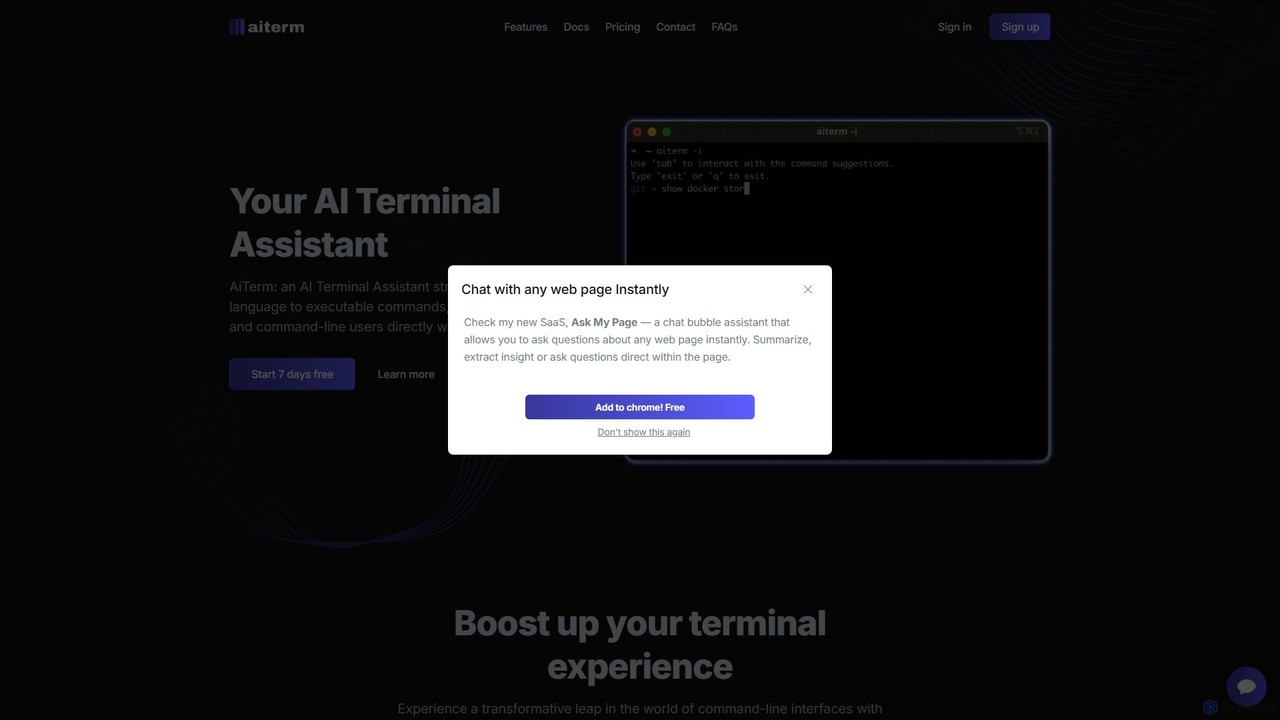
AiTerm is an AI-powered terminal assistant that translates natural language into executable shell commands. It streamlines workflows for developers and command-line users with features like IDE-style autocompletion, command suggestions, and workflow management, all directly within the terminal.
Code Assistant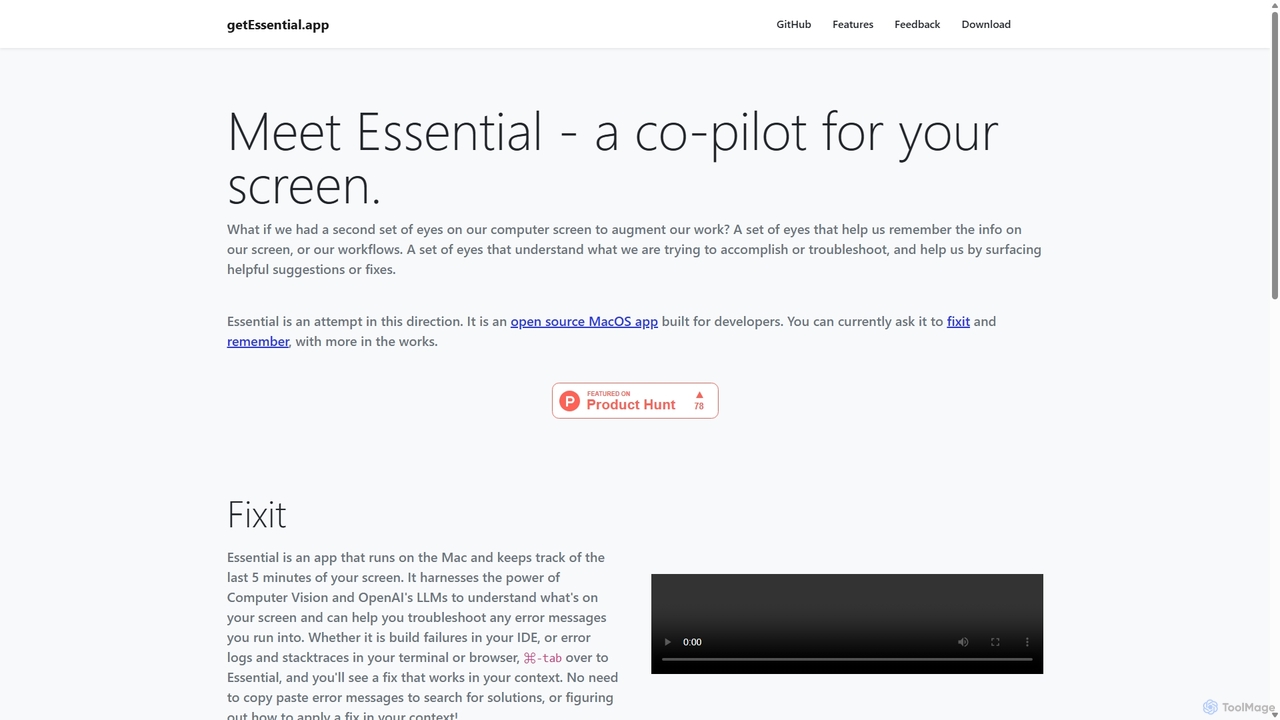
GetEssential
getEssential is an AI-powered Mac application that continuously records your screen to instantly troubleshoot errors. It uses Computer Vision and LLMs to analyze build failures, error logs, and stack traces, providing contextual fixes without manual searching. A productivity booster for developers and IT professionals.
Code Assistant
Rebolt
Rebolt is an AI-powered platform designed to automate the entire software development lifecycle. It helps developer and DevOps teams build, test, and deploy applications faster and more reliably by leveraging AI for CI/CD pipeline optimization, code generation, and intelligent monitoring.
Code Assistant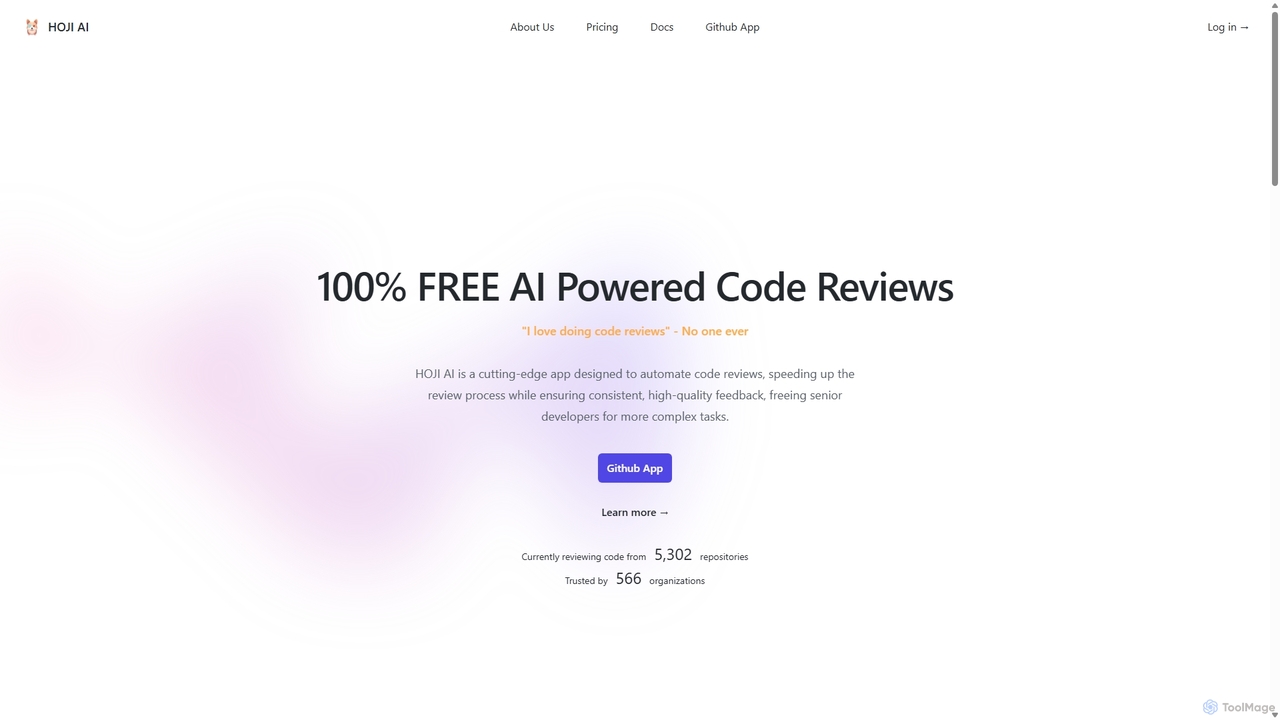
HOJI AI
HOJI AI is a free, AI-powered tool that automates code reviews directly within GitHub. It provides instant, consistent, and high-quality feedback on pull requests, helping development teams increase productivity, improve code quality, and accelerate their development cycles by freeing up senior engineers.
Code Assistant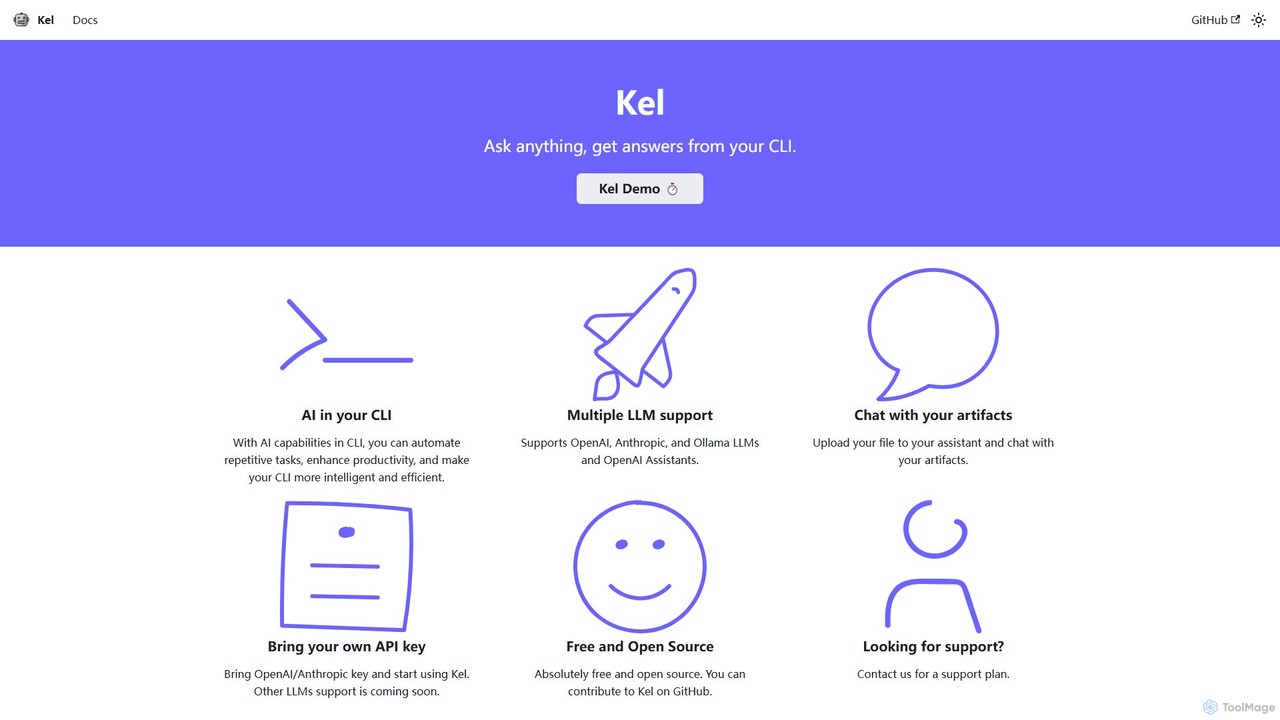
Kel
Kel is a free, open-source AI assistant for your command-line interface (CLI). It integrates with multiple LLMs like OpenAI, Anthropic, and Ollama to help developers and sysadmins automate tasks, generate commands, and even chat with documents directly from the terminal.
Code AssistantWaveterm Categories
Waveterm Jobs
Waveterm Embed Widget
Copy this embed code to place the badge on your blog, article, or product site and send readers directly to this ToolMage detail page.

Related AI tools
Aider
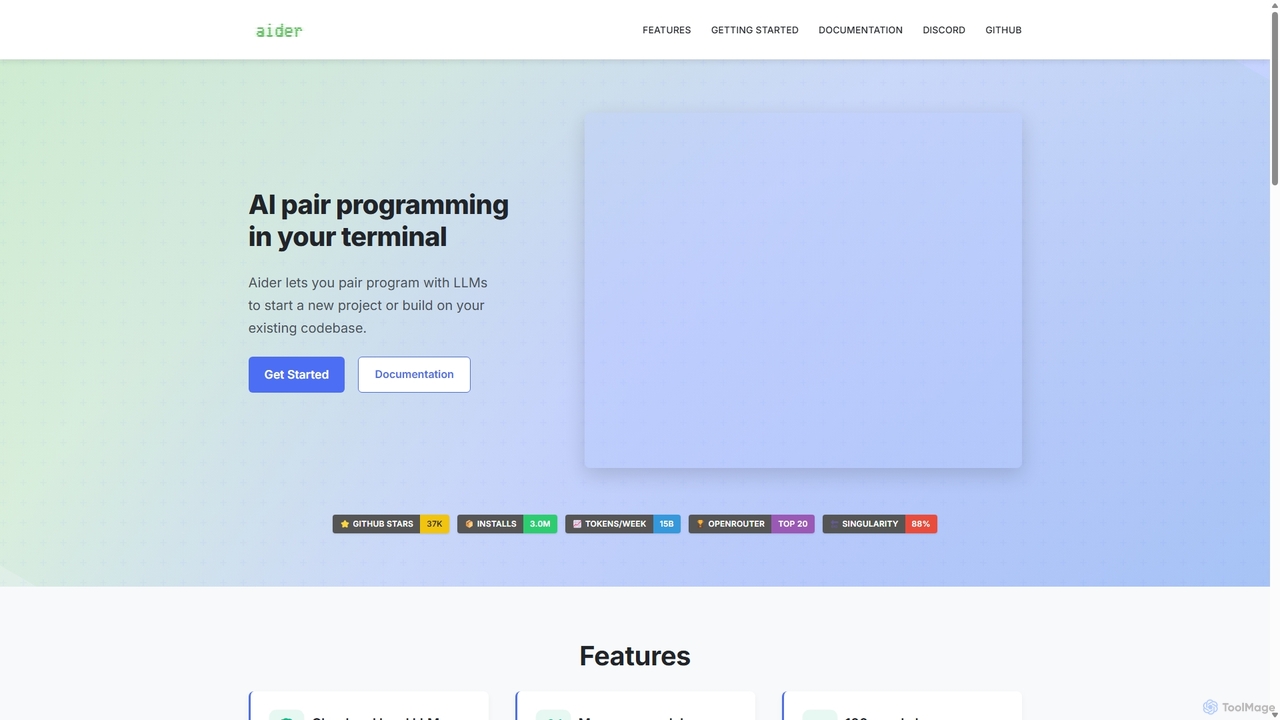
Aider is an AI-powered pair programmer that operates directly in your terminal. It intelligently maps your entire codebase, providing full project context for complex tasks. Seamlessly integrated with Git, it automates commits and allows you to manage AI-driven changes with familiar tools. Aider supports over 100 programming languages, connects to leading cloud and local LLMs, and even accepts voice and image inputs, making it a versatile and powerful assistant for any developer seeking to accelerate their workflow and improve code quality.
Programming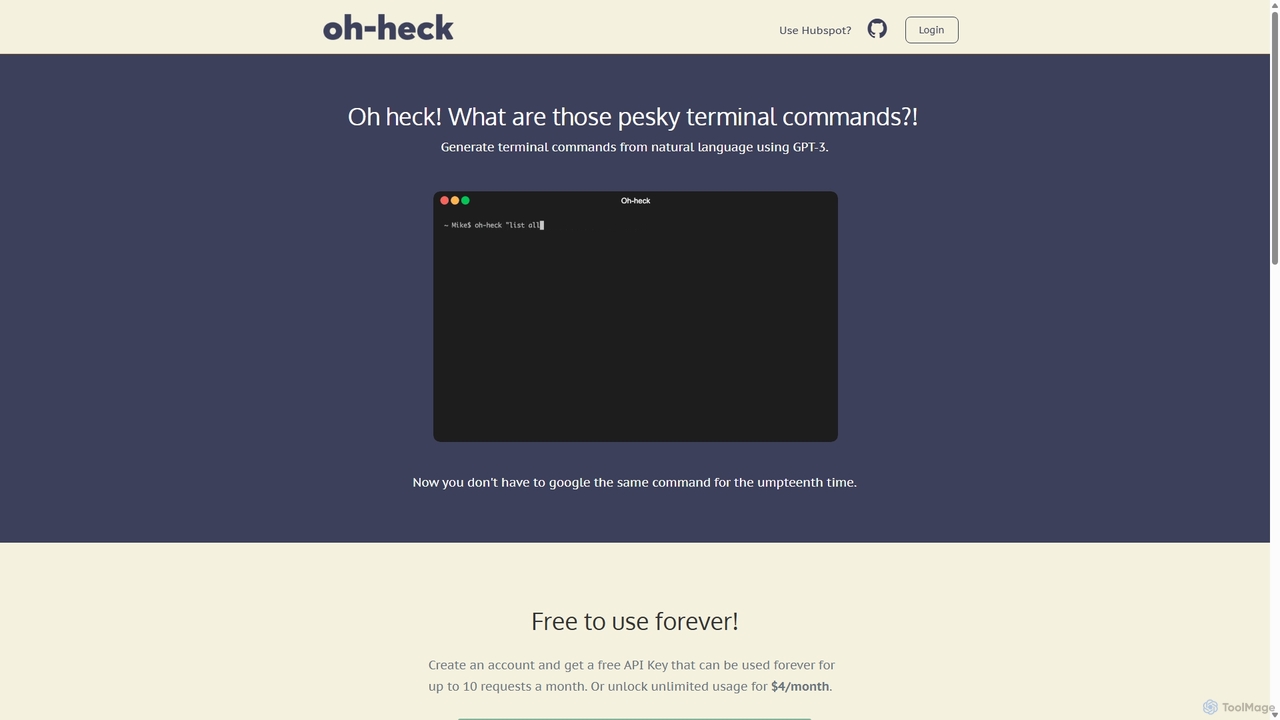
Oh-heck
Oh-heck is a suite of AI-powered productivity tools that convert natural language into terminal commands and generate professional emails directly within your CRM. Powered by GPT-3, it's designed to save time for developers, sales teams, and support agents by simplifying complex and repetitive tasks.
Command Line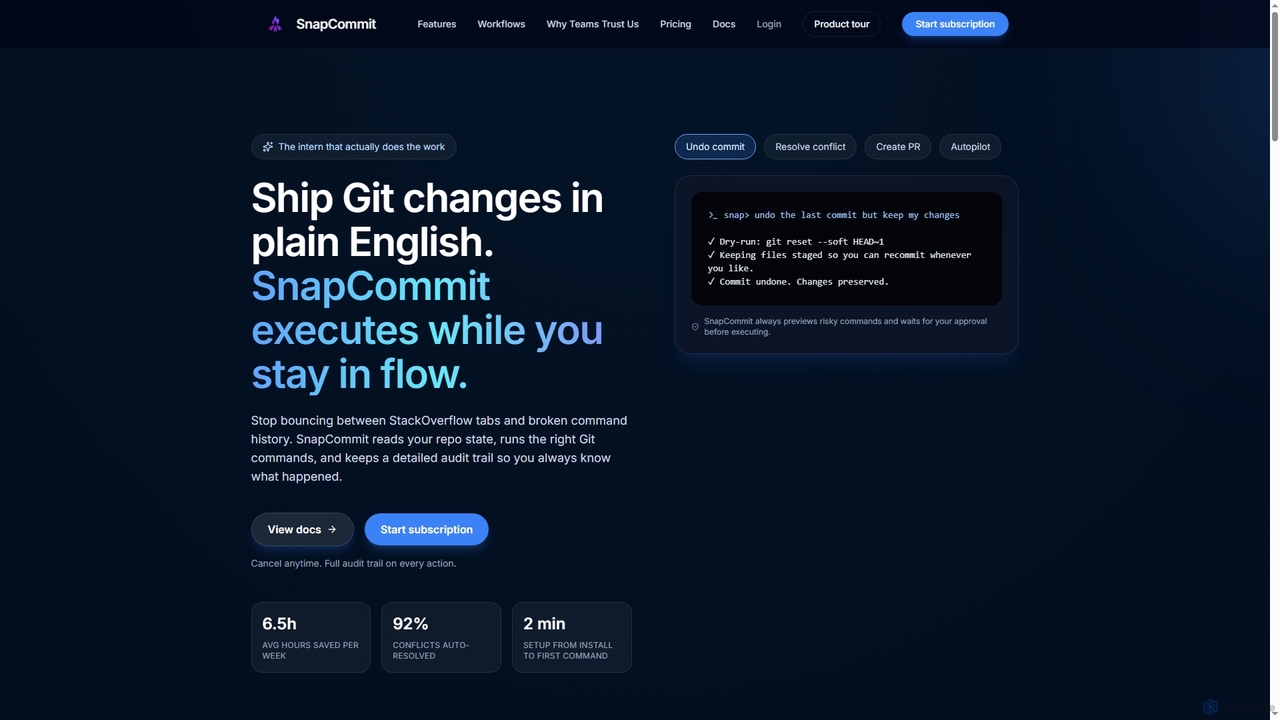
SnapCommit
SnapCommit is an AI-powered terminal Git assistant that allows developers to manage Git operations using plain English commands. It automates complex workflows like committing, resolving conflicts, and creating pull requests, enhancing productivity and ensuring code integrity with dry-run previews and a detailed audit trail.
Code Assistant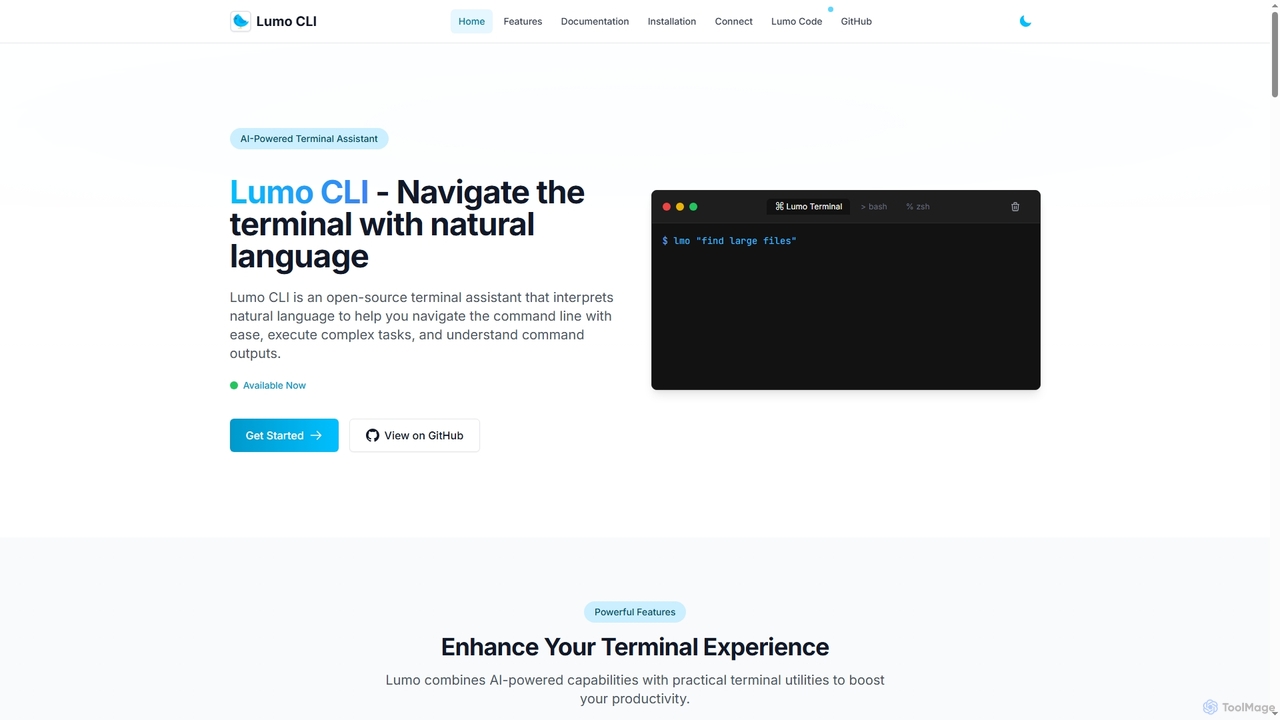
Lumo
Lumo is an open-source, AI-powered terminal assistant that allows users to interact with the command line using natural language. It translates plain English into executable commands, automates complex tasks, monitors system health, and supports multiple AI models including Gemini, OpenAI, and Ollama for local inference.
Code Assistant
Dallecli
A powerful command-line interface (CLI) tool for interacting with OpenAI's DALL-E models. Generate, edit, and manage AI images directly from your terminal, perfect for developers, scripters, and automating creative workflows.
Command Line InterfaceKel
Kel is a free, open-source AI assistant for your command-line interface (CLI). It integrates with multiple LLMs like OpenAI, Anthropic, and Ollama to help developers and sysadmins automate tasks, generate commands, and even chat with documents directly from the terminal.
Code AssistantGetEssential
getEssential is an AI-powered Mac application that continuously records your screen to instantly troubleshoot errors. It uses Computer Vision and LLMs to analyze build failures, error logs, and stack traces, providing contextual fixes without manual searching. A productivity booster for developers and IT professionals.
Code Assistant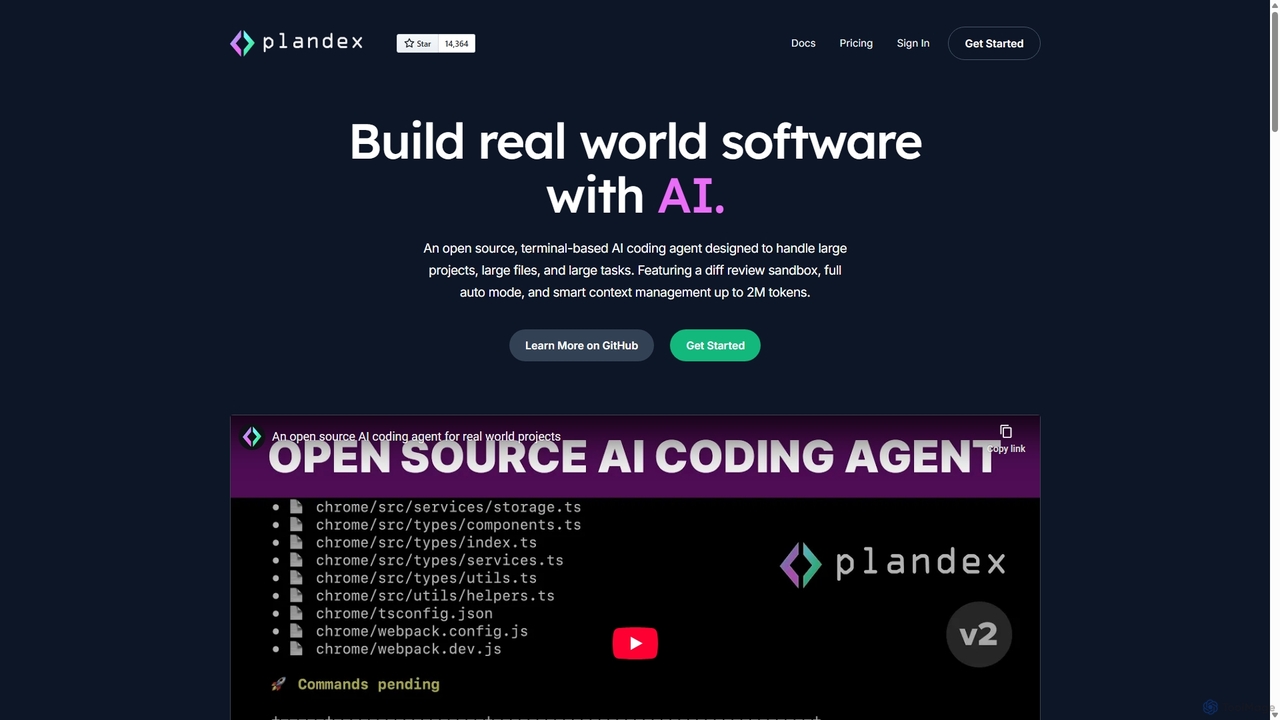
Plandex
Plandex is an open-source, terminal-based AI coding agent designed for complex, large-scale software development tasks. It excels at handling large projects and files with its 2M token context window. Featuring a diff review sandbox, configurable autonomy, and multi-model support, Plandex empowers developers to build, debug, and refactor entire applications with AI assistance, ensuring control and productivity in a dev-friendly workflow.
Code Generation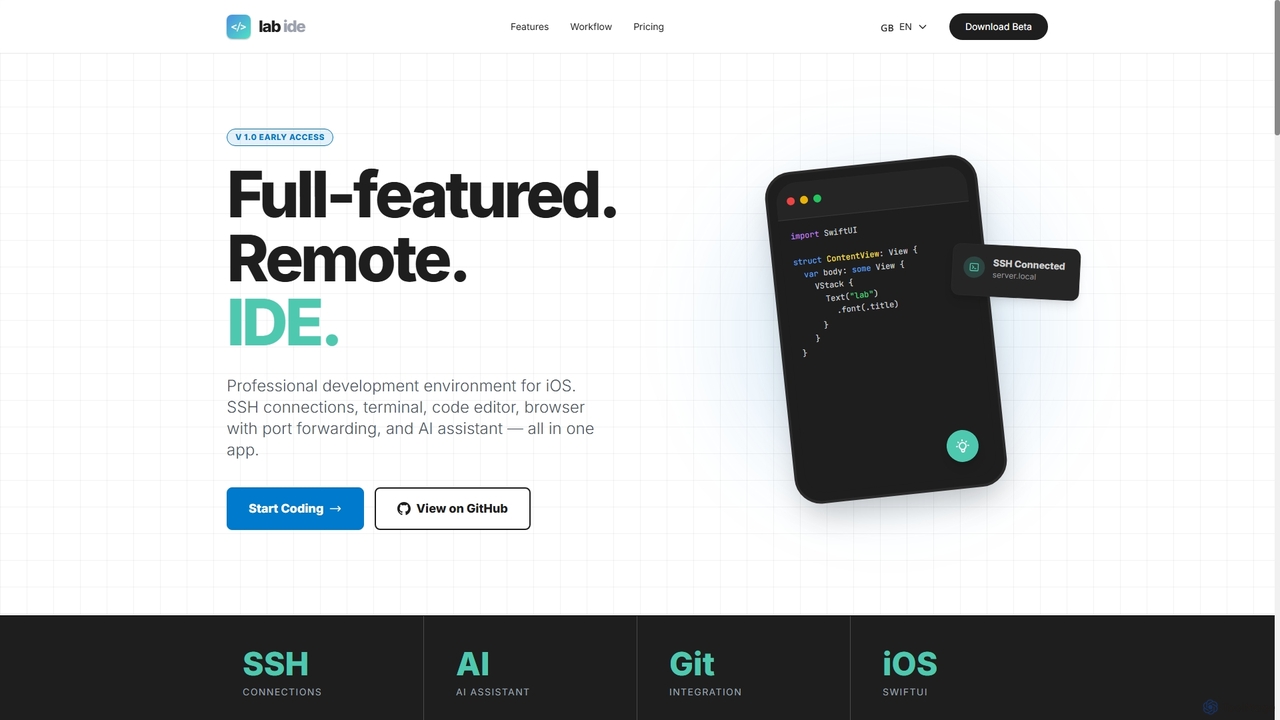
Lab
Lab is a professional mobile IDE for iOS/iPadOS, transforming your device into a powerful remote development workstation. It offers SSH connections, a multi-tab terminal, a code editor, a Git client, and an integrated AI assistant for coding, refactoring, and debugging directly on remote servers. With built-in browser port forwarding and smart web element selection, Lab streamlines mobile-first development workflows.
Mobile Ide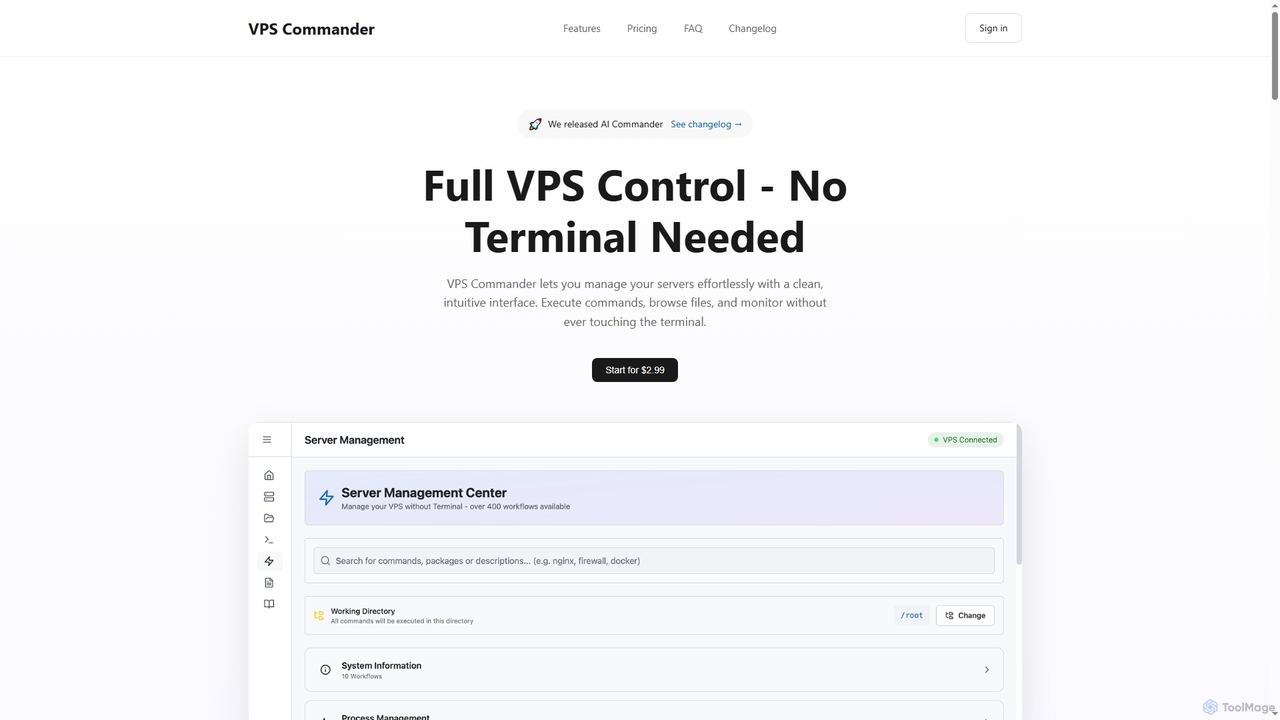
VPS Commander
VPS Commander simplifies complex server management, transforming intricate terminal commands into intuitive clicks. It offers a modern interface for managing workflows, files, and processes, empowering anyone to control their Virtual Private Servers without needing command-line expertise.
Cloud Management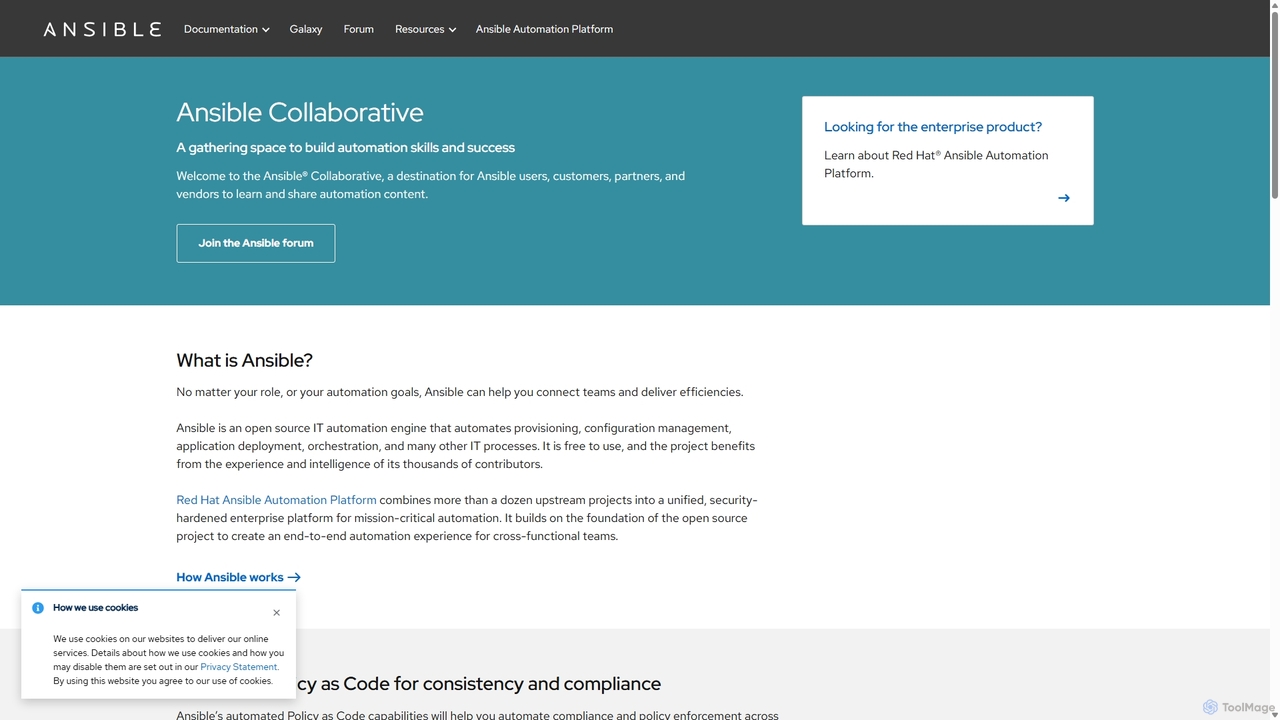
Ansible
Ansible is a powerful open-source IT automation engine that simplifies application deployment, configuration management, and orchestration. Using human-readable YAML, it automates complex IT processes without requiring agents on managed nodes, making it simple, efficient, and secure for DevOps, system administrators, and developers.
Devops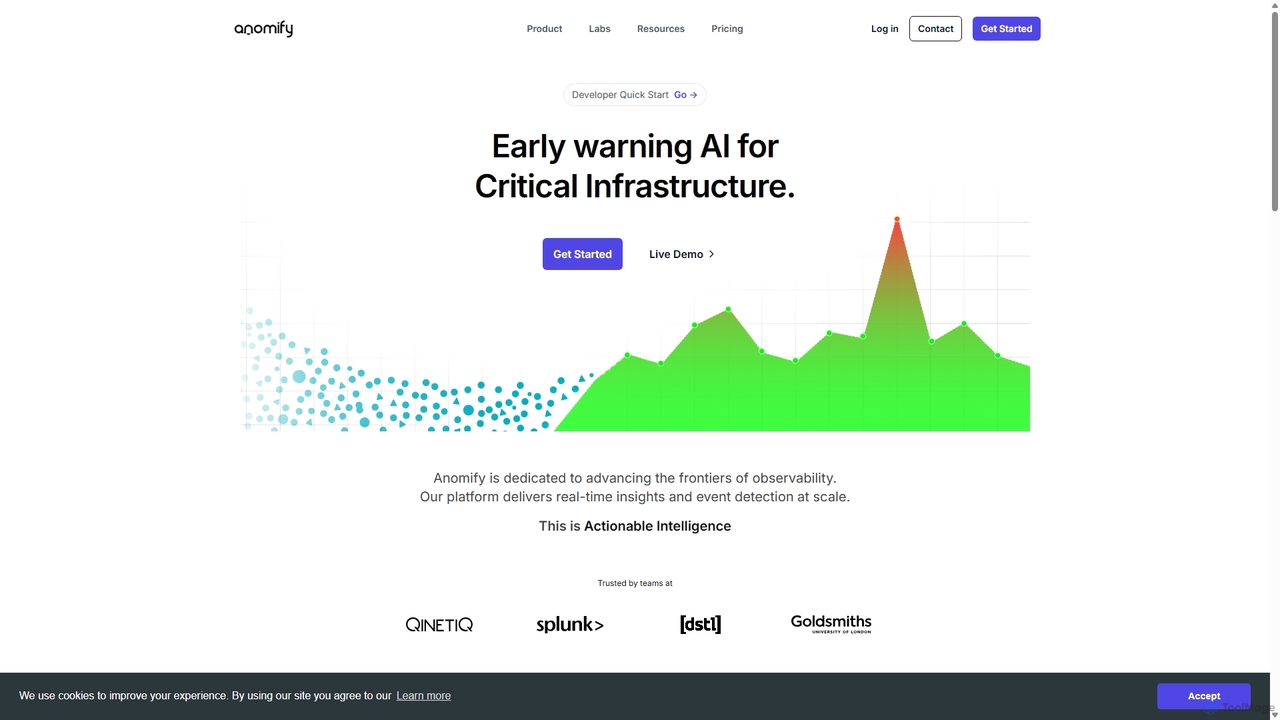
Anomify
Anomify is an AI-powered early warning platform for critical infrastructure, offering real-time anomaly detection and observability at scale. It leverages multi-stage machine learning to analyze time-series data, significantly reduce false positives, and accelerate root cause analysis. Designed for DevOps, SREs, and IT teams, Anomify transforms monitoring from reactive to proactive, ensuring system performance and reliability.
Anomaly DetectionAiTerm
AiTerm is an AI-powered terminal assistant that translates natural language into executable shell commands. It streamlines workflows for developers and command-line users with features like IDE-style autocompletion, command suggestions, and workflow management, all directly within the terminal.
Code AssistantHOJI AI
HOJI AI is a free, AI-powered tool that automates code reviews directly within GitHub. It provides instant, consistent, and high-quality feedback on pull requests, helping development teams increase productivity, improve code quality, and accelerate their development cycles by freeing up senior engineers.
Code Assistant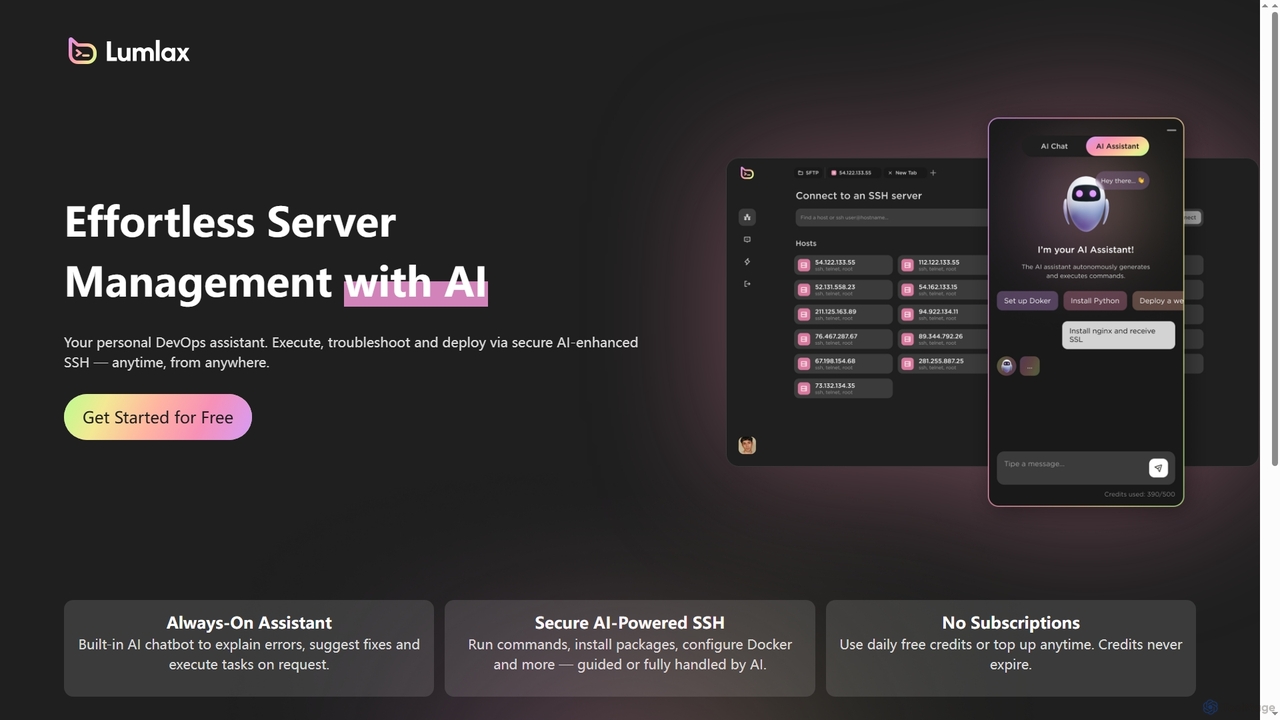
Lumlax
Lumlax is an AI-enhanced SSH application designed for effortless server management. It acts as a personal DevOps assistant, enabling developers to execute commands, troubleshoot issues, and deploy applications securely from anywhere. With its built-in AI chatbot, Lumlax explains errors, suggests fixes, and automates tasks, streamlining operations and boosting productivity.
Devops
Waveterm Comments (0)
Sign in to comment.
Sign inNo comments yet.