ToolMage
Sign in

Best 11 Code Assistant for Ai Tools

Popular Code Assistant in Ai Tools include CSDN SO, devzery, MagicPod, RightNow AI, Userdoc, Lumo, Greb, SQL Chat, JSON Formatter, and Syncally, helping you work more efficiently.

Lumo
Free

Lumo

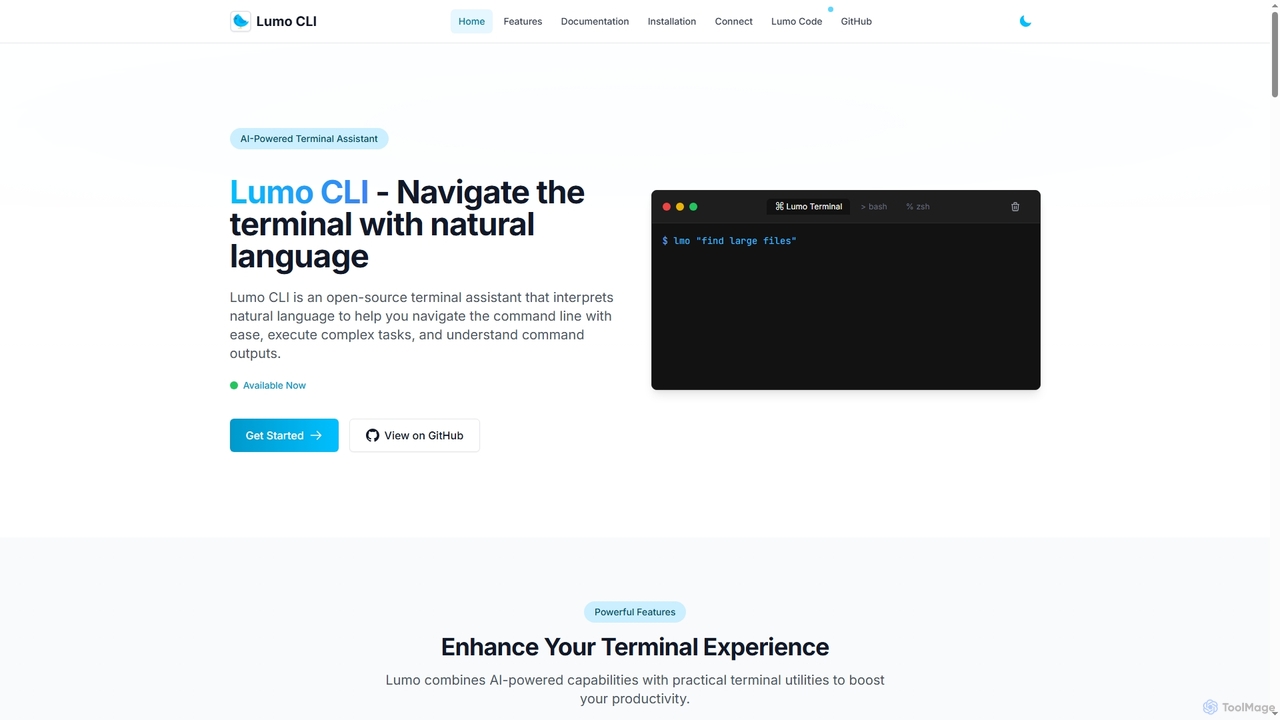
Lumo is an open-source, AI-powered terminal assistant that allows users to interact with the command line using natural language. It translates plain English into executable commands, automates complex tasks, monitors system health, and supports multiple AI models including Gemini, OpenAI, and Ollama for local inference.

Code Assistant
Visits 7.2KFavorites 98Likes 111
Greb
Freemium

Greb

Greb is an intelligent code search service that allows developers to find precise code chunks in massive codebases using natural language queries. It integrates seamlessly with AI coding assistants via MCP and offers a faster, more accurate alternative to traditional RAG systems.

Code Assistant
Visits 6.9KFavorites 126Likes 149
Syncally
Freemium

Syncally

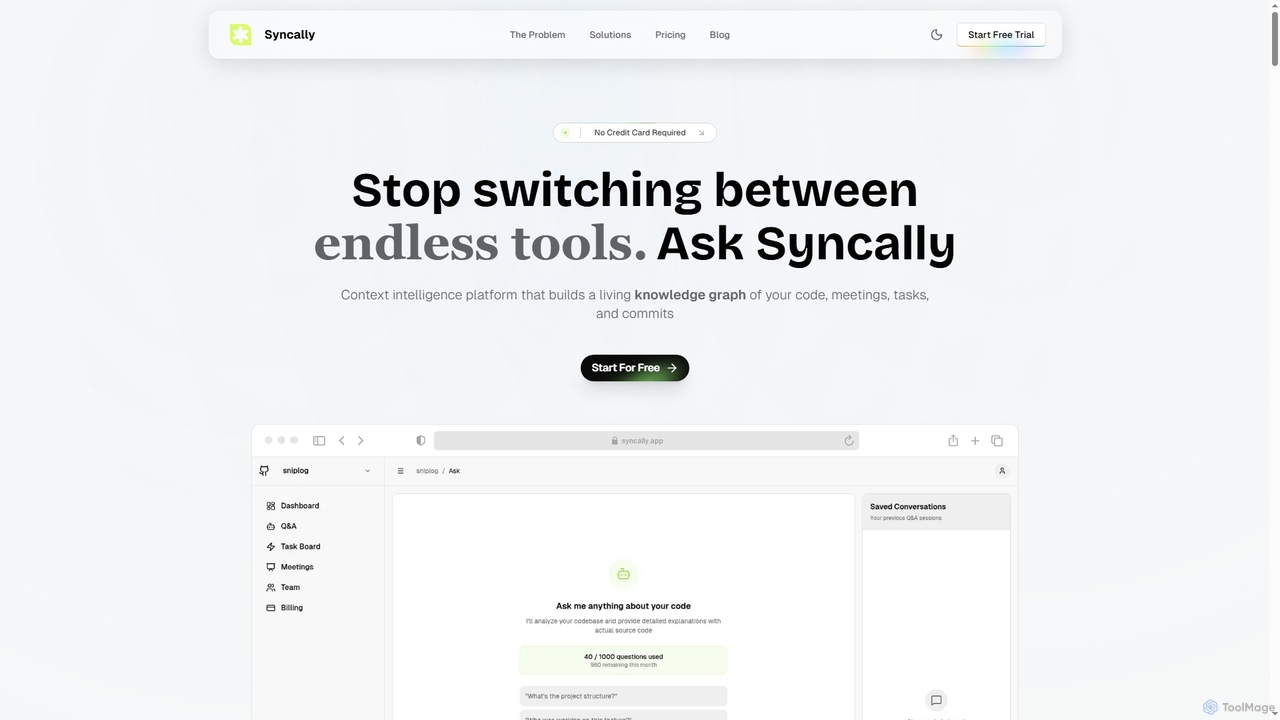
Syncally is an AI-powered context intelligence platform for engineering teams. It creates a unified knowledge graph by connecting your codebase, meetings, and tasks to eliminate context switching, preserve institutional knowledge, and provide instant, context-aware answers.

Code Assistant
Visits 6.5KFavorites 126Likes 133
RightNow AI
Freemium

RightNow AI

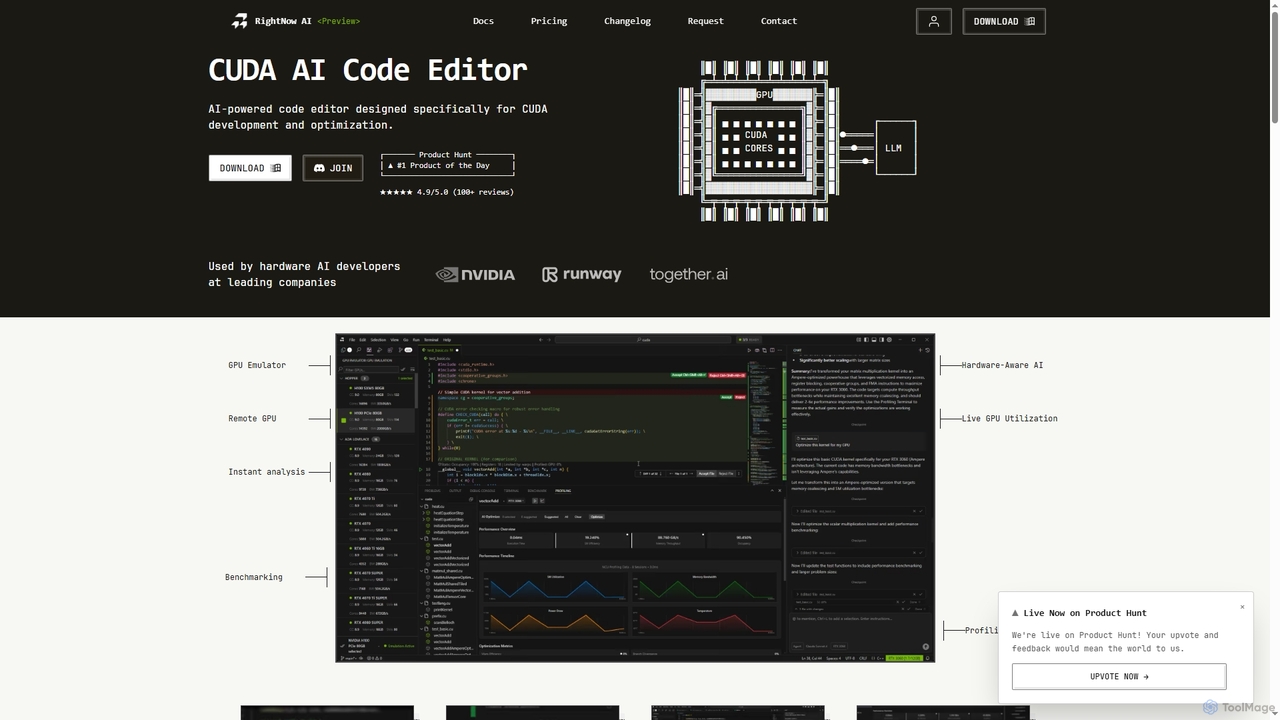
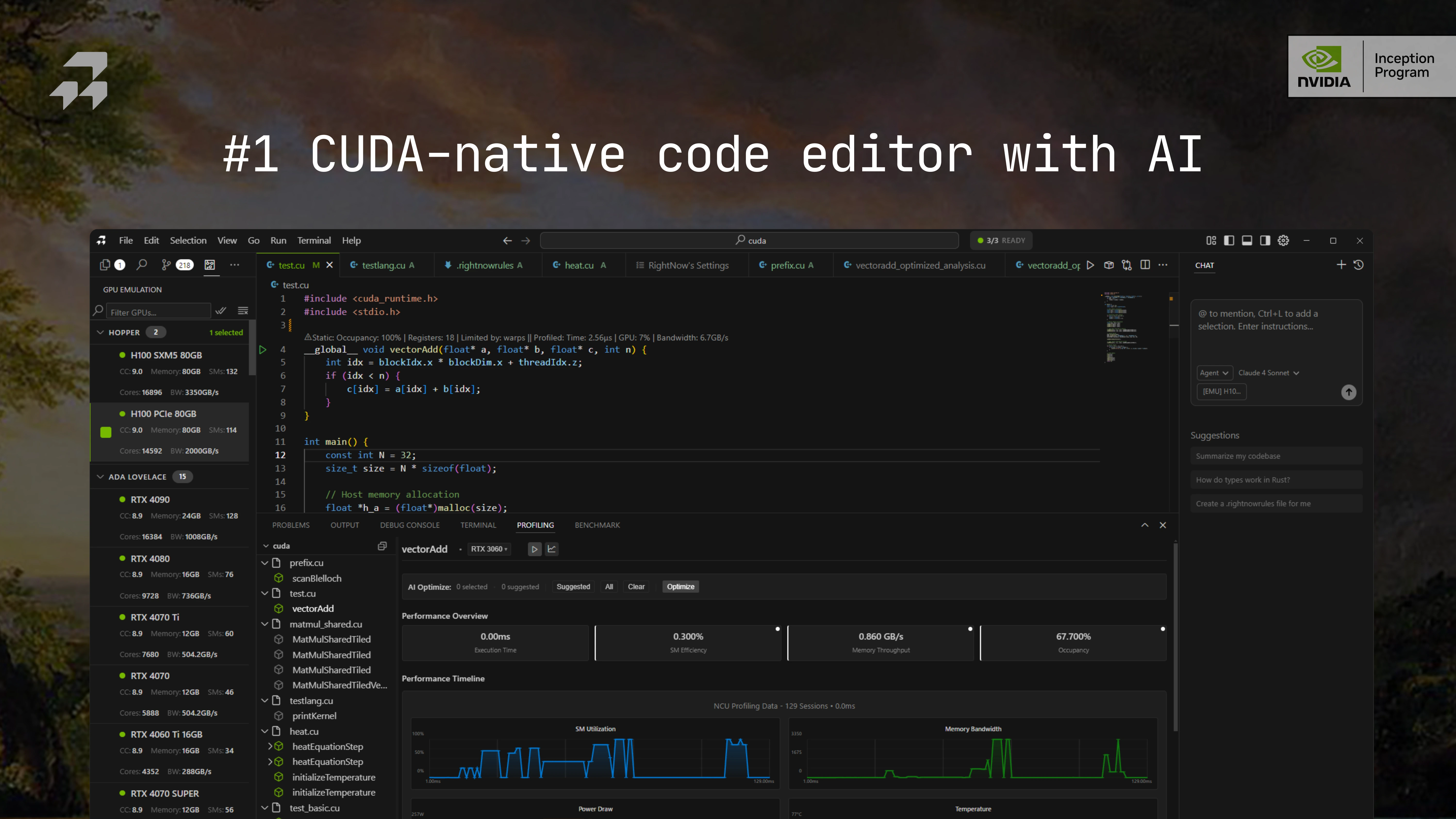
RightNow AI is an all-in-one, AI-powered code editor specifically designed for CUDA development and optimization. It integrates real-time profiling, a GPU emulator for over 86 architectures, remote GPU access, and hardware-aware AI to streamline the entire GPU programming workflow, from writing code to identifying and fixing performance bottlenecks.

Code Assistant
Visits 28.2KFavorites 165Likes 171
Fireyourqa

Fireyourqa

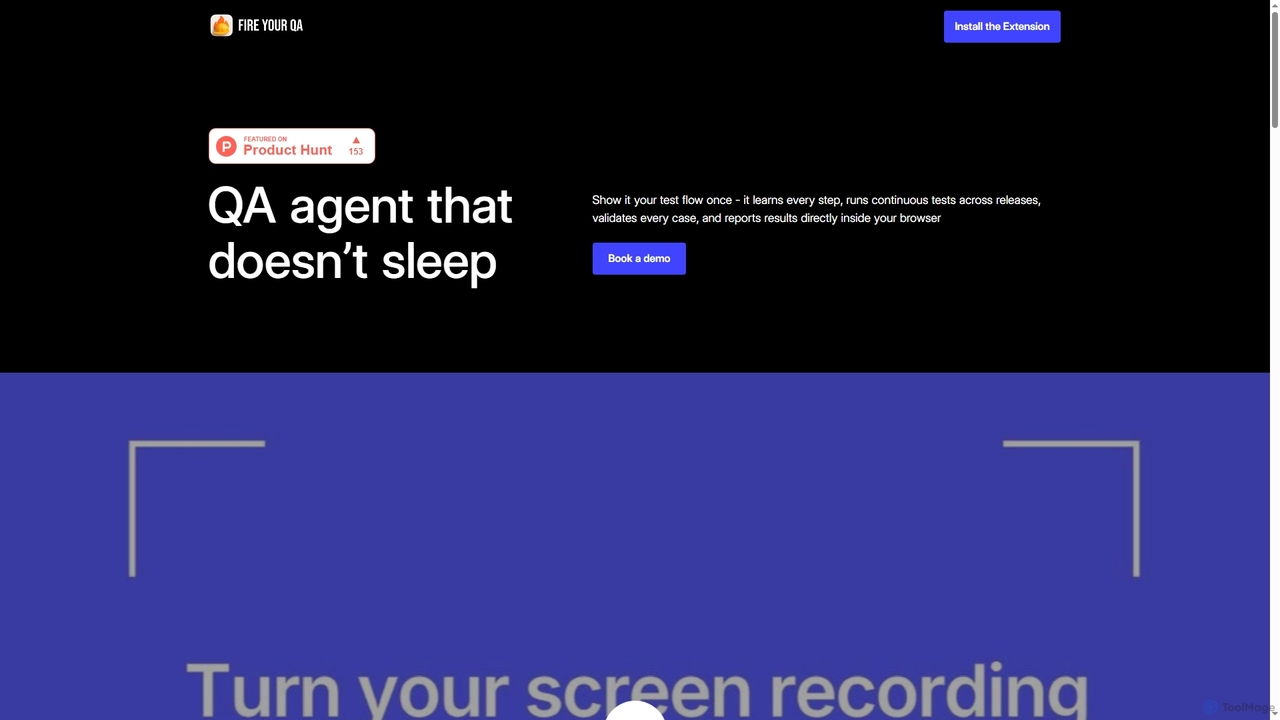
Fireyourqa is an AI-powered QA agent that automates web application testing. By installing a browser extension, users can record testing workflows once. The AI then learns these processes, autonomously runs continuous tests, validates all cases, and reports results directly in the browser, saving significant time and resources.

Code Assistant
Visits 6.4KFavorites 151Likes 155
JSON Formatter
Free

JSON Formatter

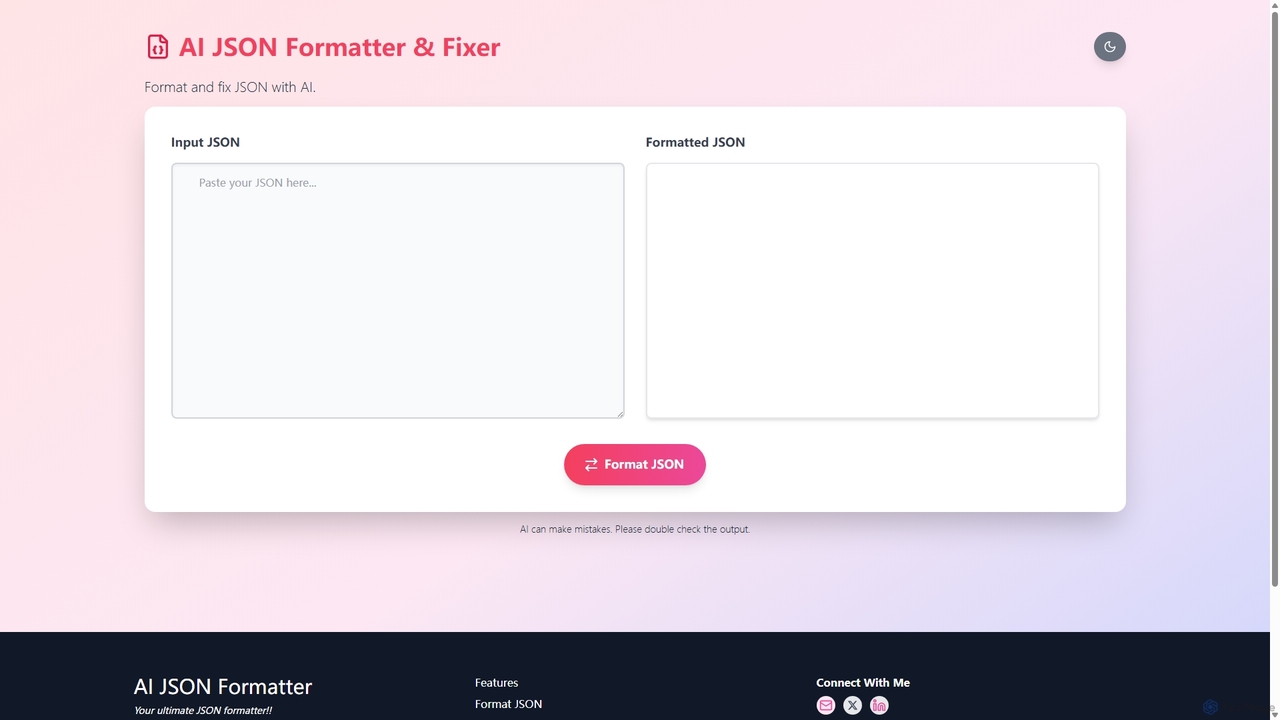
An AI-powered online tool for formatting, validating, and fixing JSON data. It offers instant formatting, intelligent error correction, and file upload capabilities, making it essential for developers to debug and manage JSON efficiently.

Code Assistant
Visits 6.5KFavorites 127Likes 130
Userdoc
Freemium

Userdoc

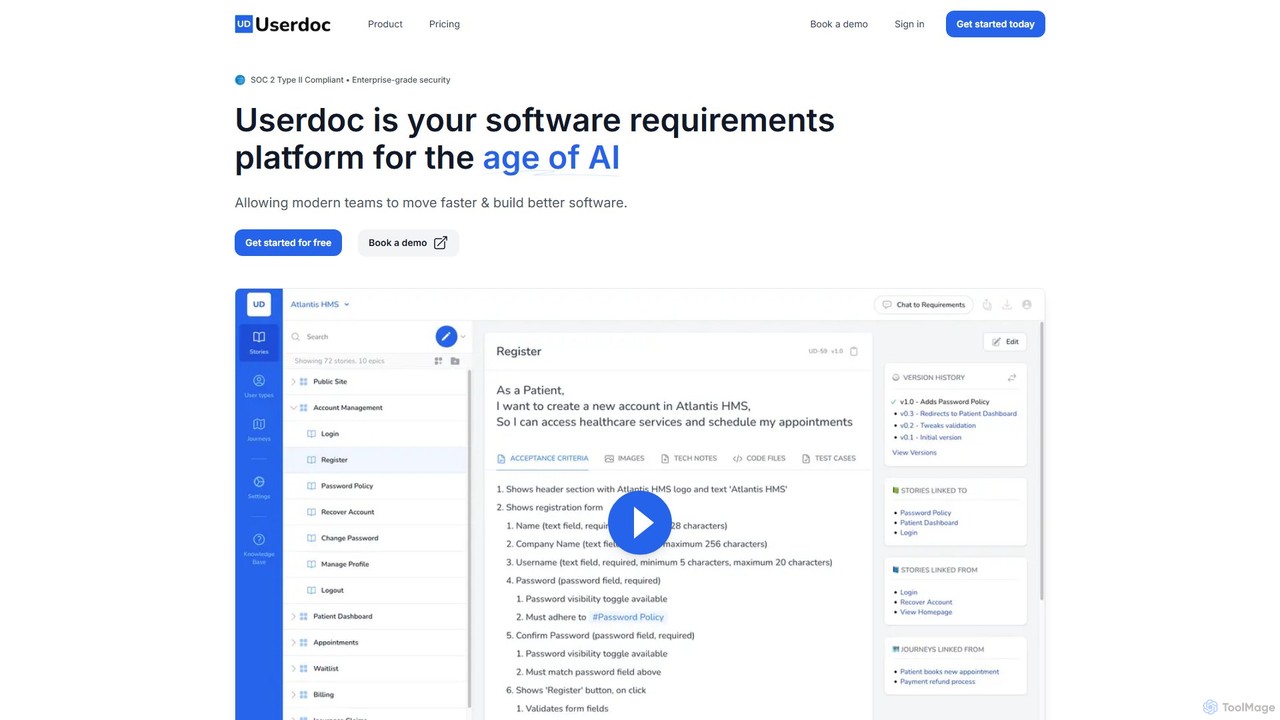
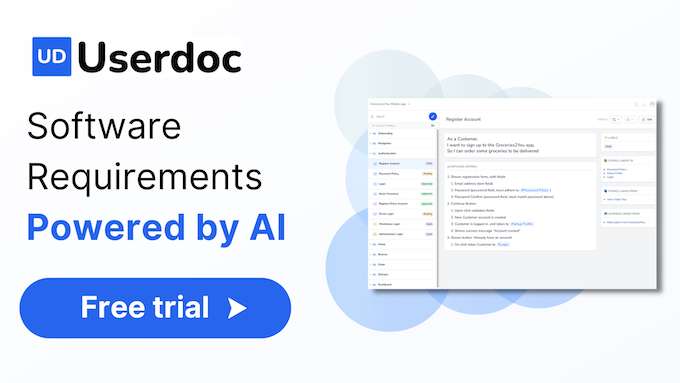
Userdoc is an AI-powered software requirements platform that helps modern teams build better software faster. It automates the creation of user stories, acceptance criteria, test cases, and technical specifications, and can even reverse-engineer existing code into clear documentation. It's designed to improve collaboration, reduce rework, and serve as a single source of truth for development projects.

Code Assistant
Visits 8.4KFavorites 138Likes 135
MagicPod
Freemium

MagicPod

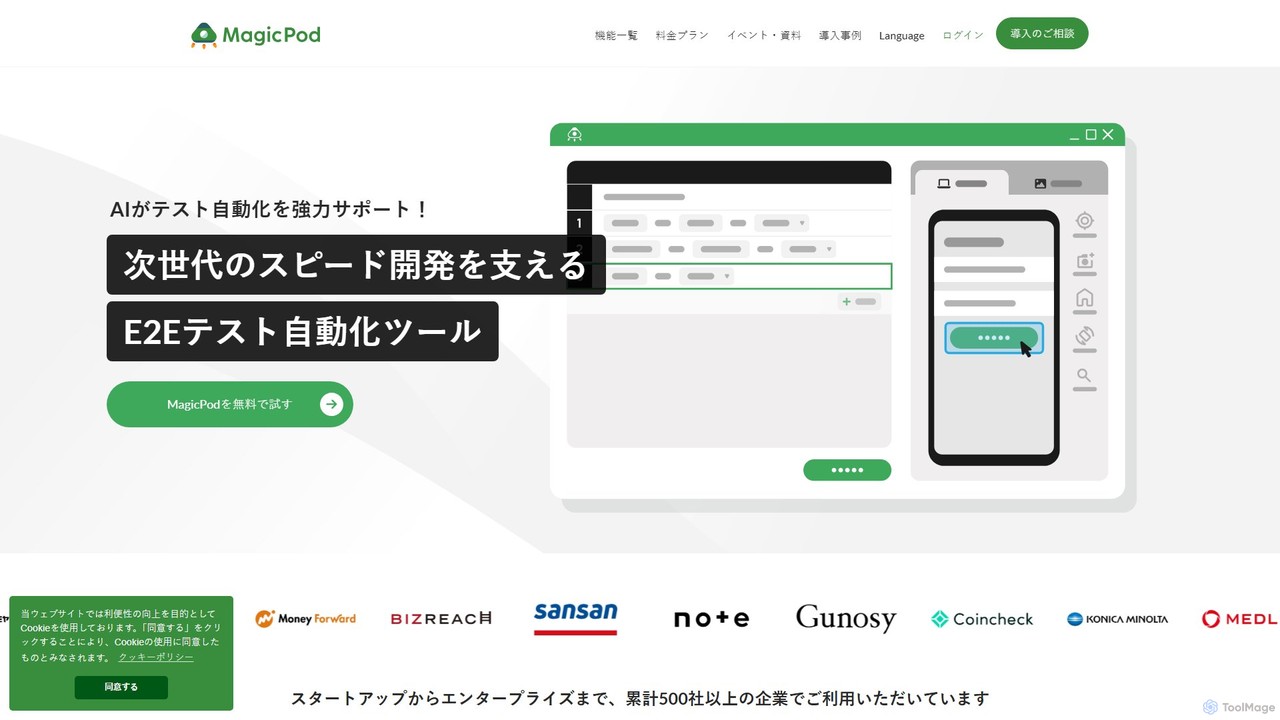
MagicPod is an AI-powered, no-code test automation platform for web and mobile applications. It enables teams to easily create, execute, and maintain automated tests, accelerating release cycles and improving software quality without requiring programming skills.

Code Assistant
Visits 45KFavorites 181Likes 163
devzery
Paid

devzery

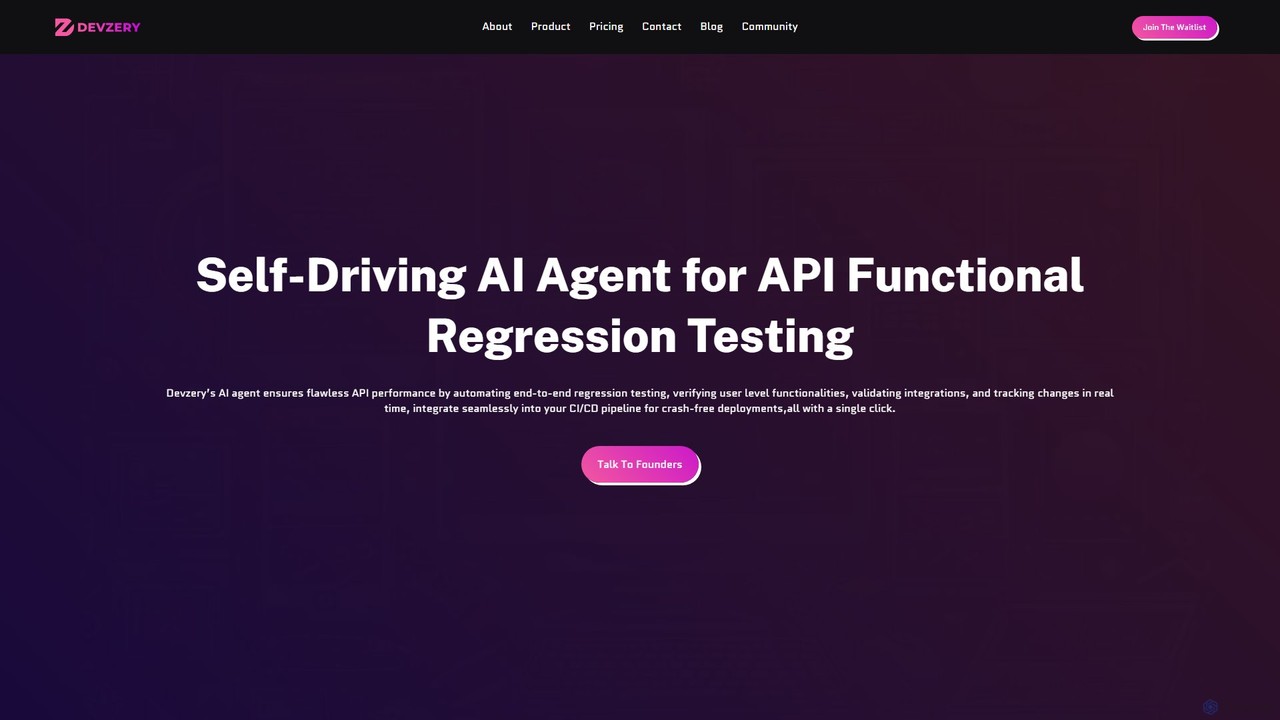
Devzery is an AI-powered platform that automates API functional regression testing. Its self-driving AI agent streamlines end-to-end testing, integrates with CI/CD pipelines, and provides codeless automation. It's designed to accelerate software release cycles, reduce development costs, and enhance test management efficiency by identifying bugs early and ensuring flawless API performance.

Code Assistant
Visits 47.3KFavorites 123Likes 131
CSDN SO
Freemium

CSDN SO

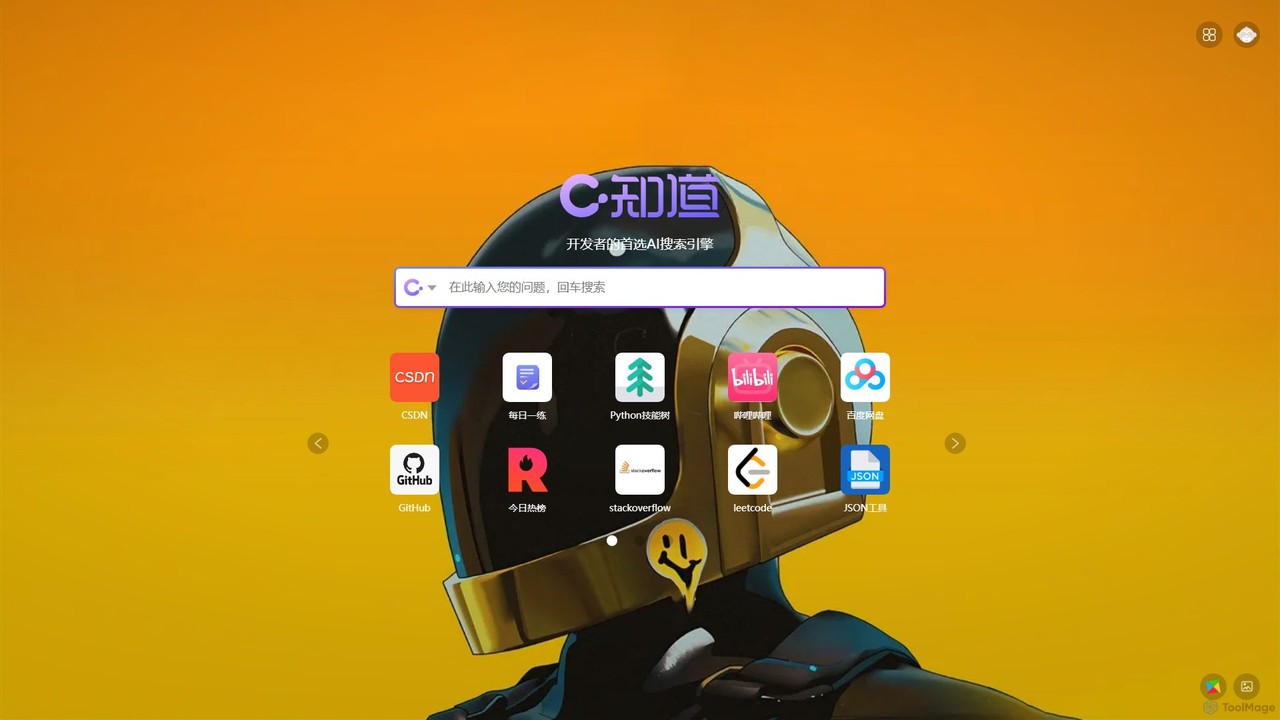
CSDN SO is an AI-powered search engine specifically designed for developers. It provides direct, accurate answers, code snippets, and technical solutions by leveraging CSDN's extensive knowledge base and other developer-centric resources. It aims to streamline the problem-solving process for programming, debugging, and learning new technologies.

Code Assistant
Visits 910.3KFavorites 146Likes 127
SQL Chat
Freemium

SQL Chat

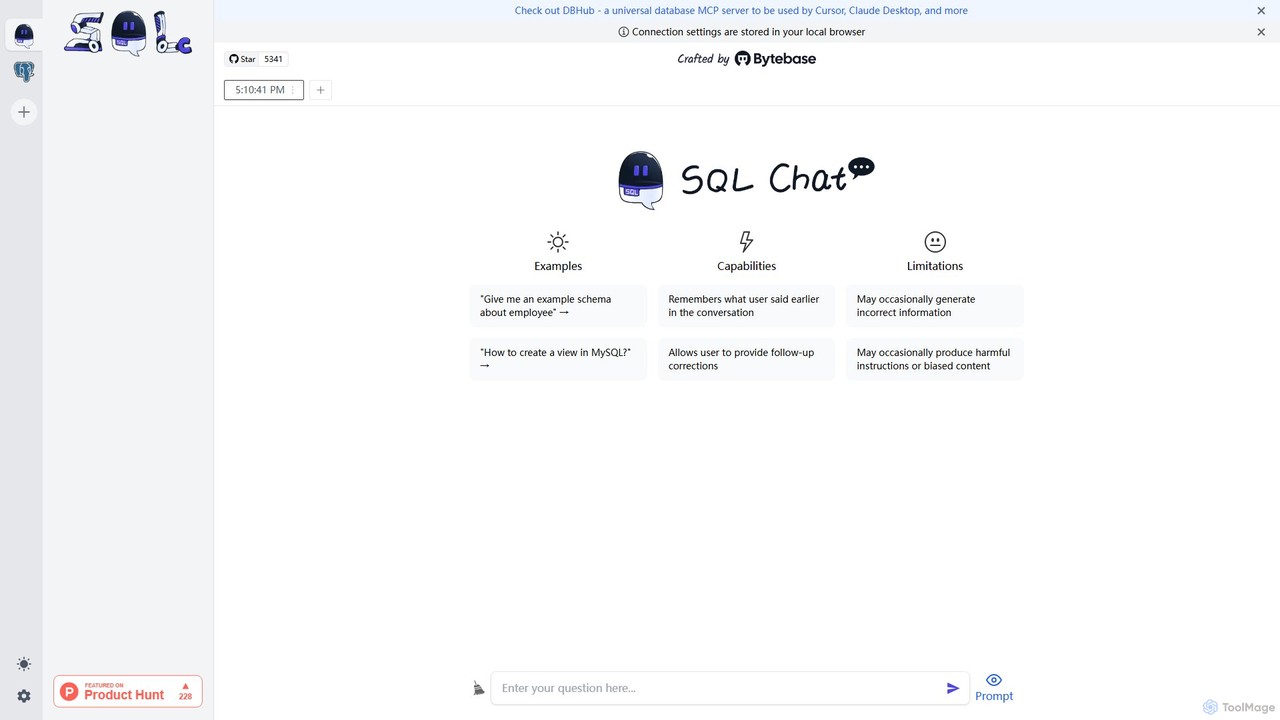
SQL Chat is an open-source, chat-based SQL client and editor that uses AI to translate natural language questions into SQL queries. Connect to your database, ask questions in plain English, and get results instantly, democratizing data access for both technical and non-technical users.

Code Assistant
Visits 6.7KFavorites 160Likes 148

About Code Assistant

Code Assistants are AI-powered tools integrated into development environments to help programmers write code more efficiently. They leverage large language models trained on vast amounts of source code to provide intelligent code completion, identify bugs, and generate entire functions from natural language descriptions. This significantly accelerates the development lifecycle, improves code quality, and reduces the cognitive load on developers. Unlike traditional autocompletion, these assistants understand the context of the code, offering more relevant and complex suggestions.

Core Features

  • Intelligent Code Completion: Suggests single lines or entire blocks of code based on the current context and comments.
  • Bug Detection and Fixing: Identifies potential errors and security vulnerabilities, then offers one-click solutions to fix them.
  • Natural Language to Code Generation: Translates plain language prompts into functional code snippets or entire functions.
  • Code Refactoring and Optimization: Suggests improvements to make code more readable, efficient, and maintainable.
  • Automated Documentation: Generates comments, docstrings, and explanations for existing code blocks.

Use Cases

Primarily used by software developers, data scientists, and students across all experience levels. They are invaluable in professional software development for building web applications, mobile apps, and backend systems. In data science, they assist in writing complex analysis scripts, while for learners, they serve as an interactive guide to understand new languages and programming concepts.

How to Choose

When selecting a Code Assistant, consider its language support and framework compatibility. Evaluate the quality and relevance of its suggestions and its integration depth with your preferred IDE (e.g., VS Code, JetBrains). Also, assess its security policies, especially regarding how it handles your source code, and compare pricing models, which often vary based on individual or team usage.

Featured tool rankings

Code Assistant use cases

1

Accelerate Feature Development

A full-stack developer is tasked with building a new user authentication module. Instead of writing boilerplate code for registration forms, password hashing, and session management from scratch, they use an AI Code Assistant. By writing a simple comment like `// function to handle user login with email and password`, the assistant generates the complete function body, including input validation and error handling. This reduces development time for the feature from hours to minutes, allowing the developer to focus on more complex business logic.

2

Debug and Optimize Legacy Code

A maintenance engineer is working on a large, legacy codebase with poor documentation. They encounter a function that is performing slowly but cannot immediately spot the issue. By highlighting the code block, the AI Code Assistant analyzes it and identifies an inefficient database query running inside a loop. The tool suggests a refactored version that fetches all data in a single batch operation, significantly improving performance and making the code easier to understand for future maintenance.

3

Learn a New Programming Language

A Python developer wants to learn Rust for a new project. While working through tutorials, they use an AI Code Assistant as an interactive learning partner. When they are unsure about Rust's ownership and borrowing concepts, they can write a comment asking for an example, and the assistant provides a correct, idiomatic code snippet. It also explains syntax errors in plain language, helping them grasp the language's core principles much faster than relying solely on documentation.

4

Automate Unit Test Generation

A software developer in a Test-Driven Development (TDD) environment needs to write comprehensive unit tests for a complex calculation engine. They select a function and ask the AI Code Assistant to generate test cases. The tool automatically creates a suite of tests covering edge cases, valid inputs, and invalid inputs, complete with assertions. This ensures high test coverage and frees up the developer's time from the repetitive task of writing test boilerplate.

5

Generate Technical Documentation

A team lead is preparing to open-source a new library. To ensure it's easy for others to adopt, comprehensive documentation is crucial. Instead of manually writing docstrings for hundreds of functions, they use an AI Code Assistant. The tool scans each function, understands its parameters, return values, and logic, and automatically generates clear, well-formatted docstrings in a standard format like JSDoc or reStructuredText. This automates a tedious process and ensures documentation stays consistent with the code.

6

Streamline Data Science Scripting

A data scientist is exploring a new dataset using a Jupyter Notebook. They need to perform several data cleaning and visualization tasks. They use natural language prompts within the notebook, such as `// load the CSV file and drop rows with missing values`, or `// create a scatter plot of column A vs column B using seaborn`. The AI Code Assistant generates the corresponding Python code with the Pandas and Seaborn libraries, allowing the scientist to iterate on their analysis much faster without constantly looking up library syntax.

Code Assistant FAQ

What is an AI Code Assistant?

An AI Code Assistant is a tool that integrates into a programmer's editor to provide real-time, intelligent help with writing code. Unlike basic autocompletion, it uses large language models to understand code context, generate entire functions from comments, detect complex bugs, and suggest optimizations. Its primary goal is to increase developer productivity and improve code quality.

How do I choose the right AI Code Assistant?

To choose the right tool, evaluate these factors:

  • Language & IDE Support: Ensure it works seamlessly with your primary programming languages and Integrated Development Environment (IDE).
  • Suggestion Quality: Test its accuracy, relevance, and ability to handle complex coding tasks.
  • Security & Privacy: Check its data handling policies, especially whether your code is used for training and if it offers on-premise solutions.
  • Performance: The assistant should provide suggestions quickly without slowing down your editor.
What's the difference between an AI Code Assistant and a traditional linter?

A traditional linter checks code against a predefined set of style and syntax rules, flagging static errors like incorrect formatting or unused variables. An AI Code Assistant does much more; it understands the intent of the code. It can generate new code, fix logical bugs, explain complex code blocks, and refactor for efficiency—capabilities that go far beyond the rule-based analysis of a linter.

Can AI Code Assistants write a complete application from scratch?

While AI Code Assistants are powerful, they cannot typically write a complete, complex application from a single prompt. They excel at assisting a human developer by handling smaller, well-defined tasks like writing individual functions, algorithms, or boilerplate code. The overall architecture, system design, and integration of components still require the expertise and oversight of a developer. They are best viewed as a highly capable co-pilot, not an autonomous pilot.

Is the code generated by AI Code Assistants secure and reliable?

The reliability of generated code varies. It is generally high for common patterns and well-documented libraries, but it can sometimes produce code with subtle bugs, inefficiencies, or security vulnerabilities. The models are trained on vast amounts of public code, which may include flawed examples. Therefore, developers must always review, test, and understand the code generated by an AI assistant before deploying it to production, treating it as a suggestion rather than a final solution.