accelq
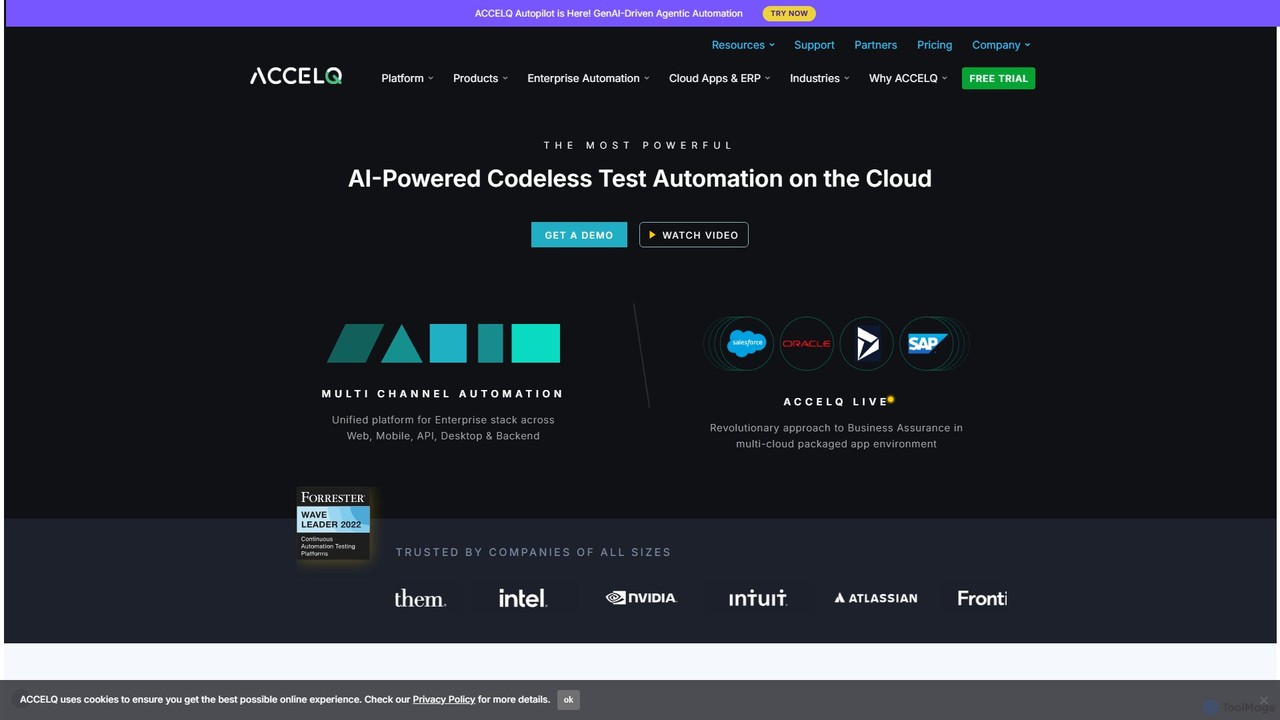
accelq is a leading AI-powered, codeless test automation platform designed for enterprise applications. It offers a unified solution …
accelq is a leading AI-powered, codeless test automation platform designed for enterprise applications. It offers a unified solution for web, mobile, API, desktop, and backend testing, enabling continuous testing and quality assurance with a focus on business processes and zero coding.
About Ai Code Assistant
AI Code Assistants are development tools that integrate into your code editor or IDE to provide intelligent, real-time coding support. Powered by large language models (LLMs) trained on vast amounts of source code, they go beyond traditional autocompletion to suggest entire lines or blocks of code. These assistants accelerate the development process, help reduce syntax errors, and improve overall code quality. They function as an interactive partner, capable of generating code from natural language, identifying potential bugs, and suggesting optimizations.
Core Features
- Intelligent Code Completion: Suggests context-aware, multi-line code blocks, not just single keywords or function names.
- Natural Language to Code Generation: Translates plain English descriptions or comments into functional code snippets, functions, or classes.
- Bug Detection and Fixing: Proactively identifies potential errors, logical flaws, and security vulnerabilities in your code, often suggesting corrections.
- Code Refactoring and Optimization: Analyzes existing code and recommends improvements for readability, performance, and adherence to best practices.
- Code Explanation: Provides clear, natural language explanations for complex code blocks or unfamiliar algorithms.
Use Cases
AI Code Assistants are primarily used by software developers, data scientists, and students across all experience levels. In a professional setting, they are used to speed up feature development, automate the creation of unit tests, and maintain code quality in large projects. For learners, they serve as an educational tool, providing instant examples and explanations to help grasp new programming languages and concepts more quickly.
How to Choose
When selecting an AI Code Assistant, consider its integration support for your preferred IDE or editor. Evaluate the breadth and quality of its programming language support. For enterprise use, review the tool's privacy and security policies regarding code handling. Finally, compare performance, suggestion accuracy, and the pricing model (free, subscription, or usage-based) to find the best fit for your workflow and budget.

Ai Code AssistantUse Cases
Accelerate Backend API Development
A backend developer is tasked with creating a new REST API endpoint for user profile management. Instead of writing all the boilerplate code manually, they write a comment like '// Create a POST endpoint /users to add a new user with validation for email and password'. The AI Code Assistant generates the complete function, including the route handler, request body parsing, validation logic, and a template for database interaction. This reduces development time for a single endpoint from 30 minutes to under 5, allowing the developer to focus on more complex business logic.
Automate Unit Test Generation
A software tester needs to write unit tests for a complex utility function that calculates shipping costs based on weight, distance, and user subscription level. They highlight the function and instruct the AI Code Assistant: 'Write unit tests for this function, covering edge cases like zero weight, negative distance, and all subscription types.' The assistant generates a comprehensive test suite with multiple test cases, including assertions for expected outcomes. This automates a tedious task, improves test coverage, and ensures the function's reliability without hours of manual test writing.
Learning a New Framework or Language
A developer experienced in Python is learning JavaScript and the React framework for a new project. When they encounter an unfamiliar concept like React Hooks, they can ask the AI assistant, 'Explain the useState hook in React and provide a simple example of a counter component.' The assistant provides a concise explanation directly in the IDE, followed by a functional code snippet. This in-context learning is much faster than switching to a web browser to search through documentation or tutorials, keeping the developer's workflow uninterrupted.
Refactoring and Improving Legacy Code
A maintenance developer is working on a legacy codebase with a large, poorly documented function. To understand and improve it, they highlight the entire function and ask the AI Code Assistant to 'Refactor this function to improve readability and add comments explaining the logic.' The assistant breaks the monolithic function into smaller, more manageable helper functions, renames variables to be more descriptive, and adds comments explaining each step. This process transforms confusing legacy code into clean, maintainable code in minutes, a task that could otherwise take hours of careful manual work.
Debugging and Explaining Complex Code
A data scientist is trying to debug a complex data transformation pipeline written by a former colleague. A specific part of the code using advanced library functions is not behaving as expected. They highlight the confusing code block and ask the AI assistant, 'Explain what this code does step-by-step and suggest why the output might be incorrect.' The assistant breaks down the logic into plain English and identifies a potential issue with data types, suggesting a specific code change to fix it. This saves hours of debugging and reading through dense library documentation.
Rapid Prototyping of a Web Component
A front-end developer needs to quickly build a prototype of an interactive data table component with sorting and filtering capabilities. They write a detailed comment: '// Create a React component for a data table. It should accept 'data' and 'columns' as props. Include functionality for sorting by column header click and a text input for filtering rows.' The AI Code Assistant generates the entire component file, including the JSX structure, state management for sorting/filtering, and event handlers. The developer can then refine this generated code, saving over 80% of the initial setup time.