
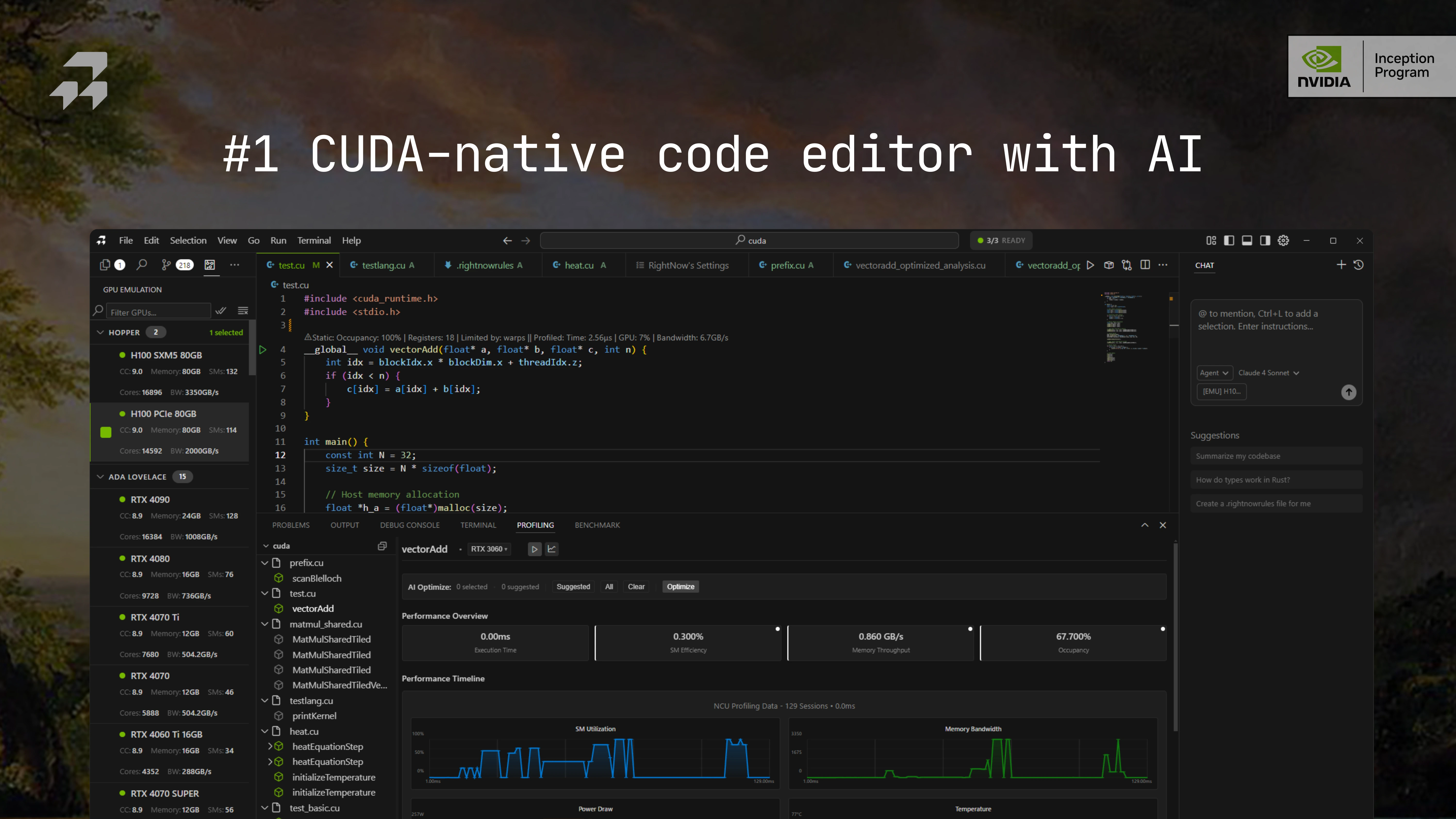
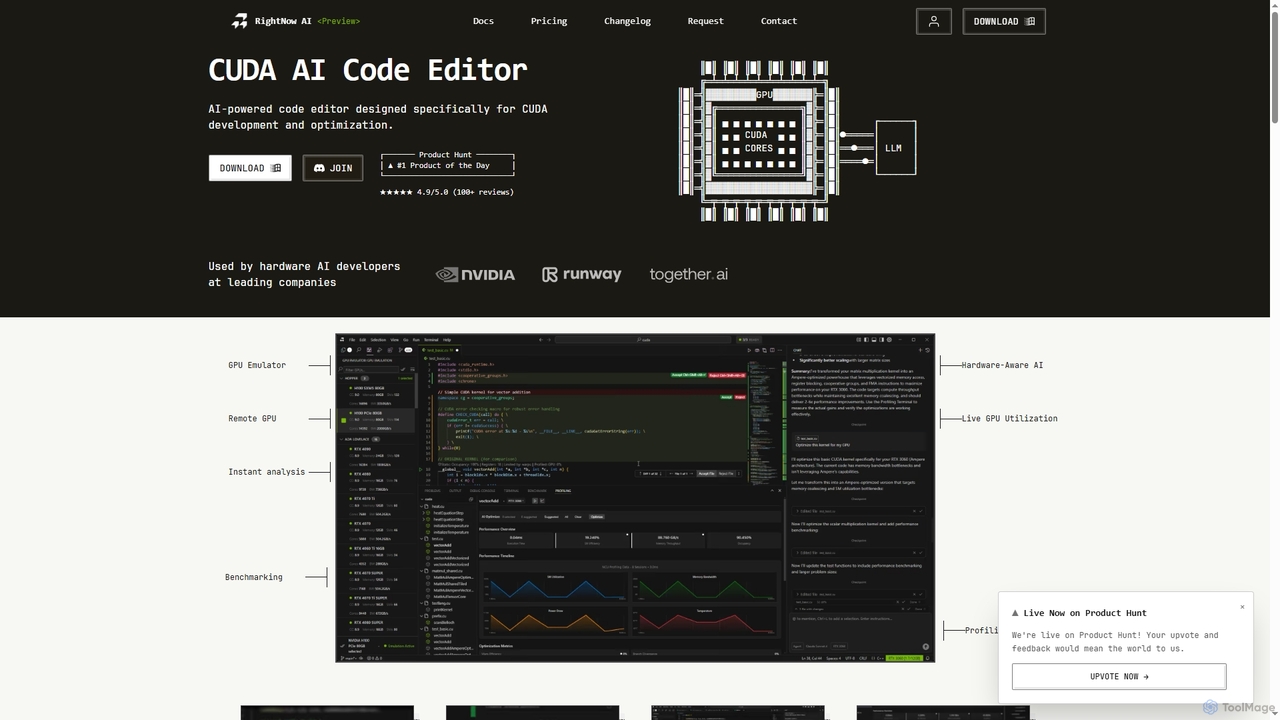
RightNow AI Overview
RightNow AI is a specialized, AI-powered code editor built to accelerate CUDA development for hardware AI developers, researchers, and high-performance computing engineers. It consolidates the fragmented GPU development workflow by integrating a powerful editor with advanced tools like real-time profiling, benchmarking, and GPU emulation. This eliminates the need to switch between multiple applications like Nsight Compute, a code editor, and terminals, allowing developers to write, test, and optimize CUDA kernels within a single, unified environment. The tool is designed to understand the specific GPU architecture you're working with, providing hardware-aware AI suggestions to maximize performance.
How to use RightNow AI
Start by downloading and installing the application for your operating system (Windows, macOS, or Linux). Once installed, you can begin writing or importing your CUDA C++ or PyTorch code. As you type, the AI provides intelligent code completion and optimization suggestions. Use the built-in profiling terminal to get real-time performance metrics and run benchmarks across different configurations to find the optimal setup. For hardware you don't own, leverage the GPU emulator to test your kernels on over 86 different architectures, including high-end models like the H100 and A100. The AI bottleneck analysis feature will interpret profiling results and provide clear, actionable advice on how to fix performance issues.
Core Features of RightNow AI
- AI-Powered CUDA Editor: Features intelligent code completion, GPU-optimized suggestions, and AI-driven bottleneck analysis.
- GPU Emulator: Test and profile CUDA kernels on 86+ virtual GPU architectures (e.g., A100, H100) without needing the physical hardware, with 96-98% accuracy.
- Real-Time Profiling & Benchmarking: Get instant kernel metrics (NCU metrics), live GPU utilization, and run automated benchmarks to track performance and regressions.
- Hardware-Aware AI: The AI understands specific GPU architectures (sm_86, sm_90, etc.) to provide tailored optimization advice.
- Local LLM Support: Integrates with Ollama, vLLM, and others, ensuring your code remains private and never leaves your machine.
- PTX/SASS Viewer: A Godbolt-style assembly viewer that shows what your GPU is actually executing, with line-by-line instruction mapping.
- Remote GPU & Multi-GPU Support: Code locally and execute on remote cloud GPUs (AWS, Google Cloud, etc.) via SSH. Profile and compare performance across multiple GPUs simultaneously.
- Natural Language Profiling: Describe what you want to profile in plain English to get the correct Nsight Compute commands instantly.
Use Cases for RightNow AI
RightNow AI is ideal for professionals engaged in GPU-intensive tasks. This includes AI/ML engineers optimizing training and inference kernels, high-performance computing (HPC) developers writing complex simulations, game developers working on graphics and physics engines, and academic researchers pushing the boundaries of parallel computing. Any developer working with NVIDIA CUDA who wants to streamline their workflow, improve code performance, and test on a wide range of hardware will find this tool invaluable.
Advantages of RightNow AI
The primary advantage of RightNow AI is its unified workflow, which saves significant time and reduces context switching. Its GPU emulator democratizes access to high-end hardware, enabling developers to optimize for architectures they don't physically possess. The hardware-aware AI provides expert-level insights, helping even less experienced developers identify and resolve complex performance bottlenecks like memory coalescing or bank conflicts. Finally, its support for local LLMs addresses critical privacy and security concerns for organizations working with proprietary code.
Pricing and Plans
RightNow AI offers a freemium model with three distinct tiers:
- Free: Costs $0/month. Designed for solo developers, it includes single GPU development, unlimited profiling & benchmarking, CodeLens performance metrics, local LLM support, and limited AI credits (50/month).
- Pro: Costs $20/month. Aimed at professional teams, this plan includes everything in Free, plus GPU emulator access, multi-GPU comparison (up to 6), natural language profiling, 1,000 AI credits/month with premium models, and priority email support.
- Enterprise: Custom pricing. For large organizations, it offers everything in Pro with unlimited capacity, support for 100+ GPU clusters, on-premise deployment, custom silicon support, and a dedicated support team with a 24/7 SLA.
RightNow AI FAQ
Traffic
Latest traffic
Status
Monthly traffic trend
- 2026-1: 5.8K
- 2026-2: 14.9K
- 2026-3: 31.1K
- 2026-4: 12.6K
- 2026-5: 21.7K
Geography
Top 5 countries / regions
- 🇺🇸United States43.0%
- 🇻🇳Vietnam20.6%
- 🇩🇪Germany17.4%
- 🇨🇦Canada9.5%
- 🇮🇳India9.5%
Top keywords
RightNow AI Alternatives
Replicate
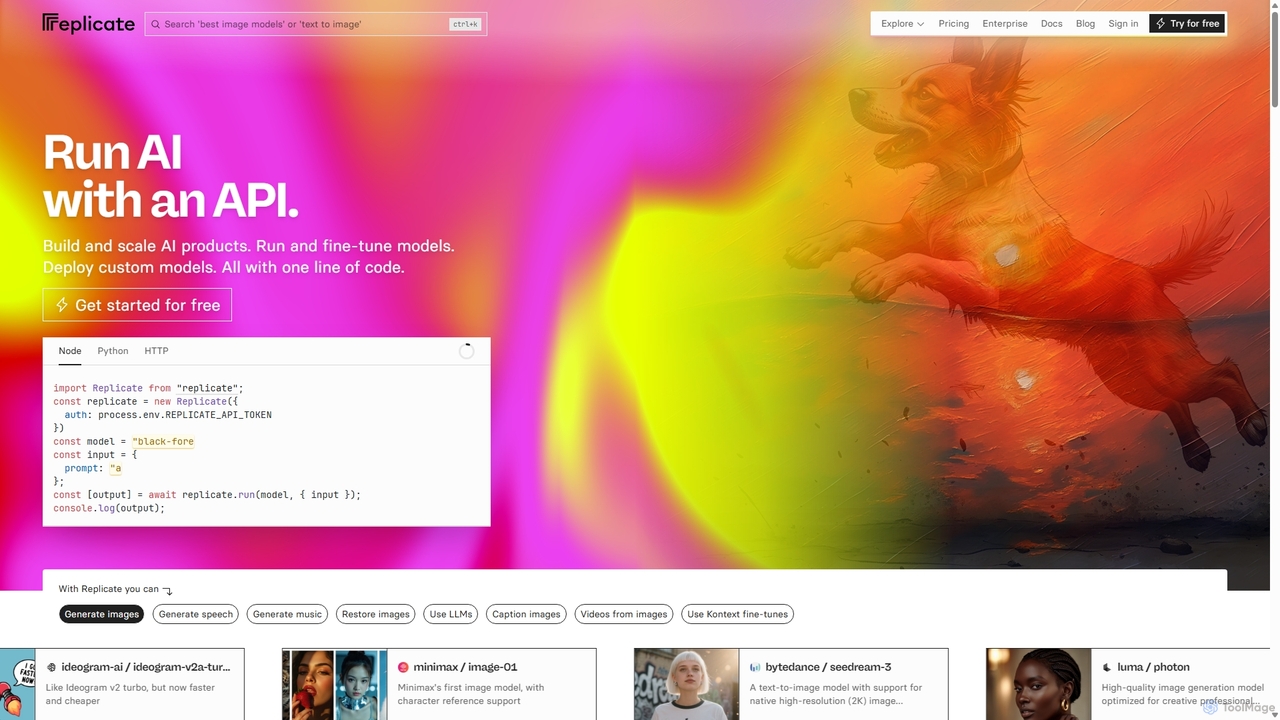
Replicate is a cloud platform for developers to run, fine-tune, and deploy AI models via a simple API. It eliminates the need for managing complex infrastructure, offering access to thousands of models with pay-per-use pricing and automatic scaling.
Machine Learning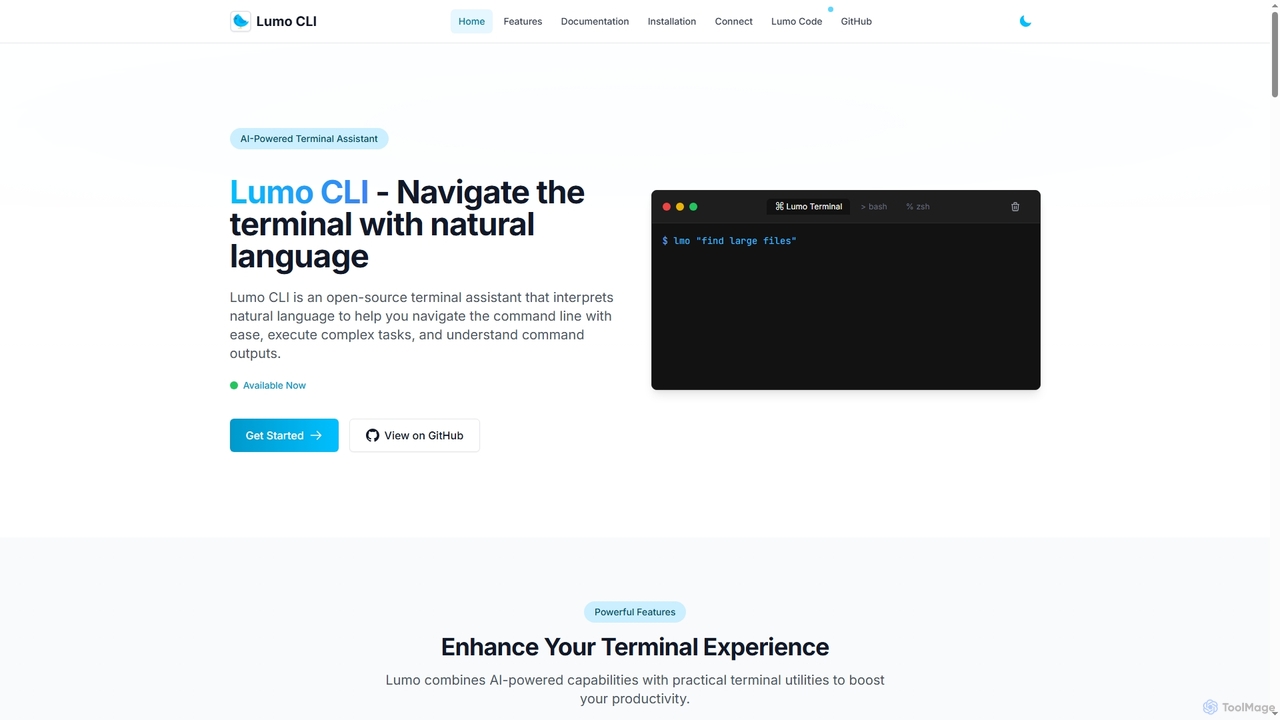
Lumo
Lumo is an open-source, AI-powered terminal assistant that allows users to interact with the command line using natural language. It translates plain English into executable commands, automates complex tasks, monitors system health, and supports multiple AI models including Gemini, OpenAI, and Ollama for local inference.
Code Assistant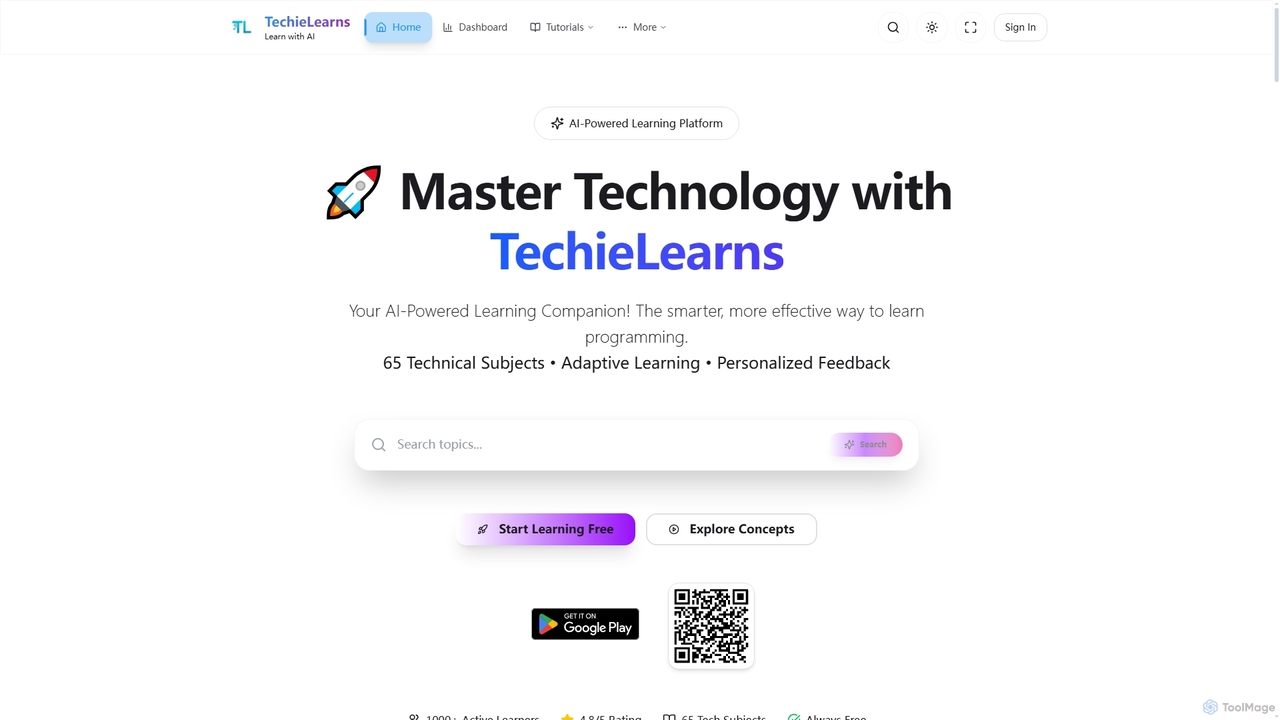
TechieLearns
TechieLearns is an AI-powered learning platform designed to help individuals master programming and various technical subjects through adaptive lessons, interactive coding practice, and personalized feedback. It offers a comprehensive, engaging, and always-free learning experience for all skill levels.
Personalized Learning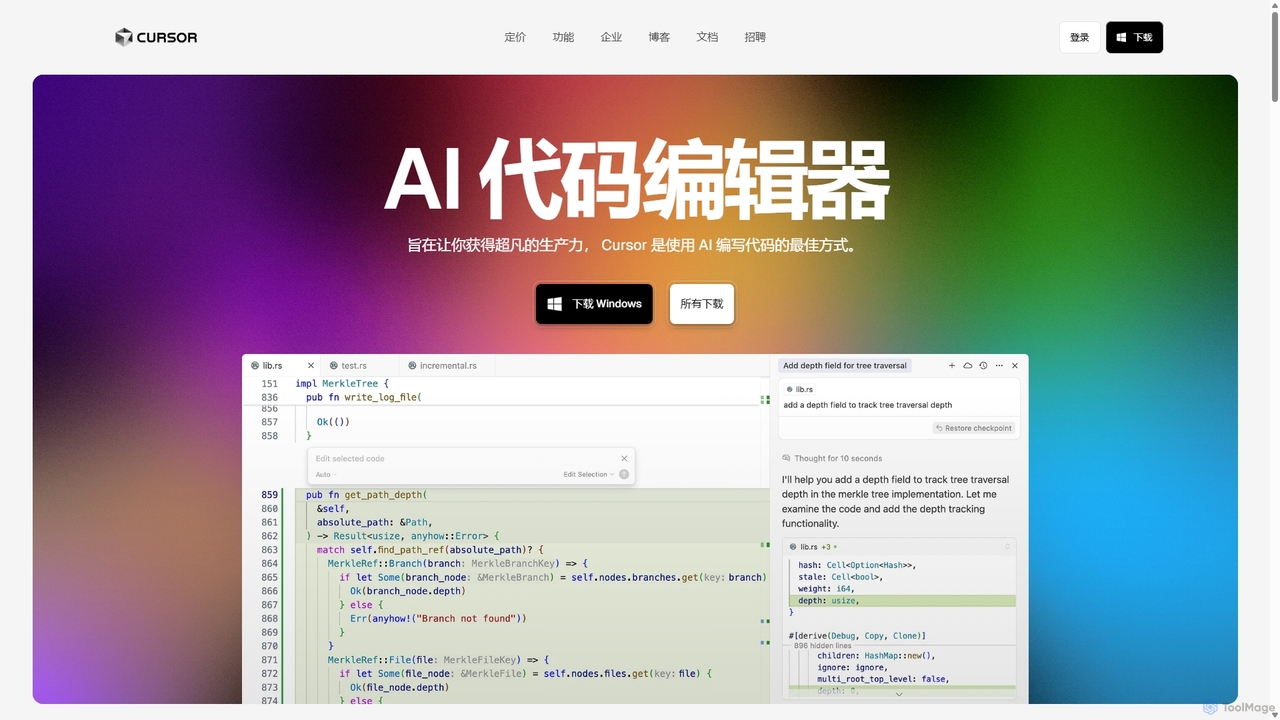
Cursor
Cursor is an AI-first code editor designed for pair-programming with artificial intelligence. Built as a fork of VS Code, it offers a familiar environment supercharged with advanced AI capabilities for code generation, editing, debugging, and codebase comprehension, aiming to significantly boost developer productivity.
Code Assistant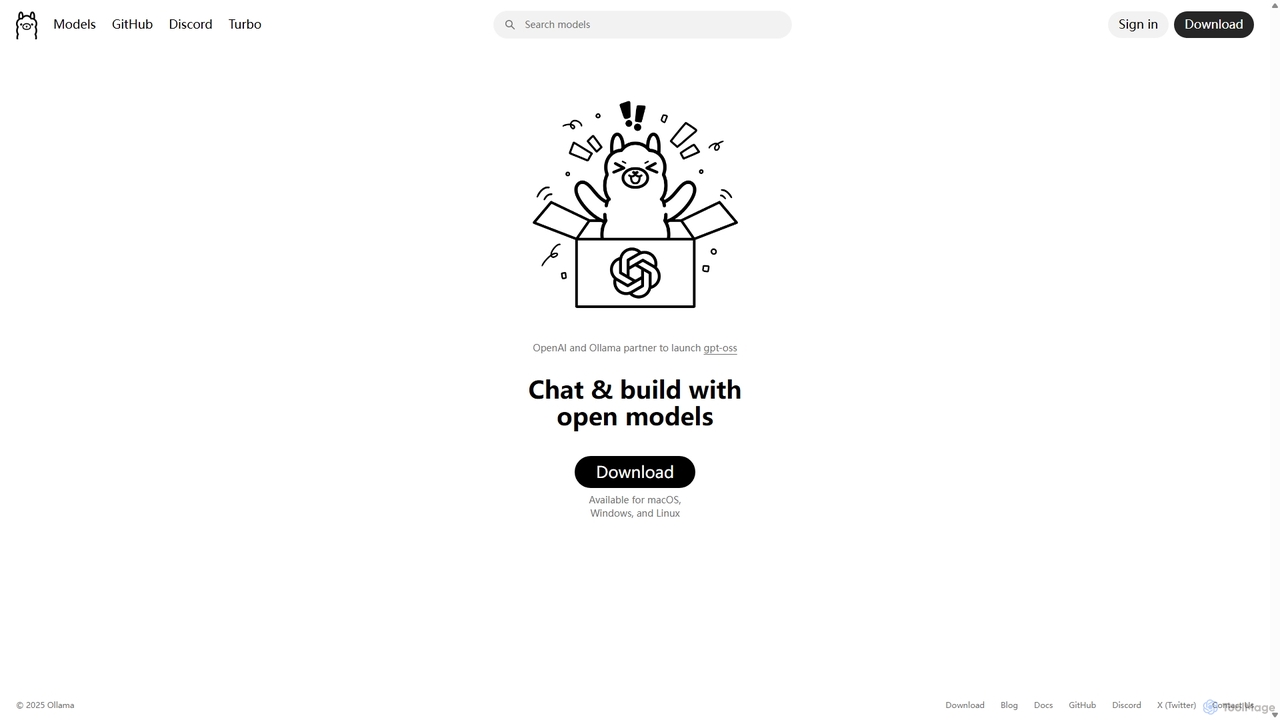
Ollama
Ollama is a powerful open-source framework for running large language models (LLMs) like Llama 3, Mistral, and Gemma locally on your own hardware. Available for macOS, Windows, and Linux, it simplifies the setup and management of open-source models, enabling private, offline, and cost-effective AI development and usage.
Machine LearningRightNow AI Categories
RightNow AI Jobs
RightNow AI Embed Widget
Copy this embed code to place the badge on your blog, article, or product site and send readers directly to this ToolMage detail page.

Related AI tools
Replicate
Replicate is a cloud platform for developers to run, fine-tune, and deploy AI models via a simple API. It eliminates the need for managing complex infrastructure, offering access to thousands of models with pay-per-use pricing and automatic scaling.
Machine LearningOllama
Ollama is a powerful open-source framework for running large language models (LLMs) like Llama 3, Mistral, and Gemma locally on your own hardware. Available for macOS, Windows, and Linux, it simplifies the setup and management of open-source models, enabling private, offline, and cost-effective AI development and usage.
Machine Learning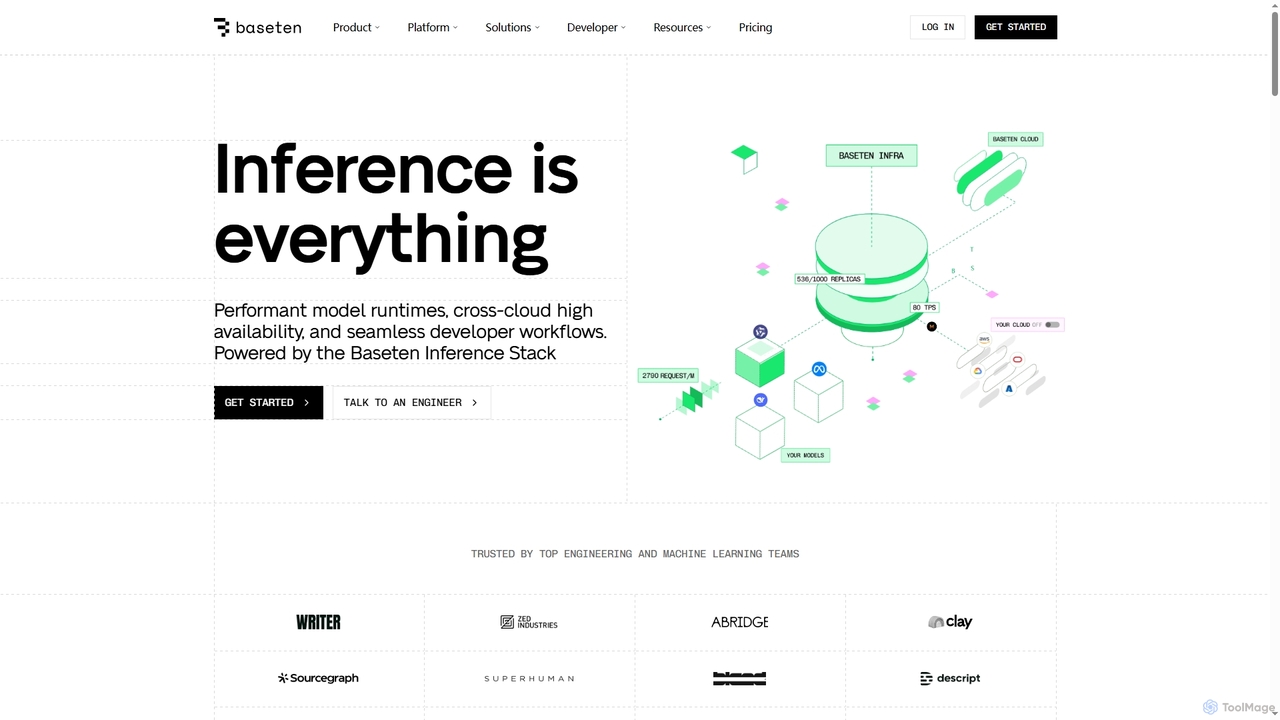
Baseten
Baseten is a production-grade inference platform for deploying, scaling, and managing AI models. It offers high-performance runtimes, seamless developer workflows, and flexible deployment options (cloud, self-hosted, hybrid). Ideal for engineering and ML teams building mission-critical AI applications.
Deployment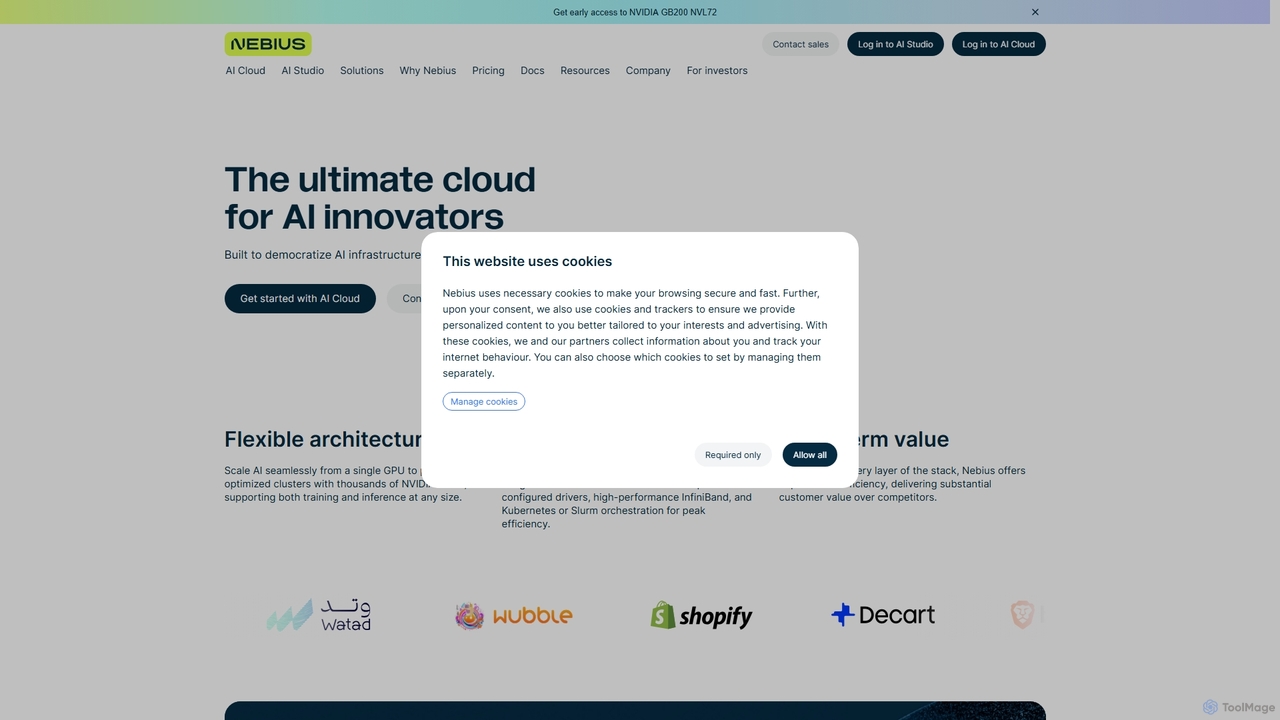
Nebius
Nebius is a high-performance cloud platform specifically engineered for demanding AI and Machine Learning workloads. It provides scalable access to the latest NVIDIA GPUs, from single instances to massive clusters, complemented by a suite of managed services and an integrated AI Studio to streamline the entire ML lifecycle from training to inference.
Gpu Cloud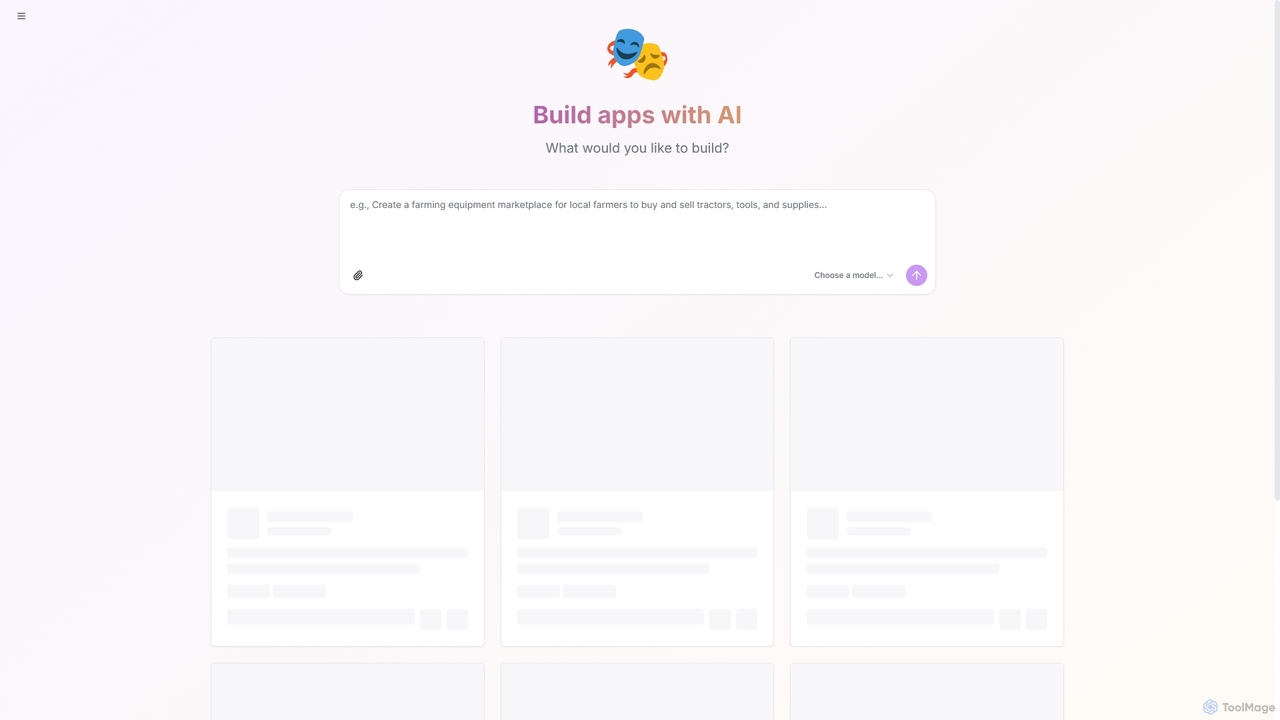
Shakespeare
Shakespeare is an open-source AI builder designed for developers to create custom AI applications. It provides a platform to select and utilize various AI models, enabling the rapid development and deployment of intelligent solutions.
Ai Development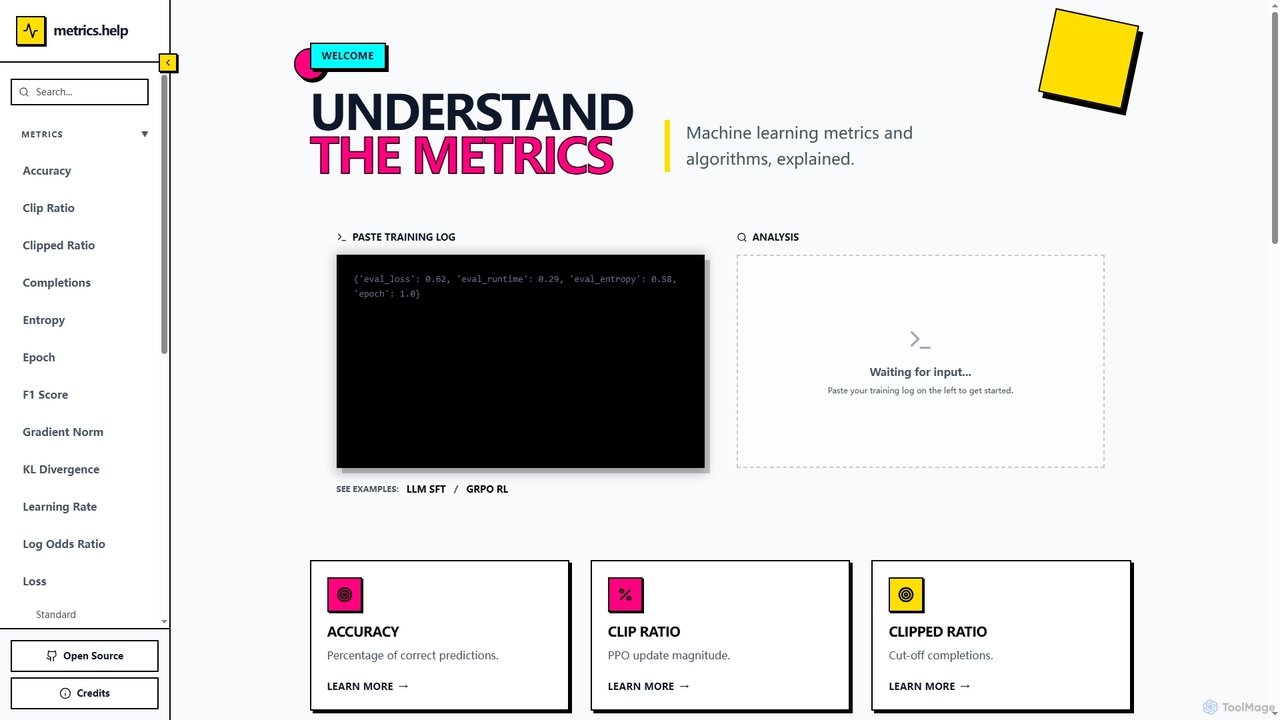
Metrics Help
Metrics Help is an open-source web tool for machine learning practitioners. It functions as a comprehensive guide and an interactive analyzer for ML training metrics. Users can paste training logs to get instant explanations for key metrics like accuracy, loss, and perplexity, aiding in model performance analysis and debugging.
Model Training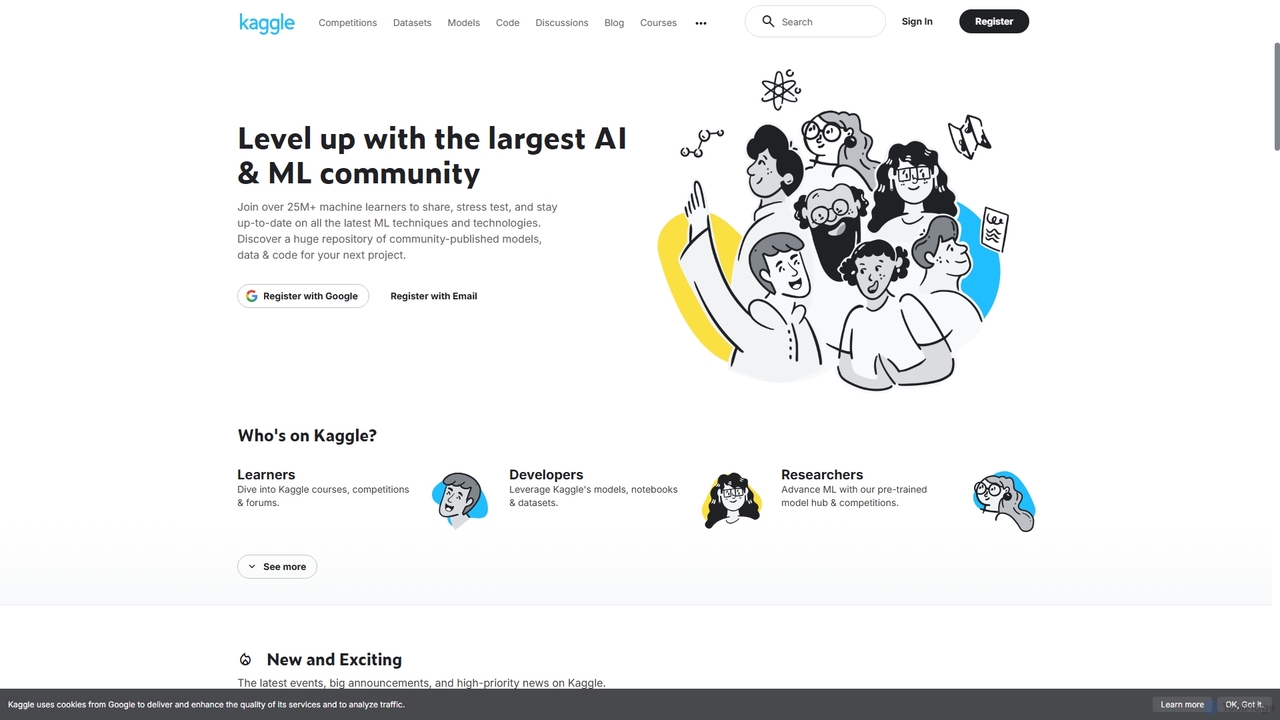
Kaggle
Kaggle is the world's largest online community for data scientists and machine learning practitioners. Owned by Google, it provides a platform to explore datasets, build models in a web-based environment, compete in machine learning challenges, and access educational resources. It offers free access to powerful computational resources, including GPUs and TPUs, making it an essential tool for anyone from beginners to seasoned experts in the AI and data science fields.
Datasets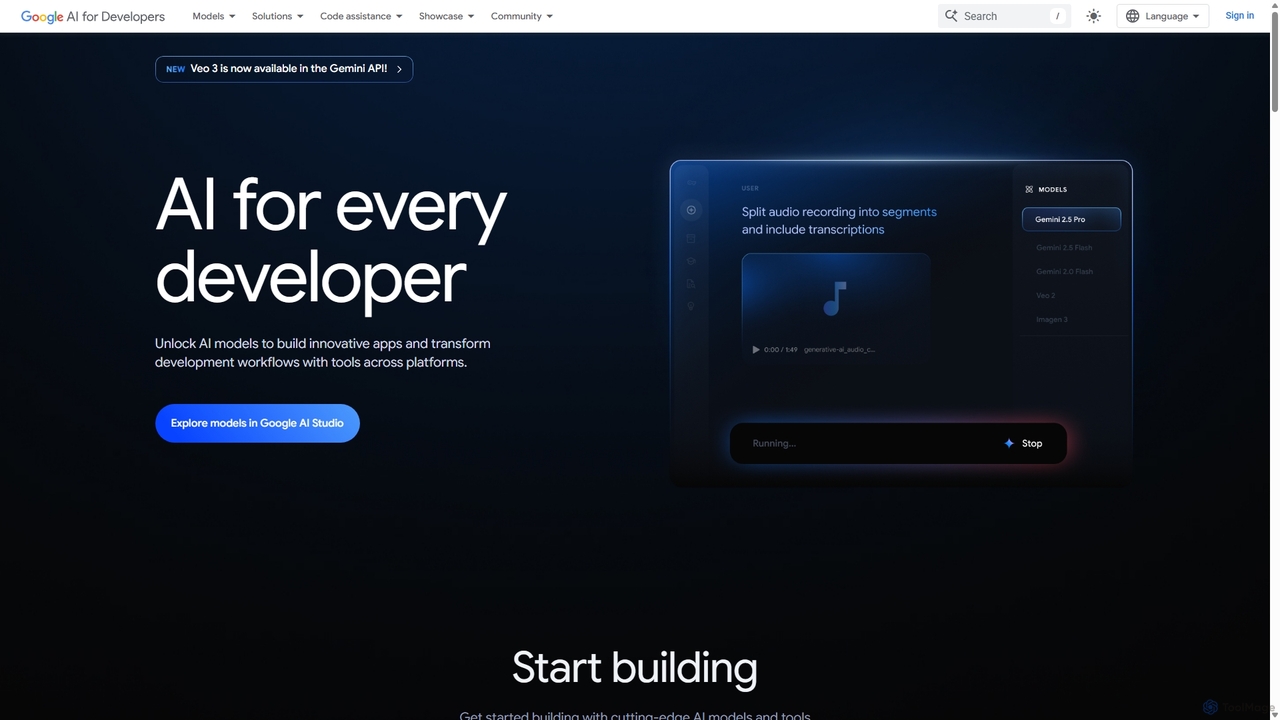
Google AI for Developers
A comprehensive platform by Google providing developers with access to cutting-edge AI models like Gemini, Imagen, and Veo via API, alongside the open-source Gemma models. It includes tools like Google AI Studio for prototyping, AI Edge for on-device deployment, and integrated code assistance to build innovative applications and streamline development workflows responsibly.
Large Language Models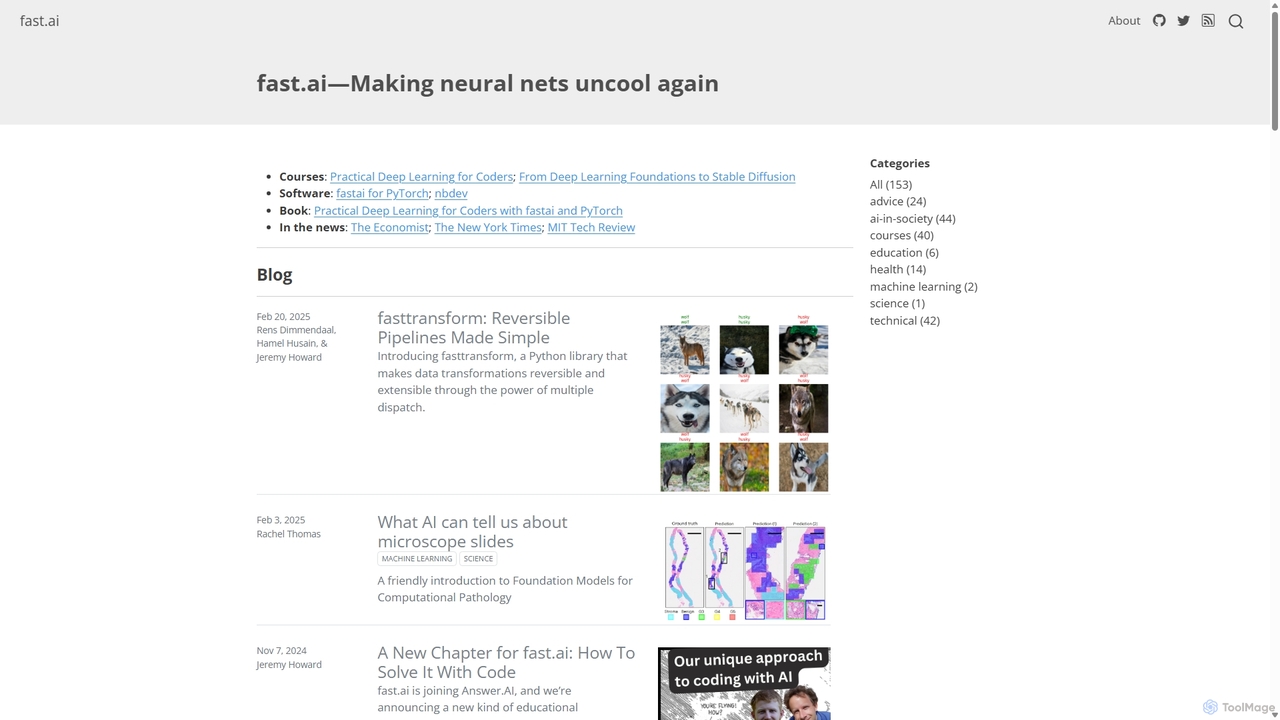
Fast.ai
Fast.ai is a research institute dedicated to making deep learning accessible to everyone. It offers free courses, an open-source software library (fastai), cutting-edge research, and a vibrant community, empowering coders of all backgrounds to become deep learning practitioners.
Machine Learning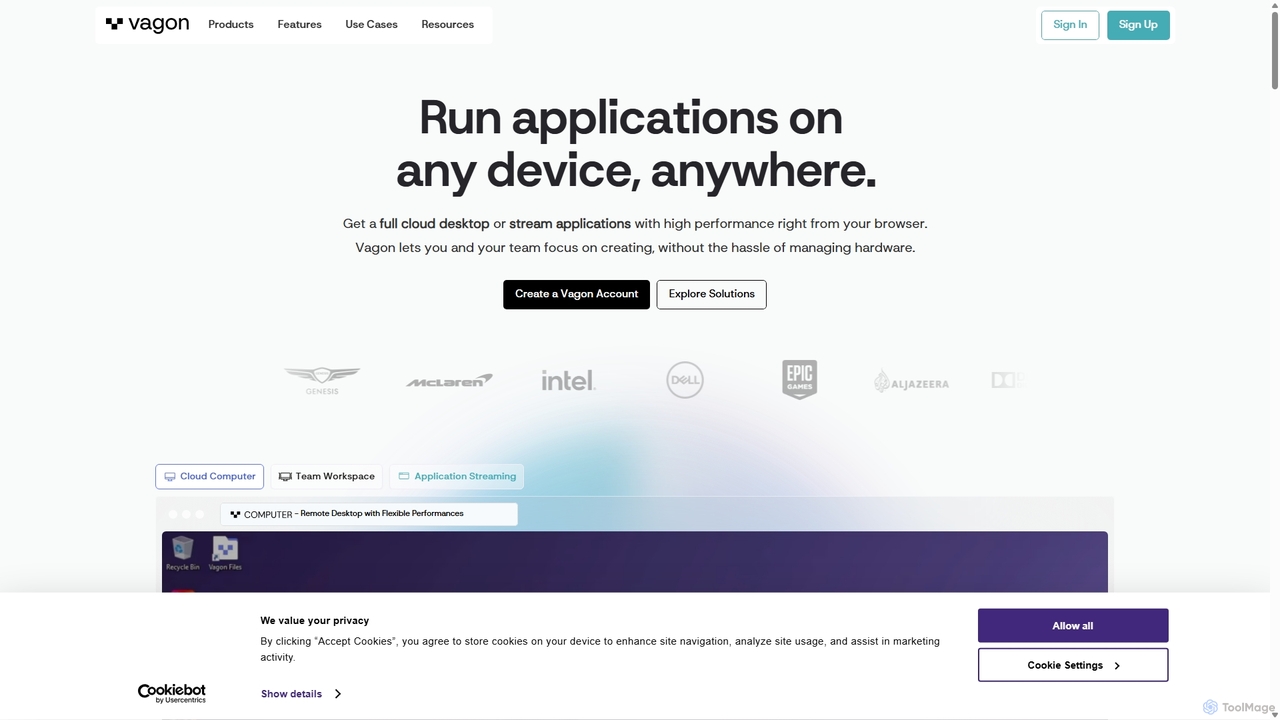
Vagon
Vagon is a high-performance cloud computing platform that provides users with powerful virtual desktops accessible from any device. It's designed for professionals like creatives, engineers, and developers to run demanding applications such as 3D rendering, video editing, and game development without needing expensive local hardware. Vagon offers scalable GPU, CPU, and storage options with a flexible pay-as-you-go model, enabling seamless remote work and collaboration.
Virtual Desktops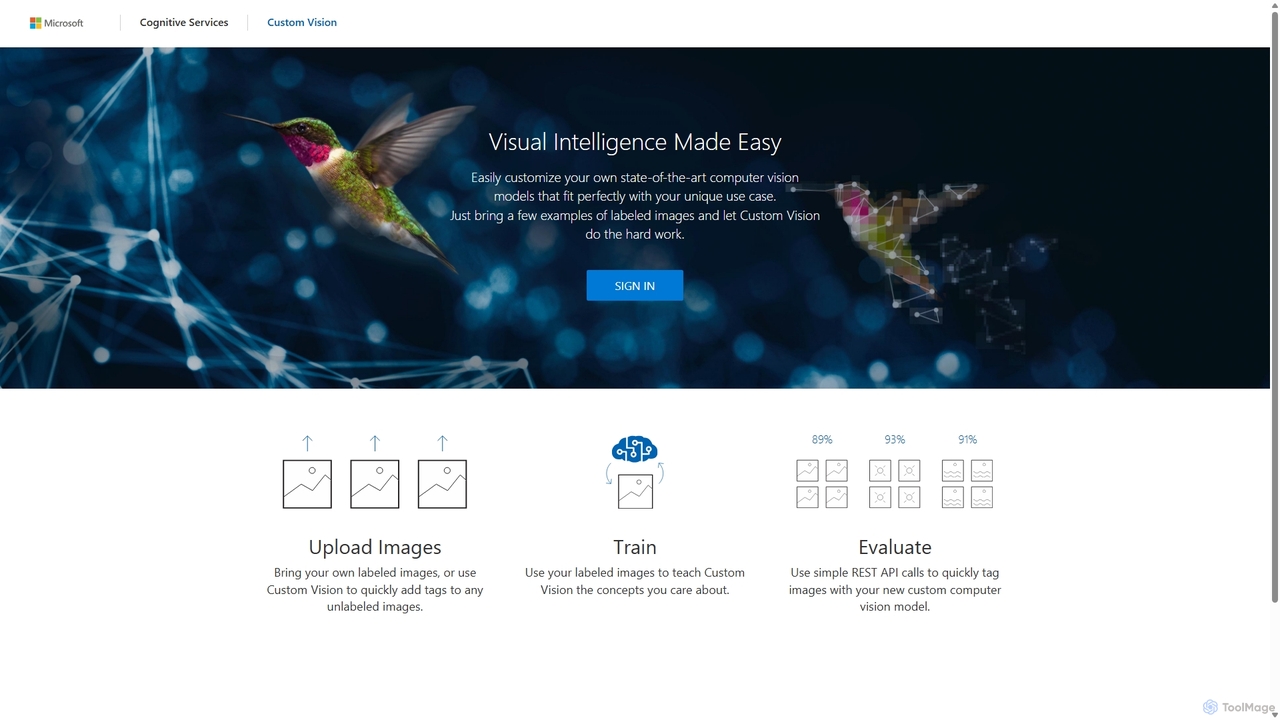
Custom Vision
An AI service from Microsoft Azure that allows you to build, deploy, and improve your own custom image classifiers and object detectors. Easily create state-of-the-art computer vision models tailored to your specific needs with a user-friendly interface and a powerful REST API, no deep machine learning expertise required.
Machine Learning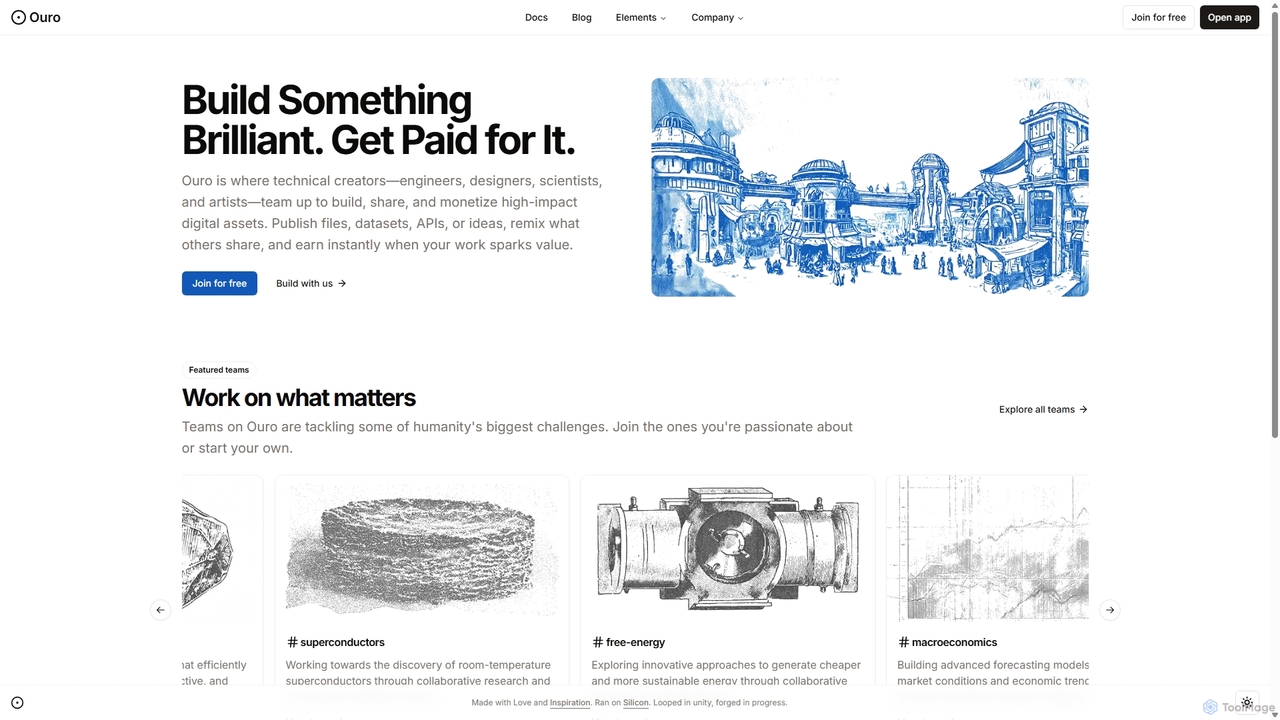
Ouro
Ouro is a collaborative platform for technical creators—engineers, scientists, and AI developers—to build, share, and monetize high-impact digital assets. It enables users to publish APIs, datasets, and AI agents, fostering a community focused on solving major challenges and creating passive income streams.
Ai Agent Platforms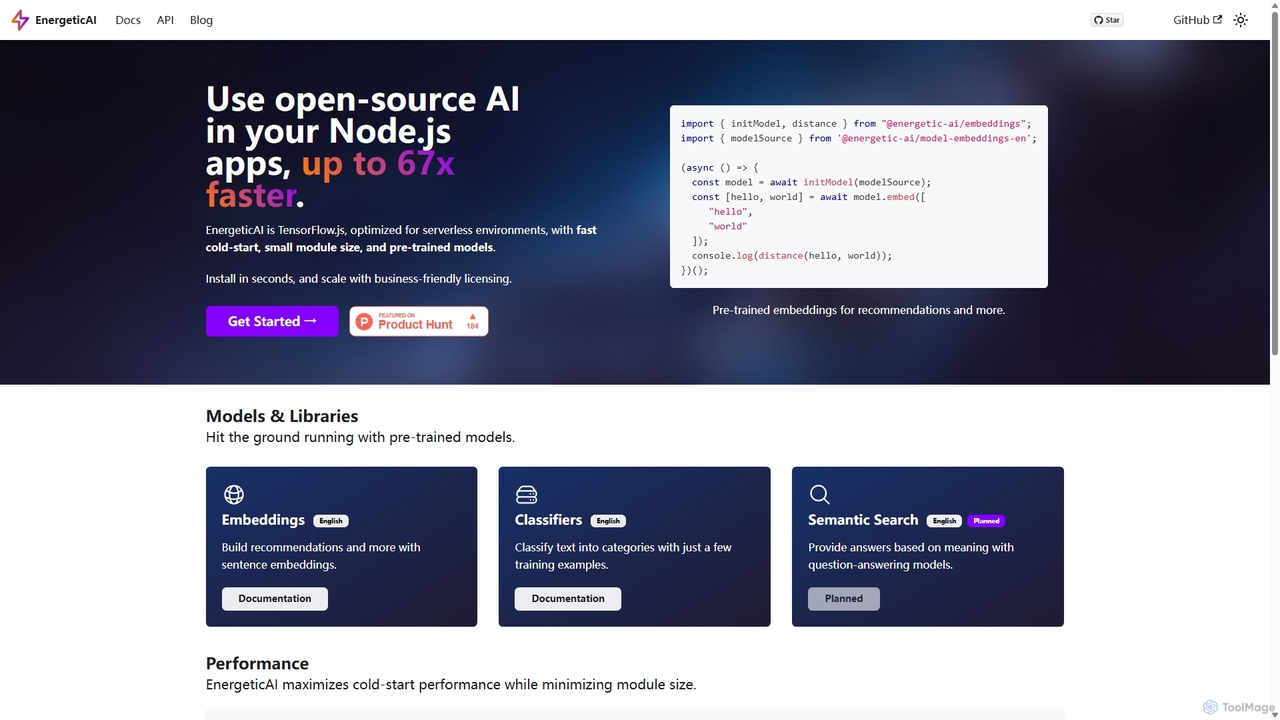
EnergeticAI
EnergeticAI is an open-source Node.js library for integrating AI models into applications, specifically optimized for serverless environments. It provides a high-performance, low-latency alternative to standard TensorFlow.js, featuring a minimal module size and rapid cold-start times. With pre-trained models for embeddings and few-shot text classification, developers can easily build features like semantic search, recommendations, and content categorization without relying on third-party APIs, ensuring data privacy and cost control.
Libraries & Frameworks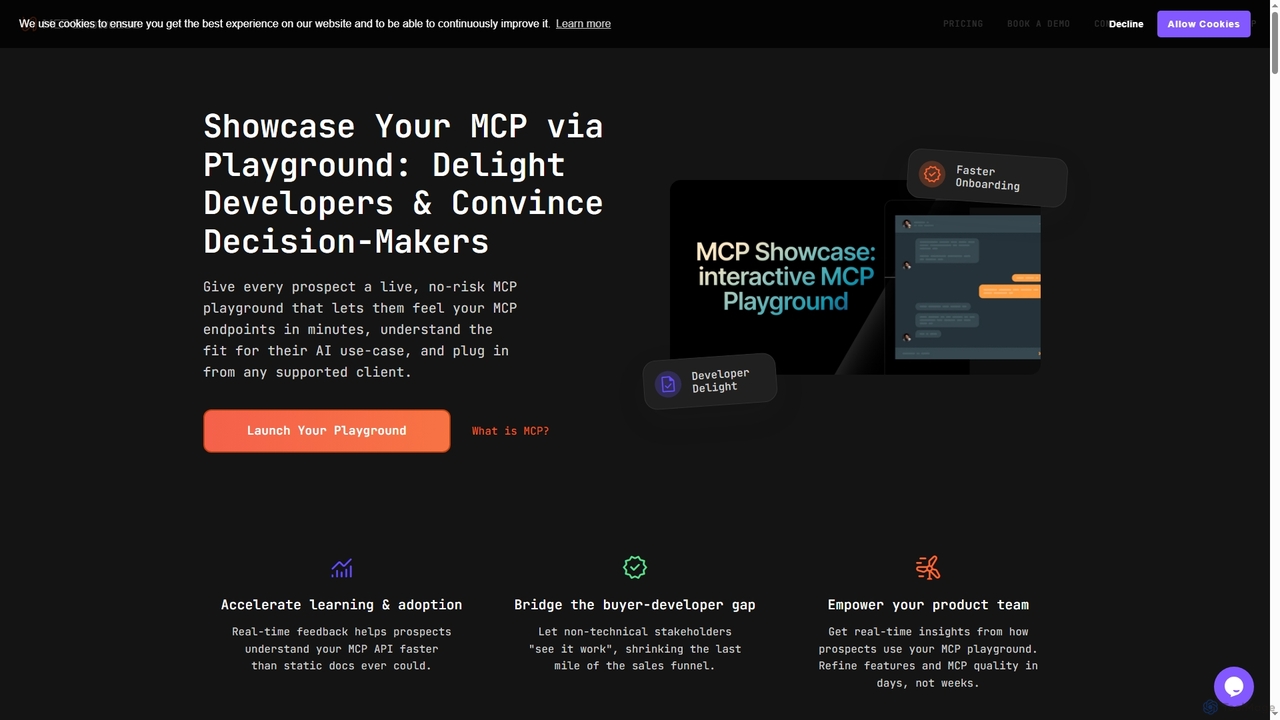
MCP Showcase
MCP Showcase is a pioneering platform demonstrating the Model Context Protocol (MCP), an open standard enabling AI assistants to seamlessly integrate with diverse external services like GitHub, Hugging Face, and Teamwork. It transforms complex API interactions into natural language conversations, empowering AI with real-time context and action capabilities across various domains.
Api Management
AIGoMarket
AIGoMarket is an Edge AI Foundry and marketplace designed to democratize edge AI development. It enables creators to upload and monetize their optimized AI models, while providing developers with a platform to discover, license, and deploy high-performance AI solutions for various edge devices and applications.
Model Marketplace
RightNow AI Comments (0)
Sign in to comment.
Sign inNo comments yet.