Cloud Computing Best in category 1 results Virtual Desktops AI Tool

Popular AI tools in the Virtual Desktops field of Cloud Computing include Vagon, etc., helping you quickly improve efficiency.

Vagon

Vagon

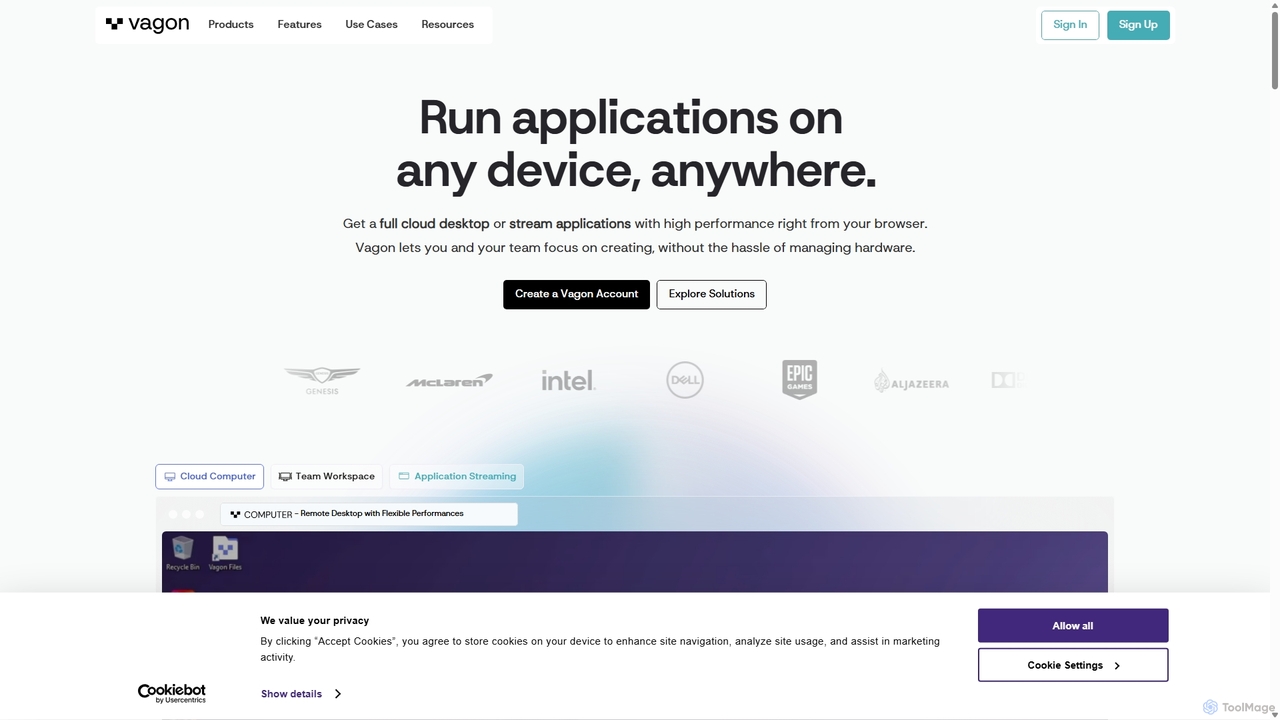
Vagon is a high-performance cloud computing platform that provides users with powerful virtual desktops accessible from any device. …

235.1K

About Virtual Desktops

Virtual Desktops are complete, cloud-hosted desktop environments that stream an operating system and applications to any user device. As a key service within Cloud Computing, they centralize data and processing in a secure data center, rather than on individual computers. This approach provides users with secure, on-demand access to their work environment from anywhere, enhancing flexibility and data security. The technology, often delivered as Desktop-as-a-Service (DaaS), simplifies IT management and allows for rapid scaling of computing resources.

Core Features

  • Remote Accessibility: Access a full desktop experience from any device, including laptops, tablets, or thin clients, with an internet connection.
  • Centralized Management: IT administrators can provision, patch, and manage thousands of desktops from a single, unified console.
  • On-Demand Scalability: Instantly scale the number of desktops up or down to meet changing business demands, such as seasonal workers or project teams.
  • Enhanced Security: Data resides in the secure cloud environment, not on endpoint devices, minimizing risks from device loss or theft.
  • Persistent & Non-Persistent Desktops: Choose between desktops that save user changes (persistent) or reset after each session (non-persistent) for specific use cases.

Use Cases

Virtual Desktops are widely adopted by organizations with remote or hybrid workforces to ensure consistent and secure access to corporate resources. They are critical in regulated industries like finance and healthcare for maintaining data compliance. Educational institutions use them to provide students with standardized learning environments, while engineering and design firms leverage them for access to high-performance, GPU-intensive applications without expensive local hardware.

How to Choose

When selecting a Virtual Desktop solution, first evaluate performance requirements, including CPU, RAM, and specialized GPU needs for your applications. Assess the provider's security posture and compliance certifications (e.g., ISO 27001, HIPAA). Consider ease of integration with your existing identity management systems (like Active Directory) and the platform's overall manageability. Finally, compare pricing models—per-user, per-hour, or reserved instances—to find the most cost-effective option for your usage patterns.

Virtual DesktopsUse Cases

1

Enable Secure Remote Work for Enterprises

A financial services company needs to equip its workforce for remote operations without compromising security or compliance. IT administrators use a virtual desktop solution to provision secure, cloud-based desktops for each employee. This ensures that all sensitive client data remains within the company's secure cloud environment, never stored on personal laptops. Employees can access their full suite of applications from home, maintaining productivity, while the company meets strict regulatory requirements like GDPR and PCI DSS by controlling data access and activity centrally.

2

Provide On-Demand High-Performance Computing

An architecture firm requires powerful workstations for its engineers to run GPU-intensive CAD and 3D rendering software. Instead of purchasing expensive physical hardware for each engineer, the firm uses GPU-accelerated virtual desktops. Engineers can access these high-performance desktops from their standard laptops, whether in the office or on a client site. The firm pays for the computing resources on an hourly basis, significantly reducing capital expenditure. This model allows them to scale resources up during peak project phases and scale down afterward, optimizing costs while providing their team with the necessary tools.

3

Standardize Learning Environments in Education

A university's computer science department needs to provide all students with a consistent development environment, including specific IDEs, compilers, and software libraries. Using virtual desktops, the IT staff creates a single master desktop image with all required software pre-installed. This image is then used to provision an identical virtual desktop for every student in the course. Students can access this environment from their personal laptops (Windows, Mac, or Chromebook), eliminating compatibility issues. At the end of the semester, the desktops are de-provisioned, simplifying management and ensuring a clean slate for the next course.

4

Scale Call Center Operations Rapidly

A retail company's call center experiences a massive surge in demand during the holiday season. To handle the increased volume, they need to quickly onboard 200 temporary agents. Instead of purchasing and configuring 200 new physical PCs, the IT team provisions 200 non-persistent virtual desktops in a matter of hours. Each desktop comes pre-loaded with the necessary CRM and telephony software. Agents can log in from low-cost thin clients or their own devices. After the peak season, the virtual desktops are instantly de-provisioned, avoiding unnecessary hardware costs and management overhead for the rest of the year.

5

Secure Access for Contractors and Third-Party Vendors

A manufacturing company works with external contractors who need access to specific internal applications, but not the entire corporate network. To manage this, the company provides each contractor with a sandboxed virtual desktop. This desktop contains only the applications they are authorized to use. Access is strictly controlled and monitored, and the virtual environment is completely isolated from the main network, preventing any potential lateral movement. Once the contract ends, access is instantly revoked by de-provisioning the desktop, ensuring a secure and clean offboarding process.

6

Ensure Business Continuity and Disaster Recovery

An organization located in a region prone to natural disasters needs a robust business continuity plan. They implement a virtual desktop solution as a core part of their disaster recovery strategy. If their physical office becomes inaccessible due to a hurricane or power outage, employees can immediately switch to working from home or a temporary location. By logging into their virtual desktops from any available device, they regain instant access to all their files, applications, and data, which are safely stored in the cloud. This ensures minimal disruption to business operations and client services, regardless of the physical office's status.

Virtual DesktopsFrequently Asked Questions