

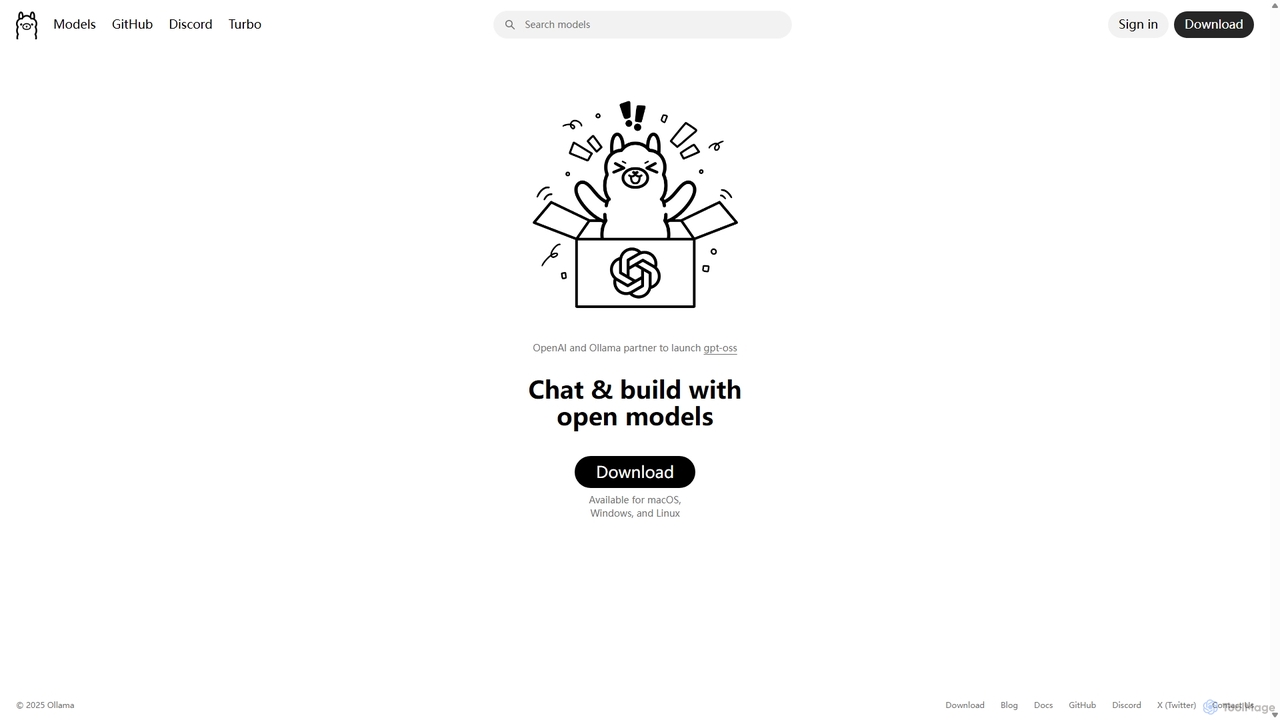
Ollama Overview
Ollama is a comprehensive, open-source platform designed to streamline the process of running large language models (LLMs) and other generative AI models on local machines. It provides a simple and efficient way for developers, researchers, and AI enthusiasts to download, manage, and interact with a vast library of state-of-the-art open models directly on their macOS, Windows, and Linux systems. By handling the complexities of model setup and configuration, Ollama empowers users to leverage powerful AI capabilities with complete data privacy and offline access.
The platform is built around a simple command-line interface (CLI) and a robust API, making it incredibly versatile. Users can quickly pull models from the extensive Ollama library and run them for tasks ranging from code generation and text summarization to complex reasoning and image analysis. Its built-in API server, which is compatible with the OpenAI API format, allows for seamless integration into a wide range of existing applications and development workflows. This compatibility makes it easy to switch between cloud-based services and a local, private setup without significant code changes.
How to use Ollama
Getting started with Ollama is straightforward. First, download the application from the official website for your operating system (macOS, Windows, or Linux) and follow the installation instructions. Once installed, you can use the command line to manage and run models. For example, to run Meta's Llama 3 model, you would simply open your terminal and type Ollama run llama3. This command automatically downloads the model if it's not already present and starts an interactive chat session. To integrate Ollama into your own applications, you can use the official Python and JavaScript libraries or make requests directly to the local REST API that Ollama serves. For users needing more power, the optional 'Ollama Turbo' service allows running very large models on datacenter-grade hardware via the same simple interface.
Core Features of Ollama
- Local Model Execution: Run powerful LLMs directly on your personal computer, ensuring 100% data privacy and security as no data leaves your machine.
- Extensive Model Library: Access a vast and continuously growing library of popular open-source models, including Llama 3.2, Gemma 2, Mistral, Phi-3, and specialized models for coding, vision, and embeddings.
- Cross-Platform Support: Native applications for macOS, Windows, and Linux, with built-in GPU acceleration for NVIDIA and AMD graphics cards to maximize performance.
- Simple Command-Line Interface (CLI): An intuitive CLI makes it easy to pull, run, list, and manage models with simple commands.
- OpenAI-Compatible API: The built-in API server is compatible with the OpenAI Chat Completions API, allowing you to use existing tools and libraries with local models effortlessly.
- Advanced Model Capabilities: Supports multimodal vision models, tool calling for interacting with external systems, structured outputs (JSON schema), and embedding generation for RAG applications.
- Cloud Acceleration (Ollama Turbo): A premium service that provides access to datacenter-grade hardware for running extremely large models or achieving faster inference speeds.
- Strong Ecosystem and Integrations: Supported by a vibrant open-source community and integrates with popular developer tools like Docker, VS Code, JetBrains, and Google's Firebase Genkit.
Use Cases for Ollama
Ollama is versatile enough for a wide range of applications. Developers can use it to build and prototype AI-powered features locally, reducing development costs and latency associated with cloud APIs. It's ideal for creating private, offline AI coding assistants within IDEs like VS Code. For businesses and researchers, Ollama enables the analysis of sensitive documents using Retrieval-Augmented Generation (RAG) without exposing data to third-party services. It also serves as an excellent tool for academic research, allowing for easy experimentation with different models in a controlled, local environment. Content creators can use it for brainstorming, drafting, and translation tasks, all while working offline.
Advantages of Ollama
The primary advantage of Ollama is its combination of power and simplicity. It democratizes access to large language models by removing significant technical barriers. Key benefits include complete data privacy, cost-effectiveness (no API fees for local use), and the ability to operate entirely offline. This makes it a reliable tool for use cases where internet connectivity is unstable or data sensitivity is paramount. Furthermore, its open-source nature and strong community support ensure continuous innovation and a rich ecosystem of compatible models and tools.
Pricing and Plans
The core Ollama framework is completely free and open-source. You can download and use it to run any compatible model on your own hardware without any cost. For users who need to run models that are too large for their local hardware or require faster performance, Ollama offers a premium subscription called Ollama Turbo. This plan is priced at $20/month and provides access to powerful datacenter-grade hardware to run the latest and largest models at high speed. This freemium model ensures that the tool is accessible to everyone while providing a powerful upgrade path for professional and demanding use cases.
Traffic
Latest traffic
Status
Monthly traffic trend
- 2025-9: 4.3M
- 2026-1: 5.3M
- 2026-2: 7.2M
- 2026-3: 10.5M
- 2026-4: 15.0M
- 2026-5: 11.1M
Geography
Top 5 countries / regions
- 🇺🇸United States31.6%
- 🇮🇳India25.9%
- 🇨🇳China25.1%
- 🇩🇪Germany9.2%
- 🇧🇷Brazil8.3%
Traffic sources
| Source type | Percentage |
|---|---|
Direct | 86.2% |
Referral | 12.0% |
Email | 1.8% |
Top keywords
| Keyword | Cost per click |
|---|---|
| olama | $1.39 |
| ollama | $1.78 |
| ollama cloud | $2.96 |
| ollama download | $1.81 |
| ollama models | $2.27 |
Ollama Videos on YouTube


PyCharm, a JetBrains IDE

NextGen DevSecOps & GenAI Training


Julian Goldie SEO
Ollama Alternatives
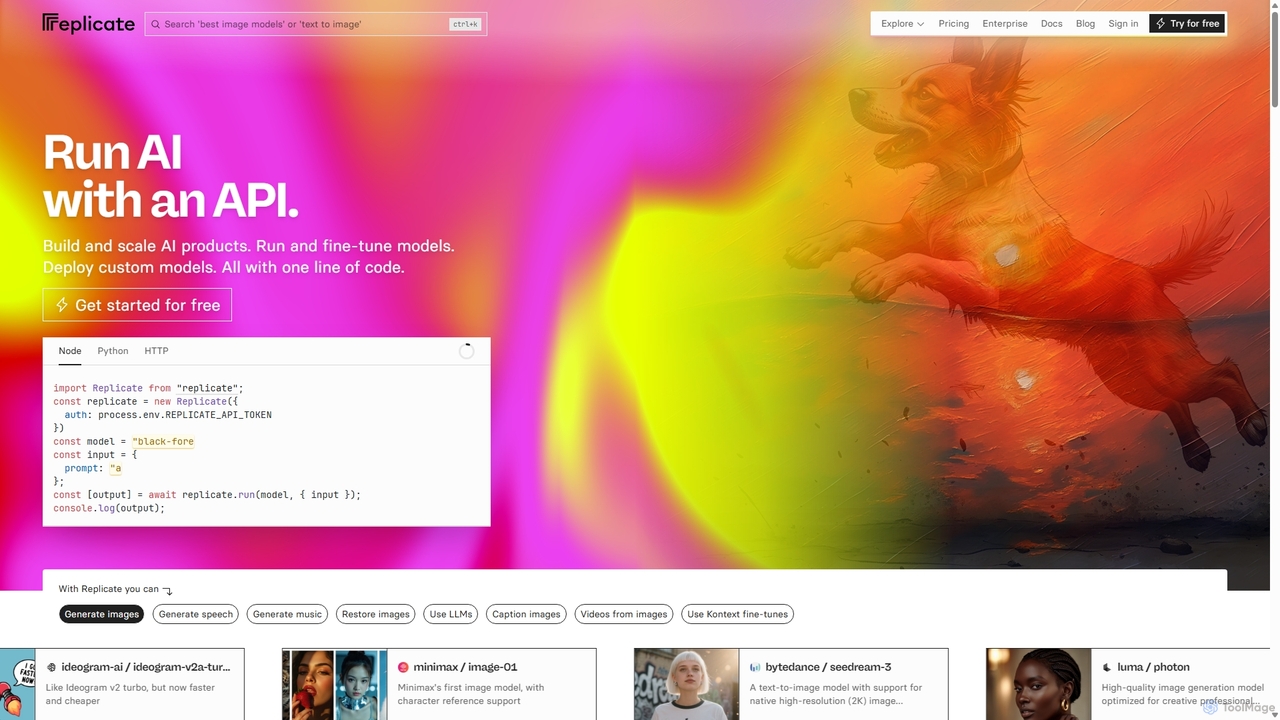
Replicate
Replicate is a cloud platform for developers to run, fine-tune, and deploy AI models via a simple API. It eliminates the need for managing complex infrastructure, offering access to thousands of models with pay-per-use pricing and automatic scaling.
Machine Learning
AIGoMarket
AIGoMarket is an Edge AI Foundry and marketplace designed to democratize edge AI development. It enables creators to upload and monetize their optimized AI models, while providing developers with a platform to discover, license, and deploy high-performance AI solutions for various edge devices and applications.
Model Marketplace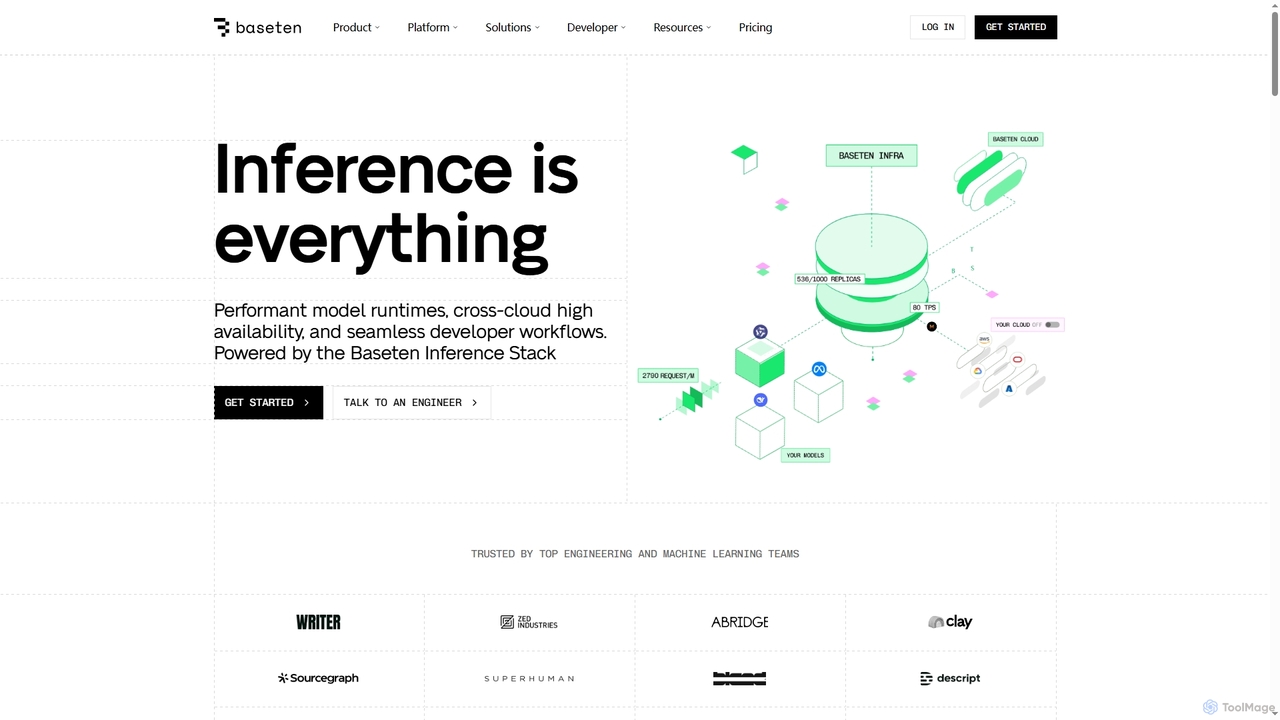
Baseten
Baseten is a production-grade inference platform for deploying, scaling, and managing AI models. It offers high-performance runtimes, seamless developer workflows, and flexible deployment options (cloud, self-hosted, hybrid). Ideal for engineering and ML teams building mission-critical AI applications.
Deployment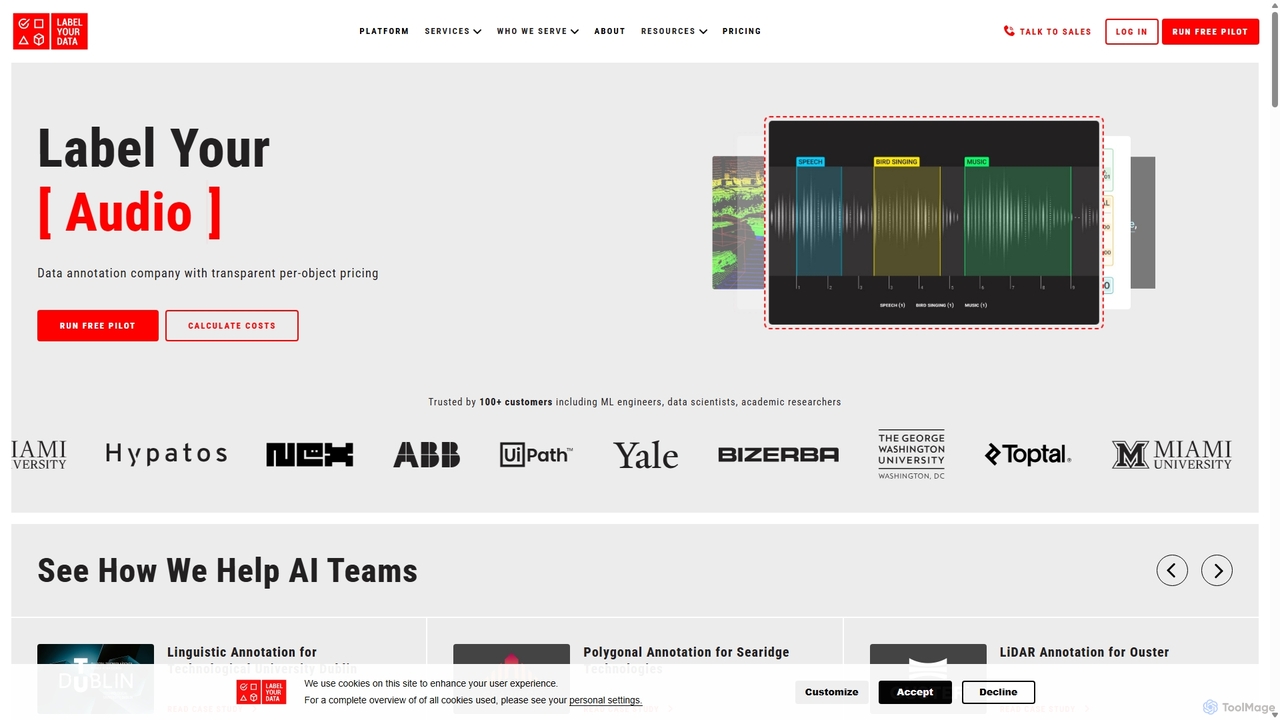
Label Your Data
A professional data annotation service and platform providing high-quality, accurate labeled datasets for machine learning. It supports diverse data types like images, video, text, and audio, offering flexible pricing, a self-serve platform, and fully managed services to scale AI projects of any size.
Data Management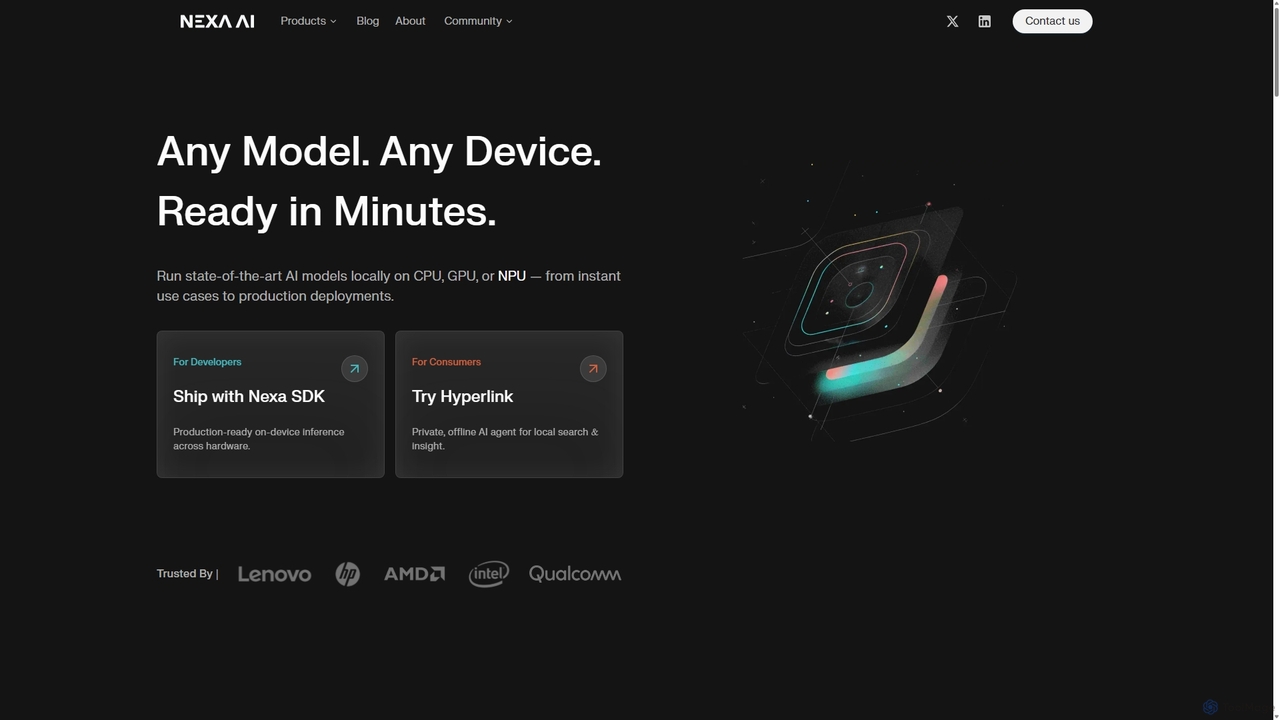
Nexa AI
Nexa AI provides a powerful platform for running state-of-the-art AI models directly on any device. Its solutions, including the Nexa SDK for developers and the Hyperlink app for consumers, prioritize privacy, offline reliability, and cost-effectiveness by enabling local AI inference on CPUs, GPUs, and NPUs, eliminating the need for cloud processing.
Edge ComputingOllama Categories
Ollama Jobs
Ollama Embed Widget
Copy this embed code to place the badge on your blog, article, or product site and send readers directly to this ToolMage detail page.

Related AI tools
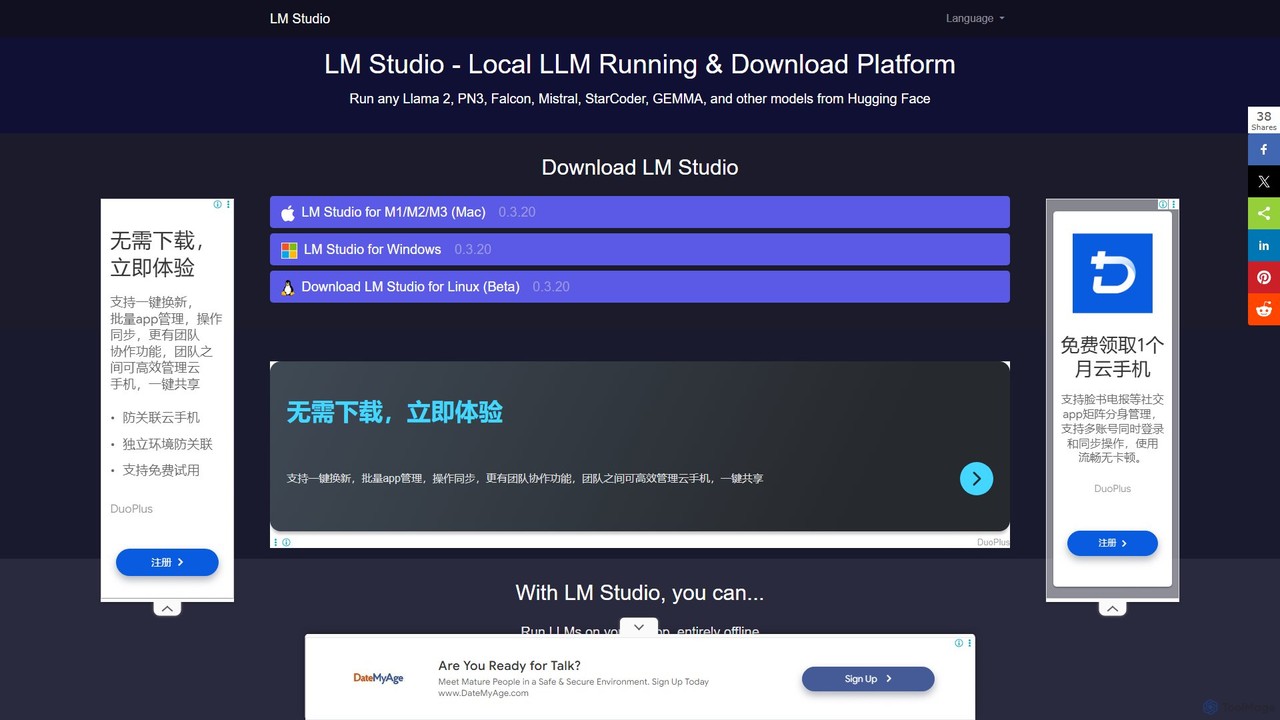
LM Studio
LM Studio is a user-friendly desktop application for discovering, downloading, and running open-source Large Language Models (LLMs) locally on your computer. It offers a simple chat interface and a local inference server, ensuring privacy and offline access.
Chat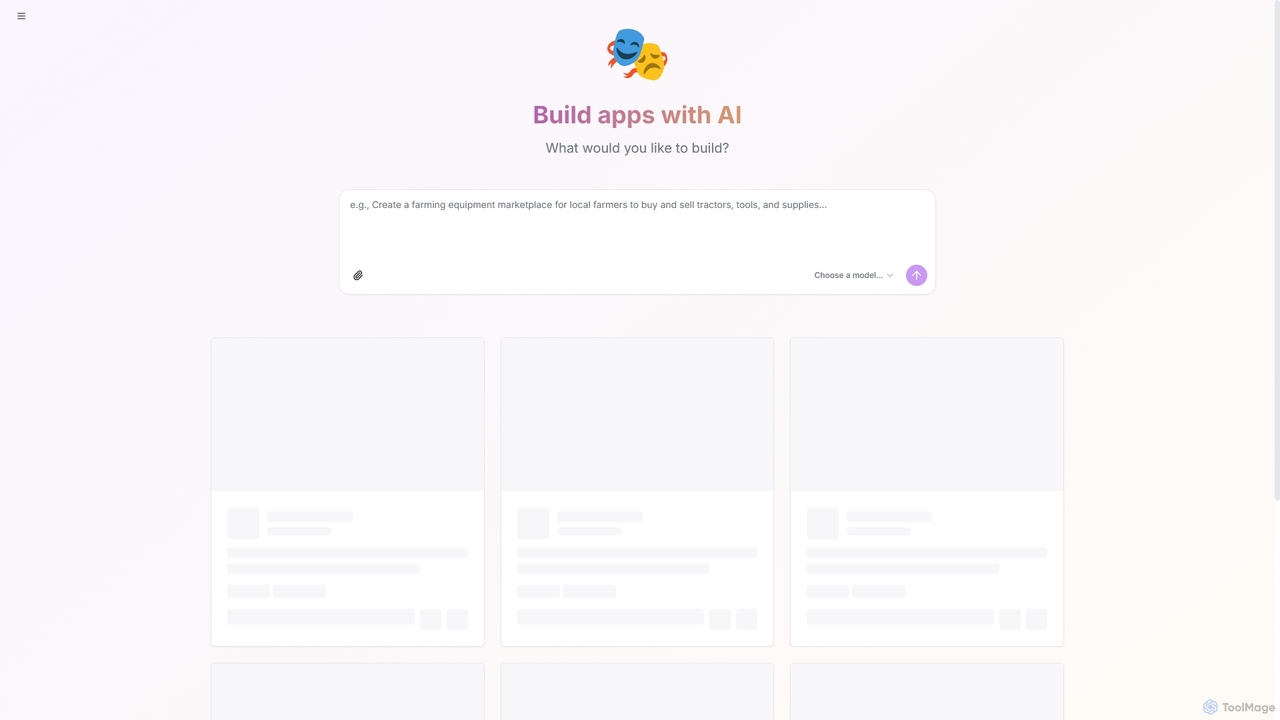
Shakespeare
Shakespeare is an open-source AI builder designed for developers to create custom AI applications. It provides a platform to select and utilize various AI models, enabling the rapid development and deployment of intelligent solutions.
Ai Development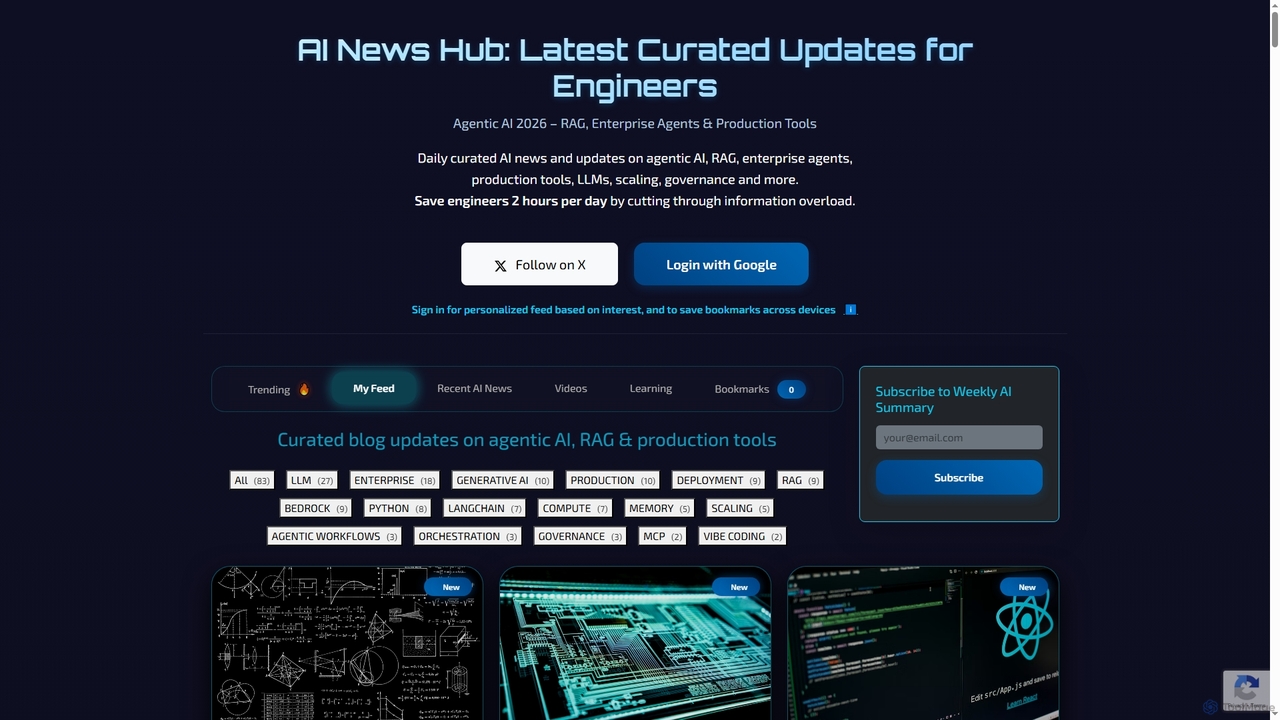
AI News Hub
AI News Hub is a comprehensive platform providing real-time AI announcements, curated blog updates on agentic AI, RAG, and production tools. It offers a personalized feed, bookmarking capabilities, and a rich collection of learning resources, including roadmaps, courses, and videos, to keep developers and enthusiasts informed and skilled in the rapidly evolving AI landscape.
AggregationAIGoMarket
AIGoMarket is an Edge AI Foundry and marketplace designed to democratize edge AI development. It enables creators to upload and monetize their optimized AI models, while providing developers with a platform to discover, license, and deploy high-performance AI solutions for various edge devices and applications.
Model MarketplaceReplicate
Replicate is a cloud platform for developers to run, fine-tune, and deploy AI models via a simple API. It eliminates the need for managing complex infrastructure, offering access to thousands of models with pay-per-use pricing and automatic scaling.
Machine Learning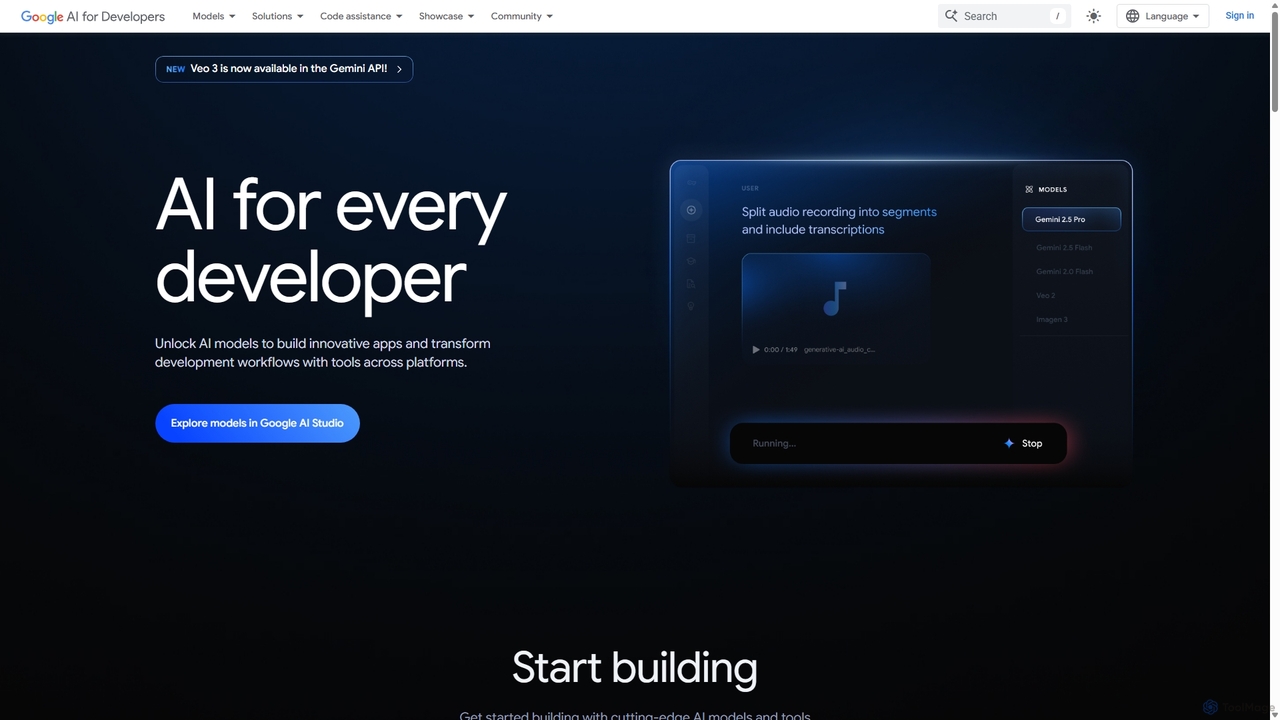
Google AI for Developers
A comprehensive platform by Google providing developers with access to cutting-edge AI models like Gemini, Imagen, and Veo via API, alongside the open-source Gemma models. It includes tools like Google AI Studio for prototyping, AI Edge for on-device deployment, and integrated code assistance to build innovative applications and streamline development workflows responsibly.
Large Language Models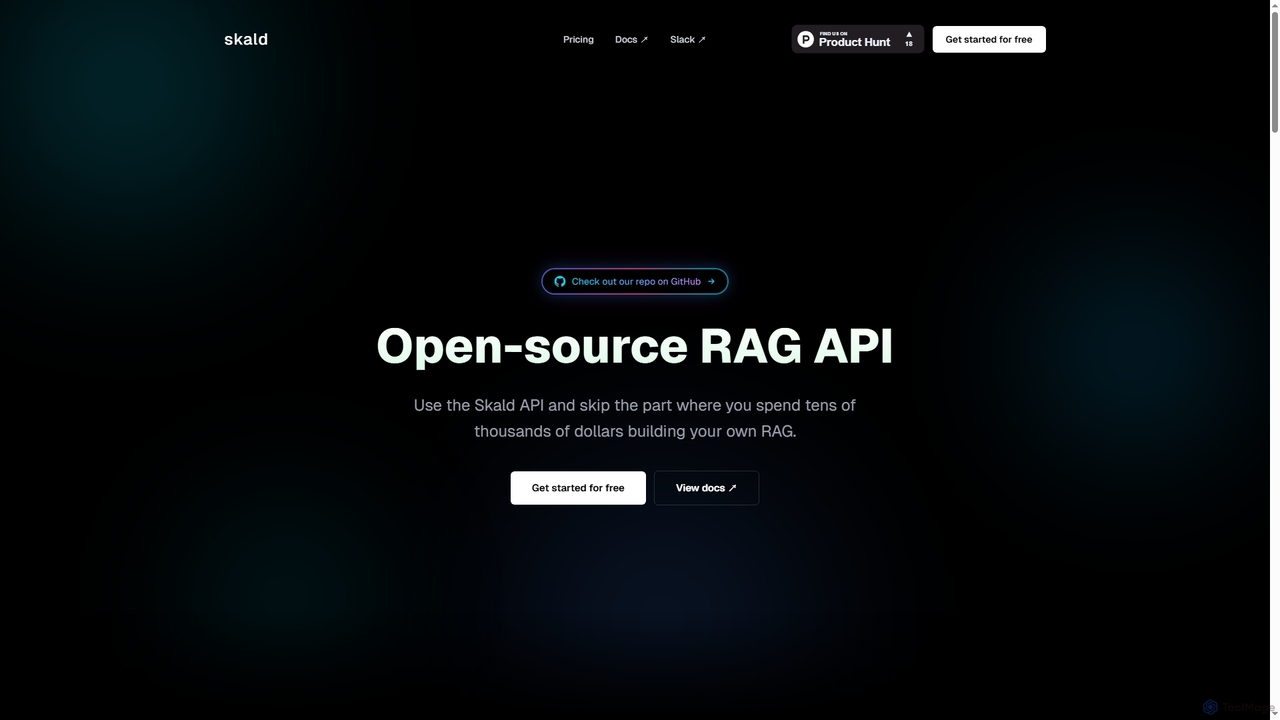
Skald
Skald is an open-source RAG API designed for developers to quickly build AI agents without the complexity of managing RAG infrastructure. It simplifies knowledge storage, context management, and semantic search, offering a powerful solution for integrating long-term memory into AI applications.
Rag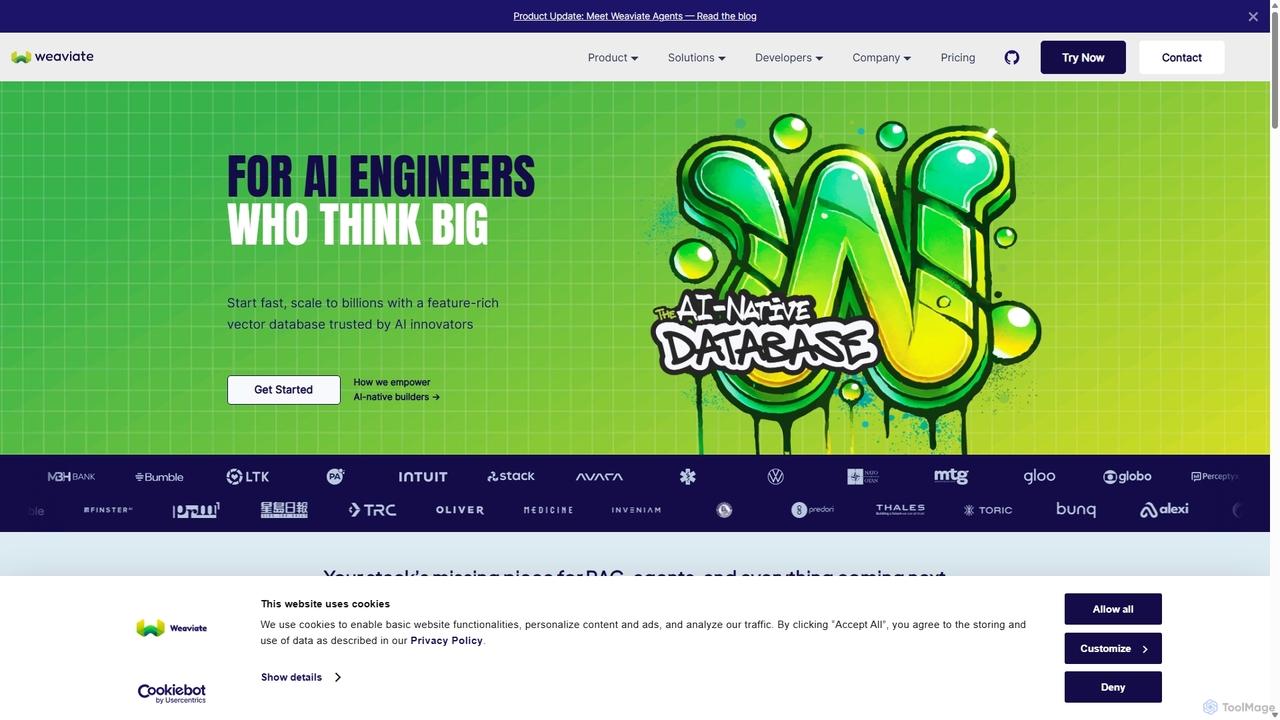
Weaviate
Weaviate is an open-source, AI-native vector database designed for developers. It enables scalable, low-latency vector, keyword, and hybrid search. Ideal for building AI applications like semantic search, recommendation engines, and Retrieval-Augmented Generation (RAG) systems, it integrates seamlessly with popular machine learning models to store and query data based on semantic meaning.
Vector Database
Zyphra
Zyphra is an open-source AI research company developing high-performance, efficient foundational models. They provide state-of-the-art small language models (SLMs), text-to-speech (TTS) systems, and specialized reasoning models for developers and researchers, focusing on democratizing advanced AI for on-device and enterprise applications.
Model Development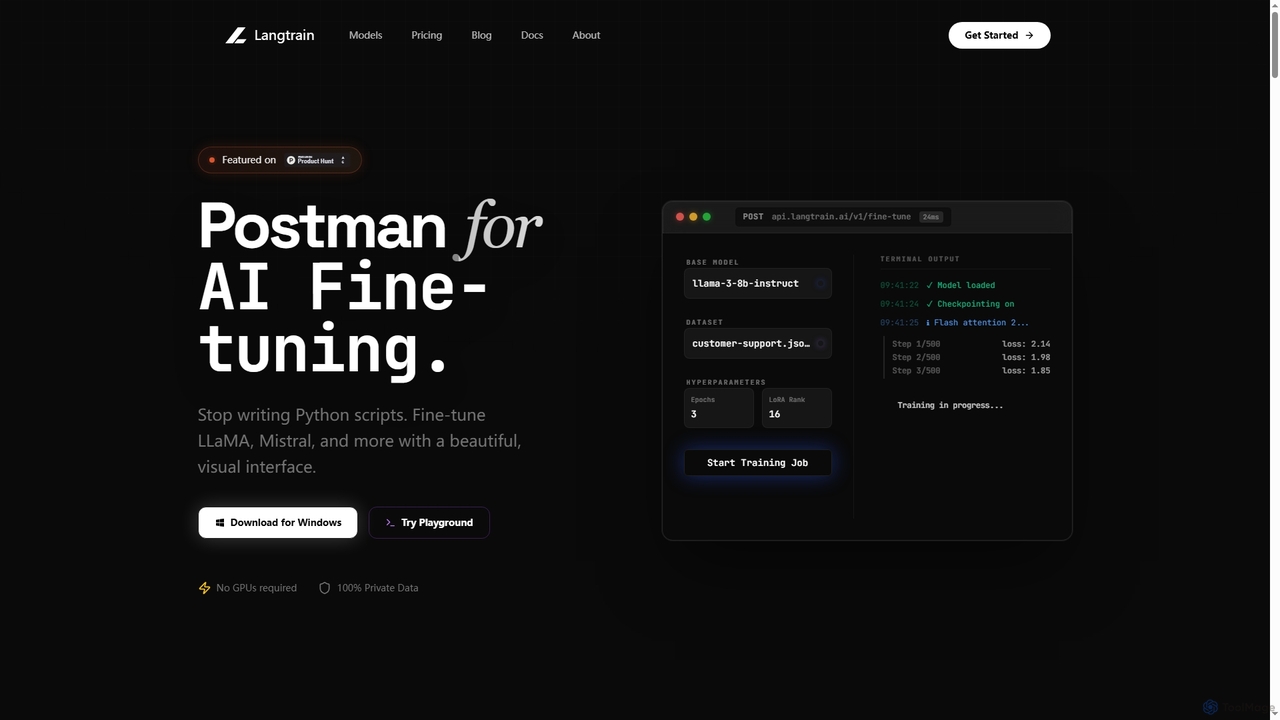
Langtrain
Langtrain is a powerful platform designed for developers and engineering teams to fine-tune, deploy, and manage large language models (LLMs) with minimal code. It offers a visual interface, supports popular open-source models like LLaMA and Mistral, and ensures data privacy through local or secure cloud training.
ModeldeploymentNexa AI
Nexa AI provides a powerful platform for running state-of-the-art AI models directly on any device. Its solutions, including the Nexa SDK for developers and the Hyperlink app for consumers, prioritize privacy, offline reliability, and cost-effectiveness by enabling local AI inference on CPUs, GPUs, and NPUs, eliminating the need for cloud processing.
Edge Computing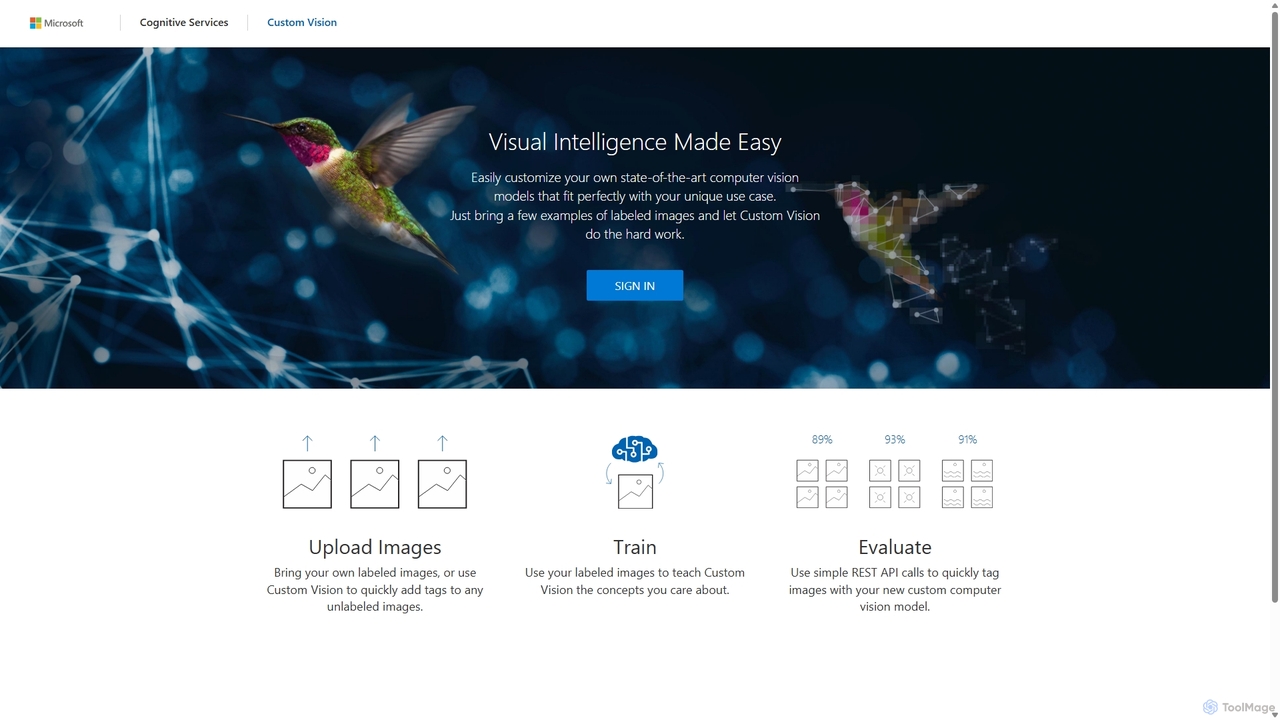
Custom Vision
An AI service from Microsoft Azure that allows you to build, deploy, and improve your own custom image classifiers and object detectors. Easily create state-of-the-art computer vision models tailored to your specific needs with a user-friendly interface and a powerful REST API, no deep machine learning expertise required.
Machine Learning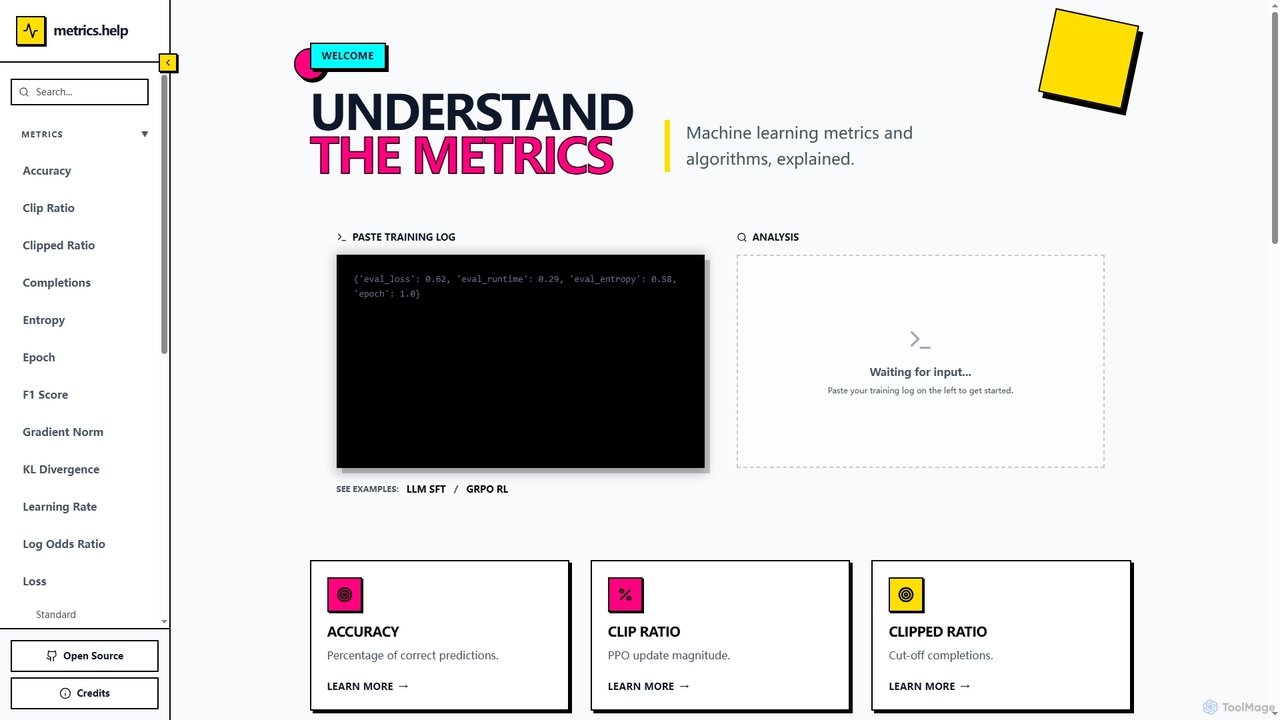
Metrics Help
Metrics Help is an open-source web tool for machine learning practitioners. It functions as a comprehensive guide and an interactive analyzer for ML training metrics. Users can paste training logs to get instant explanations for key metrics like accuracy, loss, and perplexity, aiding in model performance analysis and debugging.
Model Training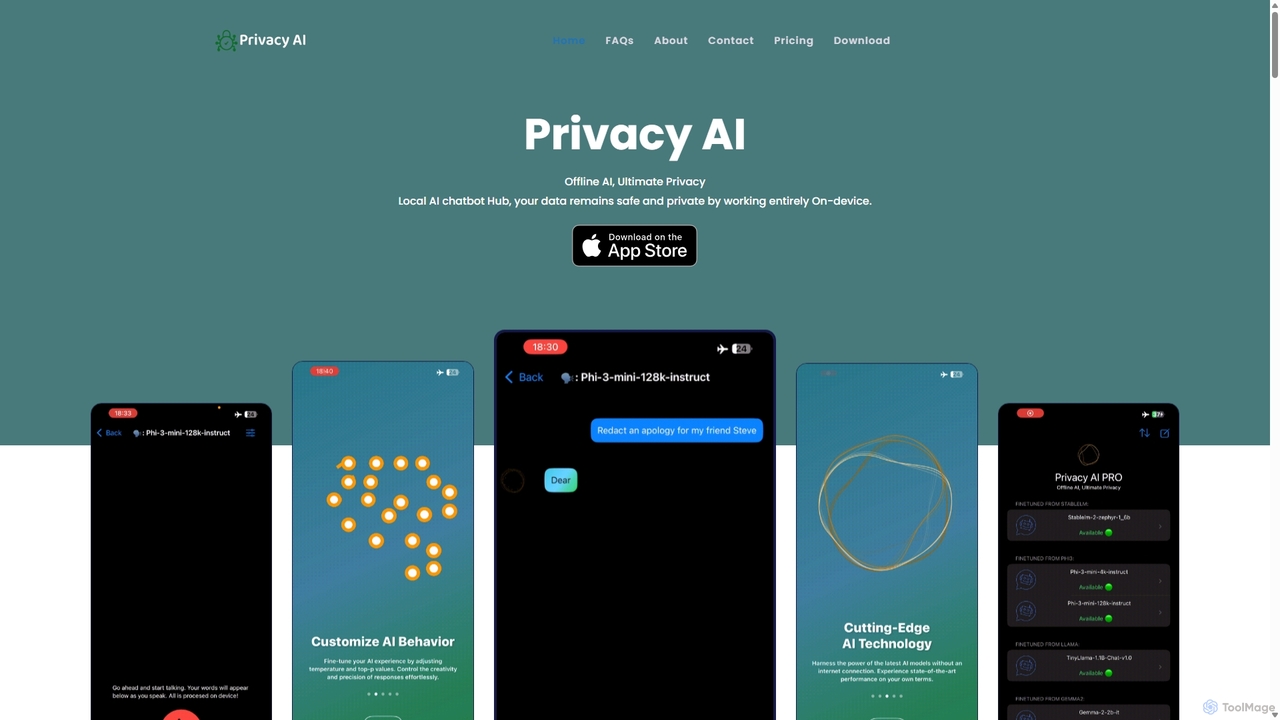
Privacy AI
Privacy AI is a native application for iPhone, iPad, and Mac that allows you to run powerful open-source large language models (LLMs) entirely offline. It ensures absolute privacy by processing all data on your device, with no data collection or internet connection required. Access models like LLaMA, Mistral, and Phi3 securely, with advanced customization options for a tailored AI experience.
Local Development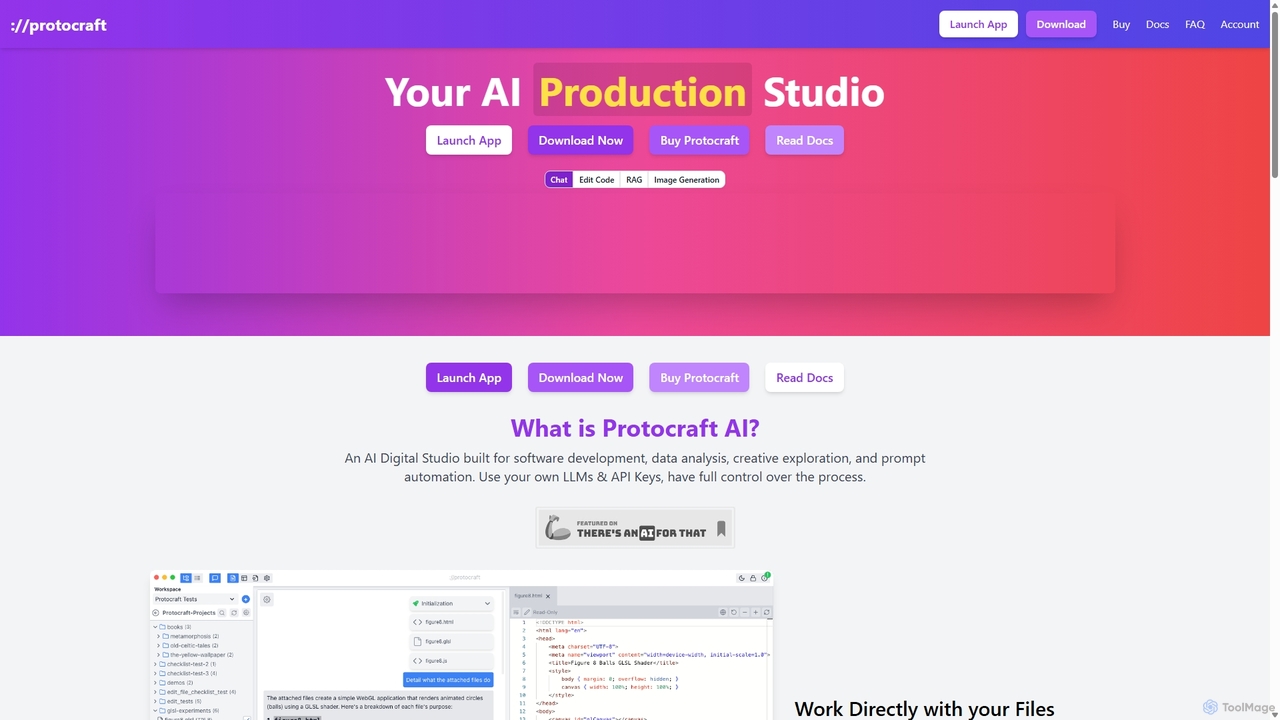
Protocraft AI
Protocraft AI is a versatile AI production studio for software development, data analysis, and creative tasks. It operates on a 'Bring Your Own Key' (BYOK) model, integrating with major LLMs like OpenAI, Anthropic, and Google, as well as local models. Available as both a web and desktop app, it allows users to interact directly with their local files, generate and edit code, create images, and automate prompts, all while maintaining full control over their data and privacy.
Business Intelligence
Ollama Comments (0)
Sign in to comment.
Sign inNo comments yet.