ToolMage
Sign in

Best 204 Assistant for Productivity

Popular Assistant in Productivity include Google Gemini, doubao, Microsoft Copilot, Kimi, Yuanbao, Z.ai, Ollama, Monica, ChatGLM, and Sider, helping you work more efficiently.

Sendai

Sendai

Sendai is an AI-powered travel planner designed for pioneers and explorers. It generates smart and unique travel guides, helping users discover new destinations and experiences. Unlock personalized itineraries and embark on your next adventure with ease.

Exploration
Visits 5.8KFavorites 119Likes 130
Proseai
Freemium

Proseai

Proseai is an AI-powered legal assistant specifically designed for Florida law. It empowers pro se litigants to draft professional legal documents, conduct case law research, and navigate the court system, helping to save significantly on traditional lawyer fees.

Document Generation
Visits 5.8KFavorites 122Likes 106
Tourizmai
Freemium

Tourizmai

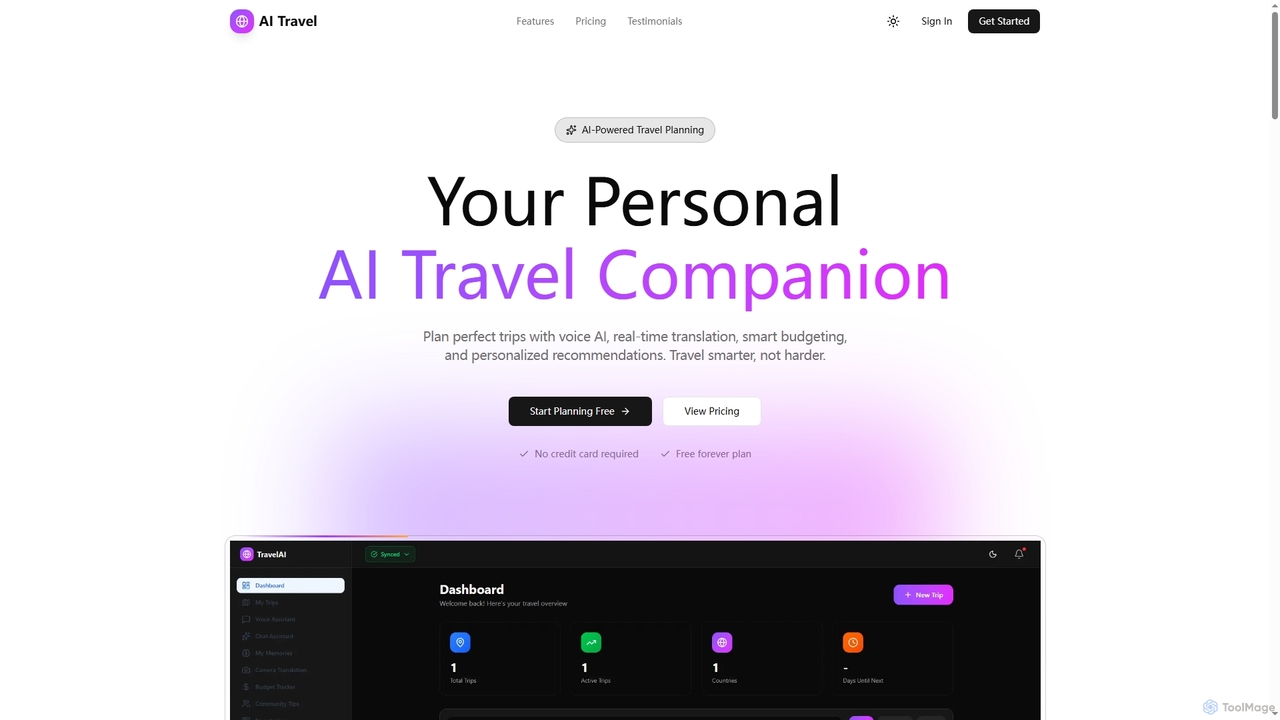
Tourizmai is an AI-powered travel companion designed to simplify trip planning. It offers intelligent voice assistance, real-time camera translation, smart itinerary generation, and budget tracking to create personalized and effortless travel experiences. Plan your adventures smarter, not harder, with tailored recommendations and essential on-the-go tools.

Budgeting
Visits 5.7KFavorites 111Likes 106
Athenachat
Freemium

Athenachat

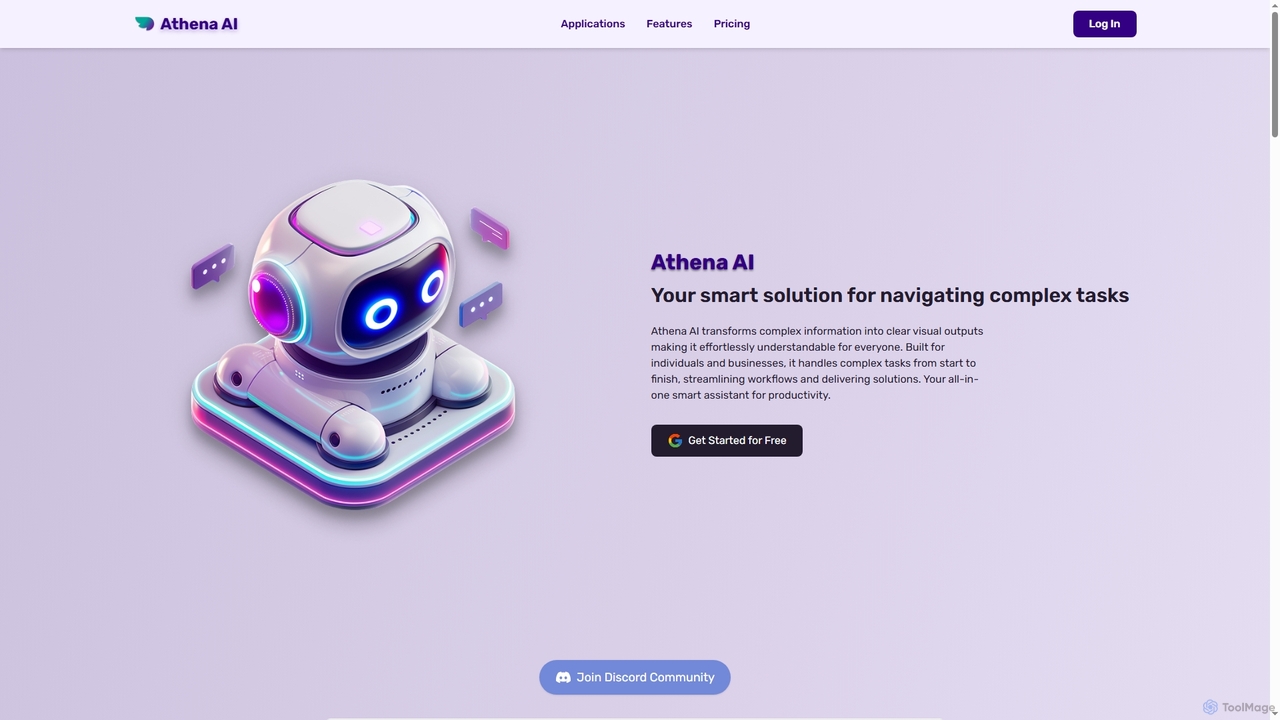
Athenachat is an all-in-one AI assistant that transforms complex text prompts into visual outputs like diagrams, websites, and images. It streamlines workflows by handling multi-step tasks, conducting real-time research, and integrating with platforms like Google Meet and Shopify.

Diagram
Visits 5.1KFavorites 133Likes 152
Nexcion
Free

Nexcion

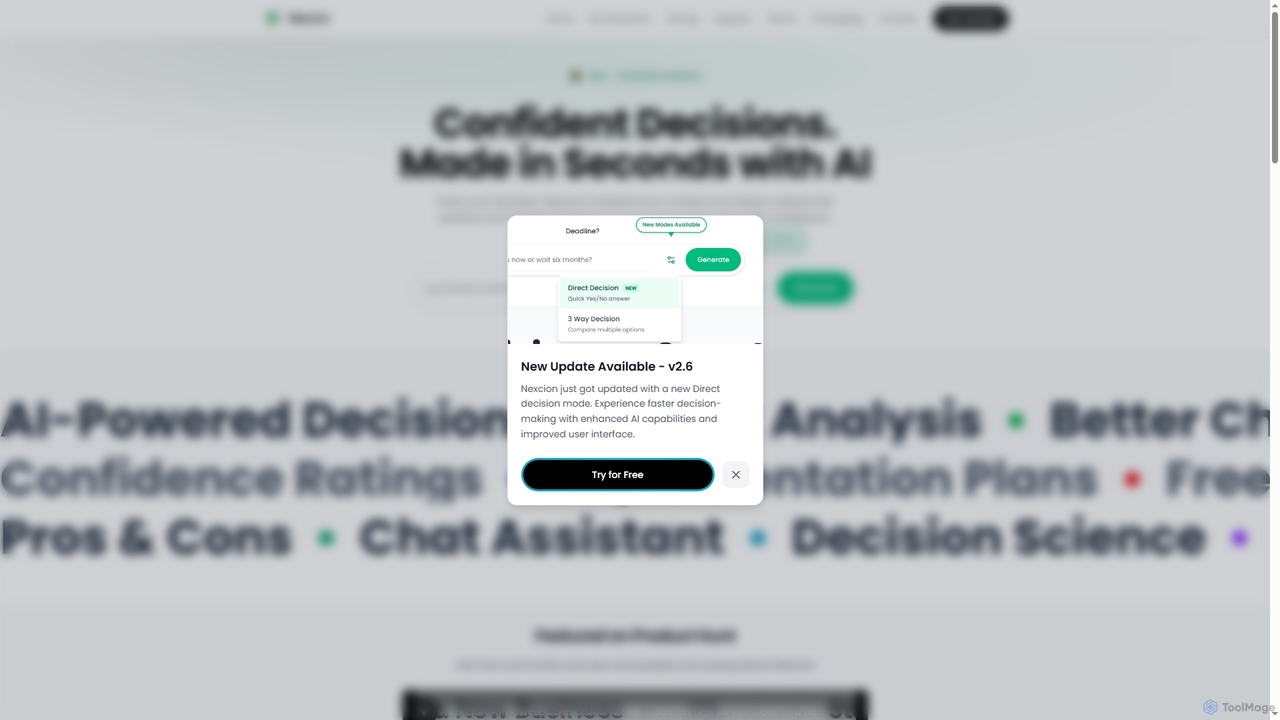
Nexcion is an AI-powered decision assistant that helps users make confident choices quickly by analyzing situations, outlining impacts, and providing structured solutions with confidence ratings and implementation plans. It's completely free and requires no sign-up, ensuring privacy with local data storage.

Strategy
Visits 5.8KFavorites 136Likes 115
Travel Mate

Travel Mate

Travel Mate is an AI-powered travel assistant designed to simplify trip planning. It generates personalized itineraries, recommends flights and hotels, and discovers unique local experiences based on your interests and budget. Save time, reduce stress, and create unforgettable journeys with your intelligent travel companion.

Leisure
Visits 5KFavorites 109Likes 99
VerveCopilot
Freemium

VerveCopilot

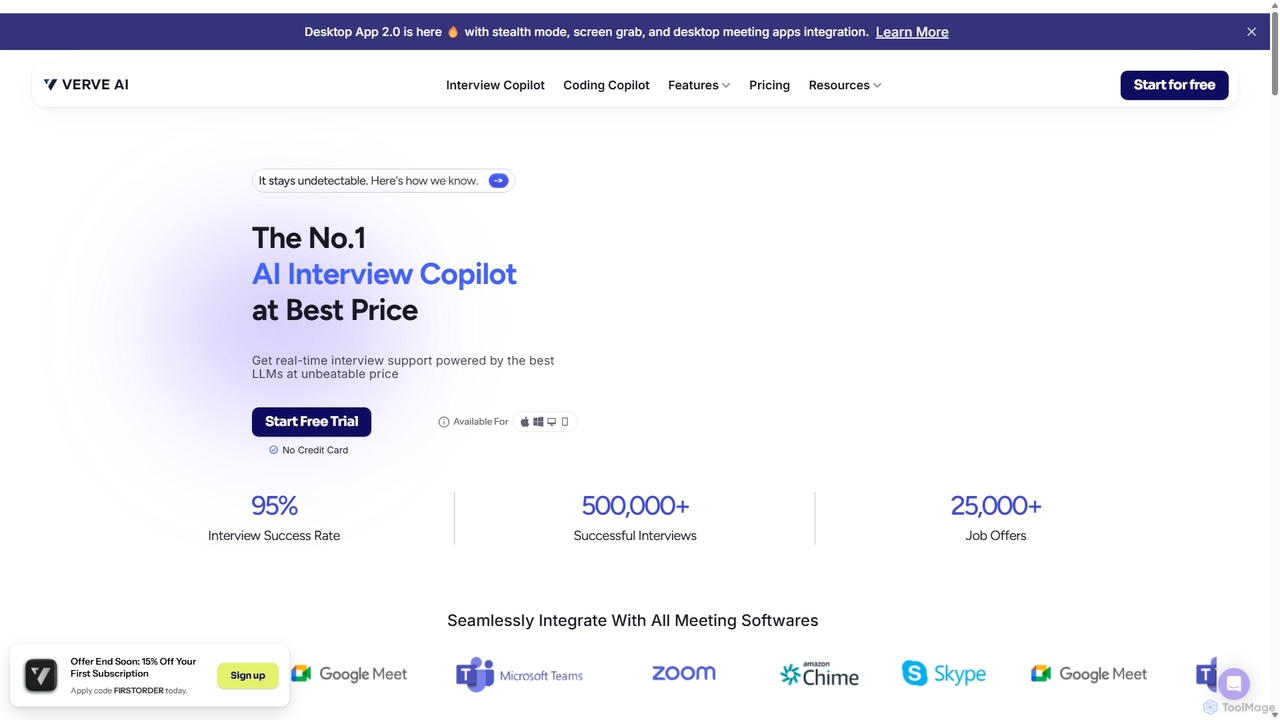
VerveCopilot is an AI-powered interview assistant that provides real-time support to job seekers. It integrates with meeting software to offer live transcription, automatic question detection, and personalized, expert-level answer suggestions tailored to your resume and the job description, helping you ace any interview.

Interview Preparation
Visits 161.1KFavorites 113Likes 104
Thinkbuddy
Freemium

Thinkbuddy

Thinkbuddy is a native desktop AI client designed for fast, secure, and organized interaction with multiple AI models. It acts as a unified workspace, allowing you to switch between models like GPT-4o, Claude 3, and Llama 3, manage conversations in projects, and save prompts in a library for a streamlined workflow.

Code Assistant
Visits 6.3KFavorites 141Likes 114
UX Design GPT
Freemium

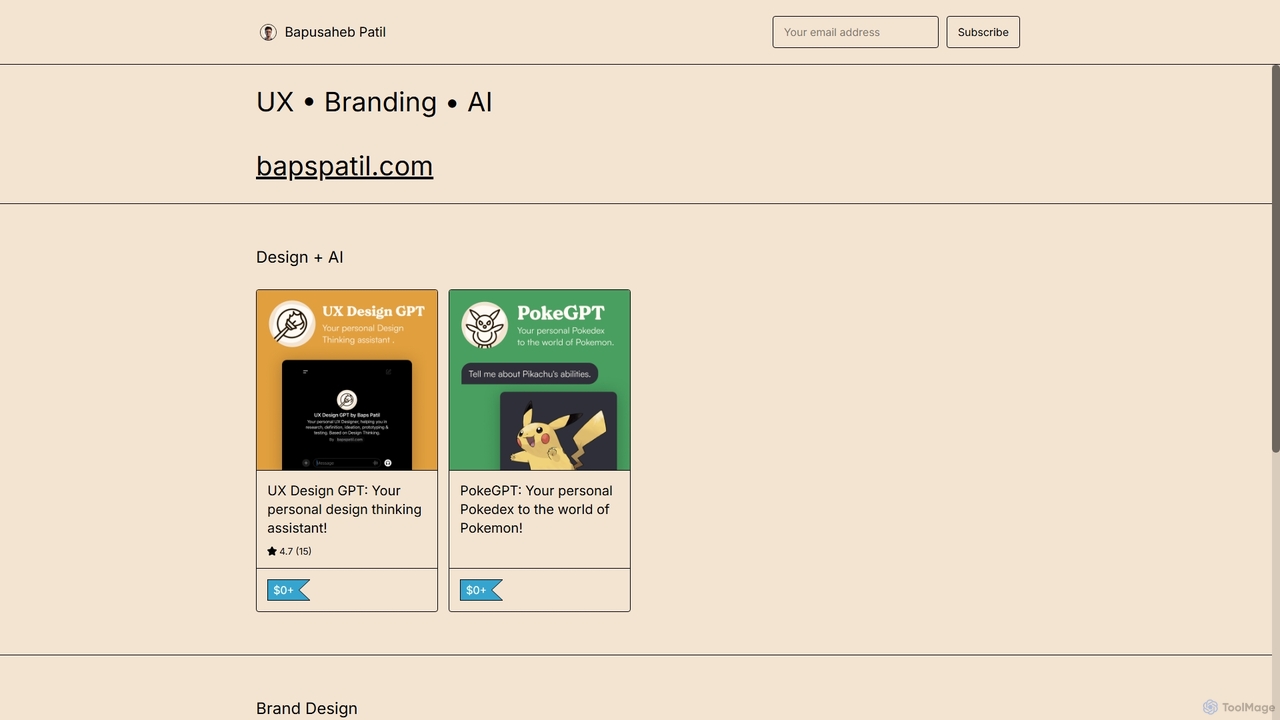
UX Design GPT

UX Design GPT is a personal AI assistant for designers, built on the Design Thinking framework. Powered by OpenAI and enriched with over 6 years of the creator's real-world expertise, it guides users through research, ideation, prototyping, and testing to streamline the entire UX design workflow.

Chatbot
Visits 5.1KFavorites 85Likes 96
Ollama
Freemium

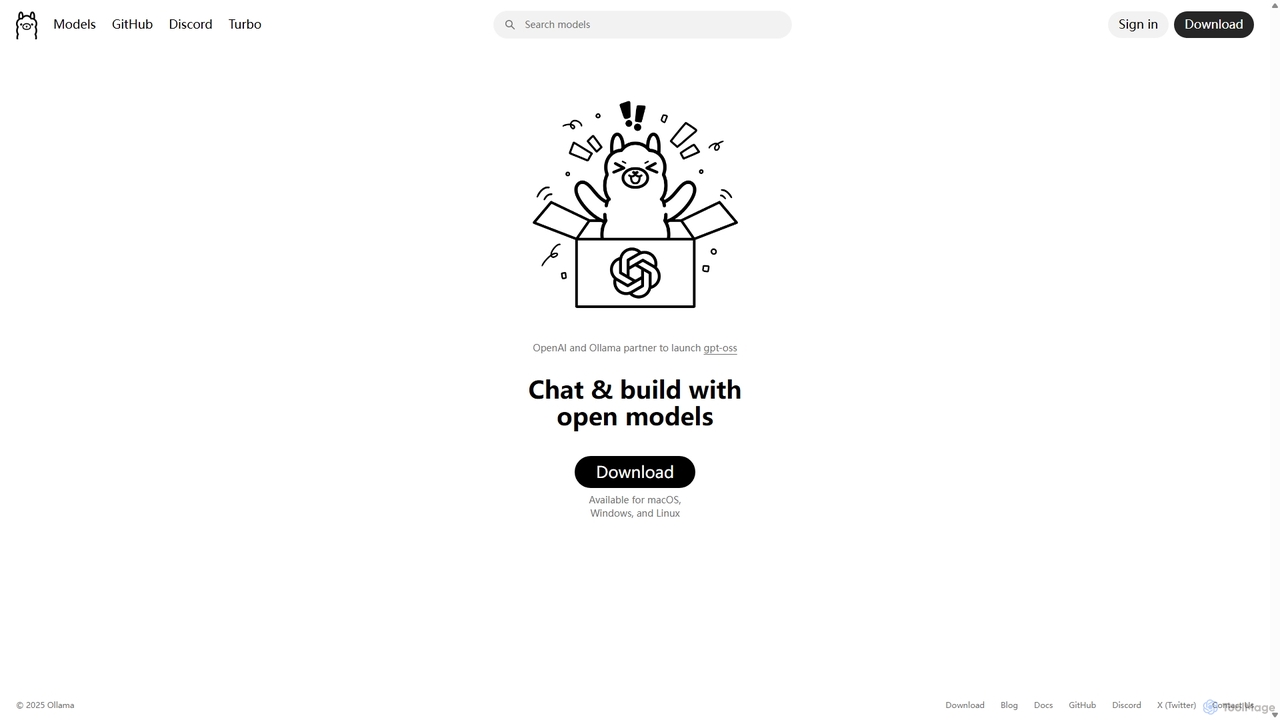
Ollama

Ollama is a powerful open-source framework for running large language models (LLMs) like Llama 3, Mistral, and Gemma locally on your own hardware. Available for macOS, Windows, and Linux, it simplifies the setup and management of open-source models, enabling private, offline, and cost-effective AI development and usage.

Machine Learning
Visits 11.1MFavorites 130Likes 145
ThinkBoxAI
Paid

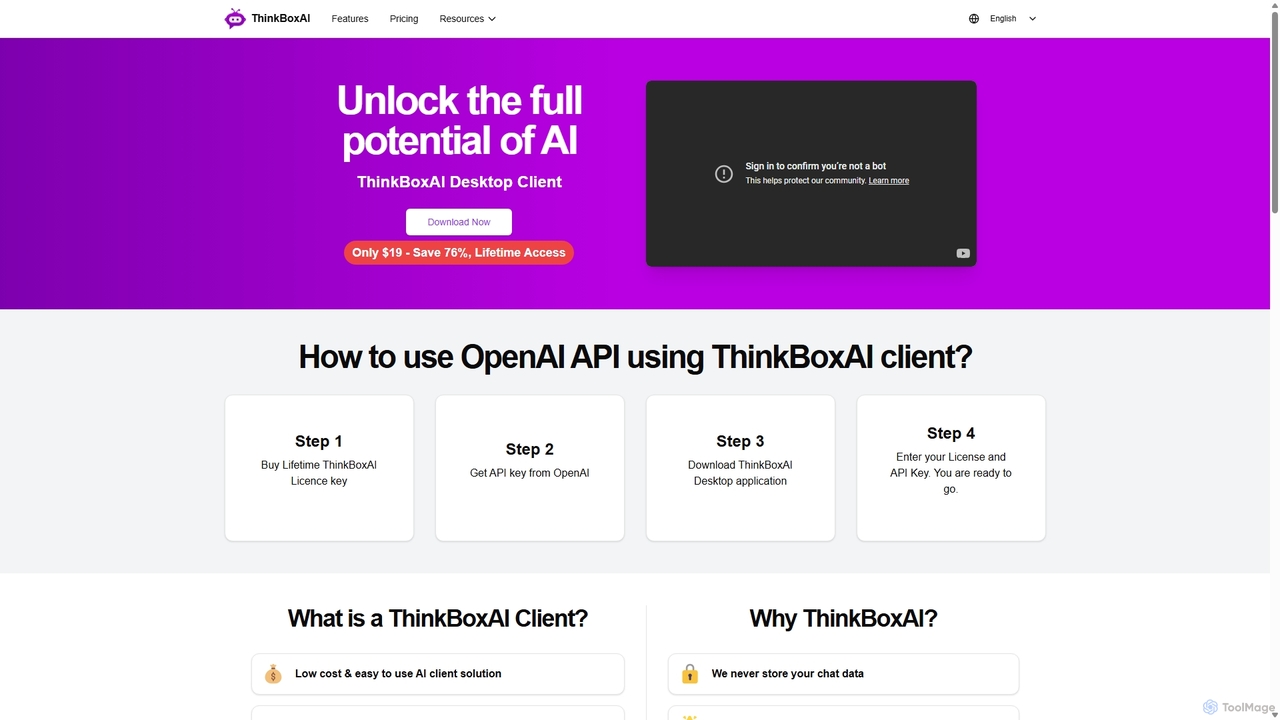
ThinkBoxAI

ThinkBoxAI is a cost-effective, privacy-focused desktop client for AI models like GPT and DALL-E. Use your own API key for a pay-as-you-go experience, avoiding monthly subscriptions. It features advanced customization, a prompt library, and cross-platform support for Windows, macOS, and Linux.

Image Generation
Visits 7.6KFavorites 150Likes 139
Antispace
Free

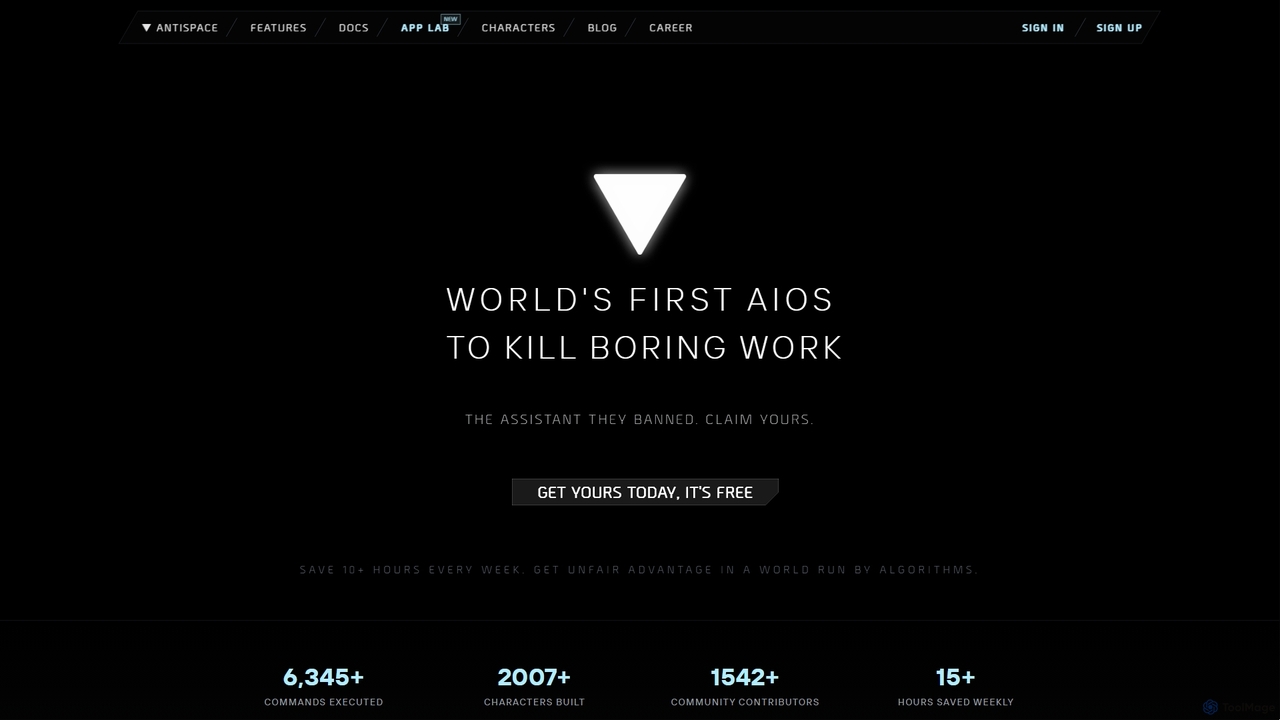
Antispace

Antispace is the world's first AI Operating System (AIOS) designed to eliminate boring work. It provides users with customizable AI sidekicks, each with a unique personality, to proactively manage emails, calendars, notes, and tasks. By predicting and executing the best actions, Antispace saves users over 10 hours per week and reduces decision fatigue.

Scheduling
Visits 8.7KFavorites 121Likes 121
Z.ai
Freemium

Z.ai

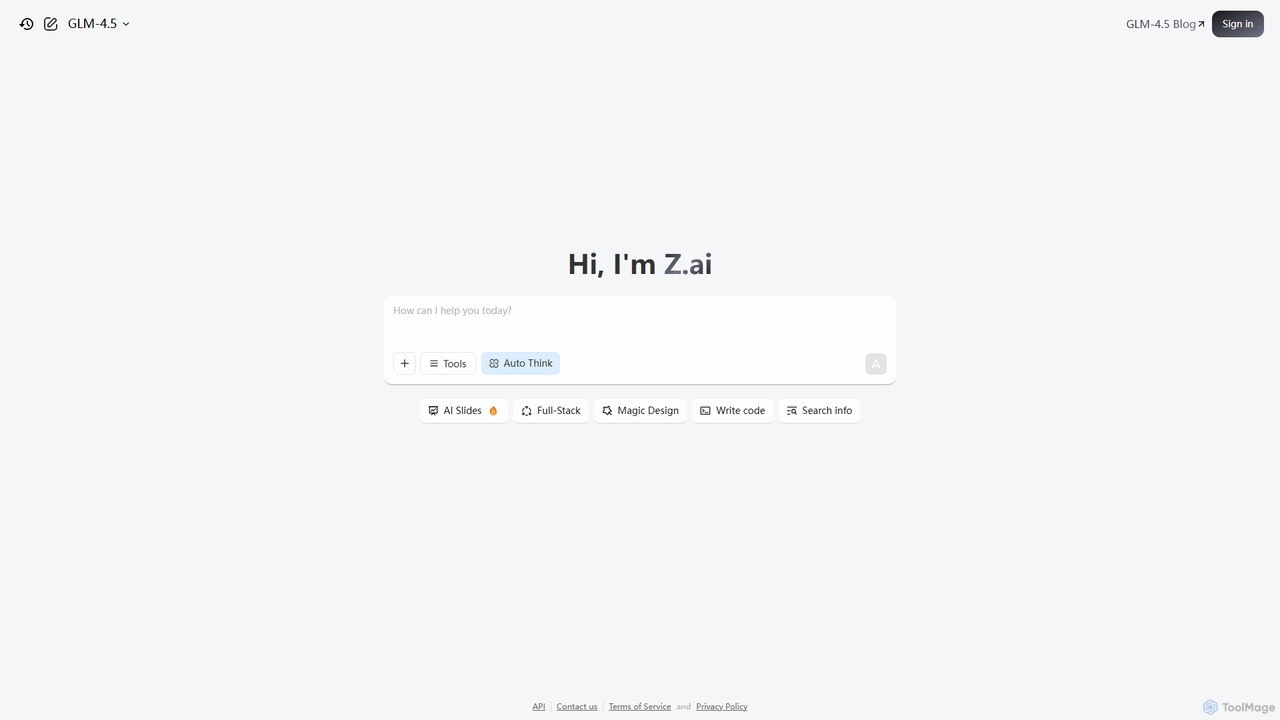
Z.ai is a powerful, free AI assistant powered by the advanced GLM-4.5 model. It's more than just a chatbot, offering a suite of integrated tools for coding, creating presentations, designing, and conducting research. Z.ai aims to be an all-in-one productivity platform, streamlining complex tasks through a simple conversational interface.

Code Assistant
Visits 13.8MFavorites 101Likes 111
AI Chat
Freemium

AI Chat

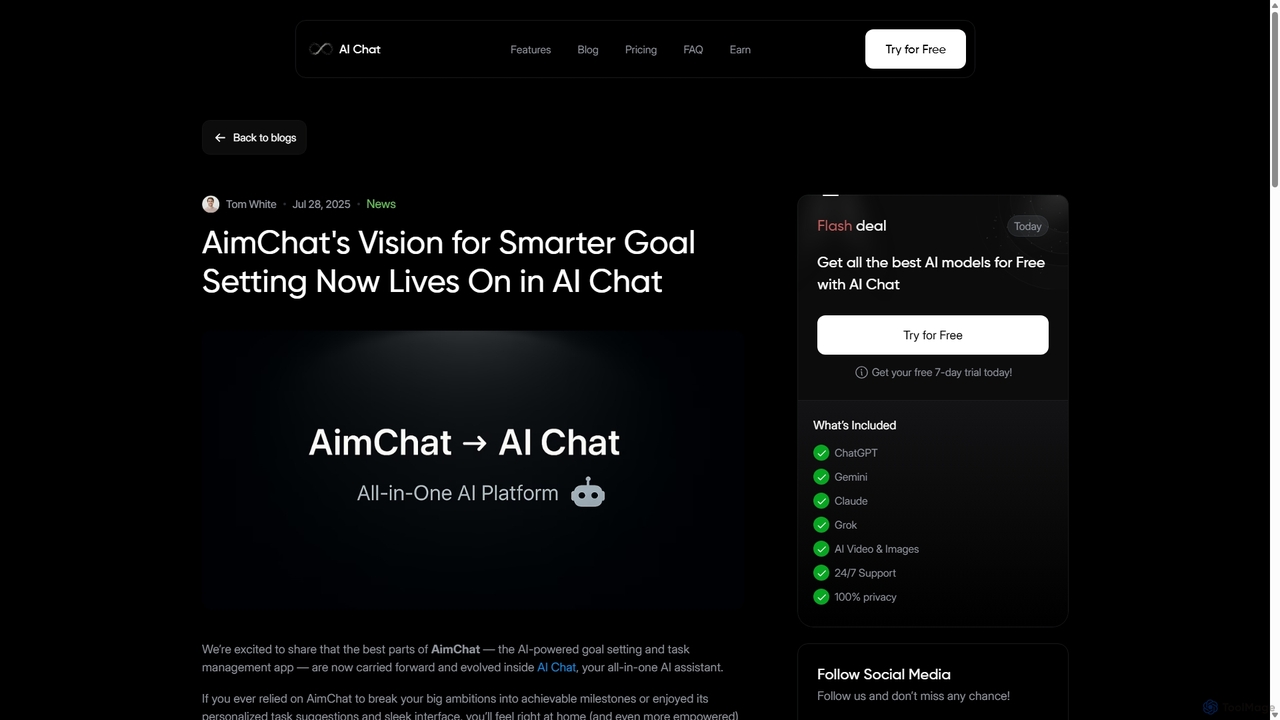
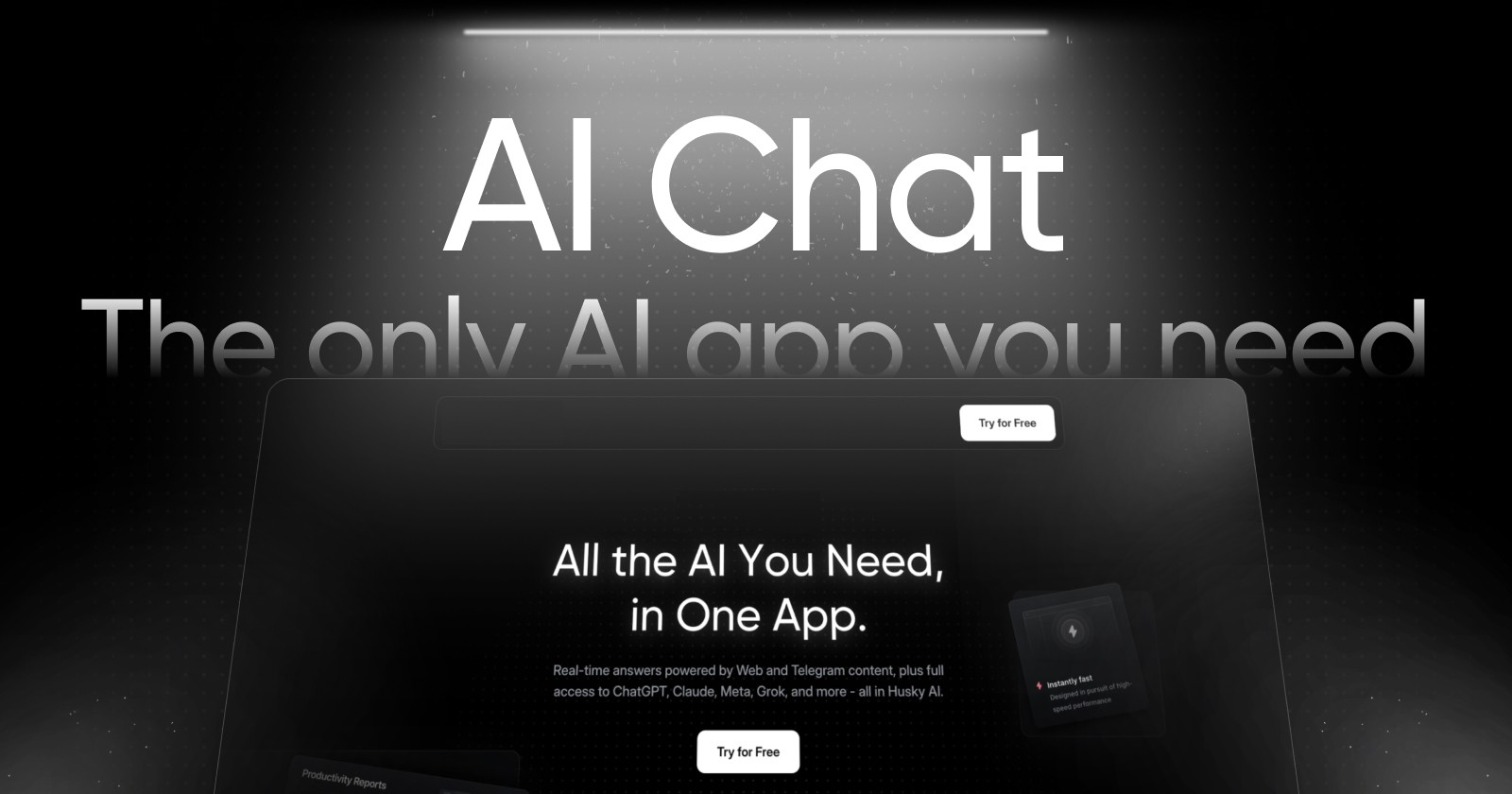
AI Chat is an all-in-one AI assistant that integrates top models like ChatGPT, Claude, and Gemini into a single platform. Evolving from the goal-setting app AimChat, it combines advanced conversational AI with powerful task management, research, and content creation tools to streamline your workflow and help you achieve your ambitions.

Assistant
Visits 5.1KFavorites 149Likes 146
Side Space
Paid

Side Space

Side Space is a powerful AI assistant that integrates seamlessly into your desktop workflow. It operates from a convenient sidebar, providing instant access to AI-powered tools for writing, coding, and general productivity without ever leaving your current application. Enhance your efficiency with contextual actions on selected text and customizable commands.

Code Assistant
Visits 5KFavorites 106Likes 88
HeyGPT
Freemium

HeyGPT

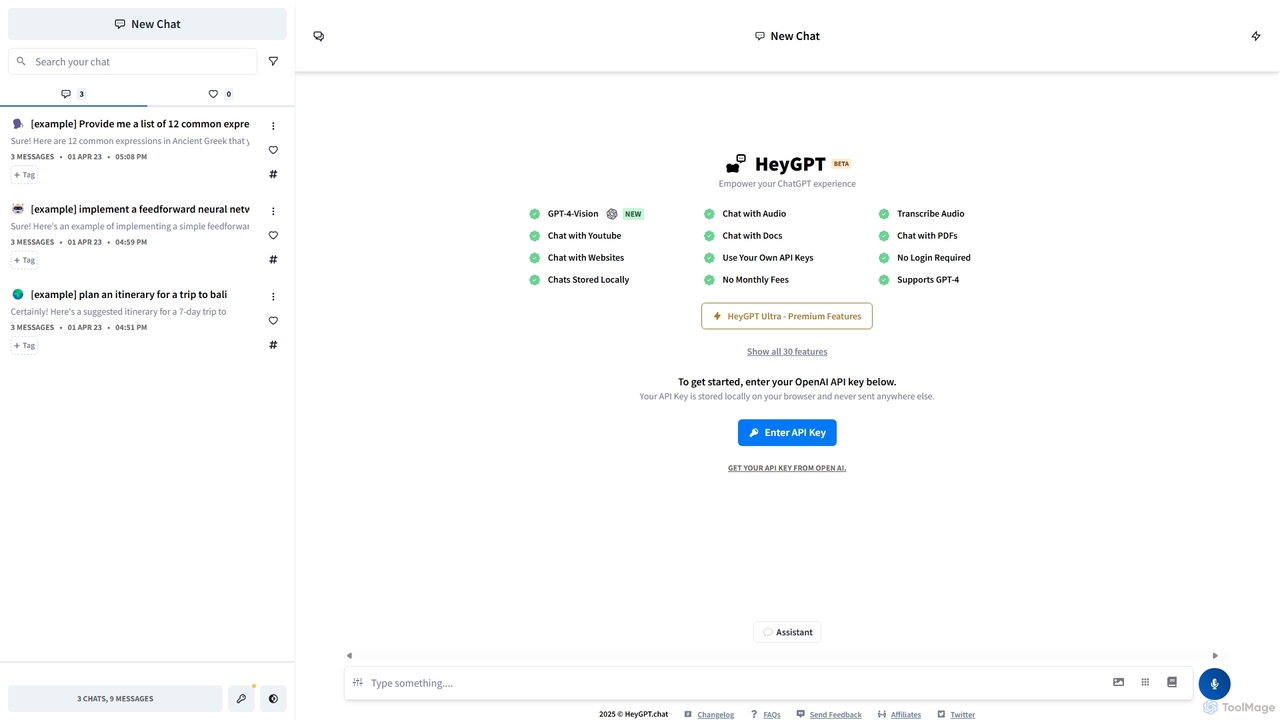
HeyGPT is an advanced, privacy-focused web client for ChatGPT. It allows you to use your own OpenAI API key, keeping your conversations and data stored locally on your browser. It enhances the standard experience with features like chatting with PDFs, websites, YouTube videos, and audio files, all without requiring a login or a monthly subscription.

Api
Visits 5.3KFavorites 133Likes 134
R2 Copilot
Freemium

R2 Copilot

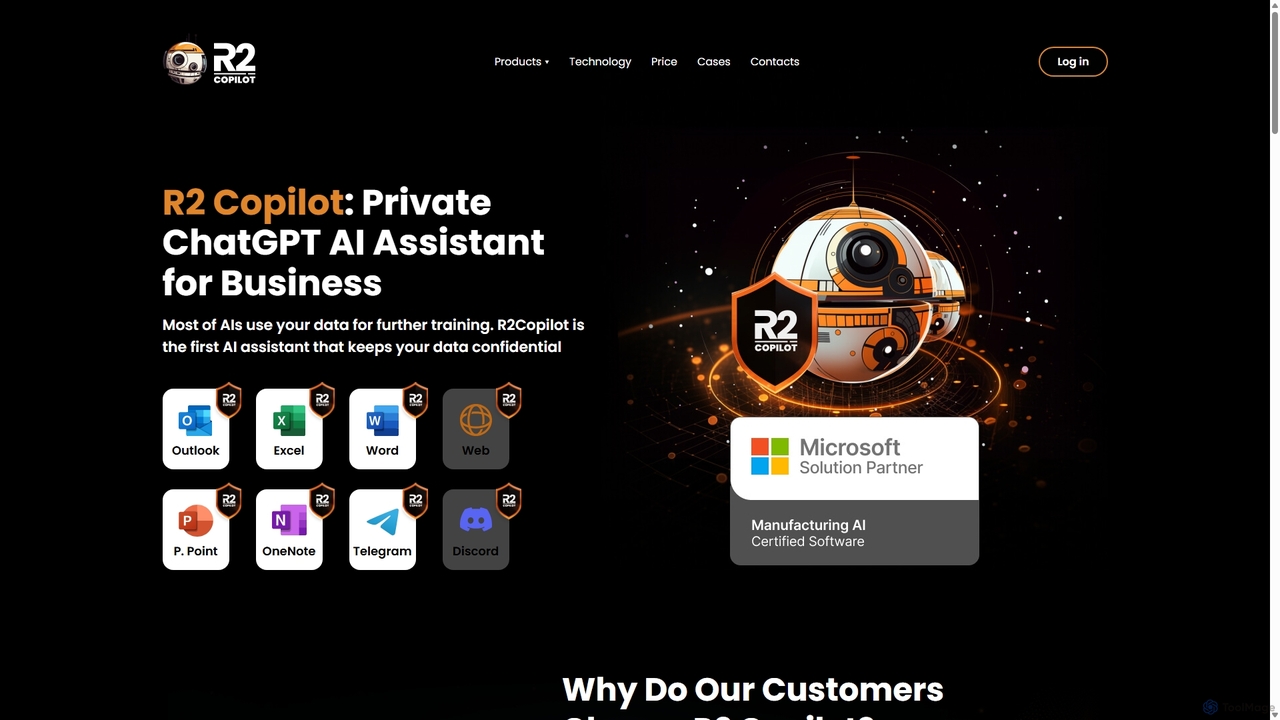
R2 Copilot is a privacy-first, ChatGPT-powered AI assistant designed for businesses and professionals. It ensures complete data confidentiality by using advanced encryption and a secure communication protocol, preventing your data from being used for AI training. It integrates seamlessly into Microsoft Office, Telegram, and web browsers to boost productivity without compromising security.

Enterprise Solutions
Visits 6.7KFavorites 113Likes 119
Nily AI
Freemium

Nily AI

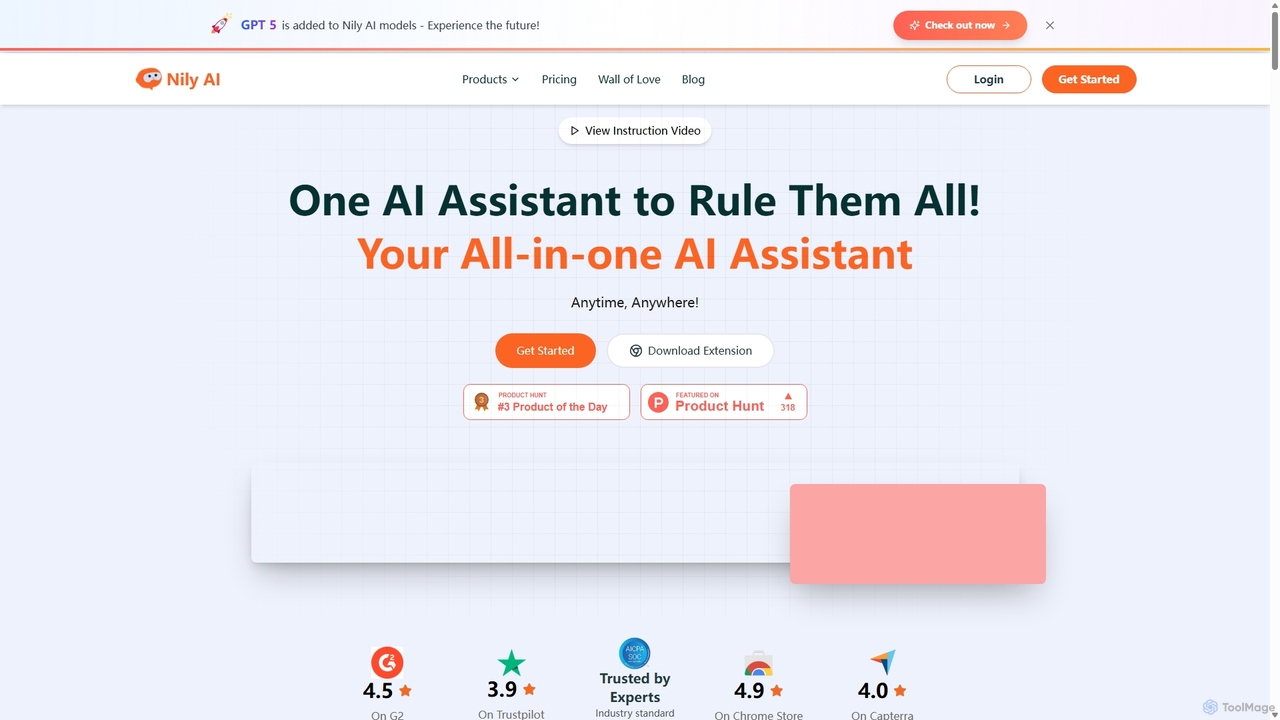
Nily AI is an all-in-one AI assistant designed to boost productivity. It integrates over 20 advanced AI tools into a single platform, accessible via a convenient Chrome sidebar. Key features include LLM comparison, AI writing, image generation, email assistance, and chatting with PDFs or YouTube videos, catering to a wide range of professionals.

Image Generation
Visits 31.9KFavorites 138Likes 121
MindWhisper
Freemium

MindWhisper

MindWhisper is a powerful and intuitive interface for ChatGPT, designed to transform your AI interactions into a structured, personal knowledge base. It acts as your AI second brain, allowing you to organize chats into folders, manage prompts, and build a persistent memory for more context-aware and productive conversations.

Personal Knowledge Base
Visits 5.1KFavorites 136Likes 130
Studybuddy
Paid

Studybuddy

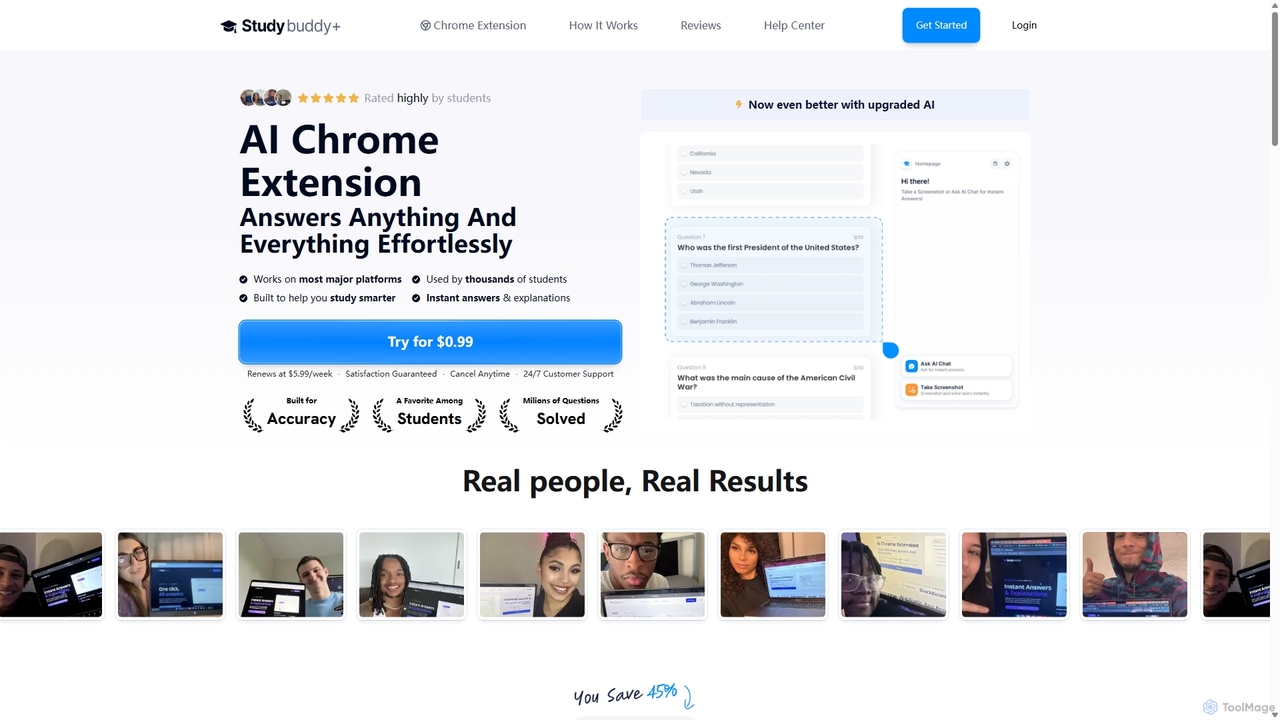
Studybuddy is an AI-powered Chrome extension designed for students. It provides instant answers and step-by-step explanations for a wide range of questions, including math, diagrams, and quizzes. Users can simply screenshot or highlight a question to get immediate help. It also includes an AI essay writer and integrates multiple advanced AI models for high accuracy.

Study
Visits 24.3KFavorites 116Likes 116
Jarvis
Freemium

Jarvis

Jarvis is an intelligent AI assistant designed to automate tasks, manage schedules, and streamline communication for busy professionals and teams. It acts as a central command hub, integrating with your existing tools to boost productivity and reclaim your time.

Workflow
Visits 5.1KFavorites 131Likes 132
OmniGPT
Freemium

OmniGPT

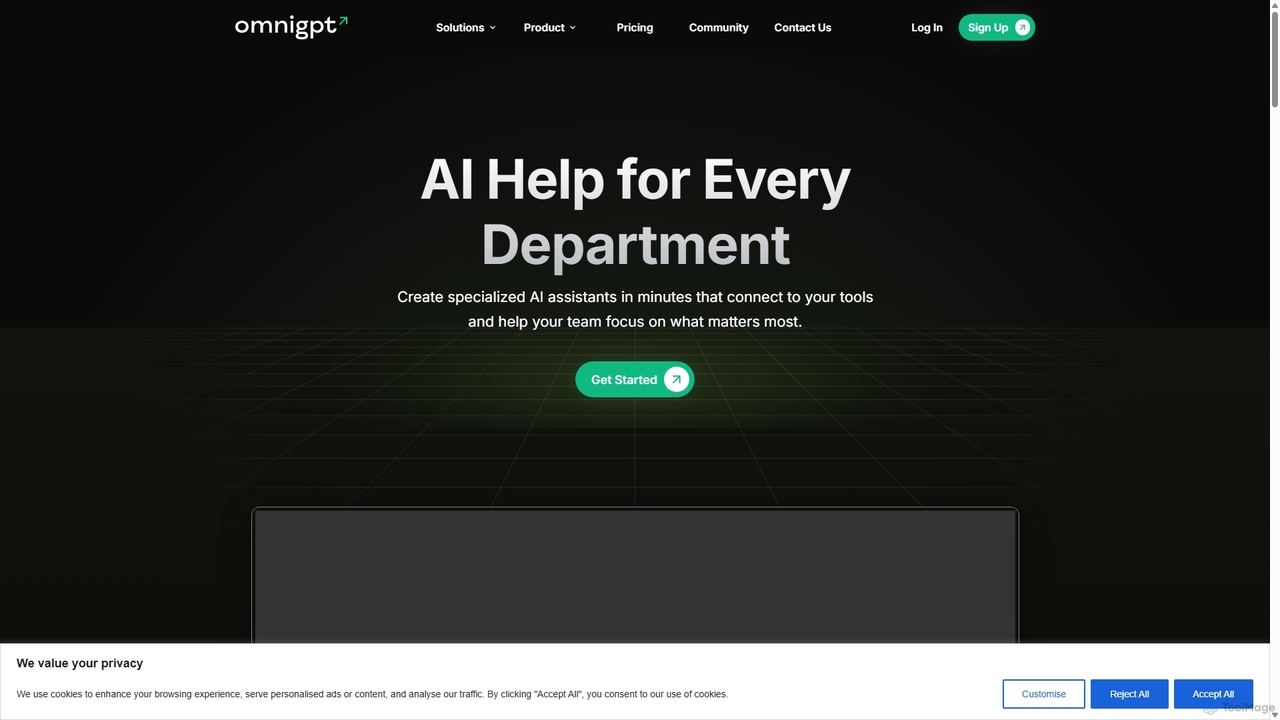
OmniGPT is an all-in-one AI productivity platform that provides access to multiple leading AI models like GPT-4, Claude 3.5, and Llama 3 through a single subscription. Designed for individuals and teams, it enhances workflows with features such as document analysis, image generation, team collaboration, and seamless integrations with everyday tools like WhatsApp and Slack, offering a cost-effective alternative to multiple AI service subscriptions.

Code Assistant
Visits 9.9KFavorites 130Likes 124
PowerBrain AI
Freemium

PowerBrain AI

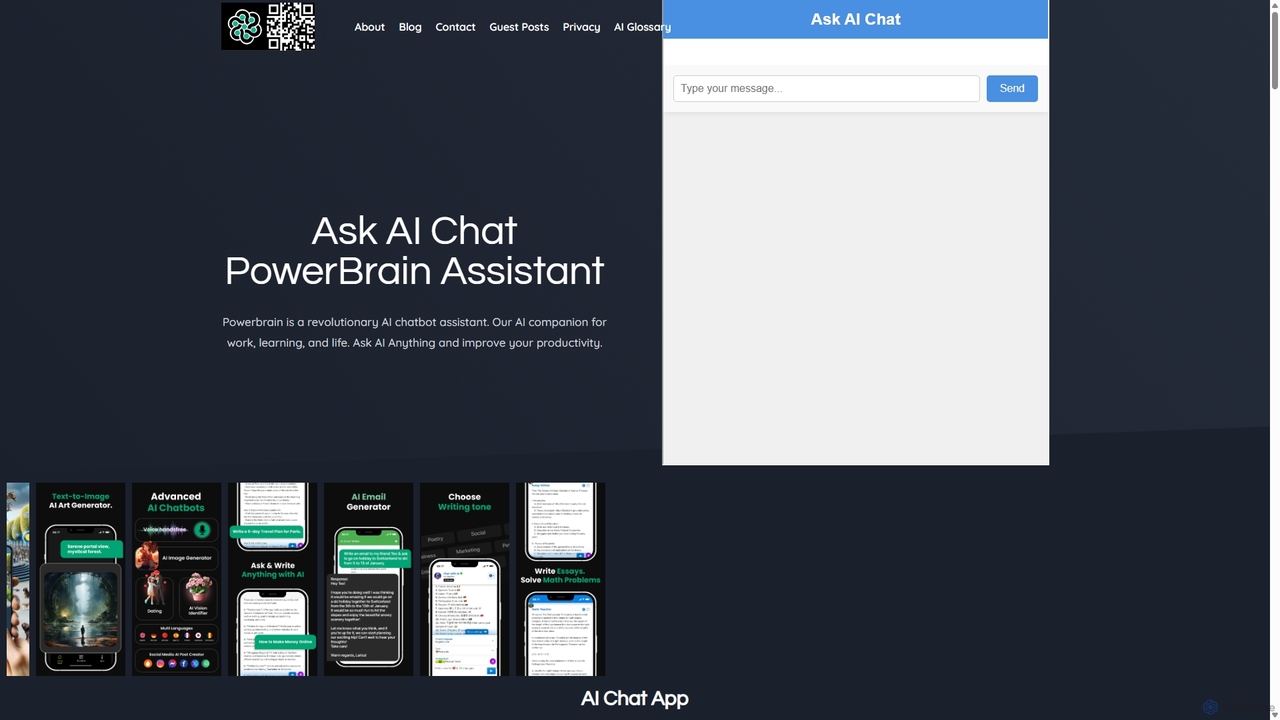
PowerBrain AI is a versatile AI chatbot assistant for work, learning, and life. Available on iOS and Android, it functions as a content creator, AI writer, homework helper, and an ad-free AI search engine. It features multimodal capabilities, processing text and images, and offers various AI personalities for personalized interactions, aiming to boost productivity and creativity for all users.

Chat
Visits 11.5KFavorites 160Likes 152
Vello
Freemium

Vello

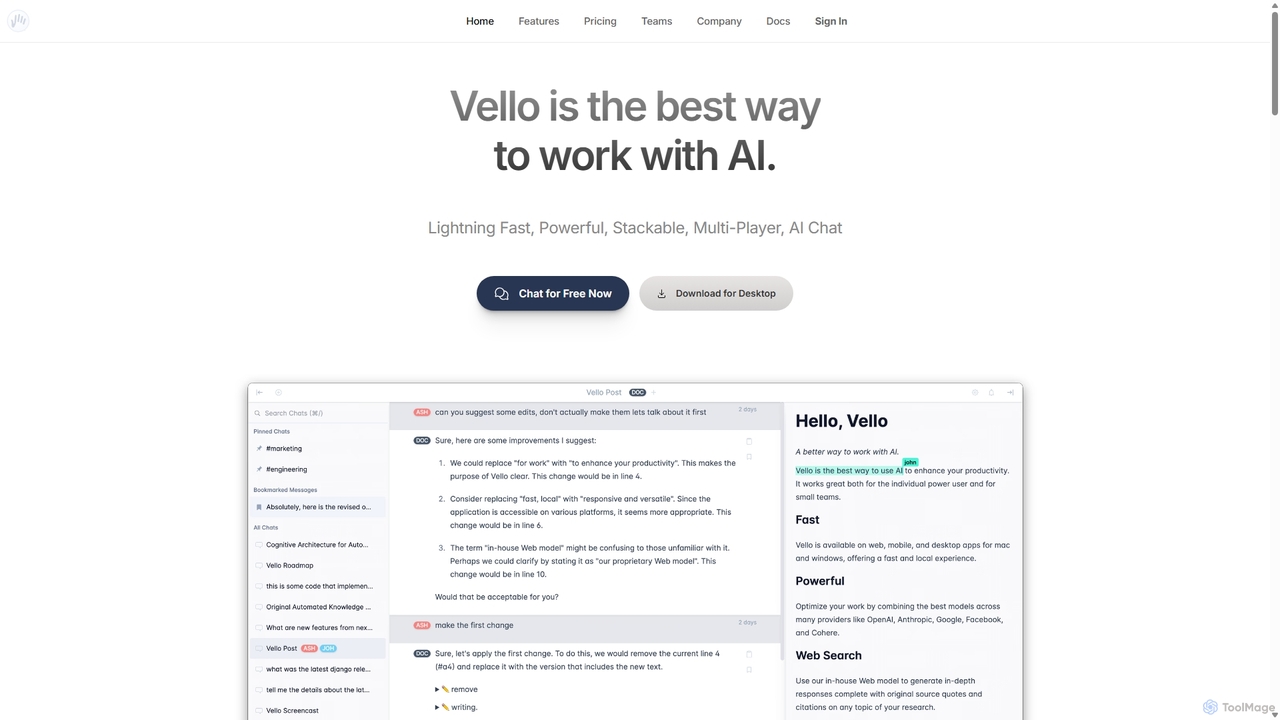
Vello is a powerful, collaborative AI platform that centralizes top models from OpenAI, Anthropic, and Google. It enables teams to work together with AI in real-time, create custom AI personas, conduct cited research, and edit documents seamlessly across web, desktop, and mobile apps.

Teamwork
Visits 5.3KFavorites 122Likes 124

About Assistant

AI Assistants are intelligent software tools designed to proactively manage tasks, organize information, and automate workflows for individuals and teams. They leverage natural language processing (NLP) and machine learning to understand user requests, learn preferences, and interact with other applications. These assistants act as a central command hub within your productivity suite, streamlining daily operations from scheduling meetings to summarizing important documents, ultimately enhancing personal and professional efficiency.

Core Features

  • Intelligent Scheduling: Automatically finds and books meeting times by analyzing the calendars of all participants.
  • Task Automation: Creates and executes workflows for repetitive tasks like sending follow-up emails or generating reports.
  • Information Synthesis: Summarizes long emails, articles, and meeting transcripts to provide key insights quickly.
  • Cross-App Integration: Connects seamlessly with calendars, email clients, CRMs, and project management tools to centralize control.
  • Natural Language Commands: Allows users to delegate tasks and request information using conversational language.

Use Cases

AI Assistants are widely used by busy professionals, executives, and sales teams to manage complex schedules and communications. Project managers utilize them to automate status updates and track action items from meetings. Freelancers and small business owners also rely on them to handle client communications and administrative tasks efficiently.

How to Choose

When selecting an AI Assistant, consider the depth of its integration with your existing tools (e.g., Google Workspace, Microsoft 365, Slack). Evaluate its automation capabilities and customization options to ensure it fits your workflow. Also, assess the user interface's intuitiveness and the platform's security and privacy policies, especially when handling sensitive data.

Featured tool rankings

Assistant use cases

1

Automated Meeting Scheduling and Follow-up

For a sales manager juggling multiple client meetings, an AI Assistant automates the entire scheduling process. Instead of back-and-forth emails, the assistant is given a command like 'Find a 30-minute slot with Client X next week.' It accesses both calendars, proposes available times, and sends the invitation once confirmed. After the meeting, it can automatically generate a summary from a recording and create follow-up tasks in the CRM, ensuring no opportunity is missed and saving hours of administrative work each week.

2

Personalized Daily Briefing Preparation

A busy executive starts their day with a personalized briefing prepared by their AI Assistant. Overnight, the assistant scans their inbox, identifies urgent emails, summarizes key points from long threads, and flags items requiring immediate attention. It cross-references this with their calendar to highlight the day's most critical meetings and provides context, such as recent correspondence with attendees. This consolidated report is delivered via email or a dedicated dashboard, allowing the executive to be fully prepared in minutes instead of spending the first hour sorting through information.

3

Streamlining Project Communication and Task Tracking

A project manager uses an AI Assistant integrated with their communication and project management tools. During a video conference, the assistant transcribes the conversation in real-time. After the meeting, it automatically identifies action items, decisions, and deadlines mentioned. It then drafts a summary email for all attendees and creates corresponding tasks in the project management software (e.g., Asana, Jira), assigning them to the correct team members. This eliminates manual note-taking and ensures that all action items are captured and tracked, improving team alignment and accountability.

4

Managing Client Inquiries and Communications

A freelancer or a small consulting firm uses an AI Assistant to manage their client communication inbox. The assistant automatically sorts incoming emails by client or urgency. For common inquiries like requests for proposals or service details, it can draft a reply using predefined templates, which the freelancer can then review and send. It also schedules follow-up reminders if a client hasn't responded, ensuring timely communication and preventing potential leads from being forgotten. This system allows the freelancer to focus on billable work rather than administrative overhead.

5

Efficient Research and Information Gathering

A market analyst or student uses an AI Assistant to accelerate their research process. They can ask the assistant to 'find and summarize the top five recent articles on the impact of AI in retail.' The assistant scours the web, identifies relevant sources, and provides concise summaries of each, complete with links to the original articles. It can also help organize this information, creating a structured document or a mind map of key findings. This transforms a multi-hour research task into a focused, minutes-long activity, allowing the user to spend more time on analysis and interpretation.

6

Personal Travel and Itinerary Planning

A frequent traveler uses their AI Assistant to plan a business trip. They forward their flight and hotel confirmation emails to the assistant. The assistant automatically parses the details and creates a consolidated itinerary in their calendar, including flight numbers, check-in times, and hotel addresses. They can then ask it to 'find a highly-rated Italian restaurant near my hotel for Tuesday night' or 'add a 1-hour meeting with the local team on Wednesday morning.' The assistant handles all the scheduling and adds events to the calendar, creating a seamless and organized travel plan with minimal effort.

Assistant FAQ

What is an AI Assistant?

An AI Assistant is a software tool that uses artificial intelligence to help users manage daily tasks and workflows proactively. Unlike simple apps, it can understand natural language commands, learn user habits, and automate actions across multiple platforms like email, calendars, and project management software. Its primary goal is to act as a personalized productivity partner that anticipates needs and streamlines operations.

How to choose the right AI Assistant?

To choose the right AI Assistant, evaluate these four key areas:

  • Integration Ecosystem: Ensure it connects seamlessly with the apps you use daily (e.g., Google Workspace, Microsoft 365, Slack, Salesforce).
  • Automation Capabilities: Check if it can handle the complexity of workflows you need to automate, from simple reminders to multi-step processes.
  • User Interface (UI): The interface should be intuitive and easy to use without a steep learning curve.
  • Security and Privacy: Verify its data handling policies and security certifications, especially if it will access sensitive company or personal information.
What's the difference between an AI Assistant and a standard task manager?

The key difference lies in proactivity and integration. A standard task manager (like a to-do list app) is a passive tool that requires you to manually input, organize, and check off tasks. An AI Assistant, however, is proactive. It can automatically create tasks from your emails, schedule meetings by coordinating calendars, and synthesize information for you. It acts as an orchestrator across your apps, whereas a task manager is typically a standalone tool for tracking duties.

What are the key features of a modern AI Assistant?

Modern AI Assistants typically offer a suite of features designed to enhance productivity. Key features include:

  • Natural Language Processing (NLP): The ability to understand and process commands given in everyday human language.
  • Contextual Awareness: Remembering past interactions and preferences to provide more personalized and relevant assistance.
  • Workflow Automation: Building and executing multi-step routines, such as 'when a new client signs up, create a folder and send a welcome email.'
  • Deep Integration: Connecting with a wide range of third-party applications to act as a central hub for your digital tools.
Who can benefit most from using an AI Assistant?

While anyone can benefit, certain roles see a significant impact from using an AI Assistant. These include:

  • Executives and Managers: For managing complex schedules, preparing for meetings, and delegating administrative tasks.
  • Sales Professionals: To automate meeting scheduling, log activities in a CRM, and manage follow-ups with leads.
  • Project Managers: For tracking action items, automating status reports, and facilitating team communication.
  • Freelancers and Entrepreneurs: To handle client communications, manage invoicing, and streamline administrative work, allowing more focus on core business activities.