
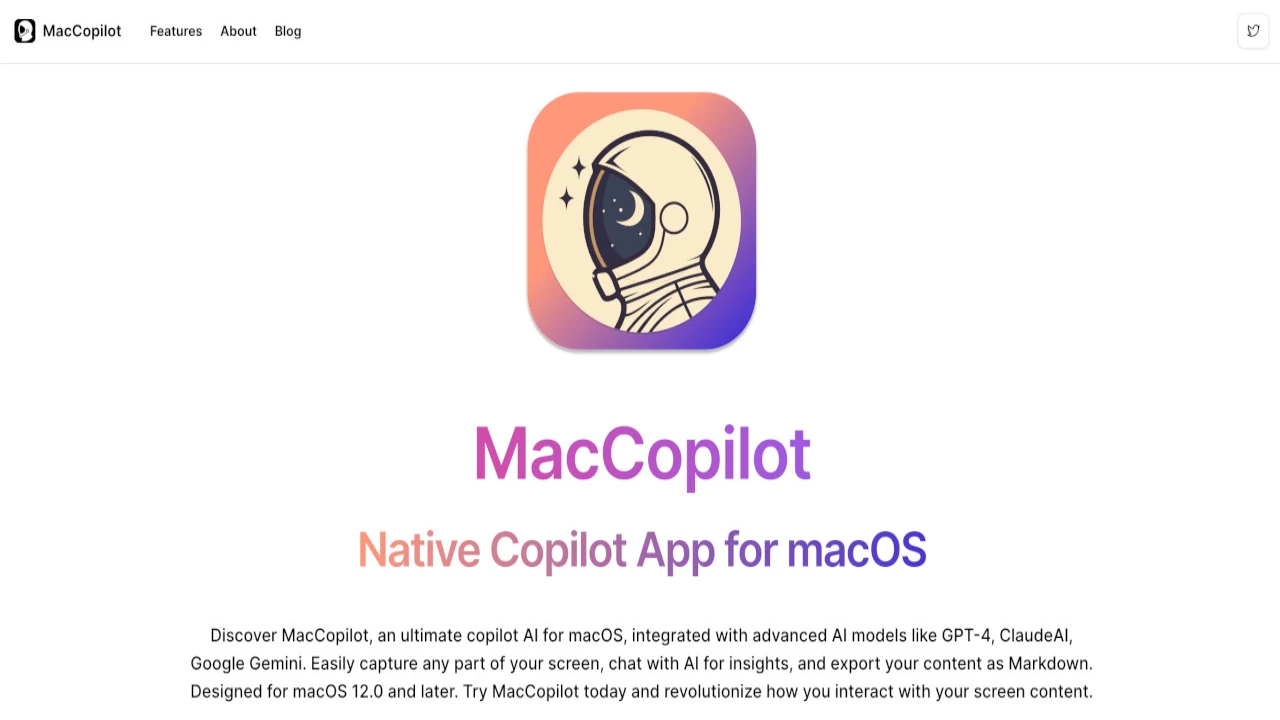
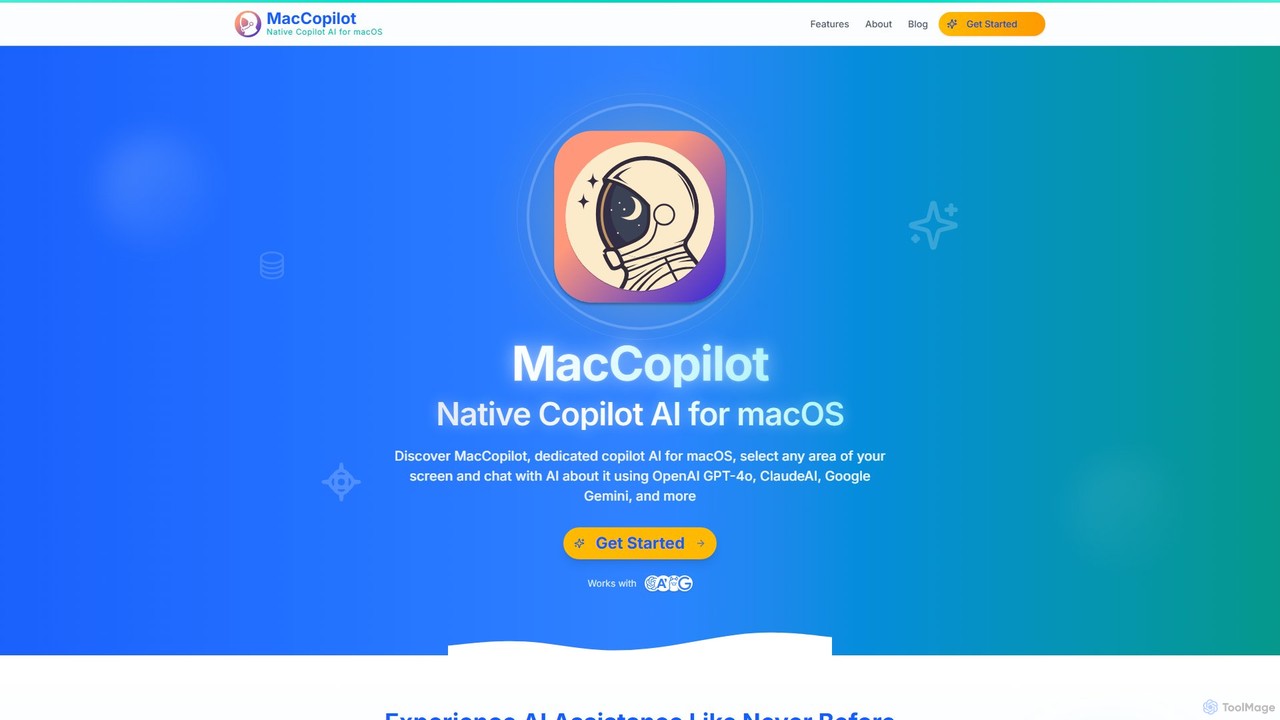
MacCopilot Overview
MacCopilot is a dedicated, native Copilot AI application designed specifically for macOS to enhance user productivity and streamline workflows. It fundamentally changes how users interact with content on their screen by creating a seamless bridge to powerful AI models. Instead of the cumbersome process of taking screenshots, saving them, and uploading them to a separate AI service, MacCopilot allows you to instantly capture any portion of your screen and engage in a direct, contextual conversation with the AI about the selected visual content. This makes it an indispensable tool for developers, writers, designers, students, and any professional working on a Mac.
The application is built with a user-centric approach, focusing on performance and intuitive design. It integrates directly into the macOS environment, feeling like a natural extension of the operating system. By supporting a wide array of leading AI models, including OpenAI's GPT-4o, Anthropic's Claude 3.5 Sonnet, and Google's Gemini, MacCopilot ensures users have access to the best technology for their specific needs. Furthermore, its unique support for local LLMs via Ollama and other OpenAI API-compatible servers provides a privacy-first option for users who need to keep their data on their own machine.
How to use MacCopilot
Using MacCopilot is designed to be simple and intuitive, integrating smoothly into your daily workflow. Here’s a typical usage process:
- Activate Capture: Use a customizable hotkey to activate the screen capture mode.
- Select an Area: Your cursor will turn into a crosshair. Click and drag to select any part of your screen—a block of code, a design mockup, a chart, a paragraph of text, or a social media thread. You can easily resize the selection or use the last selected region for repeated tasks.
- Ask the AI: Once the area is selected, a chat window immediately appears. Type your question or command directly into the chat box. For example, you could ask "Explain this code," "Summarize this article," "Suggest improvements for this design," or "Draft a reply to this email."
- Receive Instant Insights: The AI model you've chosen will analyze the image of your selection and provide a detailed, contextual response in the chat window. You can continue the conversation, ask follow-up questions, and refine the results.
Core Features of MacCopilot
- Instant Visual Analysis: Select any area on your screen to get immediate AI-powered insights, explanations, or summaries without context switching.
- Multi-Model AI Support: Seamlessly connect to and switch between top-tier AI models, including OpenAI GPT-4o series, ClaudeAI 3.5 series, and Google Gemini 1.5 series.
- Local LLM Integration: For ultimate privacy and control, connect to a local AI model server running Ollama or any other OpenAI API-compatible service.
- Flexible Screenshot Capture: A user-friendly and flexible screen selection tool that allows for precise captures, resizing, and quick access to the last used region.
- Built-in AI Models: Subscription plans offer access to powerful models like GPT-4o and Claude 3.5 Sonnet without needing to provide your own API keys.
- Contextual AI Chat: Engage in a natural conversation with the AI about the visual content you've captured, allowing for deep analysis and creative brainstorming.
- High-Precision OCR: The tool can perform highly accurate Optical Character Recognition (OCR) to extract text from any image or part of the screen.
Use Cases for MacCopilot
MacCopilot is a versatile tool that can be applied across various professions and tasks:
- For Developers: Capture a code snippet to debug, explain, refactor, or convert it to another language.
- For Writers & Researchers: Instantly summarize lengthy articles, academic papers, or reports by selecting the text on screen.
- For Designers: Get quick feedback on UI/UX mockups, color palettes, or layout compositions.
- For Students: Capture homework problems (math, science, etc.) to get step-by-step explanations and solutions.
- For Language Learners: Select foreign text on a webpage or in a document to get instant translations and vocabulary explanations.
- For Business Professionals: Draft professional emails by capturing the context of a previous message, or analyze charts and graphs from reports.
- For Legal Professionals: Select complex legal clauses in contracts to receive simplified explanations and analyses.
Advantages of MacCopilot
The primary advantage of MacCopilot is its ability to deeply integrate AI assistance into the native macOS workflow, making it faster and more efficient than web-based alternatives. It eliminates the need for constant app switching and copy-pasting. The flexibility to choose between leading cloud AI models and private, local models gives users unparalleled control over their data and the tool's capabilities. Its focus on visual context rather than just text makes it uniquely powerful for a wide range of modern digital tasks.
Pricing and Plans
MacCopilot offers flexible pricing to suit different user needs:
- One-Time Payment: For $19.99, get lifetime access to MacCopilot. This plan requires users to bring their own API keys (BYOK) for services like OpenAI, ClaudeAI, Google Gemini, and Ollama.
- Basic Plan: For $14.99/month, this plan includes all core features, built-in access to models like OpenAI GPT-4o and ClaudeAI 3.5 Sonnet, 100 AI requests per day, and priority email support.
- Premium Plan: For $24.99/month, this popular plan offers everything in Basic but increases the limit to 500 AI requests per day and adds priority chat support.
- Professional Plan: For $39.99/month, power users get up to 2000 AI requests per day and priority 24/7 support.
Traffic
Latest traffic
Status
Monthly traffic trend
- 2025-9: 322
- 2026-1: 2.7K
- 2026-2: 2.6K
- 2026-3: 2.5K
- 2026-4: 1.6K
- 2026-5: 2.2K
Geography
Top 5 countries / regions
- 🇺🇸United States68.0%
- 🇸🇪Sweden31.9%
Top keywords
| Keyword | Cost per click |
|---|---|
| copilot code mac | $0.00 |
| how can i use claude with copilot on mac | $0.00 |
| macospilot | $0.00 |
| macpilot | $1.01 |
| ollama github copilot cliär en helt lokal | $0.00 |
MacCopilot Alternatives
Ninjachat
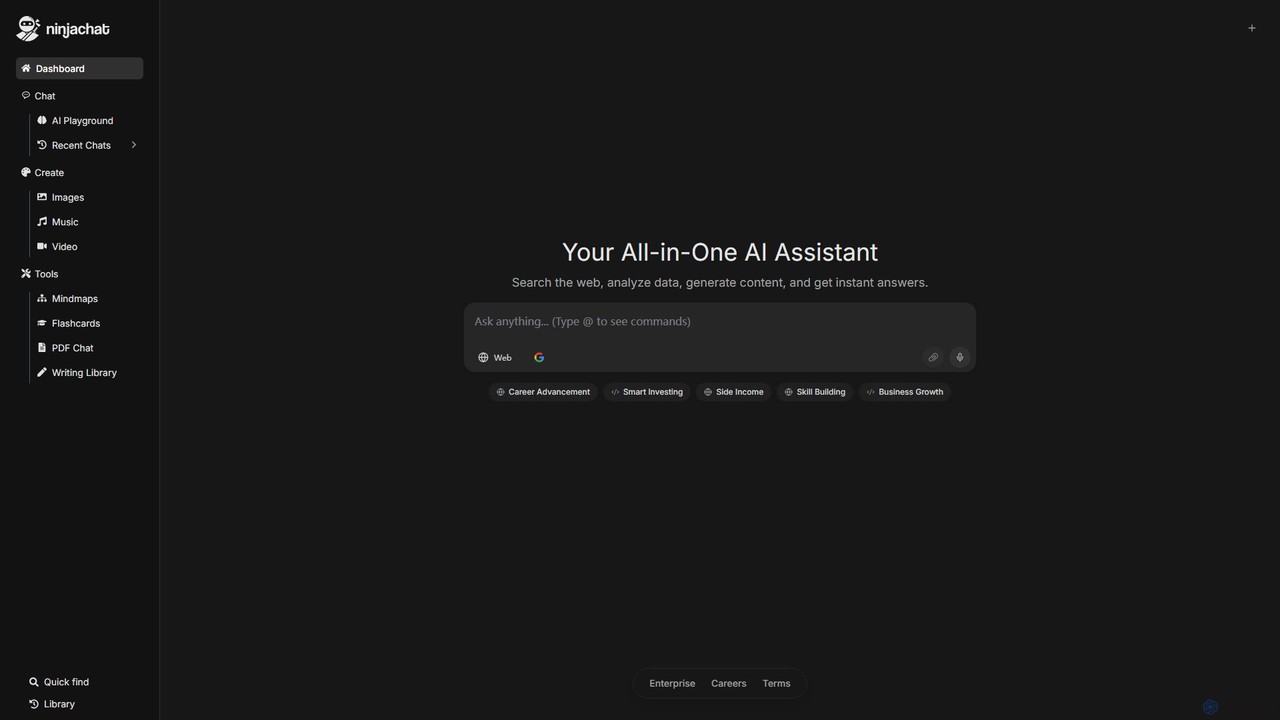
Ninjachat is an all-in-one AI assistant that provides access to a wide range of leading large language models (LLMs) through a single, unified interface. Compare outputs from models like GPT-4o, Gemini 1.5 Pro, Claude 3.7 Sonnet, and Llama 4 to find the best results for any task, from content creation and coding to complex research.
Code Assistant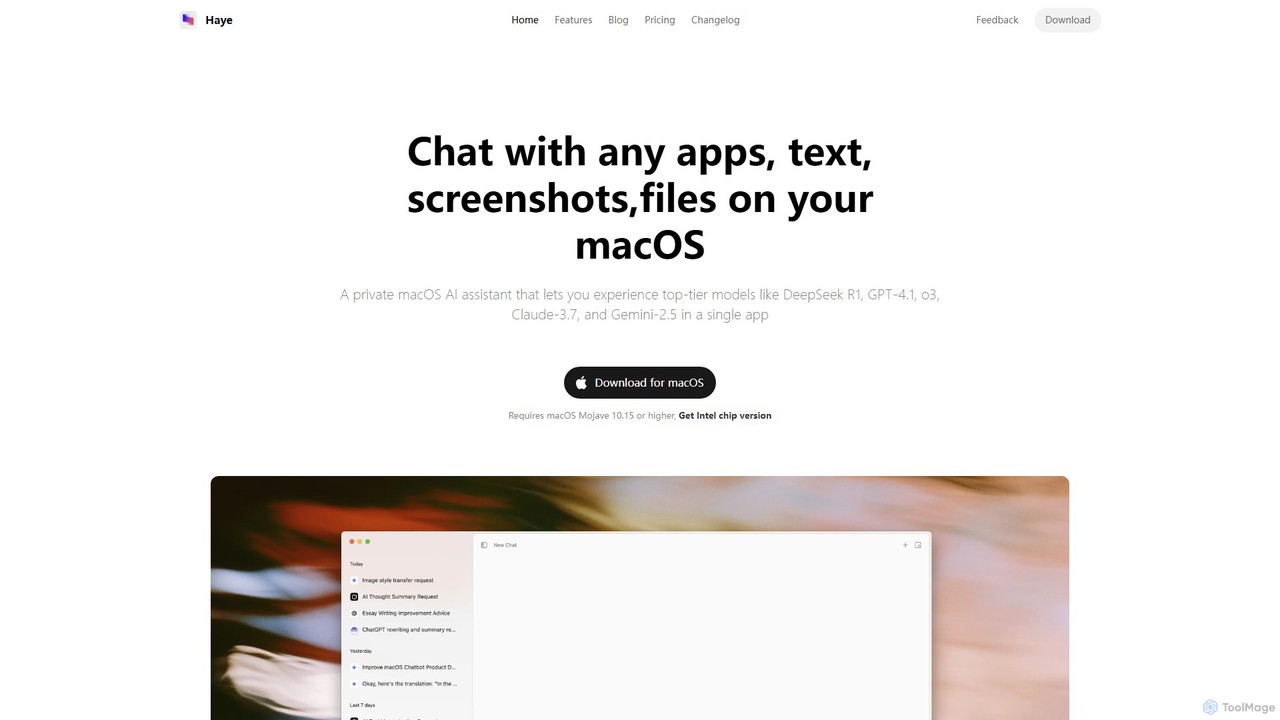
Haye
Haye is a powerful, all-in-one AI chat assistant for macOS, integrating top-tier models like GPT-4.1, Claude-3.7, and Gemini-2.5. It allows users to seamlessly interact with any app, text, screenshot, or file on their desktop, boosting productivity with features like AI search, document chat, and advanced customization.
Code Assistant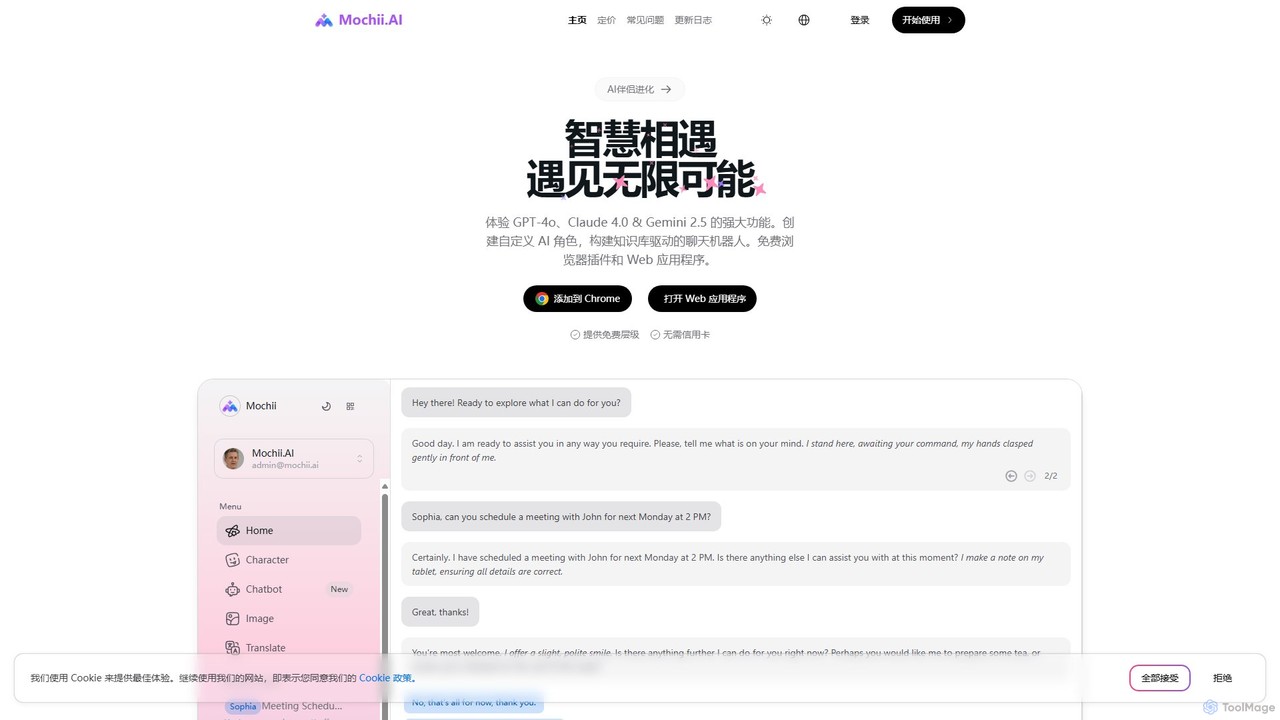
Mochii
Mochii is an all-in-one AI assistant that integrates leading models like GPT-4o, Claude, and Gemini into a seamless browser extension and web app. It enhances productivity by offering features like document analysis, web browsing, AI chatbot building, and customizable AI roles. A generous free tier provides access to advanced AI capabilities for everyone.
Productivity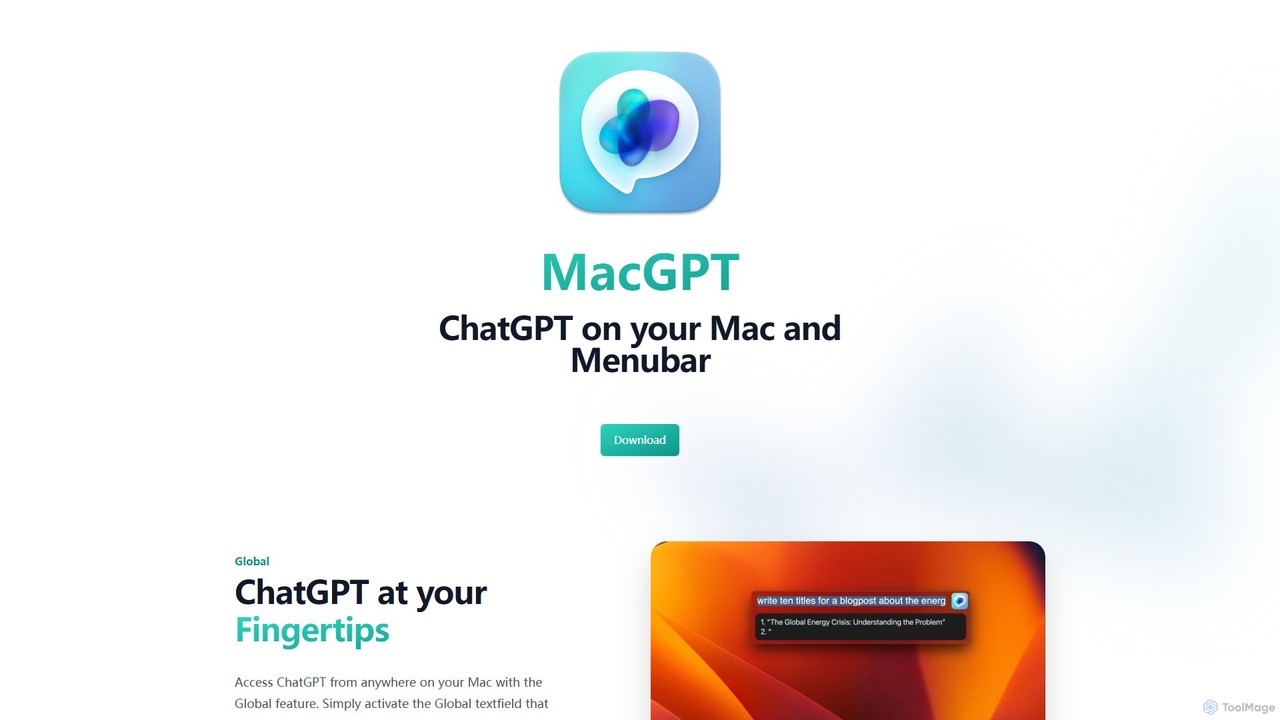
MacGPT
MacGPT brings the power of ChatGPT directly to your macOS desktop. Access OpenAI's models instantly from your menubar, use the Inline feature to write in any application, and switch between a native or web interface for ultimate flexibility and productivity.
Code Assistant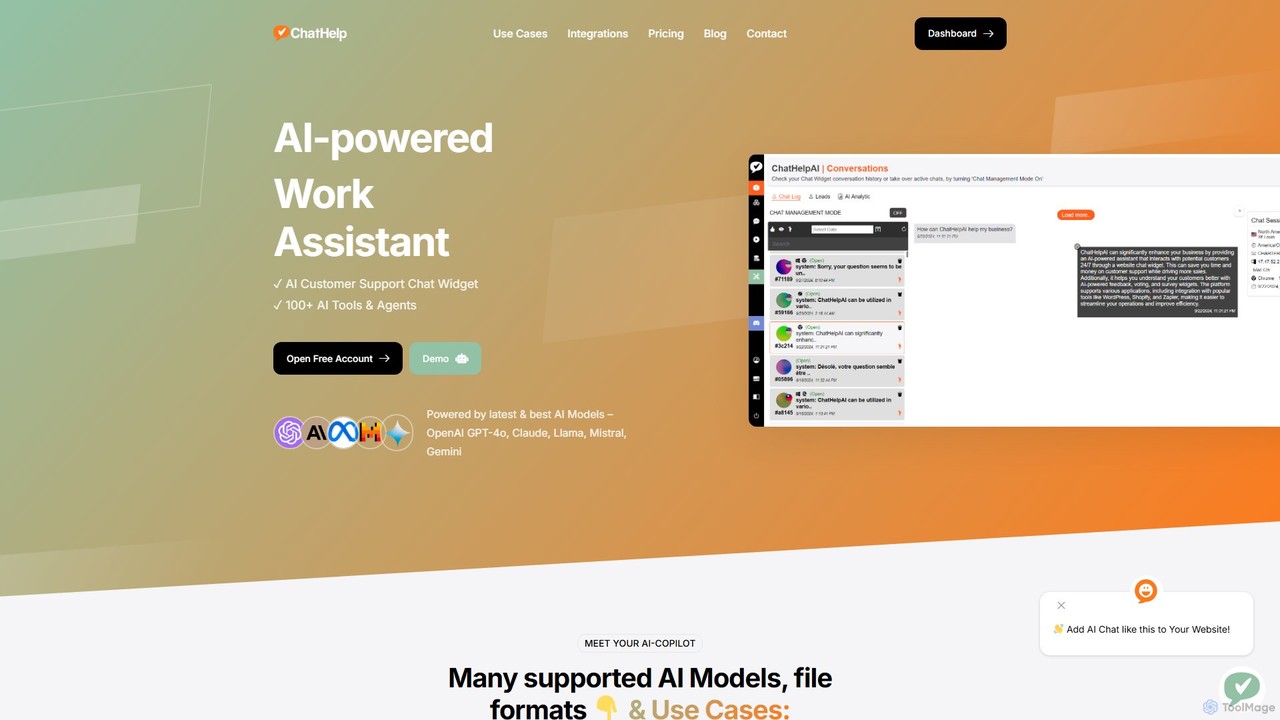
ChatHelp.ai
ChatHelp.ai is an all-in-one AI platform featuring a customizable website chatbot, a versatile AI assistant for business, work, and study, and a toolbox with over 100 AI agents. Powered by leading models like GPT-4o and Claude, it supports various file formats and allows users to bring their own API keys for cost-effective access. It's designed to streamline workflows, enhance productivity, and improve customer engagement.
ChatbotMacCopilot Categories
MacCopilot Embed Widget
Copy this embed code to place the badge on your blog, article, or product site and send readers directly to this ToolMage detail page.

Related AI tools
ScreenSnapAI
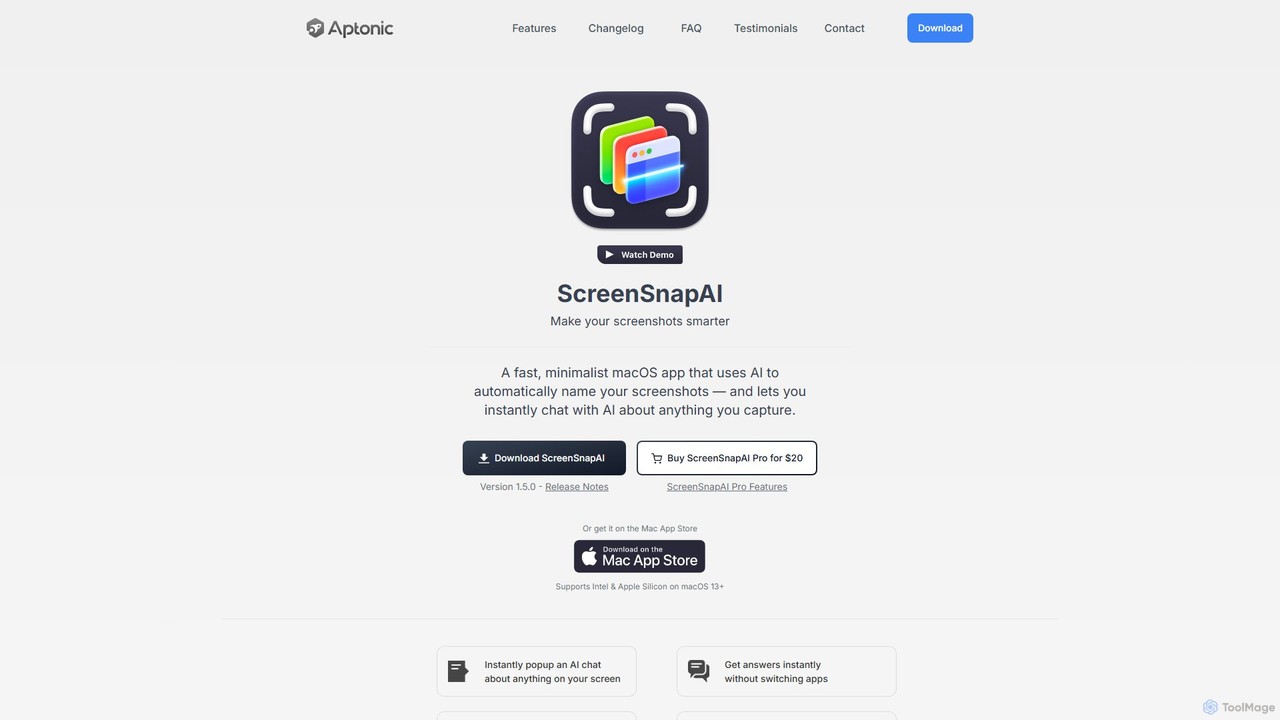
ScreenSnapAI is a smart macOS application that uses AI to automatically rename, tag, and organize your screenshots. It features an integrated AI assistant that allows you to instantly chat about, translate, or extract text and code from any captured image, dramatically improving productivity and workflow efficiency.
Code Assistant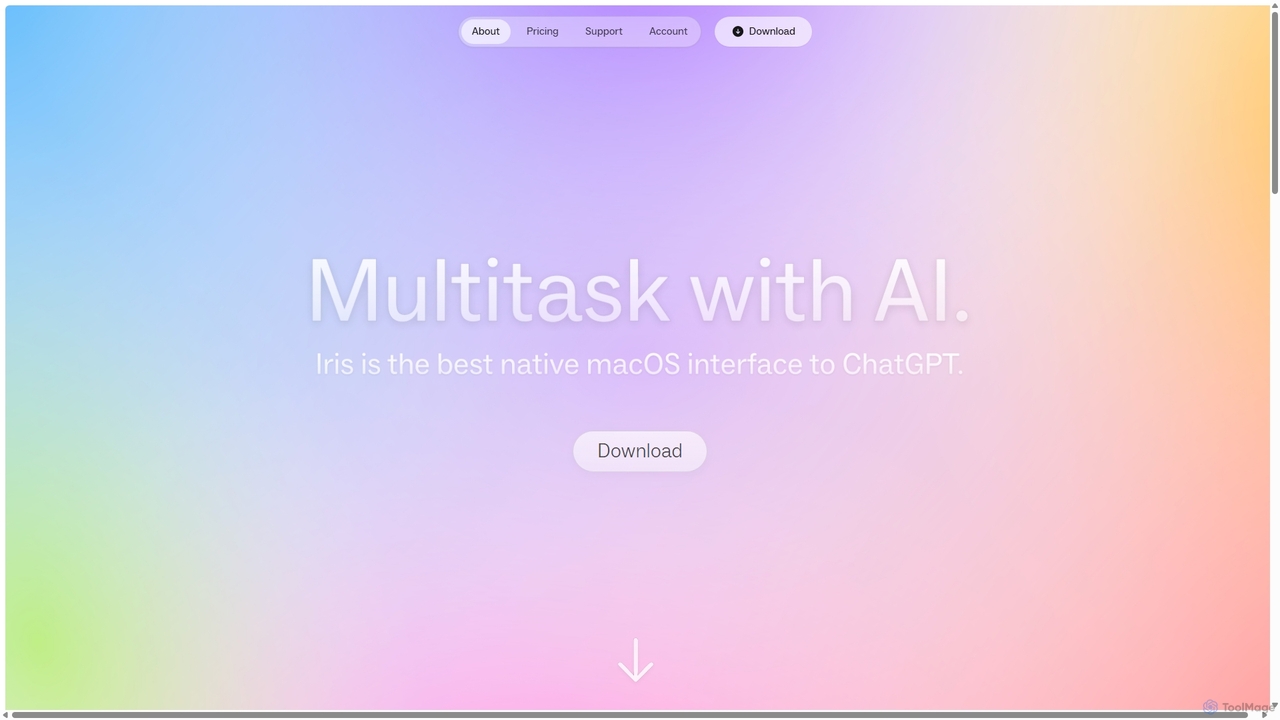
Iris
Iris is a seamless AI assistant for macOS, designed to integrate into your workflow. It provides instant access to top AI models like GPT-4o and Claude 3.5, allowing you to chat, capture your screen for context, and get answers without ever leaving your current application. With intuitive gestures and powerful shortcuts, Iris is there when you need it and invisible when you don't.
Coding Assistant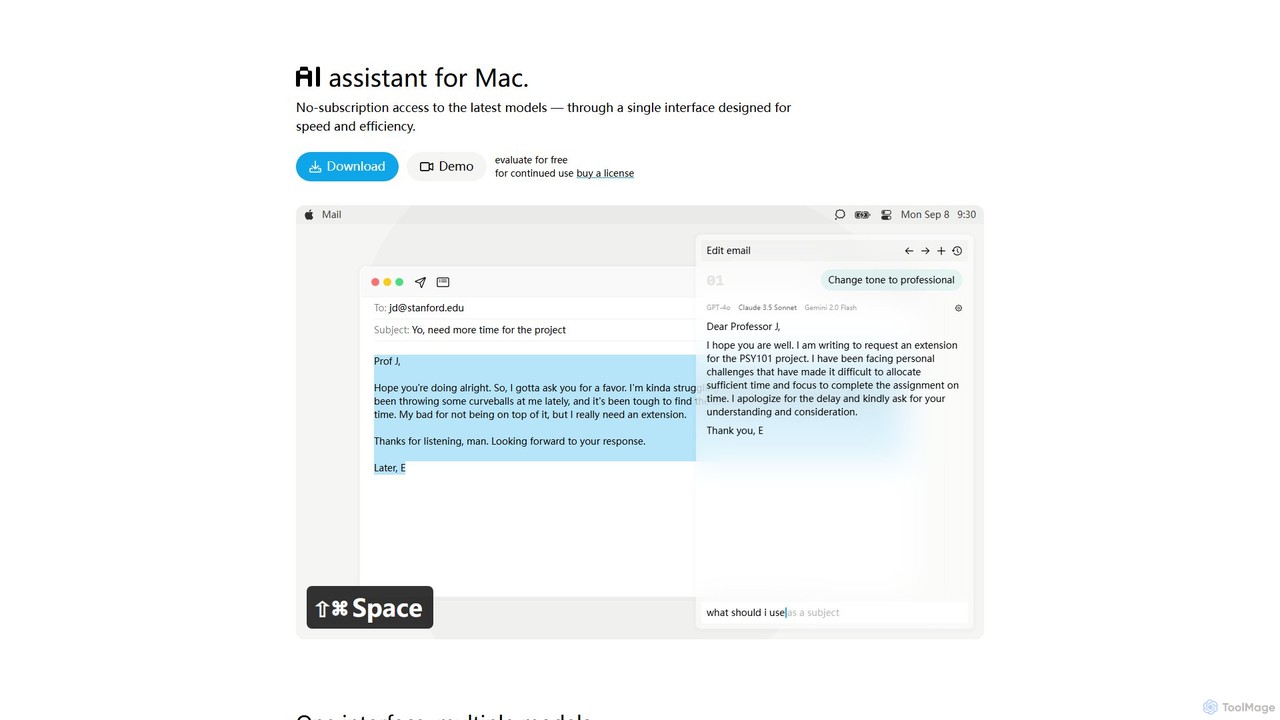
IntelliBar
IntelliBar is a native AI assistant for Mac, providing a unified interface to access the latest large language models like GPT-4o, Claude 3.5, and Gemini, plus local models via Ollama. It focuses on speed, efficiency, and privacy, with a one-time purchase model instead of recurring subscriptions. Compare models, use powerful shortcuts, and keep your data secure on your device.
Api ManagementNinjachat
Ninjachat is an all-in-one AI assistant that provides access to a wide range of leading large language models (LLMs) through a single, unified interface. Compare outputs from models like GPT-4o, Gemini 1.5 Pro, Claude 3.7 Sonnet, and Llama 4 to find the best results for any task, from content creation and coding to complex research.
Code AssistantHaye
Haye is a powerful, all-in-one AI chat assistant for macOS, integrating top-tier models like GPT-4.1, Claude-3.7, and Gemini-2.5. It allows users to seamlessly interact with any app, text, screenshot, or file on their desktop, boosting productivity with features like AI search, document chat, and advanced customization.
Code Assistant
Machato
Machato is a native macOS application designed to provide a seamless and powerful AI chat experience. It acts as a desktop client for various large language models, offering a clean, fast, and integrated interface that surpasses web-based alternatives. Perfect for developers, writers, and professionals.
Code Assistant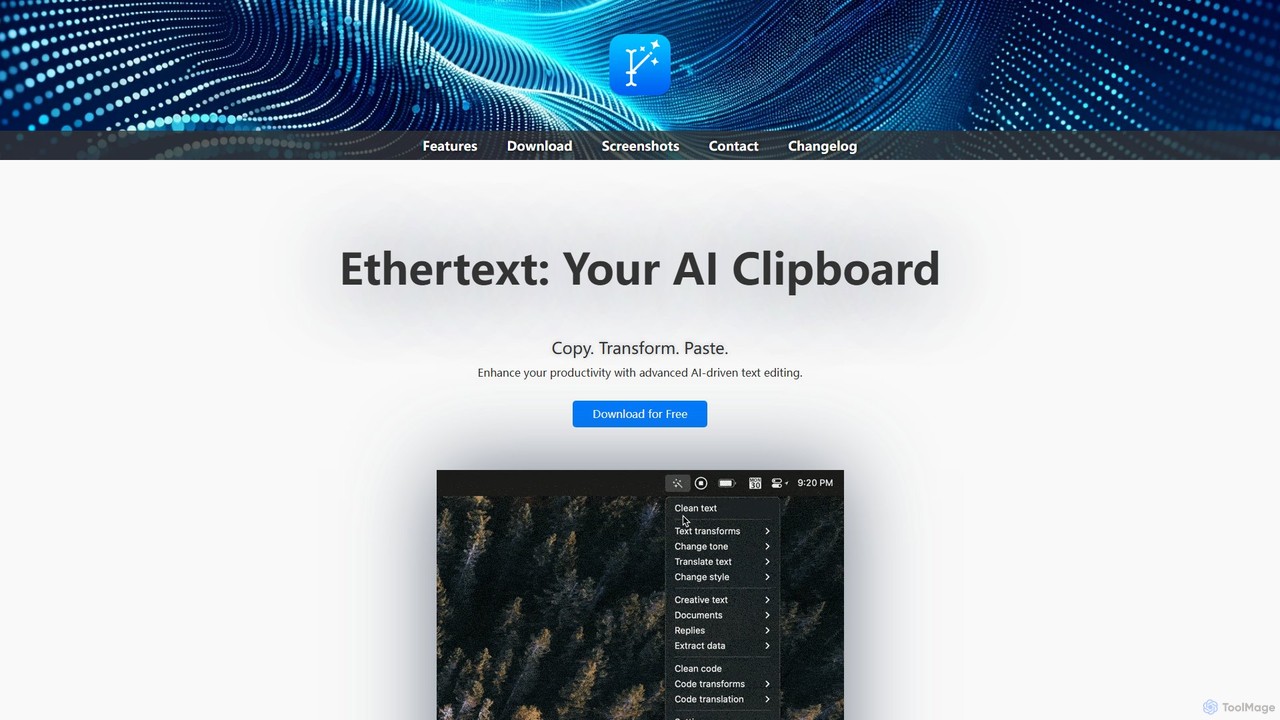
Ethertext
Ethertext is an AI-powered clipboard assistant for macOS that supercharges your productivity. It allows you to instantly transform, edit, and enhance any text you copy. With support for major AI models like OpenAI, Gemini, and Claude, as well as local models via Ollama, it offers powerful text and code manipulation, a smart memory feature, and seamless integration into your daily workflow through keyboard shortcuts.
Code Assistant
anygpt.app
anygpt.app is a powerful desktop utility that allows you to access GPT-4, Claude, and other large language models from any application on your computer. Simply use a keyboard shortcut to instantly get AI assistance for writing, coding, summarizing, and more, seamlessly integrating AI into your daily workflow.
Coding Assistant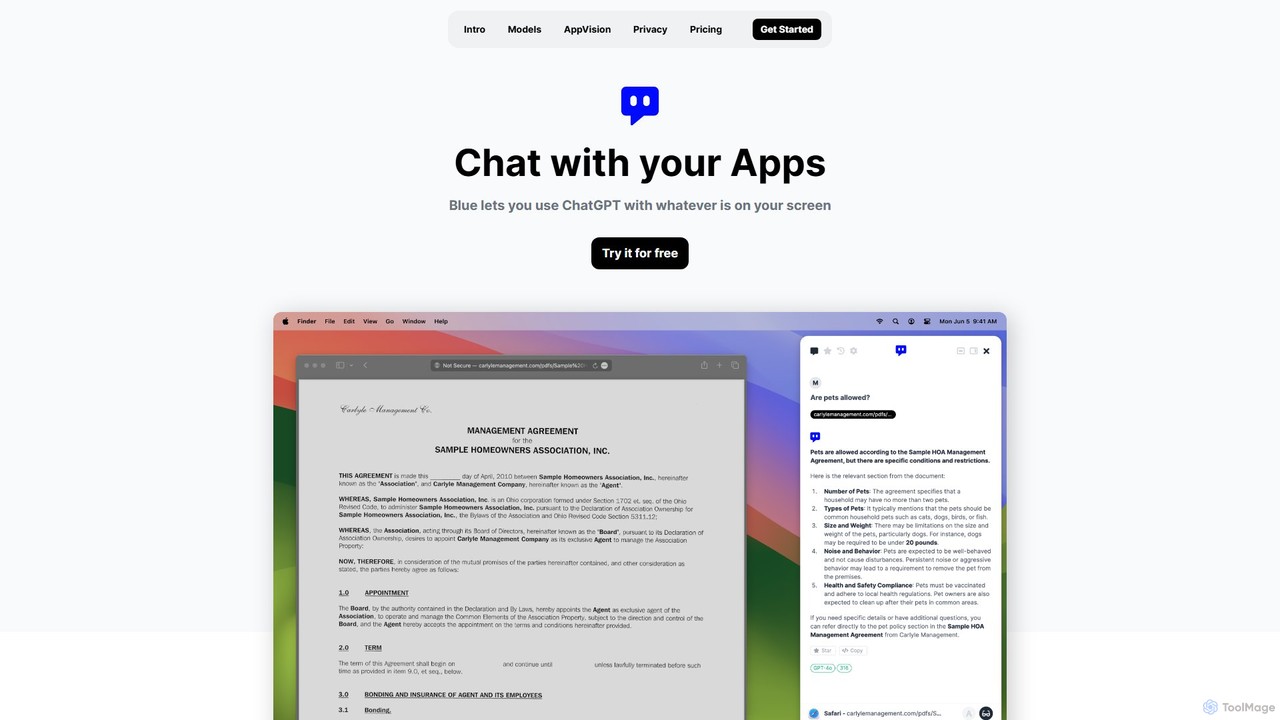
Blue
Blue is a native macOS AI assistant that integrates ChatGPT and other advanced AI models directly into your workflow. Featuring unique screen context awareness (AppVision) and a strong focus on privacy, it allows you to analyze, summarize, or create content in any app with a simple keyboard shortcut, boosting productivity for professionals.
Coding AssistantMochii
Mochii is an all-in-one AI assistant that integrates leading models like GPT-4o, Claude, and Gemini into a seamless browser extension and web app. It enhances productivity by offering features like document analysis, web browsing, AI chatbot building, and customizable AI roles. A generous free tier provides access to advanced AI capabilities for everyone.
ProductivityMacGPT
MacGPT brings the power of ChatGPT directly to your macOS desktop. Access OpenAI's models instantly from your menubar, use the Inline feature to write in any application, and switch between a native or web interface for ultimate flexibility and productivity.
Code AssistantChatHelp.ai
ChatHelp.ai is an all-in-one AI platform featuring a customizable website chatbot, a versatile AI assistant for business, work, and study, and a toolbox with over 100 AI agents. Powered by leading models like GPT-4o and Claude, it supports various file formats and allows users to bring their own API keys for cost-effective access. It's designed to streamline workflows, enhance productivity, and improve customer engagement.
Chatbot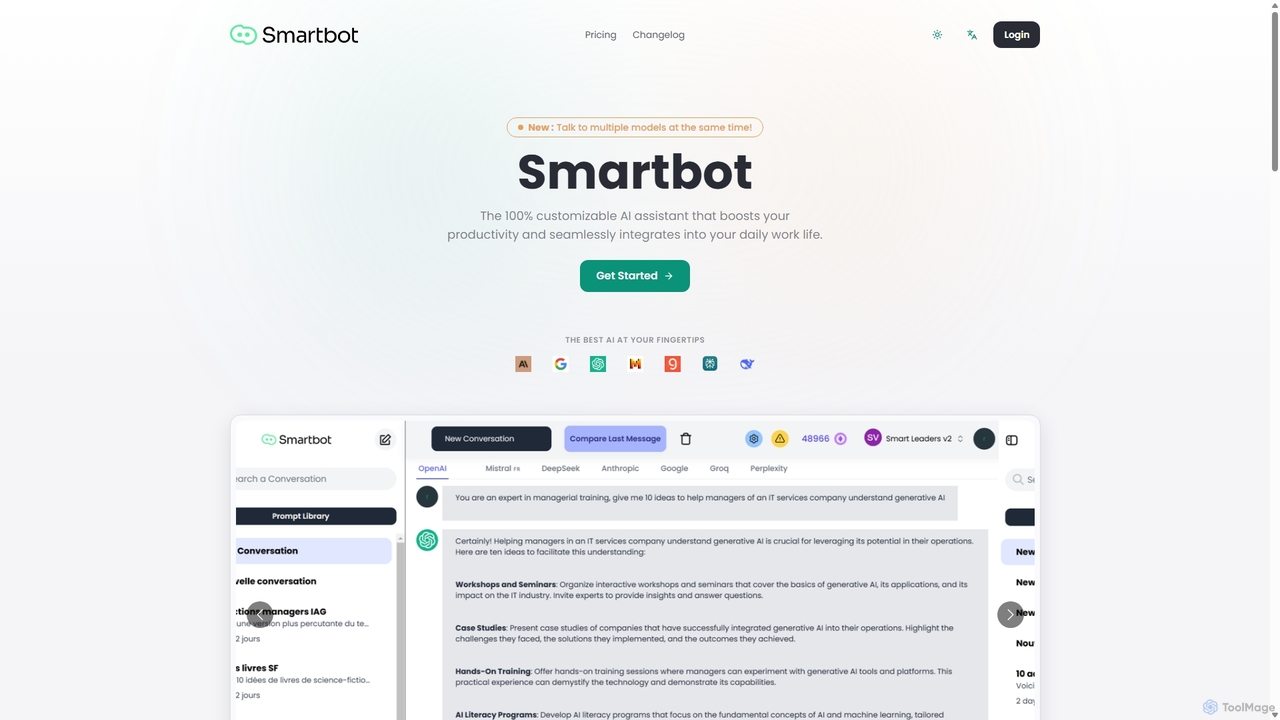
Smart Bot
Smart Bot is a highly customizable AI assistant that boosts productivity by integrating multiple top-tier AI models like ChatGPT, Claude, and Gemini into a single interface. It allows users to compare responses simultaneously, manage a shared library of custom prompts for team collaboration, and even visualize and test generated code. With features like image and file reading, it streamlines daily workflows for individuals and organizations.
Code Assistant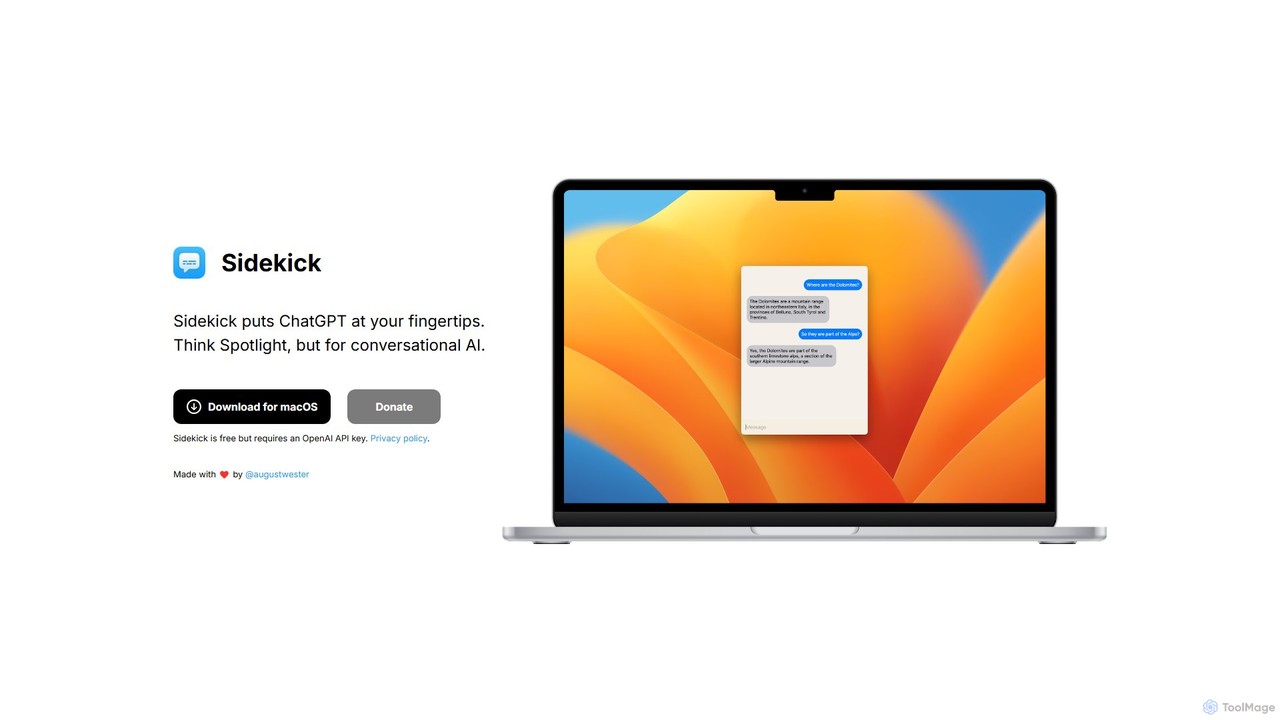
Sidekick
Sidekick is a free macOS application that provides instant access to ChatGPT from anywhere on your desktop. Functioning like Spotlight for conversational AI, it allows users to summon an AI assistant with a simple keyboard shortcut, streamlining workflows and boosting productivity without needing a browser.
Code Assistant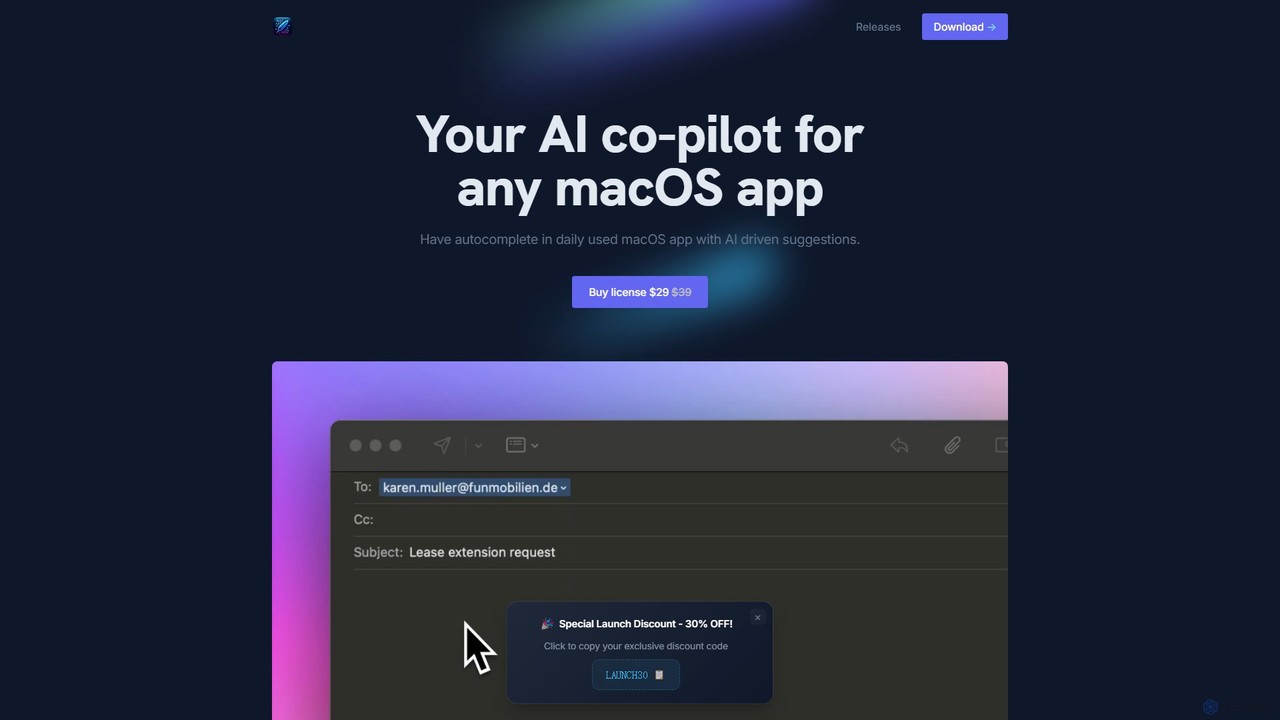
InfinipilotAI
InfinipilotAI is a native macOS AI co-pilot that seamlessly integrates with any application. It boosts productivity with features like AI-driven autocomplete, writing enhancement, translation, and developer utilities. With a strong focus on privacy, it supports local language models via Ollama, ensuring your data stays on your device. It's a lightweight, high-performance tool available for a one-time purchase.
Code Assistant
MacCopilot Comments (0)
Sign in to comment.
Sign inNo comments yet.