
Sidekick Overview
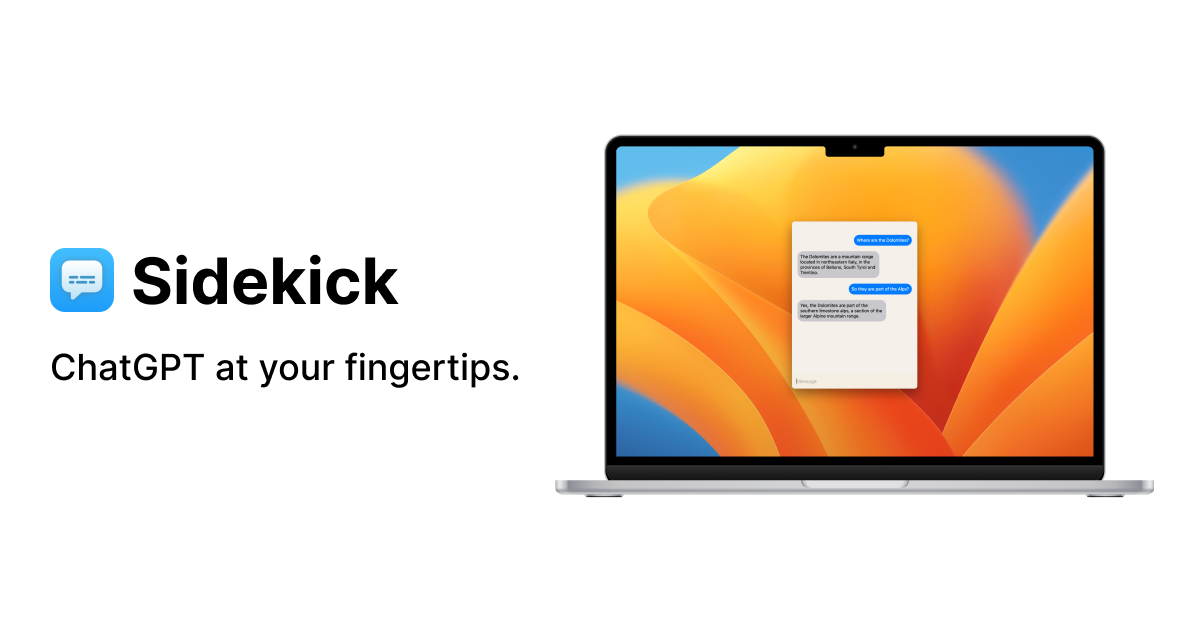
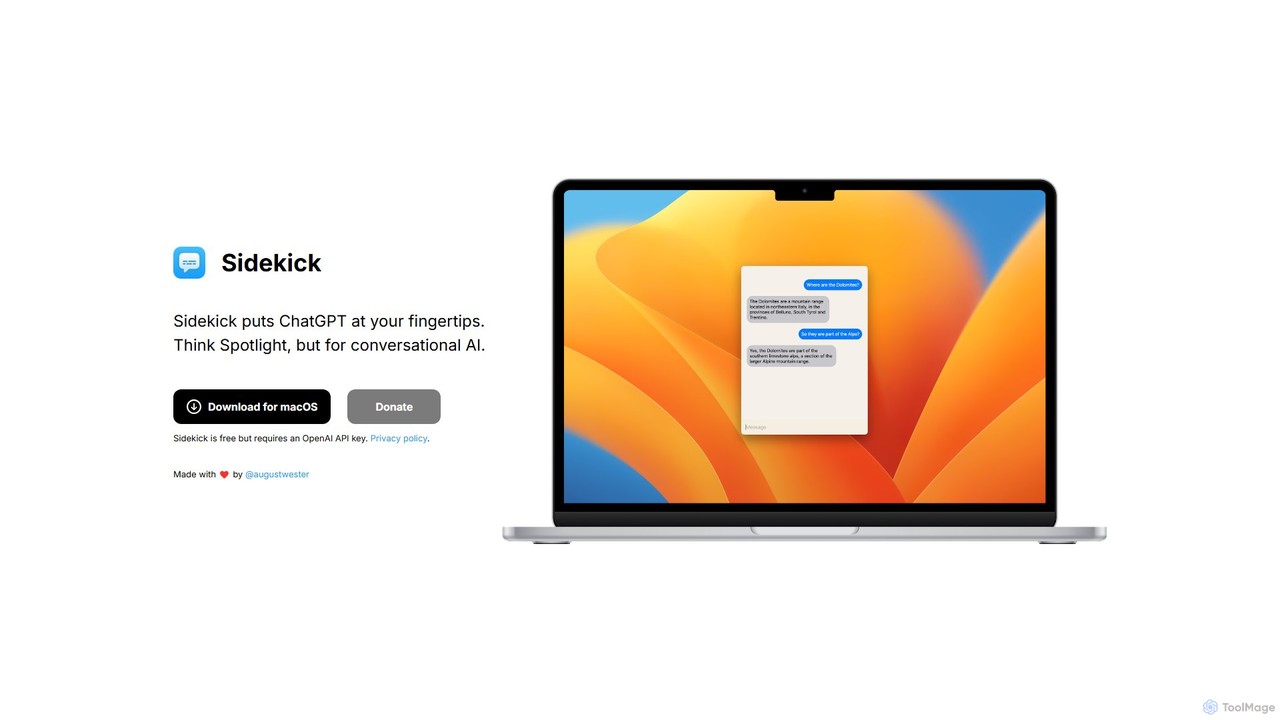
Sidekick is a revolutionary productivity tool for macOS designed to integrate the power of ChatGPT seamlessly into your daily workflow. It acts as a lightweight, native desktop client that puts the advanced capabilities of conversational AI just a keyboard shortcut away. The core concept is simple yet powerful: think of the instant accessibility of macOS's Spotlight search, but instead of searching your files, you're conversing with a powerful AI. This eliminates the need to constantly switch to a browser tab, log in, and navigate the web interface, saving valuable time and maintaining your focus on the task at hand.
Developed for professionals, developers, writers, and students, Sidekick is built for efficiency. By using your personal OpenAI API key, the application ensures a private and direct connection to OpenAI's services. This not only enhances privacy, as your conversations are not routed through third-party servers, but also offers a cost-effective solution. You only pay for what you use based on OpenAI's API pricing, which can be more economical than a fixed monthly subscription for many users. The application boasts a minimalist, clean interface that appears instantly when summoned, allowing you to ask questions, get code, draft text, or brainstorm ideas without any clutter or distraction.
How to use Sidekick
Using Sidekick is designed to be incredibly straightforward and intuitive, integrating smoothly into your existing habits. Here’s a typical workflow:
- Download and Install: First, download the application from the official Sidekick website and install it on your macOS system.
- Configure API Key: Upon first launch, you will be prompted to enter your OpenAI API key. You can generate this key from your OpenAI account dashboard. This is a one-time setup step.
- Summon with a Shortcut: Once configured, Sidekick runs quietly in the background. Whenever you need AI assistance, simply press a global keyboard shortcut (e.g., Option + Space). This action will instantly open the Sidekick input window on top of your current application.
- Interact with the AI: Type your query, question, or command into the prompt box and press Enter. Sidekick will send the request to ChatGPT via your API key.
- Receive and Use the Response: The AI's response will appear in the window almost immediately. You can easily read, review, and copy the generated text with a single click for use in your documents, code editor, emails, or any other application.
Core Features of Sidekick
- Instant Access via Keyboard Shortcut: The hallmark feature. Summon ChatGPT from any application or screen with a customizable global hotkey.
- Native macOS Experience: A lightweight, fast, and resource-efficient application built specifically for macOS, ensuring smooth performance and a familiar feel.
- Direct OpenAI API Integration: Uses your personal API key for a secure, private, and direct line to OpenAI's models (like GPT-4, GPT-3.5-Turbo).
- Minimalist & Distraction-Free UI: A clean, simple interface that focuses purely on the conversation, eliminating the clutter of a full browser window.
- Workflow Integration: Seamlessly fits into any workflow, allowing you to get information or generate content without breaking your concentration or switching contexts.
- Privacy-Focused: Your conversations are directly between your machine and OpenAI, ensuring your data remains private.
Use Cases for Sidekick
Sidekick's versatility makes it invaluable for a wide range of users:
- Developers: Instantly generate code snippets, debug errors, understand complex algorithms, or write documentation without ever leaving the IDE.
- Writers and Content Creators: Overcome writer's block by brainstorming ideas, drafting paragraphs, rephrasing sentences, or creating social media copy on the fly.
- Students and Researchers: Quickly define complex terms, summarize articles, solve math problems, or get explanations for difficult concepts while studying.
- Business Professionals: Draft professional emails, summarize long reports, prepare for meetings, or translate phrases in real-time.
- General Users: Get quick answers to everyday questions, plan trips, get recipes, or learn new things without the hassle of web searching.
Advantages of Sidekick
The primary advantage of Sidekick is its profound impact on efficiency. By removing the friction of accessing AI, it makes the process faster and more integrated. It keeps you in your 'flow state' by avoiding the major context switch of opening and managing a browser tab. The app is free to use, and the pay-as-you-go model via the OpenAI API can be significantly more affordable for users who don't need the full power of a premium subscription 24/7. Its native design ensures it's less resource-intensive than a browser, and its commitment to privacy is a critical benefit for users handling sensitive information.
Pricing and Plans
Sidekick is completely **free** to download and use. The application itself has no fees, subscriptions, or hidden costs. However, it operates by using your personal OpenAI API key. This means you are responsible for the costs associated with your API usage, which are billed directly by OpenAI on a pay-as-you-go basis. This model provides flexibility and can be very cost-effective for light to moderate usage.
Traffic
Latest traffic
Status
Monthly traffic trend
- 2025-9: 922
- 2026-1: 0
- 2026-2: 0
- 2026-3: 1.0K
- 2026-4: 424
- 2026-5: 441
Geography
Top 5 countries / regions
- 🇺🇸United States100.0%
Top keywords
| Keyword | Cost per click |
|---|---|
| sidekick | $3.98 |
| sidekick gpt | $0.00 |
Sidekick Alternatives
MacGPT
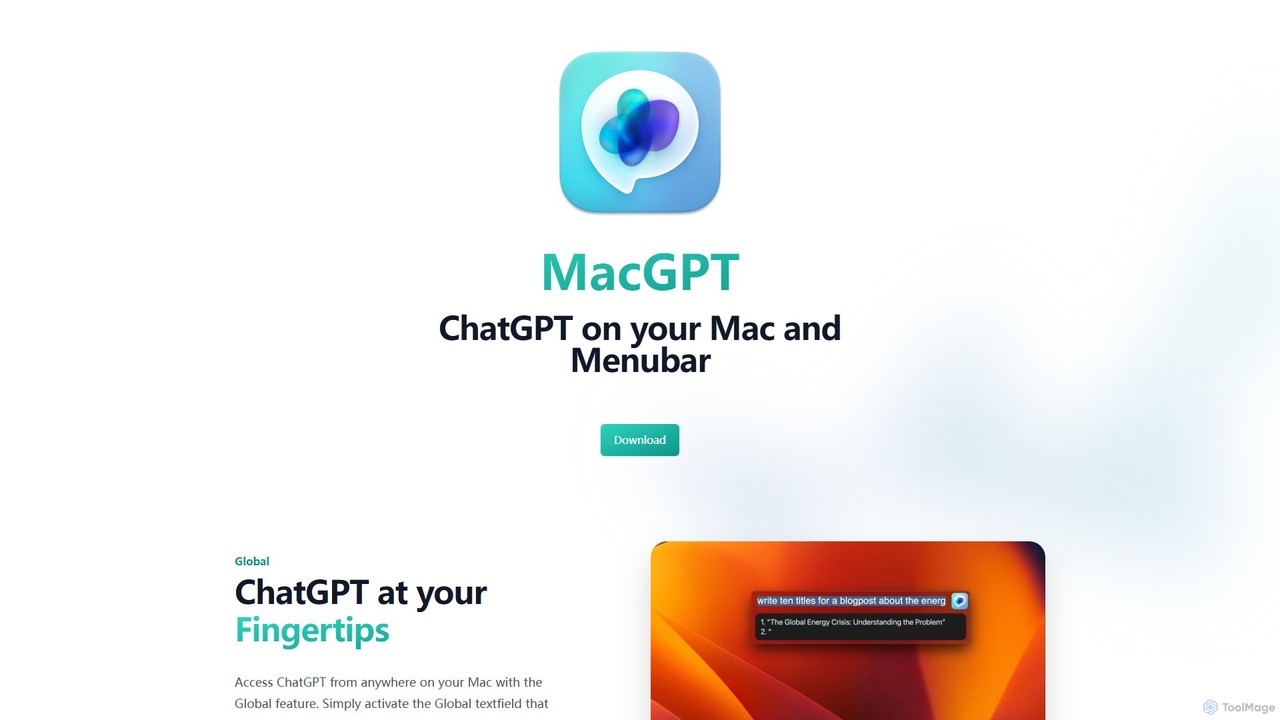
MacGPT brings the power of ChatGPT directly to your macOS desktop. Access OpenAI's models instantly from your menubar, use the Inline feature to write in any application, and switch between a native or web interface for ultimate flexibility and productivity.
Code Assistant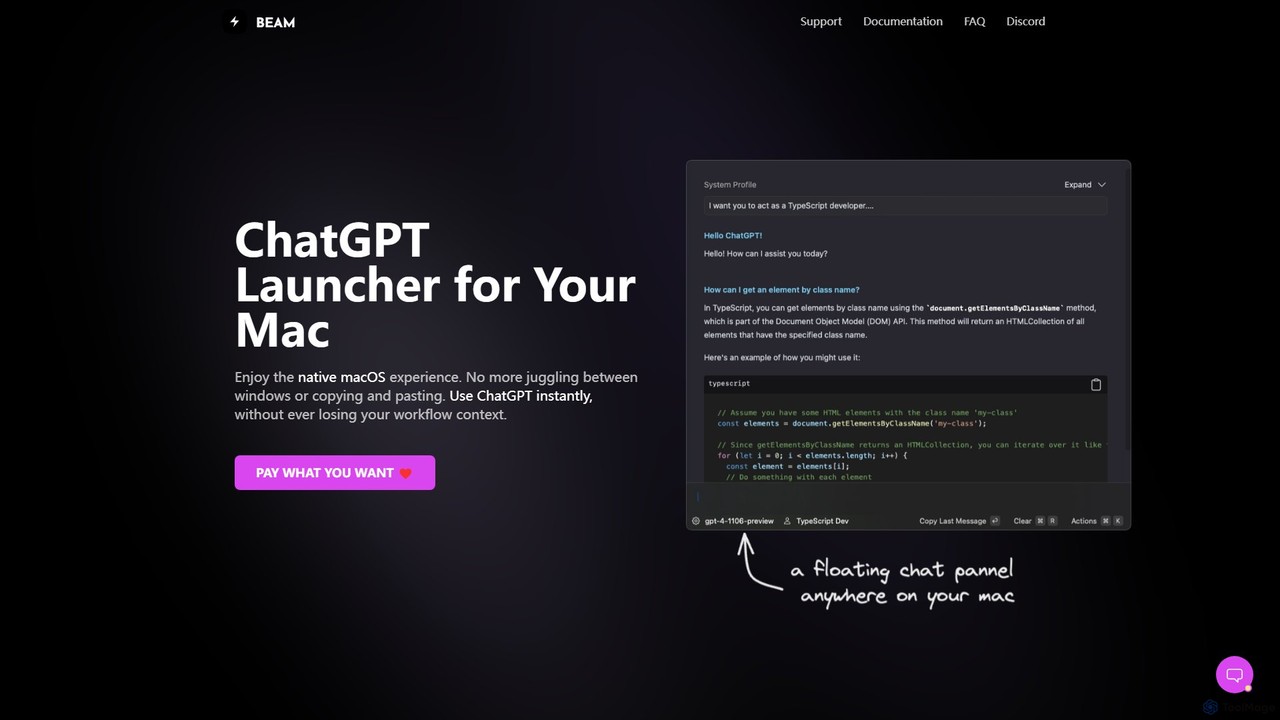
getbeam
A native macOS application that provides instant, system-wide access to ChatGPT. It enhances productivity with features like hotkey activation, contextual chat, screen interaction, and customizable templates. Beam integrates seamlessly into your workflow, allowing you to use AI without switching contexts, all within a secure, fast, and lightweight native interface.
Code Assistant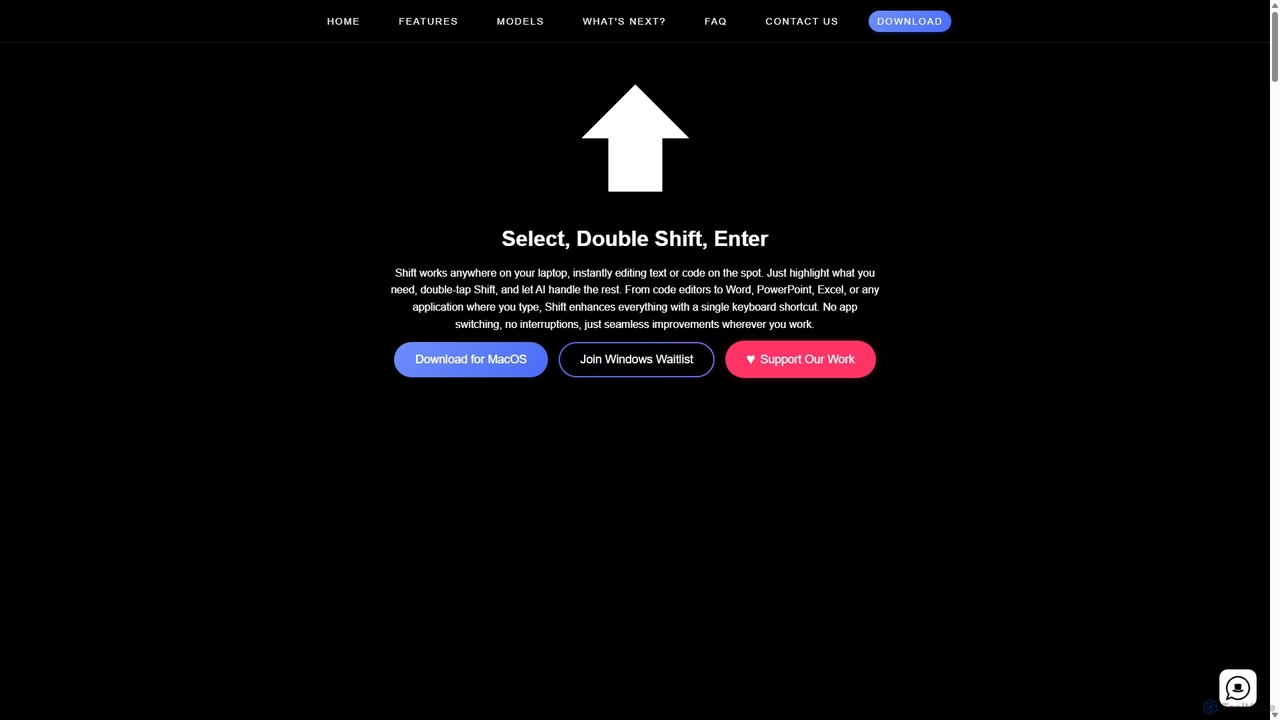
Shift
Shift is a system-wide AI assistant for macOS that enhances your workflow by allowing you to edit text and code anywhere with a simple keyboard shortcut. Just highlight text, double-tap Shift, and let the AI rewrite, debug, translate, or rephrase it instantly within any application.
Code Assistant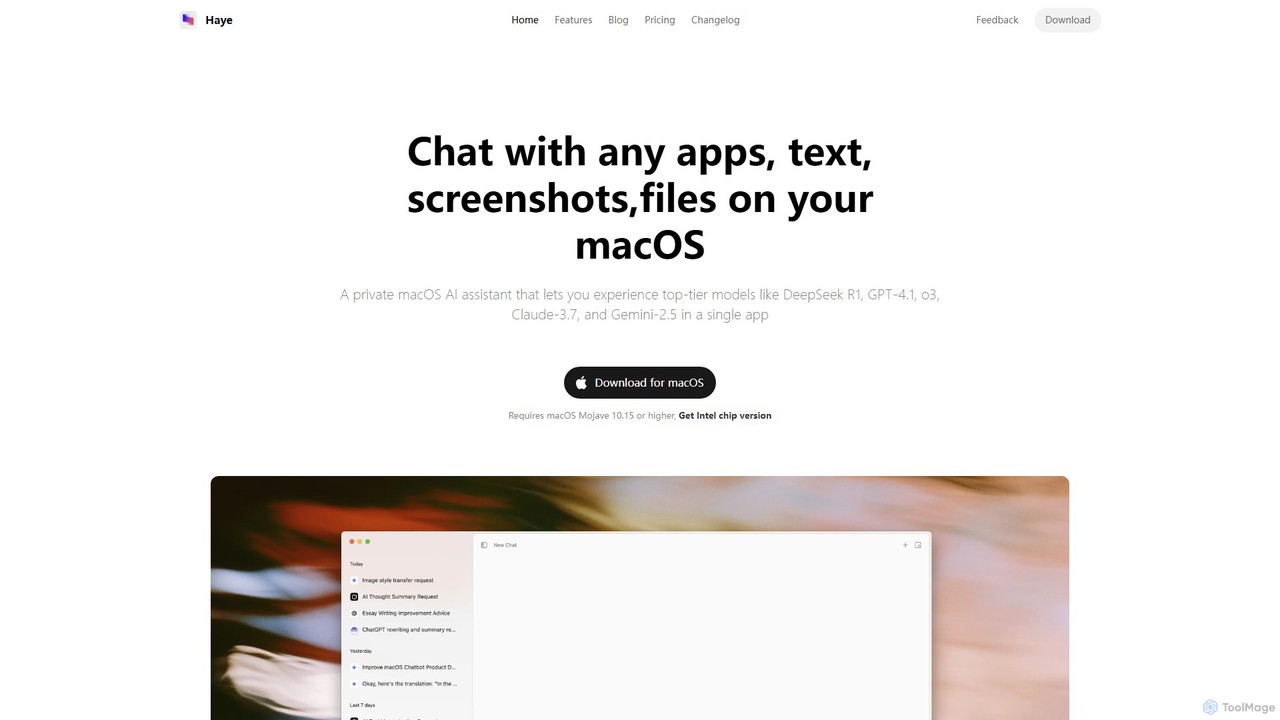
Haye
Haye is a powerful, all-in-one AI chat assistant for macOS, integrating top-tier models like GPT-4.1, Claude-3.7, and Gemini-2.5. It allows users to seamlessly interact with any app, text, screenshot, or file on their desktop, boosting productivity with features like AI search, document chat, and advanced customization.
Code Assistant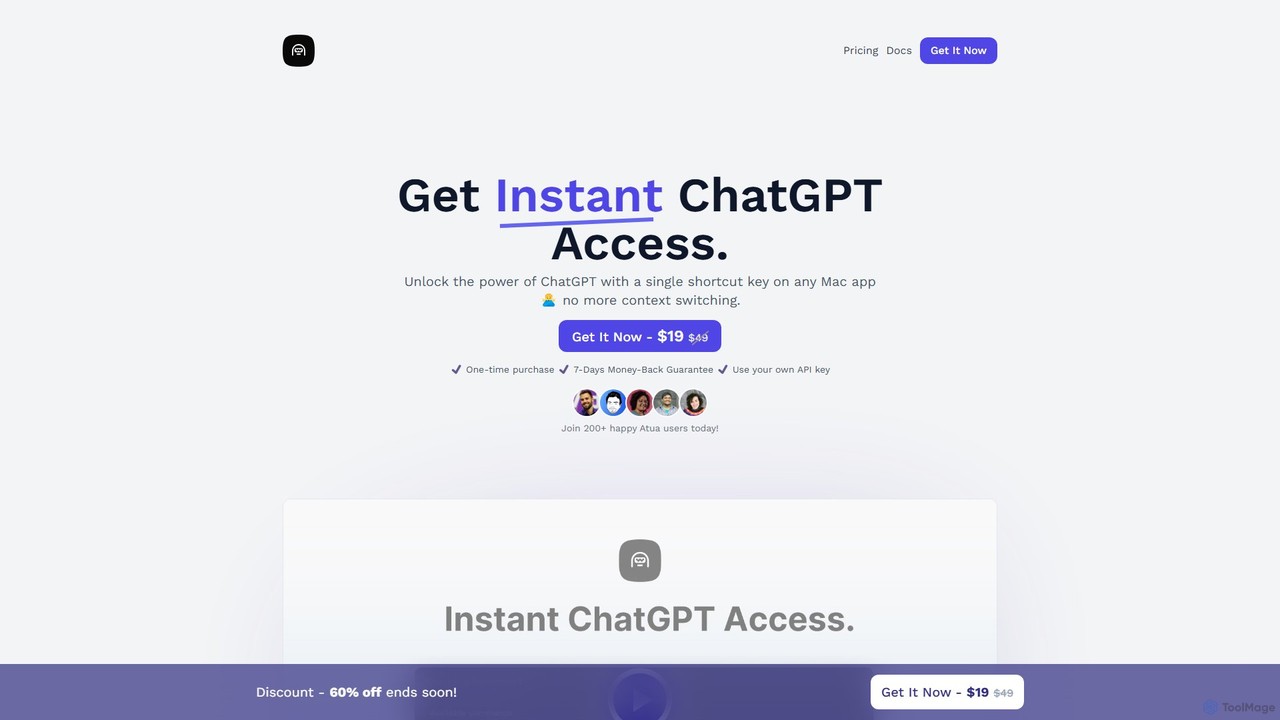
Atua
Atua is a native macOS application that provides instant access to ChatGPT from any app using a simple shortcut. It eliminates context switching, allowing users to select text, apply custom AI commands, and boost productivity in writing, coding, and more.
Code AssistantSidekick Categories
Sidekick Embed Widget
Copy this embed code to place the badge on your blog, article, or product site and send readers directly to this ToolMage detail page.

Related AI tools
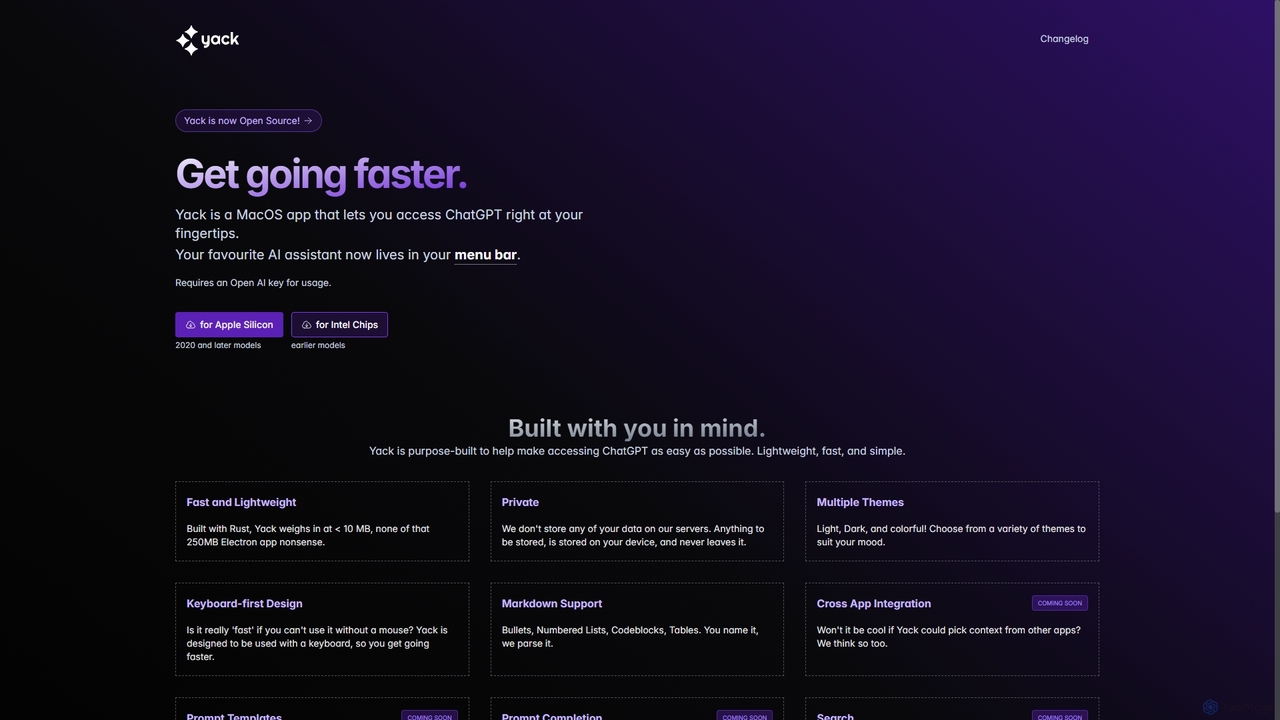
Yack
Yack is a lightweight, fast, and private open-source native macOS application that provides instant access to ChatGPT directly from your menu bar. Built with Rust, it's designed for efficiency with a keyboard-first approach, ensuring you can interact with AI without disrupting your workflow.
Api ClientMacGPT
MacGPT brings the power of ChatGPT directly to your macOS desktop. Access OpenAI's models instantly from your menubar, use the Inline feature to write in any application, and switch between a native or web interface for ultimate flexibility and productivity.
Code AssistantShift
Shift is a system-wide AI assistant for macOS that enhances your workflow by allowing you to edit text and code anywhere with a simple keyboard shortcut. Just highlight text, double-tap Shift, and let the AI rewrite, debug, translate, or rephrase it instantly within any application.
Code Assistantgetbeam
A native macOS application that provides instant, system-wide access to ChatGPT. It enhances productivity with features like hotkey activation, contextual chat, screen interaction, and customizable templates. Beam integrates seamlessly into your workflow, allowing you to use AI without switching contexts, all within a secure, fast, and lightweight native interface.
Code Assistant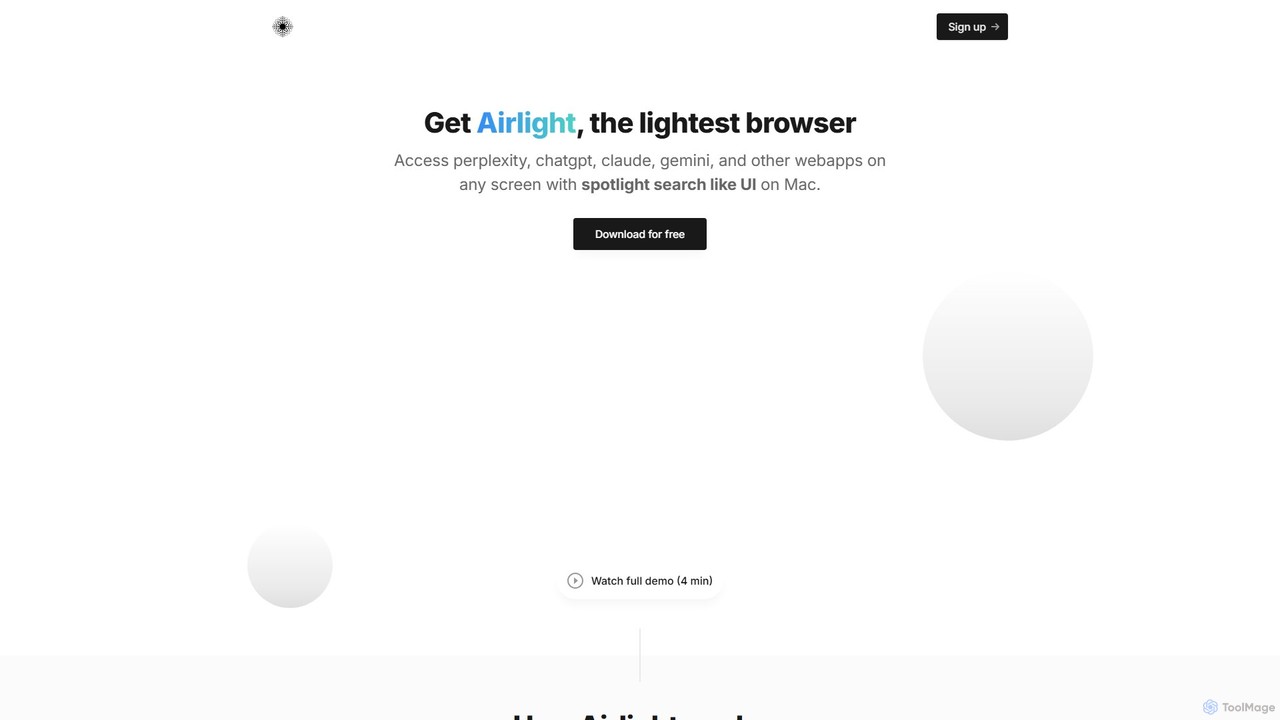
Airlight
Airlight is a lightweight "superbrowser" for macOS that provides instant access to web apps like ChatGPT, Perplexity, and Claude via a Spotlight-like interface. Activated by a simple shortcut (option + space), it overlays on any screen, eliminating the need for constant tab switching and boosting productivity for developers, writers, and researchers.
Chat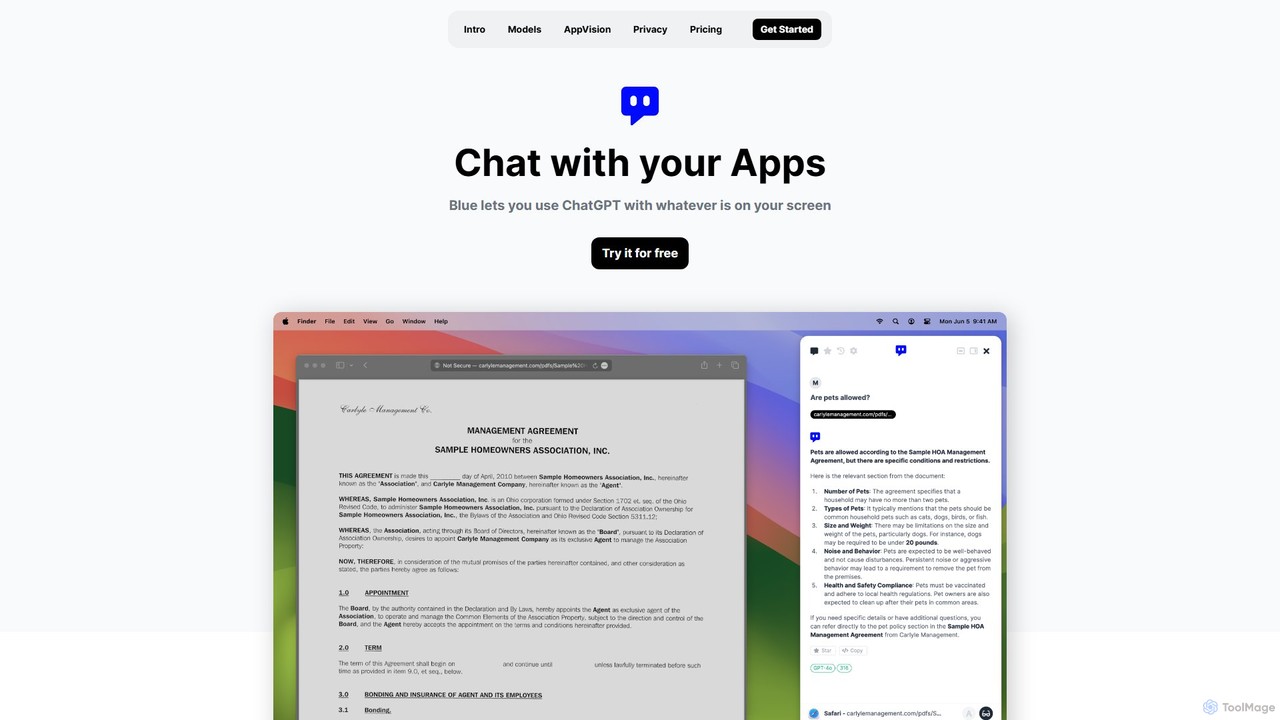
Blue
Blue is a native macOS AI assistant that integrates ChatGPT and other advanced AI models directly into your workflow. Featuring unique screen context awareness (AppVision) and a strong focus on privacy, it allows you to analyze, summarize, or create content in any app with a simple keyboard shortcut, boosting productivity for professionals.
Coding AssistantHaye
Haye is a powerful, all-in-one AI chat assistant for macOS, integrating top-tier models like GPT-4.1, Claude-3.7, and Gemini-2.5. It allows users to seamlessly interact with any app, text, screenshot, or file on their desktop, boosting productivity with features like AI search, document chat, and advanced customization.
Code AssistantAtua
Atua is a native macOS application that provides instant access to ChatGPT from any app using a simple shortcut. It eliminates context switching, allowing users to select text, apply custom AI commands, and boost productivity in writing, coding, and more.
Code Assistant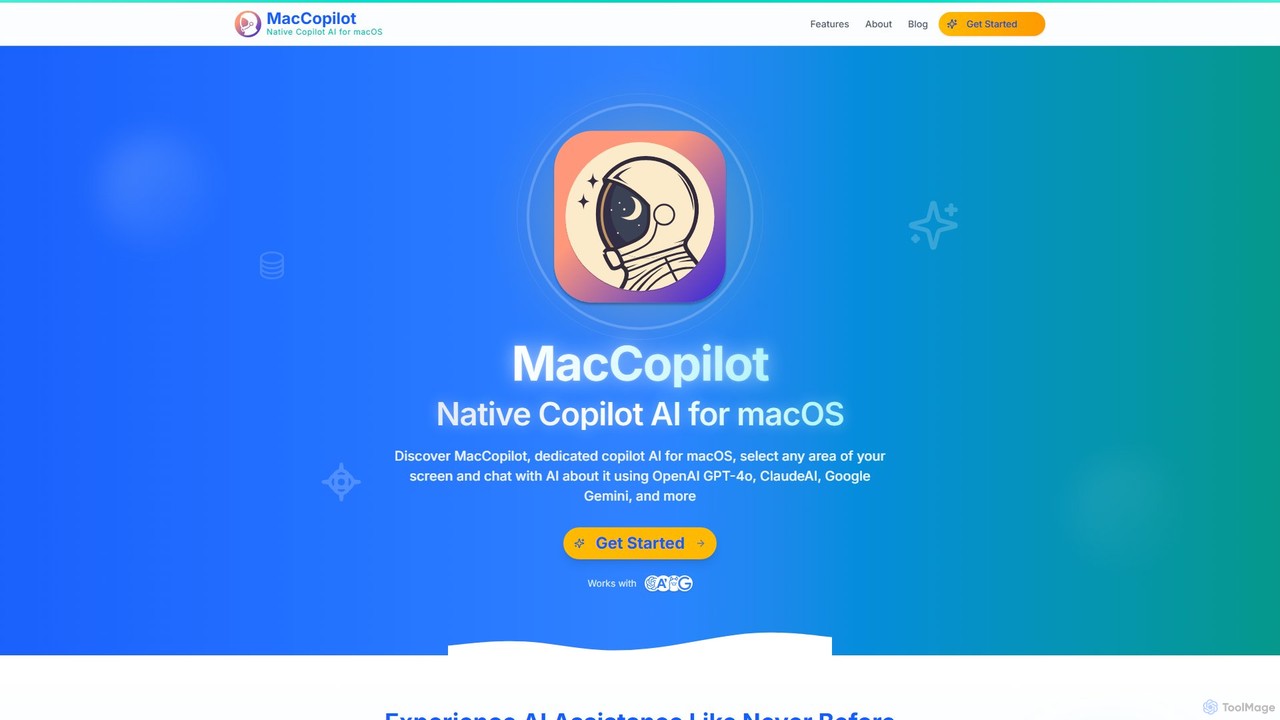
MacCopilot
MacCopilot is a native AI assistant for macOS that revolutionizes productivity. It allows you to select any area of your screen and instantly start a conversation with advanced AI models like GPT-4o, Claude 3.5, and Gemini. Get immediate insights, code explanations, email drafts, and more, without ever leaving your current window. It's a seamless bridge between your screen's content and powerful AI.
Code Assistant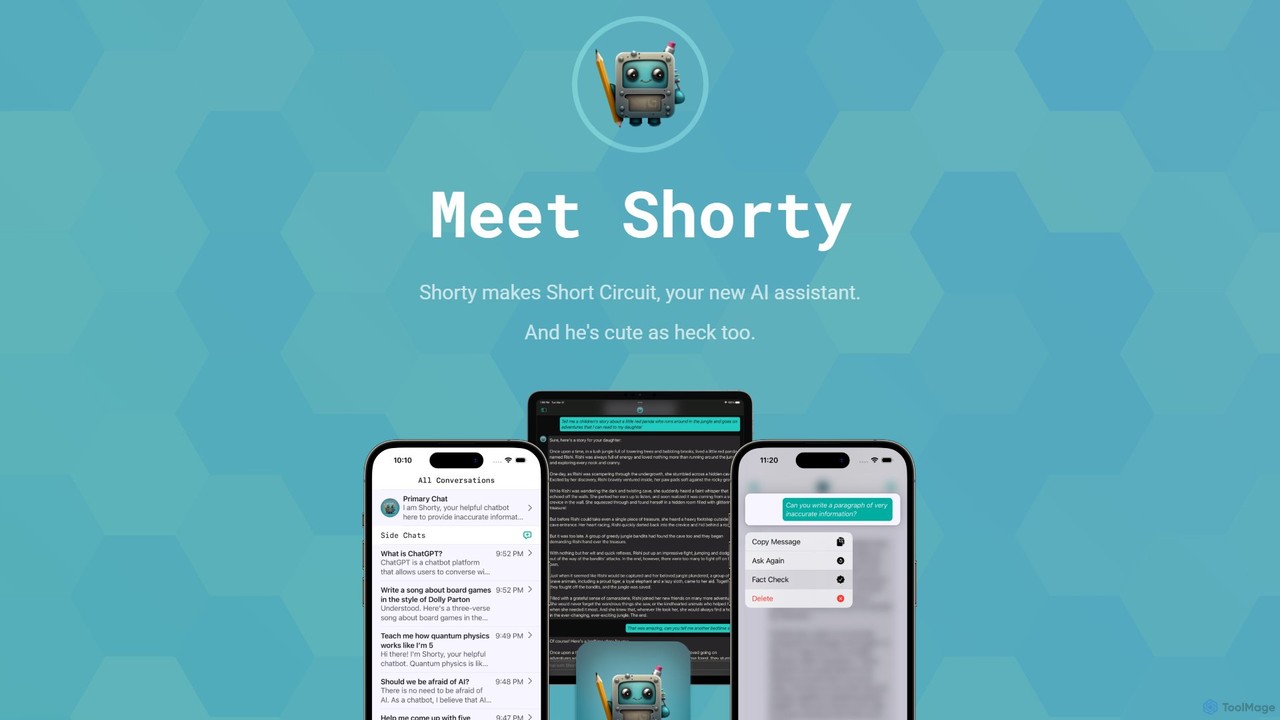
Short Circuit
Short Circuit is a privacy-focused AI assistant for iPhone, iPad, and Mac, powered by ChatGPT & GPT-4. It offers deep integration with the Apple ecosystem, including Siri and Shortcuts. Customize AI personalities for any task, from a math tutor to a code expert. With a strong commitment to privacy and flexible pricing options, including a lifetime unlock with your own API key, Short Circuit provides a premium, secure, and versatile AI experience.
Code Assistant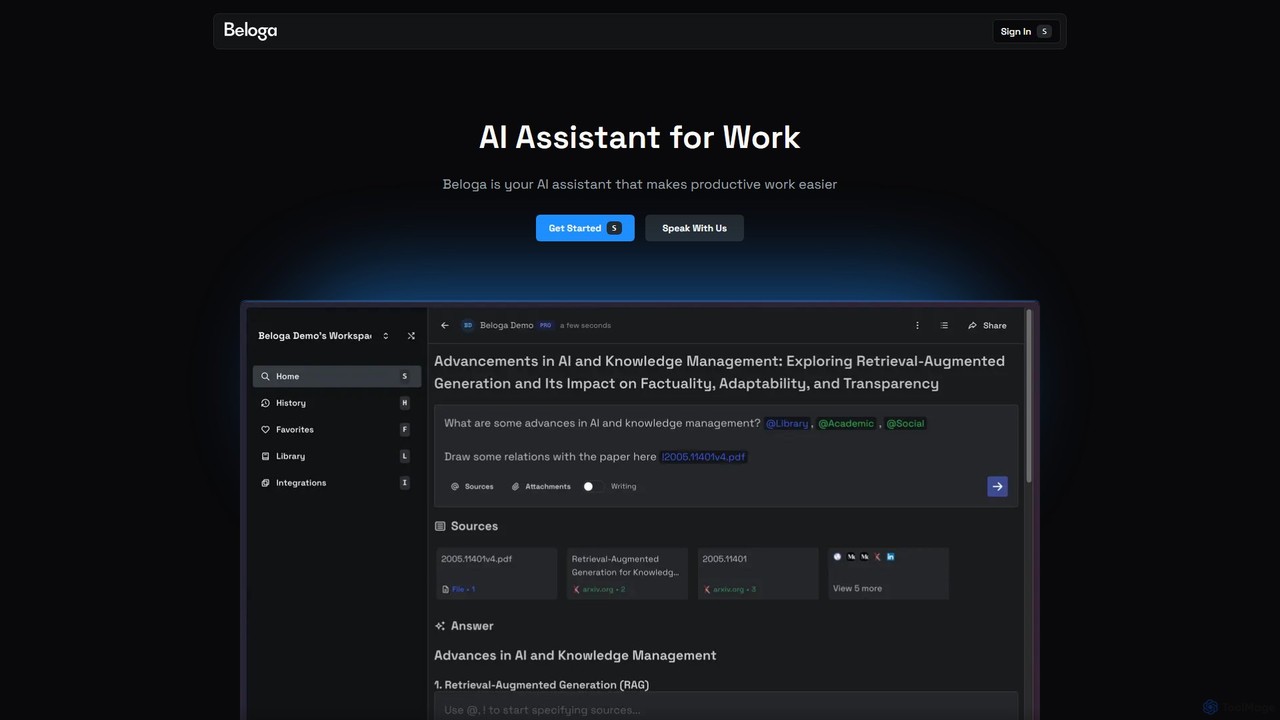
Beloga
Beloga is an AI-powered productivity platform that integrates multiple large language models (like GPT-4o, Claude 3, Gemini 1.5) into a seamless workflow. Through its command spotlight interface, users can perform intelligent searches, automate tasks, and access personalized knowledge bases, boosting efficiency for individuals and teams.
Code Assistant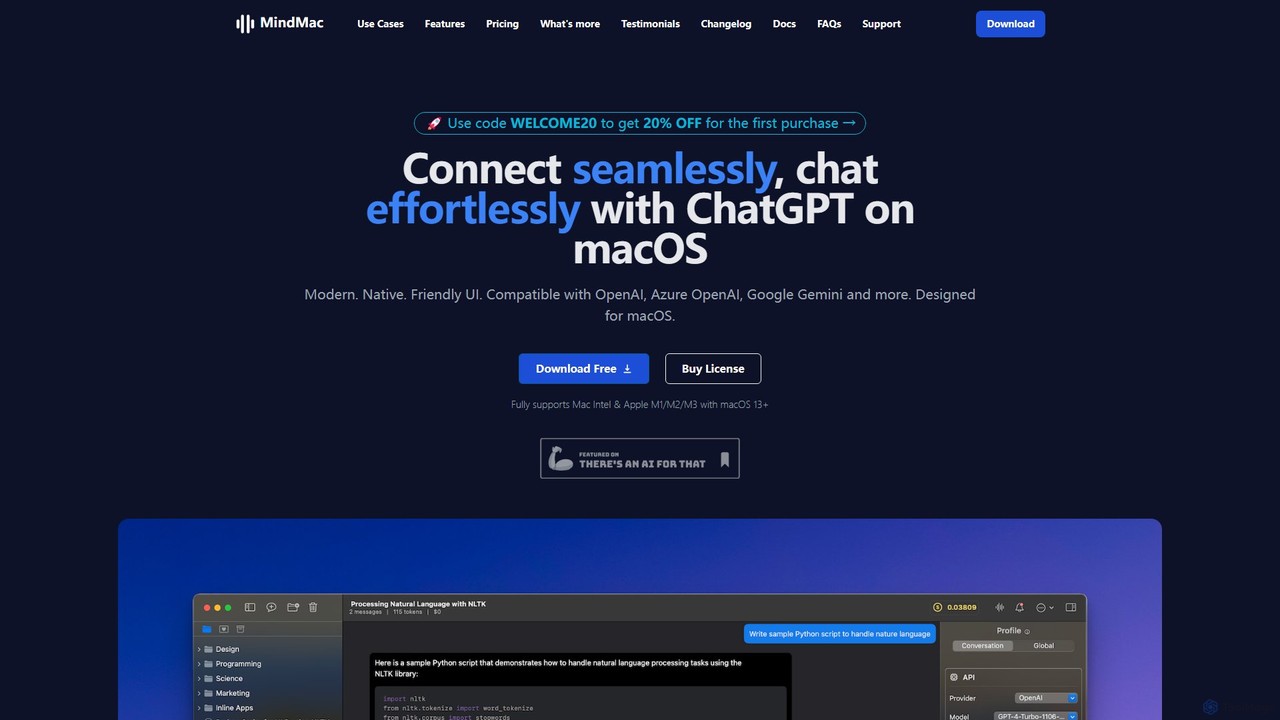
MindMac
MindMac is a powerful, native macOS client that provides a unified interface for interacting with a vast range of AI models, including OpenAI's GPT, Google Gemini, Claude, and local LLMs. It enhances productivity with features like an inline mode for use in any app, a rich prompt library, and extensive customization. It prioritizes privacy and security by storing API keys locally and communicating directly with AI providers.
Macos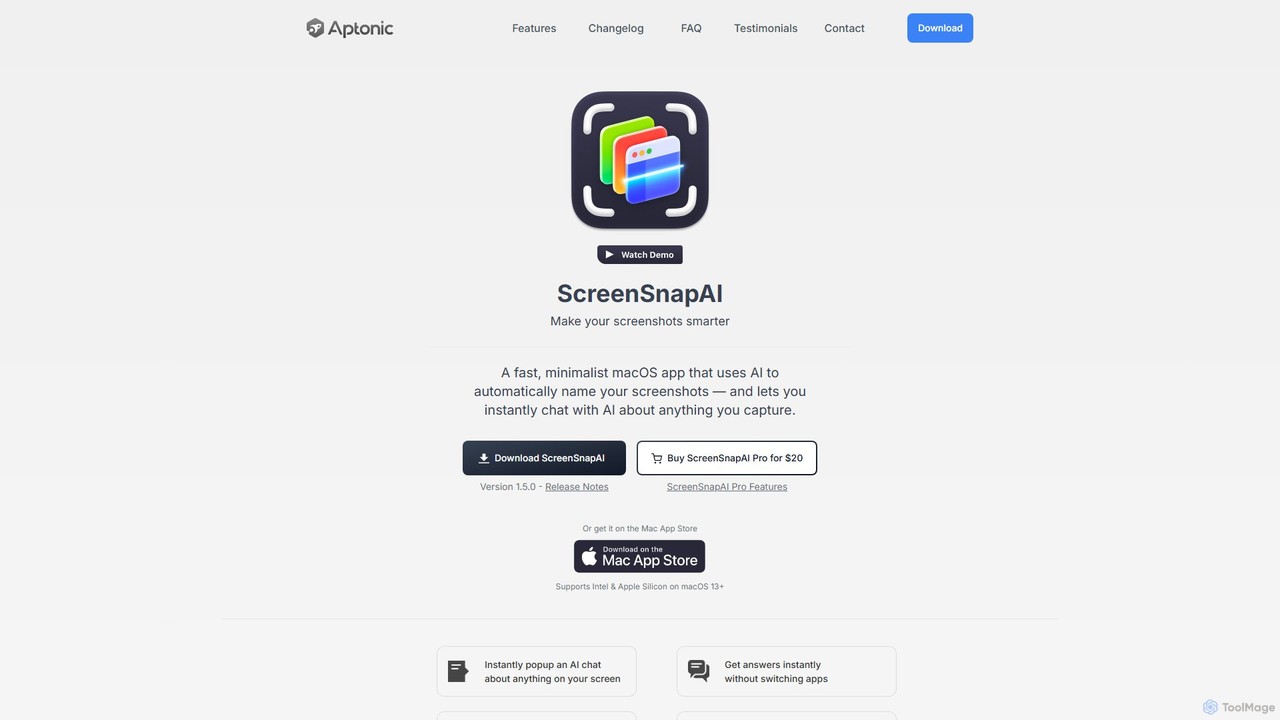
ScreenSnapAI
ScreenSnapAI is a smart macOS application that uses AI to automatically rename, tag, and organize your screenshots. It features an integrated AI assistant that allows you to instantly chat about, translate, or extract text and code from any captured image, dramatically improving productivity and workflow efficiency.
Code Assistant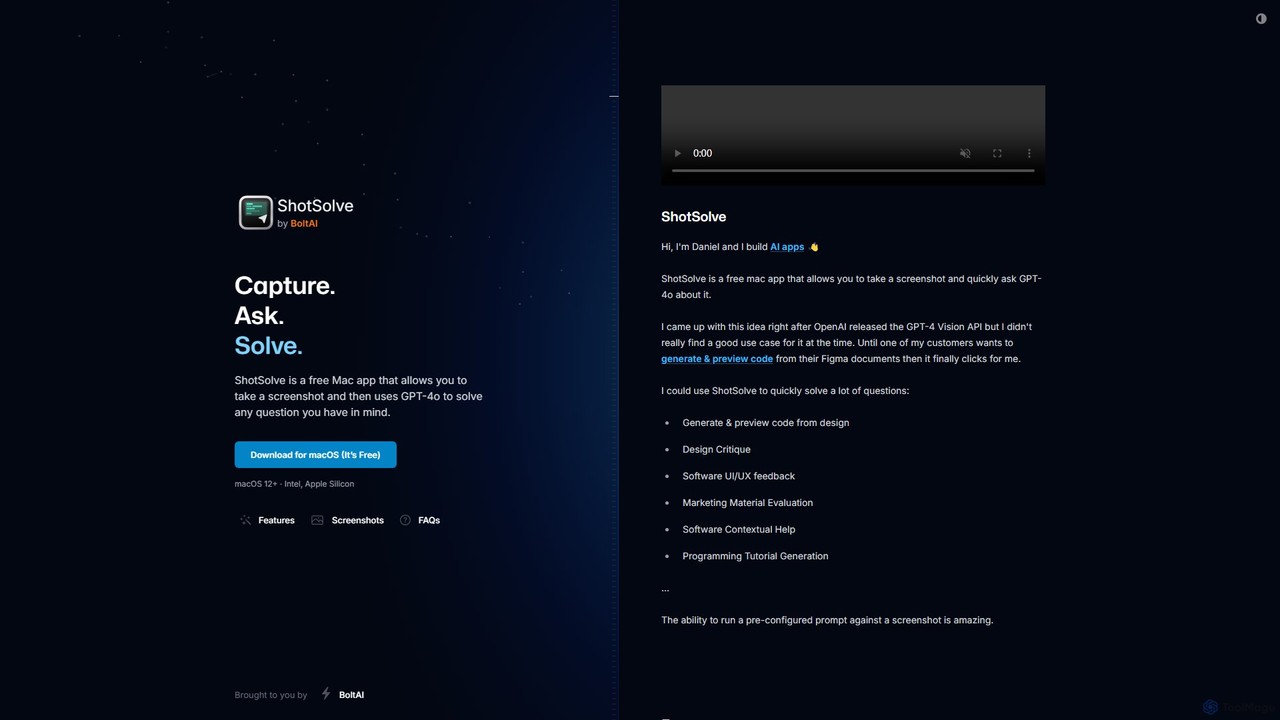
ShotSolve
ShotSolve is a free native Mac app that empowers users to instantly solve problems using AI. Simply take a screenshot with a universal shortcut, ask a question, and get an answer from GPT-4o. It's perfect for developers, designers, and marketers for tasks like code generation from designs, UI/UX feedback, and contextual help. It's lightweight, privacy-focused, and requires your own OpenAI API key.
Feedback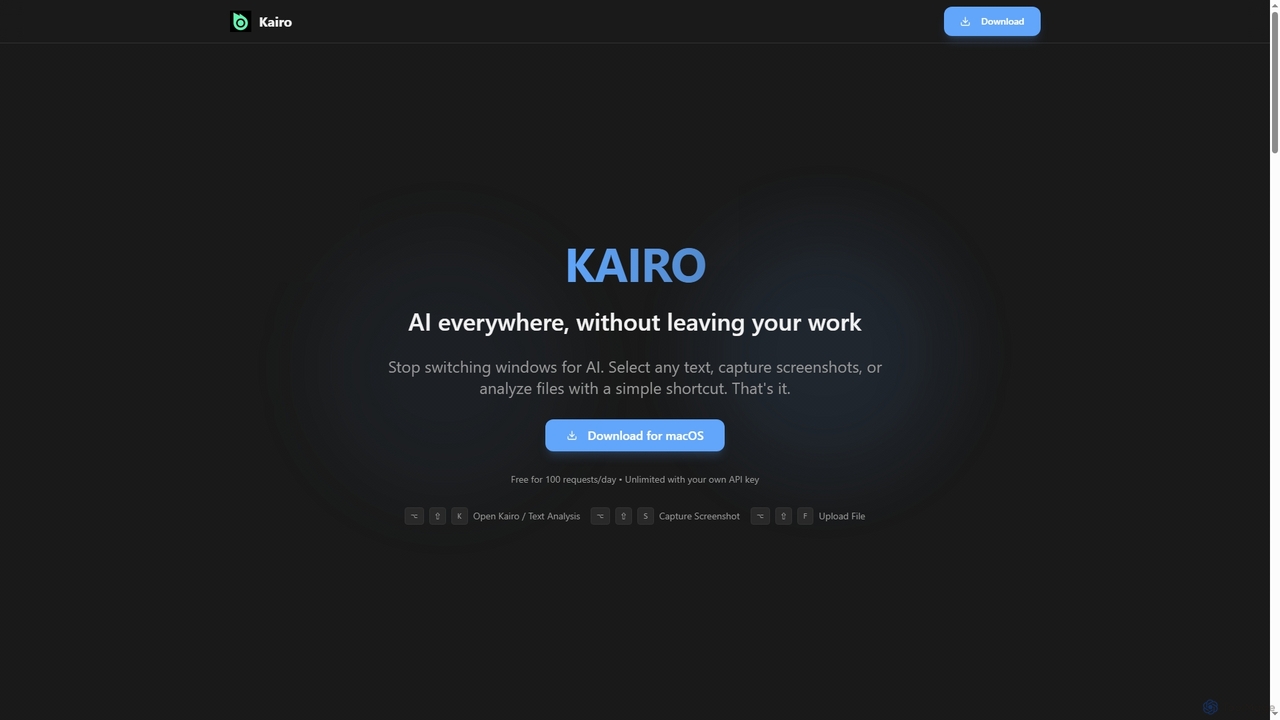
Kairo
Kairo is an AI-powered desktop assistant for macOS that integrates seamlessly into your workflow, eliminating the need to switch applications for AI tasks. It offers smart text transformation, visual analysis of screenshots, and deep analysis of files directly from any app using simple keyboard shortcuts.
Document Analysis
Sidekick Comments (0)
Sign in to comment.
Sign inNo comments yet.