
Kairo Overview
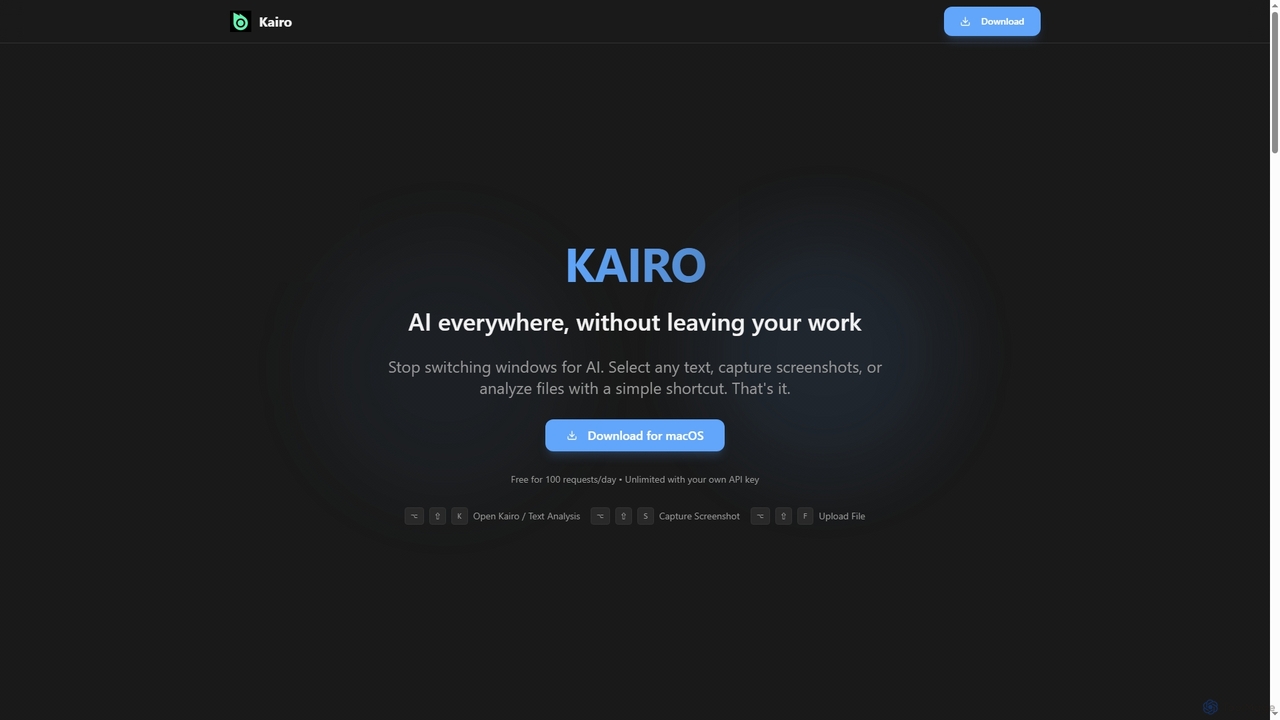
Kairo is an innovative AI-powered desktop assistant designed specifically for macOS users to enhance productivity by bringing AI capabilities directly into their workflow. It eliminates the constant context switching and copy-pasting typically associated with using AI tools, saving valuable time and maintaining focus. With Kairo, users can perform a wide range of AI tasks—from text analysis to visual and file intelligence—without ever leaving their current application.
How to use Kairo
Kairo integrates into your macOS environment through intuitive keyboard shortcuts, making AI actions accessible in just a few steps:
- For Text Analysis: Select any text in any application, then press
⌥⇧K(Alt+Shift+K) to instantly access AI actions like grammar correction, summarization, translation, or explanation. - For Screenshot Analysis: Press
⌥⇧S(Alt+Shift+S), capture a specific screen area, and Kairo will provide visual analysis, understanding charts, diagrams, and UI elements. - For File Analysis: Press
⌥⇧F(Alt+Shift+F), select any file (documents, code files, CSVs, etc.), and Kairo will perform a deep analysis of its content.
This streamlined approach means no more copying text, switching to a browser-based AI, pasting, waiting, and then copying back—a process that Kairo estimates can save users up to 25 minutes daily if performed frequently.
Core Features of Kairo
- Seamless Integration: Works directly within any macOS application, including email clients, code editors, PDF viewers, and web browsers.
- Smart AI Actions: Offers a variety of AI functionalities such as grammar correction, text summarization, language translation, and detailed explanations.
- Comprehensive Analysis: Capable of analyzing diverse content types, including plain text, images, code files, various document formats, and CSV data.
- Visual Intelligence: Provides insights from screenshots, enabling analysis of charts, diagrams, and user interface elements.
- Data Privacy Control: Users have the option to utilize Kairo's backend or integrate their own OpenAI API key for enhanced data control and usage.
- Efficient Workflow: Eliminates the need for copy-pasting and window switching, significantly improving productivity and maintaining flow state.
Use Cases for Kairo
Kairo is an invaluable tool for professionals and individuals seeking to enhance their productivity across various domains:
- Content Creation & Editing: Quickly fix grammar, summarize articles, or translate content for different audiences directly within writing applications.
- Software Development: Analyze code snippets, understand documentation, or get explanations for complex programming concepts without leaving the IDE.
- Research & Analysis: Summarize research papers, extract key information from documents, or analyze data in CSVs.
- Visual Information Processing: Understand data presented in charts and diagrams from screenshots, or get insights into UI designs.
- Language Learning & Translation: Instantly translate text or get explanations for foreign language phrases encountered in any app.
- Daily Productivity: Streamline email composition, meeting note summarization, and general document processing.
Advantages of Kairo
Kairo offers several distinct advantages that set it apart as a powerful desktop AI assistant:
- Time Efficiency: Drastically reduces time lost to context switching and manual copy-pasting, saving up to 25 minutes per day for frequent AI users.
- Workflow Continuity: Keeps users in their flow state by integrating AI capabilities directly into their existing applications.
- Versatility: Supports a wide array of input types—text, screenshots, and various file formats—and provides diverse AI actions.
- User Control: Offers flexibility in data handling by allowing users to choose between Kairo's backend or their personal OpenAI API key.
- Ease of Use: Simple, intuitive keyboard shortcuts make powerful AI features instantly accessible.
- Broad Application Compatibility: Functions seamlessly across virtually all macOS applications, from productivity suites to development environments.
Pricing and Plans
Kairo offers a flexible pricing model to suit different user needs:
- FREE Plan: Provides users with 100 AI requests per day, ideal for trying out the tool and light usage.
- UNLIMITED Plan: Designed for power users, this plan offers unlimited AI requests by allowing users to bring and integrate their own OpenAI API key. This option provides full control over usage and costs associated with the OpenAI API.
Kairo FAQ
Traffic
Latest traffic
Status
Monthly traffic trend
- 2026-1: 0
- 2026-2: 479
- 2026-3: 1.3K
- 2026-4: 578
- 2026-5: 361
Geography
Top 5 countries / regions
- 🇺🇸United States73.8%
- 🇲🇽Mexico26.2%
Top keywords
| Keyword | Cost per click |
|---|---|
| kiairo | $0.00 |
Kairo Alternatives

Side Space
Side Space is a powerful AI assistant that integrates seamlessly into your desktop workflow. It operates from a convenient sidebar, providing instant access to AI-powered tools for writing, coding, and general productivity without ever leaving your current application. Enhance your efficiency with contextual actions on selected text and customizable commands.
Code Assistant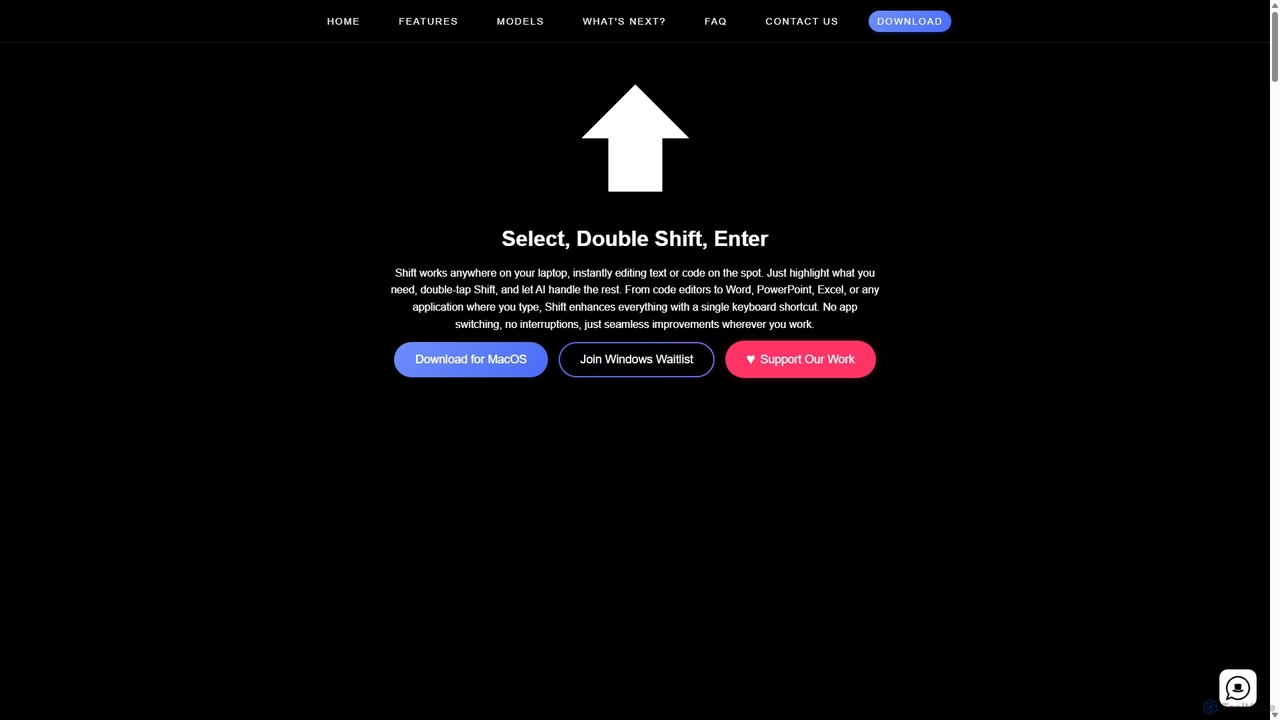
Shift
Shift is a system-wide AI assistant for macOS that enhances your workflow by allowing you to edit text and code anywhere with a simple keyboard shortcut. Just highlight text, double-tap Shift, and let the AI rewrite, debug, translate, or rephrase it instantly within any application.
Code Assistant
Thinkbuddy
Thinkbuddy is a native desktop AI client designed for fast, secure, and organized interaction with multiple AI models. It acts as a unified workspace, allowing you to switch between models like GPT-4o, Claude 3, and Llama 3, manage conversations in projects, and save prompts in a library for a streamlined workflow.
Code Assistant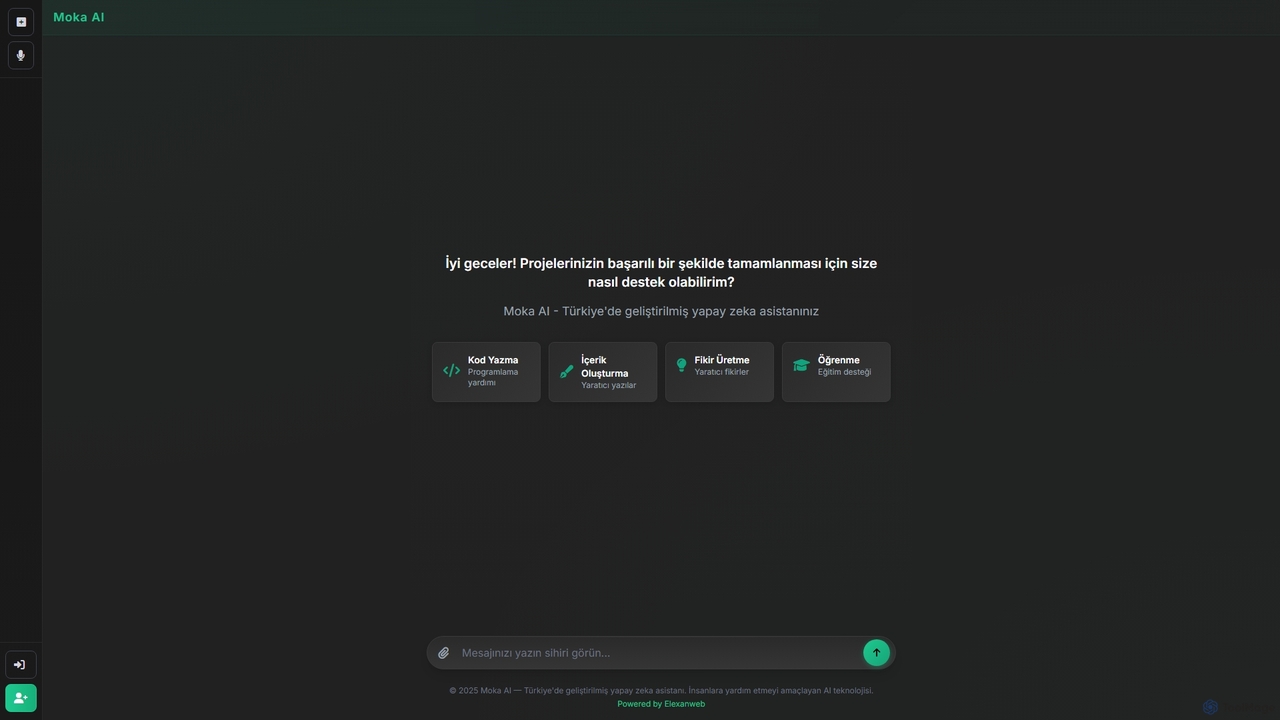
Moka
Moka is an AI assistant developed in Turkey, designed to help users with a wide range of tasks including code writing, creative content generation, idea brainstorming, and educational support. It aims to streamline projects and enhance productivity through intelligent chat interactions.
Idea Generation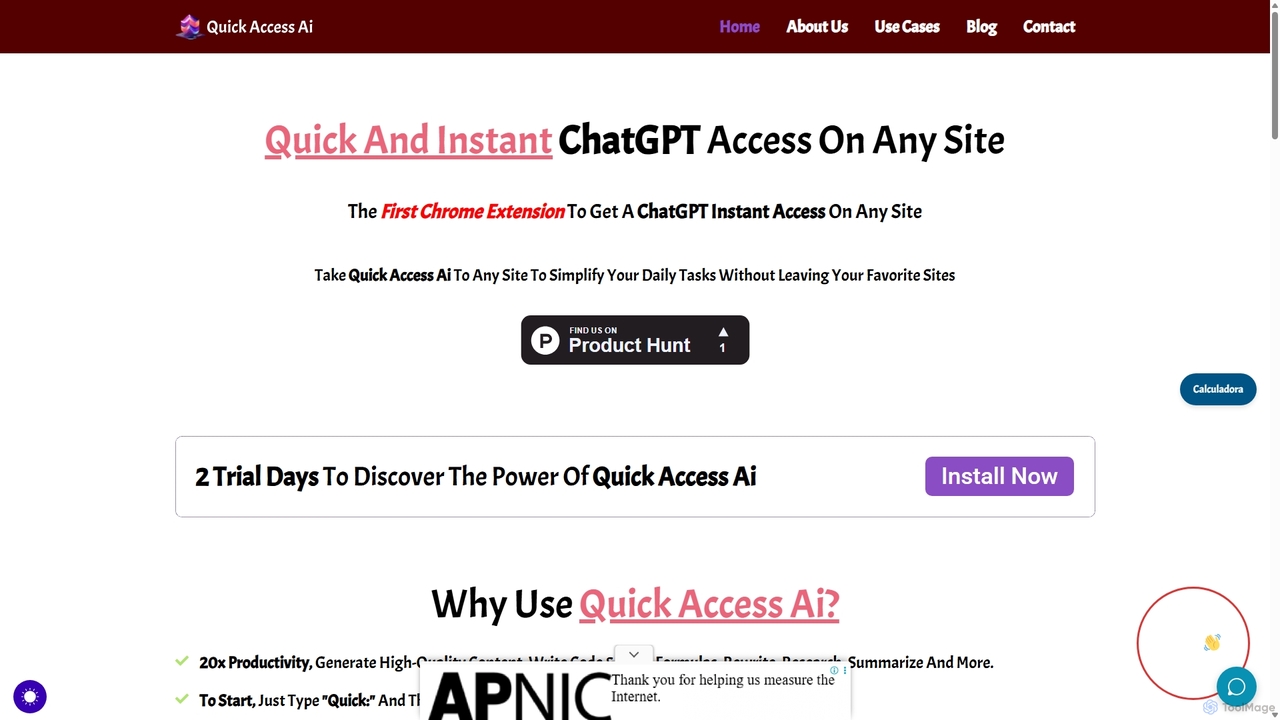
Quick Access Ai
Quick Access Ai is a Chrome extension that provides instant access to ChatGPT on any website. By simply typing a command, users can generate content, write code, summarize text, and perform research without switching tabs. It aims to boost productivity by integrating AI assistance directly into your existing workflow, making daily tasks faster and more efficient.
Code AssistantKairo Categories
Kairo Jobs
Kairo Embed Widget
Copy this embed code to place the badge on your blog, article, or product site and send readers directly to this ToolMage detail page.

Related AI tools

Iris
Iris is a seamless AI assistant for macOS, designed to integrate into your workflow. It provides instant access to top AI models like GPT-4o and Claude 3.5, allowing you to chat, capture your screen for context, and get answers without ever leaving your current application. With intuitive gestures and powerful shortcuts, Iris is there when you need it and invisible when you don't.
Coding Assistant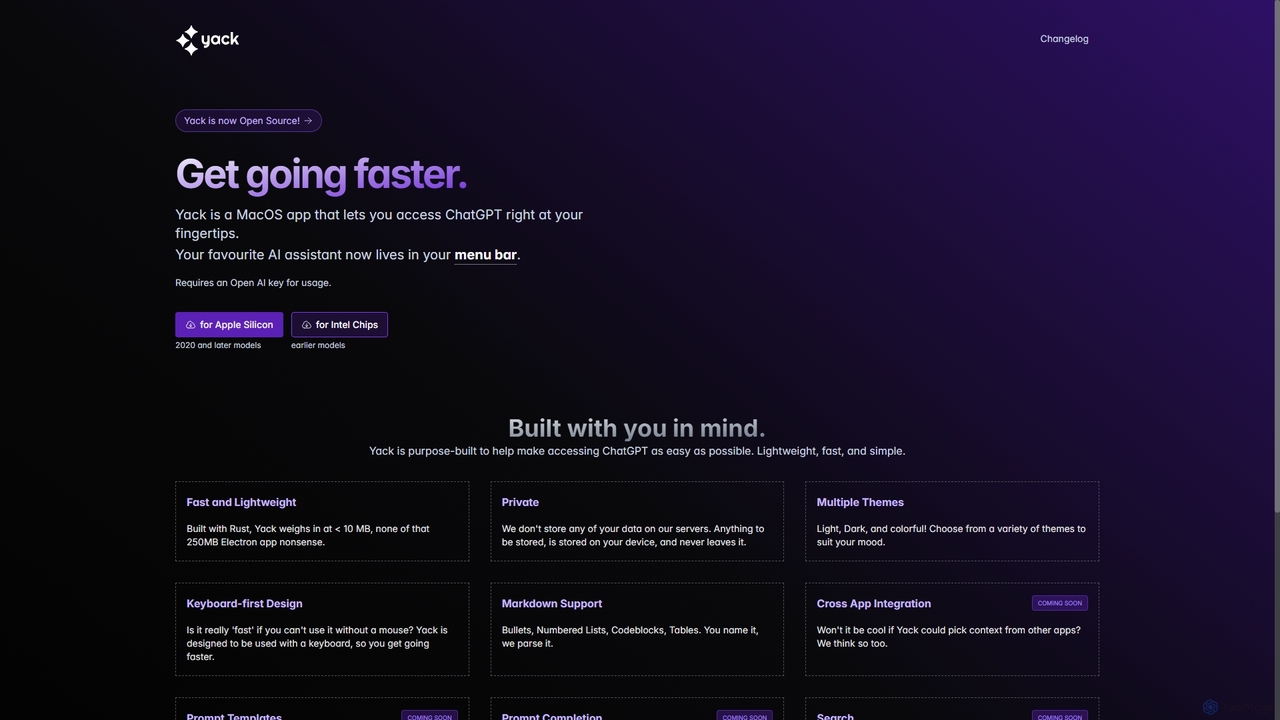
Yack
Yack is a lightweight, fast, and private open-source native macOS application that provides instant access to ChatGPT directly from your menu bar. Built with Rust, it's designed for efficiency with a keyboard-first approach, ensuring you can interact with AI without disrupting your workflow.
Api ClientSide Space
Side Space is a powerful AI assistant that integrates seamlessly into your desktop workflow. It operates from a convenient sidebar, providing instant access to AI-powered tools for writing, coding, and general productivity without ever leaving your current application. Enhance your efficiency with contextual actions on selected text and customizable commands.
Code AssistantShift
Shift is a system-wide AI assistant for macOS that enhances your workflow by allowing you to edit text and code anywhere with a simple keyboard shortcut. Just highlight text, double-tap Shift, and let the AI rewrite, debug, translate, or rephrase it instantly within any application.
Code AssistantQuick Access Ai
Quick Access Ai is a Chrome extension that provides instant access to ChatGPT on any website. By simply typing a command, users can generate content, write code, summarize text, and perform research without switching tabs. It aims to boost productivity by integrating AI assistance directly into your existing workflow, making daily tasks faster and more efficient.
Code AssistantThinkbuddy
Thinkbuddy is a native desktop AI client designed for fast, secure, and organized interaction with multiple AI models. It acts as a unified workspace, allowing you to switch between models like GPT-4o, Claude 3, and Llama 3, manage conversations in projects, and save prompts in a library for a streamlined workflow.
Code AssistantMoka
Moka is an AI assistant developed in Turkey, designed to help users with a wide range of tasks including code writing, creative content generation, idea brainstorming, and educational support. It aims to streamline projects and enhance productivity through intelligent chat interactions.
Idea Generation
Raycast
Raycast is a blazingly fast, extensible launcher for macOS that supercharges your productivity. It acts as a central command bar to control your tools, with integrated AI, an extensive extension store, and powerful built-in features like window management and clipboard history. It's designed to reduce context switching and keep you in the flow.
Personal Assistant
Omniverse
Omniverse is an all-in-one AI-powered productivity platform designed to centralize your workflow. It integrates a powerful writing assistant, task management, knowledge base, and data analysis into a single, intuitive workspace. Streamline your projects, automate repetitive tasks, and unlock new levels of efficiency by leveraging a unified AI that understands the full context of your work.
All In One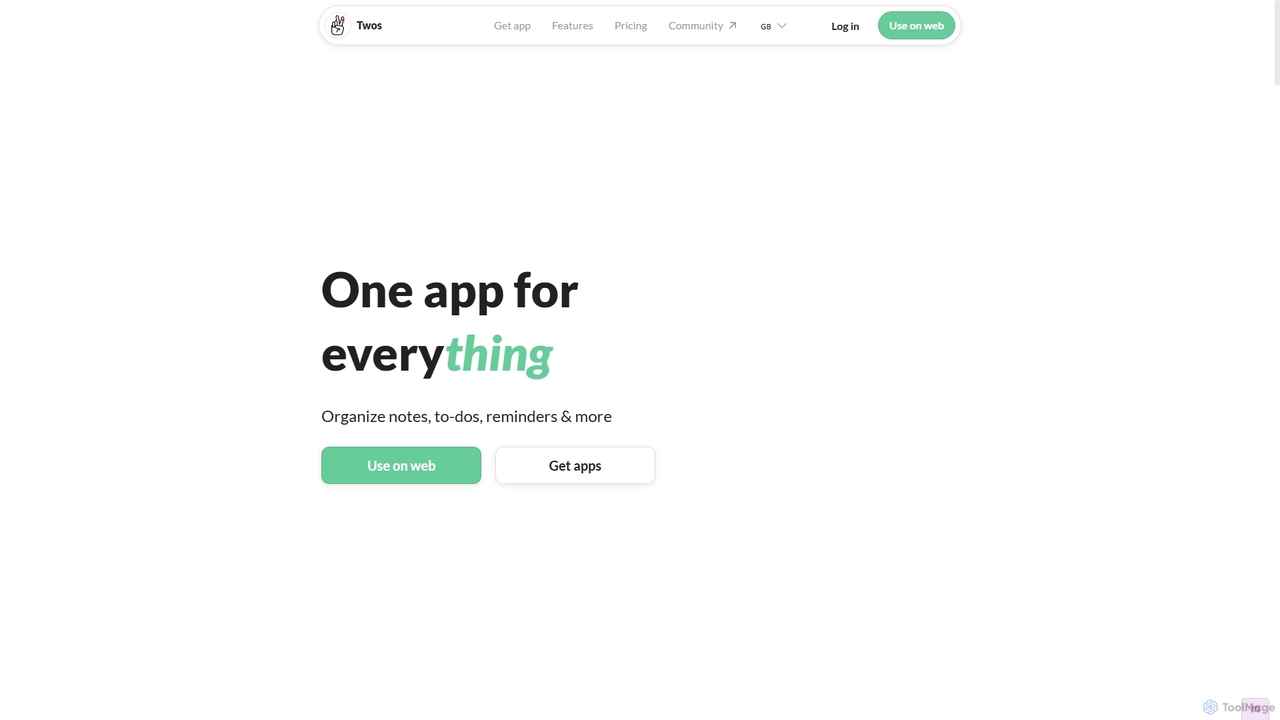
Twos
Twos is an all-in-one productivity app powered by AI that helps you organize notes, to-dos, reminders, lists, and calendar events in one simple place. Capture thoughts quickly as "things" and let the AI assistant, PALs, provide smart suggestions to help you stay organized and productive across all your devices.
Note Taking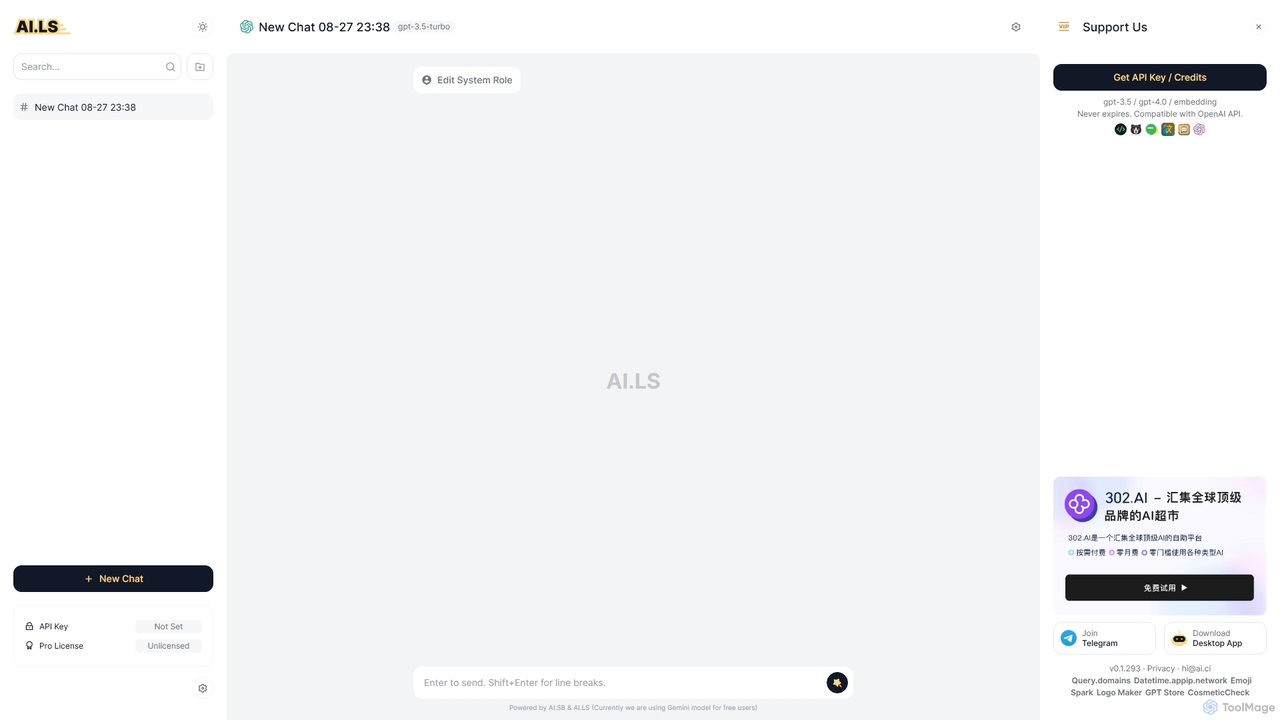
AI.LS
AI.LS is an elegant and powerful web-based user interface for interacting with advanced AI models like ChatGPT and Gemini. It serves as a superior alternative to standard chat interfaces, offering a free tier, advanced customization options, and support for using your own OpenAI API key for greater control and access.
Api
Cosmicup
Cosmicup is an all-in-one AI platform offering unlimited access to a wide array of advanced AI models like ChatGPT 5, Claude 4.5, Gemini 2.5, and Grok 4 through a single subscription. It streamlines workflows with features including multi-model interaction, code assistance, document analysis, real-time web search, deep research, and AI image generation, eliminating the need for multiple subscriptions.
Multimodal Ai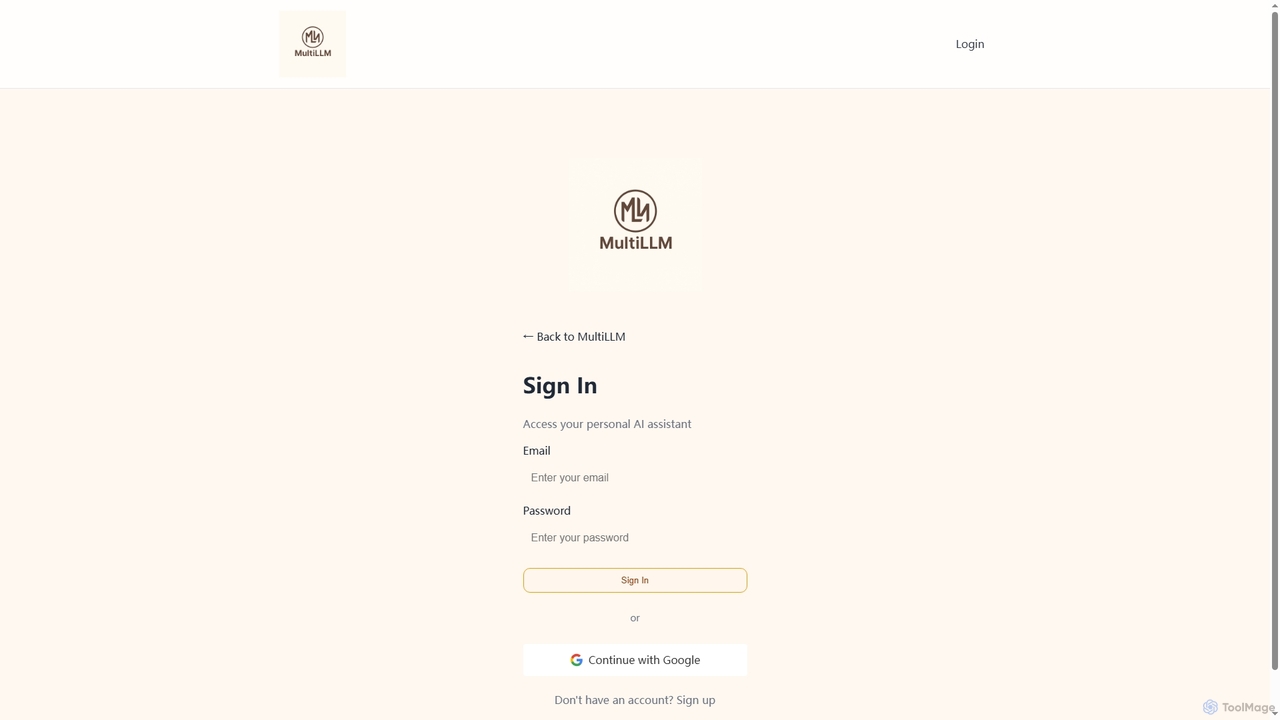
MultiLLM
MultiLLM is a web-based platform designed to provide users with a personal AI assistant experience. It offers a centralized hub to access and manage various AI models, potentially integrating plugins and knowledge bases for enhanced productivity and personalized interactions. Users can sign in via email or Google to leverage its capabilities.
Automation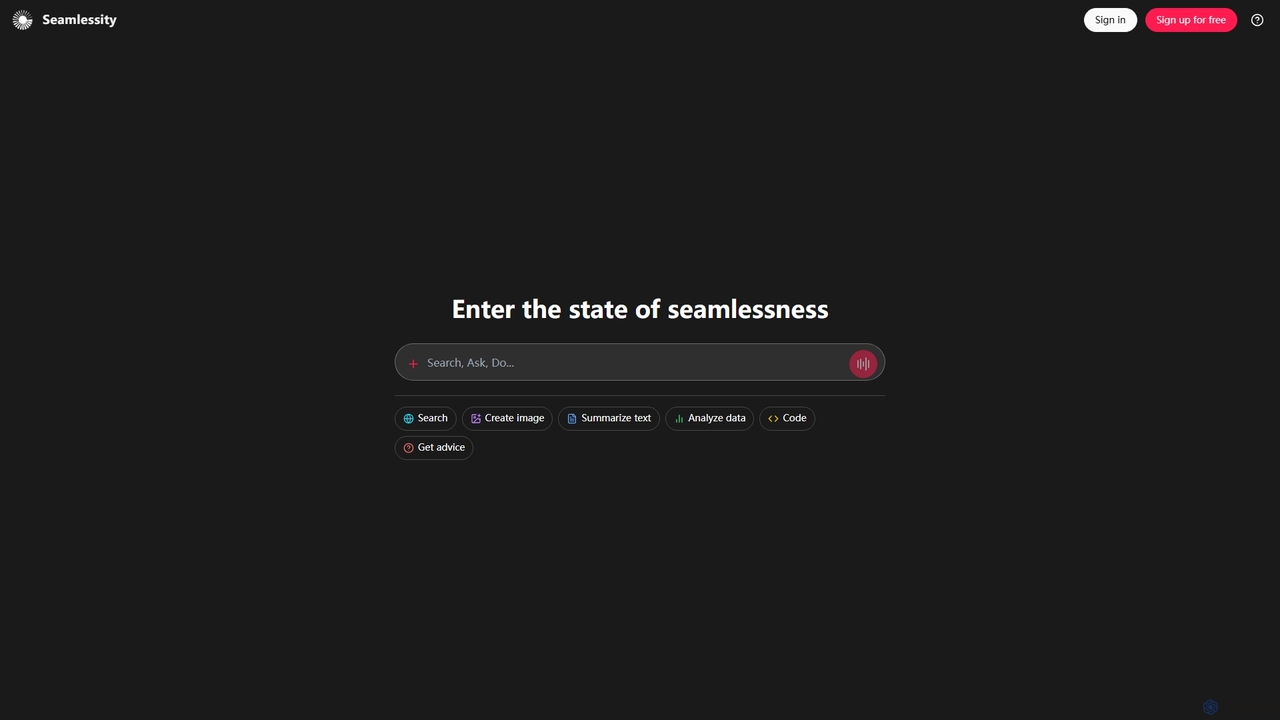
Seamlessity
Seamlessity is a versatile AI platform designed to streamline various tasks, offering functionalities such as image creation, text summarization, data analysis, code generation, and expert advice. It aims to provide a unified experience for users seeking efficiency across multiple domains, from creative content generation to complex data interpretation and development support.
Image Generation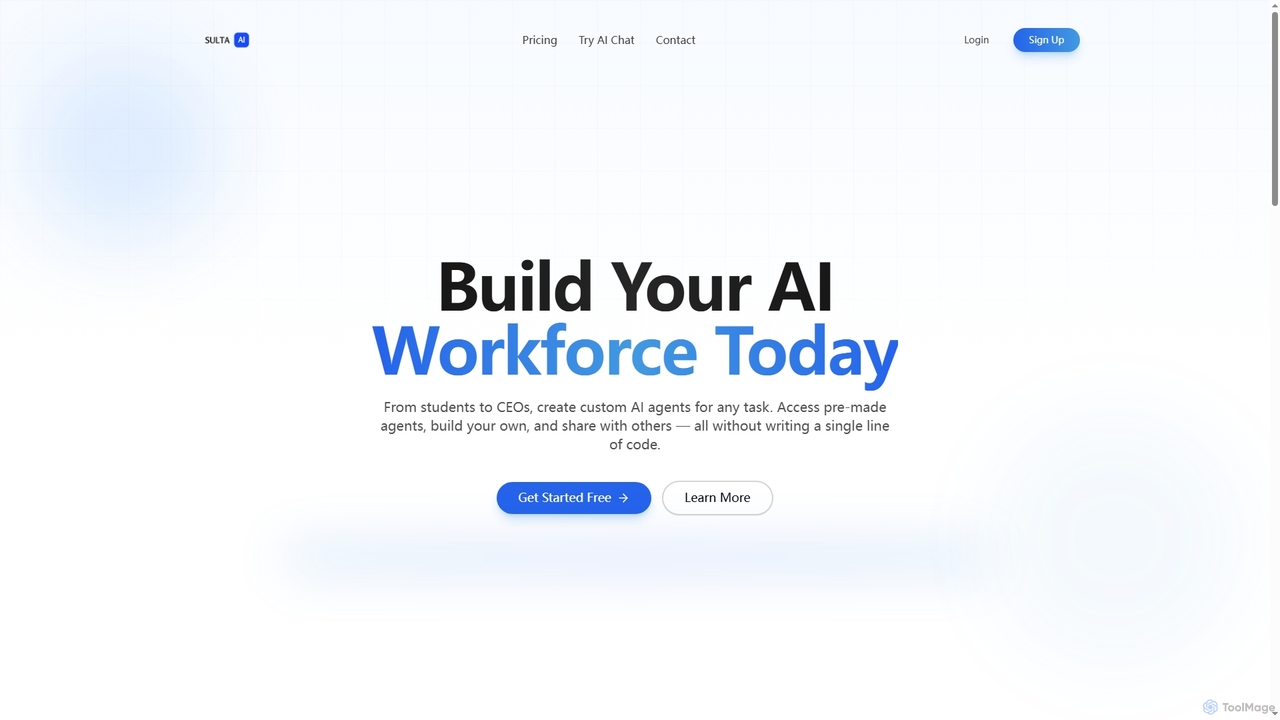
Sulta AI
Sulta AI is a no-code platform empowering users to build and deploy custom AI agents for any task, from student research to business operations. It offers a rich library of pre-built agents, community sharing, and data training capabilities to revolutionize individual and team workflows without writing a single line of code.
Content Generation
Kairo Comments (0)
Sign in to comment.
Sign inNo comments yet.