

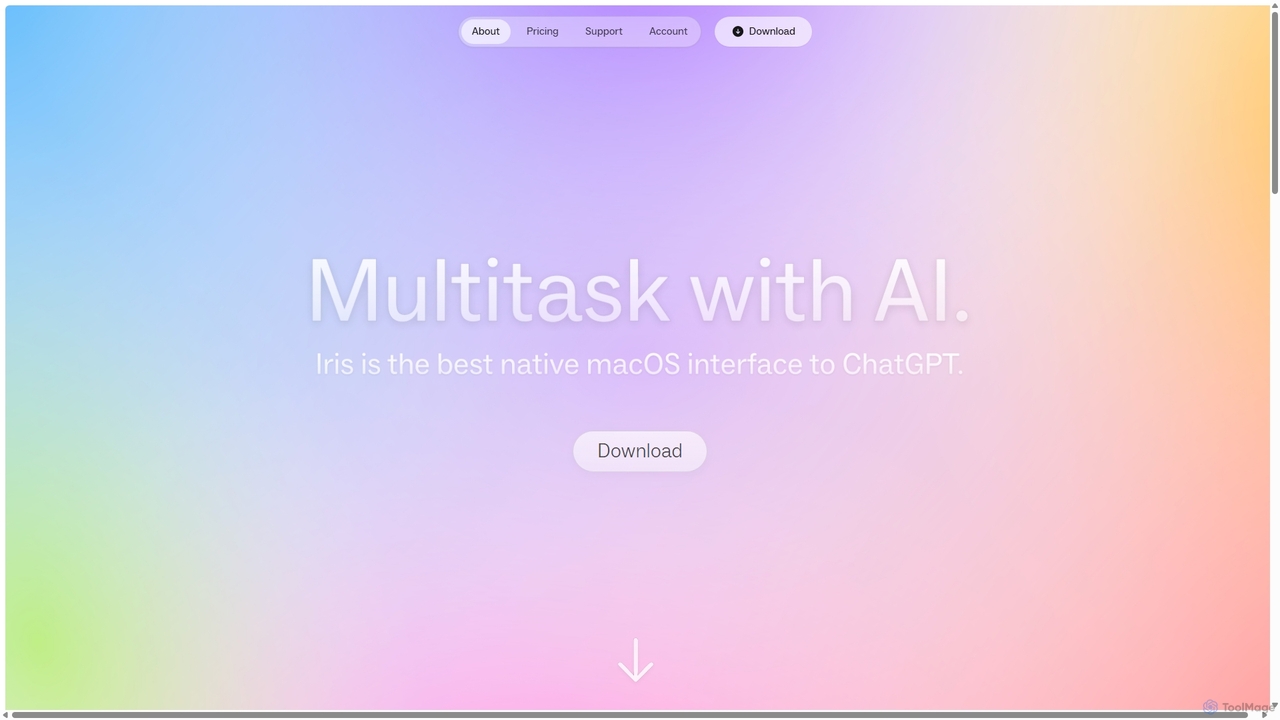
Iris Overview
Iris is a sophisticated, always-on AI companion designed exclusively for macOS to enhance productivity and streamline workflows. It operates on a simple yet powerful principle: to be ready when you need it and invisible when you don’t. This allows users to tap into the power of advanced AI models without the constant distraction of switching between applications. Whether you're a developer, writer, designer, or researcher, Iris integrates seamlessly into your digital environment, acting as an extension of your own thought process.
The core philosophy behind Iris is to minimize friction. You can summon the AI assistant at any time, regardless of which app you are currently using. This immediate accessibility ensures that your creative or analytical flow is never broken. A key feature is its ability to understand visual context; with a quick shortcut, you can snap an image of your screen and discuss its contents with Iris, making it perfect for debugging code, getting feedback on a design, or understanding complex data visualizations.
How to use Iris
Getting started with Iris is designed to be intuitive and fast, leveraging native macOS conventions to feel like a natural part of the operating system.
- Summoning Iris: A simple double-tap of the Option (⌥) key instantly brings up the Iris interface, ready for your query. The same shortcut dismisses it.
- Screen Capture for Context: Press ⌘+Shift+1 to capture a portion of your screen. Iris will immediately display the image, allowing you to ask questions about it. This is invaluable for tasks requiring visual input.
- Staying in Flow: If the Iris window is blocking something important, there's no need to close it. Use the "sling" gesture (a quick swipe) or press ⌥ + Tab to instantly move it to the other side of your screen.
- Effortless Interaction: Simply start typing or speaking your query. Iris supports an "Interject!" feature, which means you don't have to wait for a complete response before sending a follow-up message, making conversations feel more natural and dynamic.
- Model Switching: You can easily switch between different large language models (like GPT-4o, Claude 3.5 Sonnet, or Gemini) directly within the interface, even in the middle of a conversation, to leverage the best model for your specific task.
Core Features of Iris
- Multi-Model Support: Access a suite of the latest and most powerful AI models from OpenAI, Anthropic, and Google. The Pro plan offers unlimited access to premium models.
- Contextual Screen Capture: Go beyond text. Show Iris exactly what you're looking at to get more accurate and relevant assistance.
- Seamless Integration: Iris works as an overlay on top of any application, ensuring you never have to leave your work environment.
- Unlimited Messaging: Both free and paid plans come with no rate limits on messaging for the included models, allowing for unrestricted brainstorming and problem-solving.
- Intuitive Gestures and Shortcuts: Designed for power users, Iris relies on simple swipes and keyboard commands for all its core functions, minimizing mouse usage and maximizing speed.
- Bring Your Own API Key (BYOK): Pro subscribers have the option to use their own API keys for advanced models like Claude 3 Opus, giving them more control and access to a wider range of tools.
- Markdown and Code Rendering: Iris properly formats responses, displaying bold text, lists, and code blocks with full syntax highlighting for improved readability.
Use Cases for Iris
Iris is a versatile tool that can be adapted to numerous professional and personal workflows.
- Software Development: Debug code by capturing a snippet and asking for an explanation, generate boilerplate code, or translate code between different programming languages.
- Content Creation & Writing: Brainstorm ideas, draft emails, summarize long articles, or rephrase sentences directly within your writing application.
- Design & UX: Get instant feedback on a UI mockup by capturing the screen and asking for suggestions on layout, color, or accessibility.
- Research & Learning: Quickly define complex terms, explain scientific concepts from a webpage, or translate foreign text without opening a new tab.
- Marketing & Sales: Craft compelling ad copy, generate social media posts, or prepare talking points for a client meeting.
Advantages of Iris
Iris stands out from other AI tools due to its focus on workflow integration and user experience.
- Uninterrupted Focus: The ability to access AI without context switching is its biggest advantage, saving time and preserving mental energy.
- Model Flexibility: Users are not locked into a single AI ecosystem. They can choose the best model for the job, ensuring higher quality outputs.
- Visual Context: The screen capture feature provides a much richer form of interaction than text-only chatbots.
- Generous Plans: The free tier is highly capable for getting started, and the Pro plan offers exceptional value with unlimited access to multiple premium models for a single monthly fee.
- Privacy-Conscious: While messages are sent to model providers like OpenAI for processing, the developers of Iris do not have access to the content of your conversations.
Pricing and Plans
Iris offers a straightforward pricing model to suit different user needs.
- Starter Plan (Free): Ideal for getting started. Includes unlimited access to Gemini 2.5 Flash and o4 mini, along with the core image capture tool.
- Pro Plan ($10/month): Perfect for professionals and power users. Includes everything in the Starter plan, plus unlimited access to premium models like GPT-4.1 (likely GPT-4o), Claude 3.5 Sonnet, and o3. Pro users can also connect their own API keys for other models.
Traffic
Iris Alternatives

Omnipilot
Omnipilot is a system-wide AI copilot for macOS, designed to integrate seamlessly into any application. It provides contextual assistance, allowing you to generate text, write code, and automate tasks in any text field, boosting productivity by eliminating the need to switch between apps. Note: Omnipilot has been acquired by and merged into Highlight AI.
Coding Assistant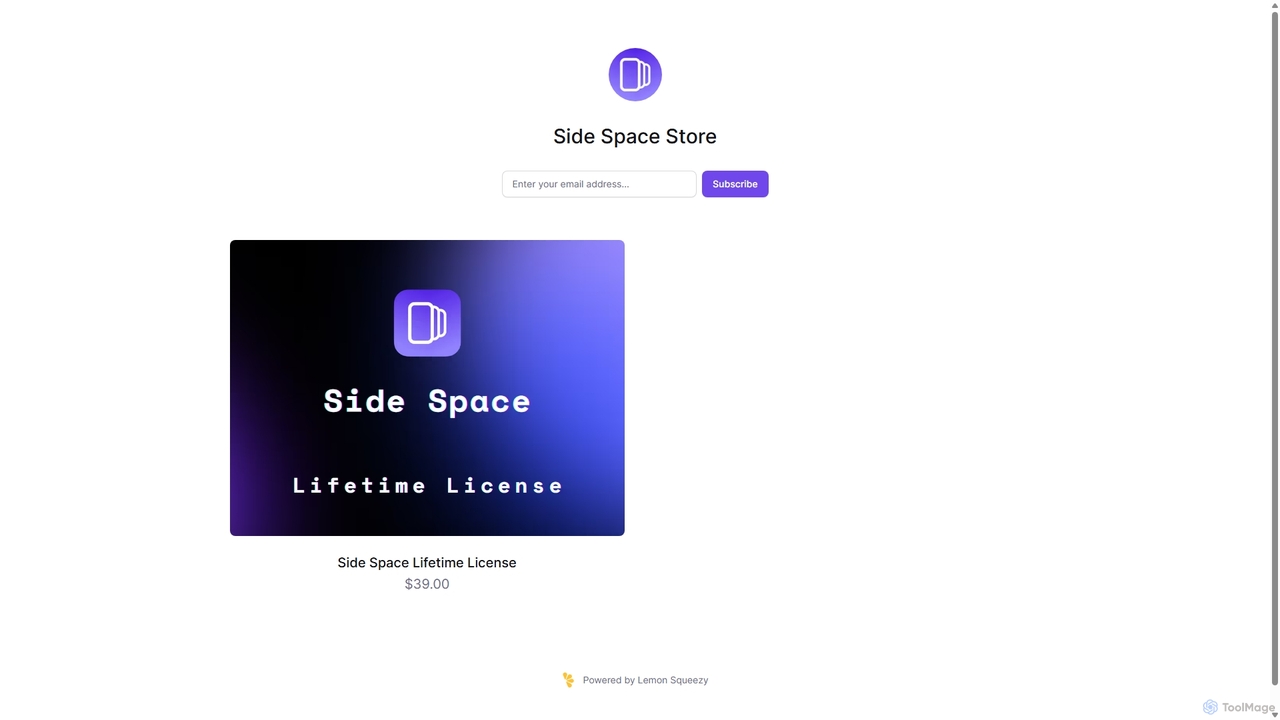
Side Space
Side Space is a powerful AI assistant that integrates seamlessly into your desktop workflow. It operates from a convenient sidebar, providing instant access to AI-powered tools for writing, coding, and general productivity without ever leaving your current application. Enhance your efficiency with contextual actions on selected text and customizable commands.
Code Assistant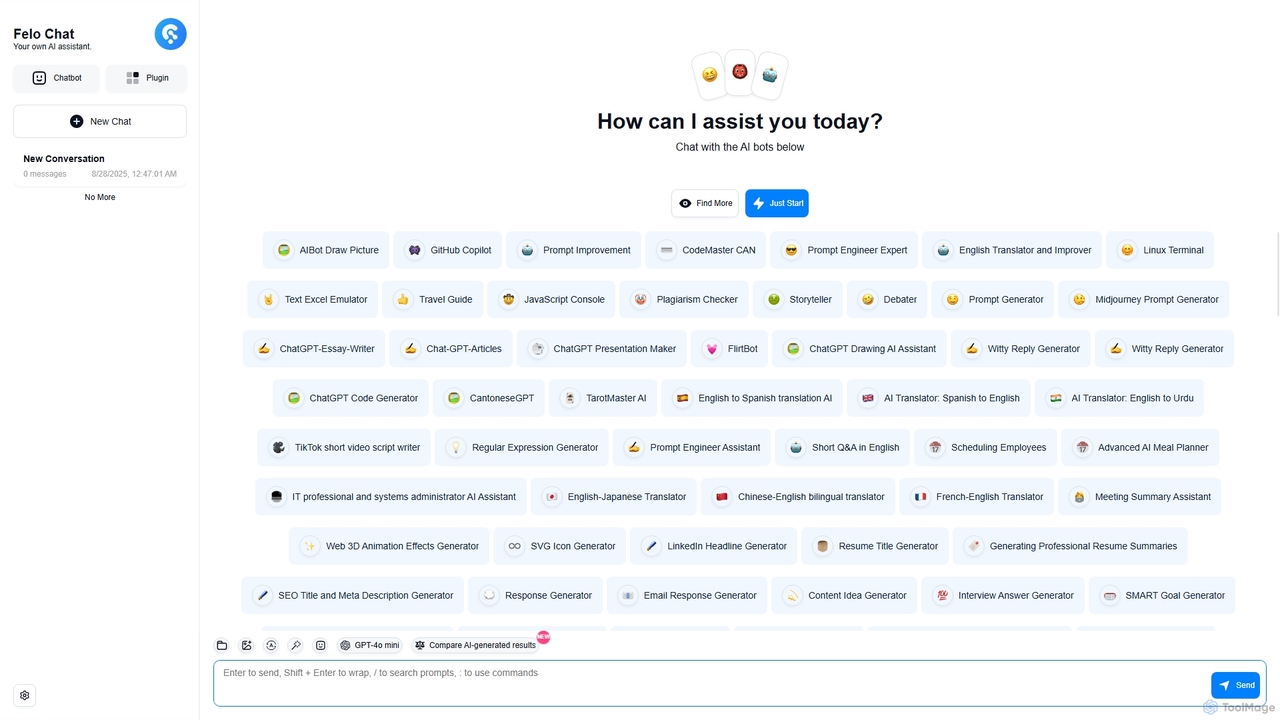
Felo Chat
Felo Chat is a versatile AI assistant platform providing free access to leading AI models like GPT-4o, Claude, and Gemini. It features an extensive library of specialized AI bots for various tasks, from coding and content creation to translation and data analysis. With support for text, file, and image uploads, Felo Chat serves as a comprehensive, all-in-one solution for professionals, students, and creatives.
Code Assistant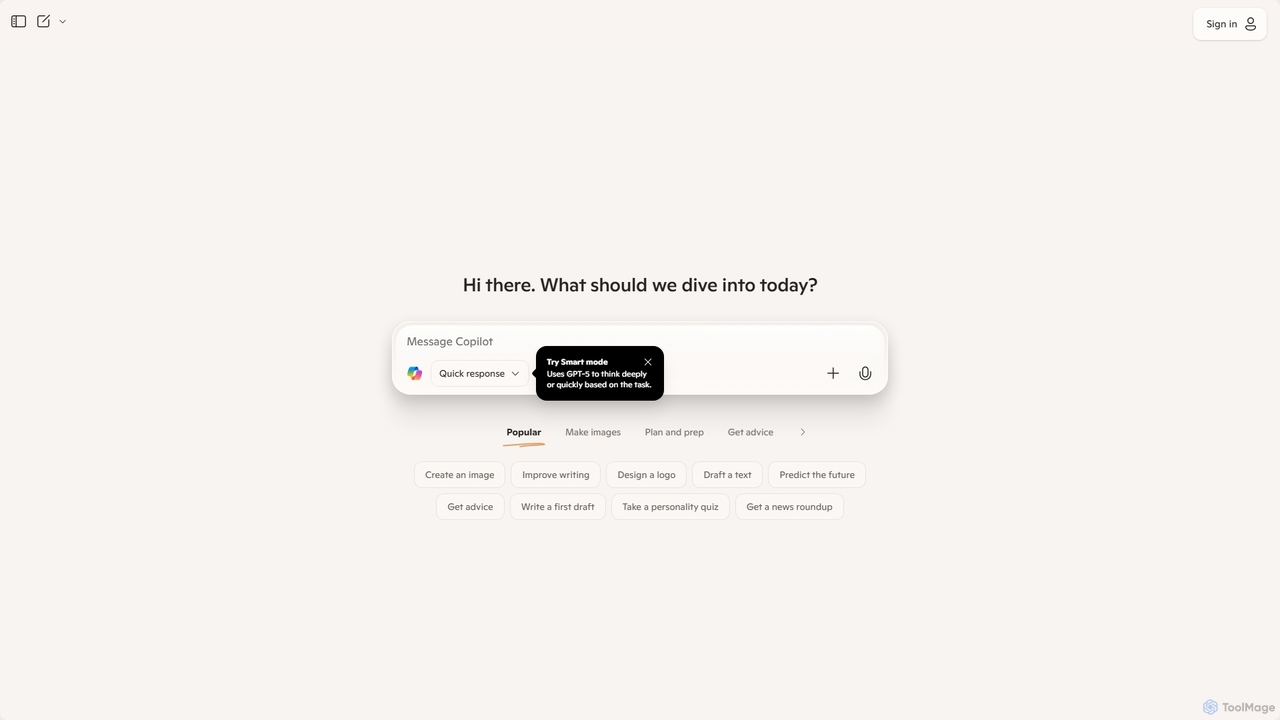
Microsoft Copilot
Microsoft Copilot is your everyday AI companion, enhancing productivity and creativity. It provides intelligent search, content generation, and image creation capabilities by leveraging the latest AI models like GPT-4 and DALL-E 3. Integrated across the Microsoft ecosystem, it assists with writing, coding, planning, and design tasks.
Image Generator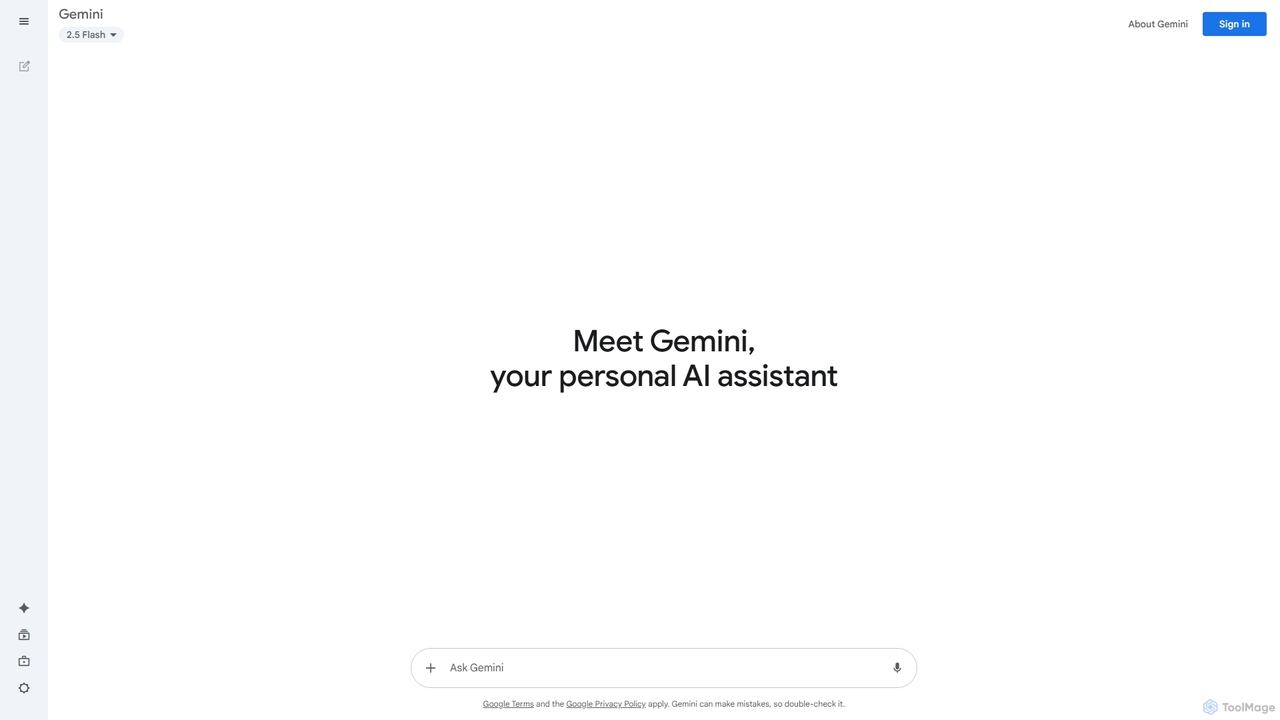
Google Gemini
Google Gemini is a powerful, multimodal AI assistant designed to enhance creativity and productivity. It can understand and process text, code, images, and video to help you write, plan, learn, and create. Integrated with Google's ecosystem, it offers features like advanced content generation, deep research, and seamless collaboration within Google apps.
Image GeneratorIris Categories
Iris Jobs
Iris Embed Widget
Copy this embed code to place the badge on your blog, article, or product site and send readers directly to this ToolMage detail page.

Related AI tools
Side Space
Side Space is a powerful AI assistant that integrates seamlessly into your desktop workflow. It operates from a convenient sidebar, providing instant access to AI-powered tools for writing, coding, and general productivity without ever leaving your current application. Enhance your efficiency with contextual actions on selected text and customizable commands.
Code AssistantFelo Chat
Felo Chat is a versatile AI assistant platform providing free access to leading AI models like GPT-4o, Claude, and Gemini. It features an extensive library of specialized AI bots for various tasks, from coding and content creation to translation and data analysis. With support for text, file, and image uploads, Felo Chat serves as a comprehensive, all-in-one solution for professionals, students, and creatives.
Code Assistant
Jyek
Jyek is an AI agent platform that understands objectives, creates execution plans, uses tools, and delivers verifiable results for complex, multi-step tasks.
AutomationOmnipilot
Omnipilot is a system-wide AI copilot for macOS, designed to integrate seamlessly into any application. It provides contextual assistance, allowing you to generate text, write code, and automate tasks in any text field, boosting productivity by eliminating the need to switch between apps. Note: Omnipilot has been acquired by and merged into Highlight AI.
Coding Assistant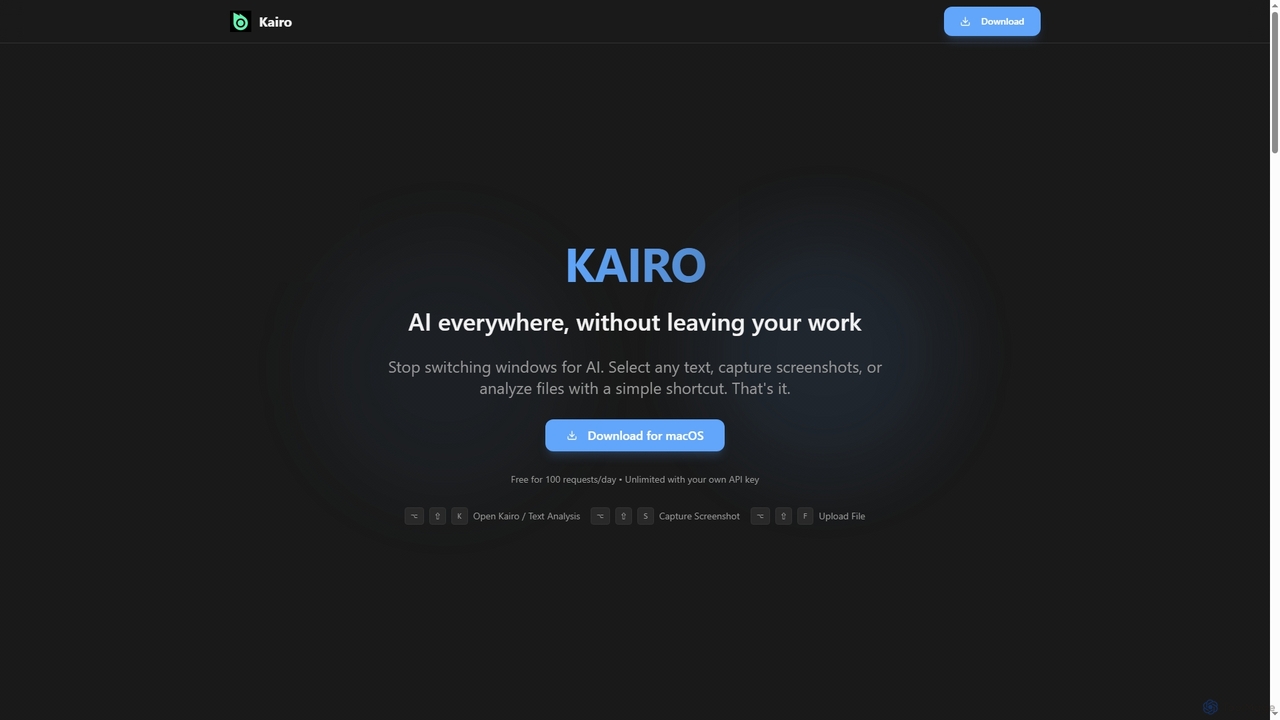
Kairo
Kairo is an AI-powered desktop assistant for macOS that integrates seamlessly into your workflow, eliminating the need to switch applications for AI tasks. It offers smart text transformation, visual analysis of screenshots, and deep analysis of files directly from any app using simple keyboard shortcuts.
Document Analysis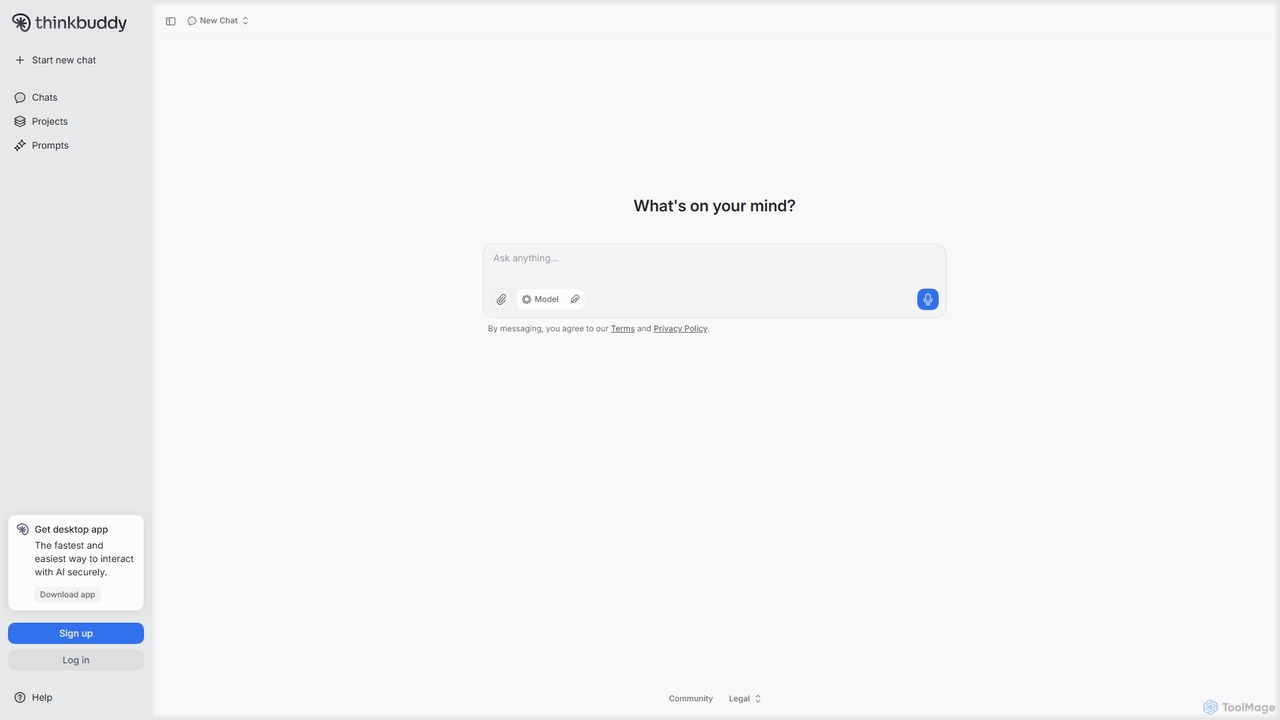
Thinkbuddy
Thinkbuddy is a native desktop AI client designed for fast, secure, and organized interaction with multiple AI models. It acts as a unified workspace, allowing you to switch between models like GPT-4o, Claude 3, and Llama 3, manage conversations in projects, and save prompts in a library for a streamlined workflow.
Code Assistant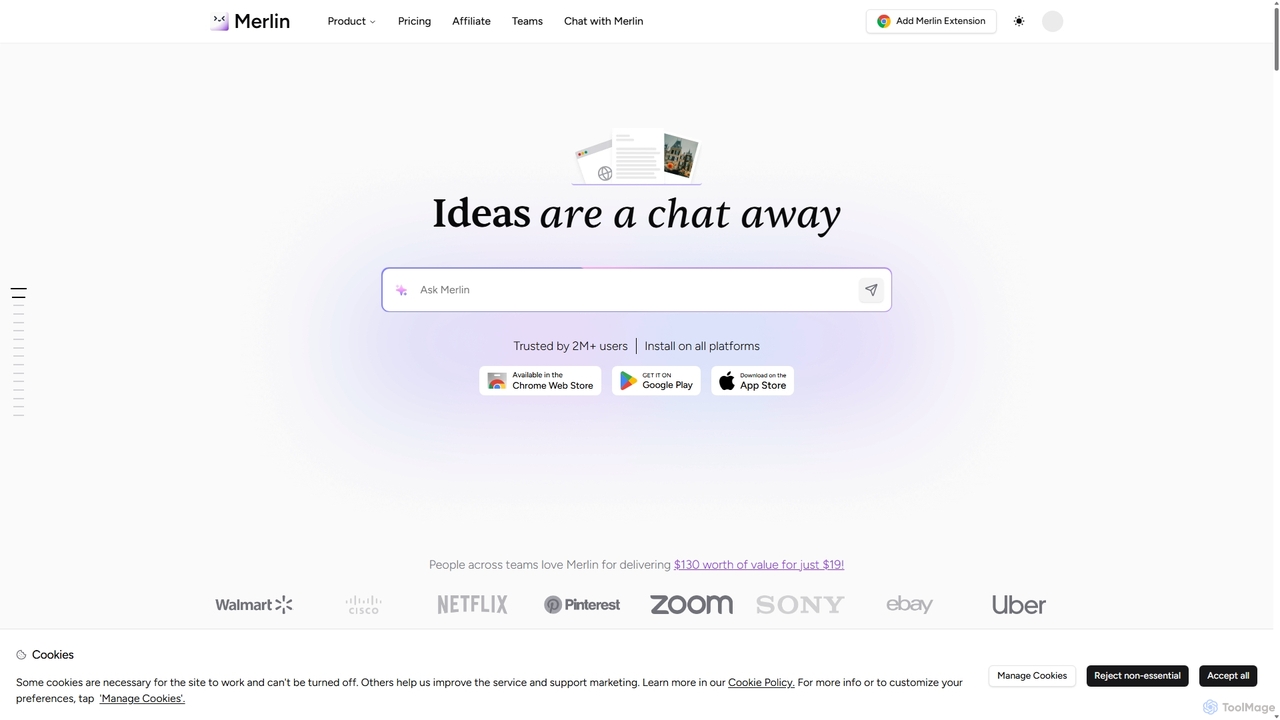
Merlin AI
Merlin is an all-in-one AI assistant, available as a browser extension and app, that integrates top AI models like GPT-4, Claude 3, and Gemini. It allows you to research, write, summarize content, generate images, and code with a single click on any website, streamlining your workflow and boosting productivity without switching tabs.
Chrome Extensions
Omniverse
Omniverse is an all-in-one AI-powered productivity platform designed to centralize your workflow. It integrates a powerful writing assistant, task management, knowledge base, and data analysis into a single, intuitive workspace. Streamline your projects, automate repetitive tasks, and unlock new levels of efficiency by leveraging a unified AI that understands the full context of your work.
All In One
Sider
Sider is a powerful AI copilot integrated into your browser sidebar. It brings ChatGPT, GPT-4, Claude 3, and Gemini to any webpage, allowing you to seamlessly summarize content, enhance your writing, explain complex topics, and chat with documents or videos. It streamlines your workflow by eliminating the need to switch between tabs, boosting your overall productivity and creativity.
LearningGoogle Gemini
Google Gemini is a powerful, multimodal AI assistant designed to enhance creativity and productivity. It can understand and process text, code, images, and video to help you write, plan, learn, and create. Integrated with Google's ecosystem, it offers features like advanced content generation, deep research, and seamless collaboration within Google apps.
Image Generator
Gpt All Star
Gpt All Star is an all-in-one AI platform providing access to a curated collection of specialized GPT agents. Select from a roster of 'all-star' assistants for tasks like writing, coding, marketing, and data analysis to get expert-level results from a single, user-friendly interface.
Code Assistant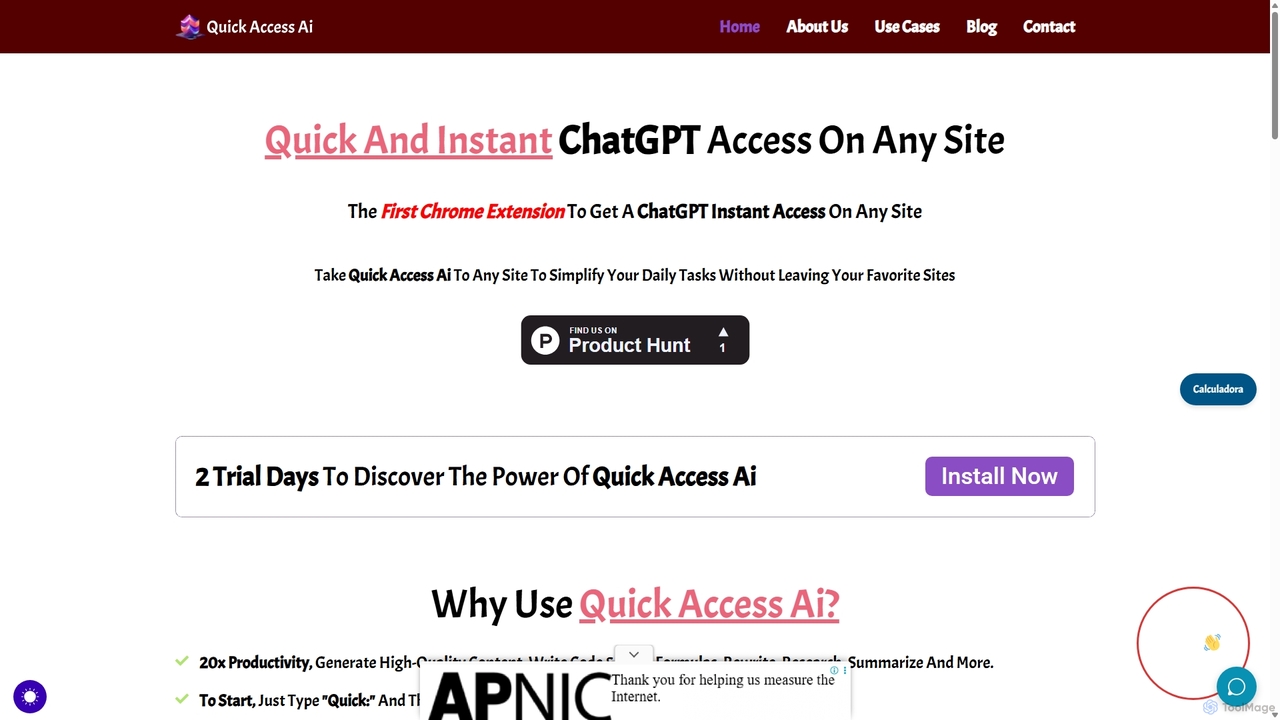
Quick Access Ai
Quick Access Ai is a Chrome extension that provides instant access to ChatGPT on any website. By simply typing a command, users can generate content, write code, summarize text, and perform research without switching tabs. It aims to boost productivity by integrating AI assistance directly into your existing workflow, making daily tasks faster and more efficient.
Code Assistant
carlos_app
carlos_app is an intelligent AI personal assistant designed to streamline your workflow, manage tasks, automate scheduling, and enhance communication. It acts as your proactive partner, helping you focus on what truly matters by handling the administrative details.
Task Management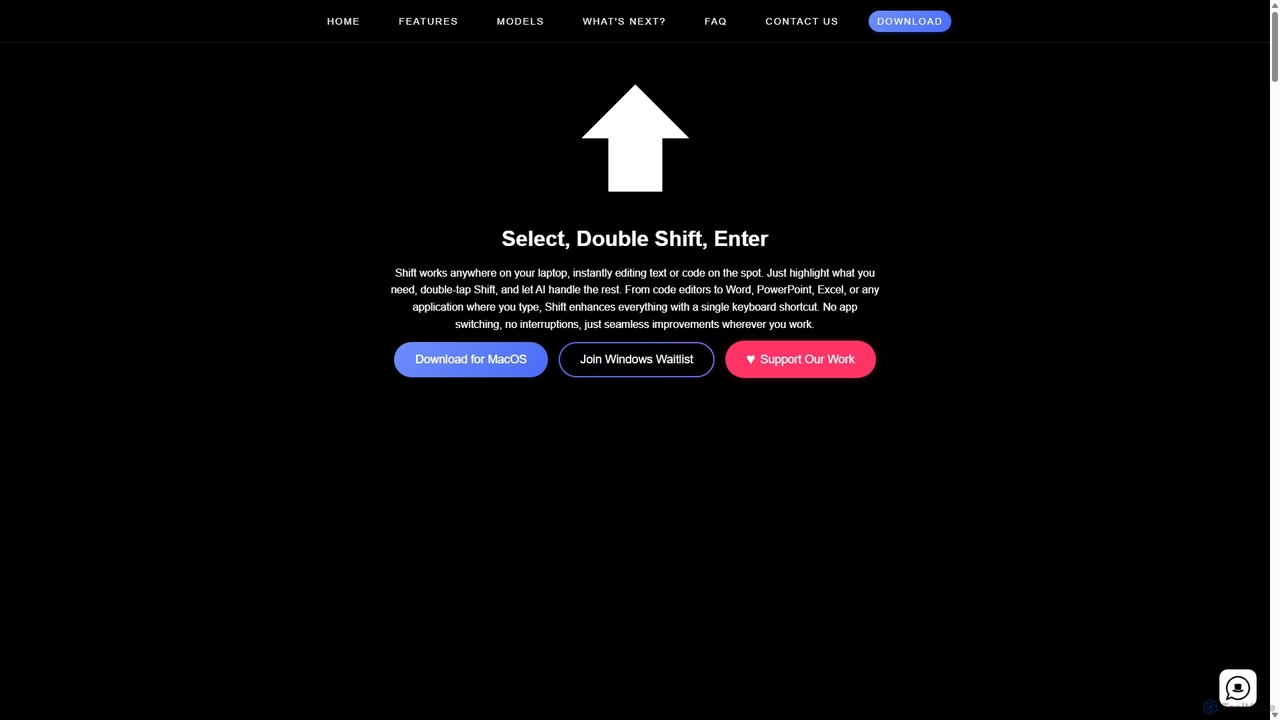
Shift
Shift is a system-wide AI assistant for macOS that enhances your workflow by allowing you to edit text and code anywhere with a simple keyboard shortcut. Just highlight text, double-tap Shift, and let the AI rewrite, debug, translate, or rephrase it instantly within any application.
Code Assistant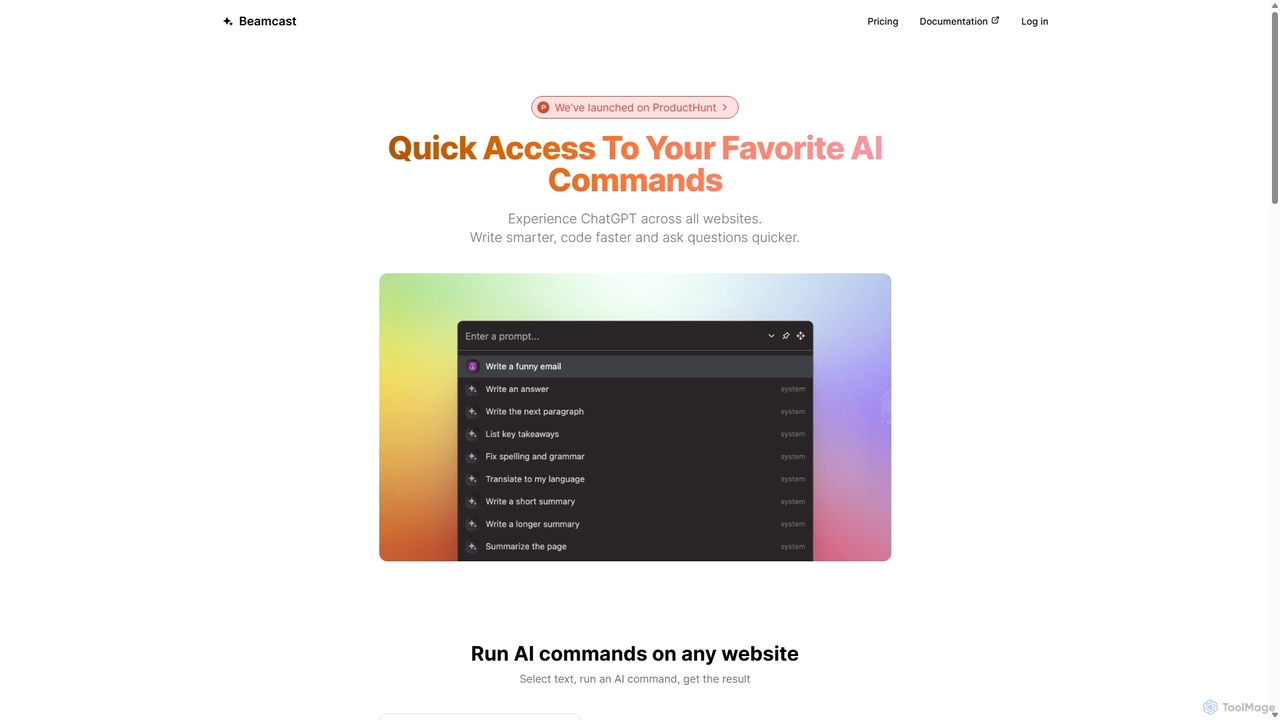
Beamcast
A browser extension that puts ChatGPT and Gemini at your fingertips. Select text on any website to run built-in or custom AI commands for writing, coding, and quick answers, streamlining your workflow and boosting productivity without ever leaving the page.
Search
Iris Comments (0)
Sign in to comment.
Sign inNo comments yet.