Felo Chat
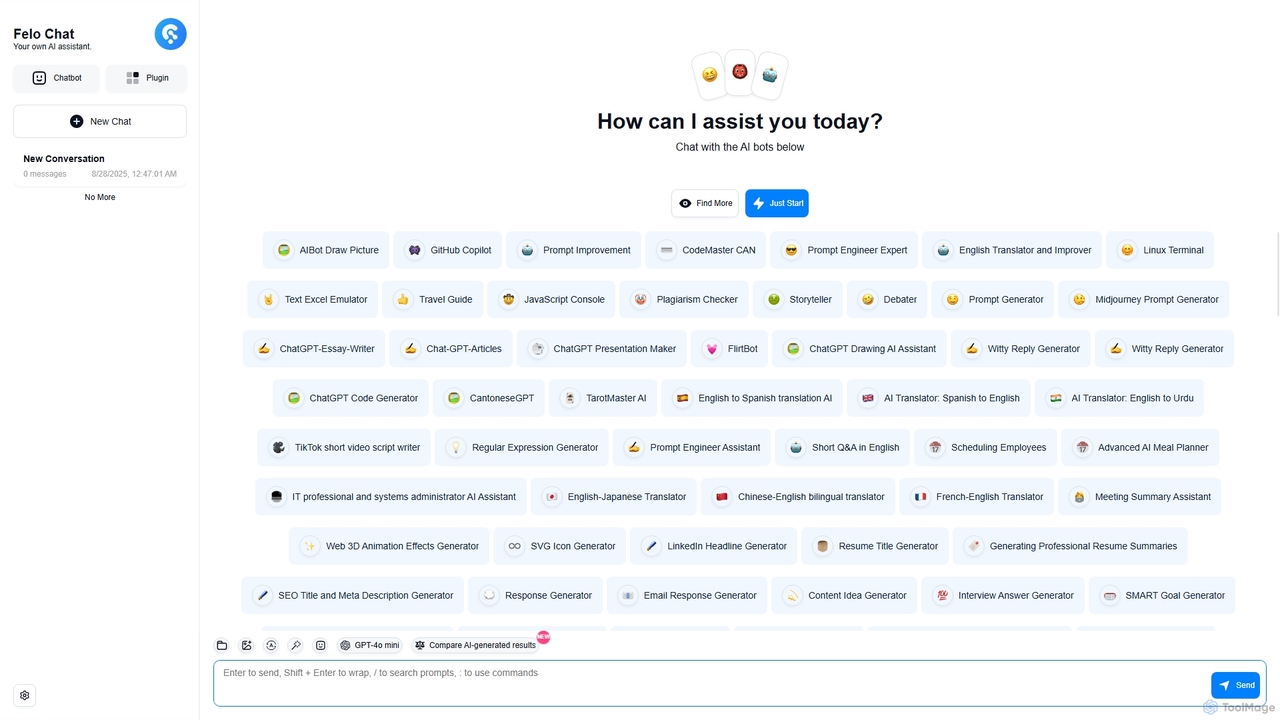
Felo Chat is a versatile AI assistant platform providing free access to leading AI models like GPT-4o, Claude, …
Felo Chat is a versatile AI assistant platform providing free access to leading AI models like GPT-4o, Claude, and Gemini. It features an extensive library of specialized AI bots for various tasks, from coding and content creation to translation and data analysis. With support for text, file, and image uploads, Felo Chat serves as a comprehensive, all-in-one solution for professionals, students, and creatives.
asknova
asknova is an intelligent AI digital companion designed to enhance productivity and creativity. It functions as a versatile …
asknova is an intelligent AI digital companion designed to enhance productivity and creativity. It functions as a versatile assistant, capable of answering complex questions, generating high-quality content, brainstorming ideas, and assisting with various professional and personal tasks through an intuitive conversational interface.
Writei
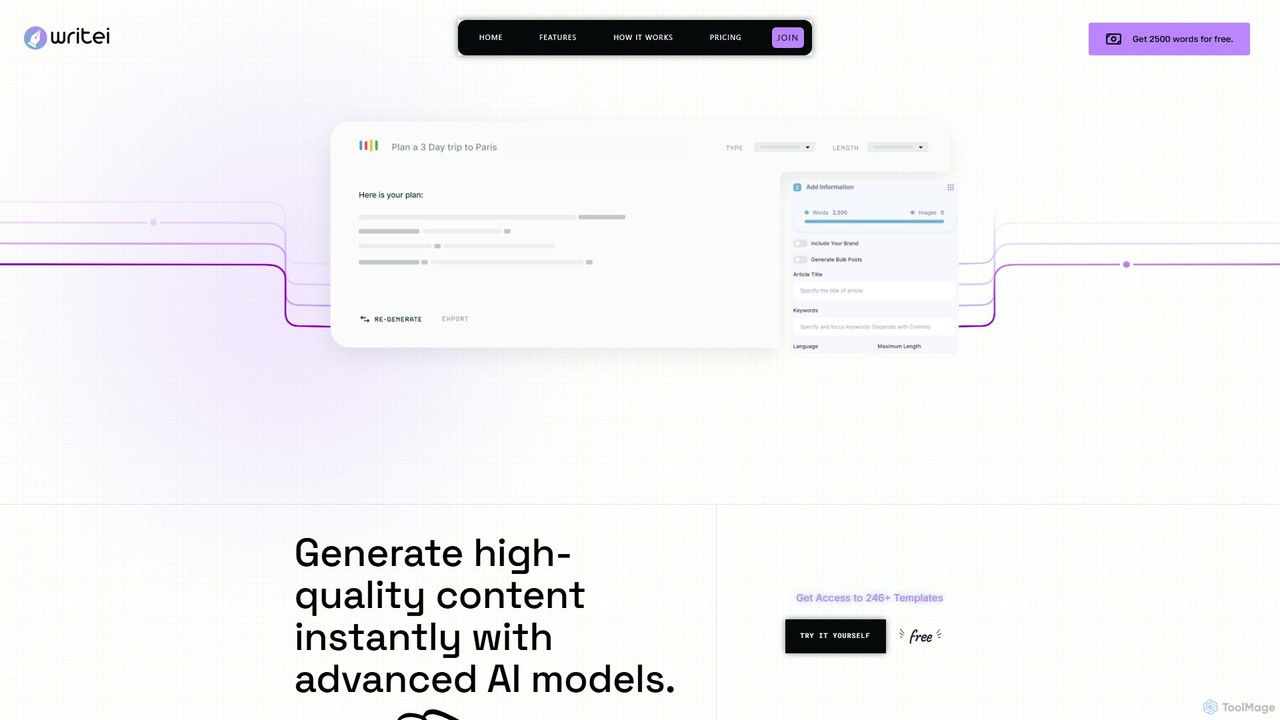
Writei is a comprehensive AI-powered content creation suite that leverages advanced models like GPT-4o. It offers over 267 …
Writei is a comprehensive AI-powered content creation suite that leverages advanced models like GPT-4o. It offers over 267 templates for writing, an AI Article Wizard, AI chat with files and websites, speech-to-text, voice cloning, and a code generator. Designed for marketers, writers, and developers, it streamlines content workflows with WordPress integration, team collaboration, and multilingual support.
AITorke
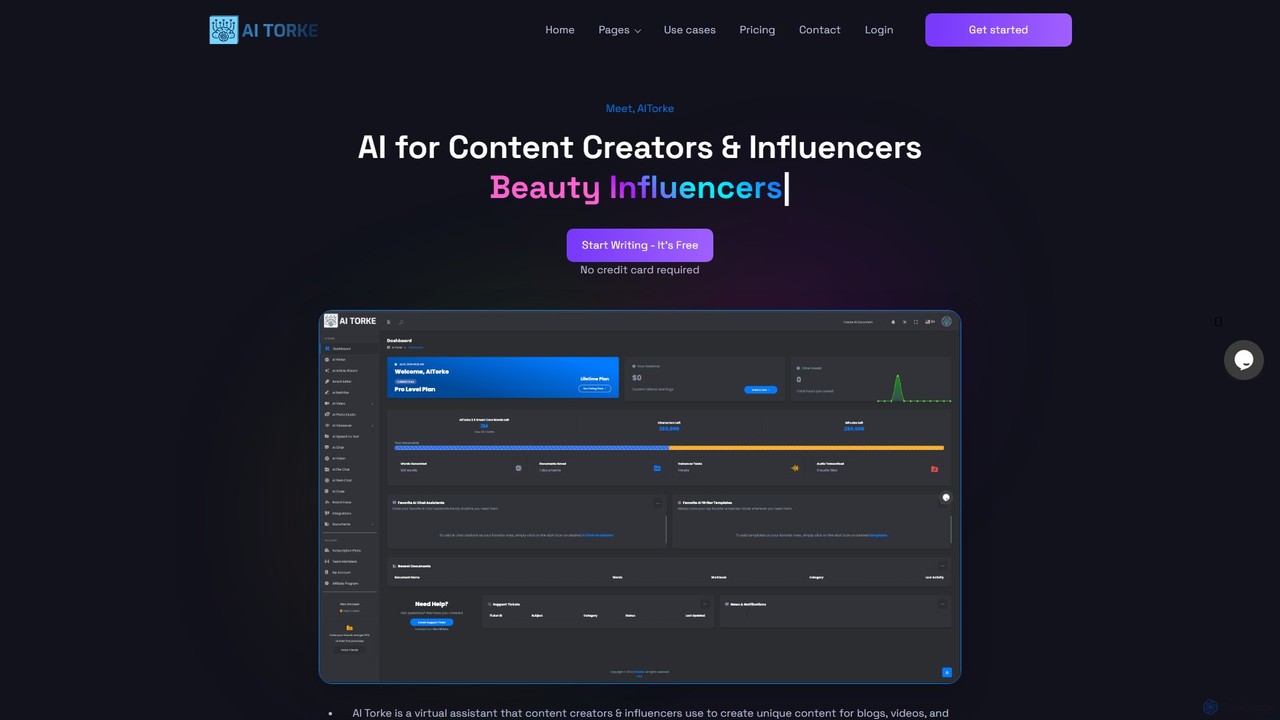
AITorke is an all-in-one AI-powered content creation suite designed for creators, marketers, and businesses. It integrates tools for …
AITorke is an all-in-one AI-powered content creation suite designed for creators, marketers, and businesses. It integrates tools for writing, image generation, audio production (including voiceovers and cloning), and video creation into a single, user-friendly platform. AITorke aims to streamline workflows, boost productivity, and enable users to produce high-quality, multi-format content faster and more efficiently, supporting over 54 languages.
UX Pilot
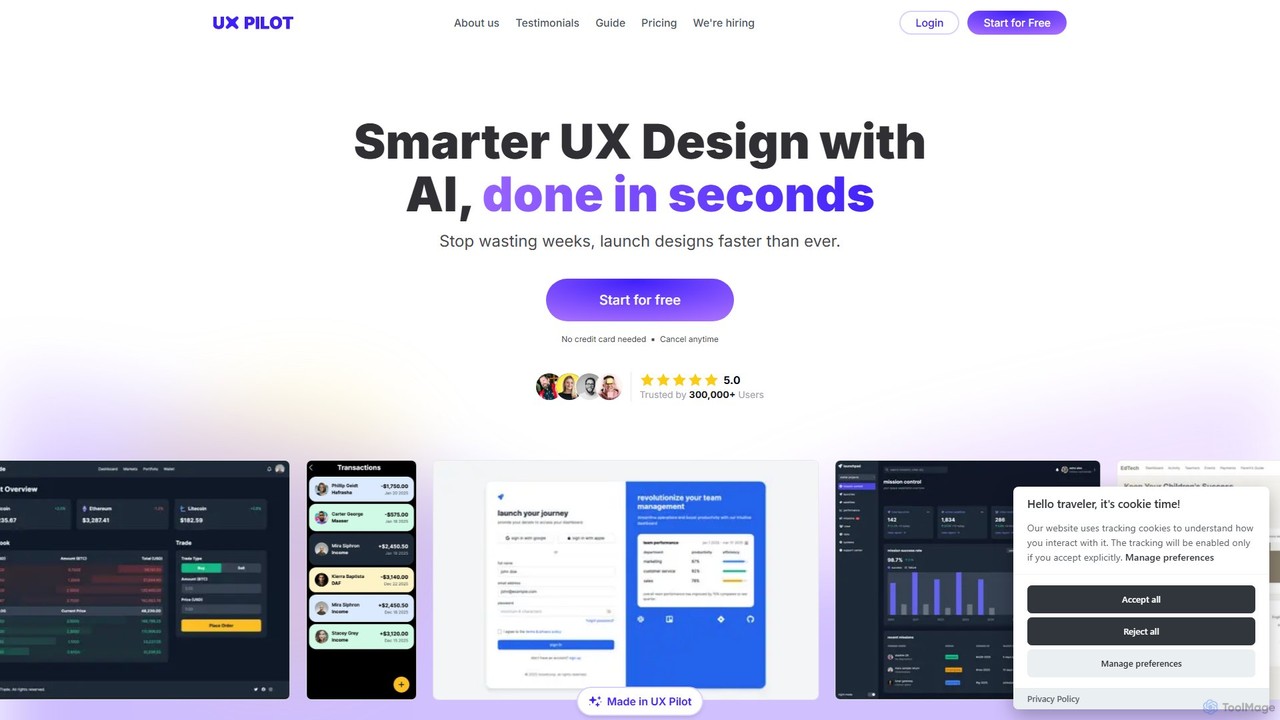
UX Pilot is an AI-powered design platform that accelerates the UX/UI workflow. It enables designers, product teams, and …
UX Pilot is an AI-powered design platform that accelerates the UX/UI workflow. It enables designers, product teams, and founders to generate high-fidelity designs, wireframes, screen flows, and prototypes from simple text prompts in seconds. With deep Figma integration, it streamlines the entire process from ideation to handoff.
About Code Assistant
Code Assistants are AI-powered tools that integrate into your development environment to provide intelligent, real-time coding support. They leverage large language models (LLMs) trained on vast codebases to understand context and generate relevant code snippets, functions, or even entire classes. This accelerates the development process, improves code quality by suggesting best practices, and reduces the time spent on repetitive tasks. Unlike traditional autocompletion, these assistants can interpret natural language comments to generate logic and help debug complex issues.
Core Features
- Intelligent Code Completion: Suggests entire lines or blocks of code based on the current context, not just syntax.
- Natural Language to Code: Generates functional code snippets from plain English descriptions or comments.
- Automated Bug Detection: Scans code as you type to identify potential errors and suggests corrections.
- Code Refactoring and Optimization: Recommends improvements to code structure, readability, and performance.
- Unit Test Generation: Automatically creates test cases for functions and methods to ensure code reliability.
Use Cases
Code Assistants are widely used by individual developers, agile teams, and large enterprises across various domains like web development, data science, and mobile app creation. They are particularly effective for rapid prototyping, learning new programming languages, refactoring legacy systems, and maintaining high standards of code quality and documentation within a team.
How to Choose
When selecting a Code Assistant, consider its integration support for your preferred IDE (e.g., VS Code, JetBrains). Evaluate the quality and relevance of its suggestions for your primary programming languages. Critically review its data privacy and security policies, especially for proprietary projects. Finally, compare pricing models and features for team collaboration if you are working in a group environment.
Code AssistantUse Cases
Accelerate API Endpoint Development
A backend developer is tasked with creating a new set of RESTful API endpoints for a user management module. Instead of writing all the boilerplate code for CRUD (Create, Read, Update, Delete) operations manually, they write a simple comment in their code, such as `// Create API endpoints for user model with JWT authentication`. The Code Assistant interprets this request and generates the complete controller code, including request validation, database interaction logic, and standardized JSON responses. This reduces development time for the feature from hours to minutes, ensuring consistency and adherence to project standards.
Automate Unit Test Creation
A quality assurance engineer needs to increase test coverage for a critical financial calculation module. Manually writing tests for every edge case is time-consuming. The engineer highlights a complex function within the IDE and prompts the Code Assistant to generate unit tests. The tool analyzes the function's logic, inputs, and potential failure points, then produces a comprehensive test suite using a popular testing framework like Jest or PyTest. This includes tests for valid inputs, null values, and boundary conditions, allowing the engineer to achieve 95% test coverage in a fraction of the time.
Refactor and Document Legacy Code
A maintenance developer takes over a legacy project with poorly documented and inefficient code. To understand a complex, 200-line function, they ask the Code Assistant to explain it step-by-step. The assistant breaks down the logic in plain language. Next, the developer asks the assistant to refactor the function for better readability and performance. The tool suggests splitting it into smaller, single-responsibility functions and replacing an inefficient loop with a more optimized method. Finally, the developer uses the assistant to generate comprehensive docstrings for the newly refactored functions, making the codebase easier to maintain for the future.
Learning a New Programming Language
A JavaScript developer is starting a new project that requires Python for data analysis. While familiar with programming concepts, they are unsure of Python's specific syntax and standard library functions. As they code, the Code Assistant acts as an interactive tutor. When they type a comment like `read a csv file into a pandas dataframe`, the assistant provides the correct Python code snippet. It also offers real-time syntax corrections and explains what different library functions do, significantly shortening the learning curve and allowing the developer to become productive in the new language much faster.
Debugging Complex Logic Errors
A data scientist is working on a complex algorithm for predictive modeling and encounters an unexpected error deep within the logic. The standard debugger isn't helping to identify the root cause. The scientist pastes the problematic code block into the Code Assistant's chat interface and asks, `Why is this function returning an incorrect value for edge cases?`. The AI analyzes the code, traces the logic, and identifies a subtle off-by-one error in a loop that the developer had overlooked. It not only points out the error but also provides the corrected line of code, saving hours of frustrating debugging.
Generate Code from a Design Specification
A front-end developer receives a technical specification for a new interactive UI component, like a filterable data table with sorting and pagination. The specification is written in plain English. The developer copies the key requirements from the spec and pastes them as a multi-line comment above an empty function. The Code Assistant parses these requirements—'create a React component for a table', 'props should include data and columns', 'implement client-side sorting'—and generates a complete, functional React component that serves as a strong starting point, complete with state management hooks and rendering logic.