ToolMage
Sign in

Best 43 Ui Ux AI tools for Design

Popular Ui Ux AI tools in Design include V0, MasterGo, UX Pilot, Uizard, JsDesign, Pixso, Visily, Codia, MockFlow, and TeleportHQ, helping you work more efficiently.

Lovable Prompts
Freemium

Lovable Prompts

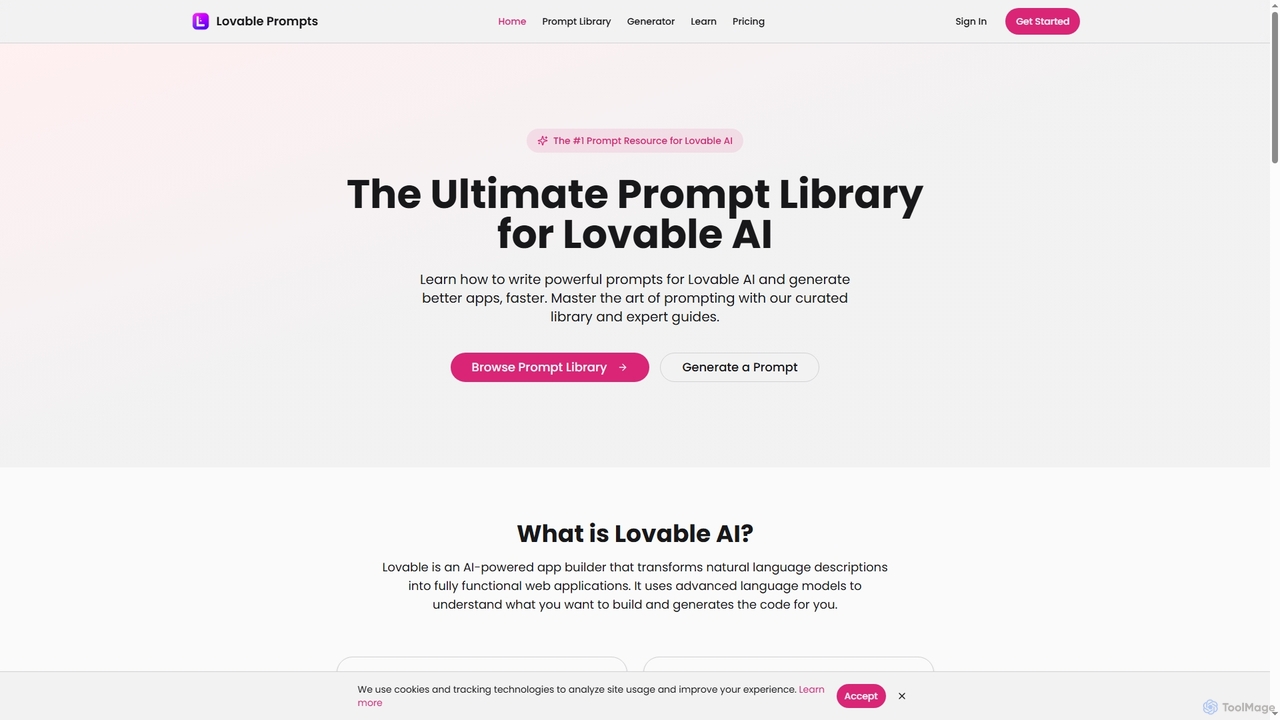
Lovable Prompts is the premier resource for crafting effective prompts for Lovable AI, an advanced AI app builder. It offers a comprehensive library of curated prompts and an AI-powered generator to help users quickly create functional web applications in React, TypeScript, and Tailwind CSS. Master prompt engineering to accelerate app development and achieve superior results.

Code Generation
Visits 8.9KFavorites 52Likes 63
Aura Mixer
Freemium

Aura Mixer

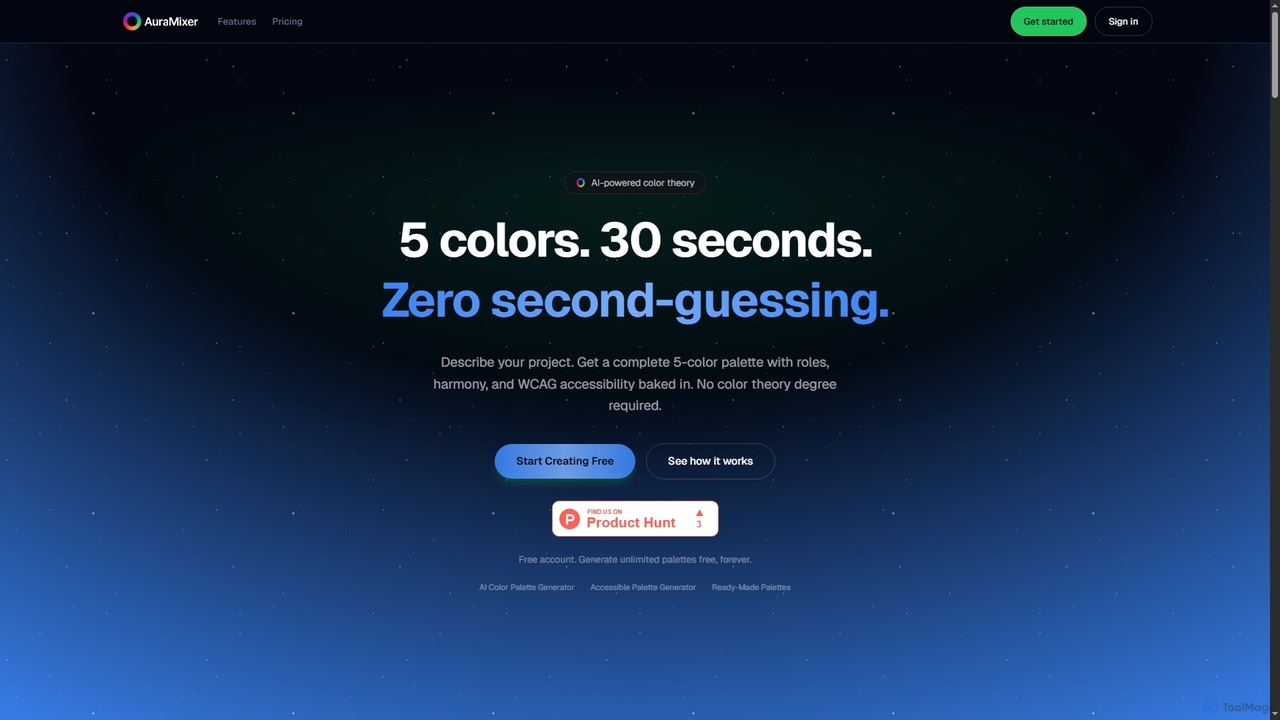
Aura Mixer is an AI-powered color palette generator that creates professional, accessible 5-color palettes in seconds. It applies real color theory, ensuring WCAG AA compliance and balanced color distribution for UI/UX design, web development, and branding projects.

Design Tools
Visits 6.5KFavorites 122Likes 107
HeroUI Chat
Freemium

HeroUI Chat

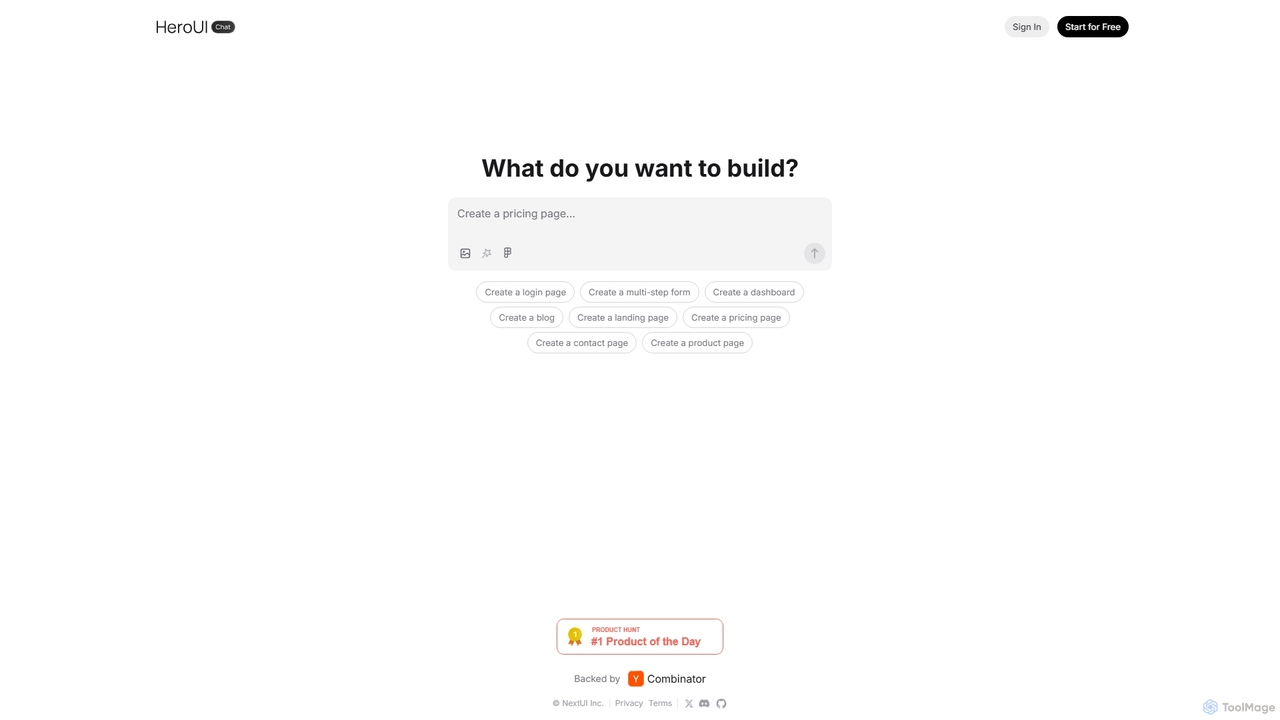
HeroUI Chat is an AI-powered tool that generates UI components and pages from simple text prompts. Built on NextUI and Tailwind CSS, it allows developers and designers to rapidly create beautiful, responsive, and accessible user interfaces by describing them in natural language, significantly accelerating the prototyping and development workflow.

Ui Ux
Visits 37.4KFavorites 102Likes 111
V0
Freemium

V0

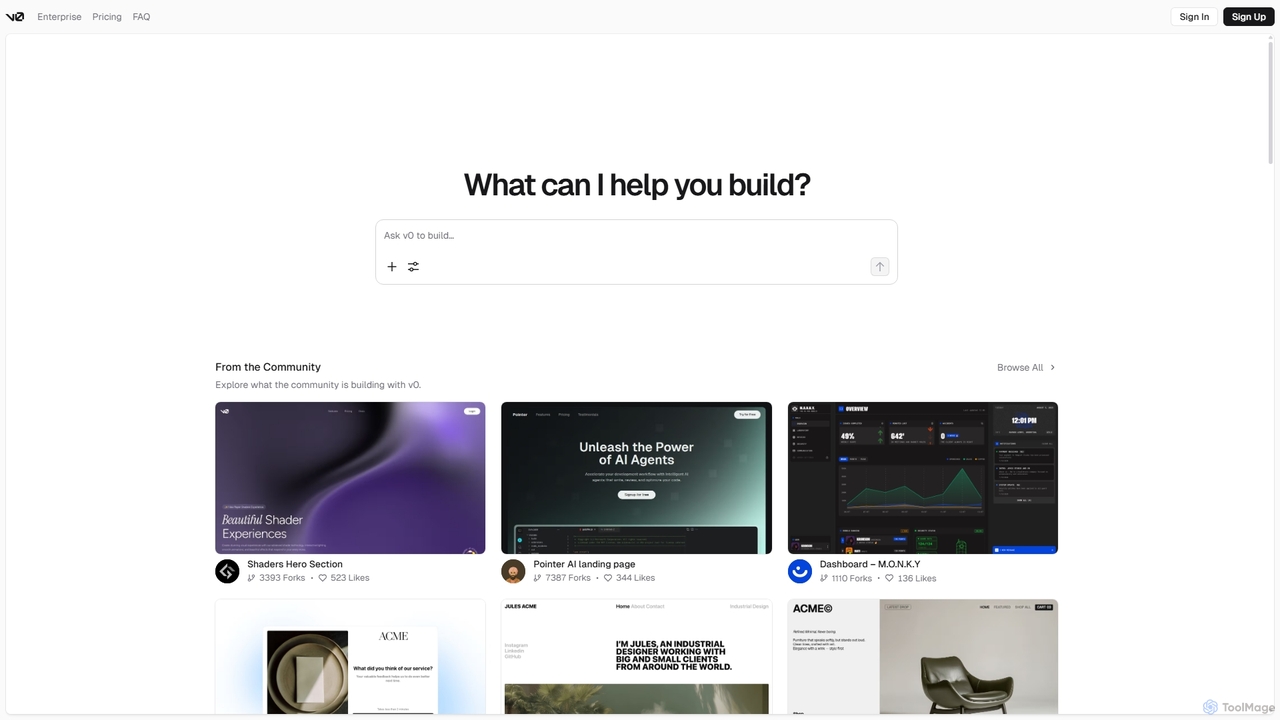
V0 by Vercel is a generative AI platform that transforms text prompts, screenshots, and Figma designs into production-ready frontend code. It acts as an AI pair-programmer, enabling users to rapidly build and iterate on UI components and full-stack applications using React, Svelte, and Vue. With its chat-based interface, it accelerates the development workflow for engineers, designers, and product managers, allowing for seamless deployment to the Vercel platform.

Ui Ux
Visits 4.1MFavorites 145Likes 112
Webcrumbs
Freemium

Webcrumbs

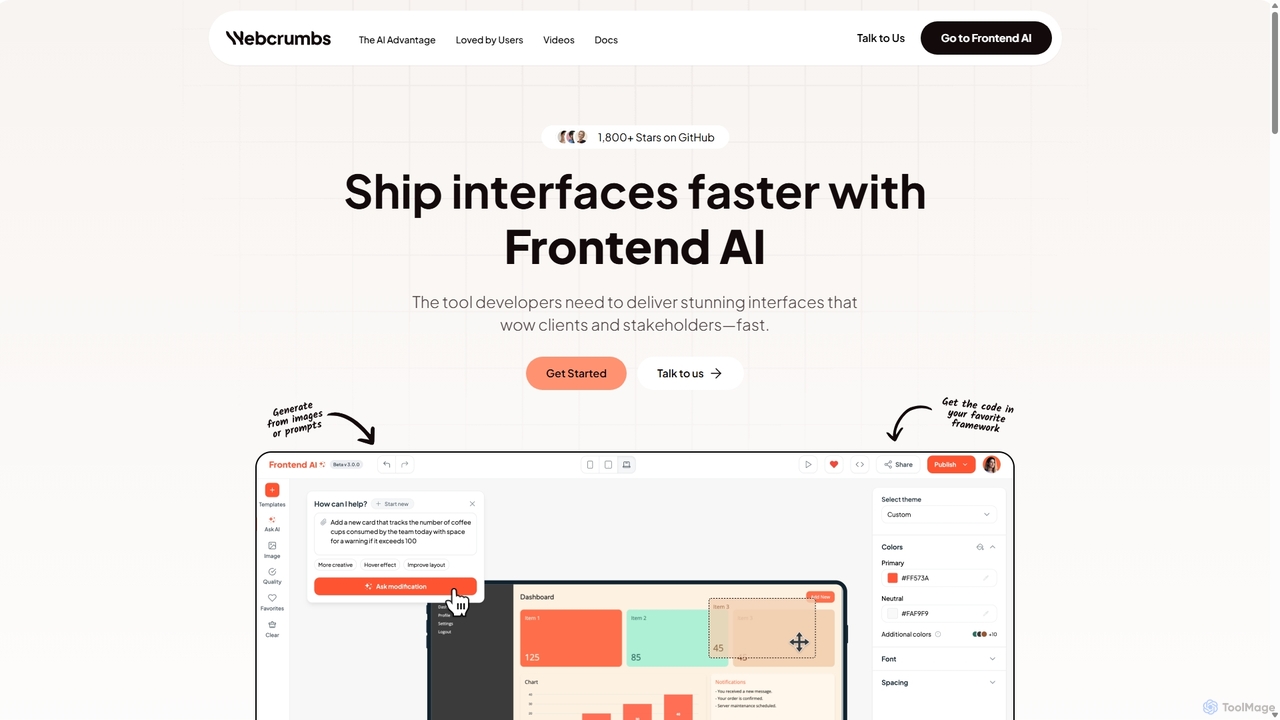
Webcrumbs is an AI-powered frontend development platform designed to accelerate UI creation. It combines a powerful prompt-to-code engine with a visual editor, enabling developers and designers to rapidly build, refine, and ship high-quality interface components. By translating natural language or images into clean, production-ready code, Webcrumbs streamlines the workflow, enhances collaboration, and ensures design consistency across projects.

Ui Ux
Visits 13.4KFavorites 166Likes 165
Mokkup
Freemium

Mokkup

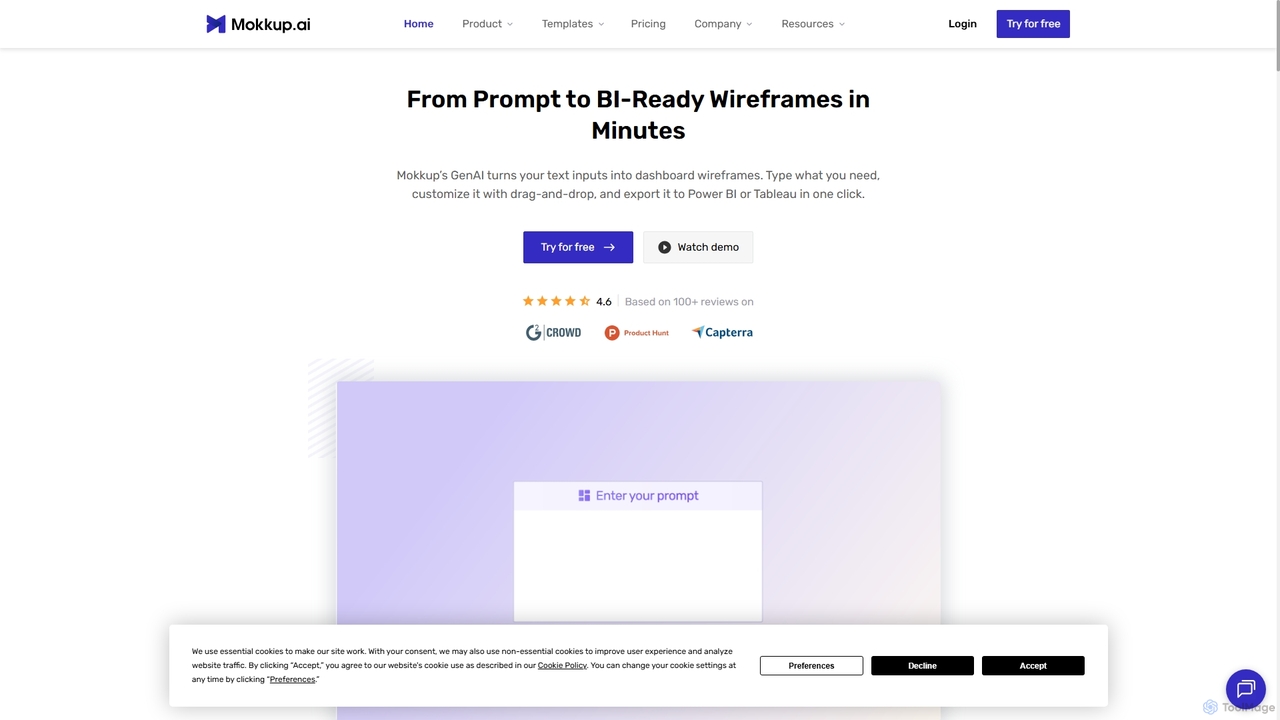
Mokkup is an AI-powered dashboard wireframing tool that transforms text prompts into high-fidelity, BI-ready mockups in minutes. Designed for data analysts and BI developers, it simplifies the design process with a drag-and-drop editor, real-time collaboration, and one-click export to Power BI and Tableau, accelerating the entire business intelligence workflow.

Visualization
Visits 94.2KFavorites 125Likes 117
Figr AI
Freemium

Figr AI

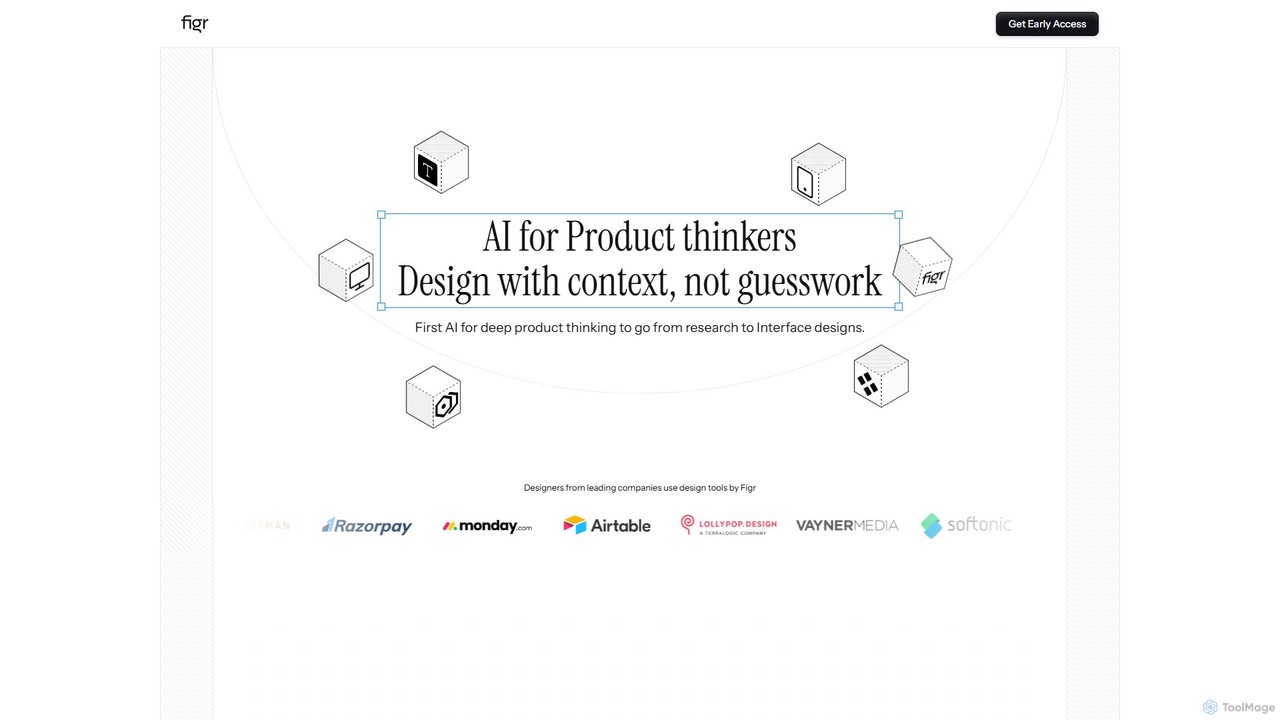
Figr AI is an AI-powered design platform that transforms text prompts into high-fidelity UI/UX designs, diagrams, and prototypes. It streamlines the creative process, enabling designers, developers, and product managers to rapidly visualize ideas, generate components, and build complete user flows. By automating repetitive tasks, Figr AI accelerates product development, enhances collaboration, and makes professional design accessible to everyone on the team.

Ui Ux
Visits 13.8KFavorites 130Likes 126
Visily
Freemium

Visily

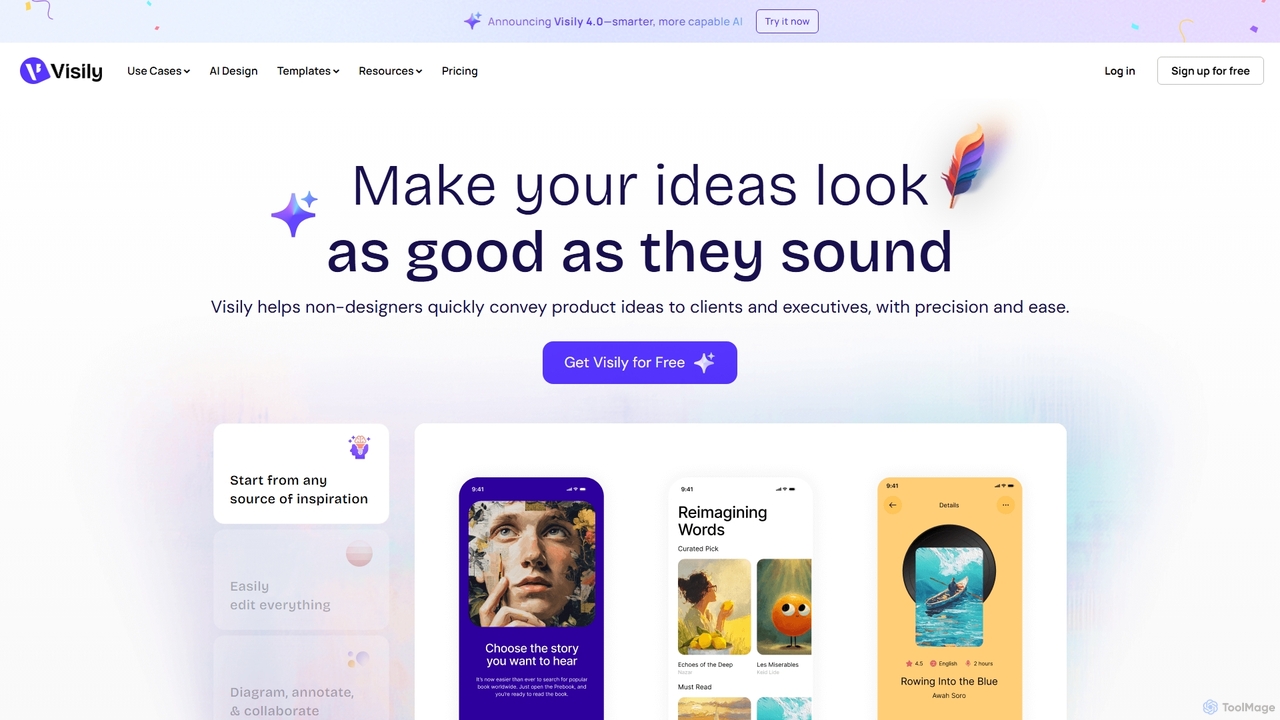
Visily is an AI-powered UI design and prototyping tool specifically created for non-designers. It enables teams to quickly transform ideas, screenshots, or text prompts into high-fidelity wireframes and mockups. With its intuitive interface and powerful collaboration features, Visily streamlines the process of visualizing product concepts and gathering feedback, bridging the gap between ideas and execution without a steep learning curve.

Ui Ux
Visits 332.4KFavorites 130Likes 134
framify
Freemium

framify

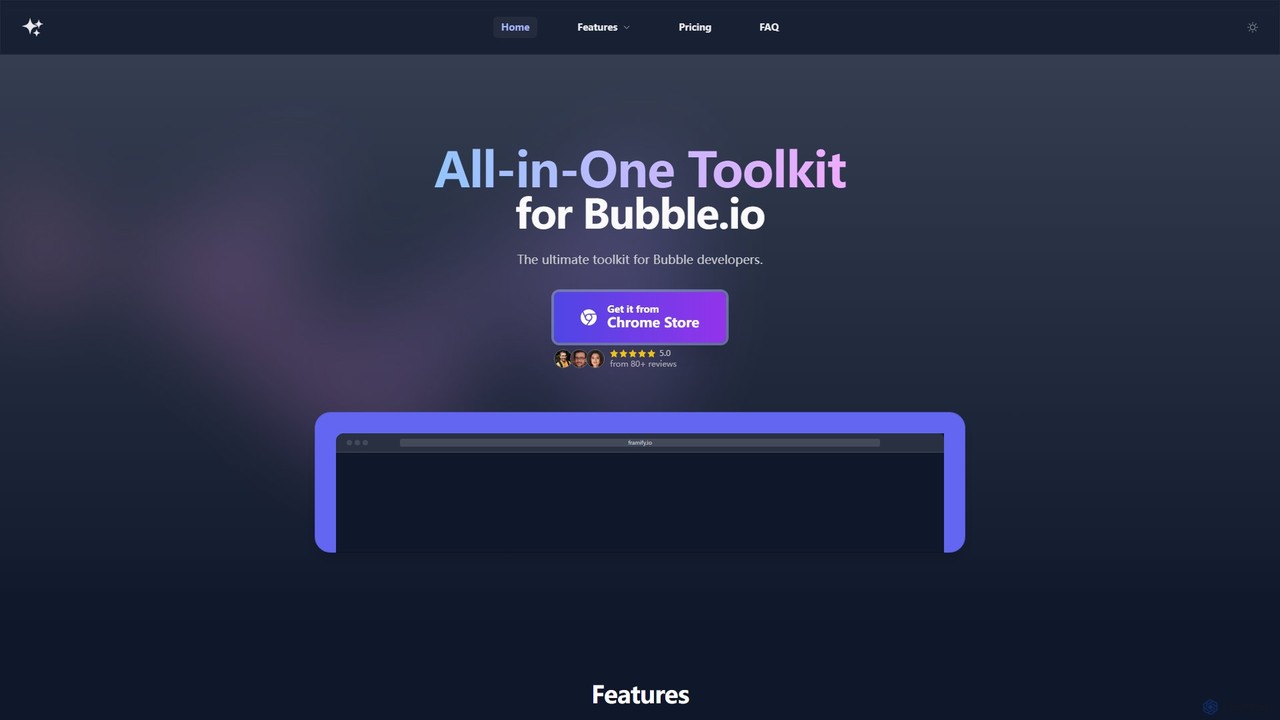
Framify is an all-in-one AI-powered toolkit and component library for Bubble.io and Webflow developers. It accelerates web development with a vast library of UI components, a Figma to Bubble converter, an AI site builder, and various productivity tools. It's designed to streamline workflows, enhance design, and reduce development time significantly.

Website Builder
Visits 12.1KFavorites 141Likes 136
Baked Design
Paid

Baked Design

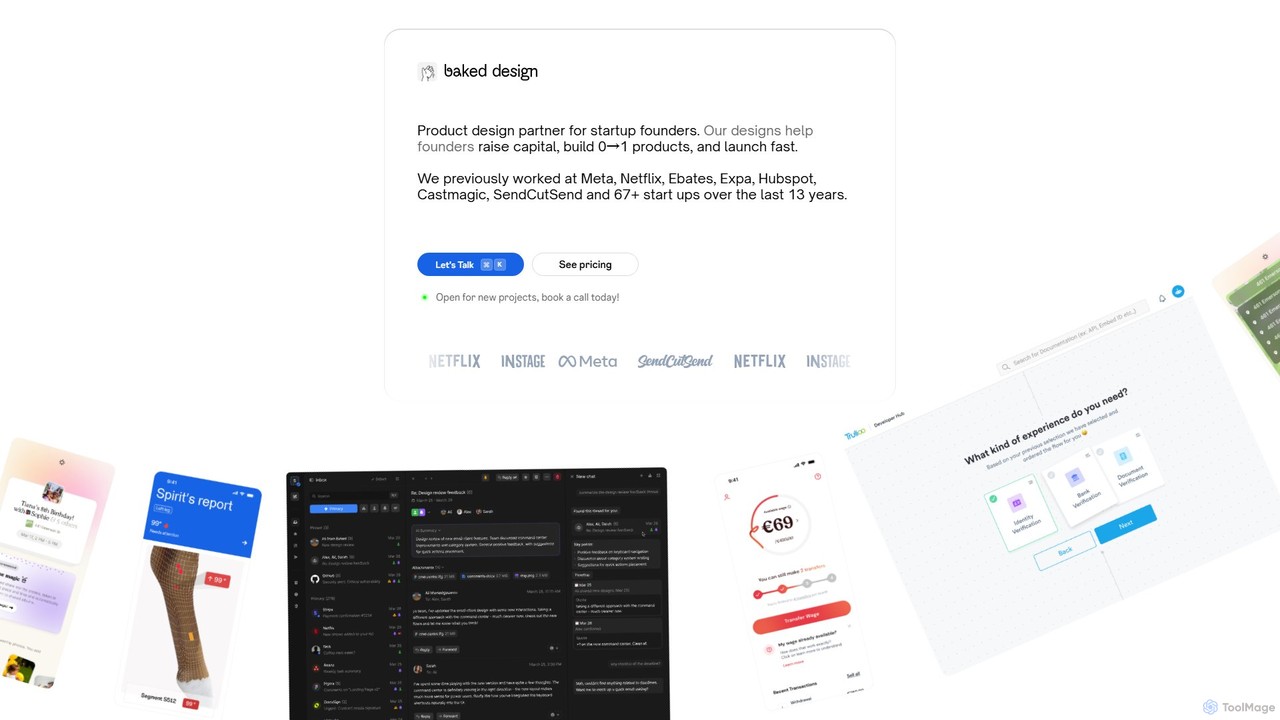
Baked Design is a product design partner for startups, offering world-class design services on a flexible monthly subscription. Get access to senior designers from Meta, Netflix, and Hubspot to help you build 0→1 products, raise capital, and launch faster. Services include product design, UI/UX, branding, and marketing websites.

Startups
Visits 12.5KFavorites 142Likes 158
PromptCraft
Freemium

PromptCraft

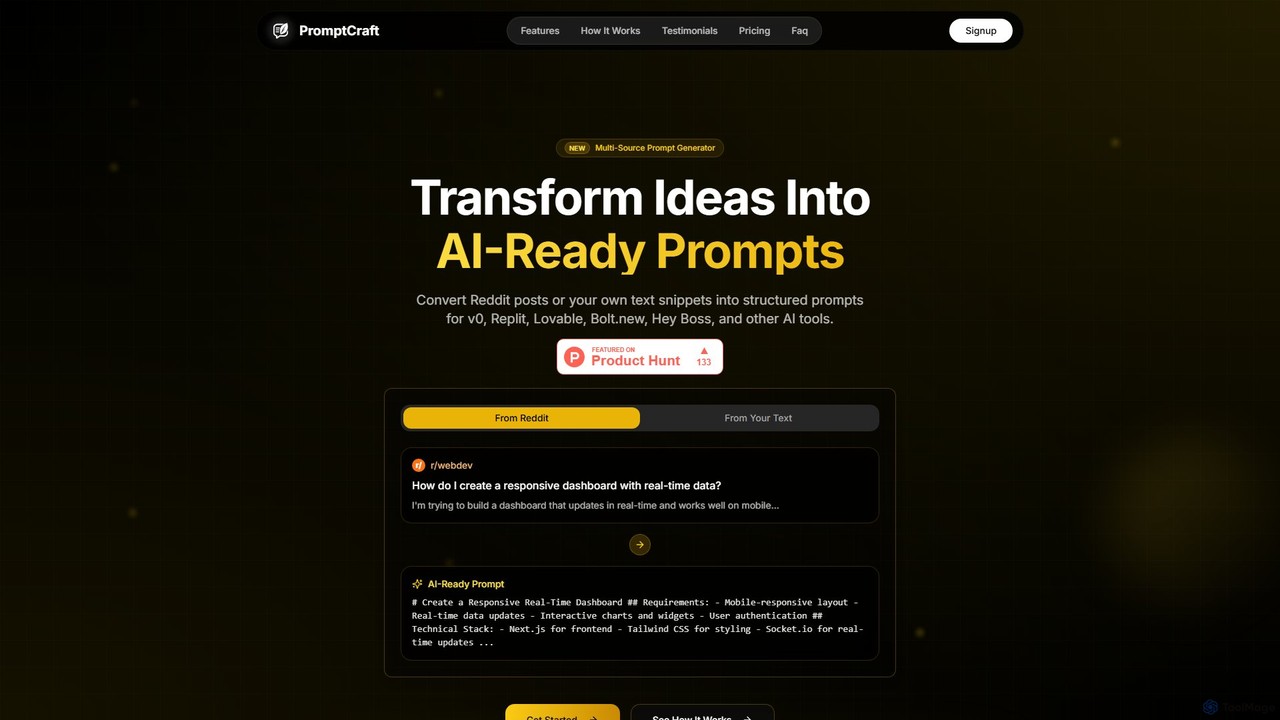
PromptCraft is an AI-powered tool that transforms ideas from Reddit posts or user-provided text into structured, optimized prompts for AI code and UI generation platforms like v0, Replit, and more. It helps developers and designers discover trending ideas and accelerate their workflow from concept to creation by generating high-quality, platform-specific prompts.

Code Assistant
Visits 6.5KFavorites 108Likes 104
Figr
Freemium

Figr

Figr is an AI-powered design suite that accelerates the product design workflow. It specializes in creating production-grade design systems directly within Figma, automating the generation of design tokens, components, and documentation. It's built for product thinkers, designers, and teams to transform research and context into clear, consistent, and scalable user interfaces with remarkable speed.

Ui Ux
Visits 96.3KFavorites 154Likes 155
MasterGo
Freemium

MasterGo

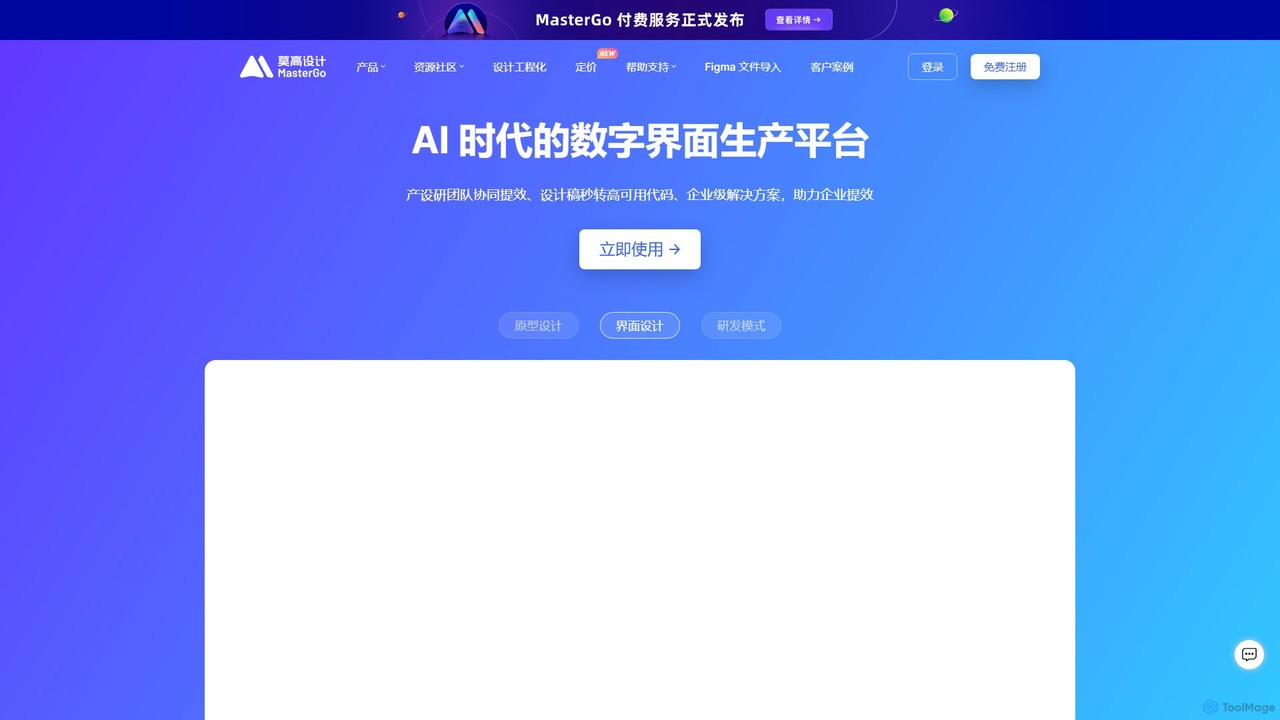
MasterGo is an AI-powered, all-in-one collaborative UI/UX design platform. It streamlines the entire workflow from prototyping and interface design to developer handoff. Built for real-time collaboration, it helps teams create, iterate, and manage digital products efficiently with features like design systems, AI-assisted generation, and enterprise-level security.

Ui Ux
Visits 1.2MFavorites 131Likes 127
Codia
Freemium

Codia

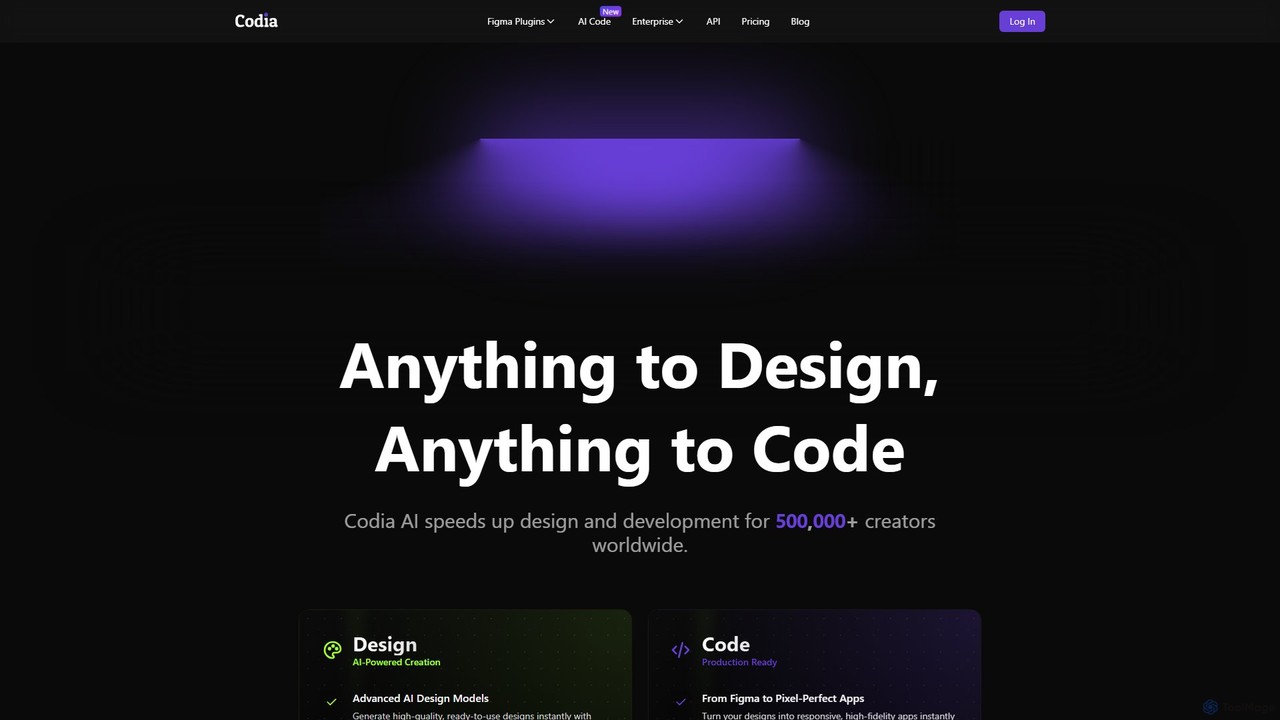
Codia is a leading AI-powered platform that automates the design-to-development workflow. It instantly converts designs from Figma, screenshots, PSD, and more into high-quality, production-ready code for various frameworks like React, Vue, and SwiftUI. It also features AI tools to generate editable UI from text prompts or transform static images into scalable vector graphics, dramatically accelerating the entire product creation process for developers and designers.

Ui Ux
Visits 242.8KFavorites 133Likes 152
Devwares
Freemium

Devwares

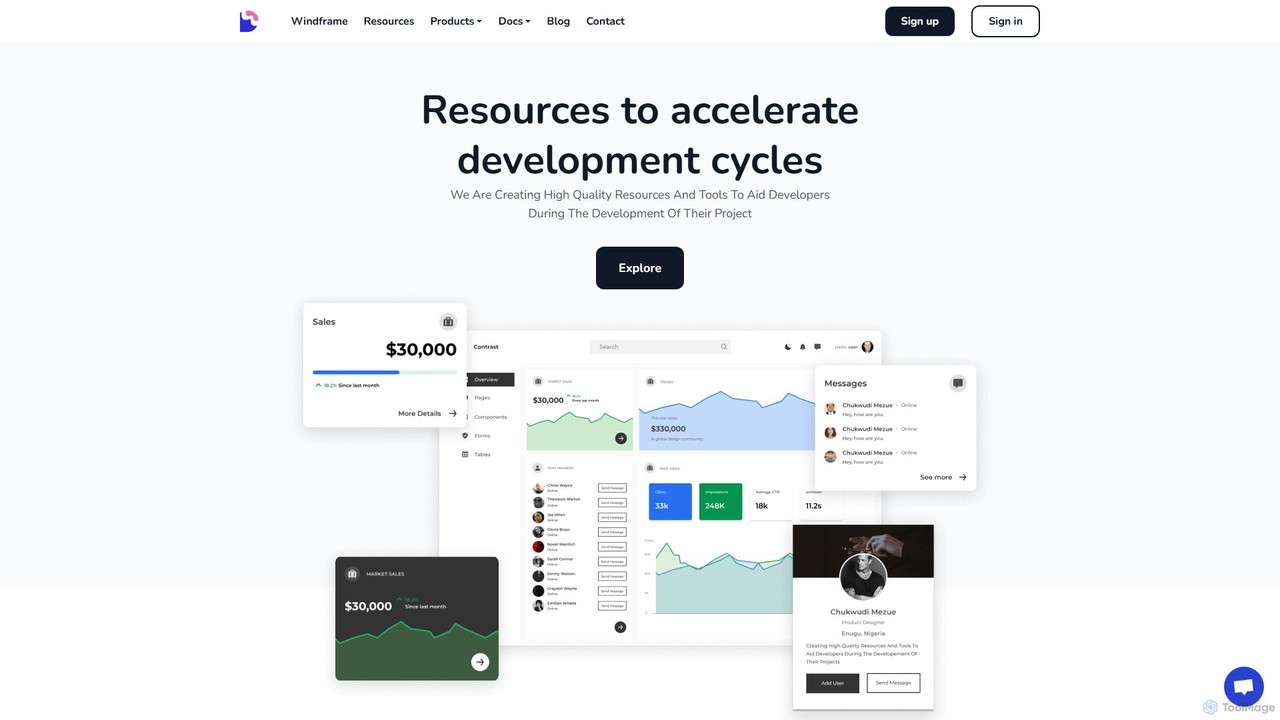
Devwares is a comprehensive platform offering tools and resources for developers and designers. Its flagship product, Windframe, is an AI-powered visual builder for Tailwind CSS that accelerates UI and website creation by 10x. Generate designs with AI prompts, use a drag-and-drop editor, and access a vast library of templates to build and export production-ready code for React, Vue, and more.

Ui Ux
Visits 15.7KFavorites 148Likes 138
Unshift
Freemium

Unshift

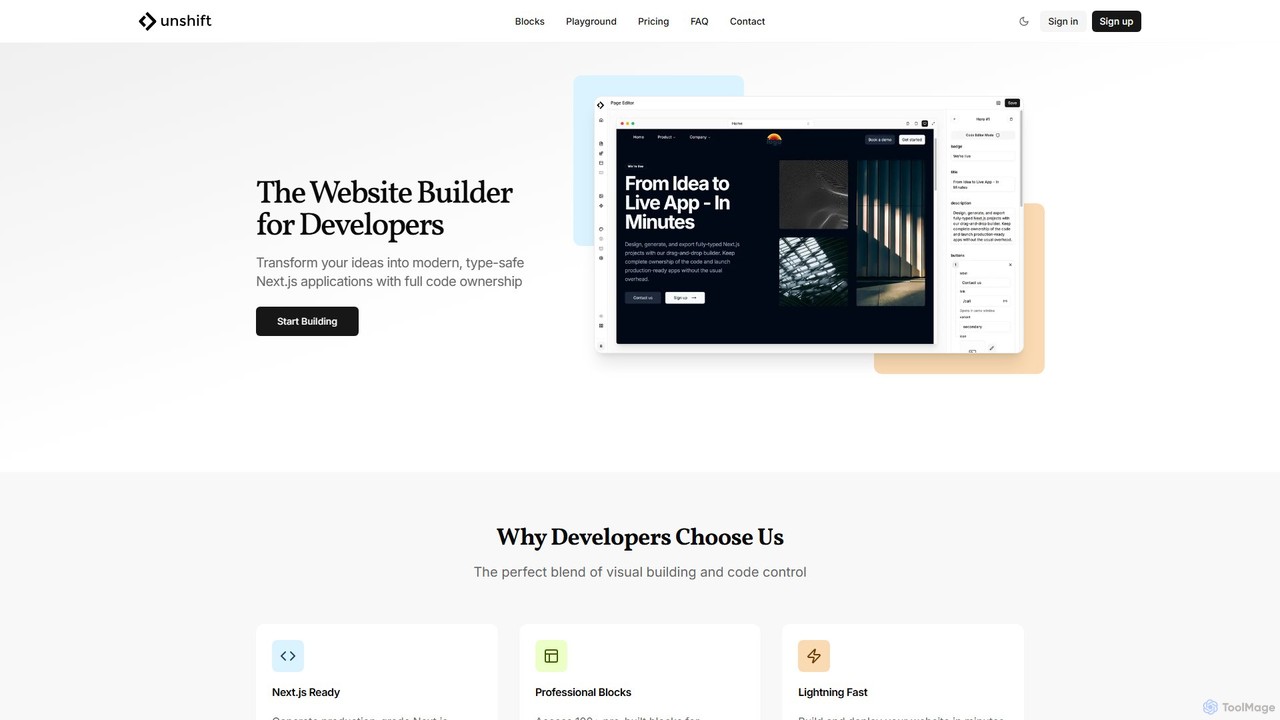
Unshift is a website builder designed for developers, blending visual editing with full code control. It generates production-grade Next.js applications with TypeScript and TailwindCSS, offering complete code ownership via a clean Git repository. With over 100 pre-built blocks and a developer-first approach, it accelerates the process of turning ideas into modern, type-safe web applications without vendor lock-in.

Ui Ux
Visits 6.8KFavorites 140Likes 146
CallToInspiration
Paid

CallToInspiration

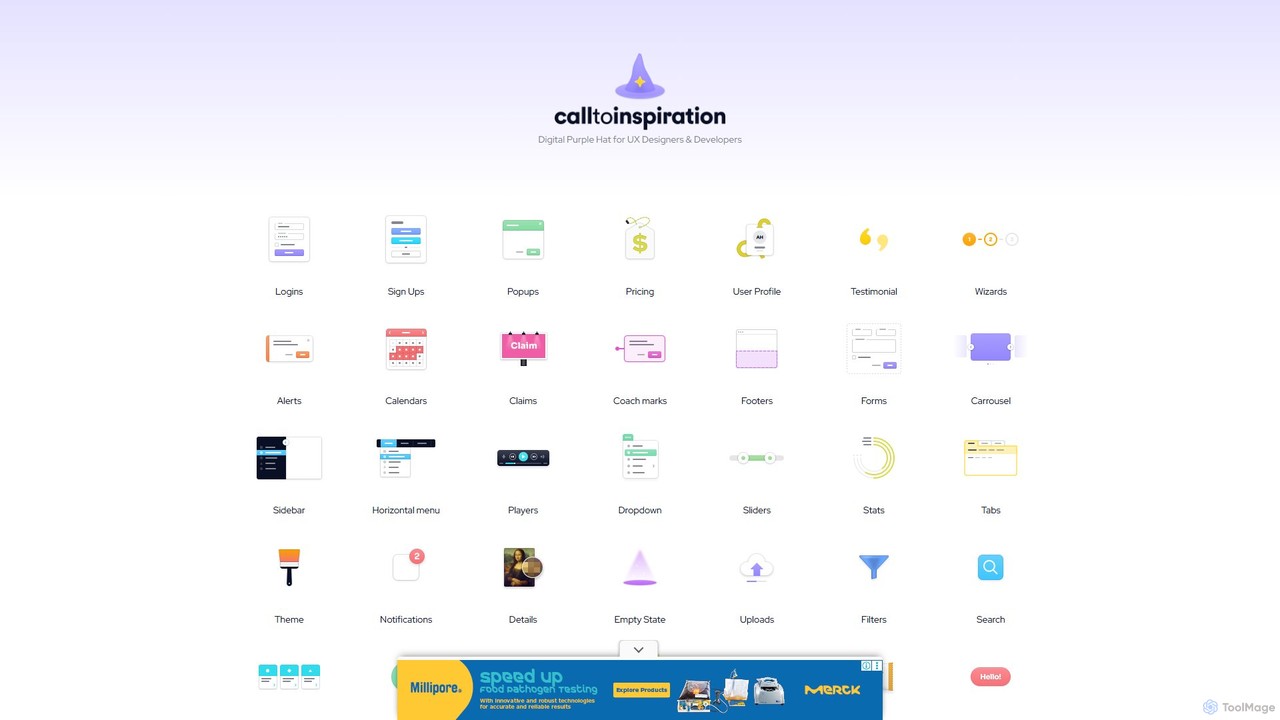
A comprehensive design inspiration library for UX/UI designers and developers. It offers a massive, curated collection of real-world examples for various interface components like login forms, pricing tables, and user profiles, helping to overcome creative blocks and accelerate the design process.

Ui Ux
Visits 7.5KFavorites 114Likes 127
Codux
Free

Codux

Codux is a visual development environment for React that bridges the gap between design and code. It allows developers and designers to build, test, and collaborate on React applications and design systems in a real-time, visual workspace, streamlining the entire workflow.

Ui Ux
Visits 12.9KFavorites 117Likes 122
Reweb
Freemium

Reweb

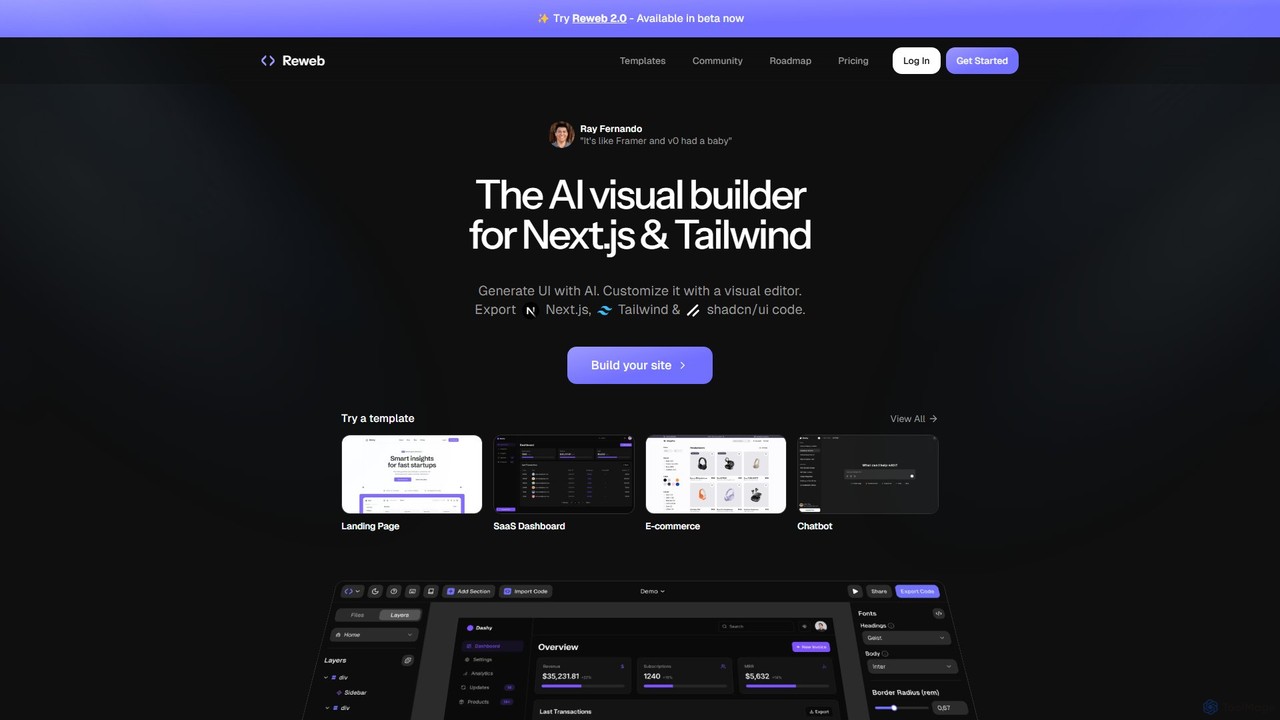
Reweb is an AI-powered visual builder designed for developers. It enables users to generate UI components using AI from text prompts or images, customize them with a sophisticated visual editor, and export high-quality, production-ready code for Next.js, Tailwind CSS, and shadcn/ui. It bridges the gap between no-code platforms and traditional coding, accelerating the development workflow without sacrificing code quality or flexibility.

Ui Ux
Visits 9.4KFavorites 122Likes 133
App Alchemy
Freemium

App Alchemy

App Alchemy is an AI-powered design tool that generates beautiful, professional mobile app mockups in seconds. Simply describe your app idea, use a template, or upload screenshots, and the AI will instantly create UI designs. It's designed for developers, entrepreneurs, and designers to rapidly visualize, iterate, and export app concepts without needing complex design skills or expensive software.

Ui Ux
Visits 117.5KFavorites 119Likes 119
Droplette
Paid

Droplette

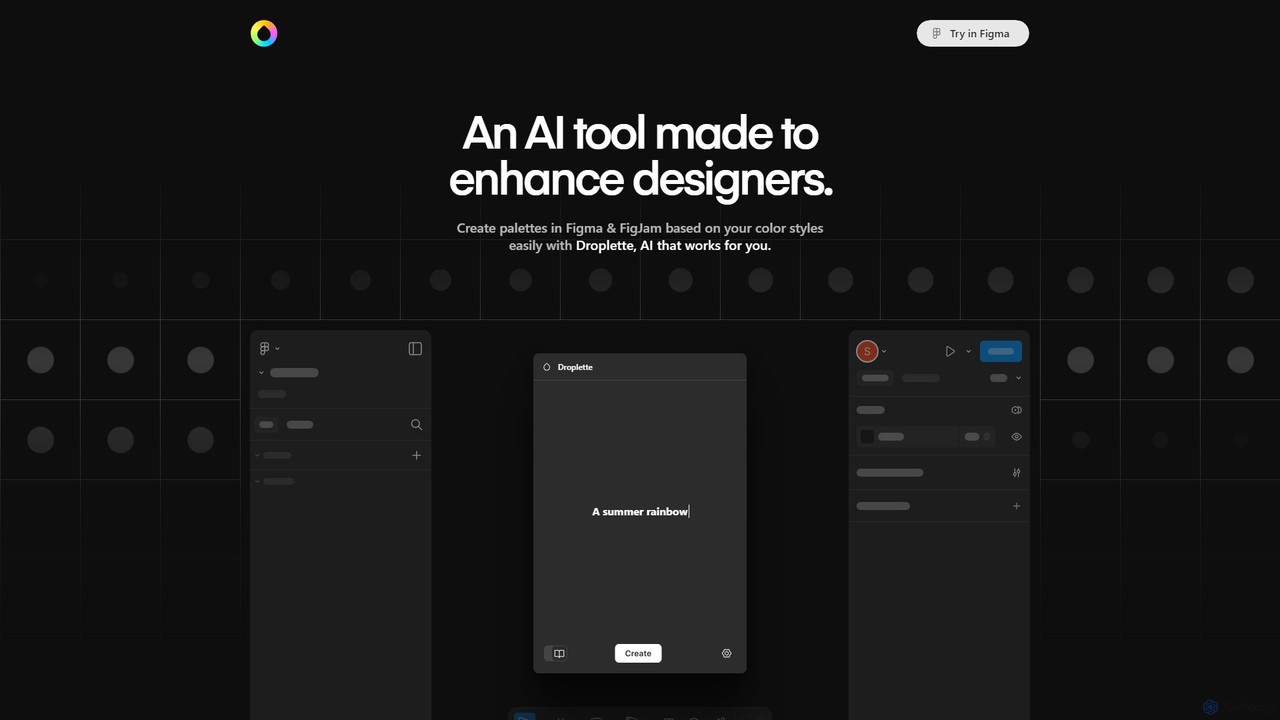
Droplette is an intelligent AI-powered color palette generator designed as a plugin for Figma and FigJam. It helps designers create unique and harmonious color schemes by extracting colors from frames, syncing with existing color styles, or generating new palettes from scratch. It offers an intuitive interface for real-time adjustments and iterations, streamlining the design workflow.

Color Palette
Visits 6.4KFavorites 157Likes 146
Heatbot
Paid

Heatbot

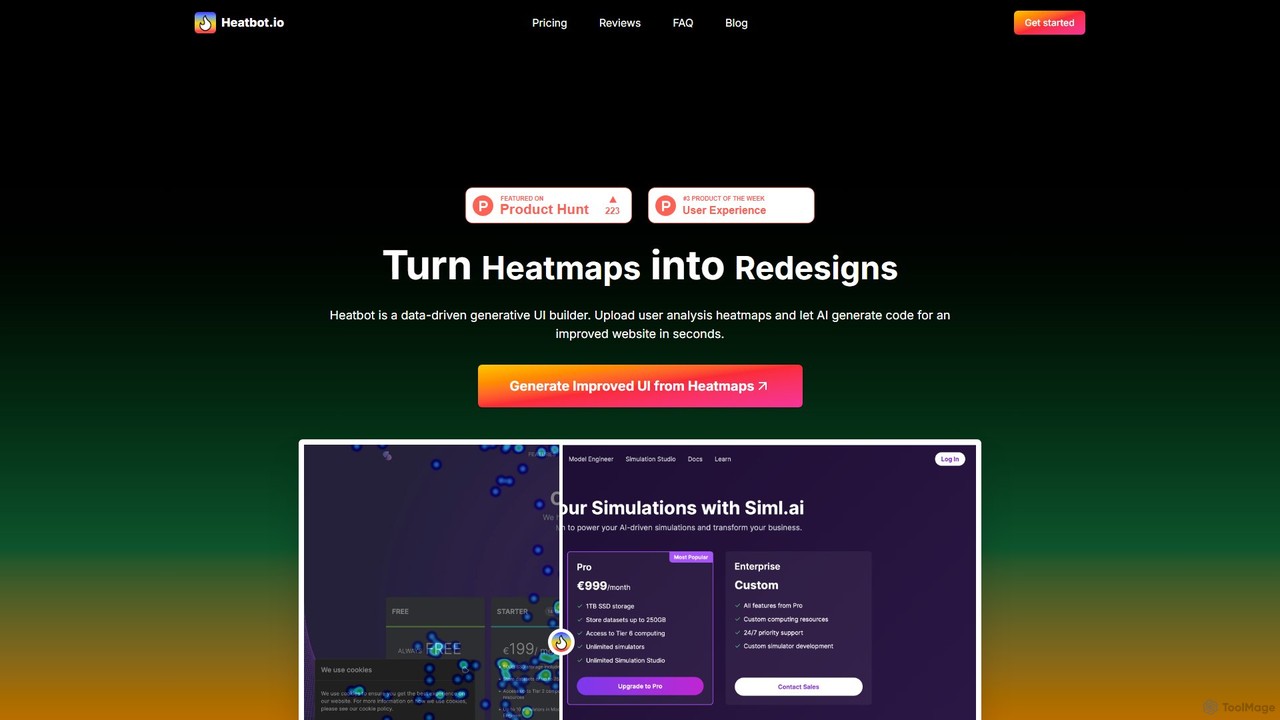
Heatbot is a data-driven generative UI builder that uses AI to analyze website heatmaps. It automatically generates improved HTML, CSS, and JavaScript code to enhance user experience, optimize layouts, and increase conversion rates, effectively turning user behavior data into actionable redesigns.

Ui Ux
Visits 7.7KFavorites 166Likes 170
Pixso
Freemium

Pixso

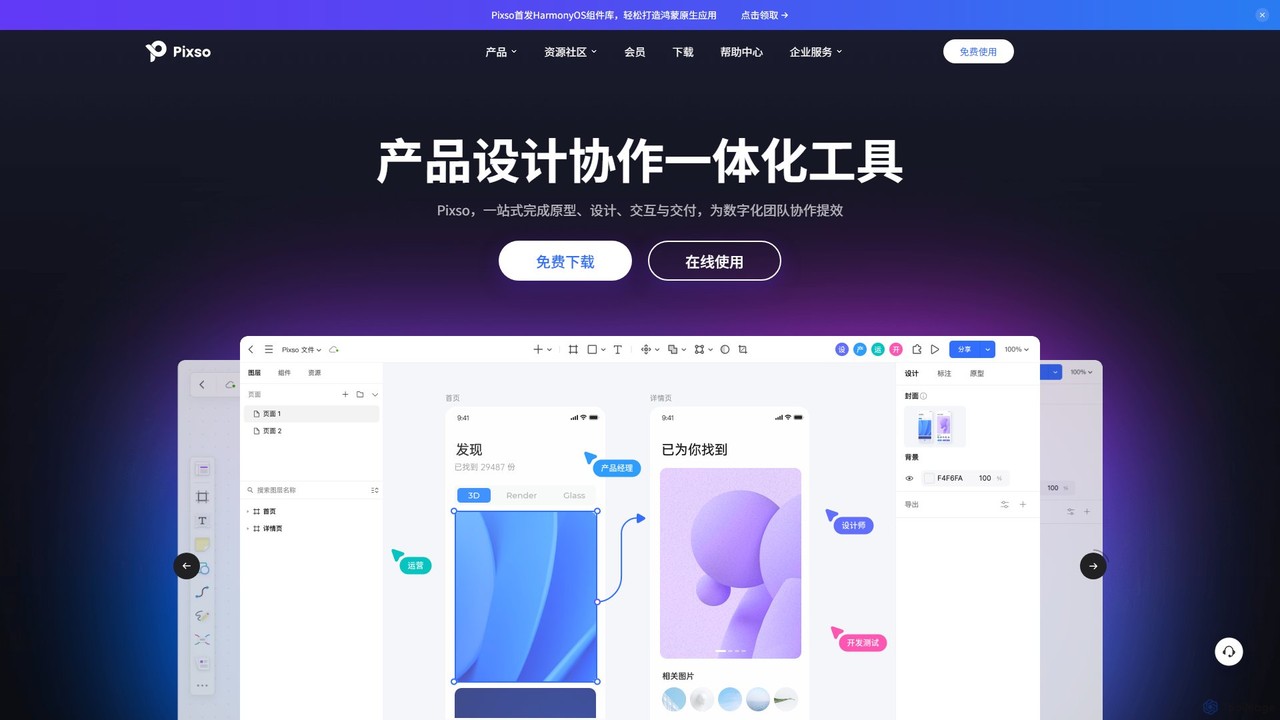
Pixso is an all-in-one, cloud-based collaborative product design platform for UI/UX design, prototyping, and developer handoff. It integrates design tools, interactive prototyping, and an online whiteboard, positioning itself as a powerful, real-time alternative to Figma and Sketch, built to enhance team efficiency.

Ui Ux
Visits 441.9KFavorites 146Likes 138
CodeSnaps
Freemium

CodeSnaps

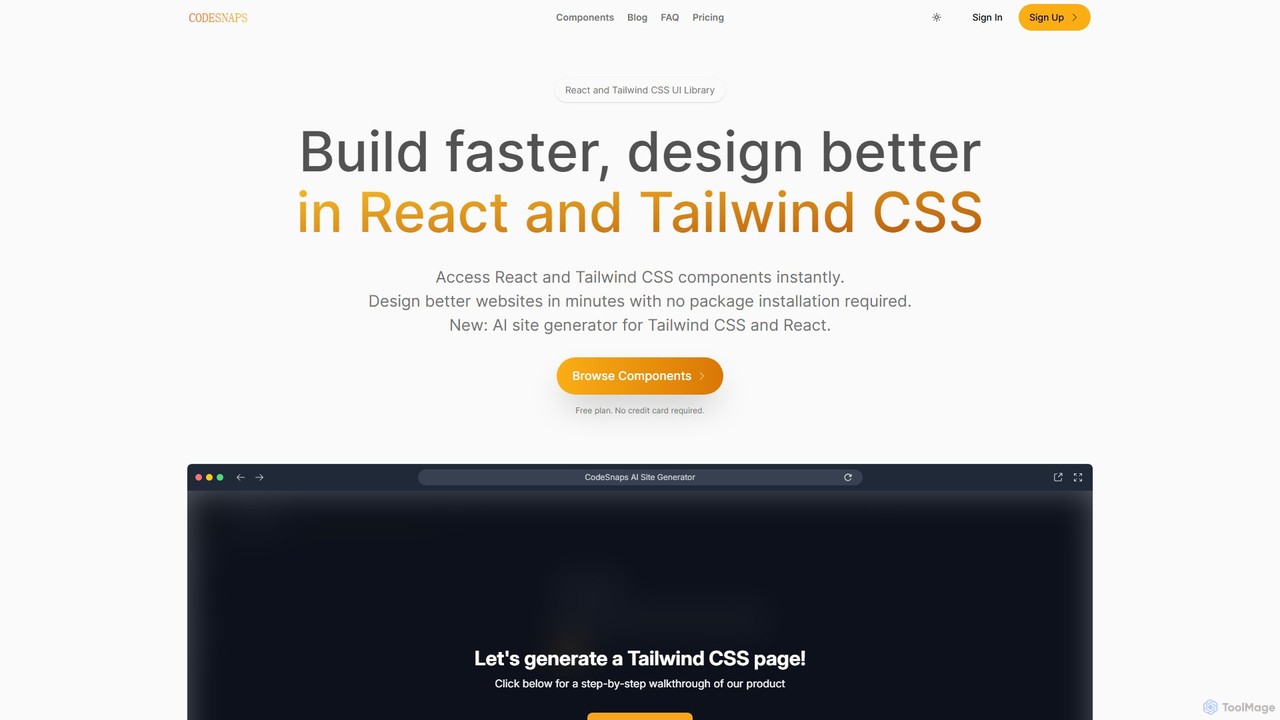
CodeSnaps is an AI-powered UI library for React and Tailwind CSS. It helps developers build websites and MVPs faster with a vast collection of production-ready components and an innovative AI site generator. Simply describe your site, and the AI will generate the structure and code, which you can then customize and download.

Ui Ux
Visits 6.4KFavorites 142Likes 124

About Ui Ux

UI/UX AI tools are a specialized category within AI design, leveraging artificial intelligence to streamline and enhance the user interface (UI) and user experience (UX) design process. These tools utilize machine learning algorithms to automate repetitive tasks, generate design variations, analyze user behavior, and provide data-driven insights. Their primary value lies in accelerating design workflows, improving design consistency, and creating more intuitive and personalized user experiences.

Core Features

  • AI-Powered Wireframing & Prototyping: Automatically generates initial layouts, wireframes, and interactive prototypes from text descriptions or sketches.
  • Design System Management: Helps maintain consistency by identifying, organizing, and applying design tokens and components across projects.
  • User Feedback Analysis: Analyzes qualitative and quantitative user data to identify pain points, suggest improvements, and predict user behavior.
  • Accessibility & Usability Audits: Automatically checks designs against accessibility standards and usability heuristics, providing actionable recommendations.
  • Personalized UI Generation: Creates dynamic UI elements and layouts tailored to individual user preferences and behaviors.

Applicable Scenarios

Product designers use these tools to rapidly iterate on design concepts and validate ideas with data. Marketing teams leverage AI for A/B testing different UI elements to optimize conversion rates. Developers integrate AI-generated design specifications to ensure design fidelity and accelerate front-end development.

How to Choose

When selecting UI/UX AI tools, consider their integration capabilities with your existing design software (e.g., Figma, Sketch). Evaluate the breadth and depth of their AI features, distinguishing between generative AI for creation and analytical AI for insights. Assess the collaboration features for team workflows and the learning curve for your design team. Finally, compare pricing models and ensure the tool aligns with your specific project needs and budget.

Featured tool rankings

Ui Ux use cases

1

Automating Wireframe Generation from Text Descriptions

Product designers can input simple text descriptions or user stories into an AI UI/UX tool, which then automatically generates initial wireframes or low-fidelity prototypes. This allows designers to quickly visualize concepts, test different layouts, and iterate on ideas without spending hours on manual drawing. The AI interprets the intent, suggesting common UI patterns and components, significantly accelerating the early stages of the design process and enabling faster stakeholder feedback.

2

Generating Personalized UI Variations for A/B Testing

Marketing and product teams can use AI UI/UX tools to generate multiple, subtly different UI variations for specific user segments. Instead of manually creating each version, the AI can adjust elements like button colors, call-to-action text, or layout based on predefined parameters or predicted user preferences. These AI-generated variations can then be used for A/B testing, allowing teams to quickly identify which design performs best for different user groups, leading to optimized conversion rates and improved user engagement.

3

Analyzing User Feedback for UX Improvements

UX researchers and product managers can leverage AI UI/UX tools to process vast amounts of qualitative user feedback, such as survey responses, support tickets, and user reviews. The AI can identify common themes, sentiment, and emerging pain points that might be missed by manual analysis. This data-driven approach helps prioritize UX improvements, pinpoint specific design flaws, and inform strategic decisions, leading to a more user-centric product development roadmap and higher user satisfaction.

4

Creating Accessible Design Systems with AI

Design teams can utilize AI UI/UX tools to build and maintain highly accessible design systems. The AI can automatically check color contrast ratios, font sizes, touch target areas, and semantic HTML structures against WCAG (Web Content Accessibility Guidelines) standards. It can also suggest alternative text for images or provide recommendations for keyboard navigation. This ensures that designs are inclusive from the outset, reducing the need for costly retrofitting and ensuring compliance with accessibility regulations, benefiting a wider user base.

5

Converting Hand-Drawn Sketches to Digital UI

Individual designers or small teams can accelerate their ideation process by using AI UI/UX tools to convert hand-drawn sketches into digital UI elements. By simply taking a photo of a sketch, the AI can recognize common UI components like buttons, input fields, and navigation bars, and transform them into editable digital assets. This bridges the gap between rapid analog ideation and digital design, allowing for quicker prototyping and integration into design software, saving significant time in the initial design phase.

6

Optimizing User Flows Based on Behavioral Data

UX designers and data analysts can utilize AI UI/UX tools to analyze vast datasets of user behavioral data, such as click paths, session recordings, and conversion funnels. The AI can identify bottlenecks, common drop-off points, and inefficient user flows. Based on these insights, the tool can suggest optimized user journeys, reordering steps, or redesigning specific screens to improve efficiency and user satisfaction. This data-driven optimization helps create more seamless and effective user experiences, directly impacting business goals like retention and conversion.

Ui Ux FAQ

What are UI/UX AI tools?

UI/UX AI tools are software applications that integrate artificial intelligence to assist and automate various aspects of user interface (UI) and user experience (UX) design. They leverage machine learning to generate design elements, analyze user data, optimize workflows, and provide insights. These tools aim to enhance efficiency, consistency, and the overall quality of digital product design, making the process faster and more data-driven.

How do AI UI/UX tools differ from traditional design software?

Traditional design software (e.g., Figma, Sketch) provides a canvas and tools for manual design creation, requiring designers to make all decisions. AI UI/UX tools, however, augment this process with intelligence. They can generate design suggestions, automate repetitive tasks like resizing or component creation, analyze user data to inform design choices, and even predict user behavior. While traditional tools are foundational, AI tools add a layer of automation, data-driven insights, and generative capabilities that significantly enhance efficiency and decision-making.

What are the main benefits of using AI in UI/UX design?

Integrating AI into UI/UX design offers several key benefits. Firstly, it significantly boosts efficiency by automating repetitive tasks, allowing designers to focus on more strategic and creative work. Secondly, AI enhances design consistency by enforcing design system rules and generating coherent elements. Thirdly, it provides data-driven insights from user behavior analysis, leading to more informed design decisions and improved user satisfaction. Lastly, AI enables personalization and rapid prototyping, accelerating the iteration cycle and delivering more tailored user experiences.

Who can benefit most from UI/UX AI tools?

A wide range of professionals can benefit from UI/UX AI tools. Product designers and UX researchers gain efficiency in prototyping, user testing, and data analysis. Marketing teams can optimize conversion rates through AI-driven A/B testing and personalized UI generation. Developers benefit from clearer design specifications and automated design system integration. Even small businesses and individual creators can leverage these tools to produce professional-grade designs without extensive design expertise, democratizing access to high-quality UI/UX.

How to choose the right AI UI/UX tool for your project?

Choosing the right AI UI/UX tool involves several considerations. First, assess your specific needs: are you looking for generative design, user behavior analysis, or accessibility checks? Second, evaluate its integration with your existing design ecosystem (e.g., Figma, Adobe XD). Third, consider the learning curve and ease of use for your team. Fourth, compare the AI's capabilities – some excel in specific areas like wireframing, others in data analysis. Finally, review pricing models, scalability, and customer support to ensure it aligns with your budget and long-term project goals.