

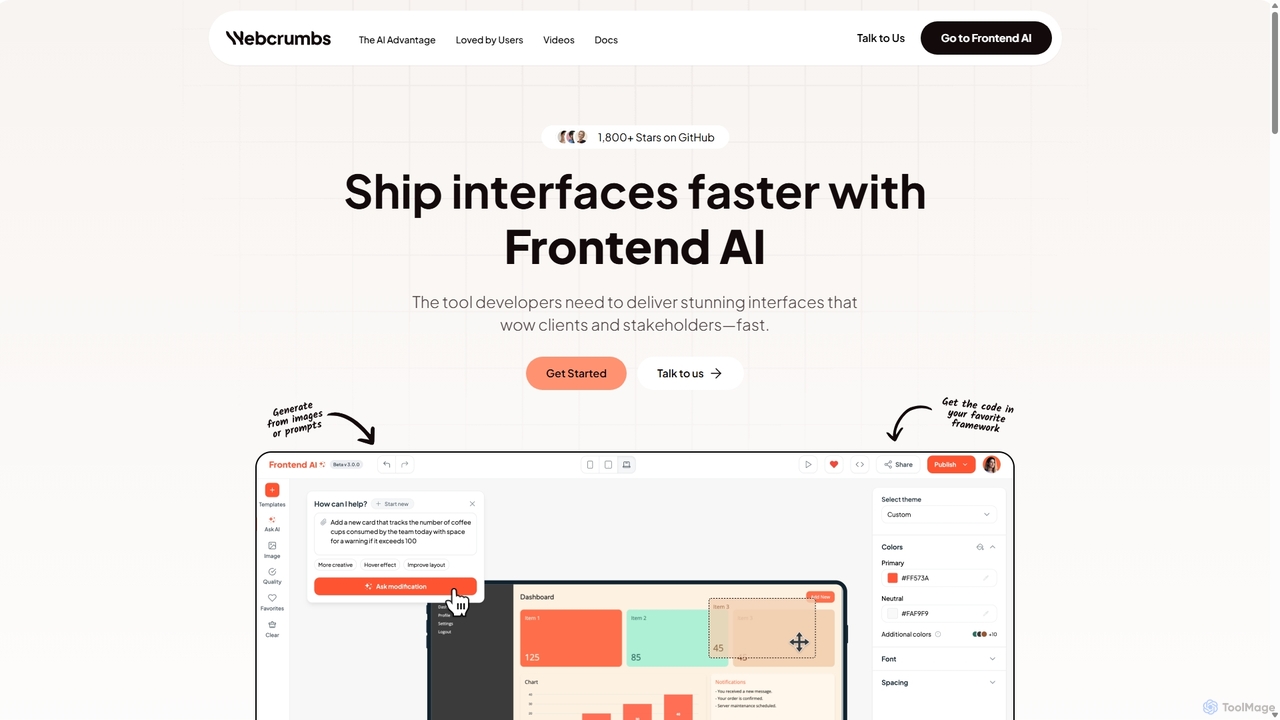
Webcrumbs Overview
Webcrumbs, also known as Frontend AI, is a revolutionary platform designed to transform the way developers and designers build user interfaces. It serves as a complete AI-powered studio that significantly accelerates the frontend development lifecycle. By intelligently combining the power of artificial intelligence with an intuitive visual code editor, Webcrumbs empowers teams to ship stunning, high-quality interfaces faster than ever before. The core mission of the tool is to eliminate the tedious, repetitive tasks of UI coding, allowing developers to focus on complex business logic and designers to ensure pixel-perfect implementation of their vision.
The platform is built for speed and efficiency, enabling users to launch their first component in seconds. It stands out from other prompt-to-code tools by offering a holistic environment where AI generation is just the starting point. Users can seamlessly transition from AI-generated code to a visual editor for real-time tweaks and a code editor for fine-grained control, ensuring the final output perfectly matches their requirements. This hybrid approach bridges the gap between automated generation and expert craftsmanship.
How to use Webcrumbs
Using Webcrumbs is a straightforward and intuitive process designed to integrate smoothly into your existing workflow:
- Generate Components: Start by describing the UI component you need in plain English (e.g., "create a responsive pricing table with three tiers and a highlighted 'popular' option"). Alternatively, you can upload an image or a screenshot of a design, and the AI will convert it into code.
- Visual Refinement: Once the initial component is generated, use the integrated visual editor to make adjustments. Click and drag elements, change colors, modify typography, adjust spacing, and see the changes reflected in real-time without writing a single line of code.
- Code Customization: For more complex logic or specific framework requirements, switch to the code generation tab. Here, you can directly edit the clean, well-structured HTML, CSS, and JavaScript code. The code is designed to be easily adaptable and ready for integration.
- Enforce Standards: Define and enforce your team’s design rules and coding standards directly within the platform. This ensures that all generated components are consistent with your existing design system and brand guidelines.
- Export and Integrate: Once you are satisfied with the component, export the clean code and integrate it directly into your favorite tools and frameworks like React, Vue, or Angular. For design workflows, use the Figma plugin to import your generated layouts as native Figma layers, ready for further polishing and handoff.
Core Features of Webcrumbs
- AI-Powered Code Generation: Instantly create UI components from text prompts or image uploads.
- Integrated Visual Editor: A WYSIWYG editor that allows for real-time, no-code customization of AI-generated components.
- Live Code Editor: Provides direct access to the generated HTML, CSS, and JavaScript for advanced modifications and fine-tuning.
- Team-Specific Rule Enforcement: Set custom rules and standards to maintain design and code consistency across all projects.
- Seamless Tool Integration: Works effortlessly with popular frontend frameworks and tools, including a dedicated Figma plugin for design-to-code workflows.
- Clean and Production-Ready Code: Generates well-structured, readable, and maintainable code that is ready for deployment.
Use Cases for Webcrumbs
Webcrumbs is a versatile tool suitable for various professionals and scenarios:
- Software Developers: To rapidly scaffold UI components, reduce boilerplate code, and focus on backend logic and application functionality.
- UI/UX Designers: To bring designs to life quickly, create interactive prototypes, and ensure the final developed product is pixel-perfect.
- Product Managers: To quickly illustrate ideas and create mockups for stakeholder presentations without needing deep technical expertise.
- Founders and Startups: To accelerate product development and build MVPs (Minimum Viable Products) with a small team and limited resources.
- Marketing Teams: To create landing pages and web components for campaigns without relying heavily on development resources.
Advantages of Webcrumbs
Webcrumbs offers a significant competitive edge by combining AI with expert control. Its primary advantage is the dramatic acceleration of the development process, cutting down the time from concept to coded component. It fosters better collaboration between designers and developers by providing a common platform. The ability to enforce design rules ensures brand consistency and high-quality output. Unlike purely generative tools, its visual and code editors give users complete control to perfect every detail, merging the speed of AI with the precision of human expertise.
Pricing and Plans
Webcrumbs operates on a freemium model, making it accessible for everyone.
- Free Plan: Ideal for individuals, students, and hobbyists looking to explore the platform. This plan likely includes a limited number of AI generations and access to core features.
- Pro Plan: Designed for professional developers, designers, and small teams. It offers a higher volume of generations, advanced features, priority support, and enhanced collaboration tools.
- Enterprise Plan: A custom solution for large organizations requiring unlimited usage, advanced security features, dedicated support, and custom integrations.
Specific pricing details can be found on the official website or by contacting their sales team.
Traffic
Latest traffic
Status
Monthly traffic trend
- 2025-9: 58.4K
- 2026-1: 13.5K
- 2026-2: 11.6K
- 2026-3: 9.1K
- 2026-4: 7.4K
- 2026-5: 6.9K
Geography
Top 5 countries / regions
- 🇮🇳India25.4%
- 🇧🇷Brazil20.4%
- 🇺🇸United States18.4%
- 🇫🇷France18.1%
- 🇮🇩Indonesia17.7%
Top keywords
| Keyword | Cost per click |
|---|---|
| frontend ai | $0.27 |
| webcrumbs | $0.00 |
| webcrumbs ai | $0.00 |
| webcrums | $0.00 |
| which is the best ai in the ai model for frontend | $0.00 |
Webcrumbs Alternatives
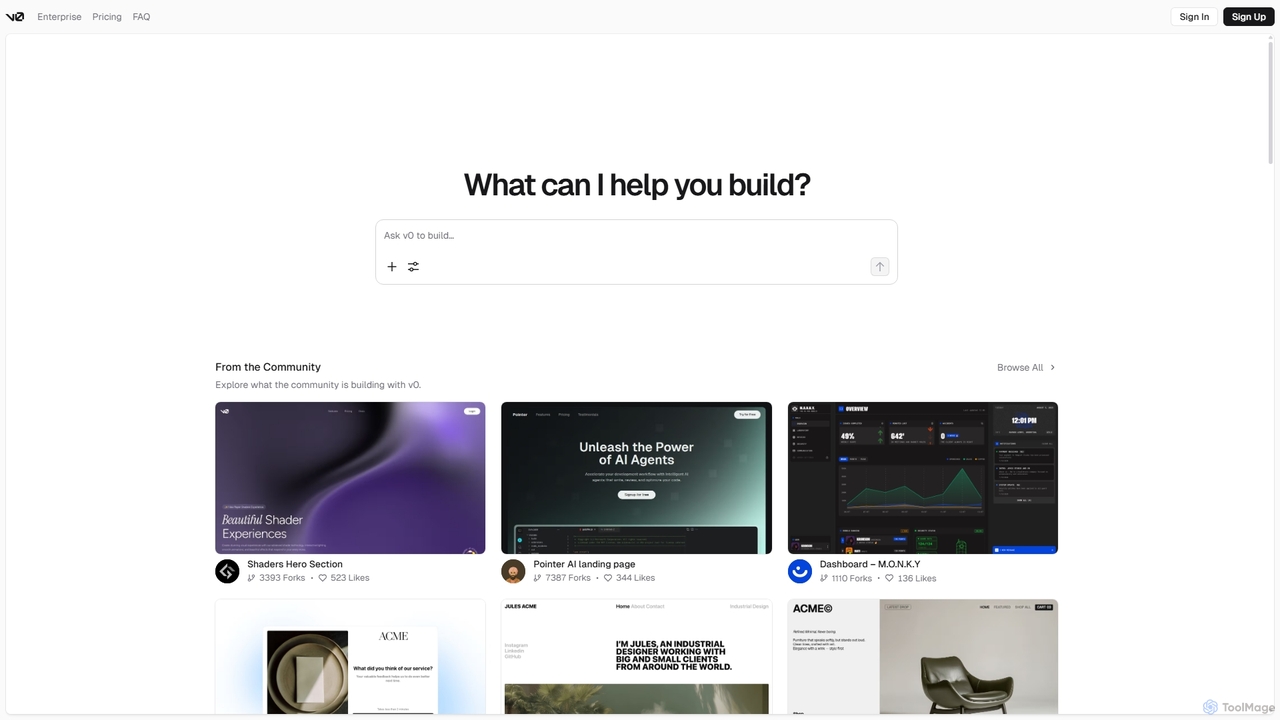
V0
V0 by Vercel is a generative AI platform that transforms text prompts, screenshots, and Figma designs into production-ready frontend code. It acts as an AI pair-programmer, enabling users to rapidly build and iterate on UI components and full-stack applications using React, Svelte, and Vue. With its chat-based interface, it accelerates the development workflow for engineers, designers, and product managers, allowing for seamless deployment to the Vercel platform.
Ui Ux
HeroUI Chat
HeroUI Chat is an AI-powered tool that generates UI components and pages from simple text prompts. Built on NextUI and Tailwind CSS, it allows developers and designers to rapidly create beautiful, responsive, and accessible user interfaces by describing them in natural language, significantly accelerating the prototyping and development workflow.
Ui Ux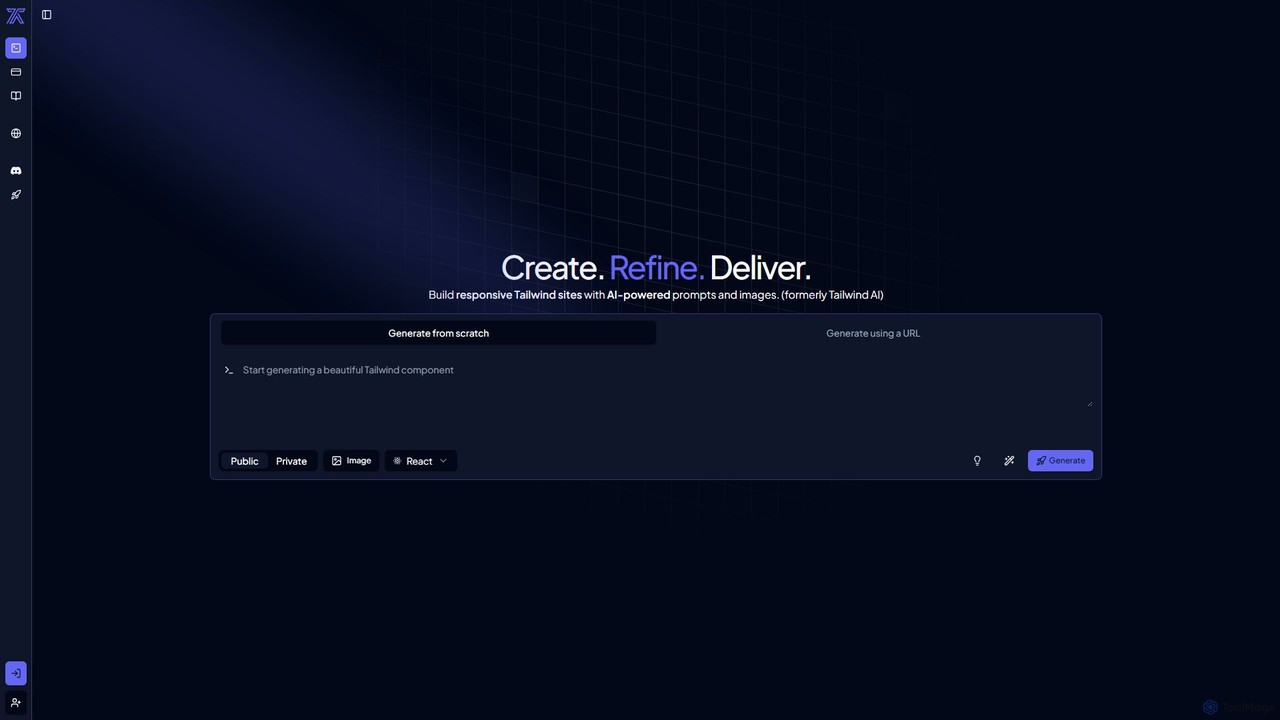
CodeRocket
CodeRocket is an AI-powered development tool that generates responsive websites and components using Tailwind CSS. Simply provide a text prompt, an image, or a URL, and CodeRocket will generate clean, ready-to-use code for HTML, React, and Vue.js. It's designed to accelerate frontend development, from rapid prototyping to building complete user interfaces.
Ui Ux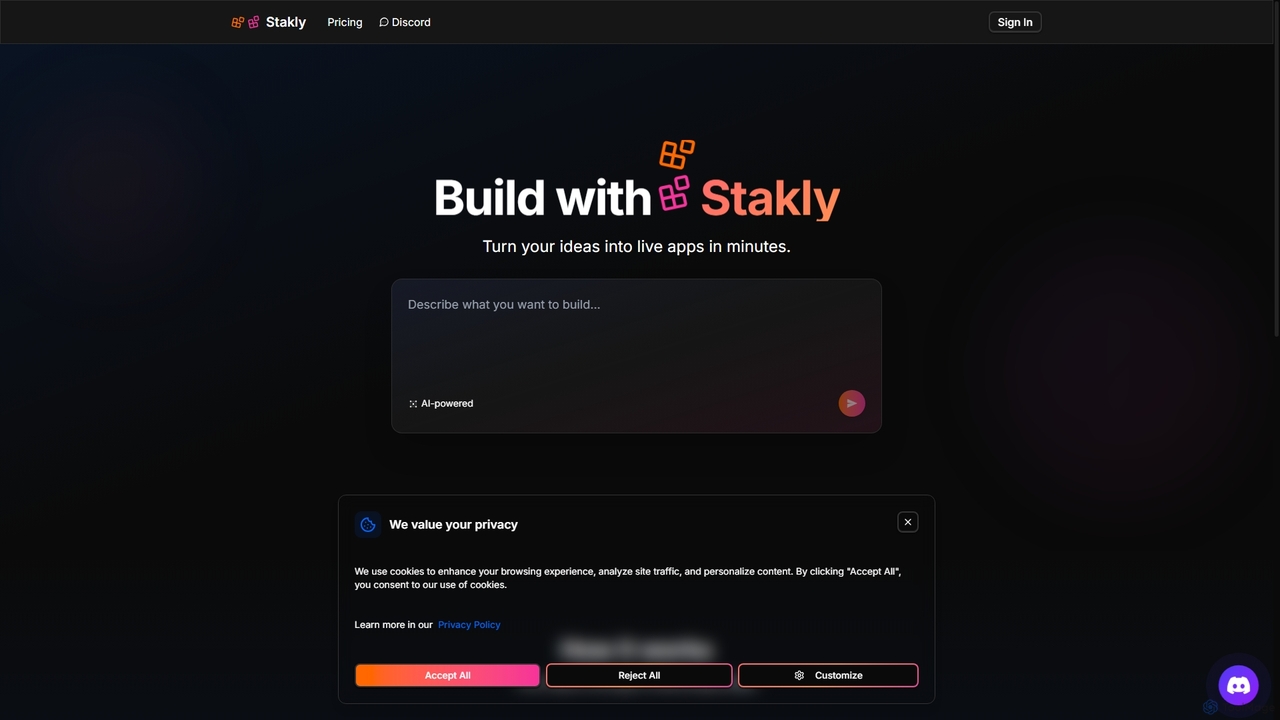
Stakly
Stakly is an AI-powered development platform that transforms natural language prompts into production-ready, full-stack web applications in minutes. Describe your idea, and the AI generates clean code, which you can deploy with one click or export to own completely. It supports modern frameworks like React, Next.js, and Python, making it ideal for rapid prototyping and development.
Code Assistant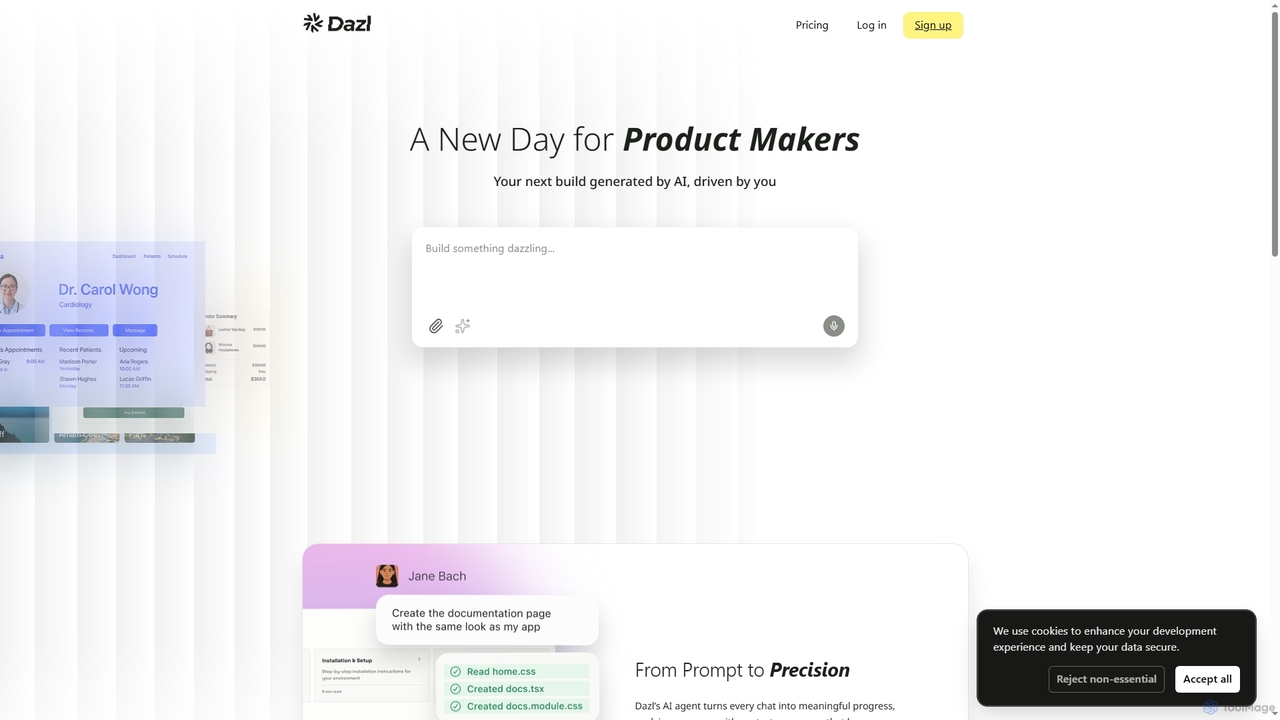
Dazl
Dazl is an AI-powered development platform that transforms chat prompts into functional applications. It features a hybrid interface combining a conversational AI agent with visual panels, allowing product makers to generate, inspect, and refine code, logic, and structure with full control and transparency.
Low Code No CodeWebcrumbs Categories
Webcrumbs Jobs
Webcrumbs Embed Widget
Copy this embed code to place the badge on your blog, article, or product site and send readers directly to this ToolMage detail page.

Related AI tools
V0
V0 by Vercel is a generative AI platform that transforms text prompts, screenshots, and Figma designs into production-ready frontend code. It acts as an AI pair-programmer, enabling users to rapidly build and iterate on UI components and full-stack applications using React, Svelte, and Vue. With its chat-based interface, it accelerates the development workflow for engineers, designers, and product managers, allowing for seamless deployment to the Vercel platform.
Ui Ux
Relume
Relume is an AI-powered platform that accelerates the website design and building process. It enables users to generate sitemaps and wireframes from a simple prompt, create comprehensive style guides, and access a vast library of over 1000+ components. With seamless export to Figma, Webflow, and React, Relume streamlines the entire workflow for designers, developers, and agencies, turning ideas into high-fidelity designs in minutes.
Website Builder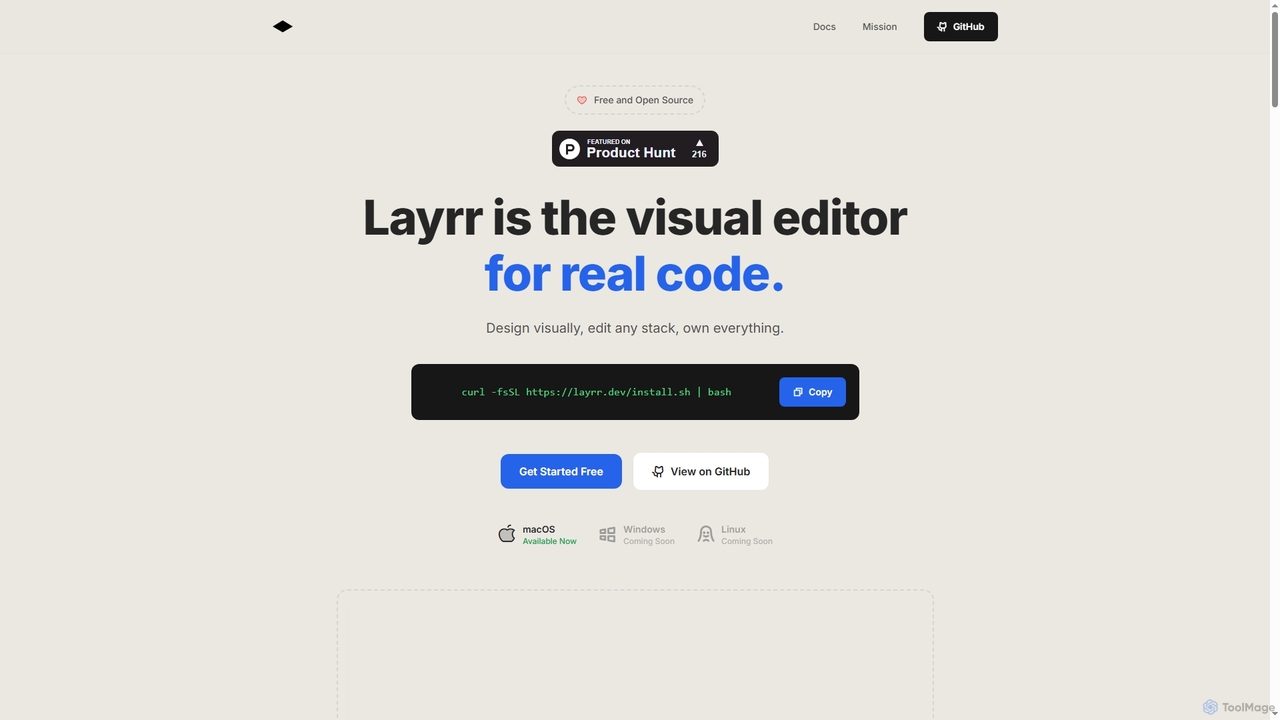
Layrr
Layrr is a free and open-source visual editor that allows developers and designers to create and edit real code directly. It combines the intuitive drag-and-drop interface of design tools like Figma with the flexibility and ownership of traditional coding, supporting any tech stack and leveraging AI for design-to-code conversion and natural language interface generation.
Code GenerationHeroUI Chat
HeroUI Chat is an AI-powered tool that generates UI components and pages from simple text prompts. Built on NextUI and Tailwind CSS, it allows developers and designers to rapidly create beautiful, responsive, and accessible user interfaces by describing them in natural language, significantly accelerating the prototyping and development workflow.
Ui Ux
Jyek
Jyek is an AI agent platform that understands objectives, creates execution plans, uses tools, and delivers verifiable results for complex, multi-step tasks.
AutomationCodeRocket
CodeRocket is an AI-powered development tool that generates responsive websites and components using Tailwind CSS. Simply provide a text prompt, an image, or a URL, and CodeRocket will generate clean, ready-to-use code for HTML, React, and Vue.js. It's designed to accelerate frontend development, from rapid prototyping to building complete user interfaces.
Ui Ux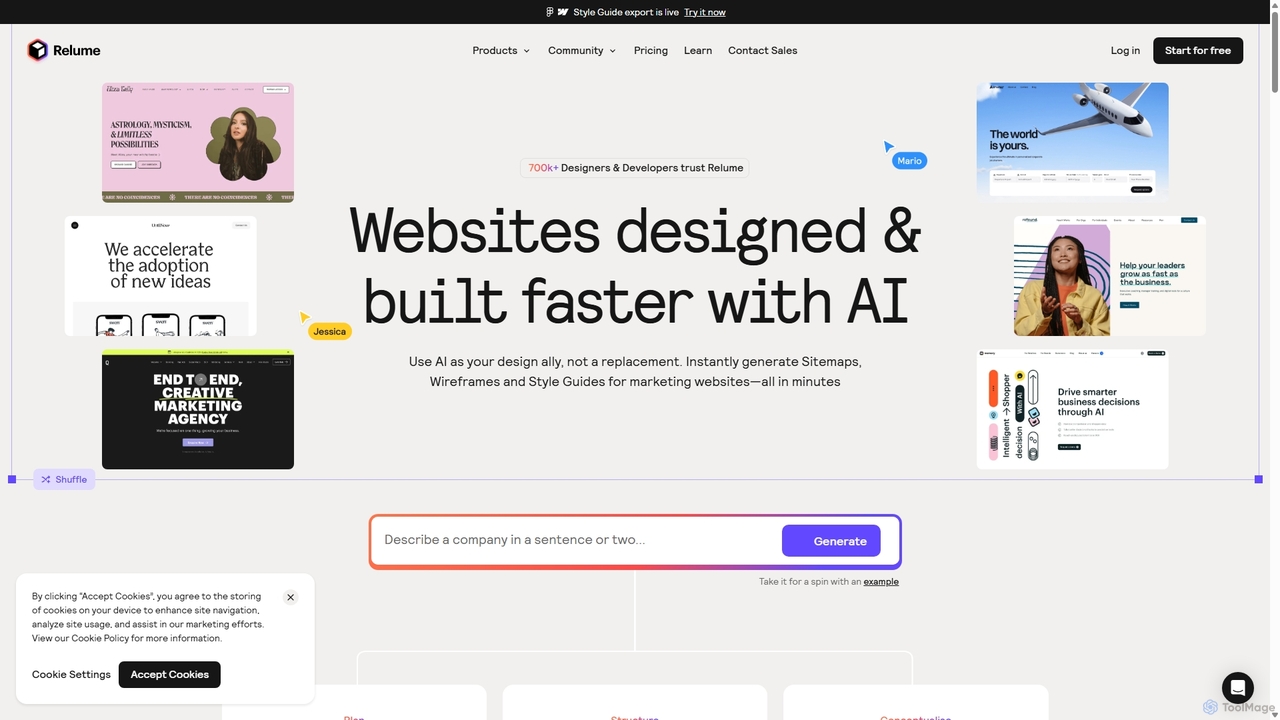
Relume
Relume is an AI-powered website builder that accelerates the design and development process. It enables users to generate sitemaps and wireframes from simple text prompts, create comprehensive style guides, and utilize a vast library of over 1000 components for Figma, Webflow, and React. It's designed to streamline workflows for designers, developers, and agencies, turning ideas into production-ready websites in a fraction of the time.
Website Builder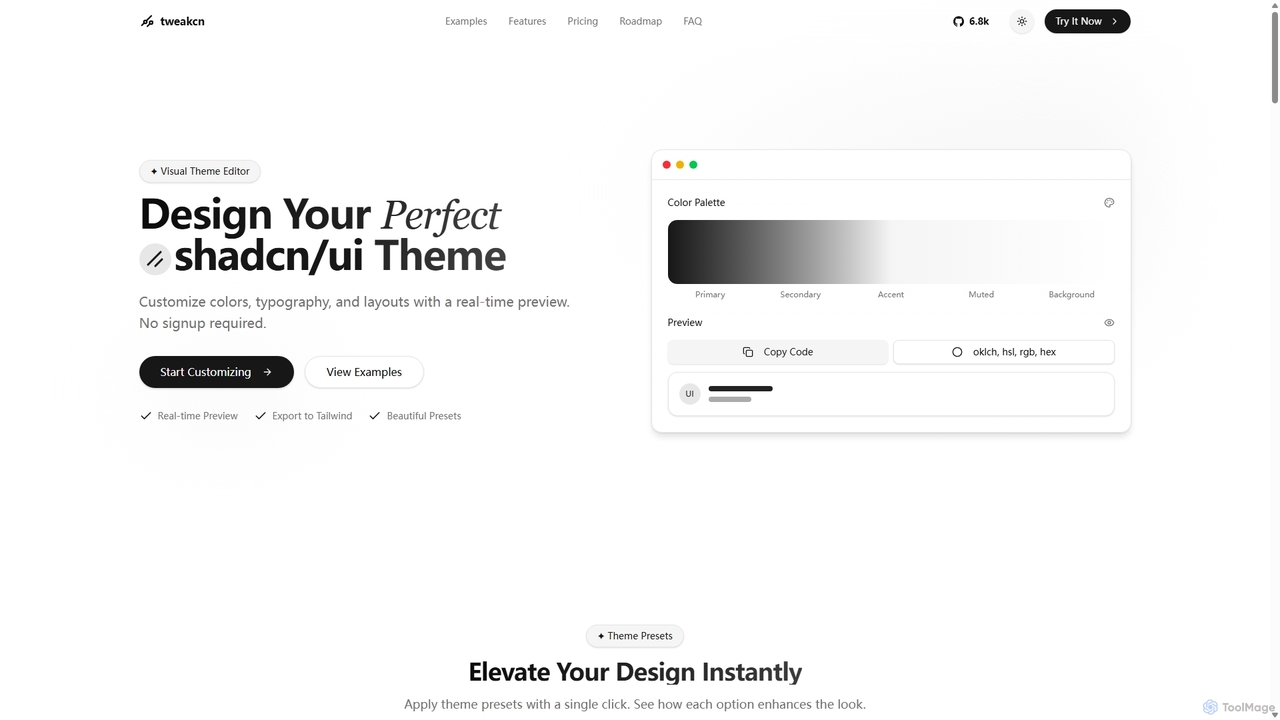
Tweakcn
Tweakcn is a visual theme editor and AI-powered generator for shadcn/ui and Tailwind CSS. It allows developers and designers to create, customize, and preview beautiful, accessible themes in real-time. Features include AI theme generation from text or images, a vast library of presets, and direct code export for seamless integration.
Ui Kit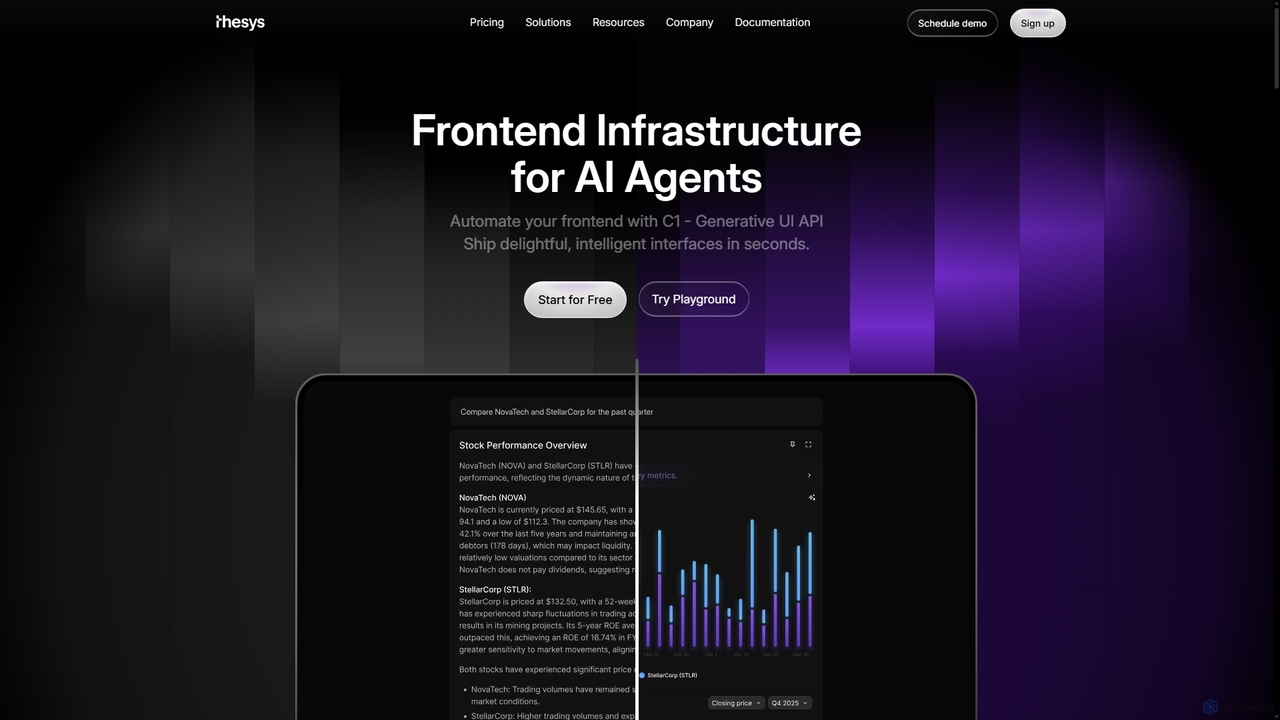
Thesys
Thesys provides C1, a Generative UI API that transforms LLM responses into dynamic, interactive user interfaces in real-time. Designed for developers building AI agents and applications, it automates frontend development by converting text outputs into live UI components like forms, charts, and tables. This allows for the creation of adaptive, engaging, and intelligent interfaces without the limitations of hardcoded UI, accelerating AI product development.
Api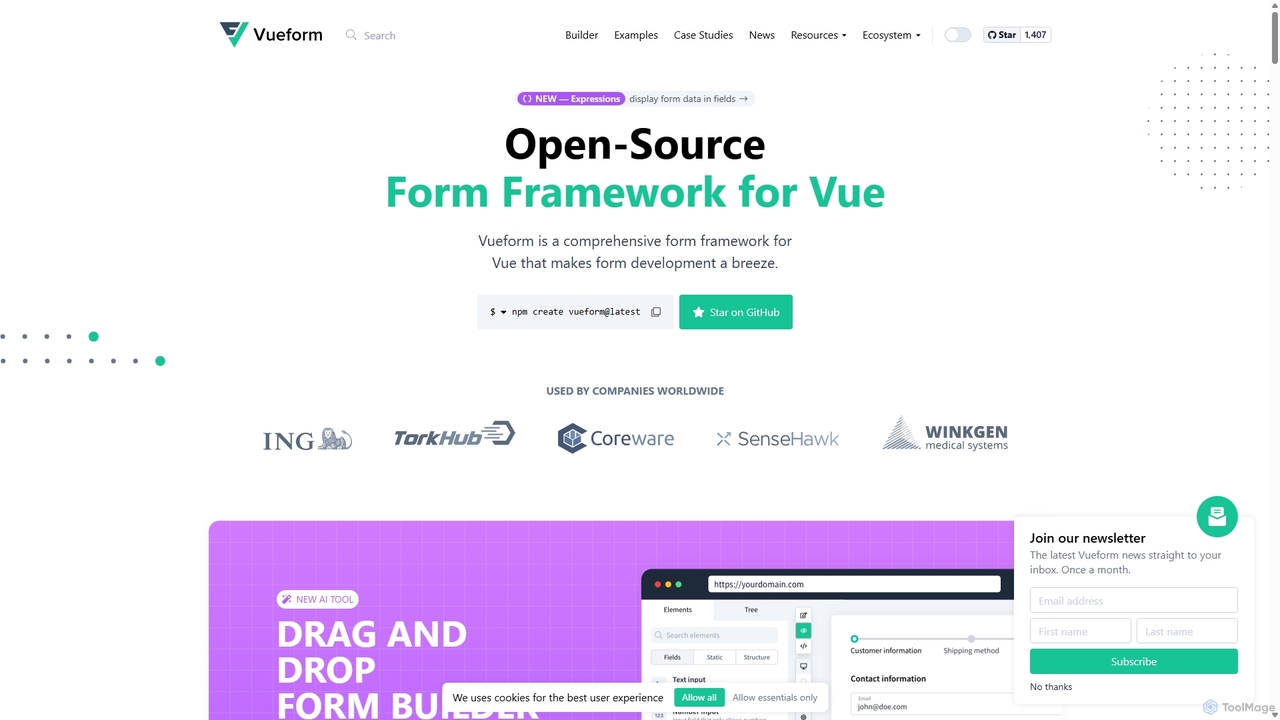
Vueform
Vueform is an open-source form framework for Vue.js, designed to streamline form development. It features a drag-and-drop builder, an AI Assistant for instant form generation, over 50 validation rules, complex conditional logic, and extensive pre-built elements. It simplifies handling nested data, multi-step wizards, and internationalization, making it a comprehensive solution for any Vue application.
Libraries & Frameworks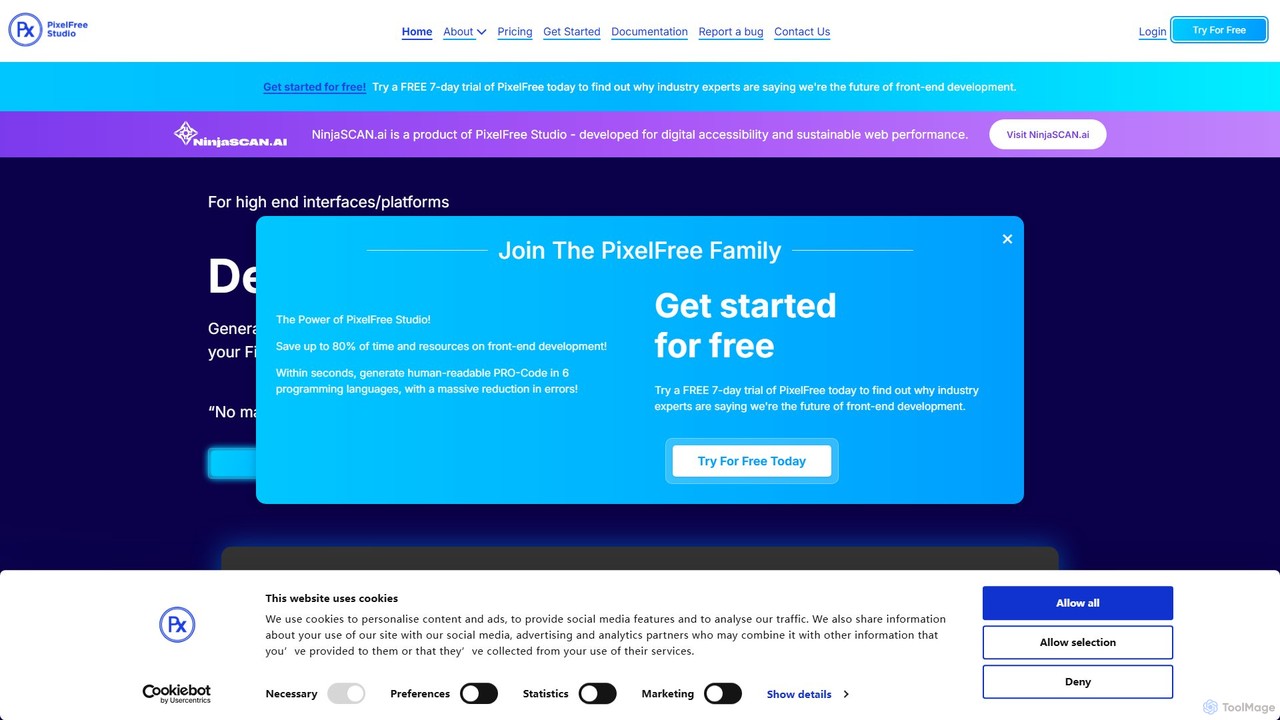
PixelFree Studio
PixelFree Studio is a low-code application builder that transforms UI designs into clean, production-ready code. It specializes in importing Figma designs and exporting them to multiple frameworks like React, Vue, Angular, and C#, streamlining the design-to-development workflow and accelerating app creation.
Design To Code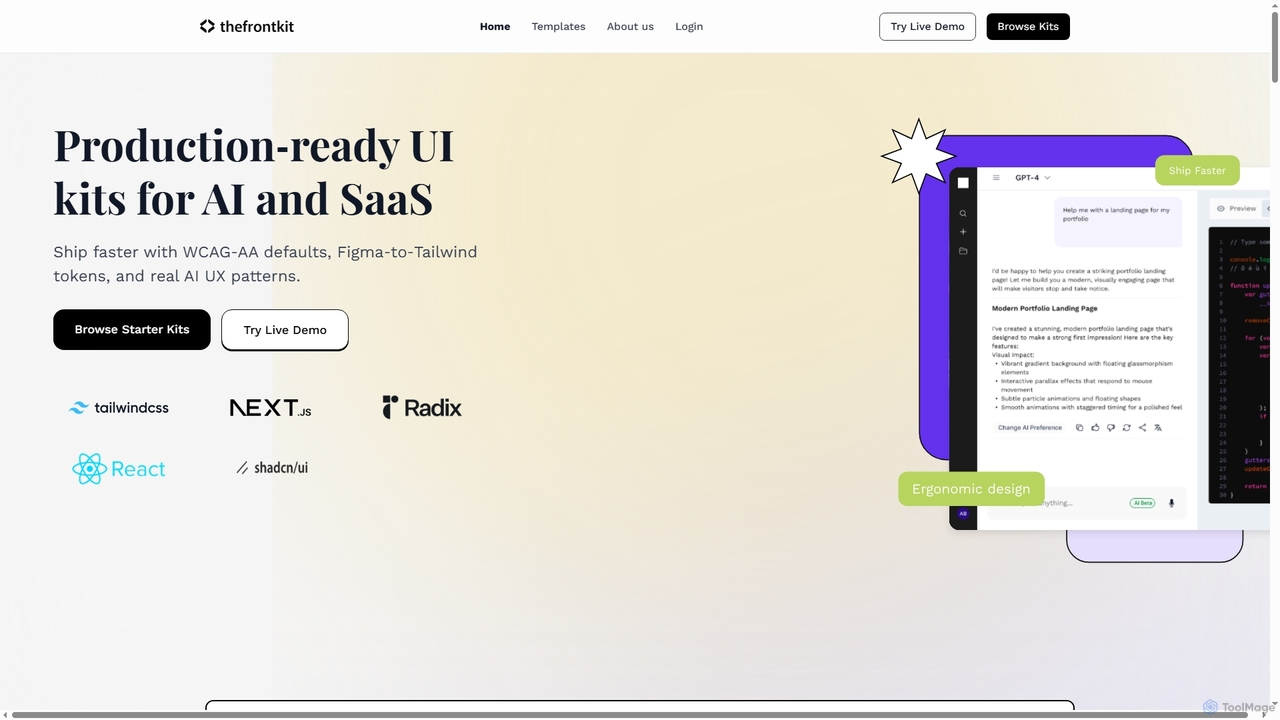
Thefrontkit
Thefrontkit provides production-ready UI kits for AI and SaaS applications, designed to accelerate development with WCAG-AA defaults, Figma-to-Tailwind token synchronization, and essential AI UX patterns. It offers structured, accessible UI components built with React and TailwindCSS, complete with Figma files and comprehensive documentation, enabling teams to ship faster and focus on product innovation.
Web Development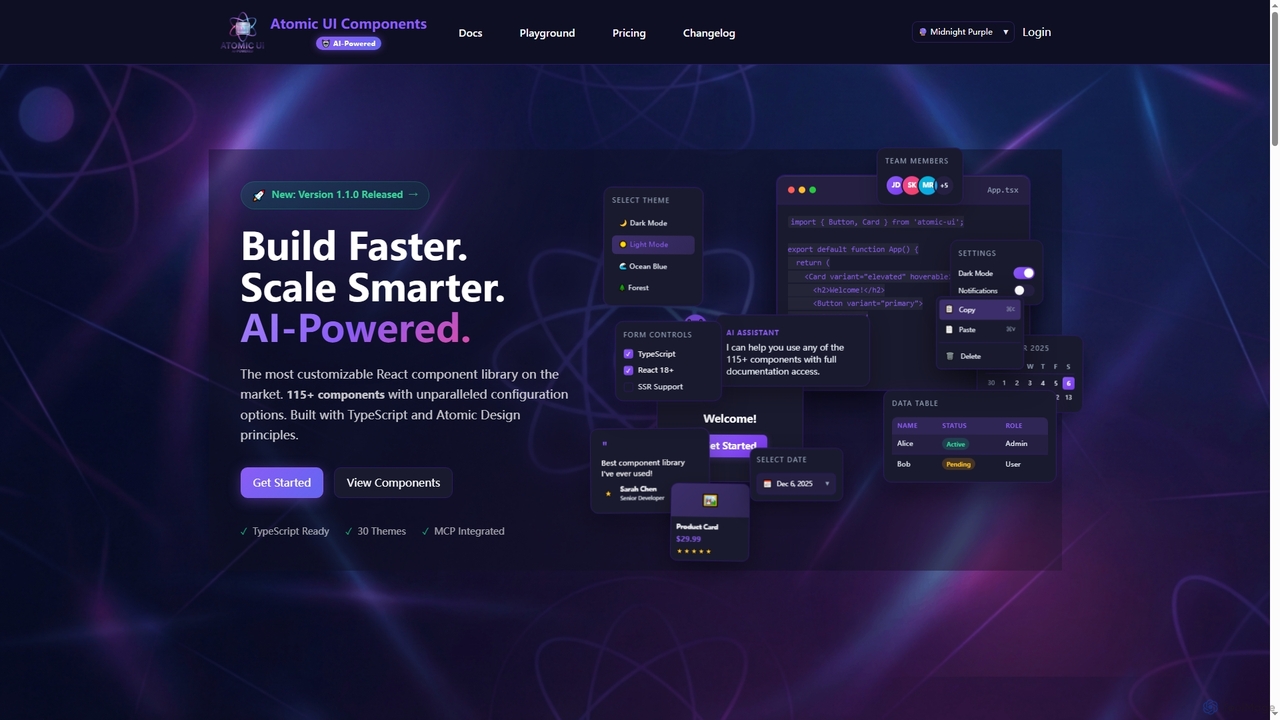
AtomicComponents
AtomicComponents is an AI-powered React component library designed for building modern, scalable, and accessible user interfaces faster. It offers over 115 highly customizable components, 30 built-in themes, and seamless integration with AI assistants like Claude and GitHub Copilot via its Model Context Protocol (MCP) server.
Design Systems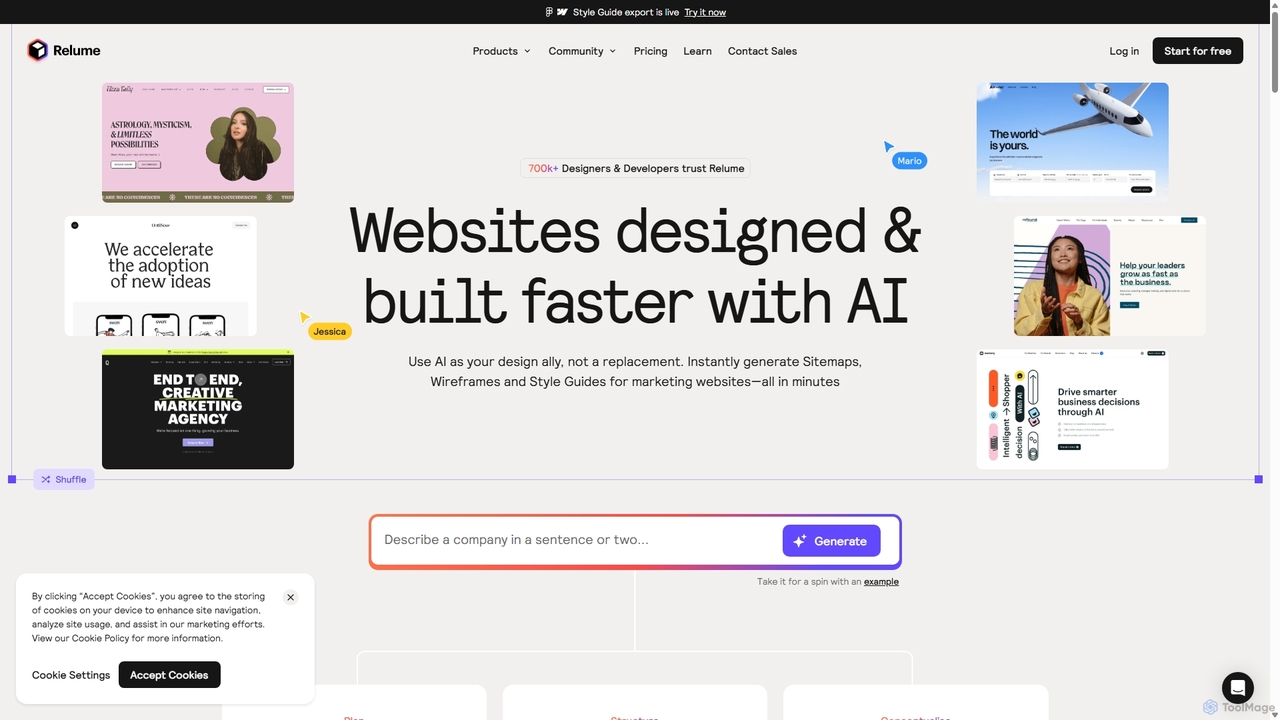
Relume
Relume is an AI-powered website builder designed to accelerate the web design and development process. It enables users to generate sitemaps and wireframes from simple text prompts, create comprehensive style guides, and utilize a vast library of over 1,000 components for Figma, Webflow, and React. Relume streamlines the entire workflow from initial concept to final export, empowering designers, developers, and agencies to build high-quality websites faster.
Web DesignStakly
Stakly is an AI-powered development platform that transforms natural language prompts into production-ready, full-stack web applications in minutes. Describe your idea, and the AI generates clean code, which you can deploy with one click or export to own completely. It supports modern frameworks like React, Next.js, and Python, making it ideal for rapid prototyping and development.
Code Assistant
Webcrumbs Comments (0)
Sign in to comment.
Sign inNo comments yet.