

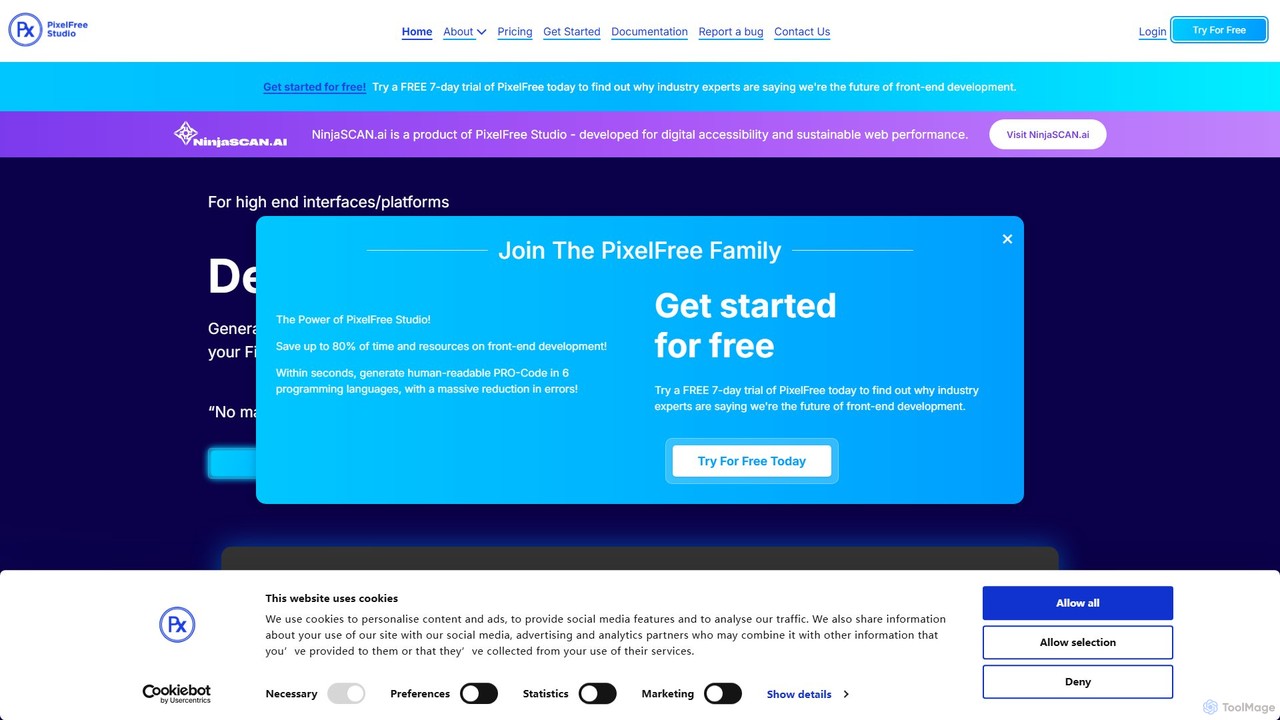
PixelFree Studio Overview
PixelFree Studio is a powerful low-code platform designed to bridge the gap between UI/UX design and frontend development. It empowers designers and developers to convert visual designs, particularly from Figma, into high-quality, functional code for a wide array of platforms. By automating the tedious process of manual coding from a design file, PixelFree Studio significantly accelerates the development lifecycle, enabling teams to build and launch applications faster. The platform supports exporting to modern web frameworks such as React, Vue, and Angular, as well as desktop applications with C# WPF and web apps with ASP.NET Core, making it a versatile tool for various projects.
How to use PixelFree Studio
The workflow in PixelFree Studio is designed to be intuitive and efficient. Here's a typical process:
- Import Design: Start by importing your project directly from Figma. You'll need your Figma project key and a personal access token. The tool intelligently parses the design layers and elements.
- Map Components: In the import wizard, you map the elements from your Figma design (like rectangles, text, and groups) to PixelFree Studio's native UI components (such as Buttons, Labels, TextFields, etc.). This step translates static design elements into functional code components.
- Refine and Customize: Once imported, use the visual drag-and-drop editor to refine the layout. The extensive Properties Panel allows you to adjust every detail, including size, colors, borders, fonts, and transformations.
- Create Responsive Layouts: Utilize the 'Smart Divisions' feature to define different layouts for various screen sizes (e.g., mobile, tablet, desktop), ensuring your application is fully responsive.
- Build a Component Library: Save frequently used components or complex layouts to your personal library. You can then drag and drop these saved elements into any project, ensuring consistency and saving time.
- Export Code: When your design is complete, select your target framework (React, Vue, Angular, HTML, C#) and export the project. PixelFree Studio generates a well-structured, clean, and maintainable codebase, including all necessary components, styles, and assets.
Core Features of PixelFree Studio
- Figma to Code Conversion: Seamlessly import Figma designs and convert them into interactive, functional UI components.
- Multi-Framework Export: Generate production-ready code for React, Vue, Angular, HTML/CSS, C# WPF (Desktop), and C# ASP.NET Core (Web).
- Low-Code Visual Editor: An intuitive drag-and-drop interface combined with a detailed properties panel allows for precise UI customization without writing a single line of code.
- Smart Divisions for Responsiveness: A unique feature that simplifies the creation of responsive designs by allowing you to define and customize layouts for different breakpoints.
- Reusable Component Library: Build, save, and reuse your own custom components and layouts across multiple projects to maintain design consistency and speed up your workflow.
- Comprehensive UI Toolkit: A rich set of built-in components, including containers (HBox, VBox, GridPane, Accordion), elements (Buttons, Forms, Carousels), and media (Images, Videos, SVGs).
- Advanced Property Control: Fine-tune every aspect of your components, from size, padding, and borders to backgrounds, transformations, and accessibility settings.
Use Cases for PixelFree Studio
Frontend Developers: Rapidly scaffold application UIs from Figma designs, bypassing hours of manual HTML/CSS coding and focusing on business logic and functionality.
UI/UX Designers: Create high-fidelity, interactive prototypes that are directly convertible to code, ensuring a pixel-perfect and seamless handoff to development teams.
Startups and Product Teams: Quickly build and iterate on Minimum Viable Products (MVPs) for both web and desktop platforms to validate ideas and get to market faster.
Digital Agencies: Accelerate project delivery for clients by automating the conversion of approved designs into functional frontends, improving efficiency and profitability.
Advantages of PixelFree Studio
PixelFree Studio offers a significant competitive edge by drastically reducing the time and effort required to translate a design into a functional product. Its main advantages include accelerating the development process, ensuring high fidelity between design and the final product, and generating clean, developer-friendly code. The support for multiple frameworks provides flexibility, while features like Smart Divisions and the component library promote efficiency and scalability in the development process.
Pricing and Plans
PixelFree Studio operates on a subscription-based model and offers a free 7-day trial for new users to explore its full capabilities. For detailed and up-to-date information on pricing tiers and plans, it is recommended to visit the official PixelFree Studio website.
Traffic
Latest traffic
Status
Monthly traffic trend
- 2025-9: 57.6K
- 2026-1: 53.8K
- 2026-2: 22.6K
- 2026-3: 15.5K
- 2026-4: 11.5K
- 2026-5: 7.2K
Geography
Top 5 countries / regions
- 🇩🇪Germany26.0%
- 🇺🇸United States25.6%
- 🇮🇳India21.4%
- 🇧🇷Brazil16.1%
- 🇲🇽Mexico11.0%
Top keywords
| Keyword | Cost per click |
|---|---|
| brutalist webdesign | $0.00 |
| degrade button effect | $0.00 |
| how to manage real-time collection of data in apps | $0.00 |
| ssr web components | $0.00 |
| ui binding | $0.00 |
PixelFree Studio Alternatives

Locofy.ai
Locofy.ai is an AI-powered platform that accelerates frontend development by converting designs from Figma, Adobe XD, and Penpot into high-quality, production-ready code. It supports a wide range of frameworks like React, React Native, Vue, and HTML/CSS, helping teams build UI 10x faster and significantly reducing the design-to-code workflow.
Design To Code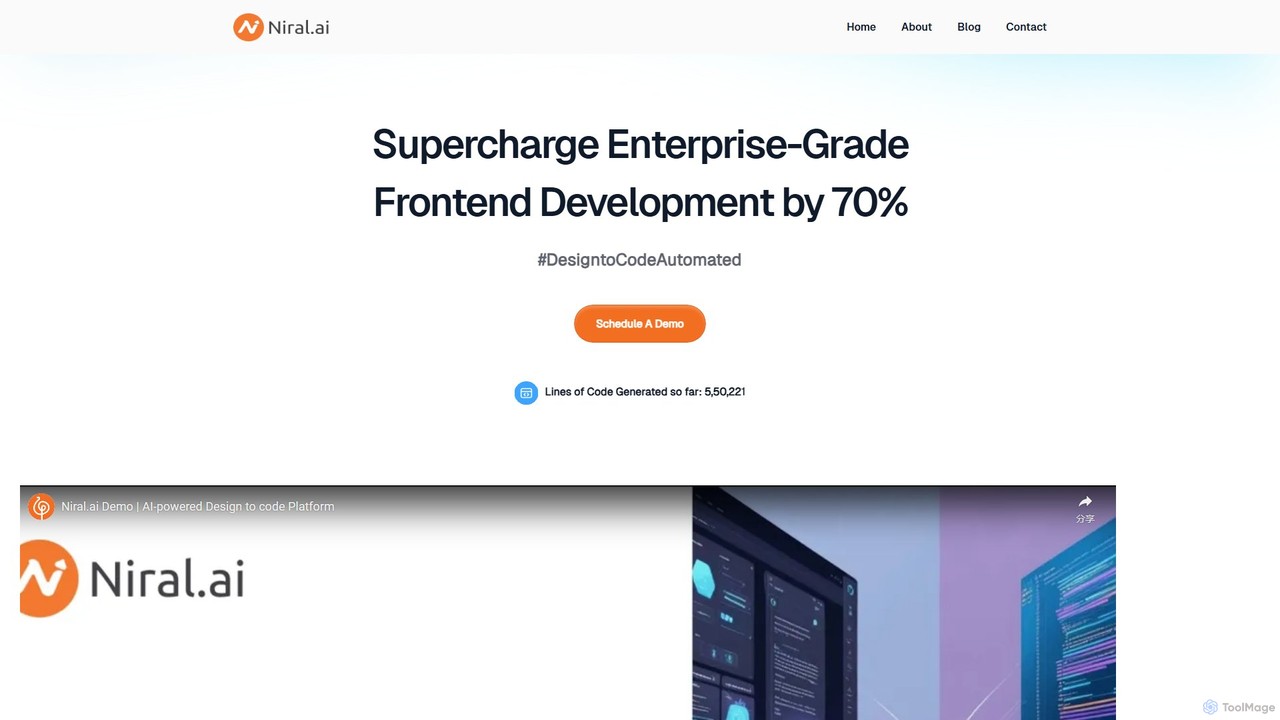
Niral.ai
Niral.ai is an AI-powered platform that converts Figma designs into high-quality, production-ready front-end code. It streamlines the design-to-development workflow, enabling teams to build user interfaces faster with full code ownership and Git integration.
Design To Code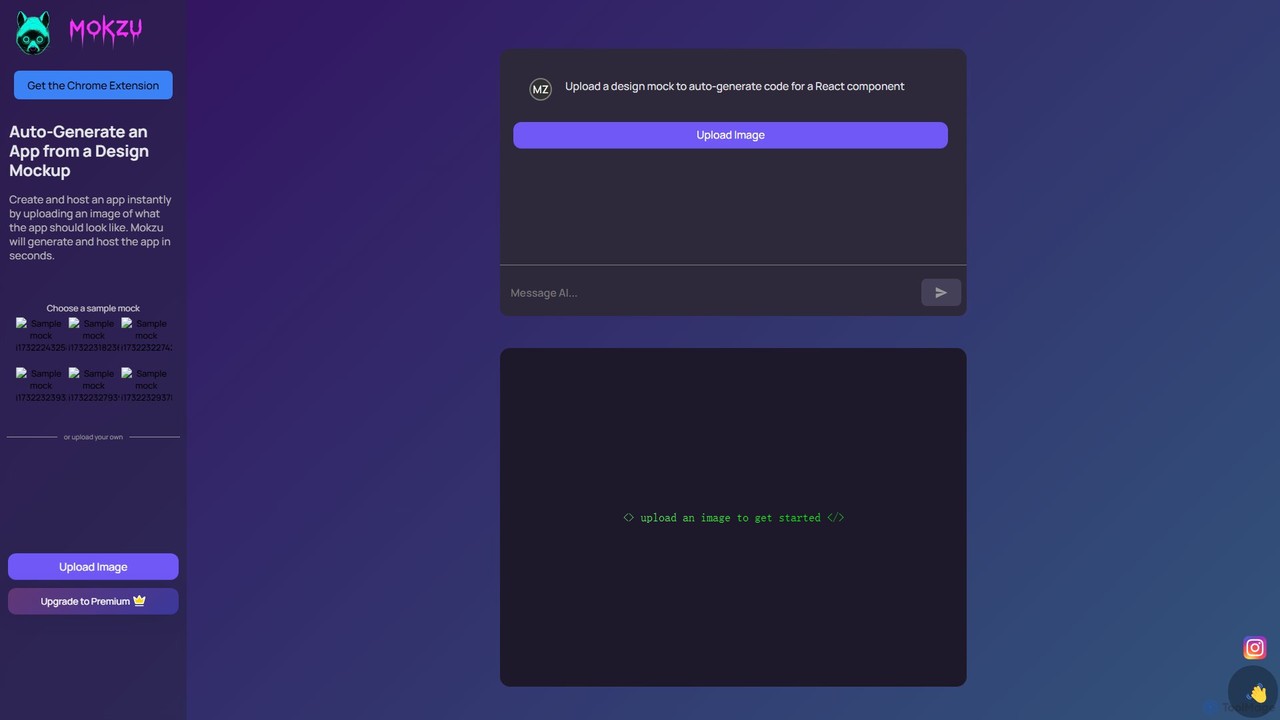
Mokzu
Mokzu is an AI-powered tool that instantly transforms design mockups into functional, production-ready web applications. By simply uploading an image of your UI design, Mokzu generates clean React component code and hosts the app in seconds. It's designed to accelerate the development workflow, bridge the gap between design and code, and enable rapid prototyping for developers, designers, and product teams.
Design To Code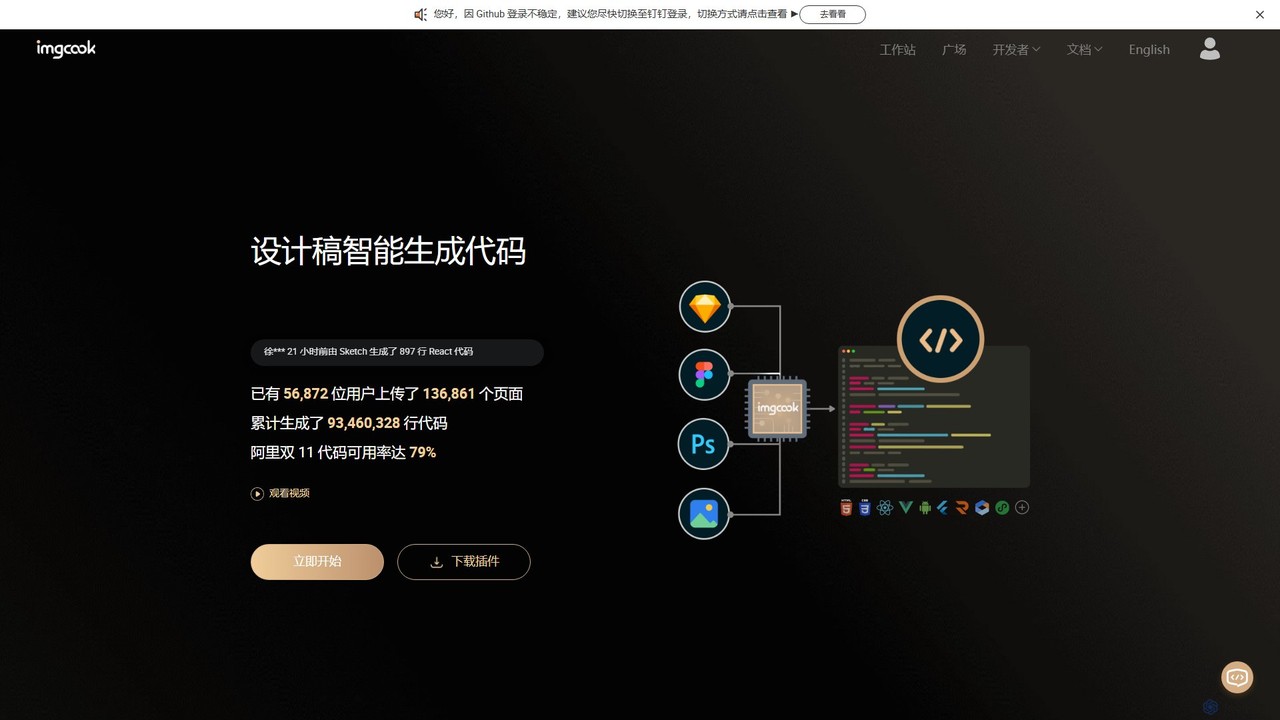
imgcook
imgcook is an intelligent Design-to-Code (D2C) platform that uses AI to automatically convert design drafts from Sketch, Figma, and Photoshop into high-quality, maintainable front-end code for React, Vue, Mini Programs, and more, significantly boosting development efficiency.
Design To Code
Bifrost
Bifrost is an AI-powered tool that automatically converts Figma designs into clean, production-ready React code. It streamlines the design-to-development workflow, saving significant engineering time and empowering teams to build and iterate on UIs faster than ever before.
Design To CodePixelFree Studio Categories
PixelFree Studio Embed Widget
Copy this embed code to place the badge on your blog, article, or product site and send readers directly to this ToolMage detail page.

Related AI tools
Anima
Anima is an AI-powered design-to-code platform that automates frontend development. It transforms designs from Figma, Adobe XD, and Sketch into clean, production-ready React, Vue, and HTML code. Featuring AI-driven iteration and website cloning, it empowers designers, developers, and founders to build and launch web applications and prototypes up to 10x faster.
Design To CodeLocofy.ai
Locofy.ai is an AI-powered platform that accelerates frontend development by converting designs from Figma, Adobe XD, and Penpot into high-quality, production-ready code. It supports a wide range of frameworks like React, React Native, Vue, and HTML/CSS, helping teams build UI 10x faster and significantly reducing the design-to-code workflow.
Design To CodeNiral.ai
Niral.ai is an AI-powered platform that converts Figma designs into high-quality, production-ready front-end code. It streamlines the design-to-development workflow, enabling teams to build user interfaces faster with full code ownership and Git integration.
Design To Code
V0
V0 by Vercel is a generative AI platform that transforms text prompts, screenshots, and Figma designs into production-ready frontend code. It acts as an AI pair-programmer, enabling users to rapidly build and iterate on UI components and full-stack applications using React, Svelte, and Vue. With its chat-based interface, it accelerates the development workflow for engineers, designers, and product managers, allowing for seamless deployment to the Vercel platform.
Ui Ux
DhiWise
DhiWise is an AI-powered development platform that accelerates the creation of web and mobile applications. It transforms your ideas, natural language prompts, or Figma designs into high-quality, production-ready code in minutes. Supporting frameworks like Flutter and modern web technologies, DhiWise automates boilerplate tasks, enabling developers to build and deploy apps 10x faster.
Design To Code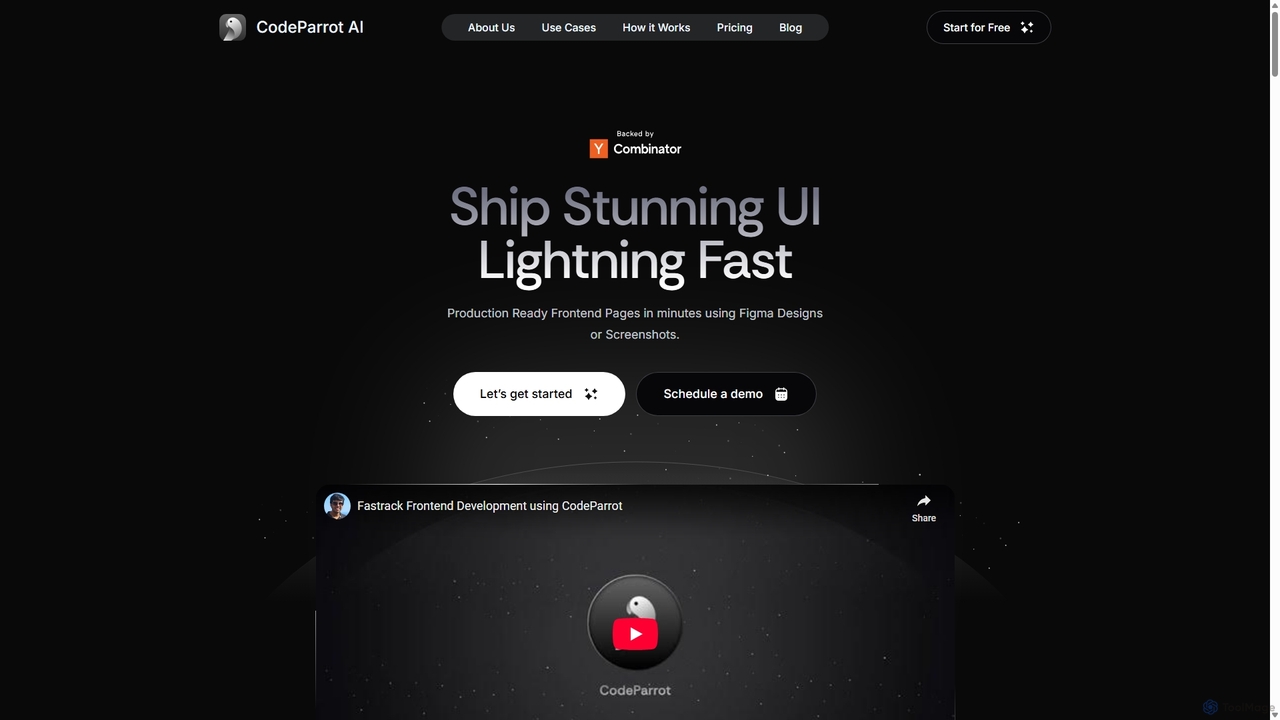
CodeParrot
CodeParrot is an AI-powered copilot that transforms Figma designs and screenshots into production-ready frontend code. It intelligently understands your existing codebase, reuses components, and adheres to your coding standards, dramatically accelerating UI development for frameworks like React, Vue, and Angular.
Design To Code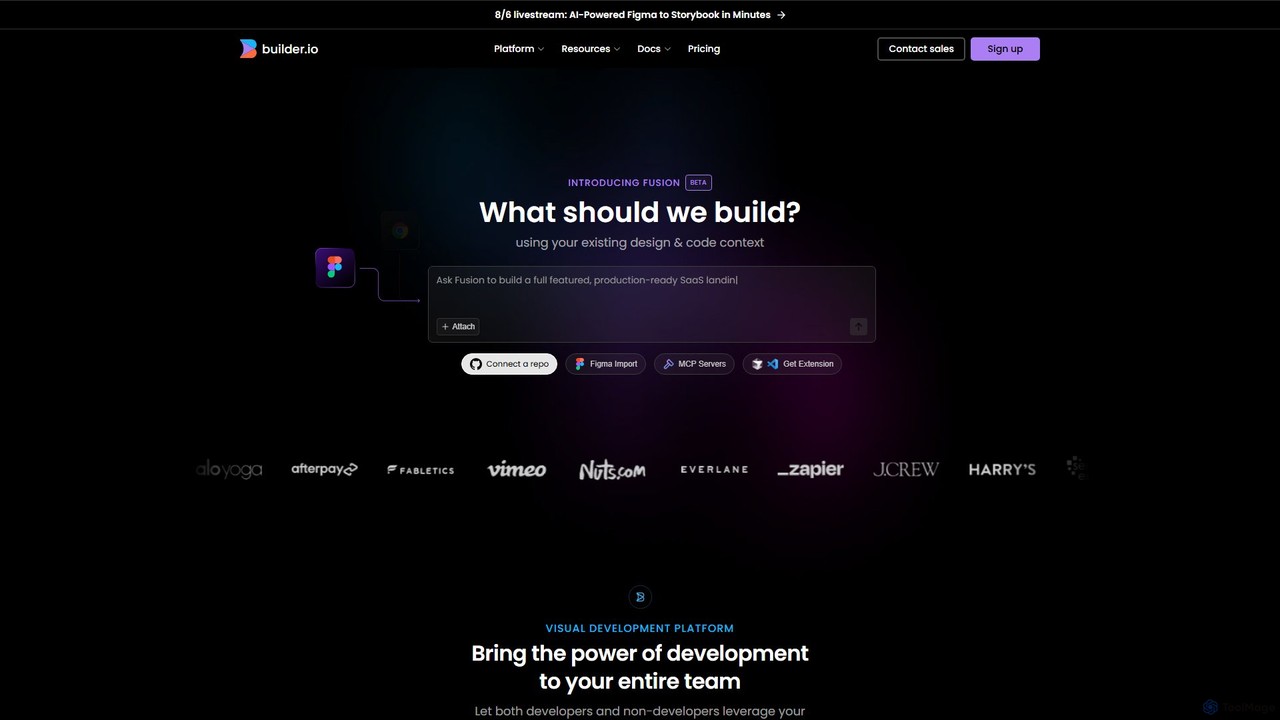
Builder.io
Builder.io is an AI-powered visual development platform that transforms Figma designs into production-ready code. It enables teams to build, edit, and publish web pages and UIs with unprecedented speed, integrating seamlessly with existing codebases, design systems, and headless CMS workflows.
Design To Code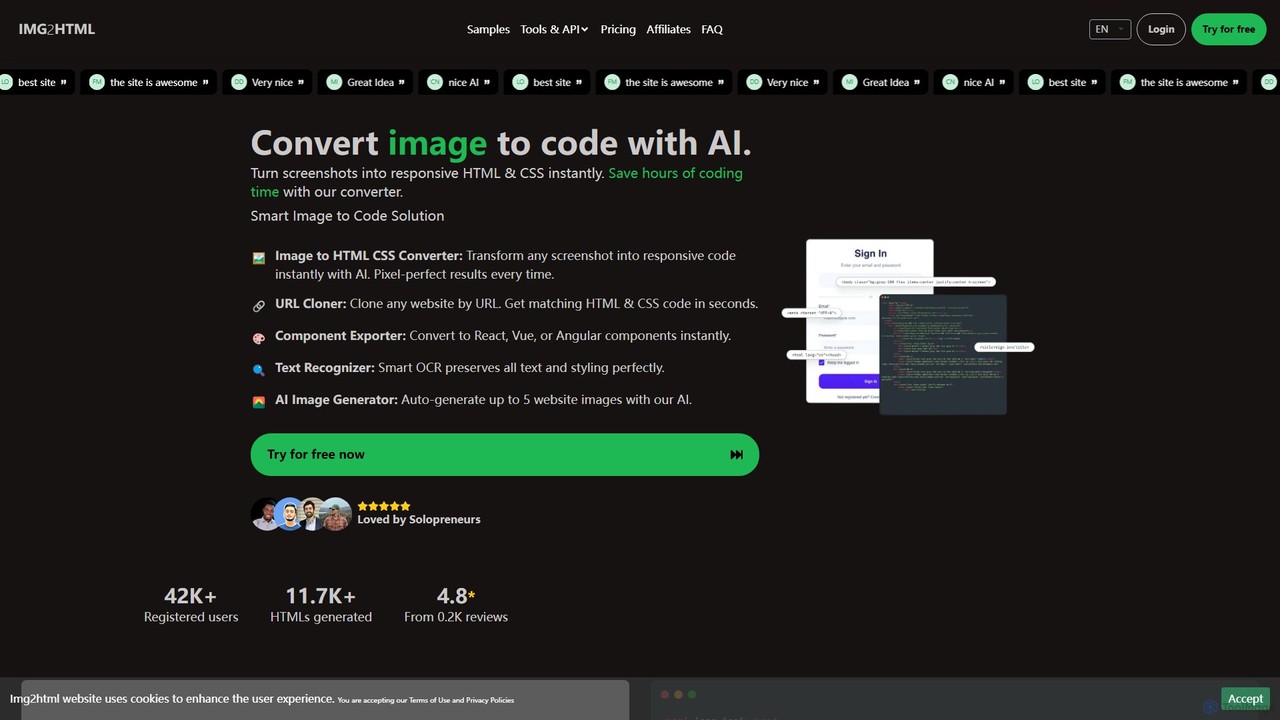
img2html
img2html is an AI-powered tool that instantly converts images, screenshots, and design mockups into clean, responsive HTML, CSS, and modern framework code like React, Vue, and Angular. It streamlines the front-end development workflow, saving developers hours of manual coding.
Design To CodeMokzu
Mokzu is an AI-powered tool that instantly transforms design mockups into functional, production-ready web applications. By simply uploading an image of your UI design, Mokzu generates clean React component code and hosts the app in seconds. It's designed to accelerate the development workflow, bridge the gap between design and code, and enable rapid prototyping for developers, designers, and product teams.
Design To Codeimgcook
imgcook is an intelligent Design-to-Code (D2C) platform that uses AI to automatically convert design drafts from Sketch, Figma, and Photoshop into high-quality, maintainable front-end code for React, Vue, Mini Programs, and more, significantly boosting development efficiency.
Design To CodeBifrost
Bifrost is an AI-powered tool that automatically converts Figma designs into clean, production-ready React code. It streamlines the design-to-development workflow, saving significant engineering time and empowering teams to build and iterate on UIs faster than ever before.
Design To Code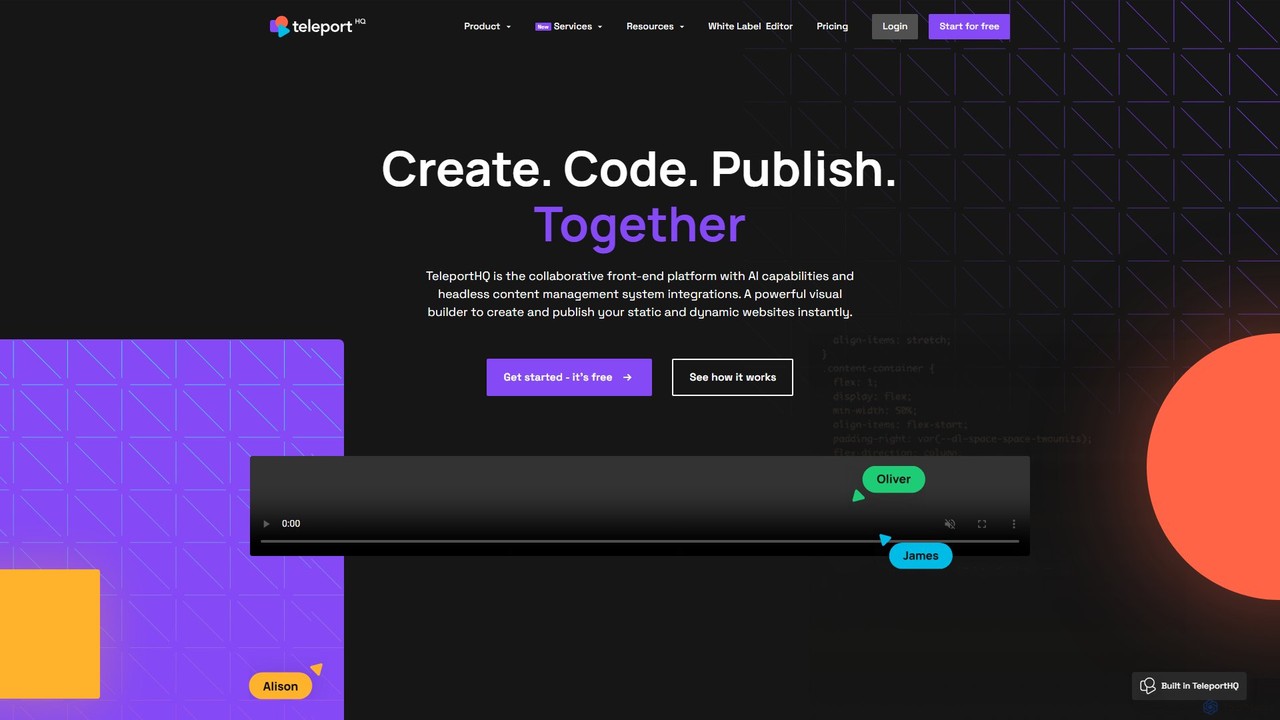
TeleportHQ
TeleportHQ is a collaborative low-code platform that streamlines front-end development. It features an AI website builder, Figma to code conversion, and real-time collaboration tools. Users can visually build responsive websites and UIs, generate clean code for multiple frameworks (React, Vue, etc.), and deploy seamlessly.
Ui Ux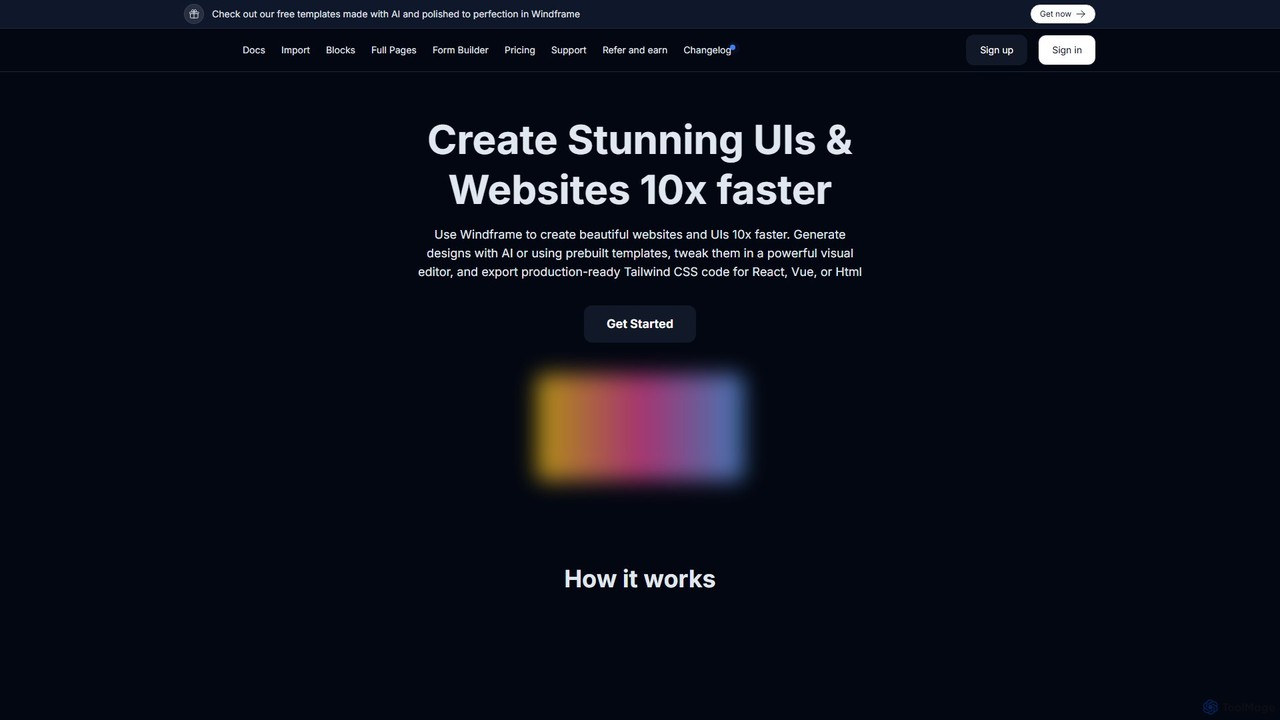
Windframe
Windframe is an AI-powered visual editor and builder for Tailwind CSS, designed to accelerate UI and website development. It allows users to generate designs with AI prompts, utilize over 1000 pre-built templates, and visually edit projects in real-time. Export production-ready code for React, Vue, HTML, and more, streamlining the workflow for developers, designers, and teams.
Ui Ux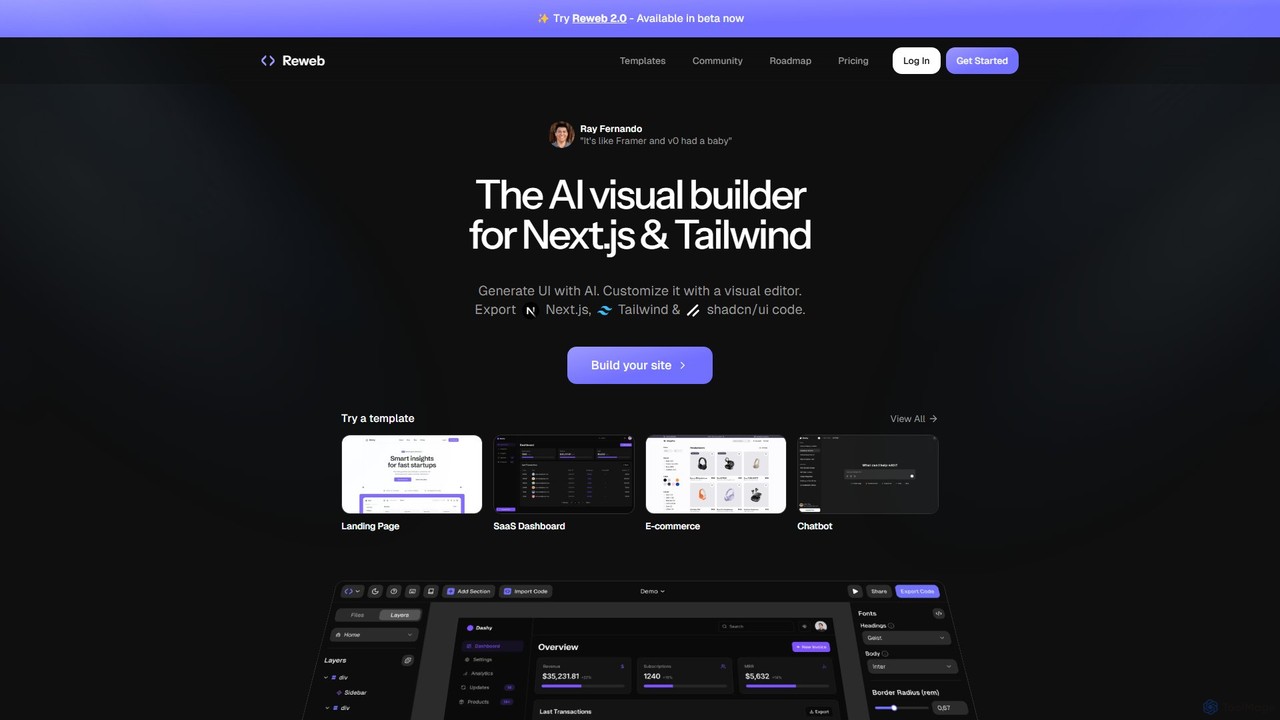
Reweb
Reweb is an AI-powered visual builder designed for developers. It enables users to generate UI components using AI from text prompts or images, customize them with a sophisticated visual editor, and export high-quality, production-ready code for Next.js, Tailwind CSS, and shadcn/ui. It bridges the gap between no-code platforms and traditional coding, accelerating the development workflow without sacrificing code quality or flexibility.
Ui Ux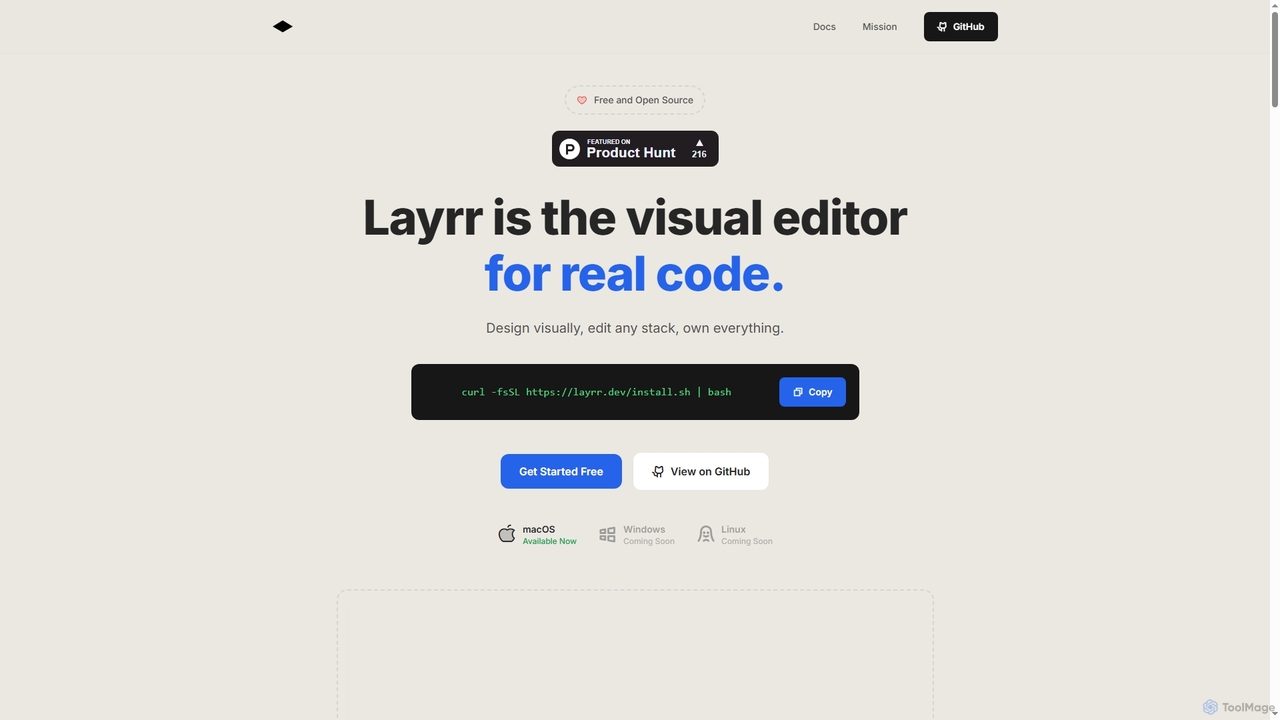
Layrr
Layrr is a free and open-source visual editor that allows developers and designers to create and edit real code directly. It combines the intuitive drag-and-drop interface of design tools like Figma with the flexibility and ownership of traditional coding, supporting any tech stack and leveraging AI for design-to-code conversion and natural language interface generation.
Code Generation
PixelFree Studio Comments (0)
Sign in to comment.
Sign inNo comments yet.