Design Best in category 20 results Design To Code AI Tool

Popular AI tools in the Design To Code field of Design include Builder.io、Anima、DhiWise、Locofy.ai、Fronty、Mokzu、CodeParrot、img2html、XAML.io、PixelFree Studio, etc., helping you quickly improve efficiency.

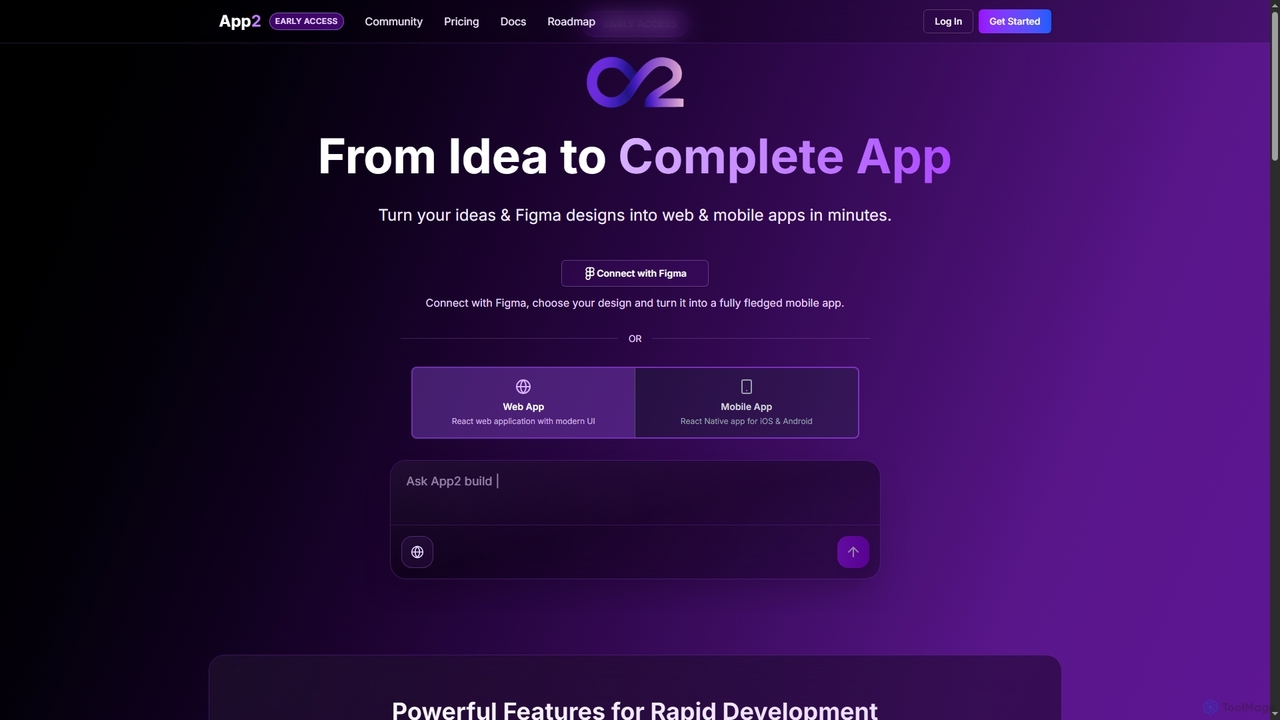
App2

App2

App2 is an AI-powered platform that transforms ideas and Figma designs into production-ready web and mobile applications without …

2.5K
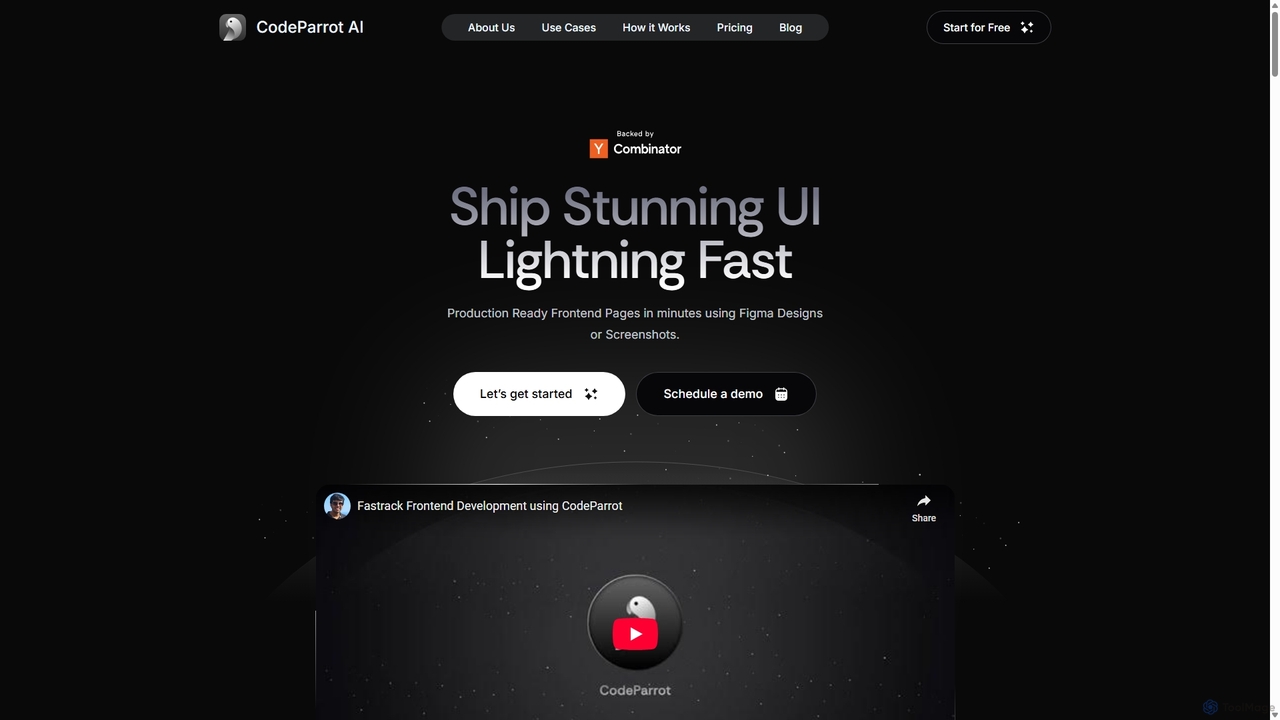
CodeParrot

CodeParrot

CodeParrot is an AI-powered copilot that transforms Figma designs and screenshots into production-ready frontend code. It intelligently understands …

33.5K
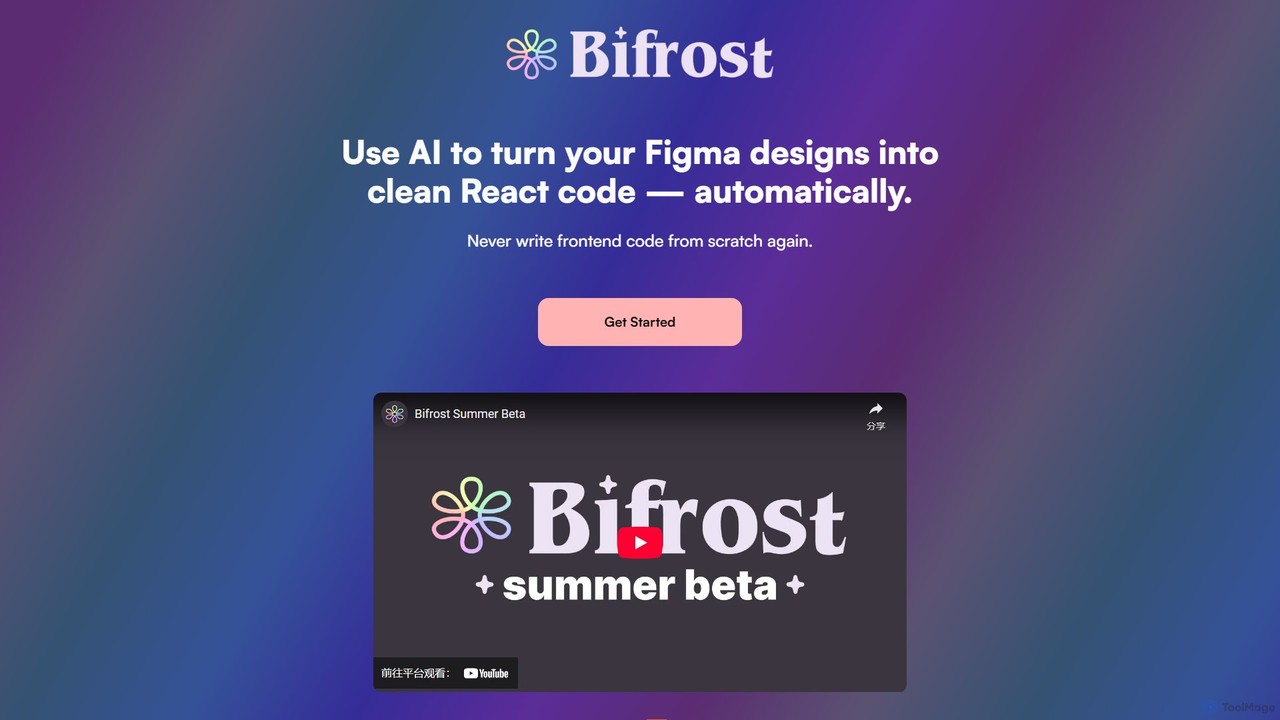
Bifrost

Bifrost

Bifrost is an AI-powered tool that automatically converts Figma designs into clean, production-ready React code. It streamlines the …

2.3K
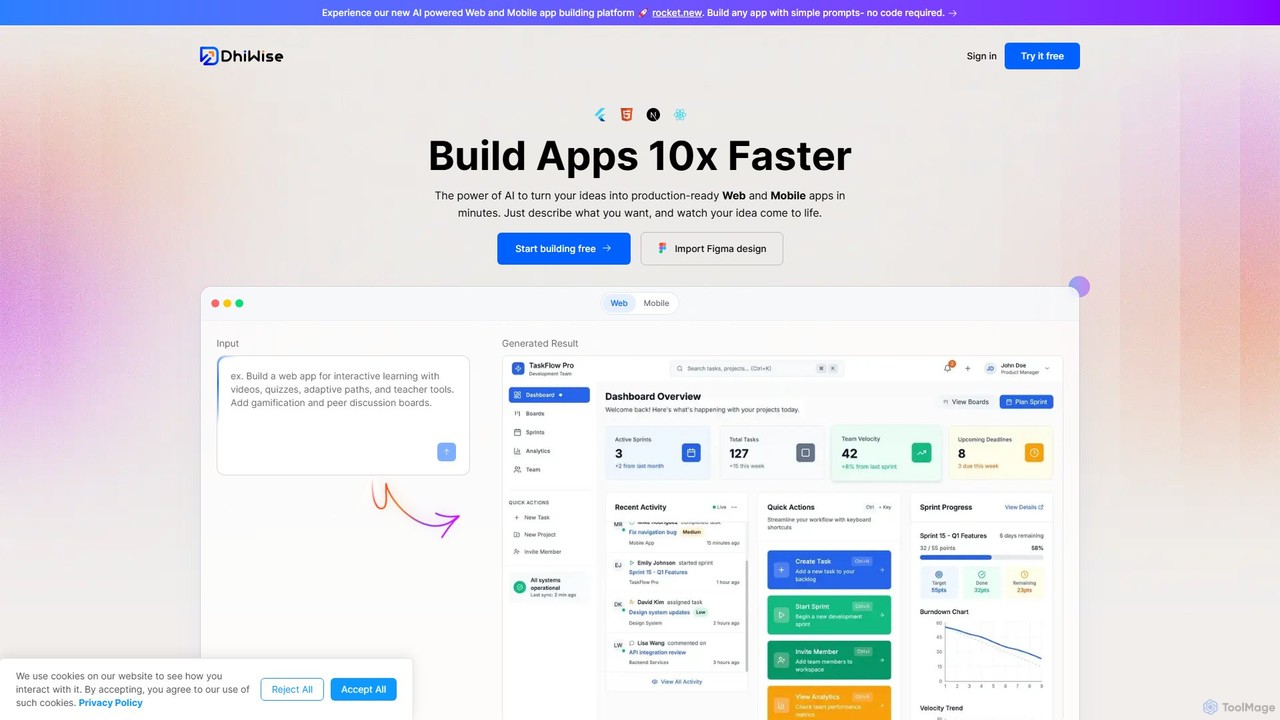
DhiWise

DhiWise

DhiWise is an AI-powered development platform that accelerates the creation of web and mobile applications. It transforms your …

221.9K
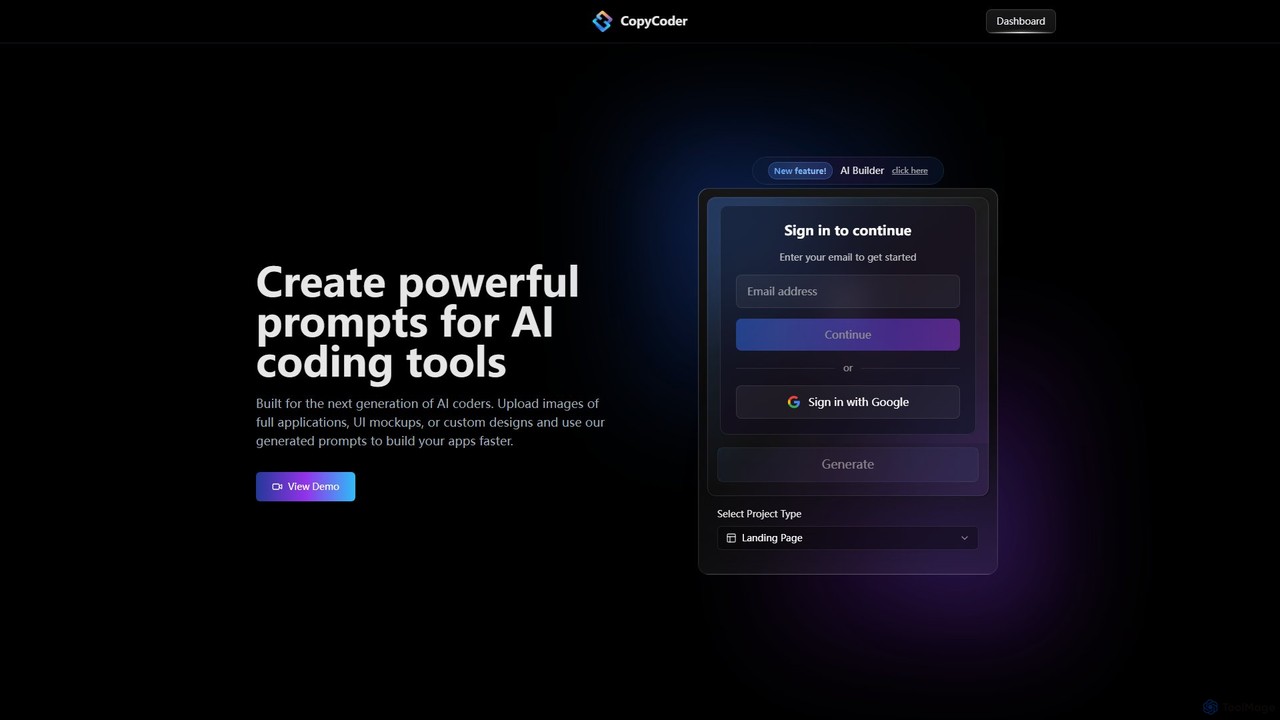
CopyCoder

CopyCoder

CopyCoder is an AI-powered tool designed for developers that converts UI designs, mockups, and images into powerful, structured …

4.2K
pixels2flutter

pixels2flutter

An AI-powered developer tool that instantly converts UI designs and screenshots into clean, production-ready Flutter code. It streamlines …

2.4K
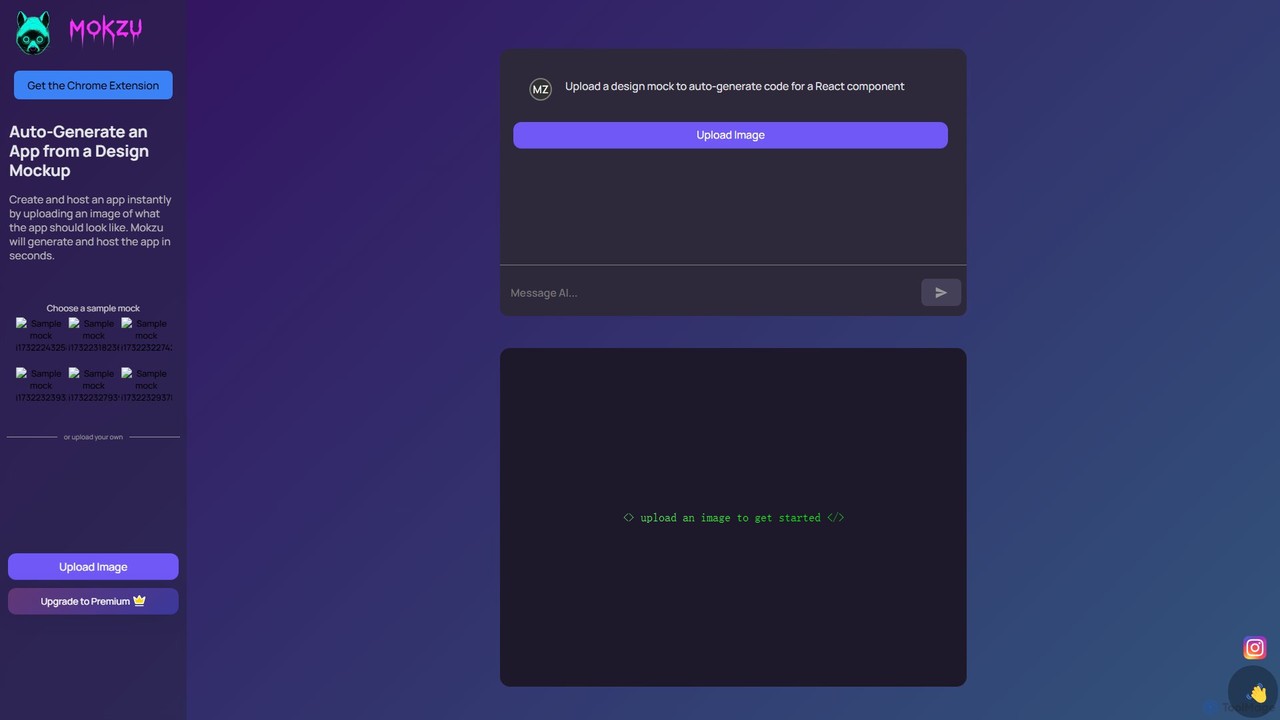
Mokzu

Mokzu

Mokzu is an AI-powered tool that instantly transforms design mockups into functional, production-ready web applications. By simply uploading …

34.8K
XAML.io

XAML.io

An AI-powered copilot for XAML developers. It accelerates UI development by converting natural language, sketches, and design files …

16.5K
Builder.io

Builder.io

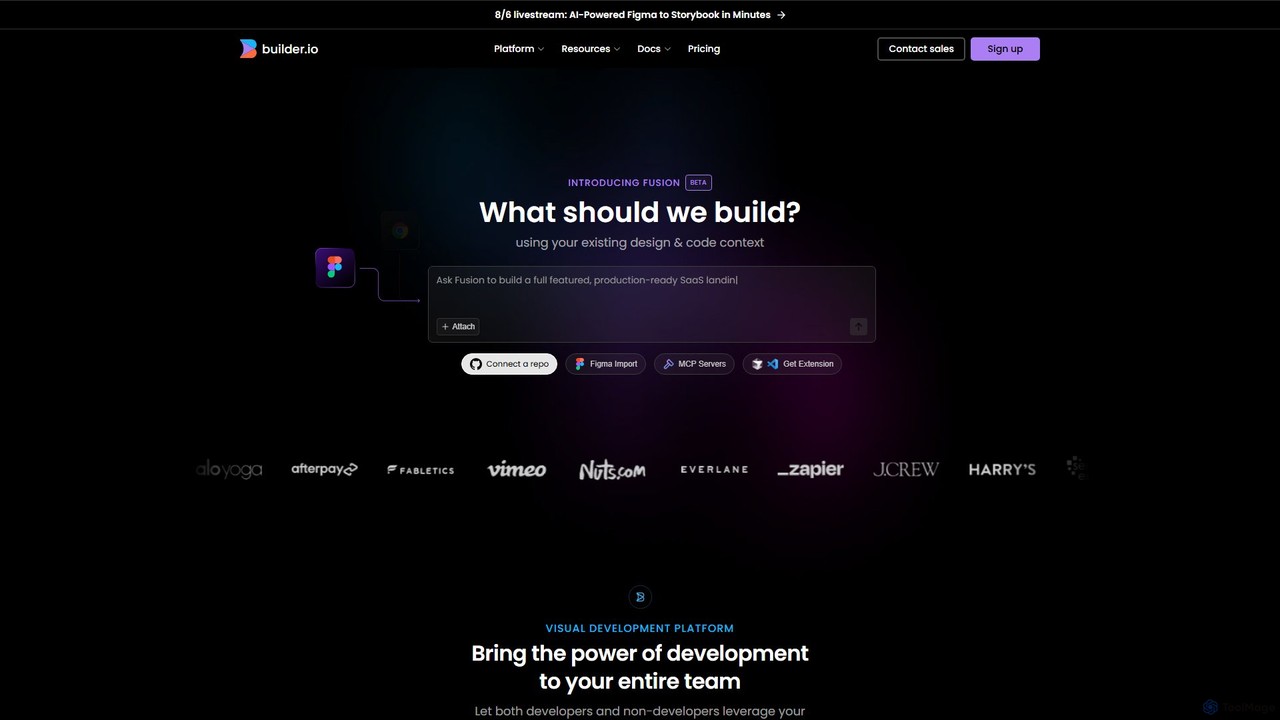
Builder.io is an AI-powered visual development platform that transforms Figma designs into production-ready code. It enables teams to …

933.0K
img2html

img2html

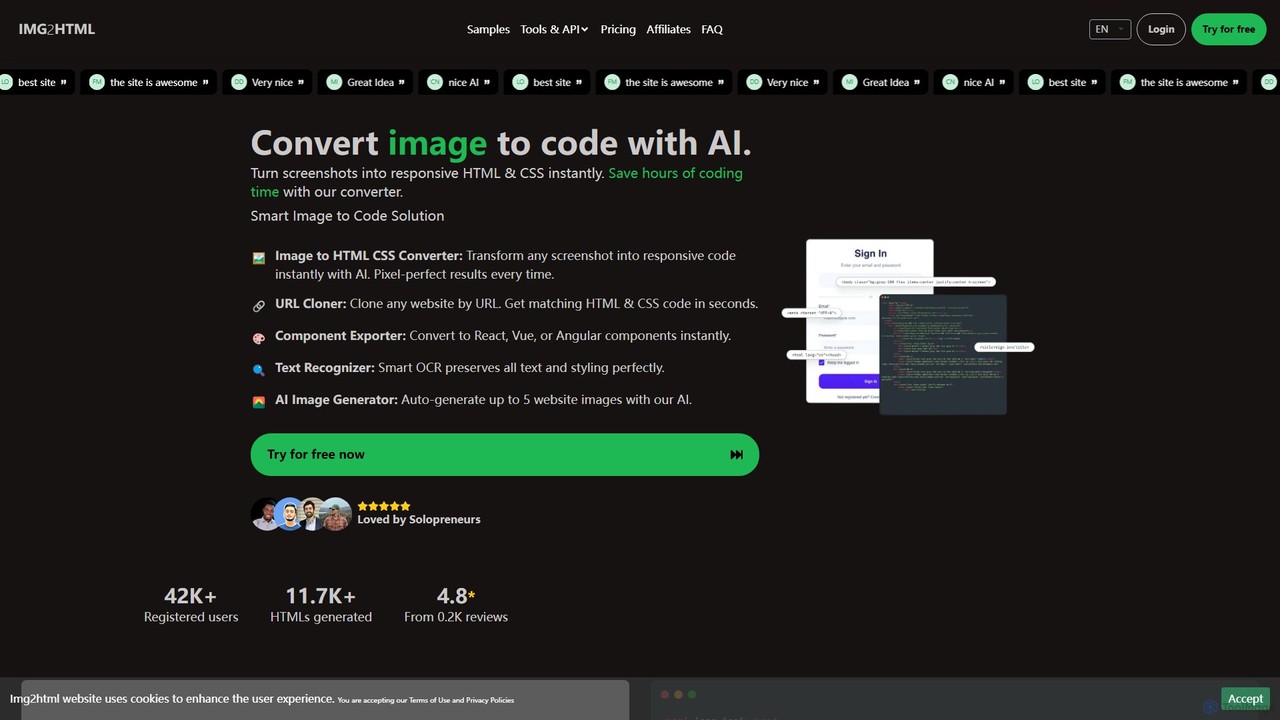
img2html is an AI-powered tool that instantly converts images, screenshots, and design mockups into clean, responsive HTML, CSS, …

33.3K
Locofy.ai

Locofy.ai

Locofy.ai is an AI-powered platform that accelerates frontend development by converting designs from Figma, Adobe XD, and Penpot …

127.9K
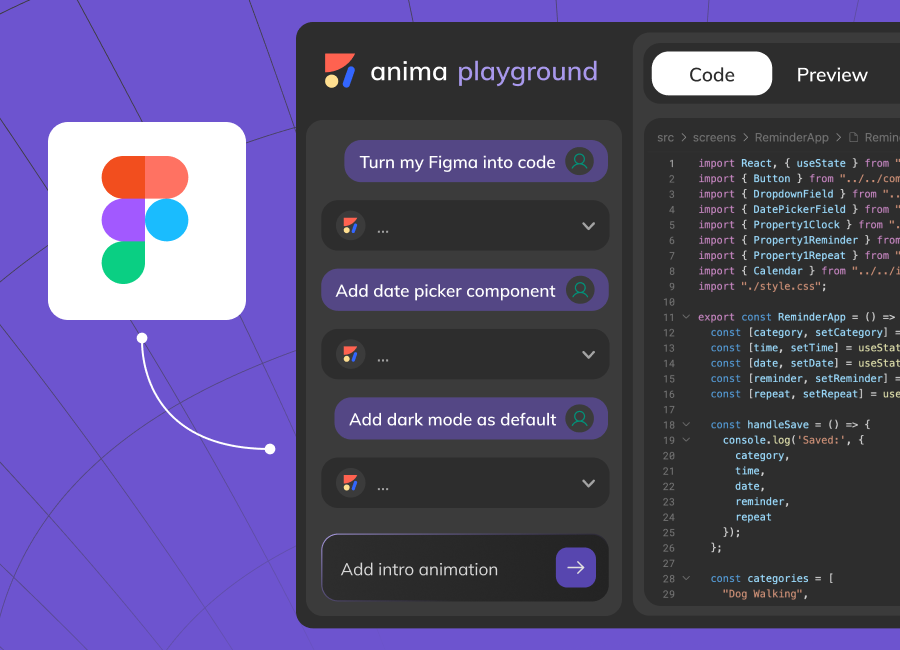
Anima

Anima

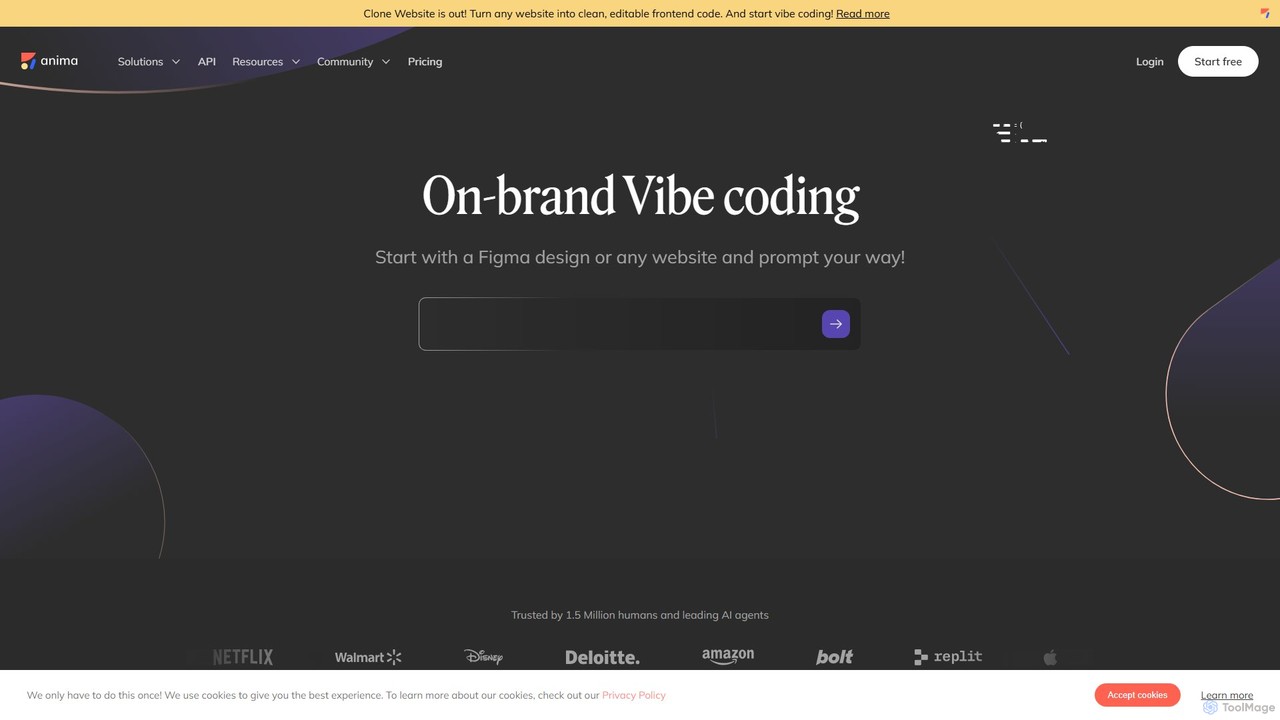
Anima is an AI-powered design-to-code platform that automates frontend development. It transforms designs from Figma, Adobe XD, and …

283.0K
Screenshot Coder

Screenshot Coder

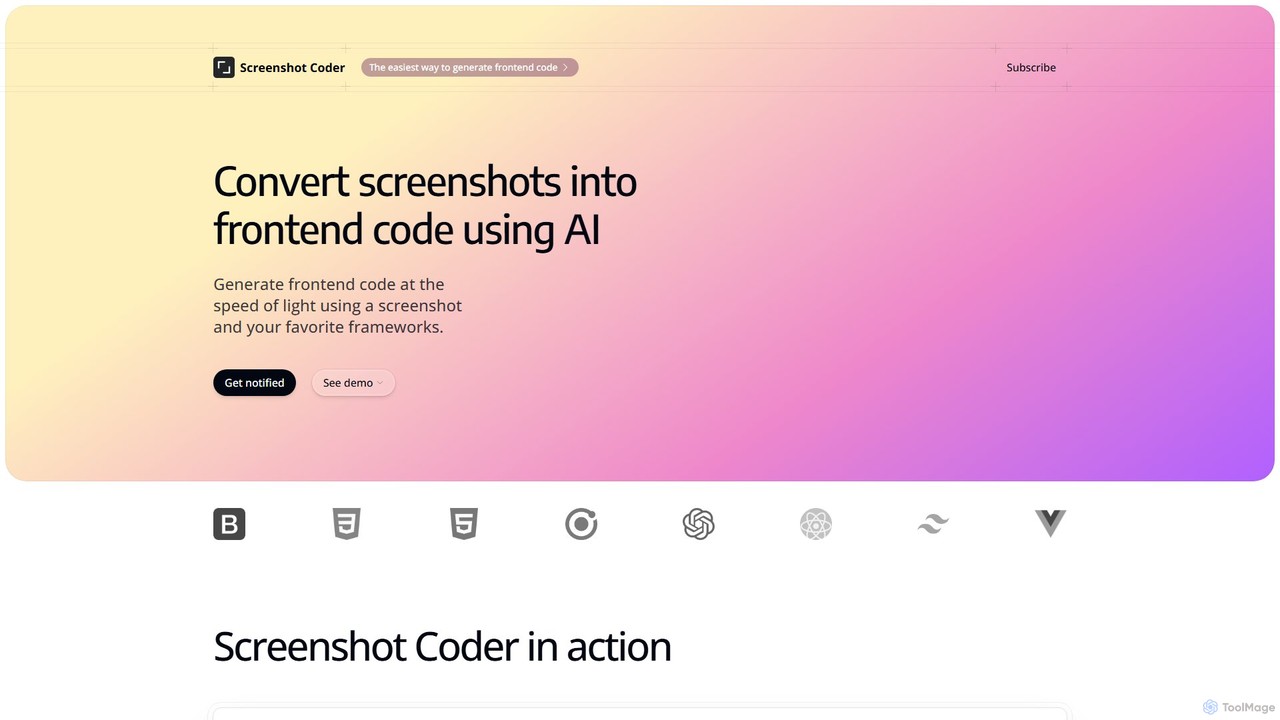
Screenshot Coder is an AI-powered tool that instantly converts screenshots of UI designs into clean, production-ready frontend code. …

2.5K
Niral.ai

Niral.ai

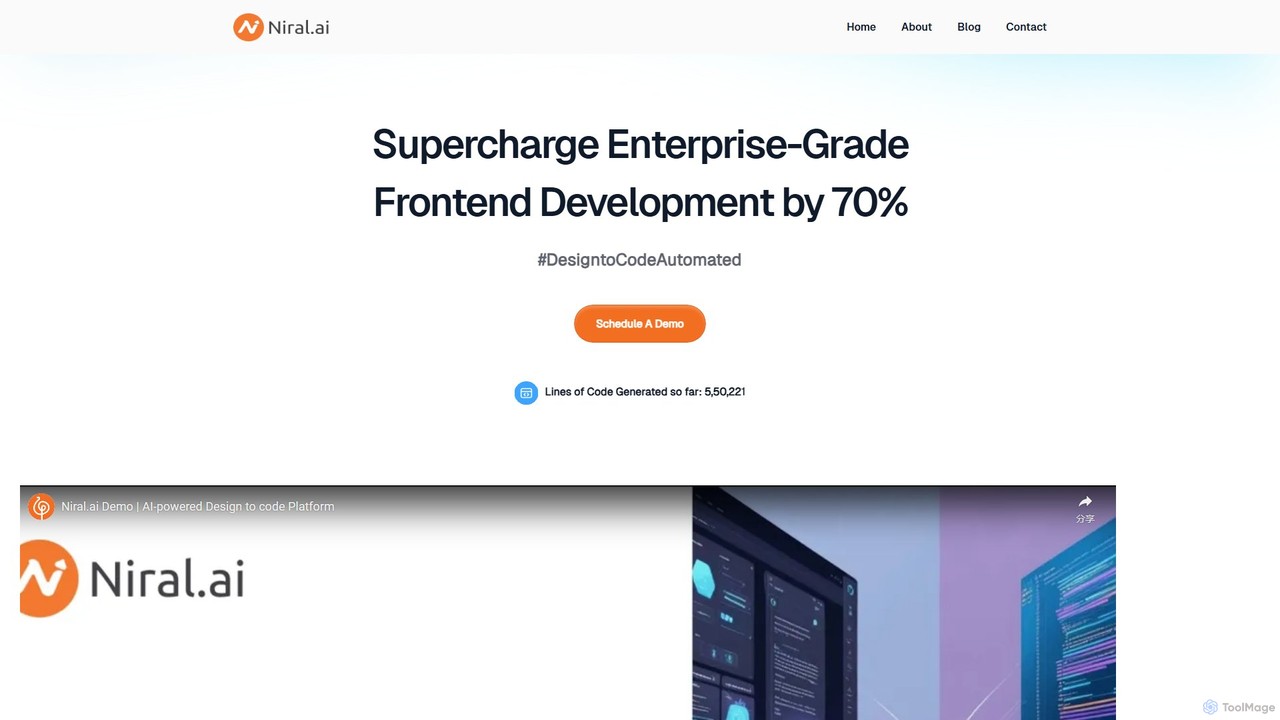
Niral.ai is an AI-powered platform that converts Figma designs into high-quality, production-ready front-end code. It streamlines the design-to-development …

2.7K
Fronty

Fronty

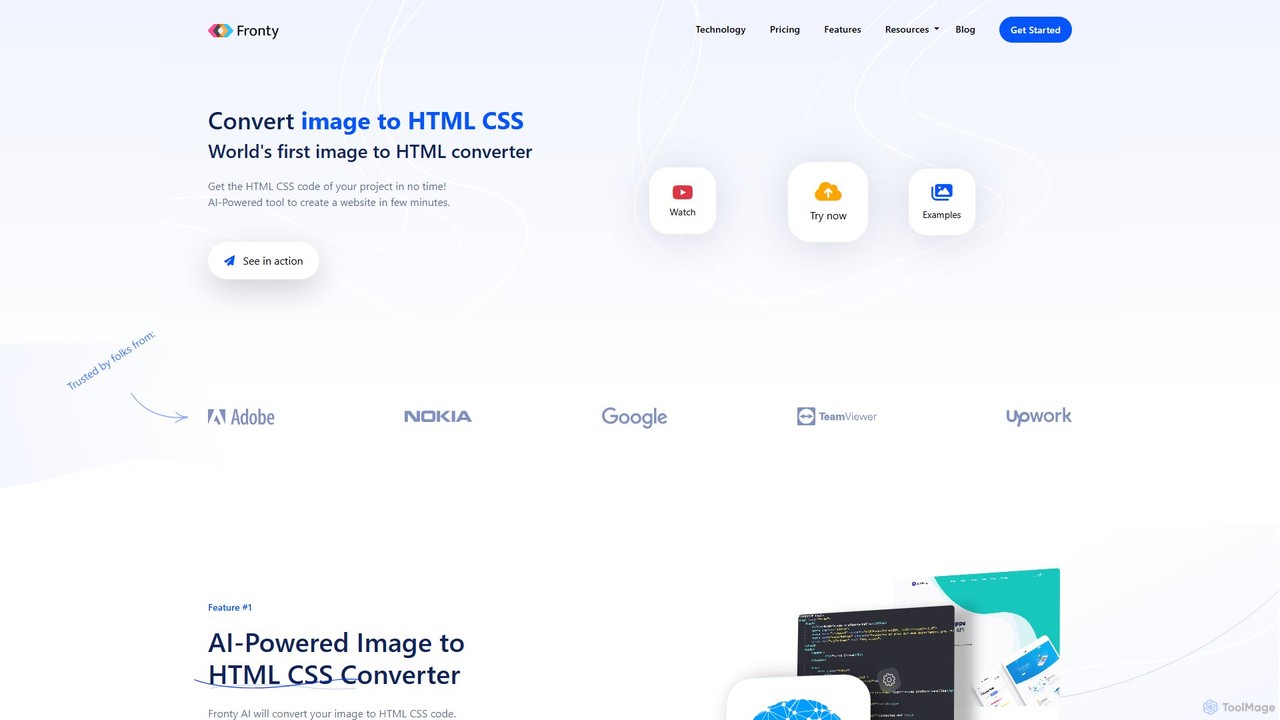
Fronty is a revolutionary AI-powered tool that converts images, screenshots, and designs into clean, semantic HTML and CSS …

47.1K
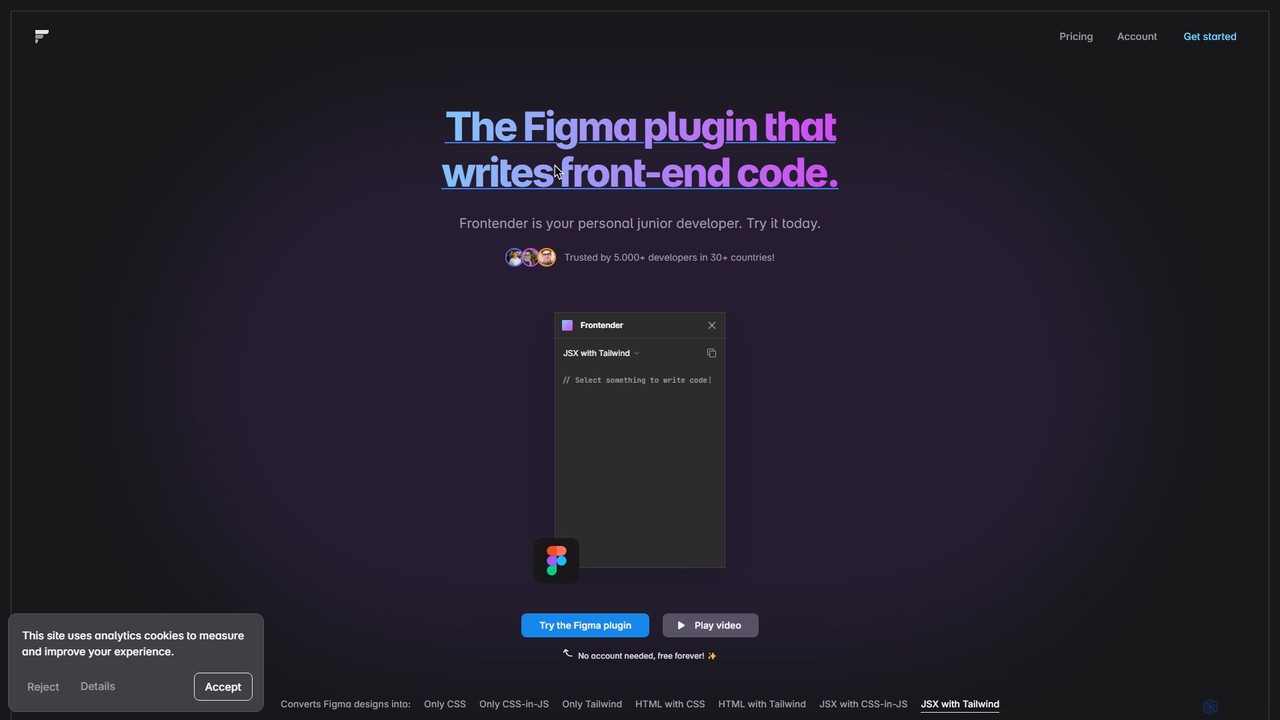
Frontender

Frontender

A powerful Figma plugin that acts as your personal junior developer, instantly converting Figma designs into clean, production-ready …

2.5K
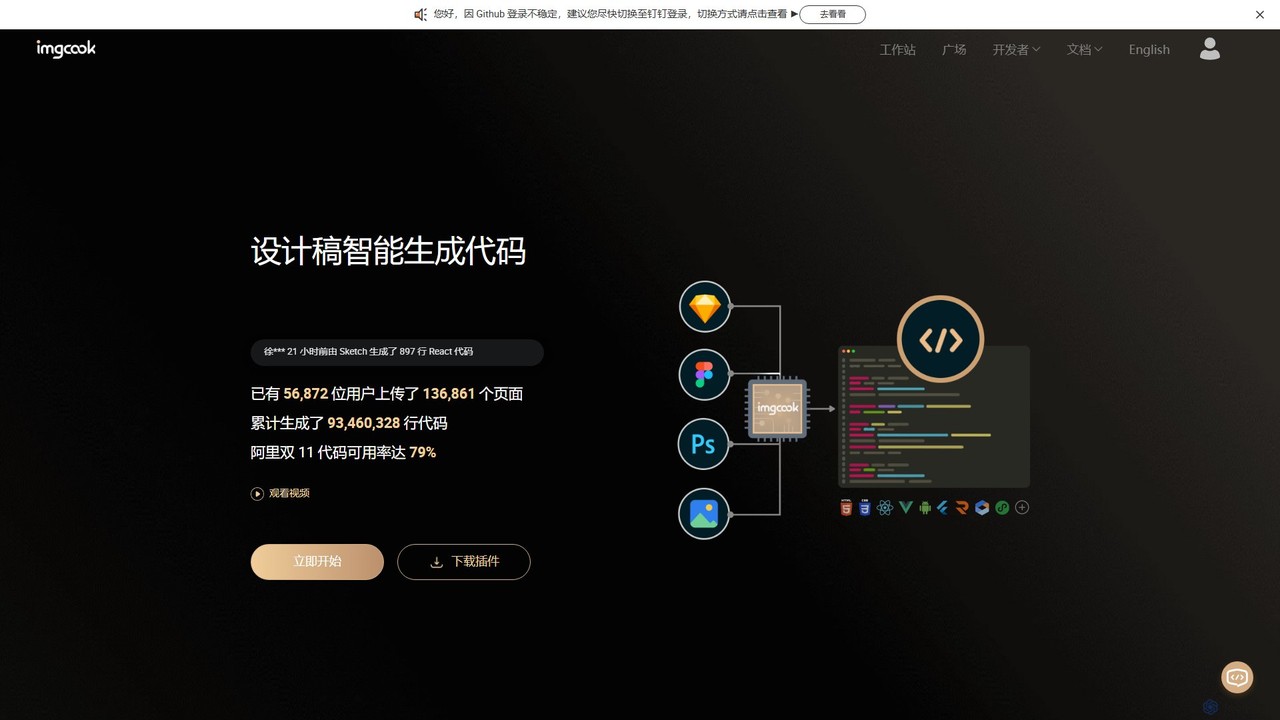
imgcook

imgcook

imgcook is an intelligent Design-to-Code (D2C) platform that uses AI to automatically convert design drafts from Sketch, Figma, …

2.4K
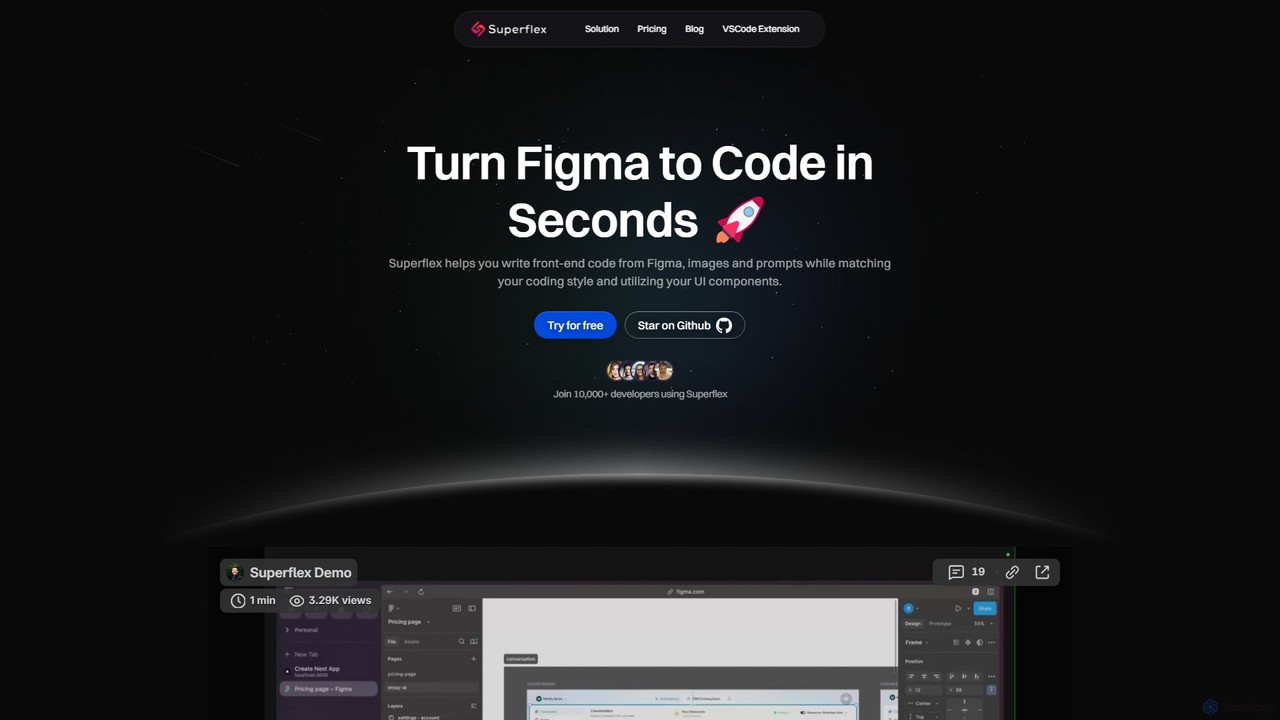
Superflex

Superflex

Superflex is an AI-powered tool that transforms Figma designs, images, and text prompts into production-ready front-end code in …

9.9K
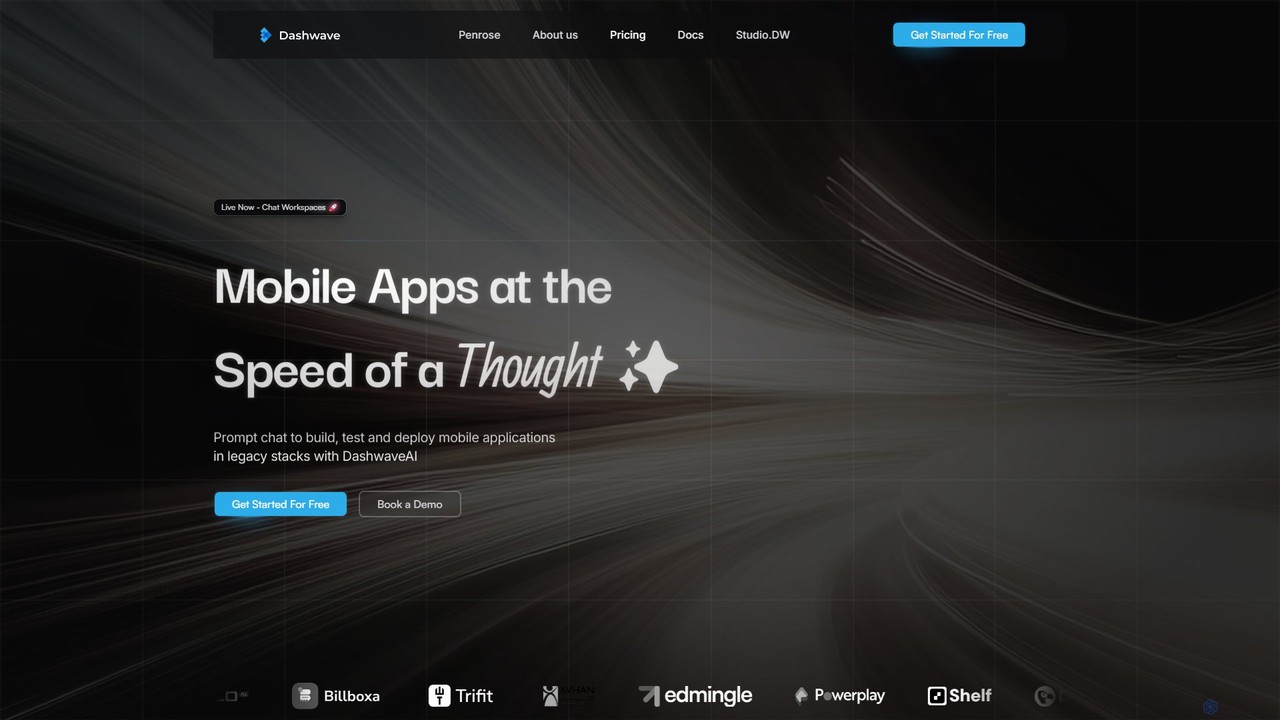
Dashwave

Dashwave

Dashwave is an AI-powered platform that accelerates mobile app development. It enables users to build, test, and deploy …

4.6K
PixelFree Studio

PixelFree Studio

PixelFree Studio is a low-code application builder that transforms UI designs into clean, production-ready code. It specializes in …

14.0K

About Design To Code

Design To Code tools are AI-powered applications that automatically convert visual design files into functional, clean frontend code. They leverage computer vision and machine learning to analyze design elements, layouts, and style properties from platforms like Figma or Sketch. This process significantly accelerates the development workflow by bridging the gap between design and implementation, reducing manual coding efforts. These tools can generate code for various modern frameworks, allowing teams to move from mockup to a live prototype or initial product build in a fraction of the time.

Core Features

  • Design File Parsing: Directly imports and interprets files from popular design tools like Figma, Sketch, and Adobe XD.
  • Component Recognition: Intelligently identifies repeating elements and structures, converting them into reusable code components (e.g., React or Vue components).
  • Code Generation: Outputs code in various languages and frameworks, such as HTML/CSS, JavaScript, React, Vue, and even mobile frameworks like Swift or Kotlin.
  • Responsive Layout Adaptation: Analyzes design constraints and automatically generates responsive code that adapts to different screen sizes.
  • Style Mapping: Accurately translates design tokens, color palettes, and typography from the design file into clean CSS or styled-components.

Use Cases

These tools are invaluable for frontend developers, UI/UX designers, and product teams. They are commonly used for rapidly building interactive prototypes from static designs, creating marketing landing pages, and automating the initial setup of components for a new application. Agencies also use them to streamline the design-to-development handoff process, ensuring visual consistency and saving development hours.

How to Choose

When selecting a Design To Code tool, consider its compatibility with your design software (e.g., Figma, Sketch). Evaluate the quality and cleanliness of the generated code and whether it supports your target frameworks (React, Vue, etc.). Also, assess the level of customization available post-conversion and its integration capabilities with your existing development toolchain, such as GitHub.

Design To CodeUse Cases

1

Rapid Prototyping for Startups

A product manager at a startup needs to create a high-fidelity, interactive prototype for an investor presentation. Instead of waiting for the engineering team, they use a Design To Code tool to convert their Figma mockups directly into a functional React application. The tool automatically generates components, navigation, and basic styling. This allows the manager to present a clickable prototype that accurately reflects the final product's look and feel, securing funding without consuming valuable development resources.

2

Accelerating Marketing Landing Page Creation

A marketing team needs to launch multiple landing pages for a new campaign, each with slight variations for A/B testing. Their designer creates the master template in Adobe XD. Using a Design To Code tool, the marketing specialist converts the design into clean HTML and CSS in minutes. This eliminates the need for a developer for each variation, allowing the team to deploy and test pages much faster, improving campaign agility and response times.

3

Building a Component Library from a Design System

A company is establishing a new design system in Figma and needs to create a corresponding code component library for their developers. A UI/UX designer uses a Design To Code tool to convert each Figma component (buttons, cards, forms) into isolated, reusable Vue components. The generated code serves as a solid foundation, which developers can then refine by adding logic and state management, ensuring perfect visual consistency between the design system and the final product.

4

Streamlining Agency-Client Handoff

A digital agency completes a website redesign for a client in Sketch. To ensure a smooth handoff to the client's in-house development team, the agency uses a Design To Code tool to generate the initial project structure, including all assets, styles, and responsive layouts. This provides the developers with a clean, well-organized starting point that is pixel-perfect to the approved design, reducing ambiguity and kickstarting the development process efficiently.

5

Modernizing Legacy Application UIs

A developer is tasked with updating an old application's user interface, which only exists as static Photoshop (PSD) files. They use a Design To Code tool that supports PSD import to convert the legacy design into a modern React codebase. This saves hundreds of hours of manual work recreating layouts and styles in code. The developer can then focus on integrating the new UI with the existing backend logic, significantly speeding up the modernization project.

6

Empowering Low-Code Development

An entrepreneur with design skills but limited coding knowledge wants to build a minimum viable product (MVP). They create the entire application interface in Figma. By using a Design To Code tool, they convert their complete design into a functional web application with clean HTML, CSS, and JavaScript. They can then integrate backend services using other low-code platforms, allowing them to launch their MVP independently and validate their business idea without hiring a full development team.

Design To CodeFrequently Asked Questions