

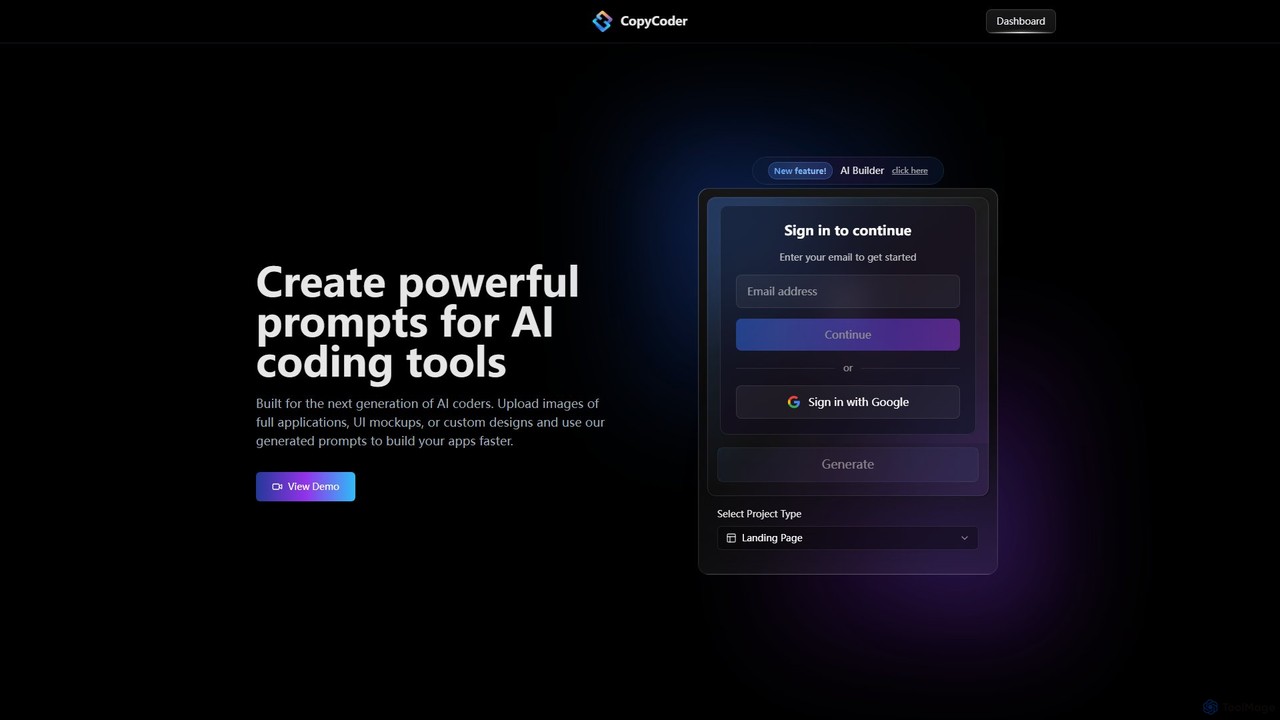
CopyCoder Overview
CopyCoder is a revolutionary AI tool built for the next generation of developers, designed to significantly accelerate the application development workflow. It specializes in translating visual designs into high-quality, structured prompts that can be used with AI coding assistants. By simply uploading an image of a UI mockup, a screenshot of an existing application, or a custom design, developers can generate detailed prompts that guide AI tools like Cursor to write the corresponding code. This process eliminates the tedious and time-consuming task of manually describing UI elements and layouts, allowing developers to focus on logic and functionality.
The platform is praised by the developer community for its impressive ability to convert images to code prompts, creating an incredibly efficient 'getting started' workflow. It's not just about speed; it's about precision. CopyCoder generates prompts that include details about component structure, styling, and layout, leading to more accurate and reliable code generation from the target AI assistant. This makes it an indispensable tool for rapid prototyping, front-end development, and for anyone looking to streamline their design-to-code process.
How to use CopyCoder
Using CopyCoder is a straightforward process designed for maximum efficiency:
- Sign Up and Log In: Create an account or sign in using your email or Google account.
- Select a Project Type: Start by choosing the type of project you are working on, for example, a 'Landing Page'.
- Upload Your Design: Drag and drop an image file of your UI mockup, application screenshot, or design concept into the upload area.
- Generate the Prompt: CopyCoder's AI will analyze the image, deconstruct its components, and generate a comprehensive, structured prompt.
- Use the Prompt: Copy the generated prompt and paste it into your preferred AI coding tool (e.g., Cursor). The AI assistant will then use this detailed prompt to generate the front-end code for your application.
- Build and Iterate: Use the generated code as a foundation for your project, iterating and adding functionality as needed.
Core Features of CopyCoder
- Image-to-Prompt Generation (Clone UI): The core functionality that analyzes any UI image and converts it into a detailed, actionable prompt for AI coders.
- AI Builder (Beta): An advanced feature that assists in the building process, likely offering more control over prompt generation and project structure.
- Complete Template Library: Access a library of pre-designed templates to kickstart projects and provide inspiration.
- Project Management: Organize your work with dedicated project spaces (1 for the Starter plan, unlimited for the Pro plan).
- Seamless Integration: Designed to work perfectly with leading AI coding assistants, enhancing their capabilities.
Use Cases for CopyCoder
CopyCoder is versatile and can be used in various development scenarios:
- Rapid Prototyping: Quickly transform design ideas from tools like Figma or Sketch into interactive web prototypes.
- Frontend Development: Accelerate the creation of landing pages, dashboards, and complex UI components for web applications.
- Design Handoff: Streamline the collaboration between designers and developers by providing a clear, machine-readable translation of visual designs.
- Learning and Training: Helps developers understand how to effectively prompt AI coding tools by showing how visual elements are described textually.
- Modernizing Legacy UIs: Take screenshots of older applications and use the generated prompts to quickly rebuild them with modern frameworks.
Advantages of CopyCoder
Developers choose CopyCoder for several key benefits:
- Increased Productivity: Drastically reduces the time spent on writing boilerplate code and translating visual designs into code specifications.
- Enhanced Accuracy: Generates specific and structured prompts, leading to higher quality and more predictable code output from AI assistants.
- Simplified Workflow: Offers an intuitive drag-and-drop interface that simplifies the initial stages of development.
- Empowers AI Assistants: Unlocks the full potential of tools like Cursor by providing them with superior input.
- Strong Community Trust: Highly regarded and recommended by developers for its effectiveness and innovation.
Pricing and Plans
CopyCoder offers two straightforward subscription plans. There is no free trial available, as the platform incurs costs from AI model providers for every use.
- Starter Plan: $15/month. Includes 1 project, full access to Clone UI, CopyCoder Builder (Beta), the complete template library, and standard customer support. Ideal for individuals and small projects.
- Pro Plan: $39/month. Includes unlimited projects, full access to all features including Clone UI and CopyCoder Builder (Beta), the complete template library, and priority customer support. Best for serious developers and professional use.
Users can upgrade, downgrade, or cancel their plan at any time, with changes taking effect in the next billing cycle. Payments are processed securely through Stripe and accept all major credit cards.
Traffic
Latest traffic
Status
Monthly traffic trend
- 2025-9: 18.6K
- 2026-1: 5.9K
- 2026-2: 3.4K
- 2026-3: 1.1K
- 2026-4: 1.7K
- 2026-5: 693
Geography
Top 5 countries / regions
- 🇺🇸United States100.0%
Top keywords
| Keyword | Cost per click |
|---|---|
| copycoder.i | $0.00 |
| copy coders | $0.00 |
CopyCoder Alternatives

XAML.io
An AI-powered copilot for XAML developers. It accelerates UI development by converting natural language, sketches, and design files into clean, production-ready XAML code for .NET MAUI, WPF, and UWP. It also offers code optimization and debugging assistance.
Design To Code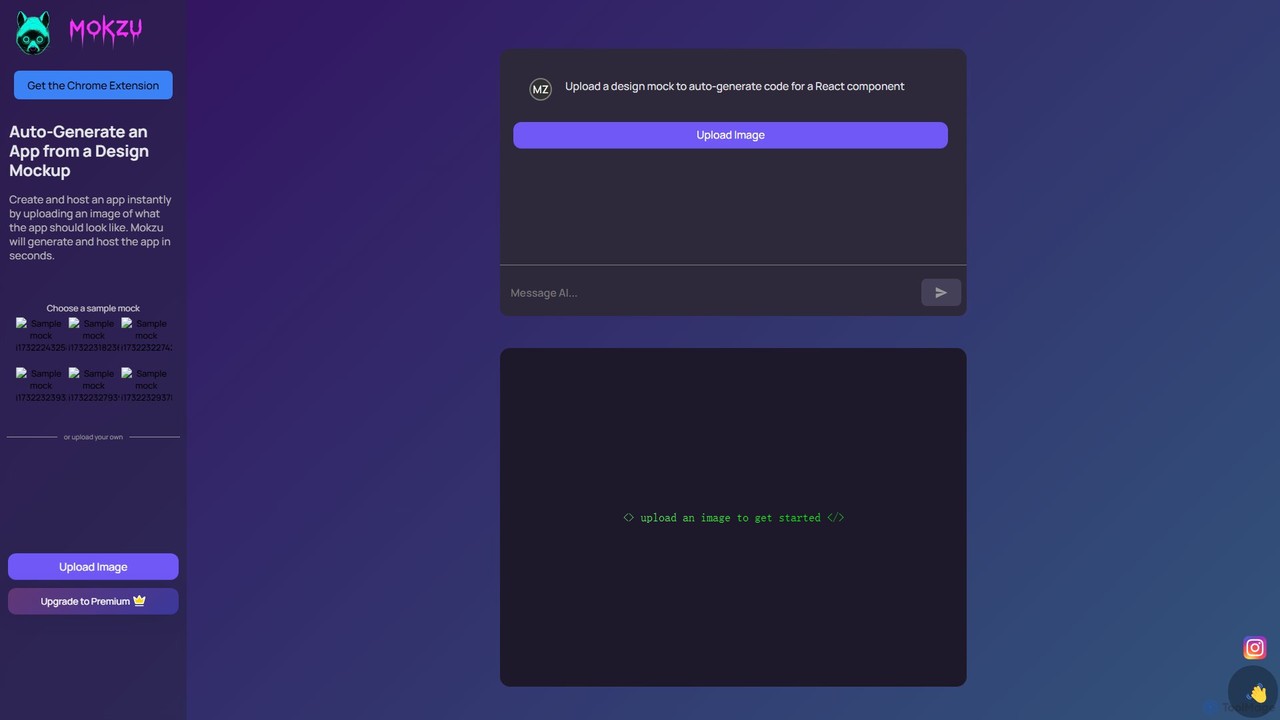
Mokzu
Mokzu is an AI-powered tool that instantly transforms design mockups into functional, production-ready web applications. By simply uploading an image of your UI design, Mokzu generates clean React component code and hosts the app in seconds. It's designed to accelerate the development workflow, bridge the gap between design and code, and enable rapid prototyping for developers, designers, and product teams.
Design To Code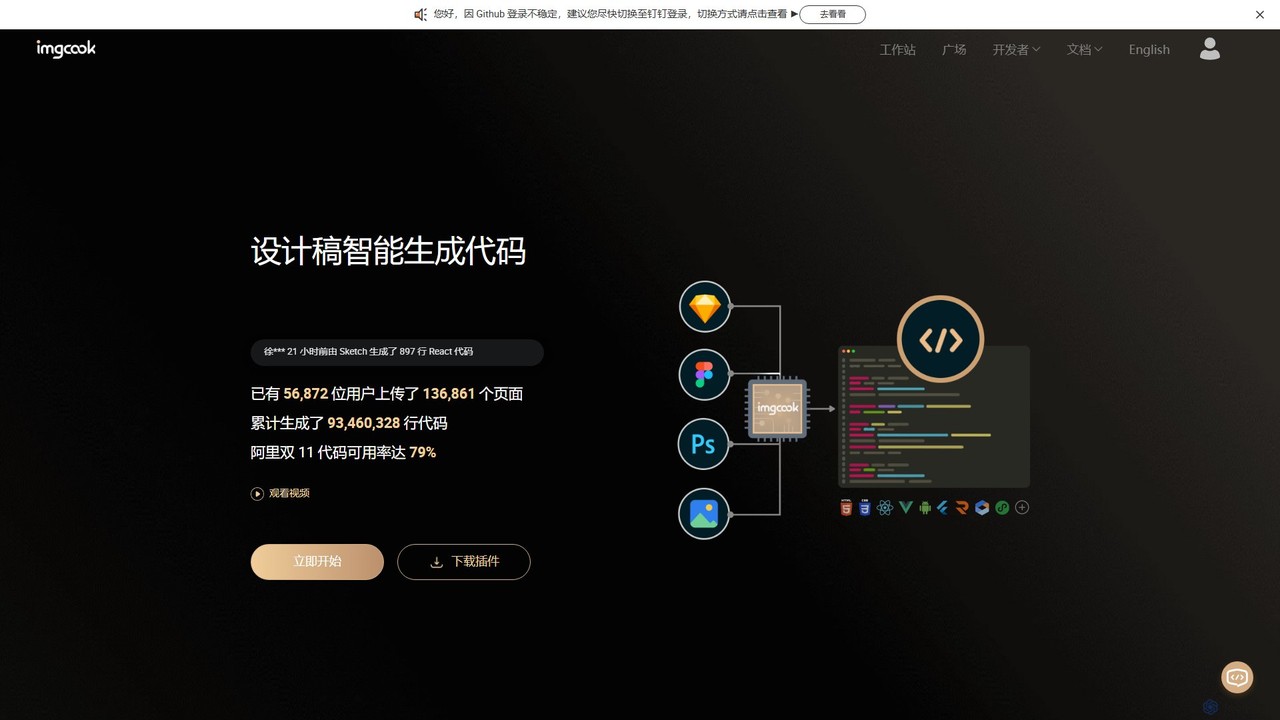
imgcook
imgcook is an intelligent Design-to-Code (D2C) platform that uses AI to automatically convert design drafts from Sketch, Figma, and Photoshop into high-quality, maintainable front-end code for React, Vue, Mini Programs, and more, significantly boosting development efficiency.
Design To Code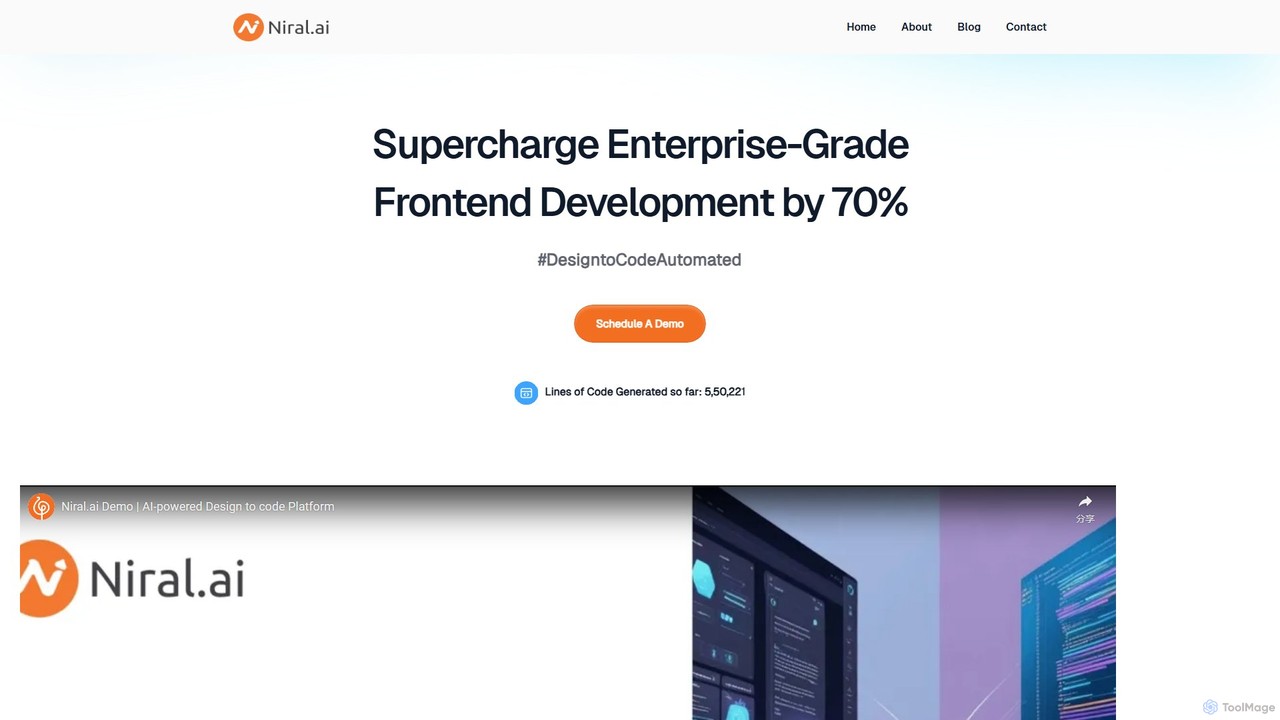
Niral.ai
Niral.ai is an AI-powered platform that converts Figma designs into high-quality, production-ready front-end code. It streamlines the design-to-development workflow, enabling teams to build user interfaces faster with full code ownership and Git integration.
Design To Code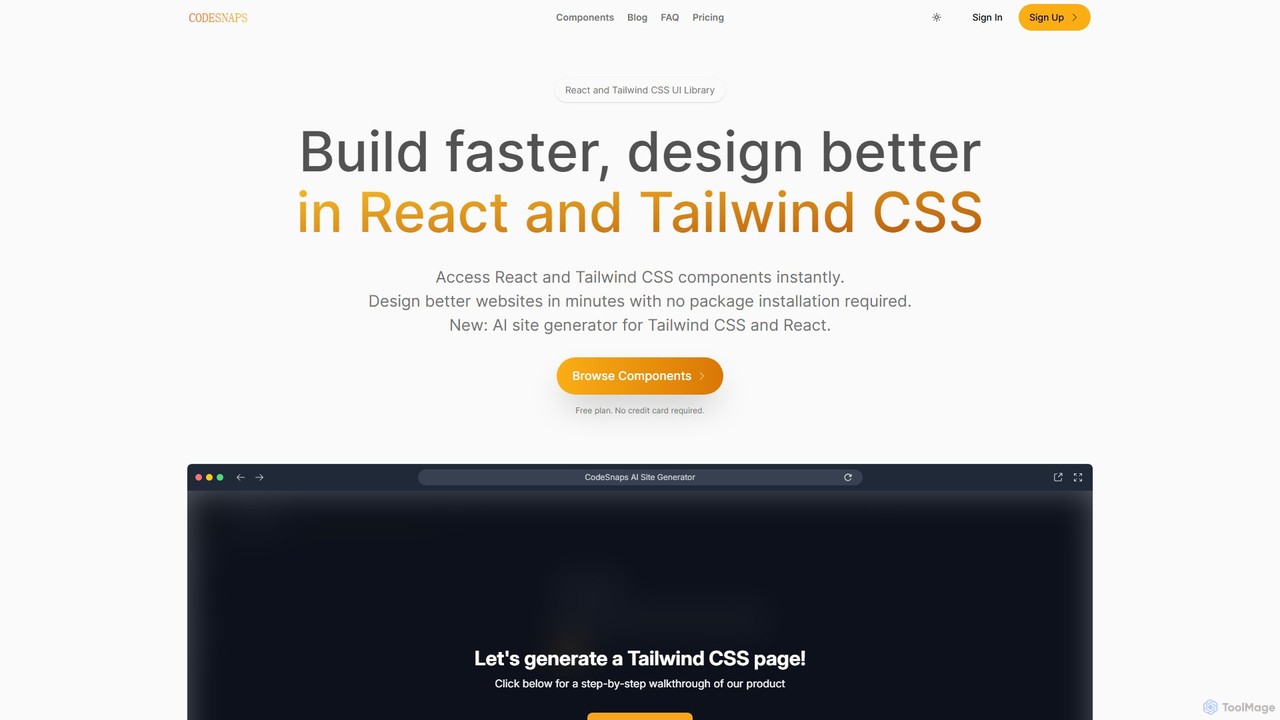
CodeSnaps
CodeSnaps is an AI-powered UI library for React and Tailwind CSS. It helps developers build websites and MVPs faster with a vast collection of production-ready components and an innovative AI site generator. Simply describe your site, and the AI will generate the structure and code, which you can then customize and download.
Ui UxCopyCoder Categories
CopyCoder Embed Widget
Copy this embed code to place the badge on your blog, article, or product site and send readers directly to this ToolMage detail page.

Related AI tools
Phion
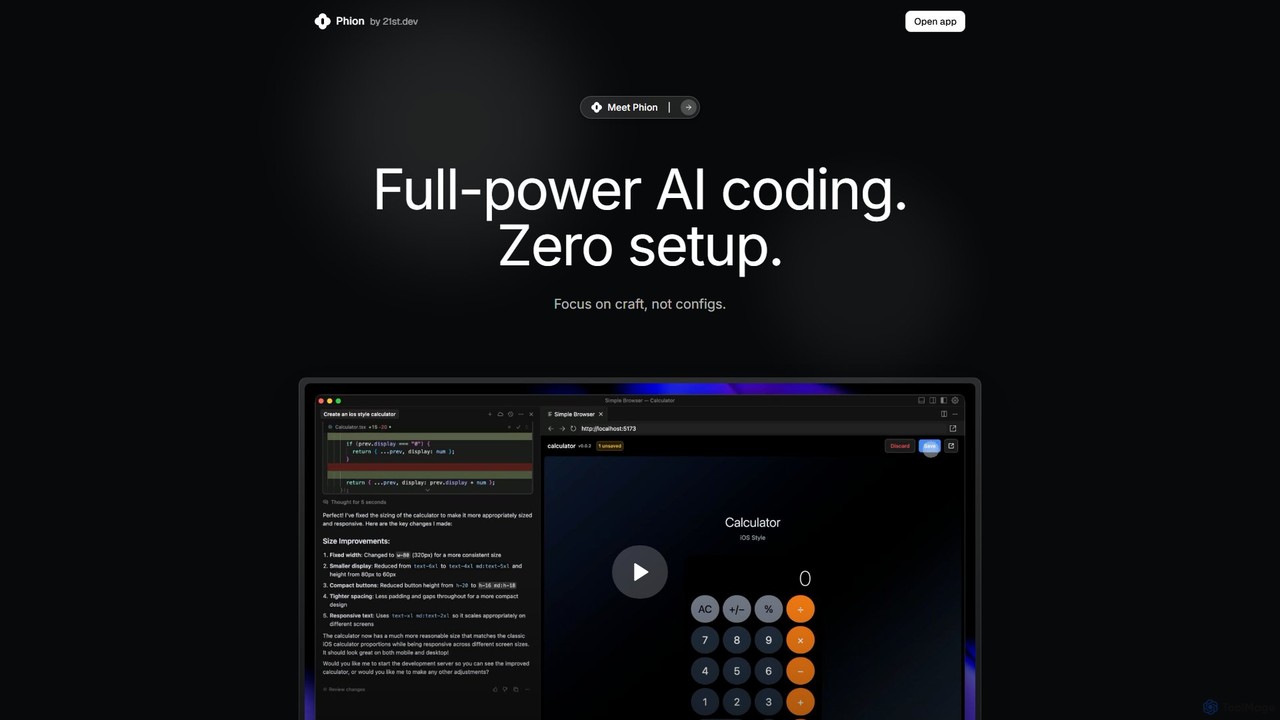
Phion is an AI-powered coding environment designed to eliminate setup and configuration. It offers a zero-setup workspace, instant deployment on save, and an AI assistant to automatically fix bugs. Integrated with the Cursor editor, it streamlines the entire development workflow from idea to live website.
Code Assistant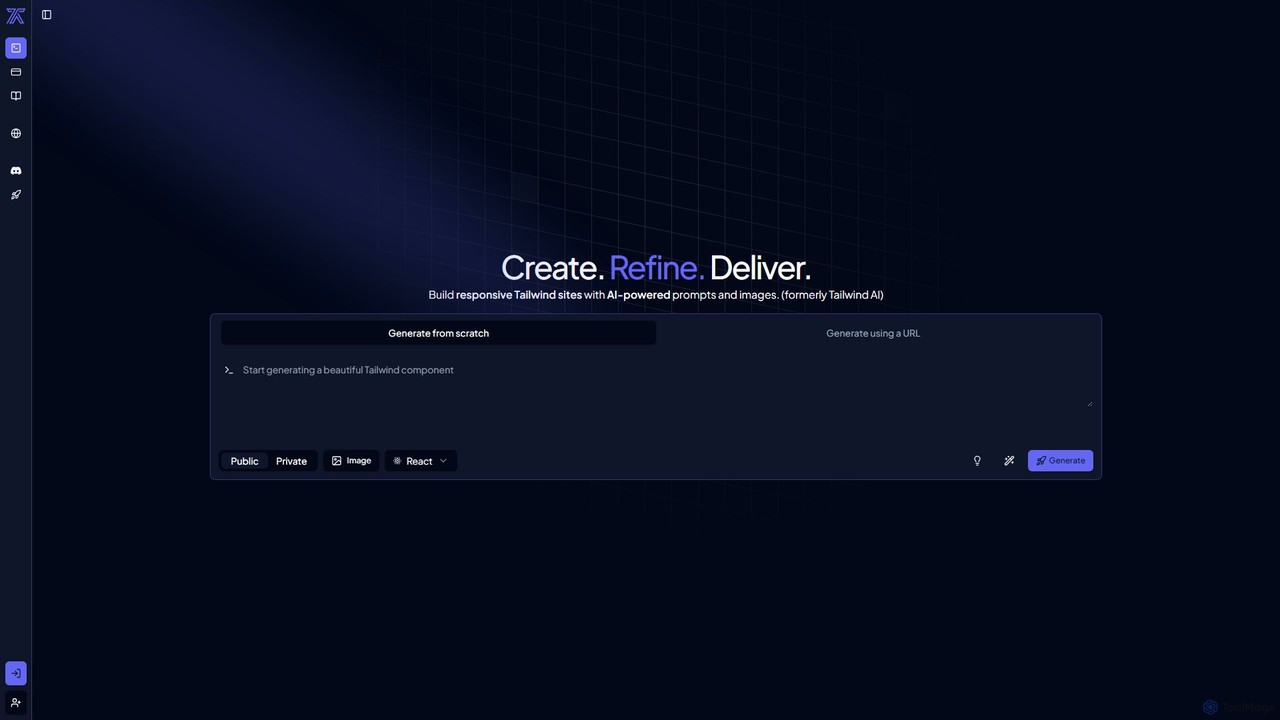
CodeRocket
CodeRocket is an AI-powered development tool that generates responsive websites and components using Tailwind CSS. Simply provide a text prompt, an image, or a URL, and CodeRocket will generate clean, ready-to-use code for HTML, React, and Vue.js. It's designed to accelerate frontend development, from rapid prototyping to building complete user interfaces.
Ui Ux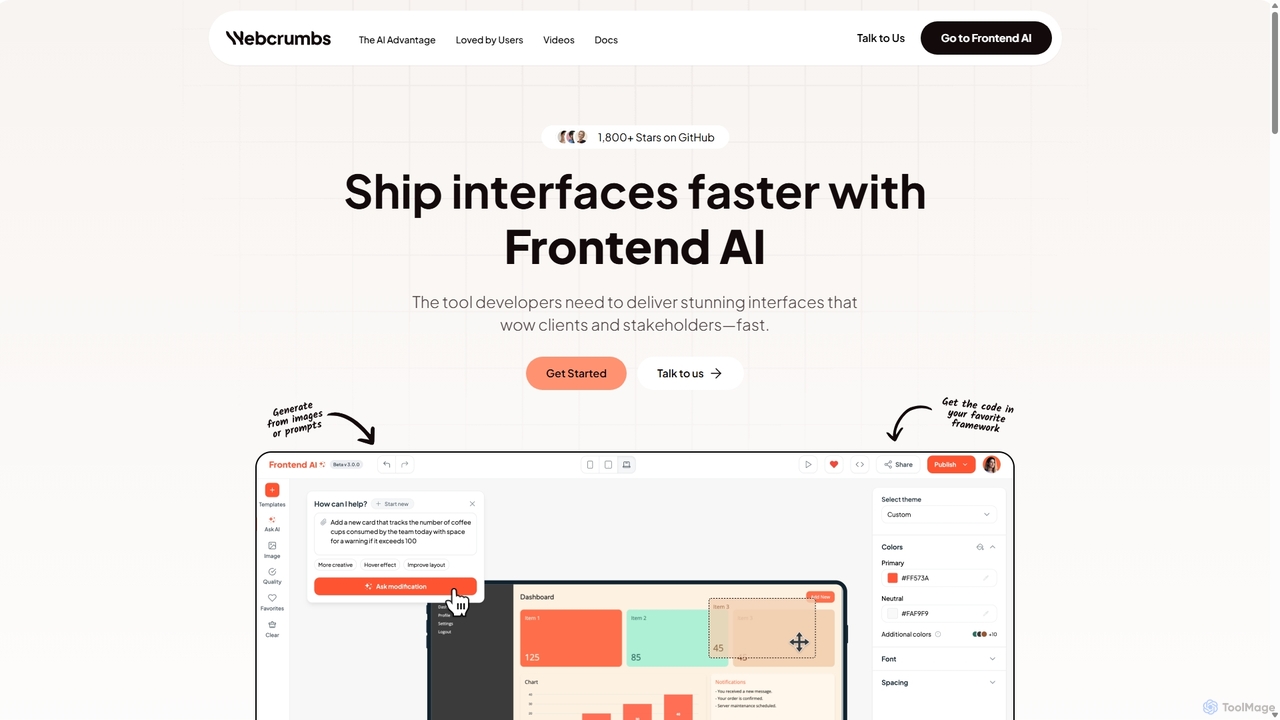
Webcrumbs
Webcrumbs is an AI-powered frontend development platform designed to accelerate UI creation. It combines a powerful prompt-to-code engine with a visual editor, enabling developers and designers to rapidly build, refine, and ship high-quality interface components. By translating natural language or images into clean, production-ready code, Webcrumbs streamlines the workflow, enhances collaboration, and ensures design consistency across projects.
Ui Ux
Jyek
Jyek is an AI agent platform that understands objectives, creates execution plans, uses tools, and delivers verifiable results for complex, multi-step tasks.
Automation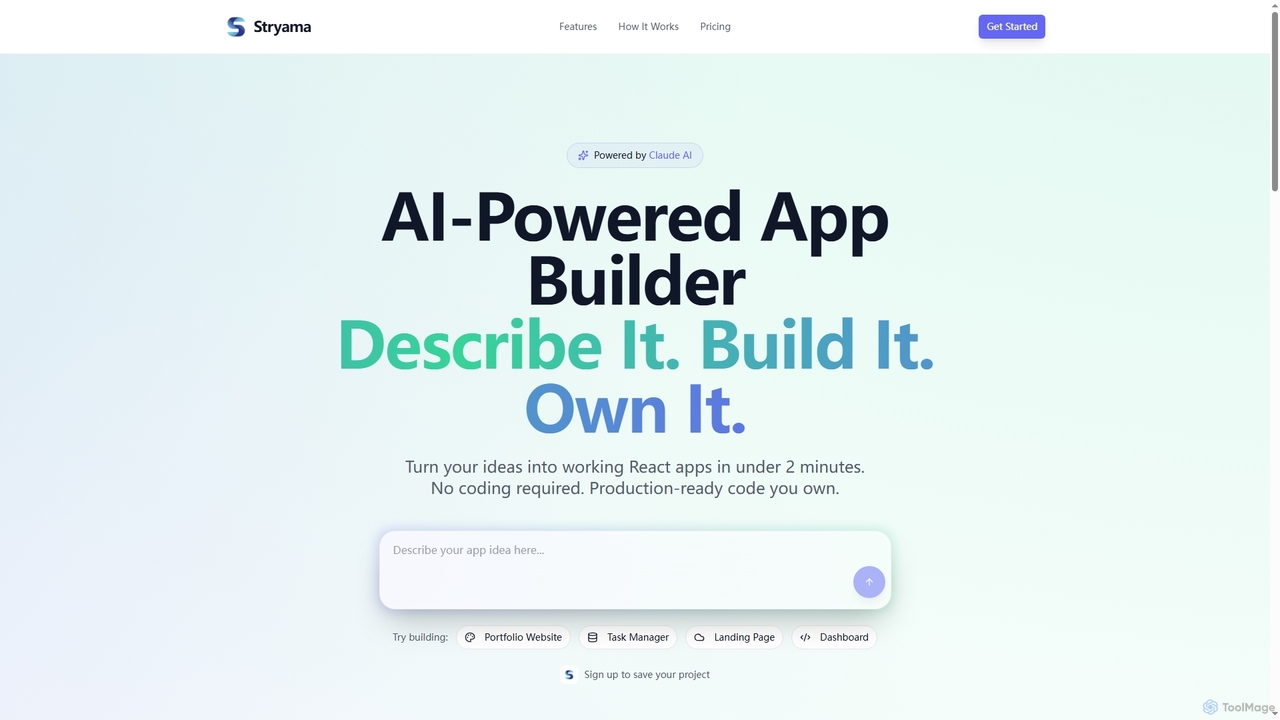
Stryama
Stryama is an AI-powered app builder that transforms your ideas into functional React applications in minutes, requiring no coding. It generates production-ready code that you fully own, enabling rapid development and deployment for various web projects.
App DevelopmentMokzu
Mokzu is an AI-powered tool that instantly transforms design mockups into functional, production-ready web applications. By simply uploading an image of your UI design, Mokzu generates clean React component code and hosts the app in seconds. It's designed to accelerate the development workflow, bridge the gap between design and code, and enable rapid prototyping for developers, designers, and product teams.
Design To Codeimgcook
imgcook is an intelligent Design-to-Code (D2C) platform that uses AI to automatically convert design drafts from Sketch, Figma, and Photoshop into high-quality, maintainable front-end code for React, Vue, Mini Programs, and more, significantly boosting development efficiency.
Design To CodeNiral.ai
Niral.ai is an AI-powered platform that converts Figma designs into high-quality, production-ready front-end code. It streamlines the design-to-development workflow, enabling teams to build user interfaces faster with full code ownership and Git integration.
Design To CodeCodeSnaps
CodeSnaps is an AI-powered UI library for React and Tailwind CSS. It helps developers build websites and MVPs faster with a vast collection of production-ready components and an innovative AI site generator. Simply describe your site, and the AI will generate the structure and code, which you can then customize and download.
Ui Ux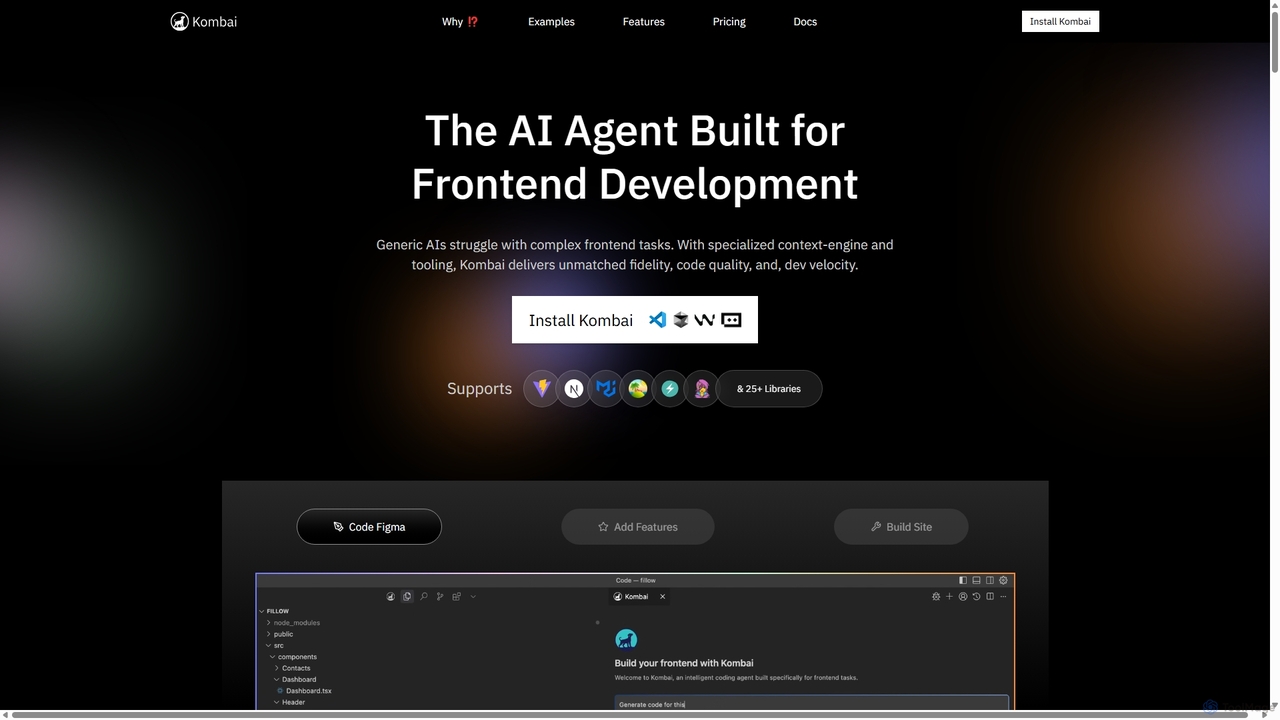
Kombai
Kombai is a specialized AI agent for frontend development that transforms Figma designs, images, and text prompts into high-fidelity, production-ready code. It understands your existing codebase, supports 25+ libraries, and integrates directly into your IDE to accelerate development velocity.
Code Generation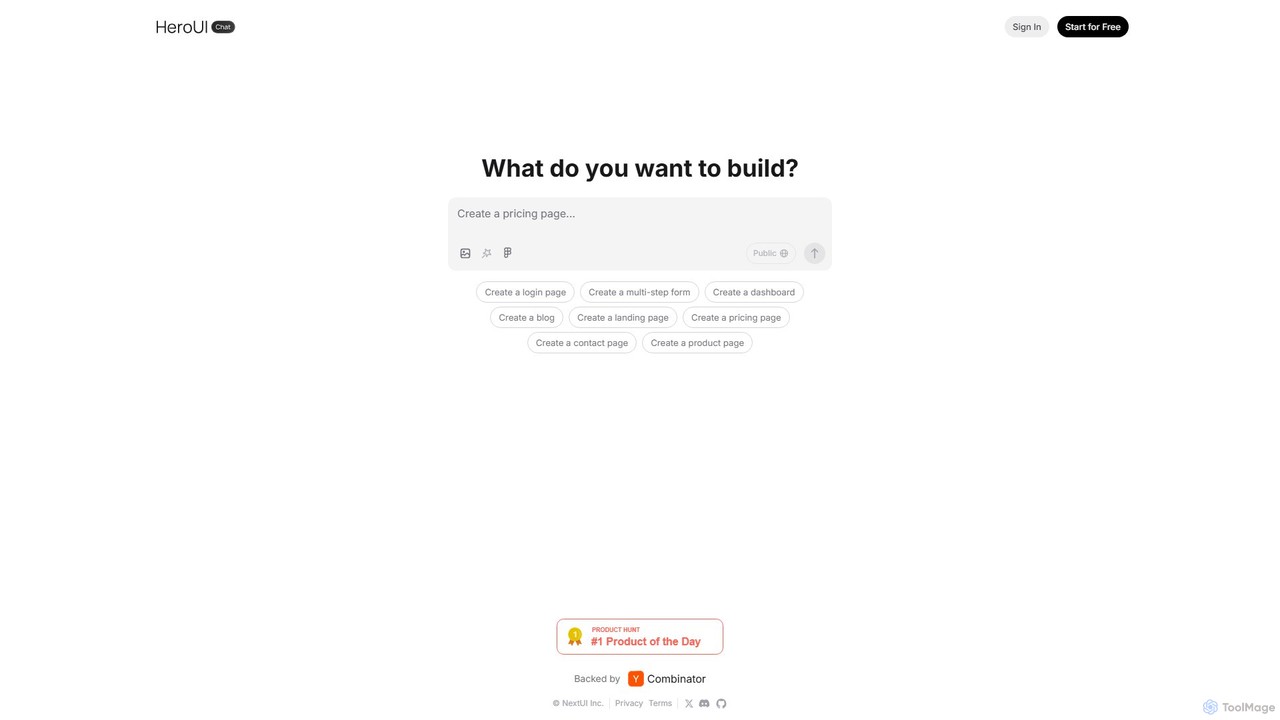
HeroUI Pro
HeroUI Pro is a premium component library for React developers, offering over 220+ professionally designed, responsive, and production-ready components. It accelerates web development by providing pre-built elements for various applications, including AI dashboards, e-commerce sites, and marketing pages, all available for a one-time payment.
Components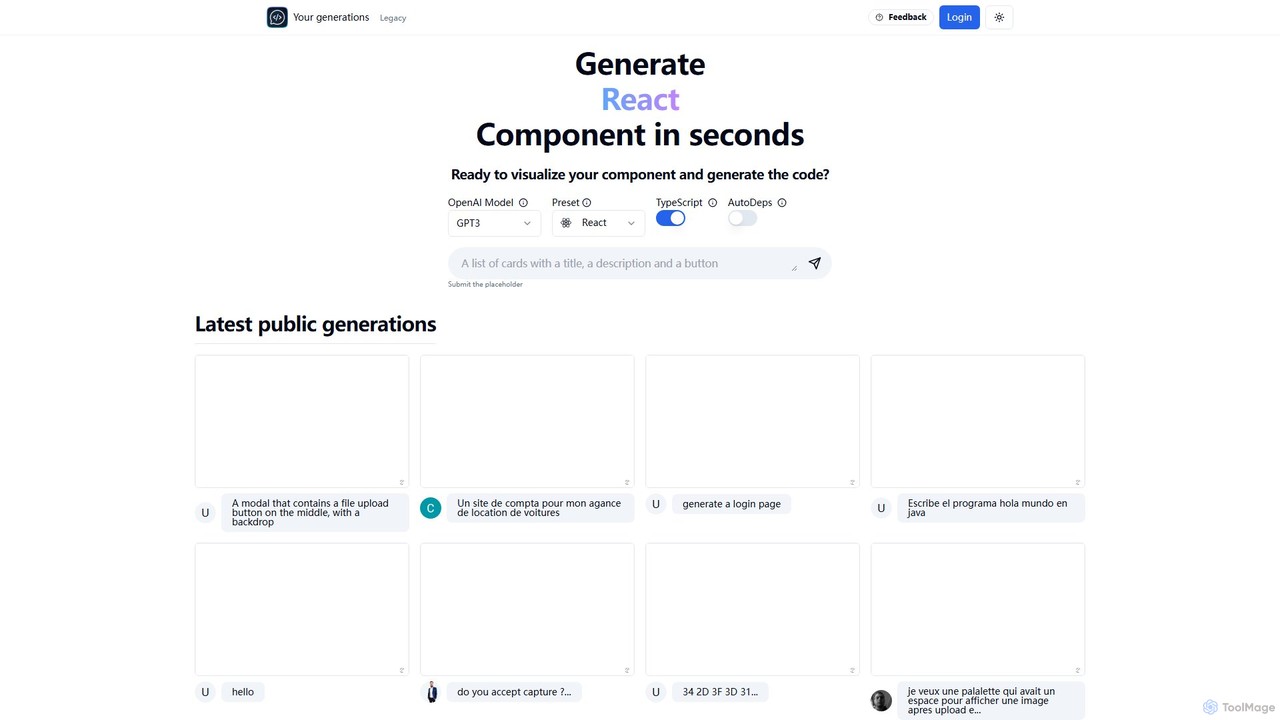
Chat2Code
Chat2Code is an AI-powered tool that generates interactive React and TypeScript components from natural language descriptions. Instantly visualize your ideas, get functional code, and accelerate your frontend development workflow. Perfect for rapid prototyping and component scaffolding.
Prototyping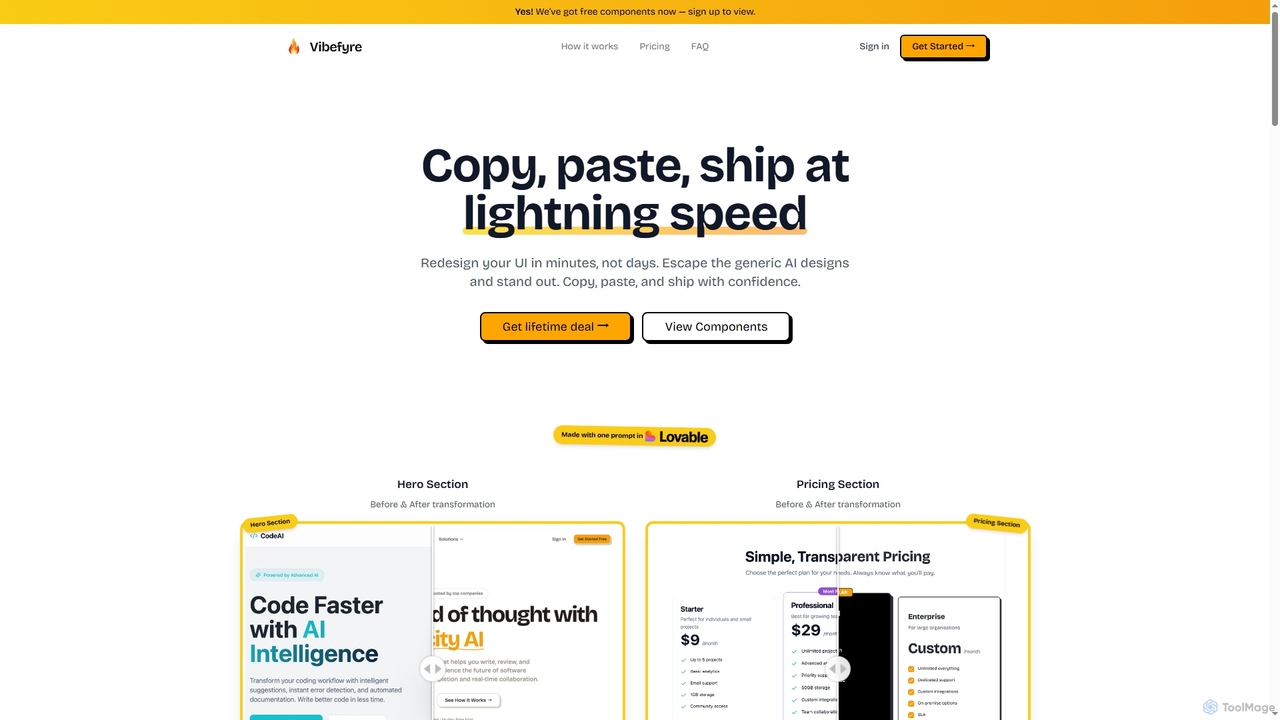
Vibefyre
Vibefyre is an AI-powered UI kit designed to accelerate web development by providing high-quality, pre-designed components and prompts. It enables developers to quickly generate unique and consistent user interfaces using their favorite AI coding tools, significantly reducing design and development time for React/TSX applications.
Web Design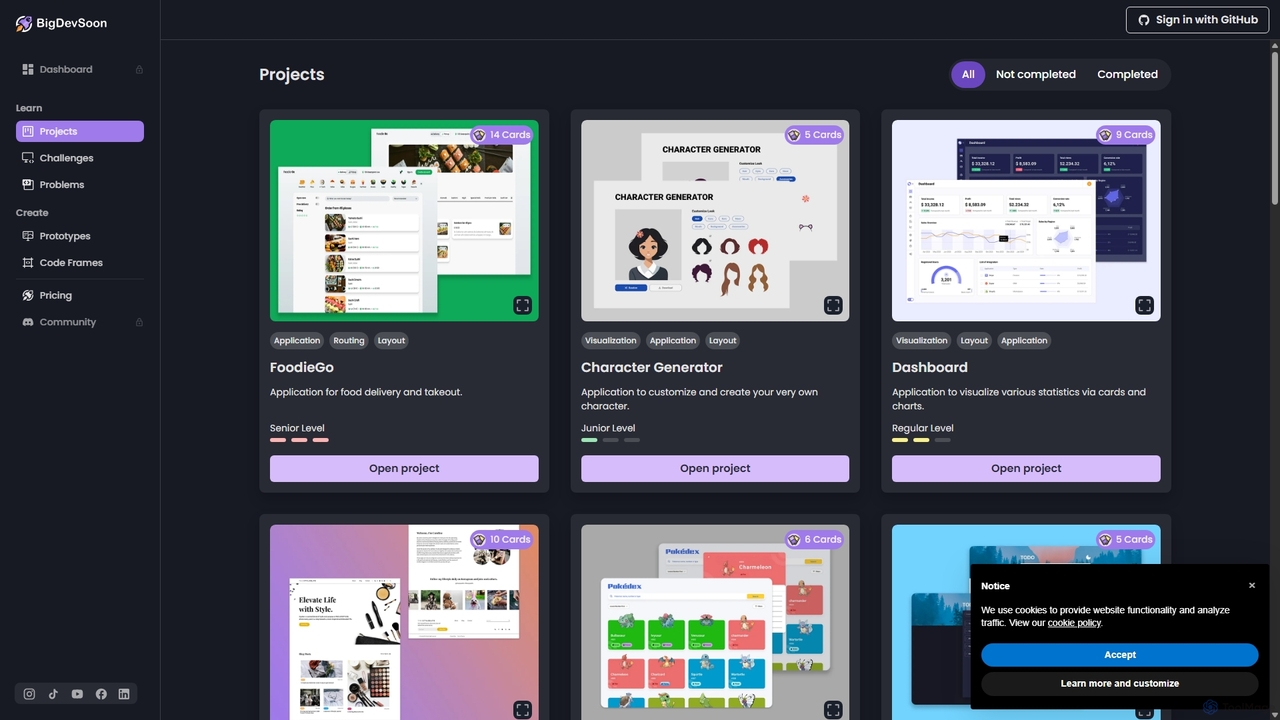
BigDevSoon
BigDevSoon is an AI-powered platform for developers to enhance coding skills and build a strong portfolio. It offers real-world projects, daily challenges, and algorithmic problems, supported by an AI coding assistant, AI-generated solutions, and professional Figma designs to accelerate learning and job readiness.
Code Learning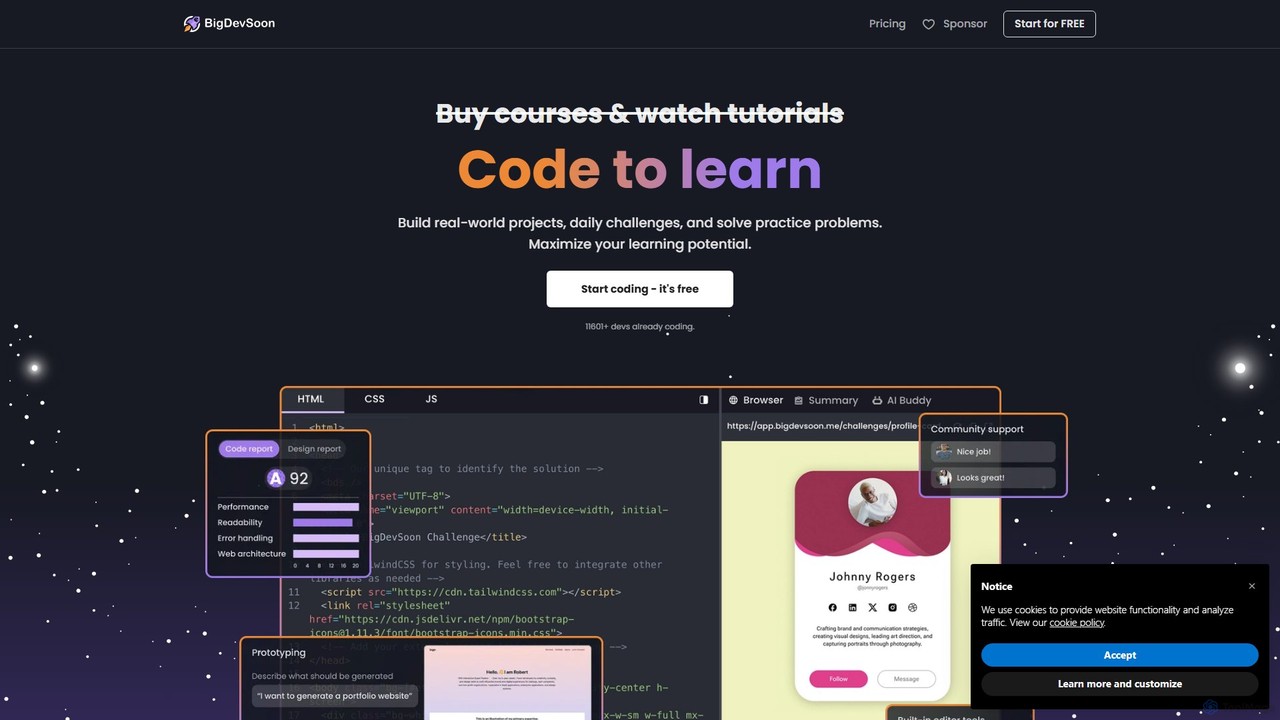
BigDevSoon
BigDevSoon is a hands-on learning platform for frontend developers. It helps users transition from tutorials to real-world applications by providing a library of projects, complete with Figma designs and structured tasks. It's designed to enhance coding skills, build a professional portfolio, and overcome the challenge of finding practical project ideas.
Frontend Development
CopyCoder Comments (0)
Sign in to comment.
Sign inNo comments yet.