
Design Best in category 1 results Components AI Tool

Popular AI tools in the Components field of Design include HeroUI Pro, etc., helping you quickly improve efficiency.

HeroUI Pro

HeroUI Pro

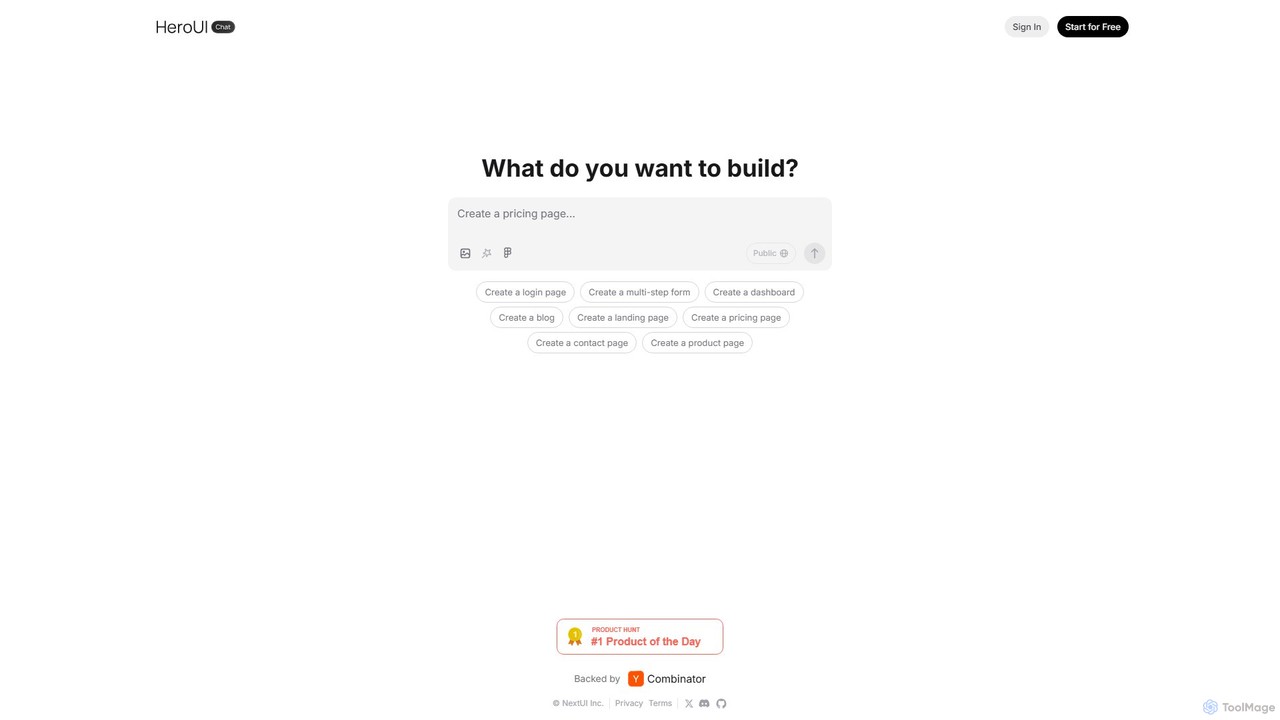
HeroUI Pro is a premium component library for React developers, offering over 220+ professionally designed, responsive, and production-ready …

73.2K

About Components

AI Components are tools that use artificial intelligence to generate, customize, and manage user interface (UI) elements. They translate text prompts, design rules, or existing layouts into functional building blocks like buttons, forms, and cards. This technology accelerates the design-to-development workflow by automating the creation of consistent and responsive UI elements. AI Component tools are valuable for building scalable design systems and rapidly prototyping digital products.

Core Features

  • Generative UI Creation: Produce UI elements from natural language descriptions or simple wireframes.
  • Automated Variation: Instantly generate multiple design options for a single component, exploring different colors, fonts, and layouts.
  • Responsive Adaptation: Automatically create versions of components that adapt seamlessly to various screen sizes, from mobile to desktop.
  • Direct Code Export: Convert visual designs into clean, production-ready code for frameworks like React, Vue, or standard HTML/CSS.

Use Cases

These tools are widely used by UI/UX designers and front-end developers for rapid prototyping, building and maintaining design systems, and accelerating the development of web and mobile applications. They help ensure brand consistency and significantly reduce manual design and coding efforts.

How to Choose

When selecting an AI Component tool, consider its integration with your existing design software (e.g., Figma, Sketch), the quality and type of code it exports, the level of customization it allows, and its collaboration features for team-based workflows.

ComponentsUse Cases

1

Rapid Prototyping for a New Mobile App

A product designer needs to create a high-fidelity prototype for a new mobile app under a tight deadline. Instead of manually designing each screen element, they use an AI Component tool. By inputting prompts like 'Create a user login form with email, password, and a social login button,' the tool instantly generates a complete, well-designed component. This process is repeated for profiles, settings pages, and content cards, allowing the designer to assemble a fully interactive prototype in hours, not days, for early user testing.

2

Building a Consistent Design System

A design system team is responsible for maintaining UI consistency across a dozen products. Using an AI component tool, they define base components with specific brand rules (colors, typography, spacing). The AI then generates hundreds of variations and states (e.g., primary, secondary, disabled, hover for buttons) automatically. When a brand guideline is updated, they only need to change the rule in the tool, and the AI regenerates the entire component library, ensuring all products stay consistent with minimal manual effort.

3

Accelerating Front-End Development

A front-end developer receives a complex dashboard design in Figma. Instead of manually writing HTML, CSS, and JavaScript for each chart, table, and filter, they use an AI component tool with a Figma plugin. The tool analyzes the design, identifies reusable components, and directly exports them as clean, production-ready React components. This reduces development time by over 50% and minimizes discrepancies between the final product and the original design.

4

Creating Responsive Web Components

A web designer has finalized the desktop layout for a complex data table component. To ensure it works on all devices, they use an AI component tool. They input the desktop design, and the AI automatically generates tablet and mobile versions. It intelligently handles layout shifts, stacks columns into rows for smaller screens, and adjusts font sizes, saving the designer hours of manual work required to create and test multiple responsive breakpoints.

5

Generating Themed UI Kits for Clients

A freelance designer needs to create a unique UI kit for a new client's branding project. Instead of starting from scratch, they input the client's brand guidelines—color palette, typography, and logo—into an AI component generator. The tool then produces a complete, themed UI kit with dozens of consistent components like buttons, modals, navigation bars, and form elements. This allows the freelancer to deliver a comprehensive and professional design asset in a fraction of the time.

6

Localizing UI for Different Markets

A global software company needs to adapt its application's UI for German and Arabic markets. A designer uses an AI component tool to test their existing components. The AI automatically adjusts text fields and button widths to accommodate longer German words without breaking the layout. For Arabic, it generates a right-to-left (RTL) version of the entire component library, correctly flipping icons and rearranging layouts, a process that would otherwise require extensive manual coding and testing.

ComponentsFrequently Asked Questions