Design Best in category 2 results 3D Design AI Tool

Popular AI tools in the 3D Design field of Design include Studio、Stable Video 3D, etc., helping you quickly improve efficiency.

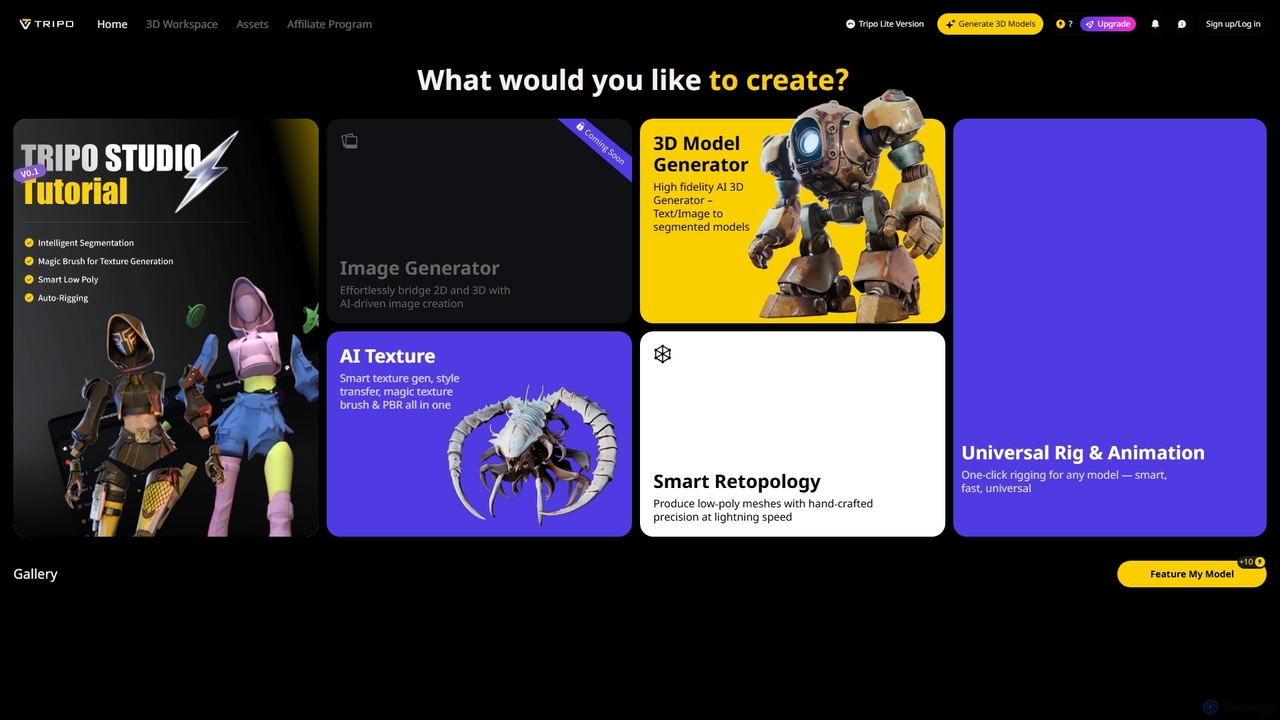
Studio

Studio

Studio is an AI-powered 3D workspace designed to streamline 3D content creation. It offers advanced features like AI-driven …

3.8M
Stable Video 3D

Stable Video 3D

Stable Video 3D (SV3D) is a generative AI model by Stability AI that creates high-quality 3D videos and …

3.5K

About 3D Design

AI 3D Design tools are a category of software that leverage artificial intelligence to automate and enhance various stages of 3D content creation. These tools utilize advanced algorithms, including generative AI and machine learning, to streamline the modeling, texturing, rendering, and optimization processes. They significantly accelerate workflows for designers, artists, and developers, making complex 3D design more accessible and efficient within the broader field of digital design.

Core Features

  • Generative 3D Modeling: Automatically create 3D models from text prompts, 2D images, or sketches.
  • Automated Texturing: Apply realistic textures and materials to 3D models with AI-driven suggestions and generation.
  • Scene Composition & Optimization: Assist in arranging 3D assets, lighting, and camera angles, and optimize models for performance.
  • Style Transfer & Variation: Generate multiple stylistic variations of existing 3D assets or apply specific artistic styles.
  • Rendering Enhancement: Improve rendering quality and speed through AI-powered denoising and upscaling techniques.

Applicable Scenarios

AI 3D Design tools are invaluable across various industries. Game developers use them to rapidly prototype environments and generate diverse character assets. Product designers leverage them for quick visualization of concepts and creating realistic marketing renders. Architects and interior designers employ these tools for conceptualizing spaces and generating detailed pre-visualizations.

How to Choose

When selecting an AI 3D Design tool, consider its input flexibility (text, image, existing models) and output compatibility (common 3D file formats like OBJ, FBX, GLTF). Evaluate the quality of generated assets, the ease of integration with your existing 3D software, and the learning curve. Also, assess the rendering capabilities, optimization features, and the pricing model to match your project requirements and budget.

3D DesignUse Cases

1

Rapid Game Asset Generation

Game developers can utilize AI 3D Design tools to quickly generate a wide array of 3D assets for their projects. By inputting text descriptions or concept art, artists can create diverse character models, environmental props, or architectural elements in minutes, significantly accelerating the prototyping and asset creation phases. This allows for more iterative design and reduces the manual effort required for complex game worlds.

2

Product Visualization and Marketing

Product designers and marketing teams can leverage AI 3D Design tools to create high-quality, realistic 3D visualizations of products before physical prototypes exist. From a simple sketch or 2D image, the AI can generate detailed 3D models, apply various textures and materials, and even compose scenes for marketing renders. This streamlines the product development cycle and enables compelling visual content for e-commerce and advertising campaigns.

3

Architectural Pre-visualization and Interior Design

Architects and interior designers can use AI 3D Design tools to rapidly generate conceptual models and detailed pre-visualizations of buildings, rooms, and landscapes. By providing floor plans or basic spatial descriptions, the AI can populate spaces with furniture, apply realistic lighting, and render various material finishes. This significantly speeds up the initial design phase, client presentations, and allows for quick exploration of different design options.

4

E-commerce 3D Product Displays

E-commerce businesses can transform their online product listings by converting 2D product images into interactive 3D models using AI 3D Design tools. This allows customers to view products from all angles, enhancing their shopping experience and potentially reducing return rates. The AI automates the complex process of generating a 3D mesh and textures from limited visual data, making it accessible for businesses without extensive 3D modeling expertise.

5

Virtual and Augmented Reality Content Creation

Creators of VR/AR experiences can leverage AI 3D Design tools to efficiently populate virtual environments with optimized 3D assets. The AI can generate low-poly models, apply appropriate textures, and even assist with rigging and animation, ensuring assets are performance-friendly for real-time rendering. This significantly reduces the time and specialized skills required to build immersive digital worlds for training, entertainment, or simulation purposes.

6

Animation and Film Pre-production

Animation studios and filmmakers can integrate AI 3D Design tools into their pre-production pipelines to accelerate concept development and scene blocking. AI can generate initial 3D models for props, background elements, or even character base meshes from textual descriptions or reference images. This allows directors and artists to quickly visualize scenes, iterate on ideas, and establish the overall look and feel before committing to detailed manual modeling and animation work.

3D DesignFrequently Asked Questions