

Studio Overview
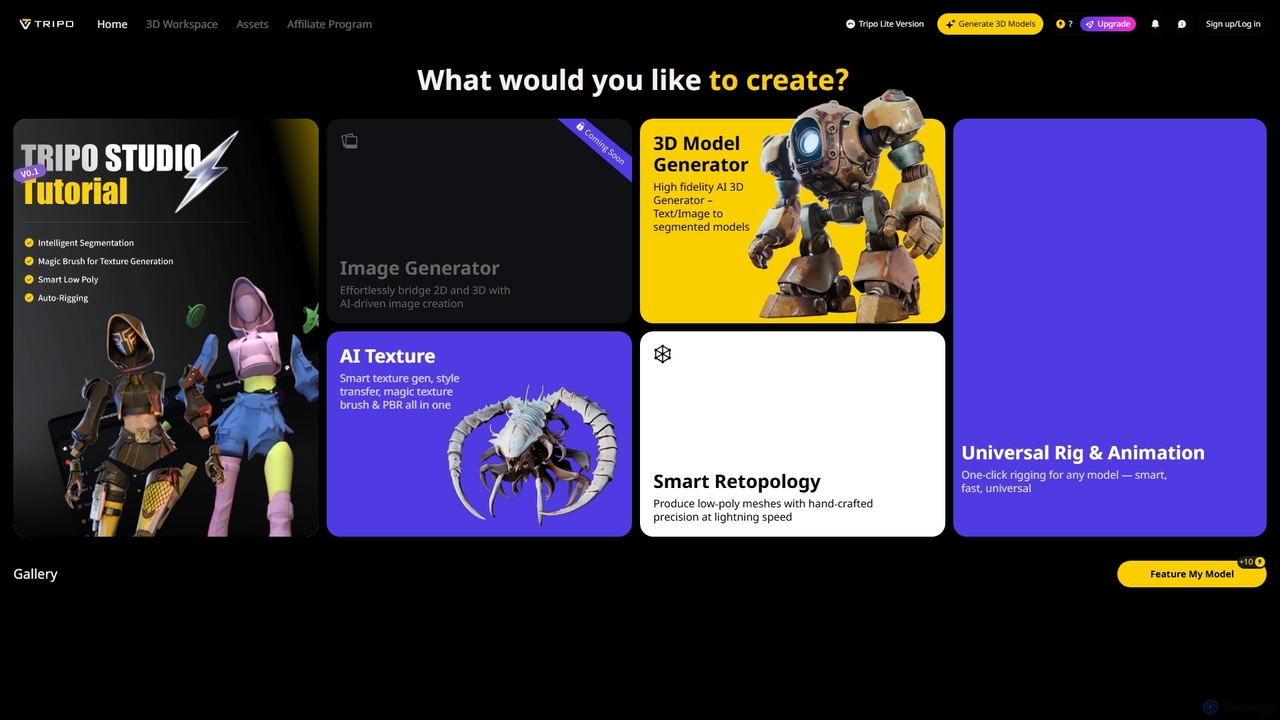
Studio, powered by Tripo3D, is an innovative AI-driven 3D workspace that revolutionizes the creation of 3D content. It serves as a comprehensive platform for artists, designers, and developers to generate, refine, and animate 3D models with unprecedented speed and precision. By leveraging cutting-edge artificial intelligence, Studio bridges the gap between 2D concepts and intricate 3D realities, making complex 3D workflows more accessible and efficient for game development, animation, product design, and more.
How to use Studio
To use Studio, users can begin by selecting a creation method such as the Image Generator or 3D Model Generator. For 3D model generation, input can be text descriptions or 2D images, which the AI then transforms into segmented 3D models. Users can also upload existing 3D models in GLB, OBJ, FBX, or STL formats, with a size limit of 50MB and a face count limit of 1 million faces. Once a model is generated or uploaded, features like AI Texture for smart texturing, Smart Retopology for low-poly mesh creation, and Universal Rig & Animation for one-click rigging can be applied to refine and prepare the asset. The workspace also supports multi-view and batch 3D generation, with options for Ultra or Standard mesh resolution and public privacy settings.
Core Features of Studio
- Image Generator: AI-driven image creation to effortlessly bridge 2D and 3D.
- AI Texture: Smart texture generation, style transfer, magic texture brush, and PBR capabilities all in one.
- 3D Model Generator: High-fidelity AI 3D generation from text or image inputs, producing segmented models. Supports multi-views to 3D and batch 3D generation.
- Smart Retopology: Produces low-poly meshes with hand-crafted precision at lightning speed.
- Universal Rig & Animation: One-click rigging for any model – smart, fast, and universal.
- 3D Model Upload: Supports GLB, OBJ, FBX, STL formats, with a maximum size of 50MB and 1 million faces.
- Mesh Resolution Options: Choose between Ultra and Standard resolution for generated models.
- Privacy Settings: Option for Public privacy for generated assets.
- Smart Low Poly & Generate in Parts: Advanced model optimization and modular generation capabilities.
Use Cases for Studio
Studio is ideal for a wide range of creative and technical applications. It empowers game developers to rapidly create game assets, characters, and environments from concept art or text descriptions, and quickly rig them for animation. Animators and film producers can generate detailed 3D models and apply universal rigging for character animation in film or short video projects. Product designers and engineers can quickly prototype and visualize product concepts in 3D from sketches or images. Furthermore, it's perfect for Virtual Reality (VR) and Augmented Reality (AR) developers who need to create optimized 3D content for immersive experiences, leveraging smart retopology for performance. Digital artists and illustrators can transform 2D artwork into 3D sculptures or scenes, adding depth and new dimensions to their creative projects.
Advantages of Studio
Studio offers several key advantages that enhance the 3D content creation process. It significantly accelerates workflows through AI automation, reducing the time and effort traditionally required for complex tasks. The tool lowers the barrier to entry for 3D modeling by simplifying intricate processes like texturing, retopology, and rigging, making it accessible to a broader audience. Users benefit from high-fidelity 3D models and textures generated by advanced AI. Its versatility is evident in supporting various input types (text, image, multi-views) and allowing uploads of common 3D formats (GLB, OBJ, FBX, STL). Studio provides a comprehensive, all-in-one solution from initial generation to final rigging and animation. Additionally, its Smart Retopology feature ensures hand-crafted precision for optimized meshes, crucial for performance-sensitive applications.
Studio FAQ
Traffic
Latest traffic
Status
Monthly traffic trend
- 2026-1: 2.2M
- 2026-2: 2.4M
- 2026-3: 3.5M
- 2026-4: 3.8M
- 2026-5: 5.6M
Geography
Top 5 countries / regions
- 🇺🇸United States41.7%
- 🇮🇳India20.8%
- 🇨🇳China13.0%
- 🇲🇽Mexico12.3%
- 🇧🇷Brazil12.2%
Traffic sources
| Source type | Percentage |
|---|---|
Direct | 79.3% |
Referral | 17.9% |
Email | 2.7% |
Studio Videos on YouTube


Nkracademy Digital Solutions


Studio Alternatives
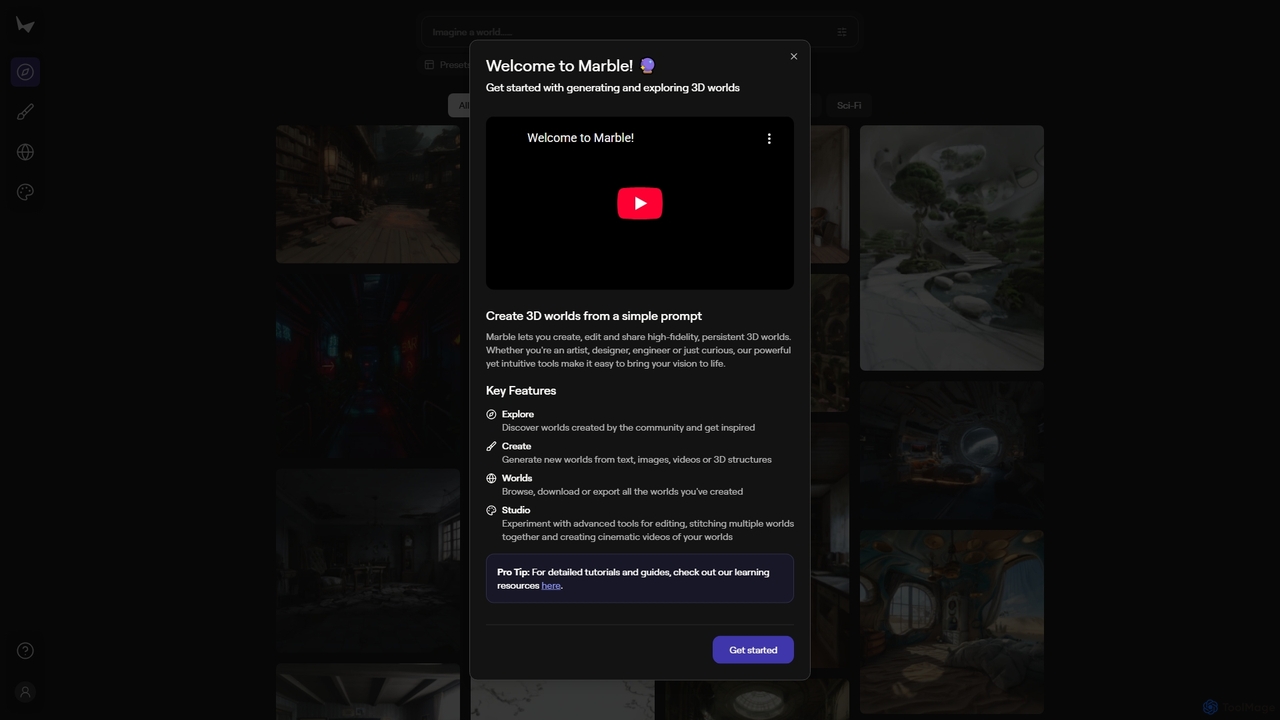
Marble
Marble is an innovative AI tool that empowers artists, designers, and enthusiasts to create, edit, and share high-fidelity, persistent 3D worlds from simple prompts. It transforms text, images, videos, or 3D structures into immersive virtual environments, fostering creativity and exploration within a vibrant community.
World Generation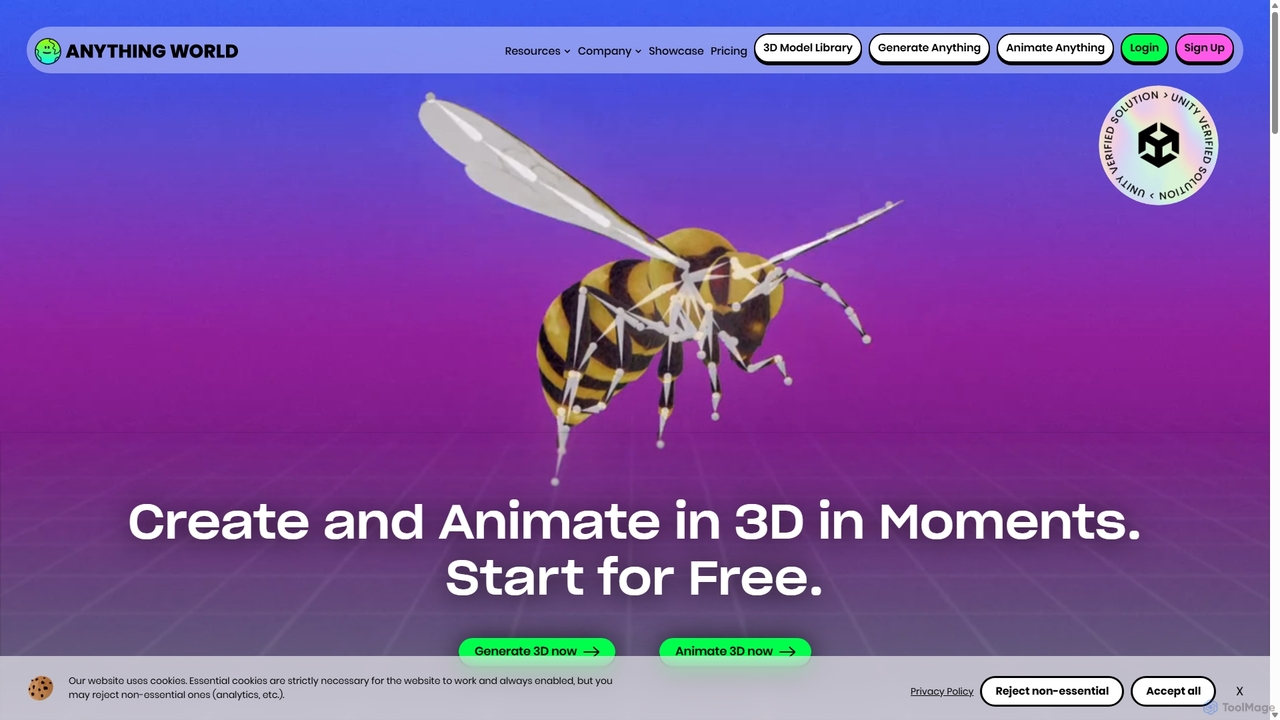
Anything World
Anything World is an AI-powered platform that revolutionizes 3D content creation with automated rigging and animation. It provides game-ready SDKs for Unity and Unreal Engine, enabling developers and artists to rapidly generate and control animated 3D models and entire virtual worlds using simple text or voice commands.
3D
Motorica
Motorica is a generative AI platform that creates AAA-quality character animations in seconds. It acts as a virtual mocap actor, allowing users to direct animations live, blend over 100 styles, or train custom AI models. Ideal for game developers and VFX artists to accelerate their workflow.
3D Animation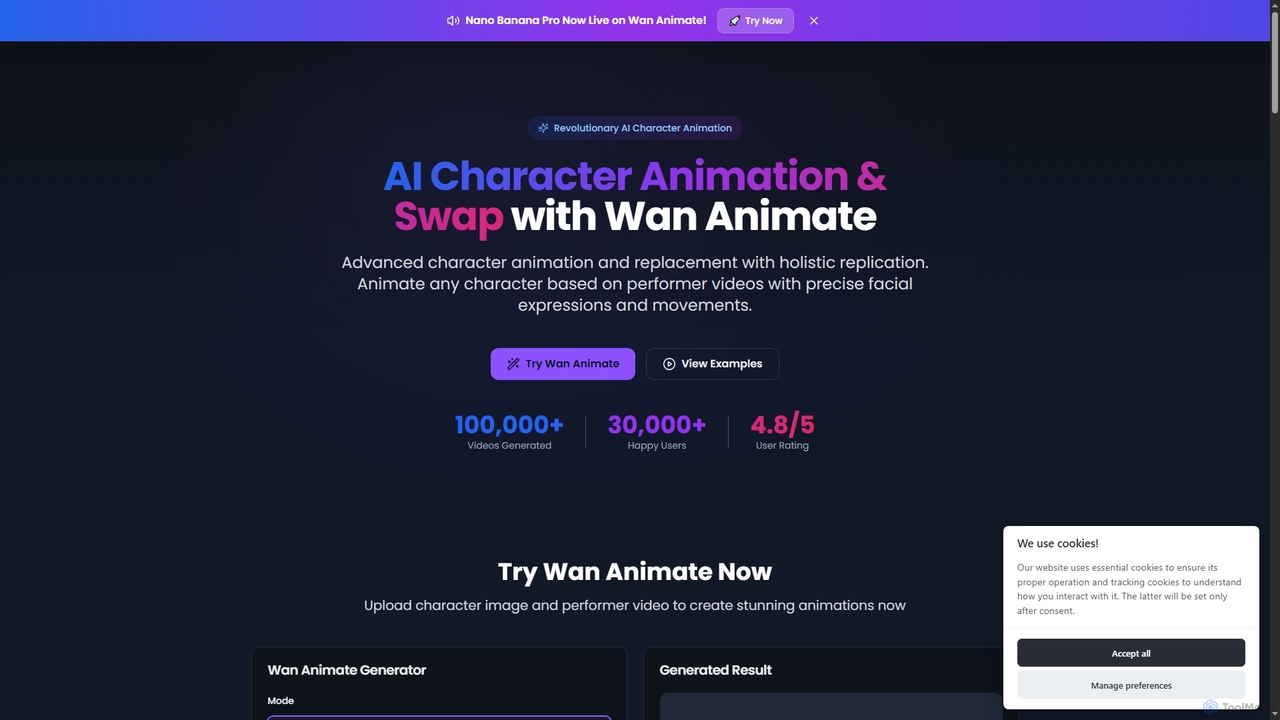
Wan Animate
Wan Animate is a revolutionary AI tool for character animation and video character replacement. It brings any character to life by precisely replicating facial expressions and movements from performer videos, or seamlessly swaps characters in existing footage while maintaining environmental consistency.
3D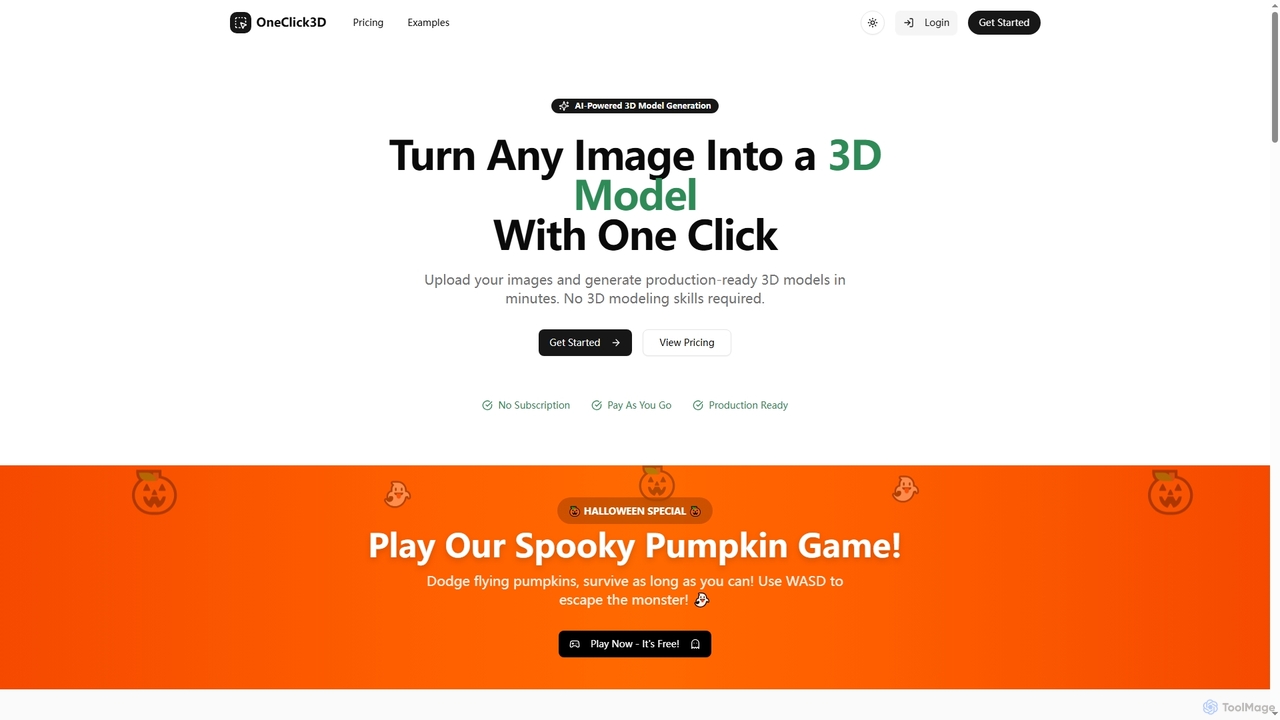
Oneclick3d
OneClick3D is an AI-powered tool that transforms images into production-ready 3D models in minutes. It requires no 3D modeling skills, supporting multiple export formats (GLB, FBX, OBJ, STL, USDZ) and PBR textures for professional results in game development, 3D printing, and Web3.
Image To 3DStudio Categories
Studio Jobs
Studio Embed Widget
Copy this embed code to place the badge on your blog, article, or product site and send readers directly to this ToolMage detail page.

Related AI tools
Marble
Marble is an innovative AI tool that empowers artists, designers, and enthusiasts to create, edit, and share high-fidelity, persistent 3D worlds from simple prompts. It transforms text, images, videos, or 3D structures into immersive virtual environments, fostering creativity and exploration within a vibrant community.
World GenerationOneclick3d
OneClick3D is an AI-powered tool that transforms images into production-ready 3D models in minutes. It requires no 3D modeling skills, supporting multiple export formats (GLB, FBX, OBJ, STL, USDZ) and PBR textures for professional results in game development, 3D printing, and Web3.
Image To 3D
Glyf
Glyf is an AI-powered platform that transforms text prompts and images into high-quality 3D models. Designed for creators of all skill levels, it simplifies the 3D creation process, enabling rapid prototyping, game asset generation, and artistic expression without complex software.
Generative Art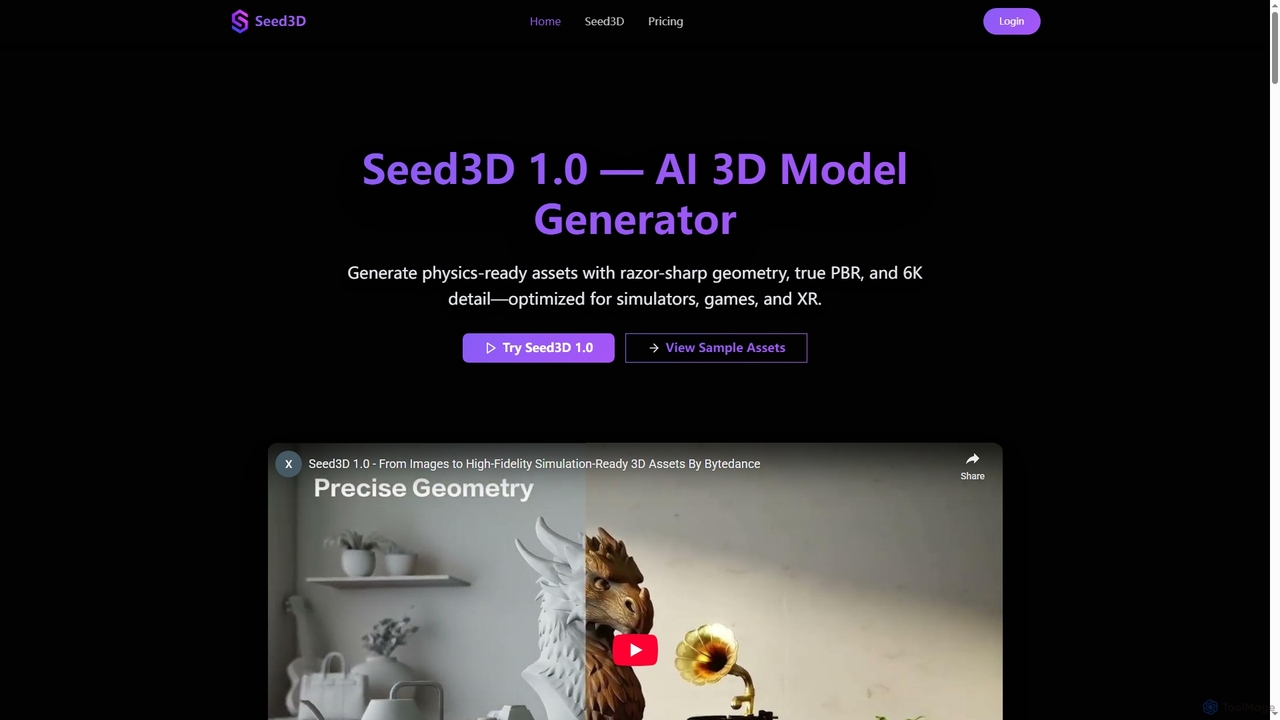
Seed3D
Seed3D is an AI-powered 3D model generator that creates high-fidelity, physics-ready 3D assets from a single image. It delivers razor-sharp geometry, true PBR materials, and 6K textures, optimized for simulators, games, and XR applications.
3D Modeling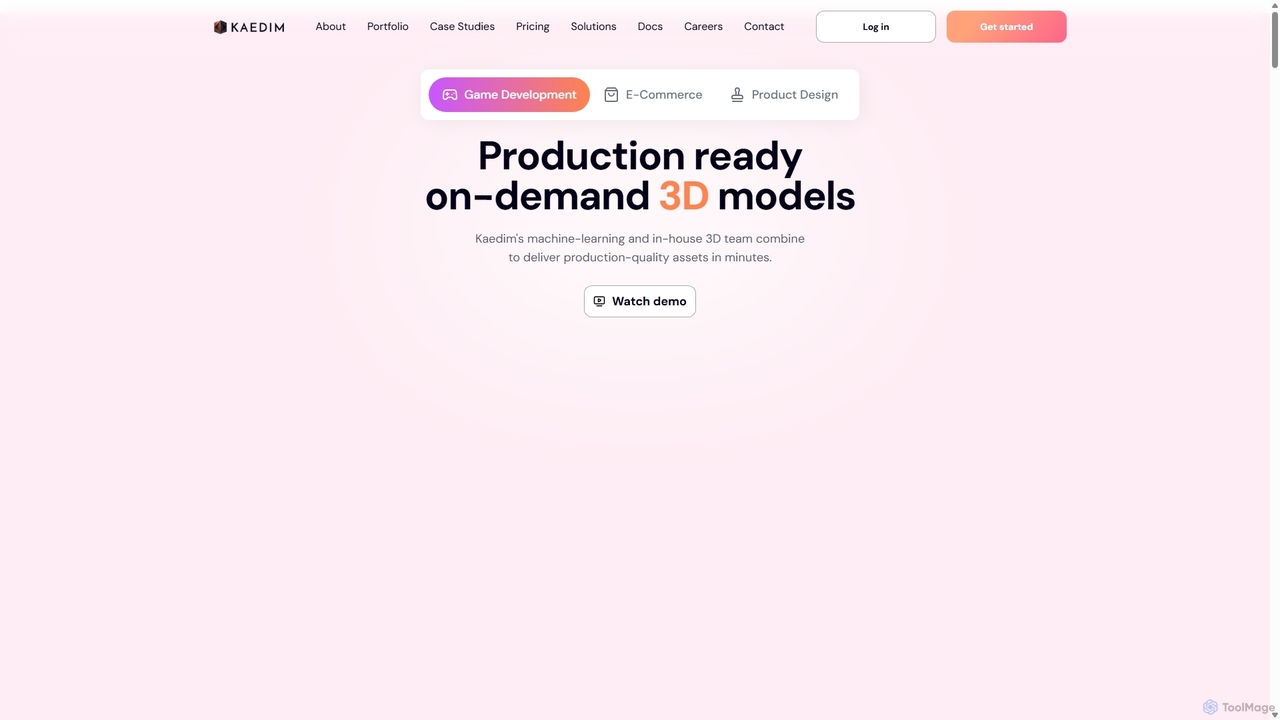
Kaedim3D
Kaedim3D is an AI-powered platform that accelerates 3D asset creation by transforming 2D images or text descriptions into production-ready 3D models. It combines machine learning with a team of in-house artists to deliver high-quality, optimized assets 10x faster for game development, e-commerce, and product design.
3D Modeling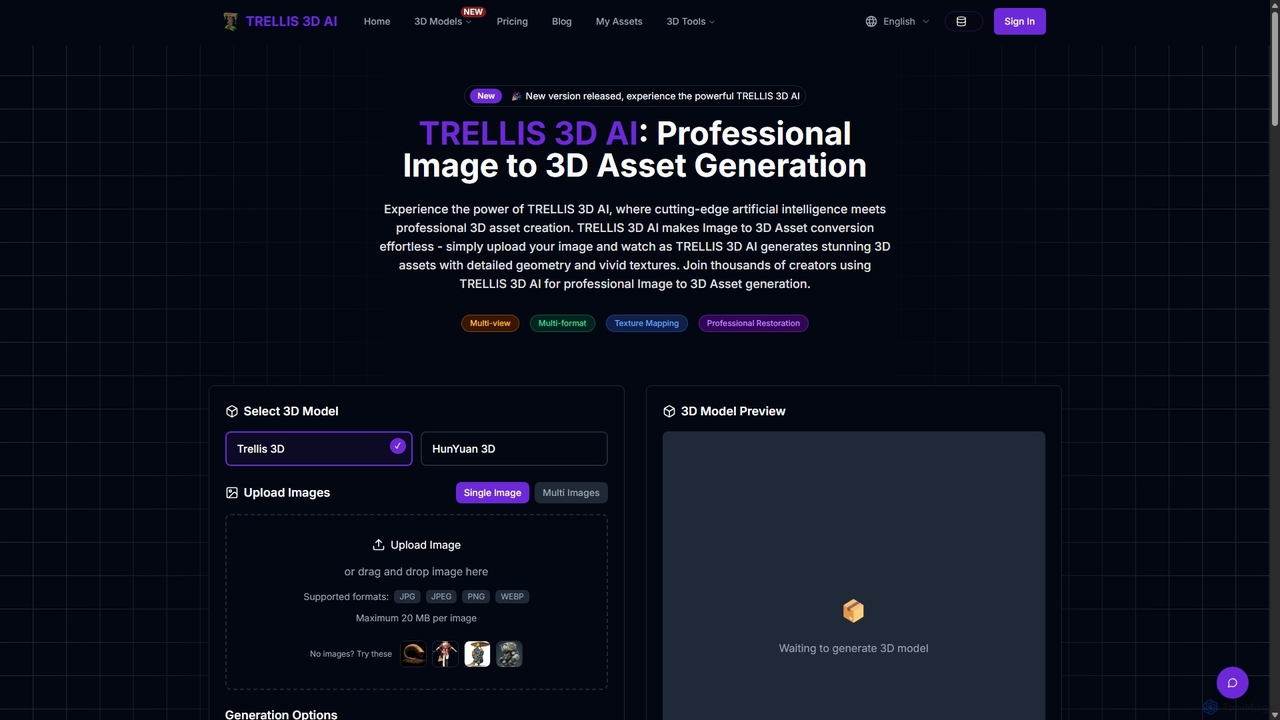
TRELLIS 3D AI
TRELLIS 3D AI is a cutting-edge tool that transforms 2D images into high-quality 3D assets in seconds. Using advanced AI technology, it generates detailed geometry and vivid textures from single or multiple images. It supports various export formats, making it ideal for game developers, 3D artists, and designers looking to accelerate their workflow and create professional-grade 3D models effortlessly.
Image To 3D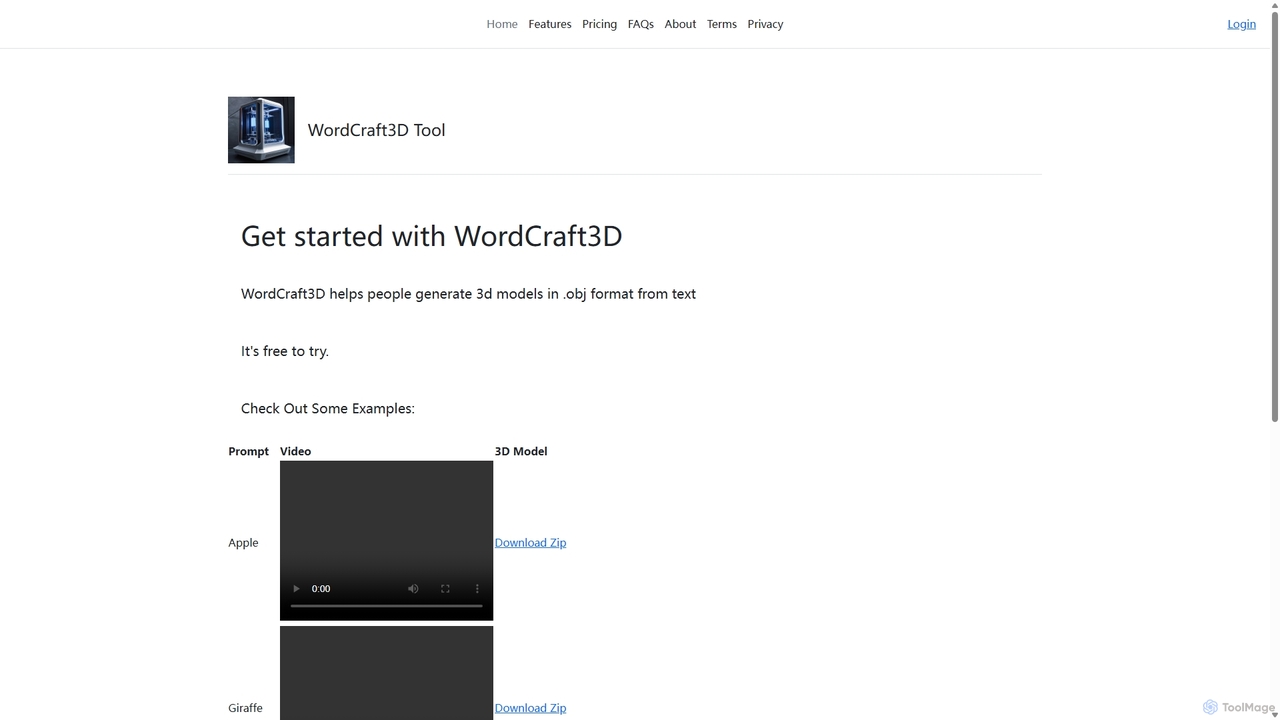
WordCraft3D
WordCraft3D is an AI-powered tool that generates 3D models in the standard .obj format from simple text descriptions. It's designed for game developers, 3D artists, and designers to rapidly prototype and create assets. The tool is currently free to use, allowing users to download models along with their material and texture files, and preview them with a rotating video.
Text To 3D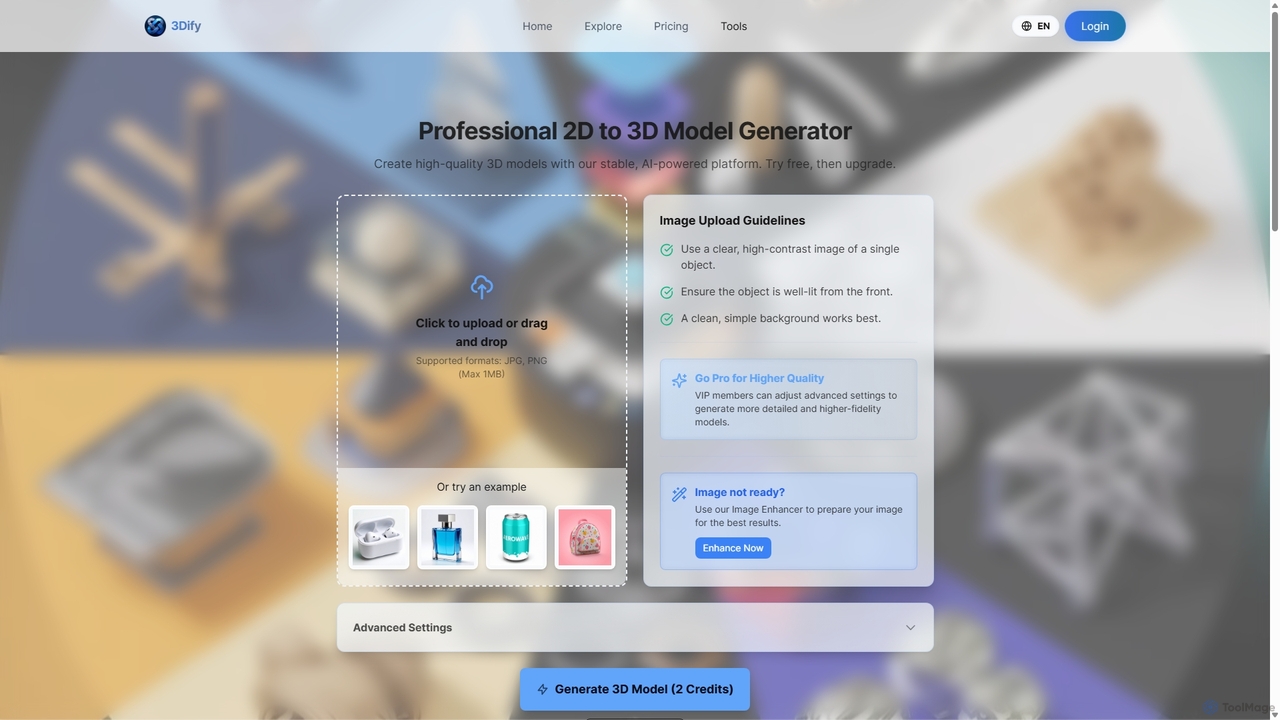
3dify
3dify is a professional AI-powered platform that transforms 2D images into high-quality 3D models. Designed for game developers, 3D artists, and designers, it offers a stable and efficient workflow to generate commercial-ready assets in minutes. The tool supports popular formats like GLB and PLY, features an integrated image enhancer, and provides a freemium model to get started.
Image To 3D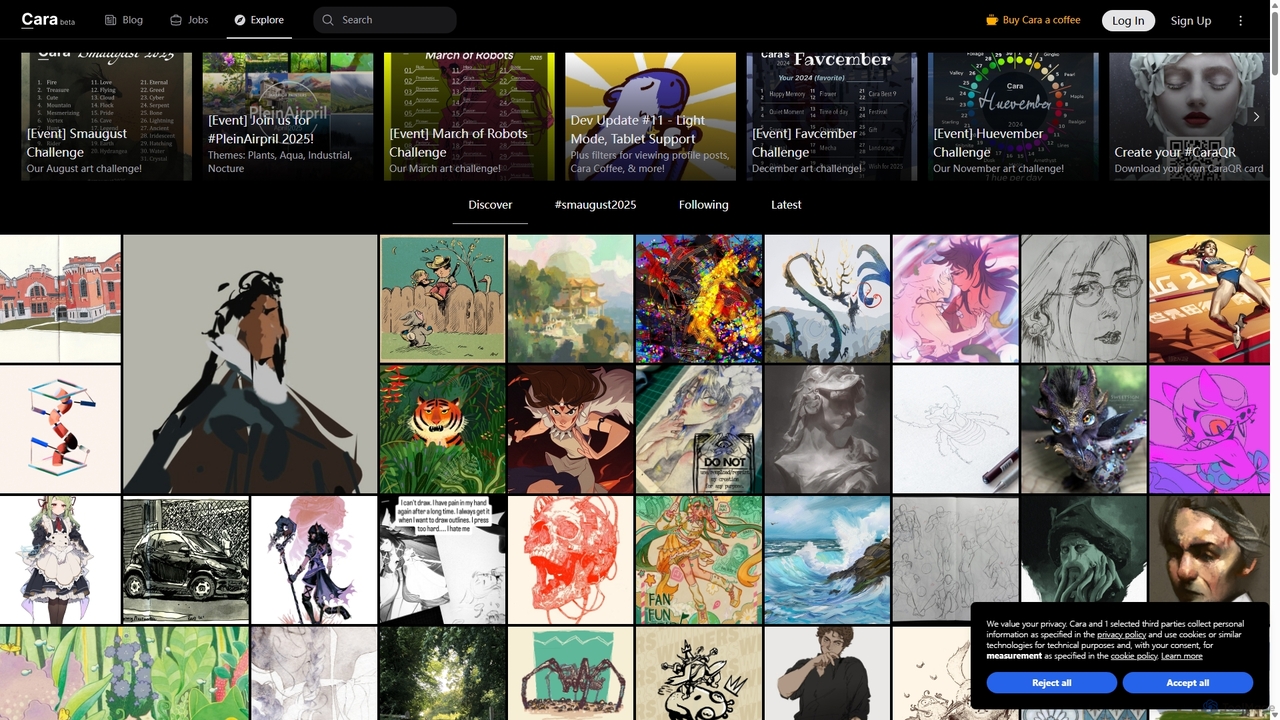
Cara
Cara is a social and portfolio platform for artists and art enthusiasts, designed as a response to the rise of generative AI. It prioritizes human-made art by actively filtering out AI-generated images. It offers a customizable social feed, professional portfolio tools, a jobs board, and features like Cara Glaze integration to protect artists' work. It's a community-focused space for creatives to connect, share their work, and find opportunities in a supportive, AI-free environment.
IllustrationAnything World
Anything World is an AI-powered platform that revolutionizes 3D content creation with automated rigging and animation. It provides game-ready SDKs for Unity and Unreal Engine, enabling developers and artists to rapidly generate and control animated 3D models and entire virtual worlds using simple text or voice commands.
3DMotorica
Motorica is a generative AI platform that creates AAA-quality character animations in seconds. It acts as a virtual mocap actor, allowing users to direct animations live, blend over 100 styles, or train custom AI models. Ideal for game developers and VFX artists to accelerate their workflow.
3D Animation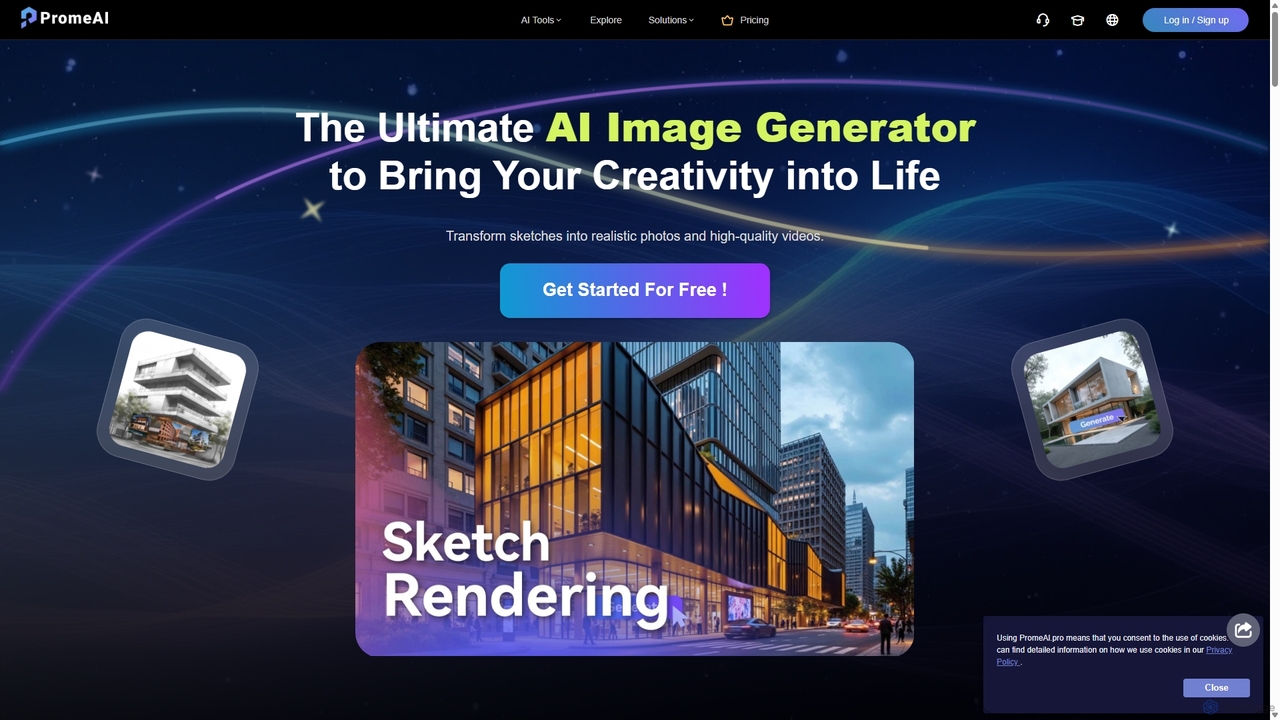
PromeAI
PromeAI is a comprehensive AI-powered design assistant offering a suite of tools for image and video creation. It excels at transforming sketches into photorealistic renderings, generating images from text, and providing advanced editing capabilities. Tailored for professionals in architecture, interior design, product design, and game development, it streamlines creative workflows and enhances productivity.
Image Generation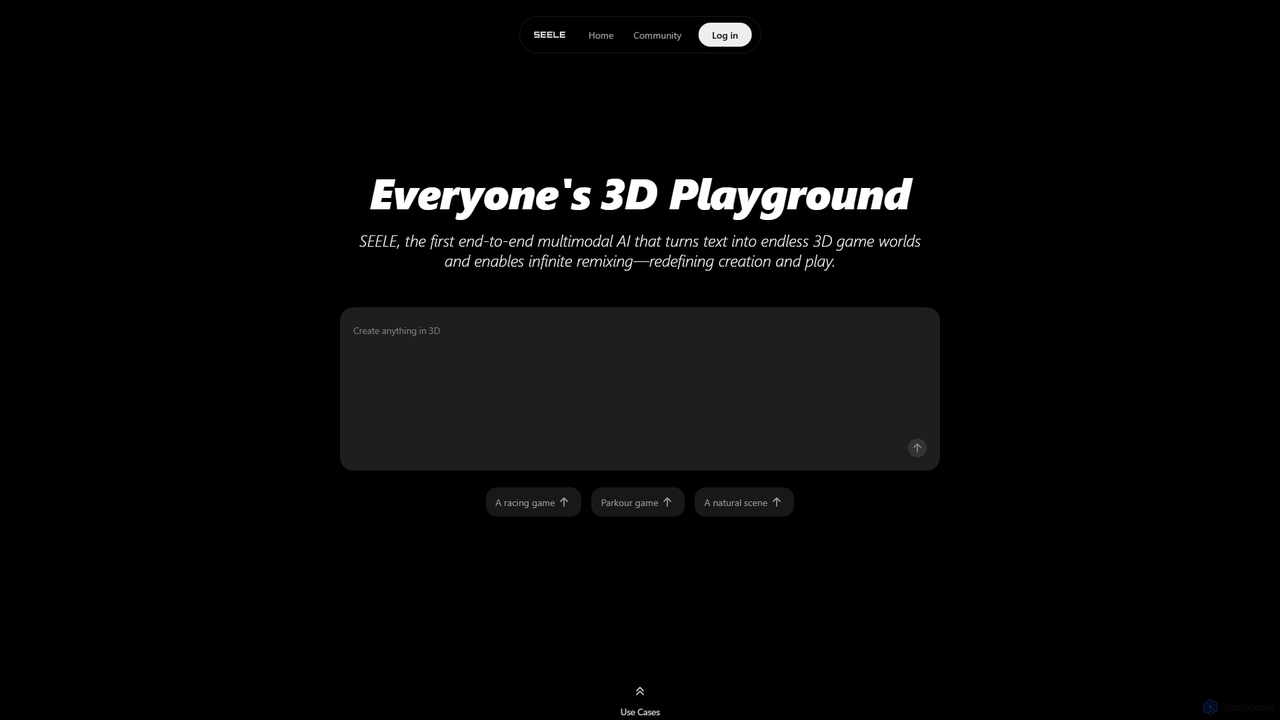
Seeles
Seeles is a pioneering end-to-end multimodal AI platform that transforms simple text prompts into fully playable 3D game worlds. It empowers creators of all levels to generate and infinitely remix interactive environments, characters, and game mechanics without coding. From racing games to mystery adventures, Seeles redefines creation and play by making game development accessible to everyone.
3D Modeling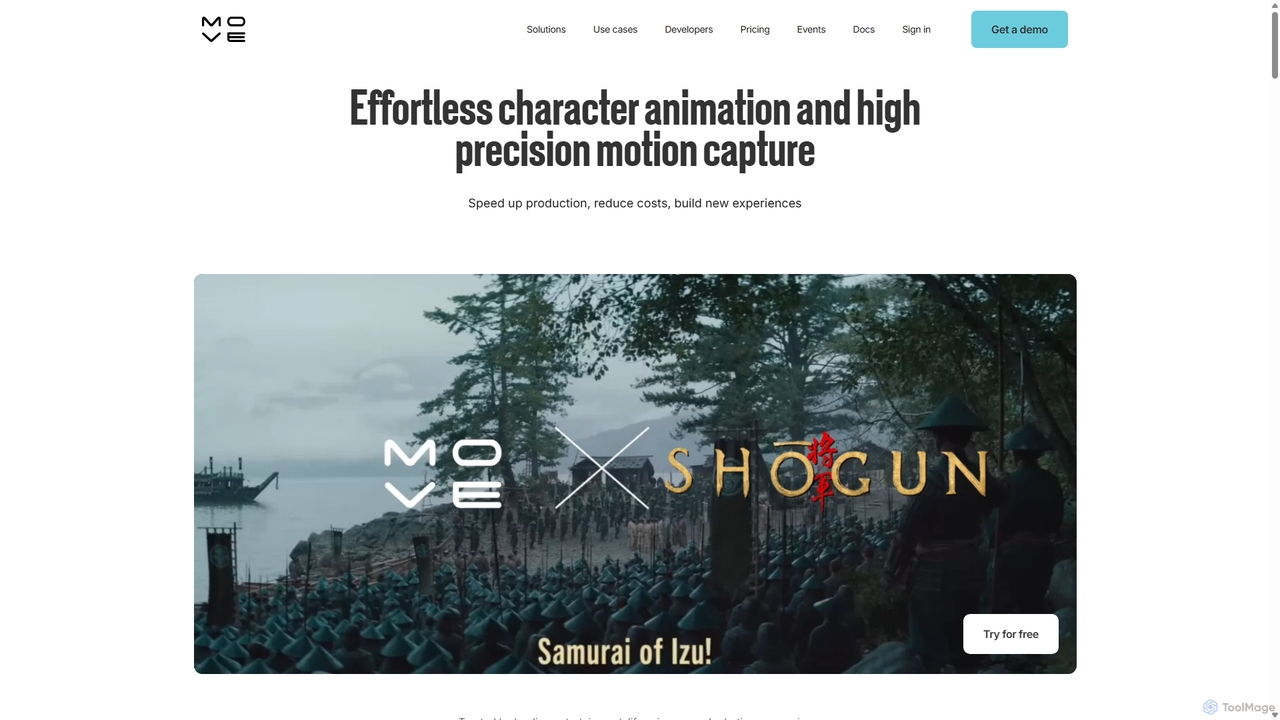
Move AI
Move AI is an advanced markerless motion capture platform that uses AI to transform video from any camera, including iPhones and GoPros, into high-fidelity 3D character animation. It democratizes mocap technology, making it accessible and affordable for creators in gaming, film, VFX, and research, drastically speeding up production workflows and reducing costs.
Motion Capture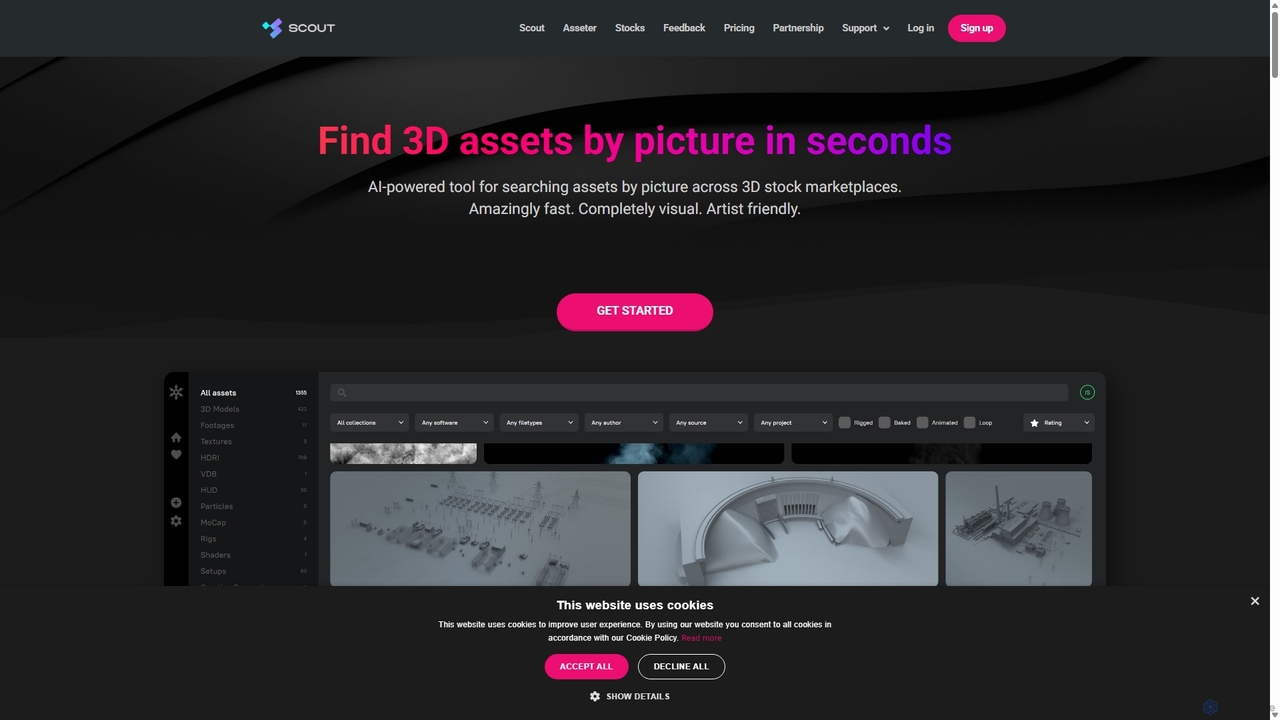
Asseter
Asseter is an AI-powered Digital Asset Management (DAM) platform for CG artists and creative teams. It organizes and categorizes 3D models and media, featuring deep DCC software integration. It includes Scout, a unique visual search engine that finds 3D assets from stock marketplaces using just a picture, dramatically speeding up creative workflows.
Asset Management
Studio Comments (0)
Sign in to comment.
Sign inNo comments yet.