ToolMage
Sign in

Best 5 3D Animation AI tools for Animation

Popular 3D Animation AI tools in Animation include Studio, DeepMotion, Uthana, Motorica, and Rebellis AI, helping you work more efficiently.

Studio

Studio

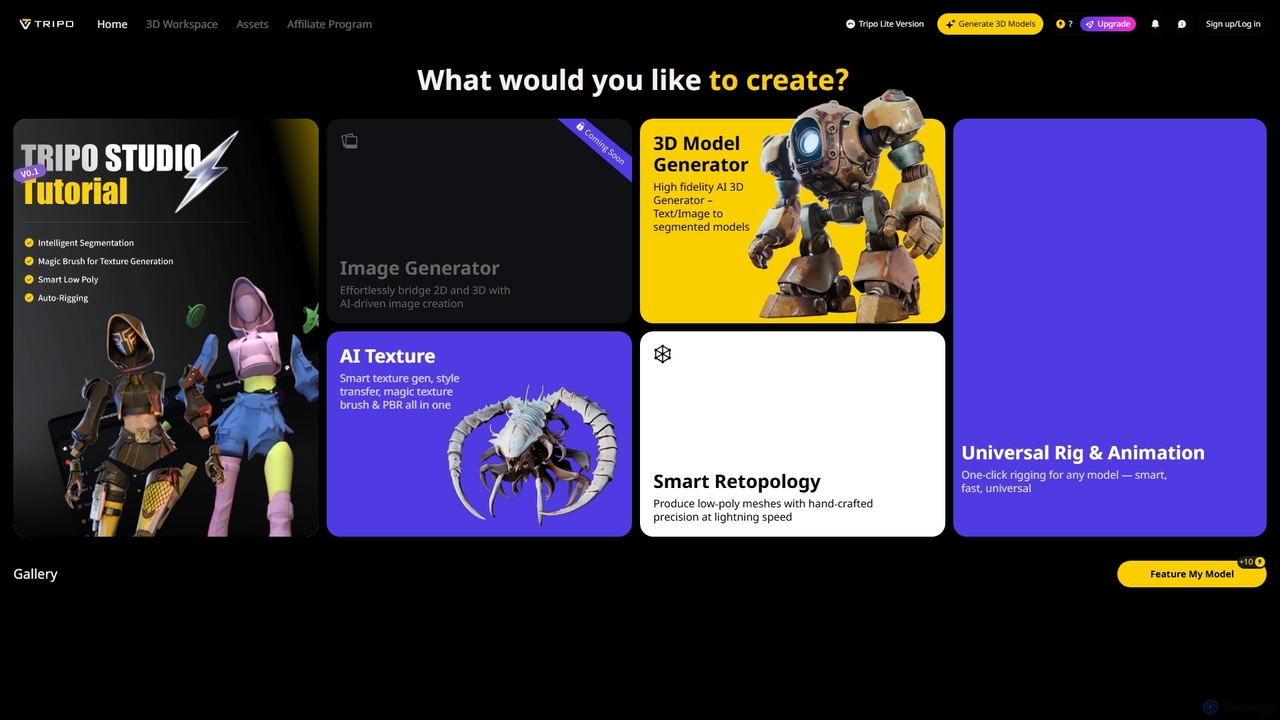
Studio is an AI-powered 3D workspace designed to streamline 3D content creation. It offers advanced features like AI-driven image to 3D model generation, smart texturing, automated retopology, and universal rigging and animation, enabling users to efficiently transform 2D concepts into high-fidelity 3D assets for various applications.

3D
Visits 5.6MFavorites 119Likes 124
Motorica
Freemium

Motorica

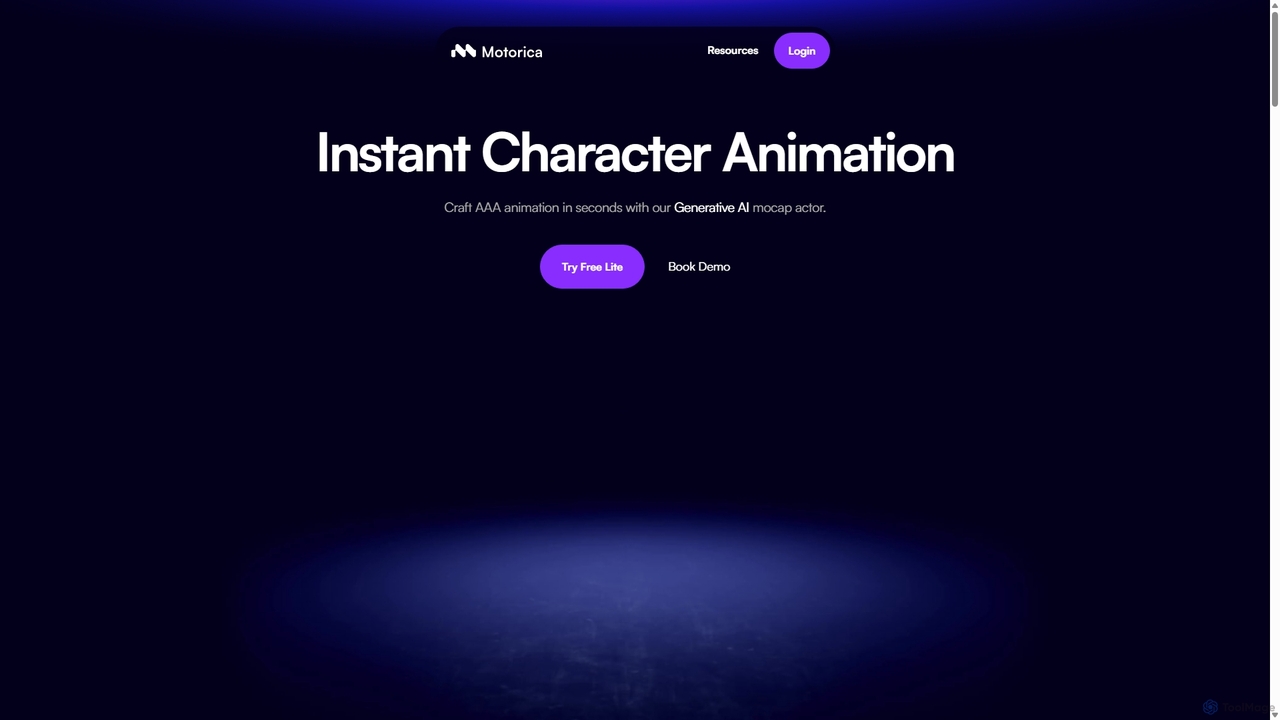
Motorica is a generative AI platform that creates AAA-quality character animations in seconds. It acts as a virtual mocap actor, allowing users to direct animations live, blend over 100 styles, or train custom AI models. Ideal for game developers and VFX artists to accelerate their workflow.

3D Animation
Visits 7.3KFavorites 106Likes 89
Rebellis AI
Freemium

Rebellis AI

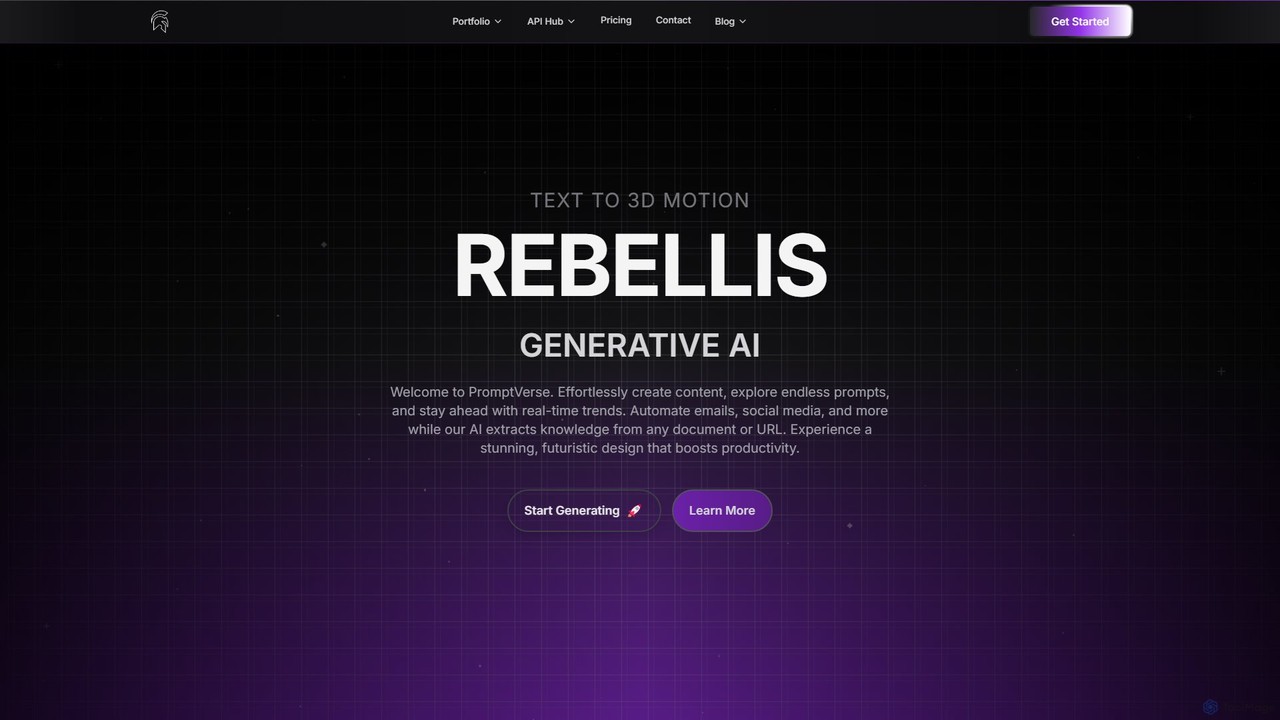
Rebellis AI is a generative AI platform that transforms simple text prompts into high-quality 3D character animations in seconds. Designed for game developers and animators, it streamlines the creative process by offering seamless integration with major platforms like Unity, Blender, and Roblox. Users can customize animations and export them in various standard formats, making it an accessible yet powerful tool for bringing characters to life.

3D Animation
Visits 4.3KFavorites 152Likes 153
DeepMotion
Freemium

DeepMotion

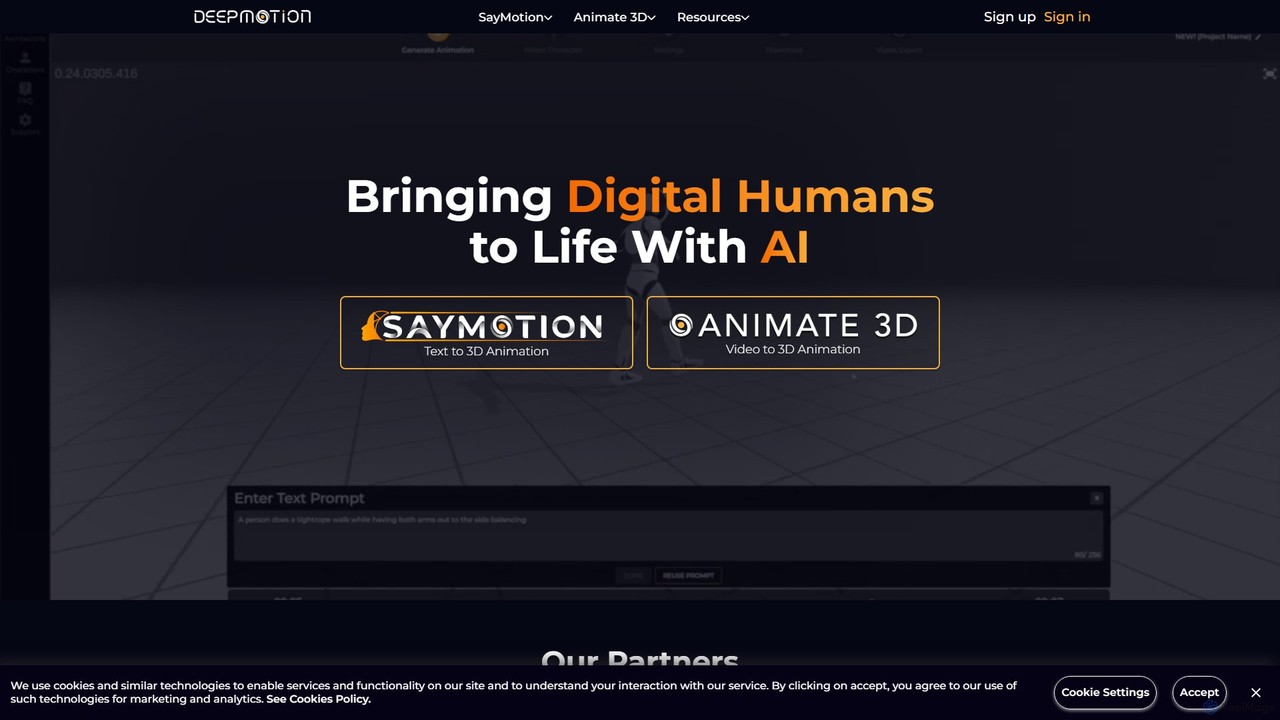
DeepMotion is an AI-powered platform for generating 3D animations. It offers two core products: Animate 3D, which converts 2D video footage into 3D animations, and SayMotion, a generative AI that creates animations from text prompts. It's designed for game developers, animators, and content creators, eliminating the need for traditional motion capture hardware.

3D Animation
Visits 272.2KFavorites 126Likes 129
Uthana
Freemium

Uthana

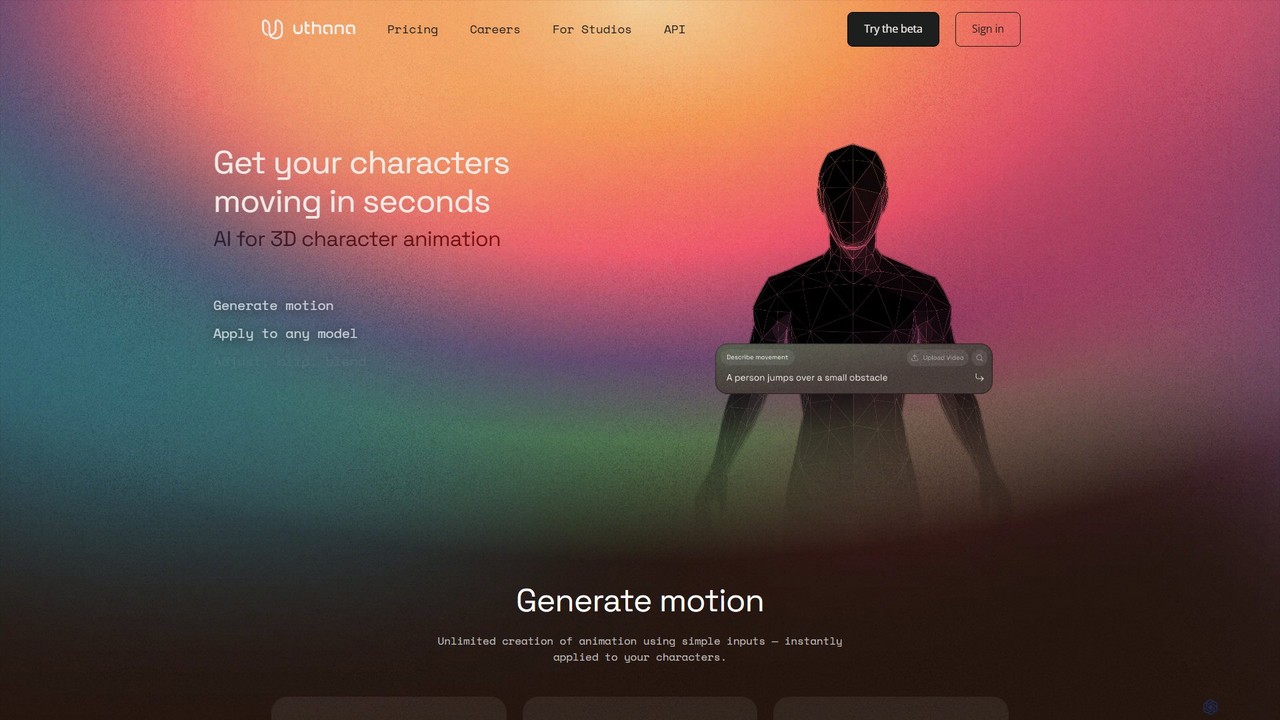
Uthana is a generative AI platform for creating high-quality 3D character animations. It empowers game developers, animators, and creators to generate complex motions from simple inputs. The platform offers a generous free plan, API access for studio integration, and custom model training, all built upon ethically sourced, professional motion capture data.

3D Animation
Visits 40KFavorites 133Likes 115

About 3D Animation

AI 3D Animation tools are a specialized category of software that uses artificial intelligence to streamline and accelerate the creation of three-dimensional moving images. These tools employ machine learning algorithms for complex tasks such as procedural modeling, automated character rigging, and intelligent rendering optimization. Their primary value lies in significantly reducing the time spent on repetitive, technical processes, allowing artists to produce high-quality animations for film, video games, and architectural visualization more efficiently. By automating key parts of the production pipeline, these tools empower creators to focus more on artistic direction and storytelling.

Core Features

  • AI-Assisted Modeling: Generates or refines 3D models from text prompts, 2D images, or procedural rules, speeding up asset creation.
  • Automated Rigging & Skinning: Automatically creates a digital skeleton (rig) for a 3D model and binds the mesh to it for realistic movement.
  • Intelligent Motion Synthesis: Generates or cleans up character animations, such as motion capture data, or creates new movements based on simple inputs.
  • Procedural Content Generation (PCG): Creates large-scale, detailed 3D environments like cities or forests by defining rules and parameters.
  • AI-Denoising & Rendering Optimization: Reduces render times by using AI to intelligently remove noise from partially rendered images and predict final lighting.

Use Cases

AI 3D Animation tools are widely used in the entertainment and design industries. Game developers utilize them to rapidly create character models and vast game worlds. Visual effects (VFX) artists in the film industry leverage them to automate complex simulations and character animations. Architects and real estate professionals create immersive, realistic architectural walkthroughs, while product designers use them for rapid prototyping and creating marketing visuals.

How to Choose

When selecting an AI 3D Animation tool, first consider its integration with your existing software pipeline (e.g., Blender, Maya, Unreal Engine). Evaluate the specific AI features offered—whether you need automated rigging, procedural environment generation, or text-to-3D modeling. Assess the tool's performance and hardware requirements, as 3D processes can be resource-intensive. Finally, consider the learning curve and the pricing model, whether it's a subscription, a one-time purchase, or usage-based.

Featured tool rankings

3D Animation use cases

1

Automating Character Rigging for Indie Games

An indie game developer working on a new role-playing game needs to animate dozens of unique characters. Manually rigging each character model (creating a skeleton and assigning vertex weights) would take weeks. By using an AI 3D Animation tool, the developer uploads a character model, and the AI automatically generates a functional rig and applies skin weights in minutes. This process reduces the rigging time by over 90%, allowing the developer to focus on creating expressive animations and meeting tight production deadlines.

2

Generating Realistic Architectural Walkthroughs

An architectural firm needs to present a new building design to a client. Instead of static 3D renders, they want to provide an immersive animated walkthrough. Using an AI tool, they input the 3D model of the building. The AI then populates the scene with realistic assets like furniture and plants, optimizes the lighting for a natural look, and generates a smooth camera path animation through the building. This allows the firm to produce a compelling, high-fidelity video presentation in a single day, a task that would traditionally require a week of work from a specialized animator.

3

Creating Procedural Environments for VFX

A visual effects artist is tasked with creating a vast, dense forest for a fantasy film. Modeling and placing each tree, rock, and plant by hand would be an impossible task. The artist uses an AI-powered procedural content generation (PCG) tool. They define a set of rules: tree density, height variation, species distribution, and terrain slope. The AI then generates a unique, sprawling 3D forest covering several square kilometers, complete with natural-looking asset placement. This allows for the creation of epic-scale environments that feel organic and detailed, while saving hundreds of hours of manual labor.

4

AI-Enhanced Motion Capture Cleanup

A motion capture studio records an actor's performance for a video game cutscene. The raw data contains jitter, foot sliding, and other imperfections. A 3D animator would typically spend days manually cleaning these keyframes. Instead, they run the data through an AI animation tool. The AI identifies and corrects anomalies, smooths out jerky movements, and ensures the character's feet remain planted on the ground, all while preserving the nuance of the original performance. This automated cleanup process turns a multi-day task into a matter of hours, significantly accelerating the animation pipeline.

5

Rapid Prototyping of 3D Product Animations

A product designer has finalized a CAD model for a new electronic device and needs to create an animated visualization for a marketing presentation. Using an AI animation tool, they import the model and provide a simple text prompt like 'dramatic 360-degree rotation showing internal components'. The AI generates a complete animation sequence with professional camera movements, lighting, and even subtle effects like lens flares. This allows the designer to iterate on different animation styles and produce a polished marketing video in under an hour, without needing specialized 3D animation skills.

6

Text-to-3D Model Generation for VR/AR

A developer creating a VR social platform wants to allow users to quickly create and add objects to their virtual spaces. Instead of requiring users to have 3D modeling skills, they integrate a text-to-3D AI tool. A user can simply type 'a red velvet armchair with gold trim' or 'a futuristic sci-fi spaceship'. The AI interprets the text and generates a ready-to-use, textured 3D model in seconds. This feature dramatically lowers the barrier to entry for content creation, empowering users to personalize their virtual worlds and accelerating the population of assets within the platform.

3D Animation FAQ

What are AI 3D Animation tools?

AI 3D Animation tools are software applications that use artificial intelligence to automate or assist in the creation of three-dimensional animations. Unlike traditional software that relies entirely on manual input, these tools leverage machine learning to perform tasks like generating 3D models from text, automatically rigging characters for movement, cleaning up motion capture data, and optimizing render times. Their main purpose is to accelerate the production pipeline and handle repetitive tasks, allowing artists to focus on creativity.

What is the difference between AI 2D and AI 3D animation tools?

The core difference lies in the dimensions they operate in. AI 2D Animation tools work with flat, two-dimensional assets (height and width) and often focus on tasks like in-betweening (generating frames between key poses), style transfer, and automating lip-sync. AI 3D Animation tools operate in a three-dimensional space (height, width, and depth). They tackle more complex, 3D-specific problems such as procedural modeling, automated rigging of skeletons, 3D motion synthesis, and optimizing complex lighting and rendering calculations.

Do I need 3D modeling skills to use these tools?

It varies depending on the tool. Some advanced AI tools that integrate into professional software like Blender or Maya still require a foundational understanding of 3D concepts. However, a growing number of tools are designed for beginners. For example, text-to-3D generators require no modeling skills at all—you simply describe what you want. Similarly, some AI auto-rigging tools only require you to upload a finished model. It's best to check the specific tool's target audience and requirements.

How to choose the right AI 3D Animation tool?

Choosing the right tool depends on your specific needs. Consider the following factors:

  • Primary Function: Do you need a tool for modeling, rigging, animation, or rendering? Select one that specializes in the bottleneck of your workflow.
  • Integration: Does it work with your primary 3D software (e.g., as a plugin for Blender, Maya, or Unreal Engine) or is it a standalone application?
  • Skill Level: Is the tool designed for professional animators with technical knowledge, or is it user-friendly for beginners and artists?
  • Output Quality & Control: How much control do you have over the AI's output? Can you easily edit the results? Check reviews and tutorials to assess the quality.
  • Pricing Model: Evaluate if a subscription, one-time fee, or credit-based system fits your budget and usage frequency.
Can AI completely replace 3D animators?

Currently, AI is best viewed as a powerful assistant rather than a replacement for 3D animators. AI excels at automating time-consuming, repetitive, and technical tasks like rigging, denoising, or generating base meshes. This frees up human artists to focus on higher-level creative aspects such as storytelling, art direction, character performance, and refining the final animation. While AI can generate impressive results, it often lacks the nuanced understanding, emotional depth, and creative problem-solving skills that define the work of a professional animator.