Animation Best in category 2 results Ai Animation AI Tool

Popular AI tools in the Ai Animation field of Animation include Sara2、Antekirt, etc., helping you quickly improve efficiency.

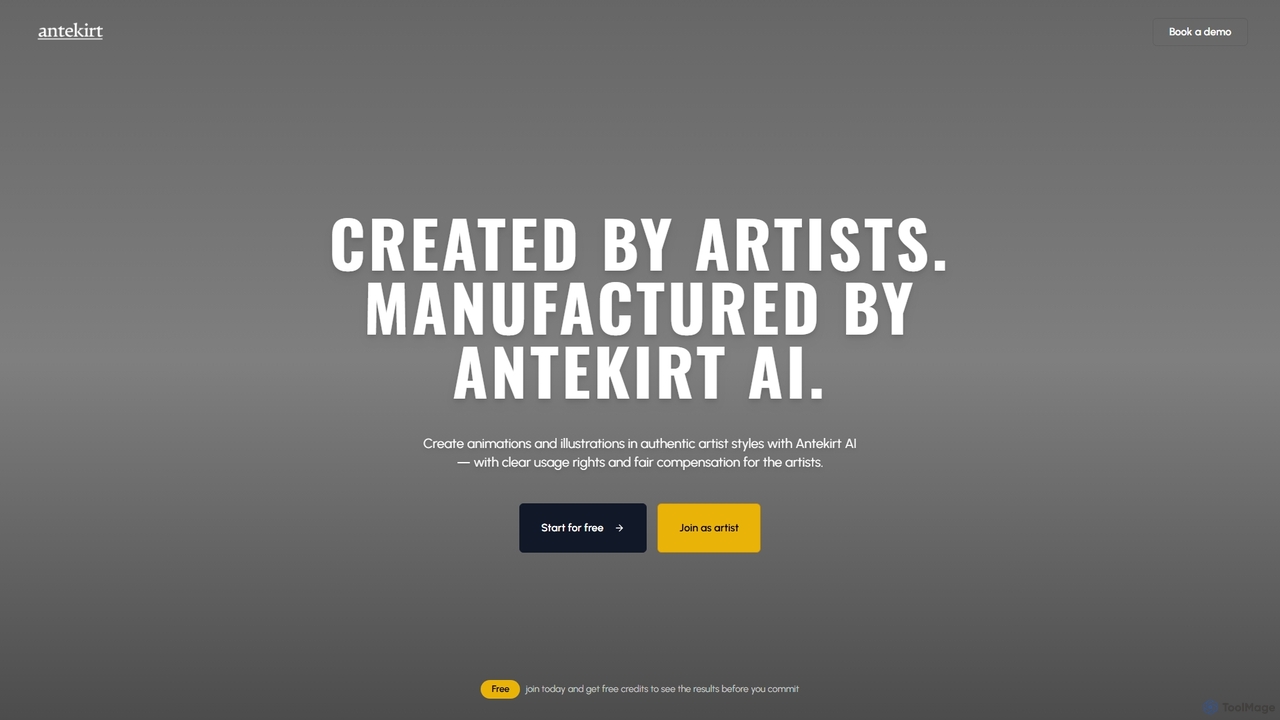
Antekirt

Antekirt

Antekirt is an innovative AI tool that empowers users to create unique animations and illustrations in authentic artist …

2.9K
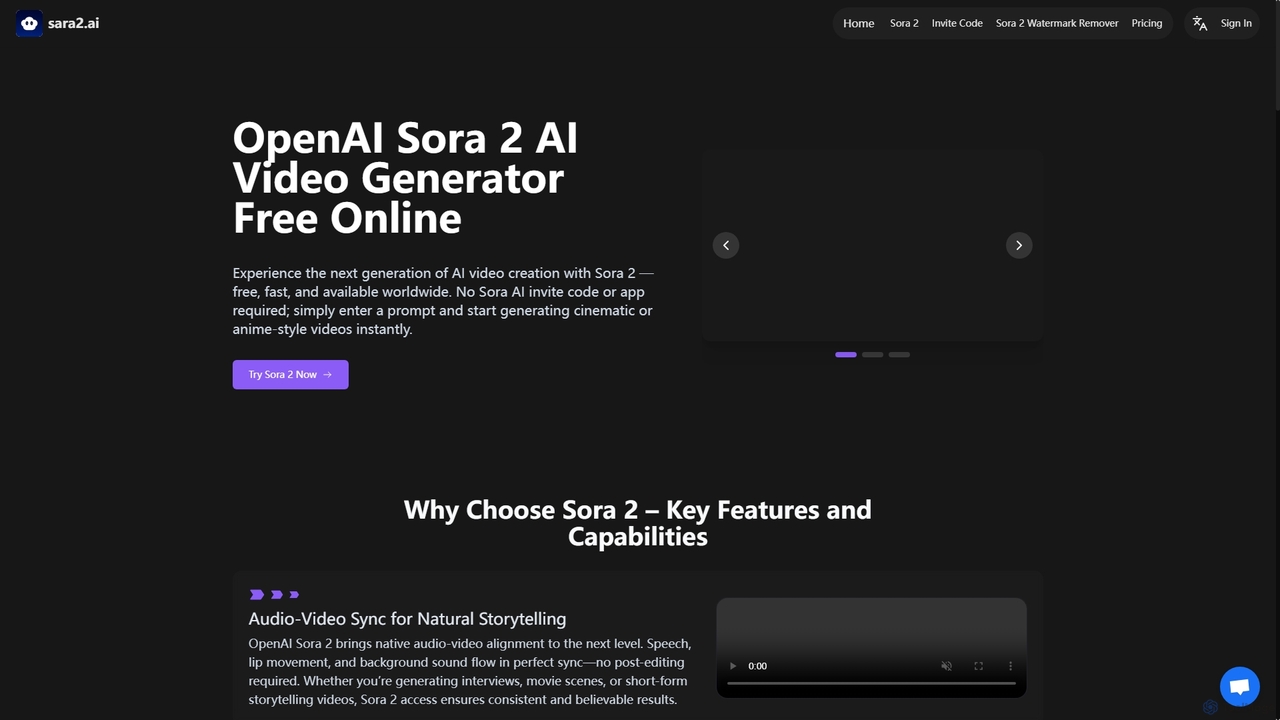
Sara2

Sara2

Sara2 is an online AI video generator that provides free, instant access to OpenAI's Sora 2 model. It …

4.7K

About Ai Animation

AI Animation tools are a class of software that uses artificial intelligence to automatically generate or assist in creating animated sequences. These tools interpret inputs like text prompts, static images, or video clips to produce character movements, scene transitions, and dynamic visual effects. This approach significantly lowers the barrier to entry for animation, enabling users without specialized skills to produce engaging visual content quickly. Unlike traditional animation software that demands manual keyframing for every movement, AI Animation automates complex processes, accelerating the production workflow from concept to final render.

Core Features

  • Text-to-Animation: Generates animated scenes and character actions directly from written descriptions or scripts.
  • Image-to-Animation: Transforms a static 2D image into a dynamic video by adding movement, depth, and effects.
  • Video-to-Video Transformation: Applies a new artistic style or modifies characters and backgrounds in an existing video clip.
  • Automated Motion Generation: Creates realistic or stylized character movements, such as walking, talking, or dancing, without manual rigging or keyframing.
  • AI-Powered Lip Sync: Automatically synchronizes a character's mouth movements with an audio track of dialogue or singing.

Use Cases

AI Animation tools are widely used in digital marketing for creating eye-catching social media ads and promotional videos. Content creators and educators leverage them to produce animated explainer videos and visual stories efficiently. In the pre-production phase of filmmaking and game development, these tools are valuable for rapid prototyping of character movements and storyboarding animated sequences.

How to Choose

When selecting an AI Animation tool, first consider the primary input type you will use (text, image, or video). Evaluate the level of control offered over the animation style, character design, and motion parameters. Also, check the supported output resolutions, formats, and any watermarking policies. Finally, assess the tool's learning curve and pricing model to ensure it aligns with your technical skills and budget.

Ai AnimationUse Cases

1

Creating Animated Social Media Ads

A marketing manager for a small e-commerce brand needs to create engaging video ads for an upcoming campaign but lacks animation skills and has a limited budget. Using an AI Animation tool, they input simple text prompts like 'a happy character unboxing a product and smiling'. The AI generates a short, stylized animation in minutes. They can then add their brand's logo and a call-to-action, producing multiple ad variations to test on platforms like Instagram and TikTok, significantly reducing production time and cost compared to hiring a freelance animator.

2

Animating Static Illustrations for Artists

A digital artist wants to bring their portfolio of static character illustrations to life. Instead of learning complex animation software, they use an image-to-animation tool. They upload an illustration of a character, and the AI automatically identifies limbs and facial features, applying subtle movements like blinking, breathing, and head turning. The artist can then fine-tune the motion intensity and export short video loops. This allows them to showcase their characters in a more dynamic way on their website and social media, increasing engagement without the steep learning curve of traditional animation.

3

Rapid Prototyping for Animated Concepts

An indie game developer is in the early stages of designing a new character. To quickly visualize movement styles, they use an AI animation tool. By providing a character model and text prompts like 'a cautious walk' or 'an energetic jump', the tool generates multiple animation clips. This allows the developer and their team to review and iterate on the character's feel and personality much faster than traditional rigging and keyframing would permit. The AI-generated animations serve as a high-quality baseline or placeholder, streamlining the pre-production pipeline.

4

Producing Animated Explainer Videos

An educator needs to create an animated video to explain a complex scientific concept to students. They use an AI animation tool that features automated lip-sync and text-to-animation. They upload a voiceover script, and the tool generates a simple character who speaks the lines with accurate mouth movements. They then add text prompts to create visuals and scenes that illustrate the concept, such as 'show atoms bonding together'. The entire process takes a few hours instead of weeks, making it feasible for the educator to produce high-quality, engaging educational content on a regular basis.

5

Applying Stylistic Filters to Live-Action Video

A filmmaker wants to create a dream sequence in their short film with a unique, painterly aesthetic. Instead of complex VFX, they use a video-to-video AI animation tool. They shoot the scene with live actors and then process the footage through the AI, applying a 'watercolor painting' style. The tool transforms each frame, maintaining the original motion and composition but re-rendering it in the desired artistic style. This provides a highly stylized look that would be extremely time-consuming to achieve frame-by-frame manually, opening up new creative possibilities for visual storytelling.

6

Generating Motion from a Single Video for 3D Models

A 3D artist has created a character model but needs to animate it for a portfolio piece. They use an AI animation tool with video-based motion capture. They record a short video of themselves performing the desired actions, like waving or dancing. They upload this video and their 3D model to the tool. The AI analyzes the video, extracts the human motion data, and automatically applies it to the 3D character's rig. This bypasses the need for expensive motion capture suits or tedious manual keyframing, allowing for the quick creation of natural-looking character animations.

Ai AnimationFrequently Asked Questions