

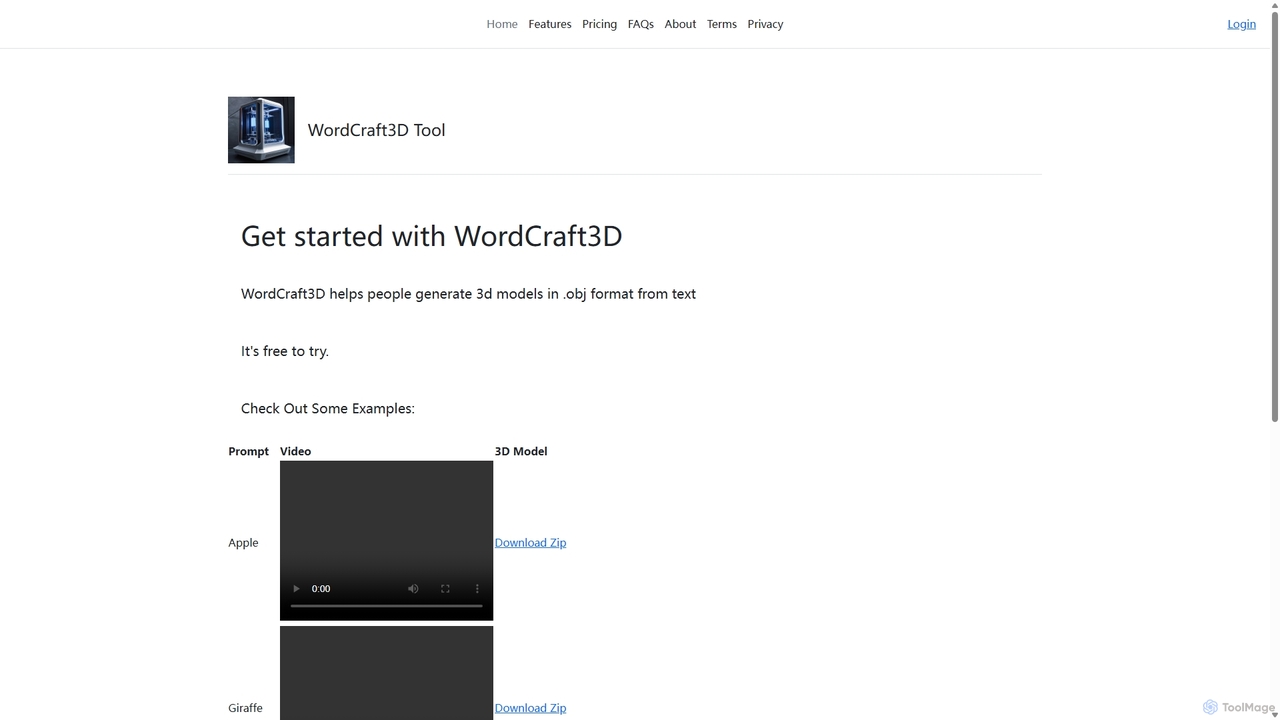
WordCraft3D Overview
WordCraft3D is an innovative AI-powered platform designed to democratize 3D model creation. By simply inputting a text prompt, users can generate detailed 3D models, bridging the gap between imagination and digital creation. Developed by Andy Triboletti of GreenRobot, this tool is engineered for efficiency and accessibility, catering to a wide range of users from professional game developers and 3D artists to hobbyists and educators. The platform outputs models in the universally compatible .obj format, complete with corresponding .mtl (material) and texture.png files, ensuring seamless integration into various 3D software, game engines, and design workflows.
The core philosophy behind WordCraft3D is to simplify the traditionally complex process of 3D modeling. Instead of spending hours with intricate software, users can now generate foundational assets in minutes. This accelerates prototyping, concept visualization, and content creation pipelines. The tool also provides a video preview of the generated model, allowing for a quick assessment of the result before downloading the files. This feature is particularly useful for iterating on ideas quickly without the need to open a dedicated 3D application each time.
How to use WordCraft3D
Using WordCraft3D is a straightforward process designed for maximum ease of use. Follow these simple steps to bring your ideas to life in 3D:
- Visit the Website: Navigate to the WordCraft3D web application.
- Login or Sign Up: Create an account or log in to access the generation features.
- Enter Your Text Prompt: In the designated input field, type a clear and descriptive text prompt of the object you want to create. For example, 'a red apple with a green leaf' or 'a futuristic robotic giraffe'.
- Generate the Model: Submit your prompt. The AI will begin processing your request. As noted on the site, generation may take some time as the model is being created on the server.
- Preview the Result: Once generation is complete, a video of your 3D model rotating will be displayed. This allows you to inspect the model from all angles.
- Download Your Files: If you are satisfied with the result, click the 'Download Zip' button. This will download a compressed file containing the model.obj, model.mtl, and texture.png files.
- Import and Use: Unzip the file and import the .obj model into your preferred 3D software, game engine (like Unity or Unreal Engine), or presentation tool for further editing, animation, or integration.
Core Features of WordCraft3D
- AI Text-to-3D Generation: The primary feature is its powerful AI engine that interprets natural language prompts and converts them into 3D geometry.
- Standard File Formats: Exports models in .obj format, a widely supported standard, along with .mtl for materials and .png for textures. This ensures high compatibility with software like Blender, Maya, 3ds Max, and game engines.
- Instant Video Previews: Automatically generates a rotating video of the created model, enabling quick visualization and evaluation without external software.
- User-Friendly Interface: A clean and simple web interface that requires no prior 3D modeling experience.
- Direct Download: Provides a convenient one-click download of a zip file containing all necessary model components.
Use Cases for WordCraft3D
WordCraft3D is a versatile tool applicable across various industries and creative fields:
- Game Development: Rapidly create placeholder assets or unique in-game items, props, and environmental objects, significantly speeding up the development cycle.
- Rapid Prototyping: Product designers and engineers can quickly visualize concepts and create 3D mockups for presentations and initial design reviews.
- Education: Teachers and students can create 3D models for science projects, historical reconstructions, or art classes, making learning more interactive and engaging.
- AR/VR Experiences: Developers can generate assets for use in augmented reality and virtual reality applications, populating virtual worlds with custom objects.
- Marketing and Presentations: Create custom 3D visuals for marketing materials, advertisements, or corporate presentations to make them more dynamic.
Advantages of WordCraft3D
The main advantage of WordCraft3D is its ability to lower the barrier to entry for 3D creation. It empowers creators without specialized 3D skills to produce high-quality models. Its speed is another significant benefit, reducing asset creation time from hours or days to just minutes. The use of standard file formats ensures that the generated assets are immediately usable in professional pipelines. Finally, its current free-to-use model makes it an incredibly accessible tool for everyone.
Pricing and Plans
According to the official website, WordCraft3D is currently free to use. The pricing page states, "It's Free for now." and "It's free to try." This suggests the tool is in an introductory or beta phase, and users can take full advantage of its features without any cost at this time. It is advisable to check the website for any future updates on pricing models or subscription plans.
WordCraft3D Alternatives
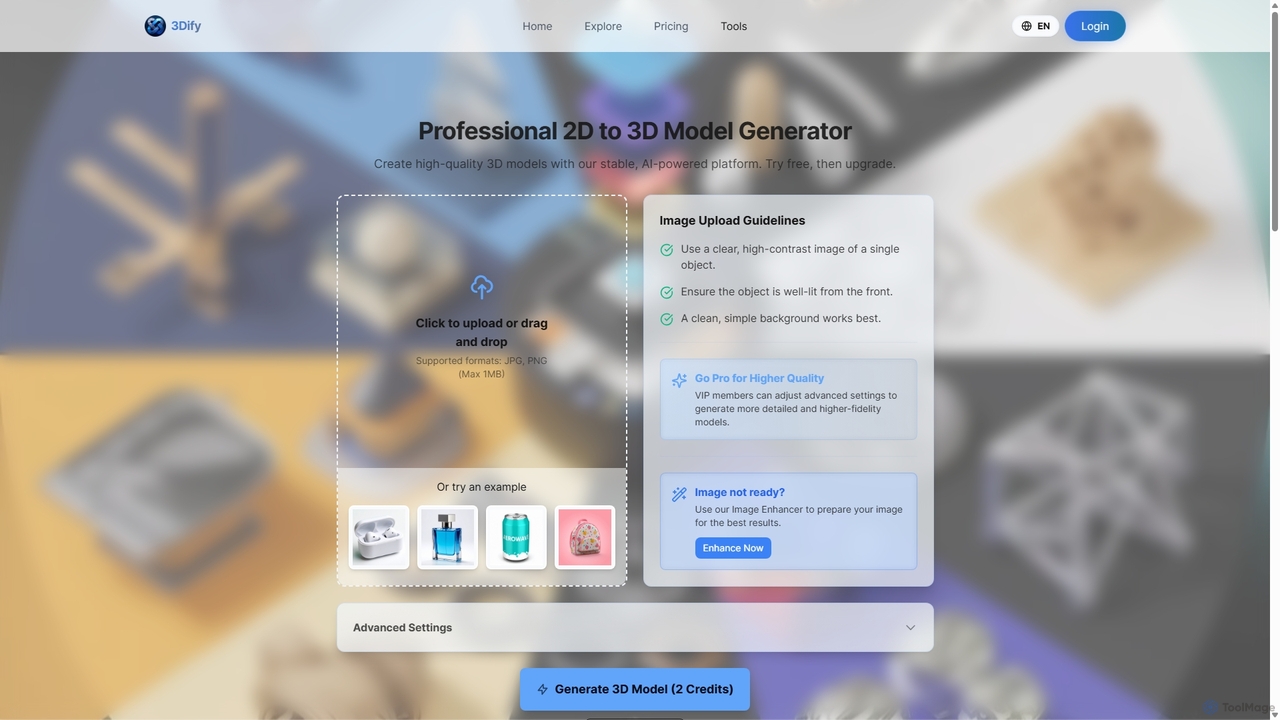
3dify
3dify is a professional AI-powered platform that transforms 2D images into high-quality 3D models. Designed for game developers, 3D artists, and designers, it offers a stable and efficient workflow to generate commercial-ready assets in minutes. The tool supports popular formats like GLB and PLY, features an integrated image enhancer, and provides a freemium model to get started.
Image To 3D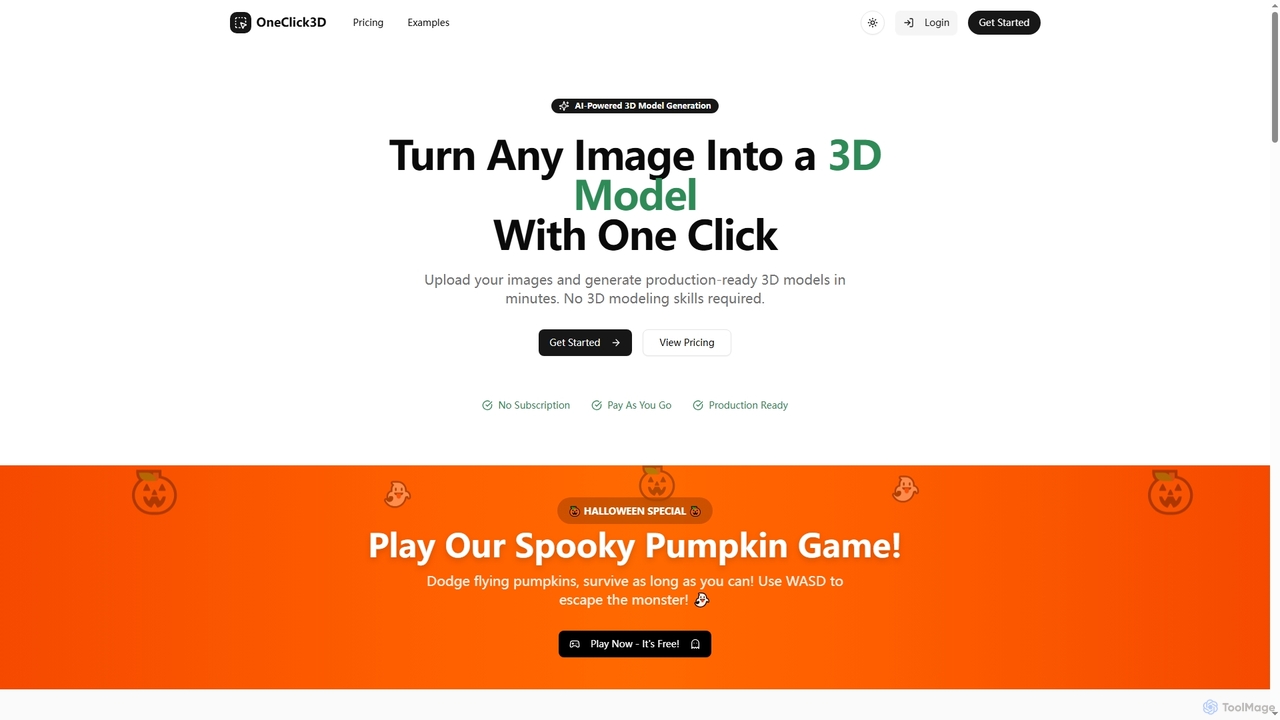
Oneclick3d
OneClick3D is an AI-powered tool that transforms images into production-ready 3D models in minutes. It requires no 3D modeling skills, supporting multiple export formats (GLB, FBX, OBJ, STL, USDZ) and PBR textures for professional results in game development, 3D printing, and Web3.
Image To 3D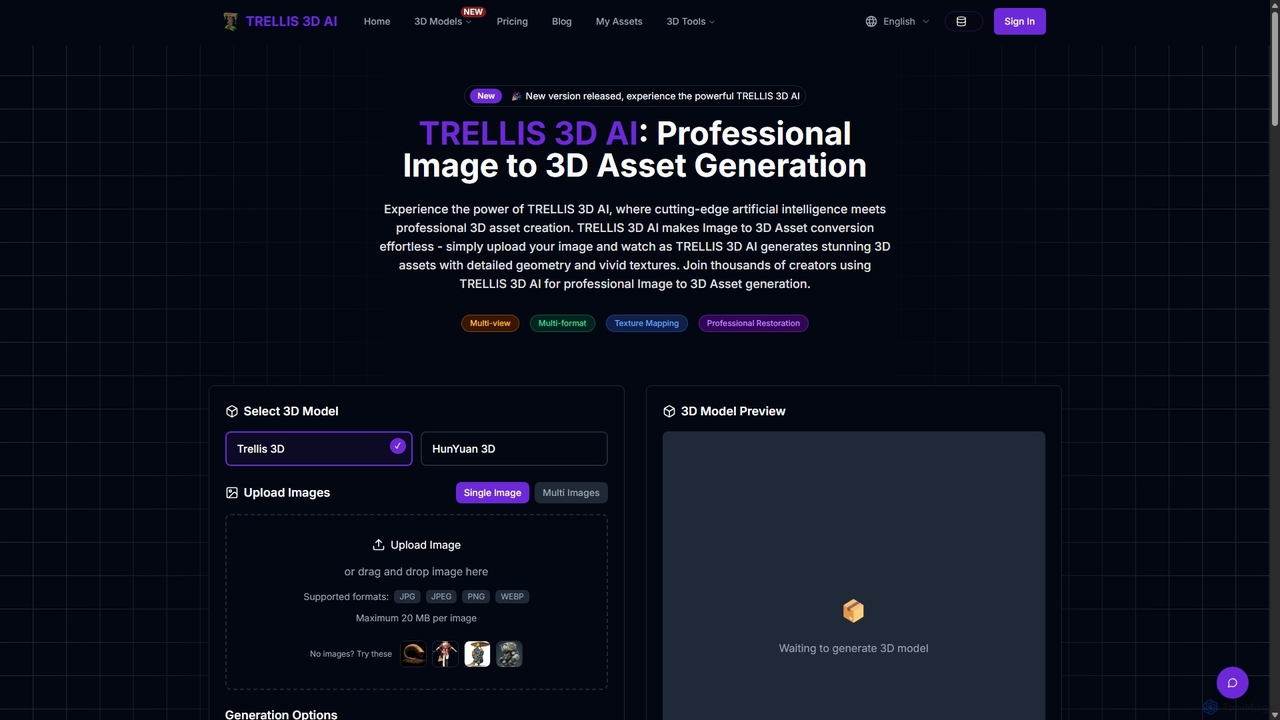
TRELLIS 3D AI
TRELLIS 3D AI is a cutting-edge tool that transforms 2D images into high-quality 3D assets in seconds. Using advanced AI technology, it generates detailed geometry and vivid textures from single or multiple images. It supports various export formats, making it ideal for game developers, 3D artists, and designers looking to accelerate their workflow and create professional-grade 3D models effortlessly.
Image To 3D
Glyf
Glyf is an AI-powered platform that transforms text prompts and images into high-quality 3D models. Designed for creators of all skill levels, it simplifies the 3D creation process, enabling rapid prototyping, game asset generation, and artistic expression without complex software.
Generative Art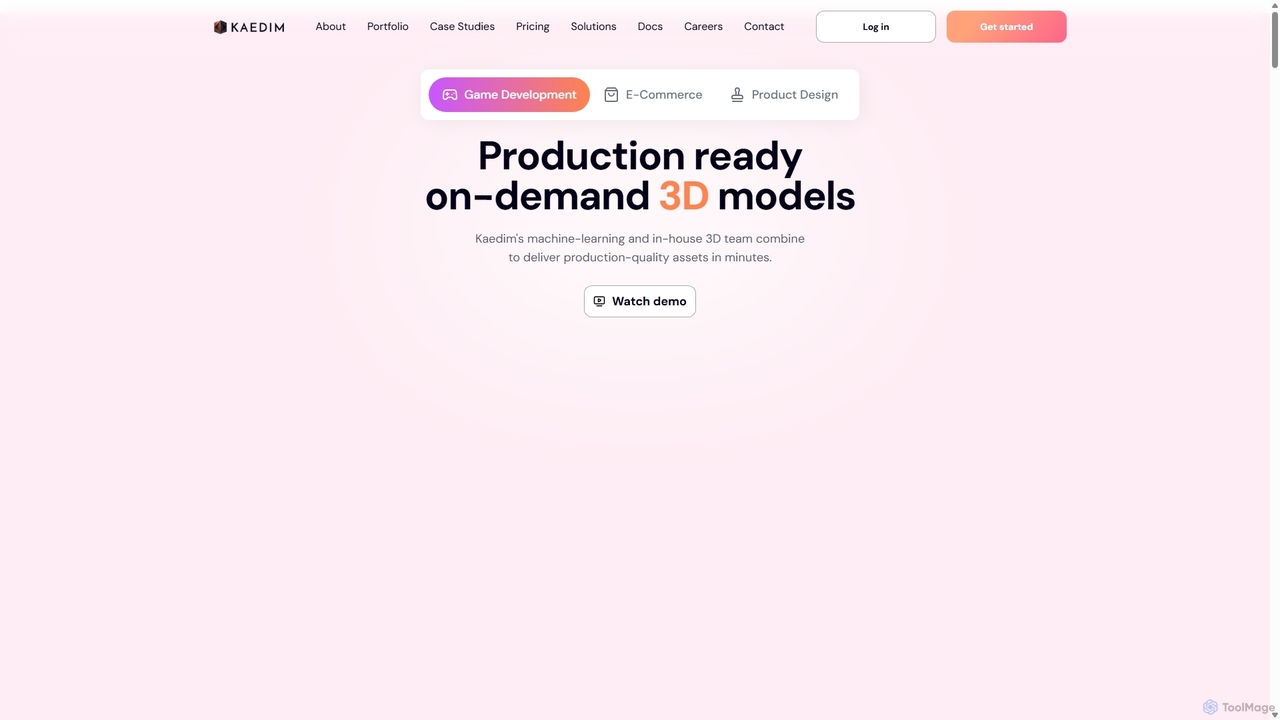
Kaedim3D
Kaedim3D is an AI-powered platform that accelerates 3D asset creation by transforming 2D images or text descriptions into production-ready 3D models. It combines machine learning with a team of in-house artists to deliver high-quality, optimized assets 10x faster for game development, e-commerce, and product design.
3D ModelingWordCraft3D Categories
WordCraft3D Jobs
WordCraft3D Embed Widget
Copy this embed code to place the badge on your blog, article, or product site and send readers directly to this ToolMage detail page.

Related AI tools
3dify
3dify is a professional AI-powered platform that transforms 2D images into high-quality 3D models. Designed for game developers, 3D artists, and designers, it offers a stable and efficient workflow to generate commercial-ready assets in minutes. The tool supports popular formats like GLB and PLY, features an integrated image enhancer, and provides a freemium model to get started.
Image To 3DGlyf
Glyf is an AI-powered platform that transforms text prompts and images into high-quality 3D models. Designed for creators of all skill levels, it simplifies the 3D creation process, enabling rapid prototyping, game asset generation, and artistic expression without complex software.
Generative ArtOneclick3d
OneClick3D is an AI-powered tool that transforms images into production-ready 3D models in minutes. It requires no 3D modeling skills, supporting multiple export formats (GLB, FBX, OBJ, STL, USDZ) and PBR textures for professional results in game development, 3D printing, and Web3.
Image To 3D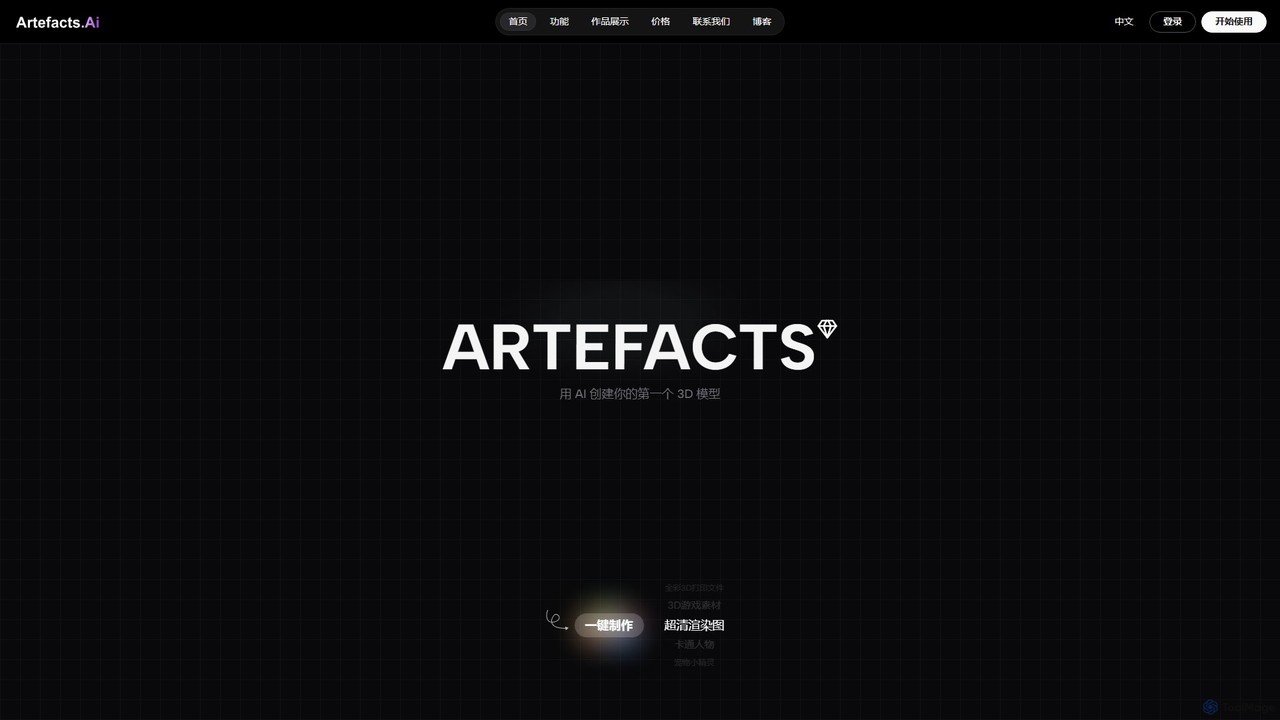
Artefacts.ai
Artefacts.ai is a powerful AI-driven platform that transforms text prompts and 2D images into high-quality 3D models in seconds. Designed for creators, designers, and game developers, it simplifies the 3D creation workflow from concept to asset. Users can generate game-ready models, create files for full-color 3D printing, and seamlessly integrate their creations into existing DCC software. The platform also offers a unique service to order physical 3D prints of generated models.
Generative 3D
Jyek
Jyek is an AI agent platform that understands objectives, creates execution plans, uses tools, and delivers verifiable results for complex, multi-step tasks.
AutomationTRELLIS 3D AI
TRELLIS 3D AI is a cutting-edge tool that transforms 2D images into high-quality 3D assets in seconds. Using advanced AI technology, it generates detailed geometry and vivid textures from single or multiple images. It supports various export formats, making it ideal for game developers, 3D artists, and designers looking to accelerate their workflow and create professional-grade 3D models effortlessly.
Image To 3DKaedim3D
Kaedim3D is an AI-powered platform that accelerates 3D asset creation by transforming 2D images or text descriptions into production-ready 3D models. It combines machine learning with a team of in-house artists to deliver high-quality, optimized assets 10x faster for game development, e-commerce, and product design.
3D Modeling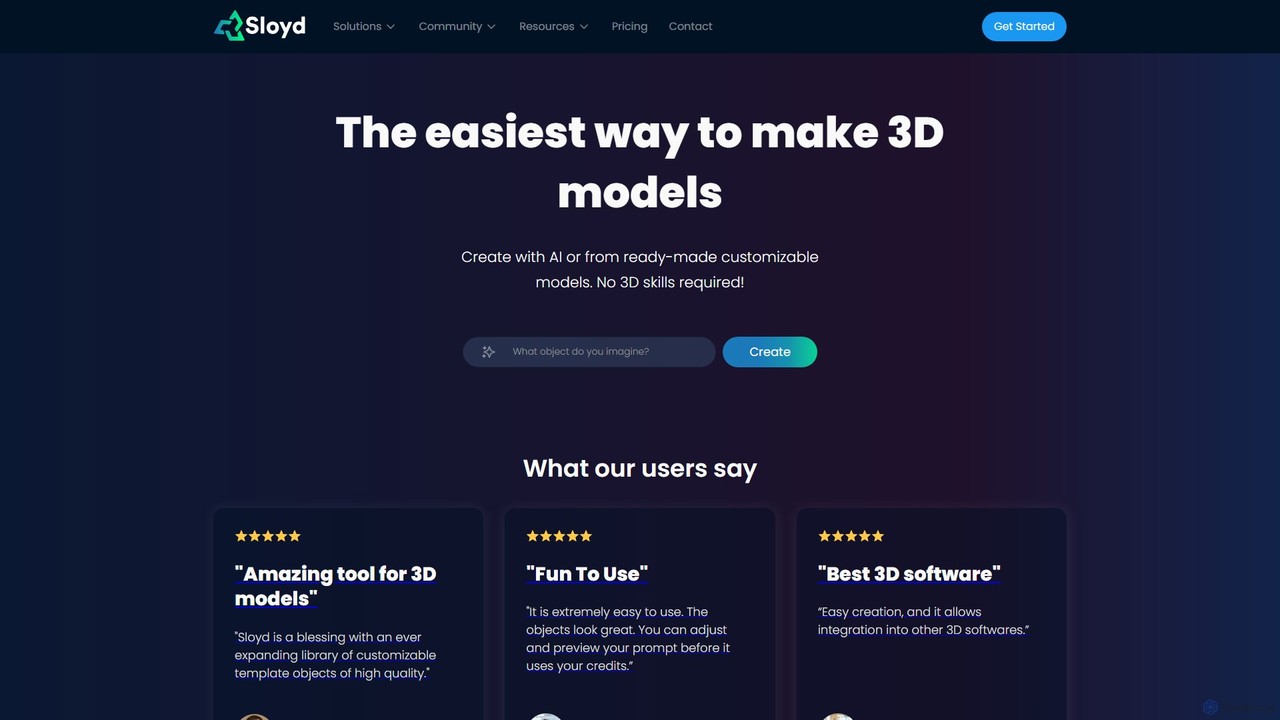
Sloyd
Sloyd is an AI-powered 3D model generator that makes 3D creation effortless. Generate models from text prompts or images, or customize from a vast library of parametric templates. No 3D skills are required, making it perfect for game developers, designers, and hobbyists.
Generator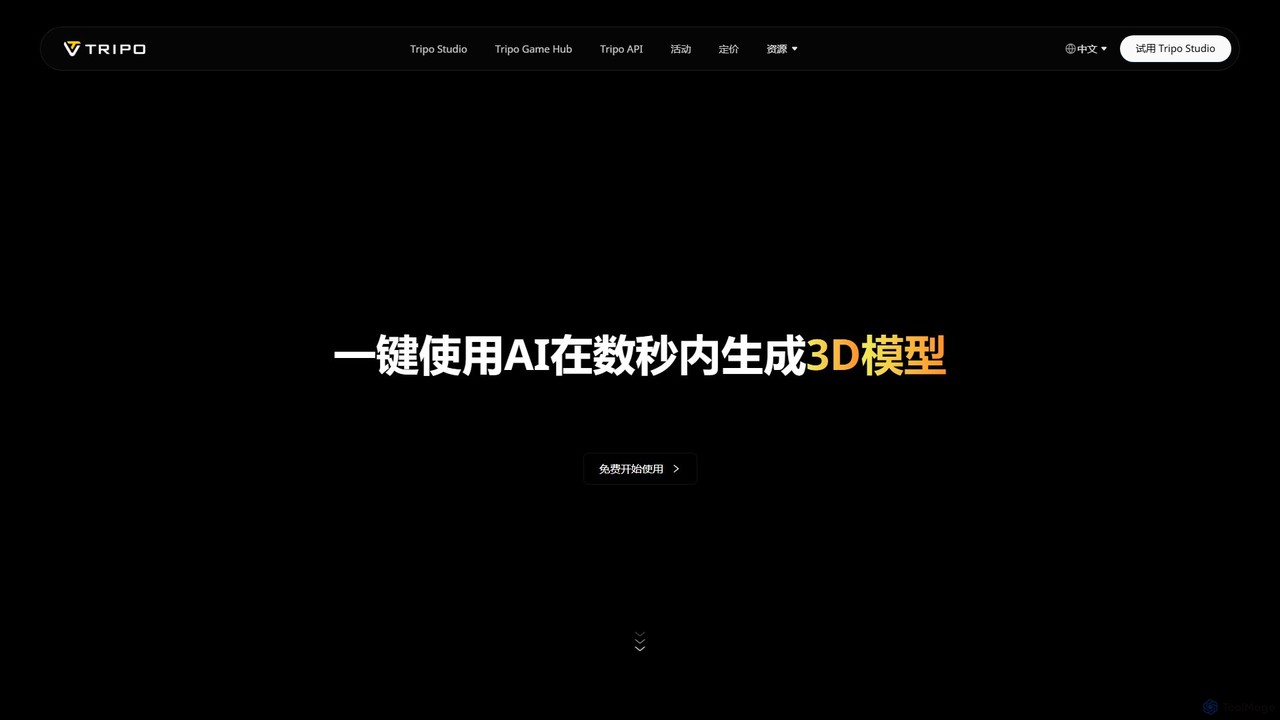
Tripo3D
Tripo3D is a powerful AI 3D model generator that creates high-quality 3D models from text, images, or doodles in seconds. It supports various export formats for gaming, AR/VR, 3D printing, and design, featuring professional-grade geometry, PBR materials, and auto-rigging capabilities.
Generator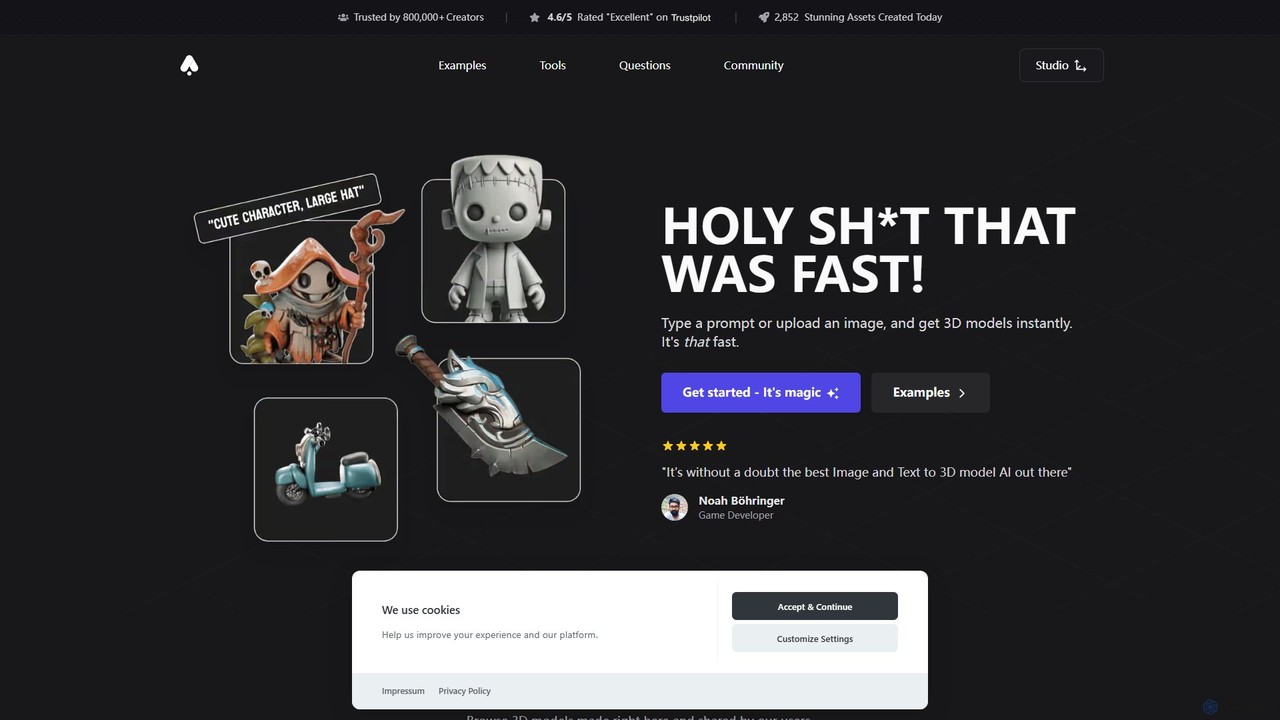
3D AI Studio
3D AI Studio is a powerful AI-driven platform that generates high-quality 3D models from text prompts or images in seconds. Designed for creators, game developers, and designers, it simplifies the 3D creation process with features like AI texturing, automatic remeshing, and a vast community library. It offers a fast, intuitive, and cost-effective solution for producing game-ready assets, 3D printable models, and more, without requiring extensive 3D modeling experience.
Ai 3D Generator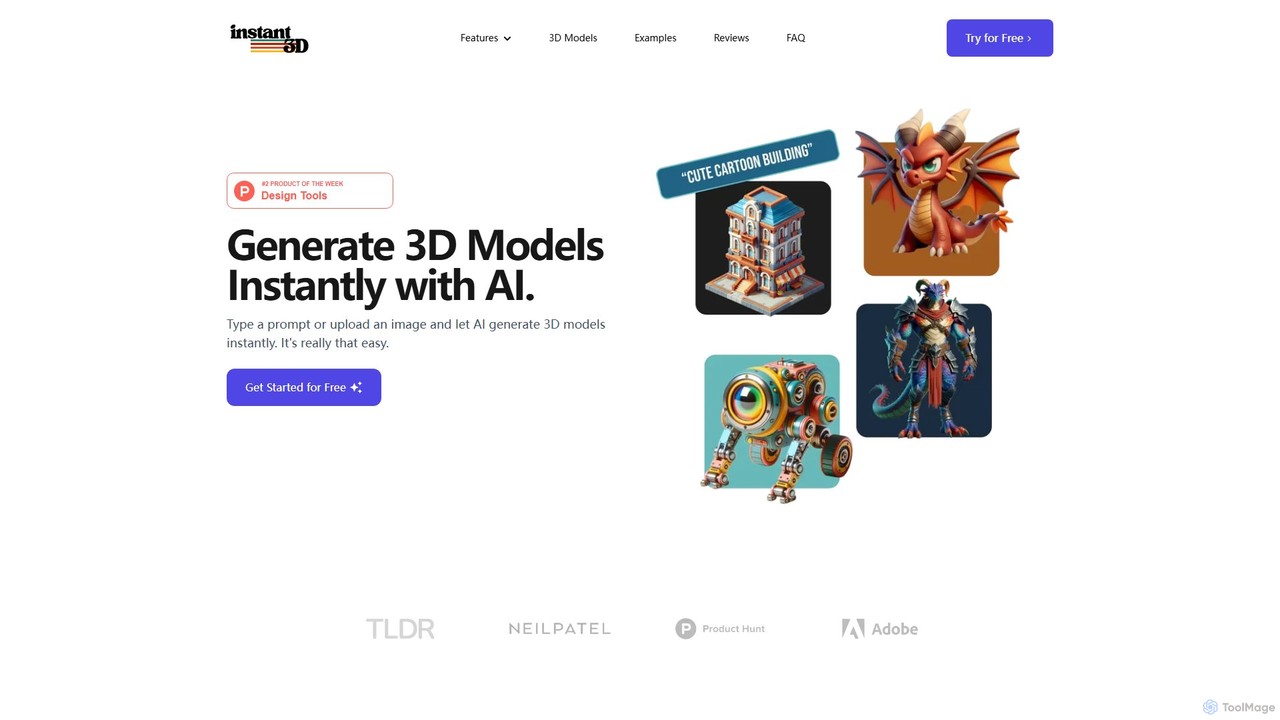
Instant3D
Instant3D is an AI-powered platform that generates high-quality 3D models from text prompts or 2D images in seconds. It's designed for designers, game developers, animators, and hobbyists to accelerate their creative workflow, offering tools for character generation, model optimization, and in-browser editing.
Generator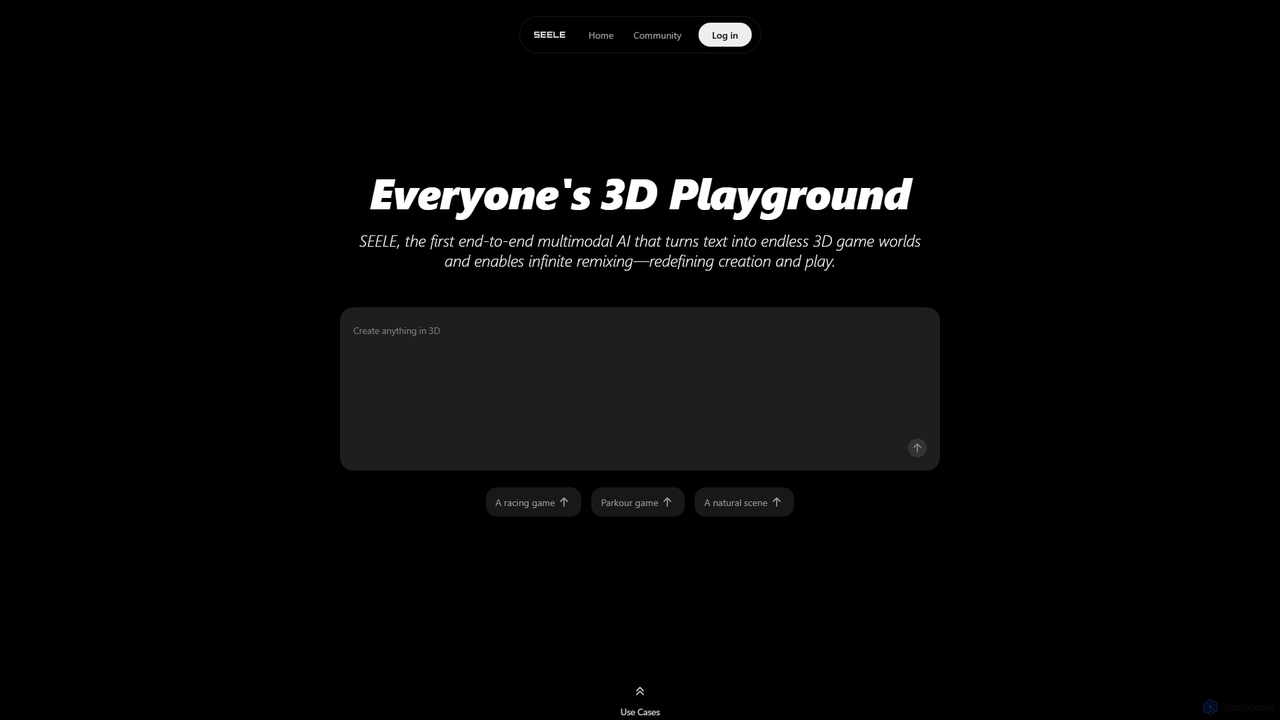
Seeles
Seeles is a pioneering end-to-end multimodal AI platform that transforms simple text prompts into fully playable 3D game worlds. It empowers creators of all levels to generate and infinitely remix interactive environments, characters, and game mechanics without coding. From racing games to mystery adventures, Seeles redefines creation and play by making game development accessible to everyone.
3D Modeling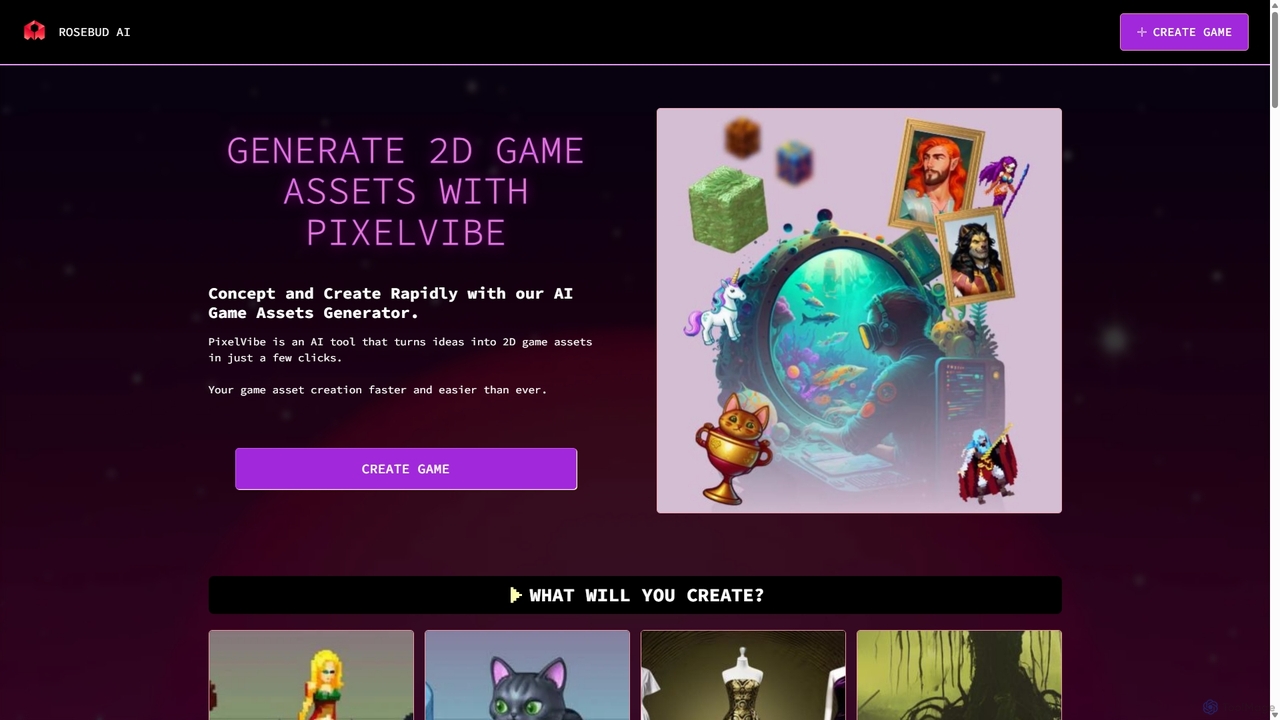
PixelVibe
PixelVibe is an AI-powered game asset generator by Rosebud AI that transforms text prompts into high-quality 2D and 3D game assets. It offers a wide range of styles, from pixel art to cartoony, enabling game developers and creators to rapidly concept and produce character sprites, environments, props, and more, significantly speeding up the creative workflow.
3D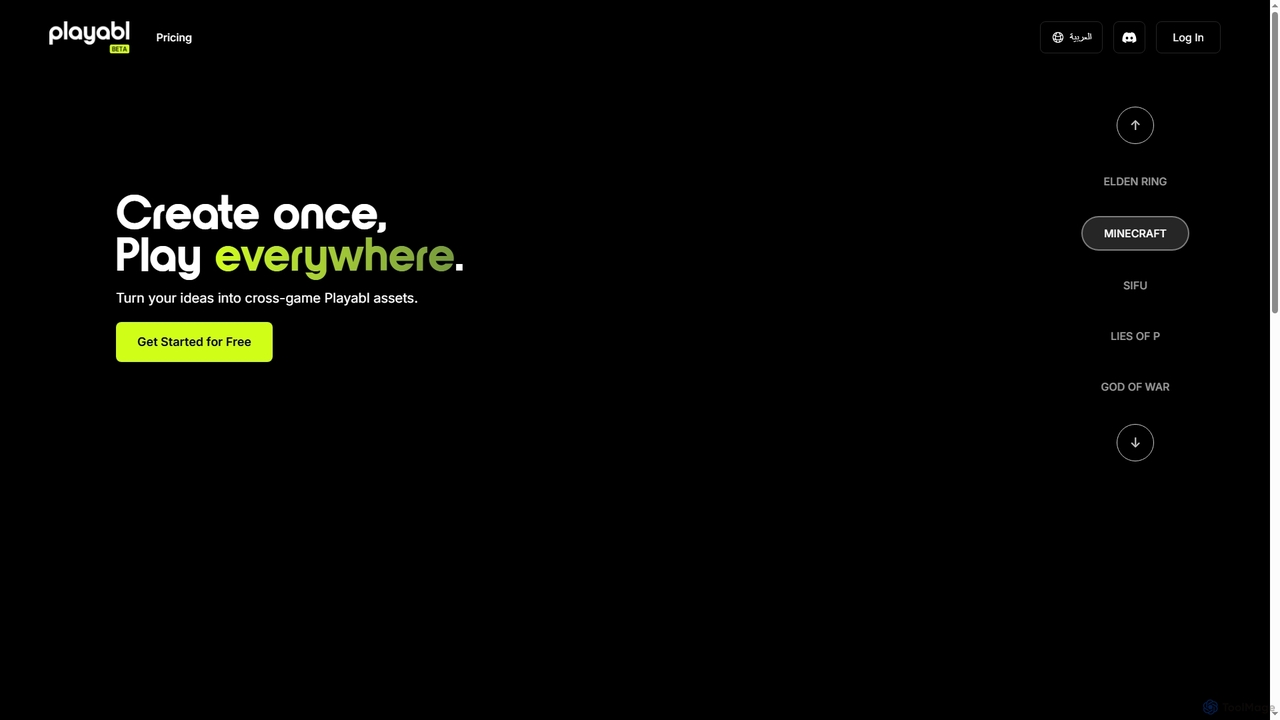
Playabl
Playabl is an AI-powered platform for creating cross-game assets. It allows users to turn ideas into characters, weapons, and 3D models that can be used across various gaming environments, embodying a 'create once, play everywhere' philosophy.
3D Modeling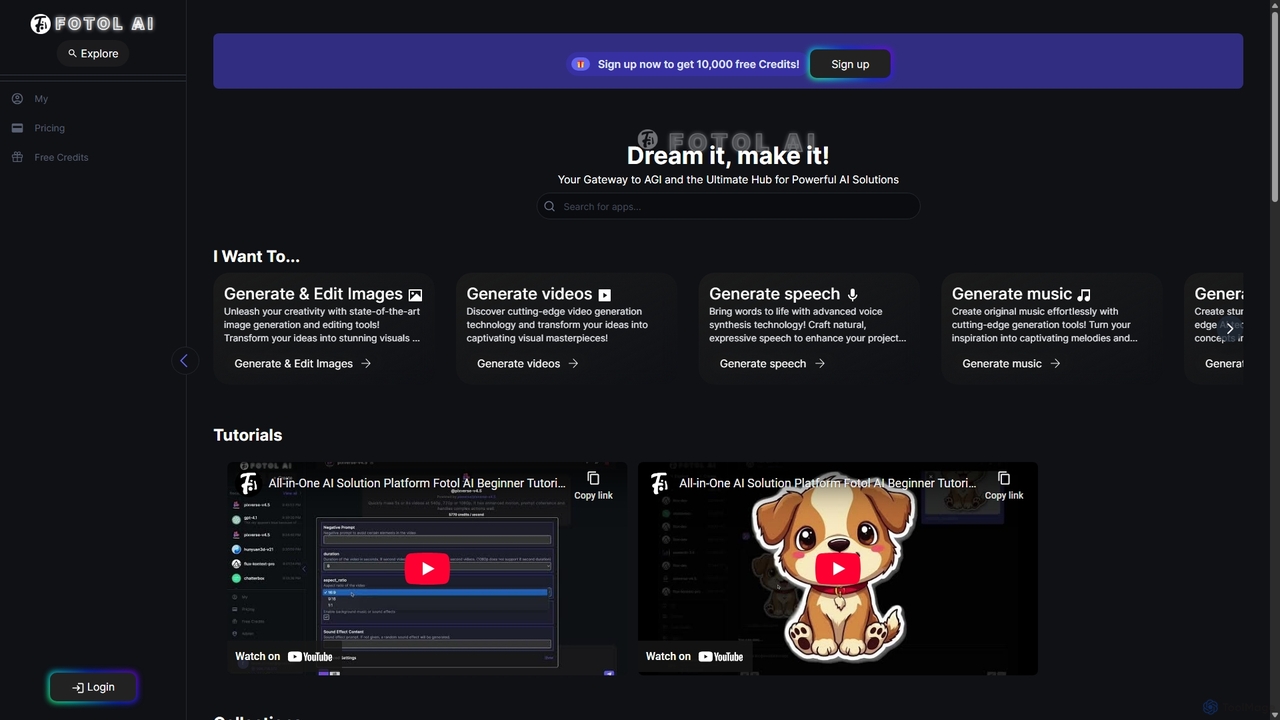
Fotol AI
Fotol AI is an all-in-one platform serving as a gateway to the world's most powerful generative AI models. It aggregates cutting-edge tools for image, video, speech, music, and 3D asset creation, alongside a vast library of advanced conversational AI models from providers like OpenAI, Google, and Anthropic. Users can access and switch between these diverse applications seamlessly through a unified interface and a single credit-based system, streamlining creative and development workflows.
3D Generation
WordCraft3D Comments (0)
Sign in to comment.
Sign inNo comments yet.