3D Best in category 5 results Image To 3D AI Tool

Popular AI tools in the Image To 3D field of 3D include TRELLIS 3D AI、Stable Fast 3D、heroify、3dify、Oneclick3d, etc., helping you quickly improve efficiency.

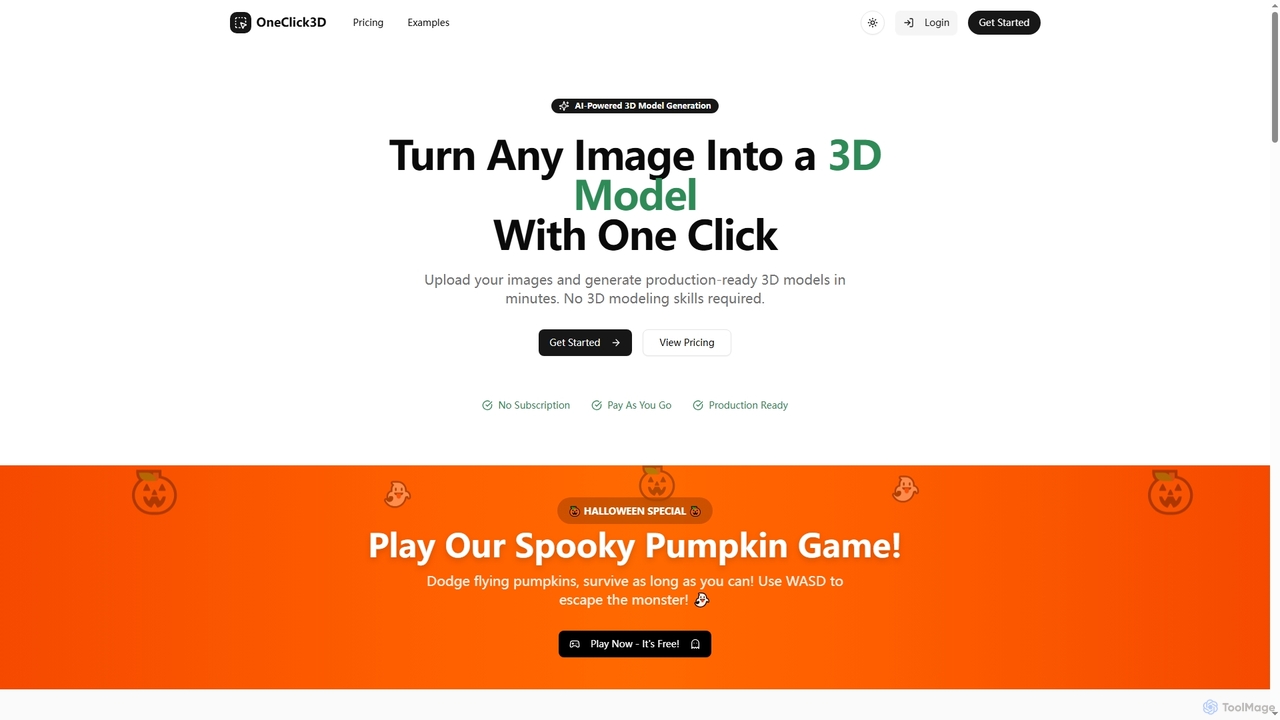
Oneclick3d

Oneclick3d

OneClick3D is an AI-powered tool that transforms images into production-ready 3D models in minutes. It requires no 3D …

3.0K
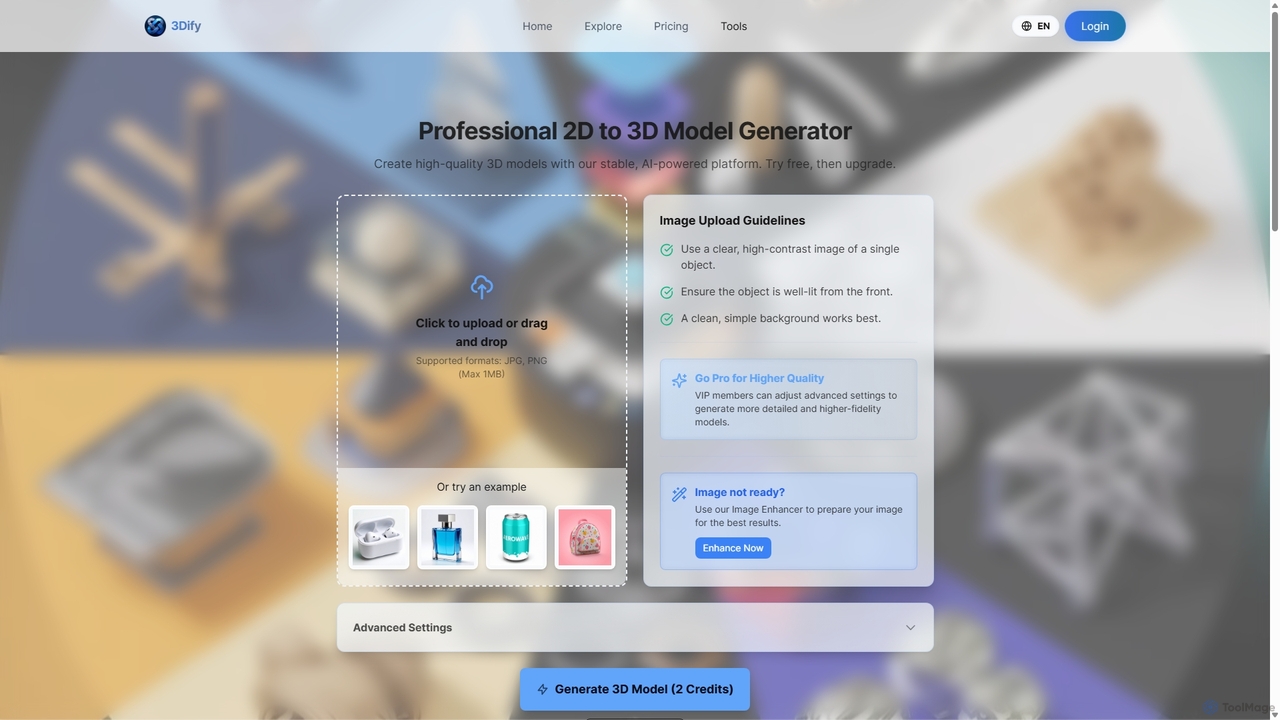
3dify

3dify

3dify is a professional AI-powered platform that transforms 2D images into high-quality 3D models. Designed for game developers, …

3.4K
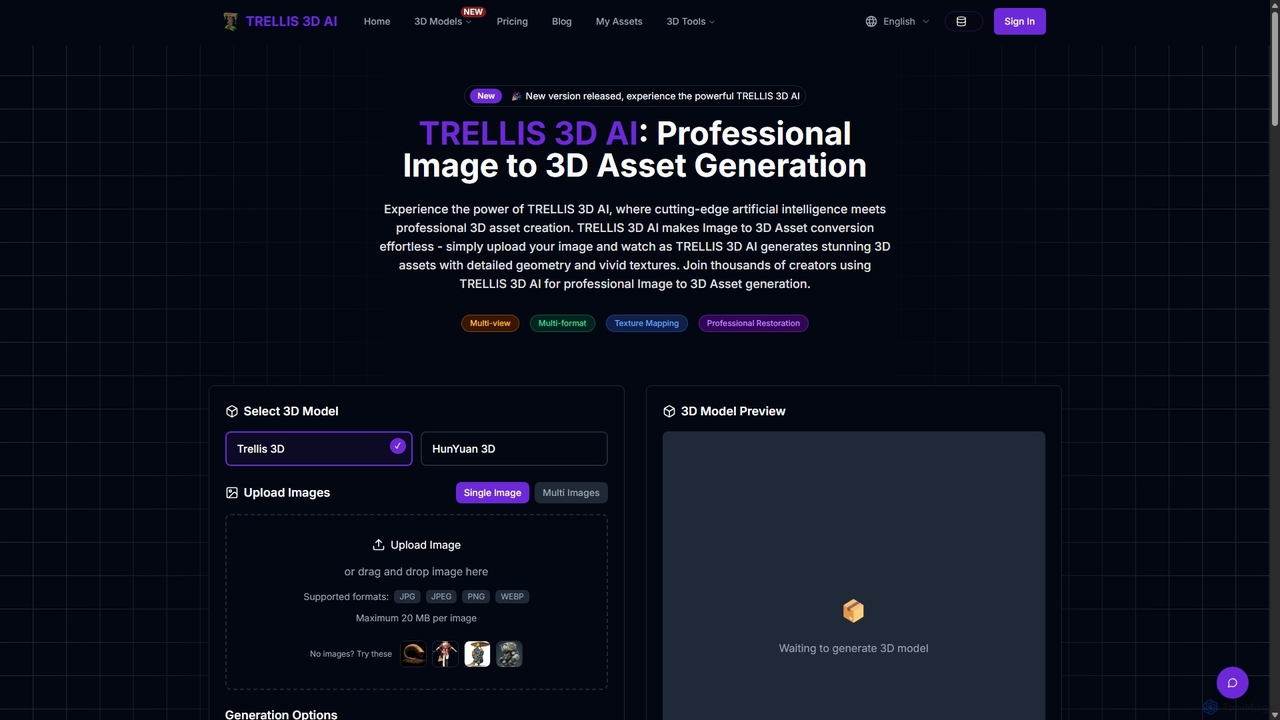
TRELLIS 3D AI

TRELLIS 3D AI

TRELLIS 3D AI is a cutting-edge tool that transforms 2D images into high-quality 3D assets in seconds. Using …

121.1K
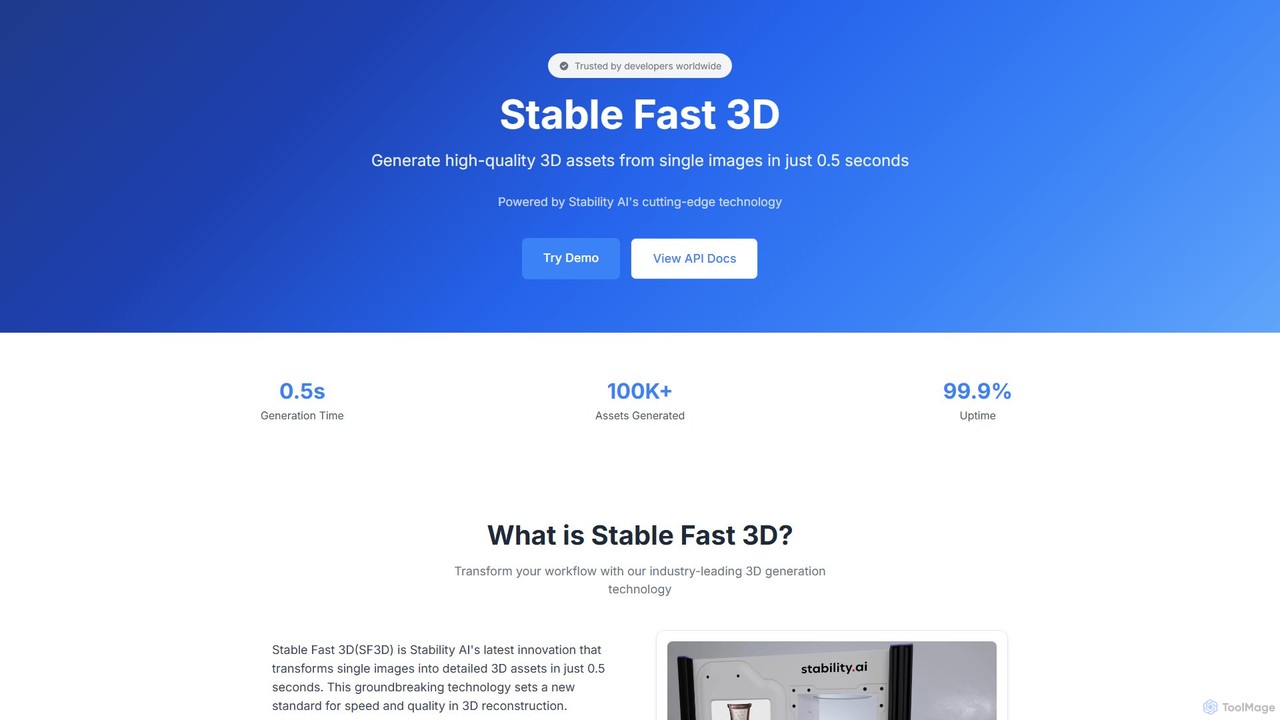
Stable Fast 3D

Stable Fast 3D

Stable Fast 3D by Stability AI is a groundbreaking tool that generates high-quality 3D models from a single …

9.3K
heroify

heroify

Heroify is an AI-powered platform for generating high-quality 3D models and design assets from 2D images and text …

3.8K

About Image To 3D

Image to 3D tools are a specialized category of AI software that automatically generate three-dimensional models from one or more 2D images. Leveraging advanced techniques like photogrammetry, NeRFs (Neural Radiance Fields), and generative AI, these tools analyze visual data such as shape, texture, and depth cues to construct a digital 3D asset. This technology dramatically accelerates the 3D content creation pipeline for game development, e-commerce, and virtual reality, making 3D modeling accessible without extensive manual effort.

Core Features

  • 3D Model Generation: Automatically creates a 3D mesh and structure from a single image or a set of photos.
  • Texture Mapping: Extracts color and surface details from the source images and applies them as textures to the generated model.
  • Format Export: Allows users to export the final 3D model in standard formats like OBJ, FBX, or glTF for use in other software.
  • AI-Powered Refinement: Utilizes machine learning to clean up artifacts, fill in missing geometry, and enhance the overall quality of the model.

Applicable Scenarios

These tools are widely used in e-commerce for creating interactive product viewers, in game development for rapid asset creation from concept art or real-world objects, and in architecture and real estate for digitizing physical spaces. They also serve creators in AR/VR and metaverse development who need to quickly populate virtual worlds with realistic objects.

Selection Criteria

When choosing an Image to 3D tool, consider the required input type (single image vs. multiple photos), the quality and resolution of the output model, supported export formats, and the processing speed. Also, evaluate the user interface's simplicity and whether the pricing model (e.g., per-model or subscription) aligns with your project's budget and frequency of use.

Image To 3DUse Cases

1

Creating 3D Product Visualizations for E-commerce

E-commerce managers and digital marketers use Image to 3D tools to quickly create interactive 3D models of their products. By uploading a series of photos taken from different angles, the AI generates a detailed 3D asset that can be embedded on a product page. This allows customers to view the item from all sides, zoom in on details, and even place it in their own space using AR. This process replaces costly and time-consuming traditional 3D modeling, enhancing customer engagement and potentially increasing conversion rates.

2

Rapid Prototyping for Game and Animation Assets

Game developers and animators can significantly speed up their workflow by using Image to 3D tools. Instead of modeling a character or prop from scratch, an artist can use a single piece of concept art or a photo of a real-world object as input. The AI generates a base 3D mesh in minutes, which can then be imported into standard 3D software for refinement, rigging, and animation. This approach is ideal for rapid prototyping, creating placeholder assets, or even generating final models for stylized projects, freeing up artists to focus on more creative tasks.

3

Digitizing Real-World Objects for AR/VR Experiences

AR/VR developers and creators for metaverse platforms often need to populate their virtual environments with realistic objects. Image to 3D tools provide an efficient way to digitize real-world items. By taking multiple photos of an object—like a piece of furniture, a sculpture, or a food item—from all angles, they can generate a high-fidelity 3D model. This model can then be optimized and imported into a game engine or AR application, allowing users to interact with a virtual replica of the physical object. This is crucial for creating immersive training simulations, virtual tours, and interactive marketing experiences.

4

Creating Custom 3D Avatars from a Single Photo

Users of social VR platforms, games, and virtual meeting applications can create personalized 3D avatars using Image to 3D tools. By uploading a single portrait photo, the AI analyzes facial features to generate a corresponding 3D head model. Many tools also allow for further customization of hairstyle, clothing, and accessories. This provides a simple and accessible way for individuals to represent themselves in digital spaces without needing any 3D modeling skills. The resulting avatar can often be exported in formats compatible with popular platforms like VRChat or Ready Player Me.

5

Generating 3D Models for 3D Printing

Hobbyists, designers, and engineers can use Image to 3D technology to turn photos of real objects into printable 3D models. For example, a user could take pictures of a broken plastic part, convert it into a 3D model, and then use 3D modeling software to repair and prepare it for printing. This process, often called 3D scanning with a camera, democratizes the creation of custom parts, replicas, and artistic sculptures. The generated models, typically exported as STL or OBJ files, can be directly used with 3D printer slicing software to bring the digital object back into the physical world.

6

Architectural and Real Estate Visualization

Architects and real estate agents can leverage Image to 3D tools for creating quick digital representations of properties. By using drone footage or a series of ground-level photos of a building, they can generate a 3D model of the exterior. This model can be used for preliminary site analysis, creating virtual tours, or marketing materials that showcase the property from any angle. While not a replacement for detailed CAD modeling, it provides a fast and cost-effective method for initial visualization and client presentations, helping stakeholders better understand the space and its context.

Image To 3DFrequently Asked Questions