ToolMage
Sign in

Best 2 3D Model Generation AI tools for 3D

Popular 3D Model Generation AI tools in 3D include experiments and ModelsLab, helping you work more efficiently.

experiments
Freemium

experiments

RunwayML Experiments is a cutting-edge platform for artists, researchers, and developers to access and test the latest, pre-release generative AI models. Explore novel tools for video, image, and 3D creation before they become mainstream. Push the boundaries of creativity by experimenting with next-generation AI technologies and providing direct feedback to the RunwayML research team.

3D Model Generation
Visits 8.2MFavorites 130Likes 135
ModelsLab
Freemium

ModelsLab

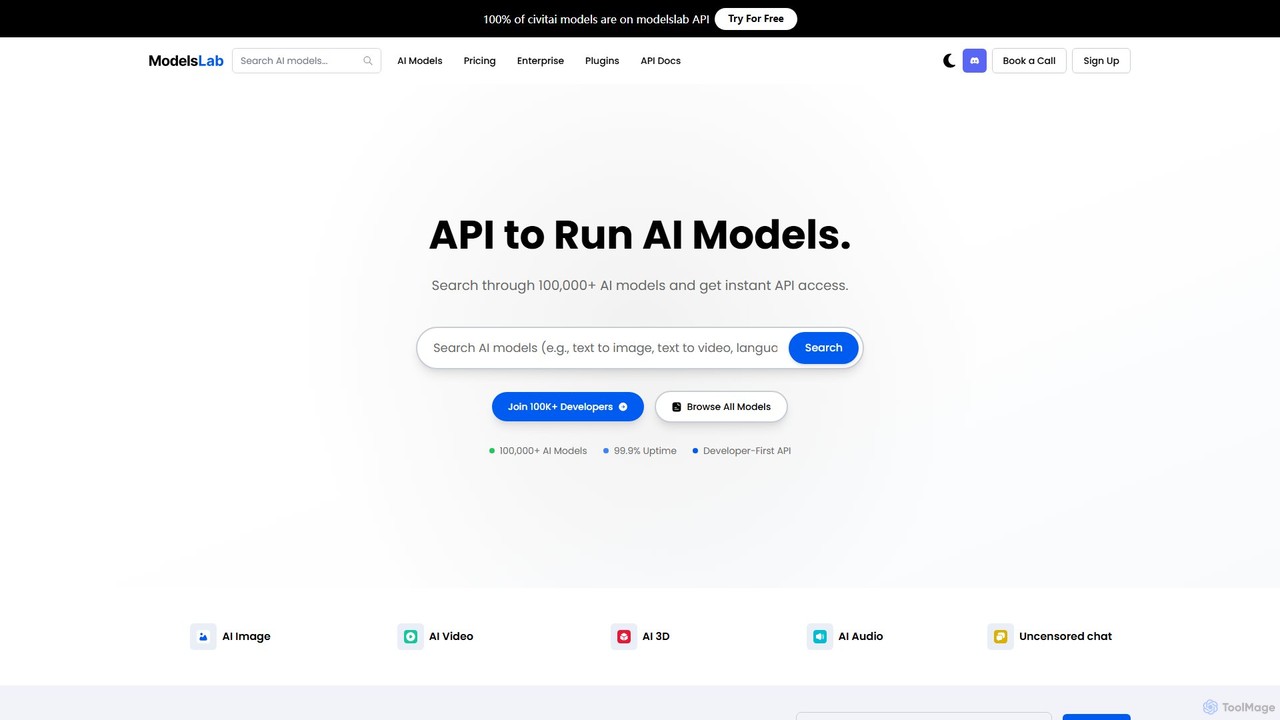
A developer-first API platform offering unified access to over 100,000 AI models for image, video, audio, 3D, and text generation. It simplifies development with a single API, one subscription, and robust, scalable infrastructure for building advanced AI applications.

3D Model Generation
Visits 120.2KFavorites 125Likes 116

About 3D Model Generation

3D Model Generation tools are a specialized category within 3D tools, leveraging AI to automatically create three-dimensional digital models from various inputs, such as text descriptions, 2D images, or existing 3D data. These platforms utilize advanced machine learning algorithms to interpret complex prompts and synthesize intricate geometries, textures, and materials. They significantly accelerate the design and prototyping process across industries, enabling users to rapidly visualize concepts and populate virtual environments without extensive manual modeling expertise.

Core Features

  • Text-to-3D Generation: Creates detailed 3D models directly from natural language descriptions.
  • Image-to-3D Conversion: Transforms 2D images or sketches into full 3D objects with depth and volume.
  • Mesh Optimization & Texturing: Automatically refines model topology and applies realistic textures and materials.
  • Style Transfer & Variation: Generates multiple stylistic variations of a base model or applies specific artistic styles.
  • Asset Library Integration: Seamlessly integrates generated models into existing 3D software and game engines.

Applicable Scenarios

These tools are invaluable for game developers needing to quickly populate virtual worlds with unique assets, product designers iterating on new concepts, and architects visualizing building designs. They also serve marketing professionals creating immersive advertisements and educators developing interactive learning materials.

How to Choose

When selecting a 3D model generation tool, consider the input types it supports (text, image, scan), the quality and complexity of the output models, and its integration capabilities with your existing 3D software. Evaluate the ease of use, the range of customization options, and the pricing model, including any credit-based systems for generation.


Featured tool rankings

3D Model Generation use cases

1

Rapid Game Asset Creation

Game developers rapidly generate diverse environmental props, character accessories, or architectural elements from simple text prompts or concept art, speeding up world-building and asset population.

2

Product Design Prototyping

Industrial designers quickly visualize and iterate on new product concepts by generating 3D models from sketches or descriptive text, allowing for faster design reviews and modifications before physical prototyping.

3

Enhanced Architectural Visualization

Architects and interior designers create detailed 3D models of furniture, fixtures, or landscape elements for their renderings, enhancing realism and providing clients with more immersive visual presentations.

4

E-commerce Product Showcases

Online retailers generate high-quality 3D models of their products from 2D images, enabling interactive 360-degree views or augmented reality experiences for customers, boosting engagement and sales.

5

Efficient Film & Animation Production

VFX artists and animators generate background objects, minor characters, or intricate set pieces from textual descriptions, significantly reducing manual modeling time for complex scenes.

6

Interactive Educational Content Development

Educators create interactive 3D models of historical artifacts, biological structures, or scientific phenomena for virtual classrooms and e-learning platforms, making complex subjects more engaging and understandable.

3D Model Generation FAQ

What are 3D Model Generation tools?

3D Model Generation tools are AI-powered software that automatically create three-dimensional digital models. They typically feature capabilities like generating models from text descriptions (text-to-3D), converting 2D images into 3D objects (image-to-3D), and optimizing mesh topology. These tools are primarily used to accelerate content creation in fields such as game development, product design, and architectural visualization by reducing the need for extensive manual modeling.

How do AI 3D model generators work?

AI 3D model generators typically work by employing deep learning models, often based on neural networks like Generative Adversarial Networks (GANs) or diffusion models. They are trained on vast datasets of 3D models and their corresponding descriptions or 2D images. When given an input (text or image), the AI analyzes the data, understands the underlying patterns, and synthesizes new 3D geometry and textures that match the input's intent. Some tools also use techniques like NeRF (Neural Radiance Fields) for scene reconstruction.

What is the difference between 3D Model Generation and traditional 3D modeling software?

3D Model Generation tools automate the creation of 3D assets using AI, requiring minimal manual input and often generating models from high-level descriptions. Traditional 3D modeling software (like Blender, Maya) requires skilled artists to manually sculpt, model, and texture objects polygon by polygon. While AI tools offer speed and accessibility, traditional software provides unparalleled control and precision for highly customized or complex designs. AI tools are ideal for rapid prototyping and generating variations, while traditional software is for bespoke, detailed work.

Who can benefit from using 3D Model Generation tools?

A wide range of professionals can benefit, including game developers, VFX artists, industrial designers, architects, marketing specialists, and e-commerce businesses. Anyone who needs to quickly create or iterate on 3D assets without deep expertise in traditional 3D modeling can leverage these tools. They are particularly useful for accelerating workflows, generating diverse content, and bringing concepts to life rapidly.

What factors should I consider when choosing a 3D Model Generation tool?

Key factors include the types of input supported (text, image, video, point cloud), the quality and fidelity of the generated 3D models, and the output formats (e.g., OBJ, FBX, GLB) for compatibility with your existing software. Also, evaluate the ease of use, the level of customization offered post-generation, the pricing structure (subscription, pay-per-generation), and the community support or available tutorials. Consider if the tool specializes in specific asset types, like characters, environments, or objects.