3D Best in category 2 results Ai 3D Generator AI Tool

Popular AI tools in the Ai 3D Generator field of 3D include 3D AI Studio、3dpresso, etc., helping you quickly improve efficiency.

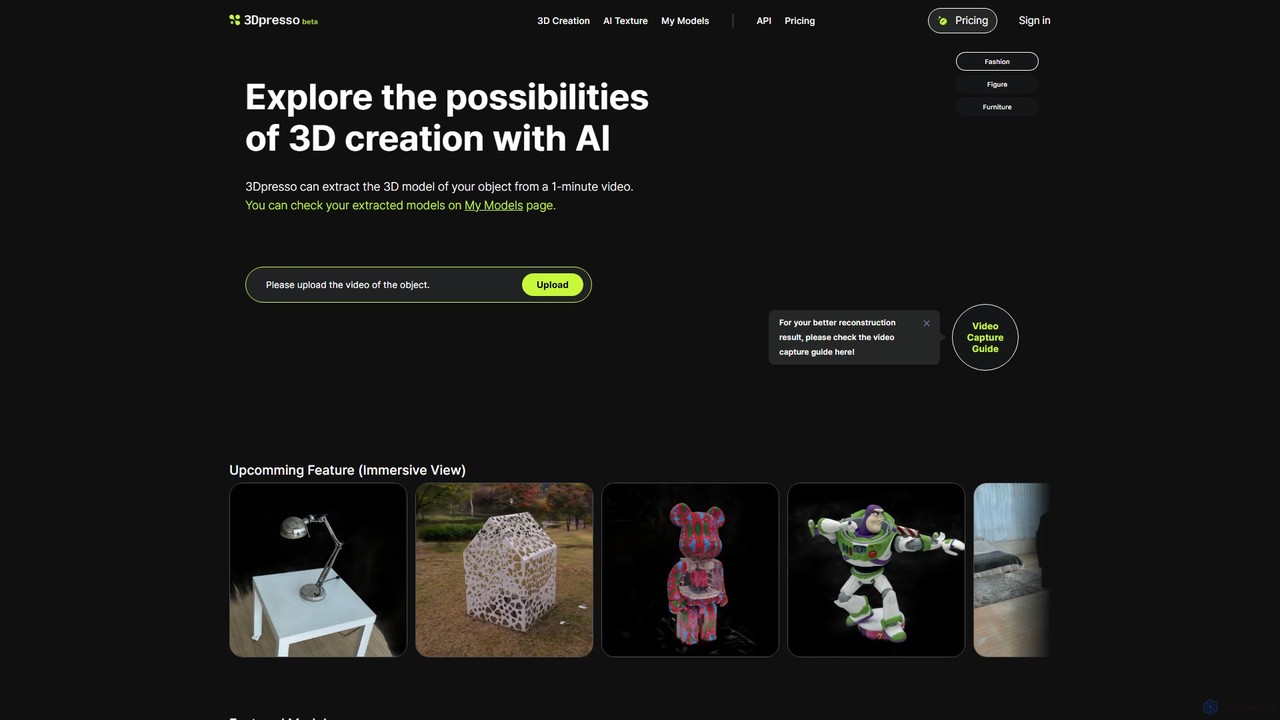
3dpresso

3dpresso

3dpresso is an AI-powered platform that transforms simple videos of real-world objects into high-quality 3D models. It also …

23.2K
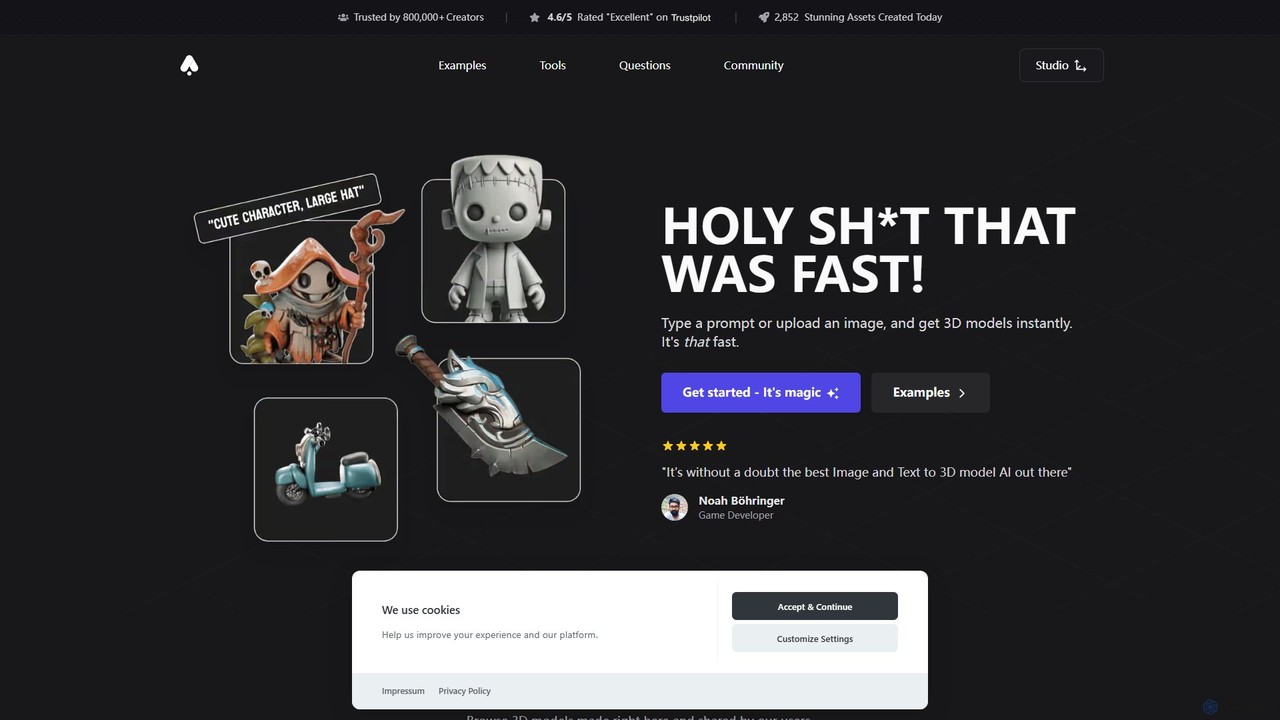
3D AI Studio

3D AI Studio

3D AI Studio is a powerful AI-driven platform that generates high-quality 3D models from text prompts or images …

625.1K

About Ai 3D Generator

AI 3D Generators are a class of tools that use artificial intelligence to automatically create three-dimensional models from inputs like text, images, or videos. These tools leverage advanced algorithms such as Neural Radiance Fields (NeRFs) and diffusion models to interpret user prompts and construct complex geometry, textures, and lighting. They significantly accelerate the 3D asset creation pipeline for professionals in gaming, product design, and VFX, lowering the technical barrier for entry. Unlike traditional 3D modeling software, AI 3D Generators enable rapid ideation and production without requiring extensive manual manipulation of polygons.

Core Features

  • Text-to-3D Generation: Creates detailed 3D models directly from simple text descriptions or prompts.
  • Image-to-3D Conversion: Transforms a single 2D image or a set of photos into a textured 3D object.
  • Video-to-3D Reconstruction: Generates a complete 3D scene or object by analyzing video footage.
  • Automatic Texturing and UV Mapping: Intelligently applies realistic materials and textures to the generated model's surface.
  • Style and Variation Generation: Produces multiple design variations or applies different artistic styles to a model from one input.

Use Cases

AI 3D Generators are widely used in industries like game development for rapid asset prototyping, e-commerce for creating 3D product visuals, and architecture for generating digital twins of existing structures. Concept artists, industrial designers, and VFX professionals use these tools to quickly visualize ideas and populate digital environments, streamlining creative workflows.

How to Choose

When selecting an AI 3D Generator, consider the supported input types (text, image, video) that match your needs. Evaluate the output quality, including model detail, texture resolution, and anatomical accuracy. Check for compatibility by ensuring it exports to standard formats like OBJ, FBX, or glTF. Finally, assess the balance between generation speed and the level of creative control offered for refining the results.

Ai 3D GeneratorUse Cases

1

Rapid Prototyping of Game Assets

An indie game developer needs to create dozens of unique environmental props for a new game level, such as fantasy plants or sci-fi containers. Instead of spending weeks modeling each asset manually, they use a text-to-3D generator. By inputting prompts like 'glowing magical mushroom with purple spots' or 'weathered sci-fi cargo container with warning labels,' they can generate a diverse library of 3D models in just a few hours. This allows for faster level design, iteration, and testing, significantly accelerating the development cycle.

2

Creating 3D Models for E-commerce

An e-commerce manager wants to offer an interactive 3D view of a new product, like a handbag, on their website. They use an image-to-3D tool, uploading several high-quality photos of the handbag from various angles. The AI processes these images to generate a photorealistic, textured 3D model. This model can be embedded directly into the product page, allowing customers to rotate and inspect the item from all sides. This enhances the online shopping experience, increases customer engagement, and can lead to higher conversion rates without the cost of a professional 3D artist.

3

Concept Visualization for Industrial Design

An industrial designer is brainstorming new forms for a futuristic piece of furniture. To quickly explore various creative directions, they use a text-to-3D generator. By inputting descriptive prompts like 'ergonomic lounge chair made of flowing organic wood and brushed metal' or 'minimalist modular sofa with sharp geometric lines,' they can instantly visualize dozens of 3D concepts. This process allows the designer to evaluate forms, materials, and aesthetics early in the design phase, facilitating better communication with stakeholders and saving significant time compared to traditional sketching and physical mockups.

4

Reconstructing Environments from Video Footage

An architect needs a 3D model of an existing building for renovation planning. Instead of manual surveying, they use a drone to capture video footage of the building's exterior from all angles. This video is then fed into a video-to-3D generator. The AI analyzes the footage, calculates depth and geometry, and reconstructs a detailed 3D digital twin of the structure. This model can be imported into architectural software for accurate measurements, simulations, and visualizing proposed changes, providing a faster and more comprehensive alternative to traditional surveying methods.

5

Creating Custom Avatars and Characters

A user wants to create a unique 3D avatar for a metaverse platform or game without complex modeling skills. They use an AI generator that specializes in character creation. By uploading a single selfie, the AI analyzes their facial features and generates a stylized or realistic 3D head model. The user can then customize hair, accessories, and clothing using simple text prompts or menu selections. The final result is a ready-to-use, fully rigged 3D avatar, created in minutes, which can be exported for use across various virtual environments.

6

VFX and Pre-visualization for Film

A pre-visualization artist for a film needs to quickly block out a complex digital scene, such as a futuristic city. To populate the scene with background assets, they use a text-to-3D generator. With prompts like 'damaged sci-fi skyscraper with exposed wires' or 'flying transport vehicle with glowing engines,' they can rapidly generate a variety of low-poly models. These assets are used to build the pre-vis environment, allowing the director to experiment with camera angles and composition early in production, without waiting for the time-consuming creation of final, high-poly assets by the VFX team.

Ai 3D GeneratorFrequently Asked Questions