ToolMage
Sign in

Best 4 3D Scanning AI tools for 3D

Popular 3D Scanning AI tools in 3D include Luma AI, Solaya, Qlone, and Magiscan, helping you work more efficiently.

Solaya
Paid

Solaya

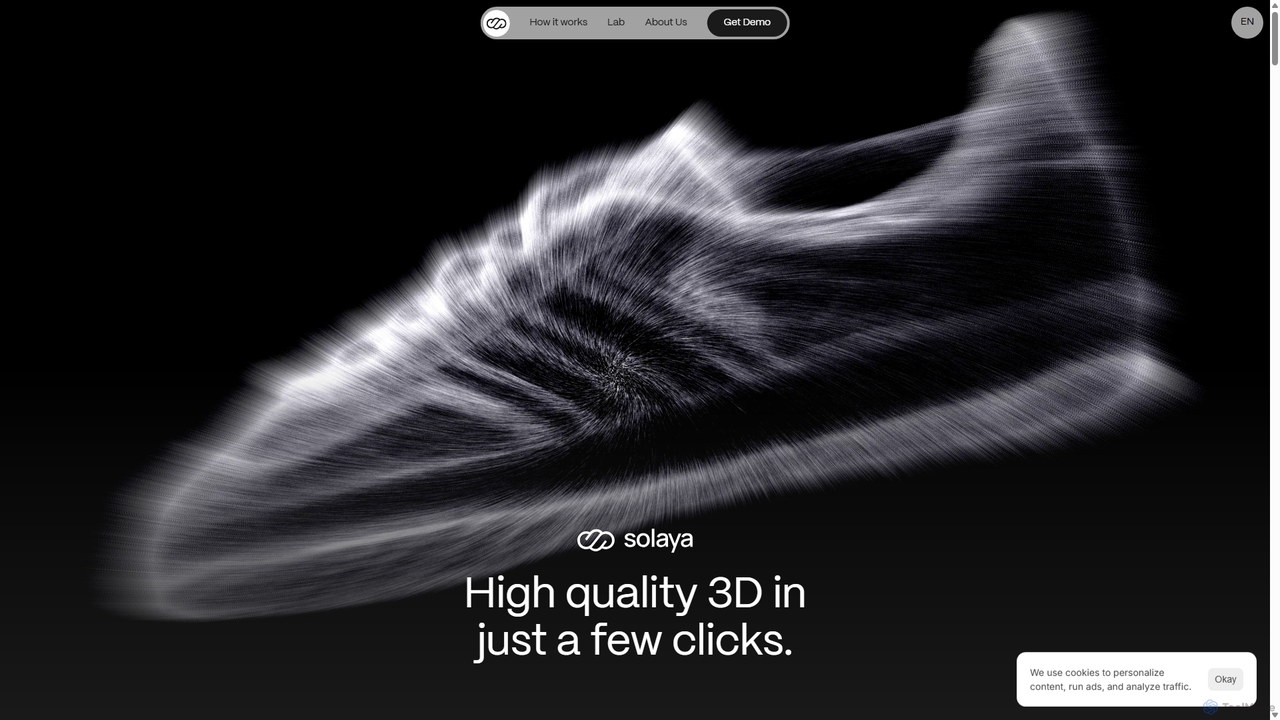
Solaya is an AI-powered platform that transforms simple smartphone scans into high-quality 3D models and unlimited product visuals. It enables e-commerce brands to create stunning images and videos in minutes, drastically reducing production time and costs while boosting sales conversions.

3D Scanning
Visits 10KFavorites 100Likes 104
Magiscan
Freemium

Magiscan

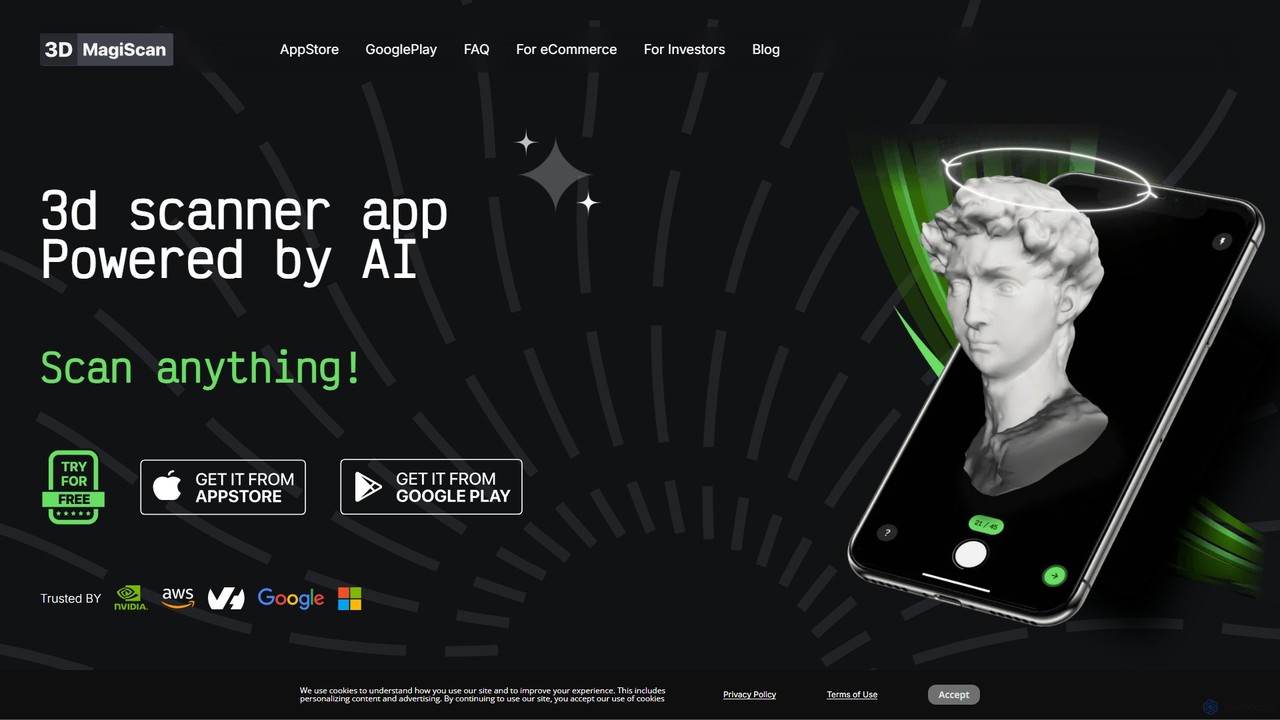
Magiscan is an AI-powered 3D scanner app for iOS and Android that transforms photos of real-world objects into high-quality 3D models. It offers multiple scanning modes, including photogrammetry and Lidar point cloud capture. With support for numerous export formats (GLB, OBJ, STL, etc.) and direct integration with NVIDIA Omniverse, it's a versatile tool for eCommerce, game development, AR/VR, and 3D artists. A free tier is available, with a premium subscription for advanced features and higher limits.

3D Scanning
Visits 7.1KFavorites 90Likes 92
Luma AI
Freemium

Luma AI

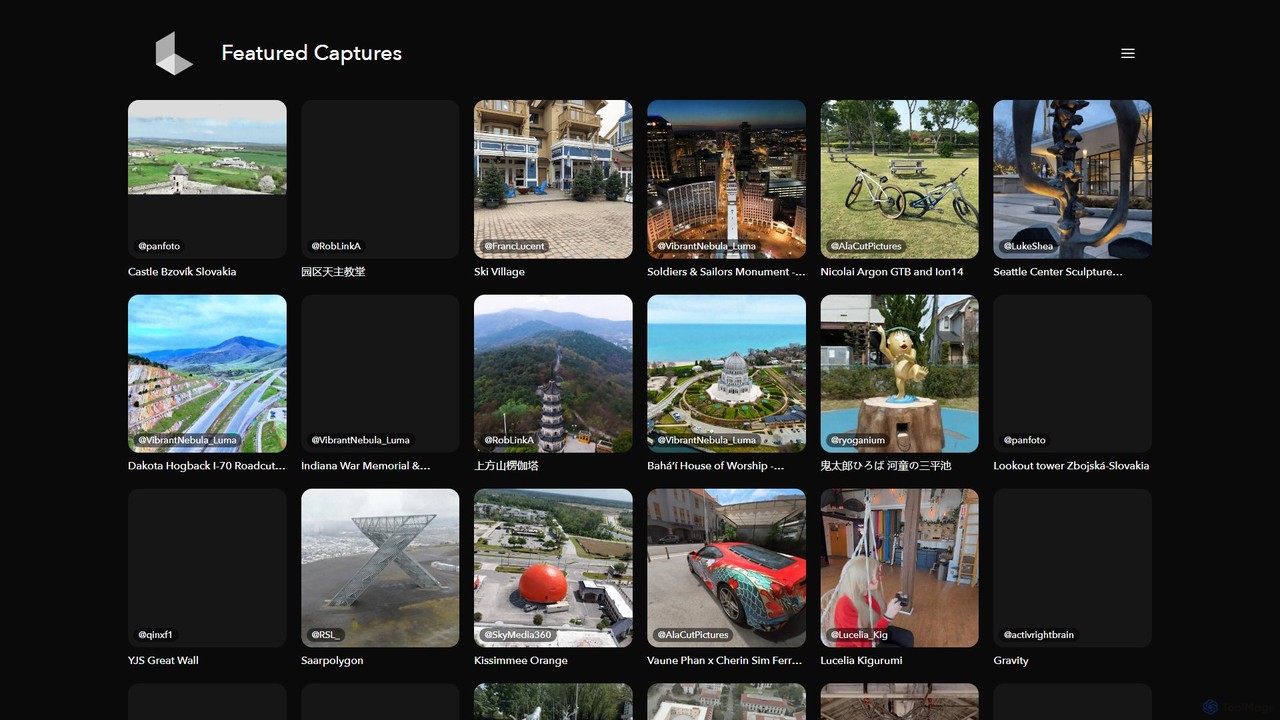
Luma AI is a pioneering AI company specializing in generative media. Its flagship product, Dream Machine, creates high-quality, realistic videos and images from text or image prompts. It also offers 3D capture and modeling tools, empowering creators to bring their imagination to life with unprecedented speed and creative freedom.

3D Scanning
Visits 4.9MFavorites 99Likes 107
Qlone
Freemium

Qlone

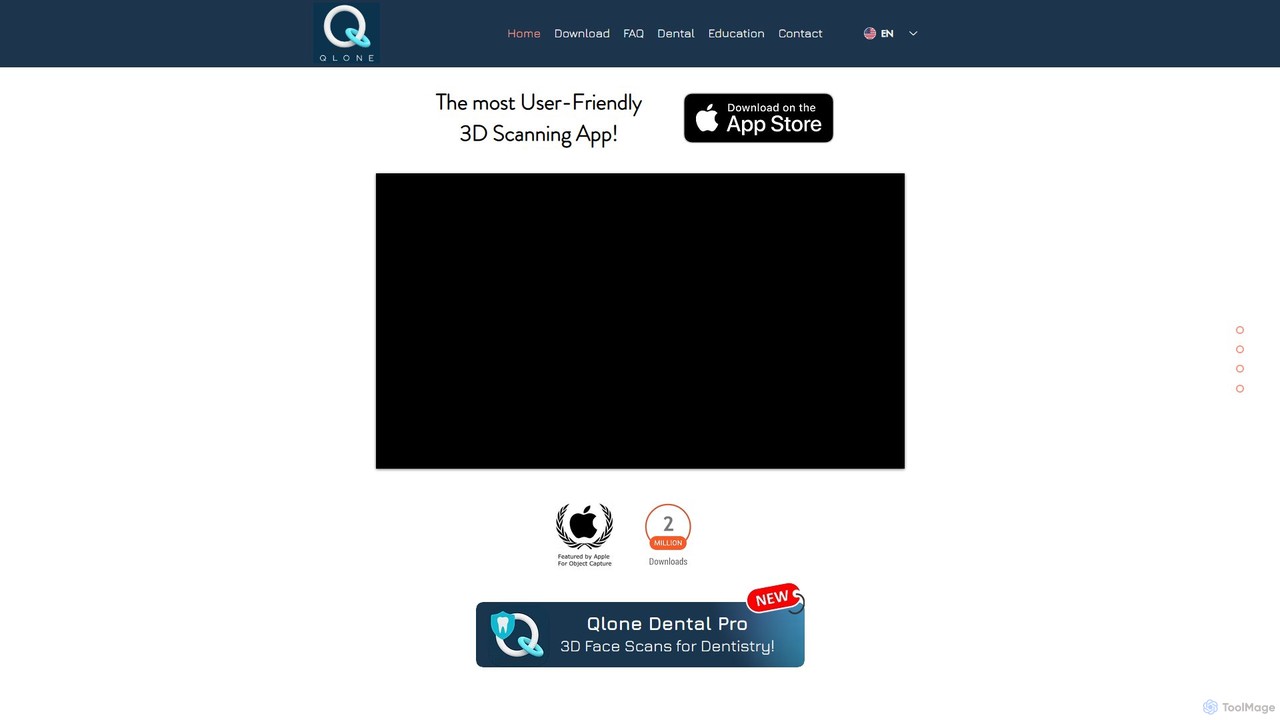
Qlone is a user-friendly, all-in-one 3D scanning app for mobile devices. It allows anyone to easily capture real-world objects and people, turning them into high-quality 3D models directly on their phone. With its unique AR mat for guidance, on-device processing, and seamless export options, Qlone makes 3D creation accessible for 3D printing, AR/VR content, e-commerce, and art.

3D Scanning
Visits 8.1KFavorites 138Likes 129

About 3D Scanning

3D Scanning tools leverage AI to capture real-world objects or environments and convert them into digital three-dimensional models. These tools utilize advanced algorithms for point cloud processing, mesh generation, and texture mapping, enabling the creation of highly accurate and detailed digital twins. They are invaluable for applications ranging from industrial design and quality control to cultural heritage preservation and virtual reality content creation. This sub-category within 3D tools focuses specifically on the acquisition and digital reconstruction of physical forms.

Core Features

  • Automated Data Capture: AI-driven systems guide the scanning process, optimizing sensor placement and movement for comprehensive data acquisition.
  • Point Cloud Processing: Algorithms efficiently clean, align, and merge raw scan data into dense, accurate point clouds.
  • Mesh Generation & Optimization: Converts point clouds into watertight 3D meshes, often with AI-assisted simplification and repair for optimal polygon count.
  • Texture Mapping: Automatically projects high-resolution photographic textures onto the generated 3D models, enhancing visual realism.
  • Error Correction & Noise Reduction: AI identifies and corrects imperfections, gaps, and noise in scan data, improving model fidelity.

Applicable Scenarios

3D scanning is crucial for professionals in manufacturing, architecture, healthcare, and entertainment. It allows engineers to reverse-engineer parts, architects to document existing structures, medical professionals to create custom prosthetics, and game developers to integrate realistic assets from the physical world.

How to Choose

When selecting a 3D scanning tool, consider the required accuracy and resolution for your project, the size and complexity of the objects to be scanned, and the desired scan speed. Evaluate the software's ability to process data efficiently, its compatibility with your existing 3D modeling or CAD software, and the overall ease of use for your team's technical skill level.

Featured tool rankings

3D Scanning use cases

1

Reverse Engineering for Manufacturing

Engineers in manufacturing companies utilize 3D scanning tools to capture the precise geometry of existing physical components. This allows them to generate accurate CAD models for design modifications, reproduction of obsolete parts, or detailed analysis of competitor products. By digitizing physical objects, they can significantly reduce the time and cost associated with traditional manual measurement and modeling, accelerating product development cycles.

2

Digital Archiving of Cultural Heritage

Museums and cultural institutions employ 3D scanning to create high-fidelity digital replicas of fragile artifacts, historical sites, and artworks. These digital assets serve multiple purposes: virtual exhibitions, detailed academic study without physical handling, and long-term preservation against decay or damage. This process ensures that cultural heritage remains accessible and protected for future generations, even if the physical objects are lost or become too delicate to touch.

3

Quality Control and Inspection

Manufacturers use 3D scanning for precise quality control and inspection of components. By scanning newly produced parts and comparing them against original CAD models, they can quickly identify deviations, defects, or manufacturing errors with high accuracy. This non-contact method is faster and more reliable than traditional manual measurements, ensuring product consistency and reducing waste in production lines across various industries like automotive and aerospace.

4

Custom Prosthetics and Orthotics Design

Medical professionals and prosthetists use 3D scanning to capture highly accurate anatomical data of patients' limbs or body parts. This data is then used to design custom-fit prosthetics, orthotics, or assistive devices that perfectly match the patient's unique anatomy. The precision of 3D scanning ensures a comfortable fit and optimal functionality, significantly improving patient outcomes compared to traditional plaster casting methods.

5

Creating Realistic Game and VR Assets

Game developers and VR content creators leverage 3D scanning to rapidly generate highly realistic digital assets from real-world objects, characters, and environments. Instead of painstaking manual modeling, they can scan props, costumes, or even actors to create detailed 3D models with accurate textures. This significantly accelerates asset creation pipelines, enhancing visual fidelity and immersion in games, simulations, and virtual reality experiences.

6

Architectural and Construction Documentation

Architects, engineers, and construction professionals use 3D scanning to create accurate as-built documentation of existing buildings, infrastructure, and construction sites. This provides a precise digital record for renovation planning, facility management, or progress monitoring. Scanning eliminates the need for extensive manual measurements, reduces human error, and offers a comprehensive dataset for clash detection and precise integration of new designs into existing structures.

3D Scanning FAQ

What is 3D Scanning?

3D Scanning is a technology that captures the physical shape of an object or environment and converts it into a digital three-dimensional model. It works by emitting light or laser beams and measuring their reflection to create a 'point cloud' of data. AI-powered 3D scanning tools enhance this process by automating data capture, processing raw data more efficiently, and intelligently reconstructing complex geometries, making the creation of digital twins faster and more accurate for various applications.

How do AI-powered 3D scanning tools differ from traditional methods?

AI-powered 3D scanning tools offer significant advantages over traditional manual or non-AI methods. They can automate complex tasks like scan path planning, real-time data alignment, and intelligent noise reduction, leading to faster processing times and higher accuracy. AI algorithms are also adept at reconstructing incomplete data and optimizing mesh quality, which often requires extensive manual effort in traditional workflows. This results in more efficient workflows and superior model fidelity.

What factors should I consider when choosing a 3D scanning tool?

When selecting a 3D scanning tool, prioritize accuracy and resolution based on your project's needs. Consider the scan volume and object size capabilities, as different scanners excel with small, intricate items versus large environments. Evaluate the software's processing speed and ease of use, including its ability to handle raw data and integrate with your existing CAD or 3D modeling software. Finally, assess the scanner's portability, cost, and the level of technical support offered by the vendor.

What are the common output formats for 3D scanning data?

3D scanning tools typically output data in several common formats, each suited for different applications. OBJ and FBX are widely used for general 3D modeling, animation, and game development, as they support geometry, textures, and material properties. STL is the standard for 3D printing and rapid prototyping due to its simple triangular mesh structure. PLY and XYZ are common for raw point cloud data, often used in scientific and engineering analysis. STEP and IGES are preferred for CAD/CAM applications, ensuring precise geometric representation for manufacturing.

Can 3D scanning be used for large-scale environments or outdoor areas?

Yes, 3D scanning is highly effective for large-scale environments and outdoor areas, though it often requires specialized equipment and techniques. Technologies like LiDAR (Light Detection and Ranging) scanners, often mounted on drones or vehicles, are specifically designed to capture vast landscapes, buildings, and infrastructure with high accuracy. Photogrammetry, which stitches together multiple photographs, is another common method for large outdoor areas. AI tools assist in processing the massive datasets generated, aligning scans, and creating coherent models of complex environments.