

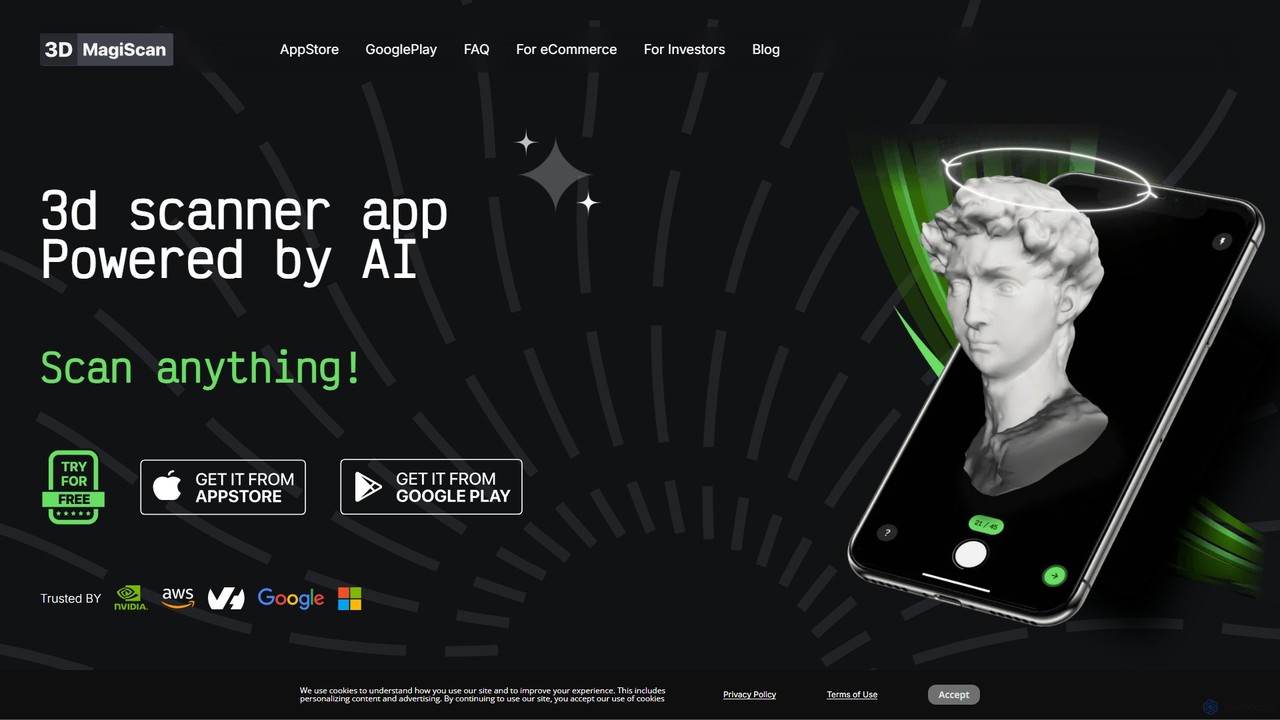
Magiscan Overview
Magiscan is a cutting-edge, AI-powered 3D scanner application designed for both iOS and Android devices. Its core mission is to erase the boundary between the real and virtual worlds by making 3D content creation accessible, simple, and affordable for everyone. Whether you're a professional 3D artist, a game developer, an eCommerce store owner, or a hobbyist, Magiscan provides the tools to transform physical objects into detailed, photorealistic 3D models directly from your smartphone. The app leverages advanced photogrammetry and AI algorithms to process images, delivering high-quality results that are compatible with a wide range of professional software and platforms.
How to use Magiscan
Getting started with Magiscan is a straightforward process designed for users of all skill levels:
- Download and Install: Get the Magiscan app from the Apple App Store or Google Play Store.
- Choose a Scanning Mode: Magiscan offers several modes to suit different objects and needs:
- 360° Compass Mode: Walk around the object, following the on-screen compass to ensure full coverage.
- Semisphere Mode (iOS only): A simplified mode for capturing the top half of an object with ease and quality.
- Camera Mode: Manually take photos from various angles, giving you full creative control. Premium users can use up to 200 photos for maximum detail.
- Room Plan [Beta] (iOS with Lidar): Capture accurate measurements and layouts of rooms.
- Upload Photo Mode (Premium): Import photos taken with a professional camera, drone, or any other device to generate a 3D model.
- Scan the Object: For best results, place the object on a stable surface with even, non-glare lighting and a contrasting, uniform background. Move steadily around the object, ensuring all sides are captured clearly. Avoid shaky hands and moving the object itself.
- Process and Export: Once you've captured the images, Magiscan's AI processes them on its servers to generate the 3D model. You can then export your model in a wide variety of formats, including USDZ, GTLF, GLB, OBJ, STL, FBX, and PLY.
- NVIDIA Omniverse Integration: For professional workflows, you can connect Magiscan directly to NVIDIA Omniverse using the dedicated Omniverse extension, allowing for a seamless transfer of your scanned models into your Omniverse projects.
Core Features of Magiscan
- AI-Powered Photogrammetry: Utilizes sophisticated AI to accurately reconstruct 3D models from a series of 2D photos.
- Multiple Scanning Modes: Offers a range of modes like 360° Compass, Camera Mode, and Lidar-based Room Plan to provide flexibility for different scanning scenarios.
- Universal Export Compatibility: Supports a comprehensive list of export formats (USDZ, GTLF, GLB, OBJ, STL, FBX, PLY), ensuring models can be used in most 3D software, game engines, and AR platforms.
- NVIDIA Omniverse Integration: A dedicated extension allows for a direct and efficient workflow, sending scanned models straight to the Omniverse environment.
- Photo to 3D API: Businesses and developers can integrate Magiscan's 3D model generation capabilities into their own applications and services.
- Premium High-Detail Scanning: The premium subscription allows users to upload up to 200 photos per scan and import images from high-resolution cameras for superior model quality.
- Point Cloud with Lidar: Leverage the Lidar sensor on compatible iOS devices for highly accurate point cloud data capture.
- Cloud Backup: Premium subscribers benefit from automatic cloud storage, keeping all their 3D models safe and accessible.
Use Cases for Magiscan
Magiscan's versatility makes it suitable for a wide array of applications:
- eCommerce: Create interactive, 360-degree 3D views of products to enhance online shopping experiences and increase customer engagement.
- Game Development: Rapidly generate realistic game assets by scanning real-world objects, saving significant time and modeling effort.
- AR/VR Experiences: Develop immersive augmented and virtual reality content by populating scenes with lifelike 3D models of everyday items.
- 3D Art and Design: Artists and designers can capture unique real-world textures and shapes for use in their digital creations, integrating them into software like Blender or ZBrush.
- Architecture and Interior Design: Use the Room Plan feature to map spaces or scan furniture and decor to create detailed visualizations.
- Education and Preservation: Digitize historical artifacts, biological specimens, or educational models for virtual learning and digital archiving.
Advantages of Magiscan
Magiscan stands out due to its unique combination of power and accessibility:
- Cost-Effective: Provides a professional-grade 3D scanning solution without the need for expensive, specialized hardware.
- User-Friendly: The intuitive interface and guided scanning modes make it easy for beginners to achieve high-quality results.
- High Performance: The AI-driven processing delivers impressive detail and accuracy in the final 3D models.
- Seamless Integration: Direct export to NVIDIA Omniverse and a wide range of standard formats ensure a smooth workflow for professionals.
- Cross-Platform Availability: Available on both iOS and Android, making it accessible to a broad user base.
Pricing and Plans
Magiscan operates on a freemium model:
- Free Plan: New users receive 3 free scans to test the app's capabilities. You can earn 10 additional free scans for each social network you follow and share, and up to 1000 scans for creating promotional content like articles or videos.
- Premium Subscription: For a monthly fee, users get 300 scans per month (10 credited daily), highest priority in the processing queue, cloud backup for all models, the ability to use up to 200 photos for a single scan, and access to premium features like Photo Upload Mode and Lidar Point Cloud scanning.
- Lifetime Subscription: A one-time purchase option is available, granting premium access for as long as the application is available in the app stores.
Traffic
Latest traffic
Status
Monthly traffic trend
- 2025-9: 5.8K
- 2026-1: 4.7K
- 2026-2: 7.9K
- 2026-3: 6.2K
- 2026-4: 4.2K
- 2026-5: 3.0K
Geography
Top 5 countries / regions
- 🇺🇸United States61.0%
- 🇫🇷France15.8%
- 🇮🇳India11.2%
- 🇵🇱Poland6.7%
- 🇩🇪Germany5.2%
Top keywords
| Keyword | Cost per click |
|---|---|
| 3d scanner app | $0.76 |
| magis ai | $0.22 |
| magi scan | $0.00 |
| magiscan | $0.00 |
| magiscan login | $0.00 |
Magiscan Alternatives
Oneclick3d
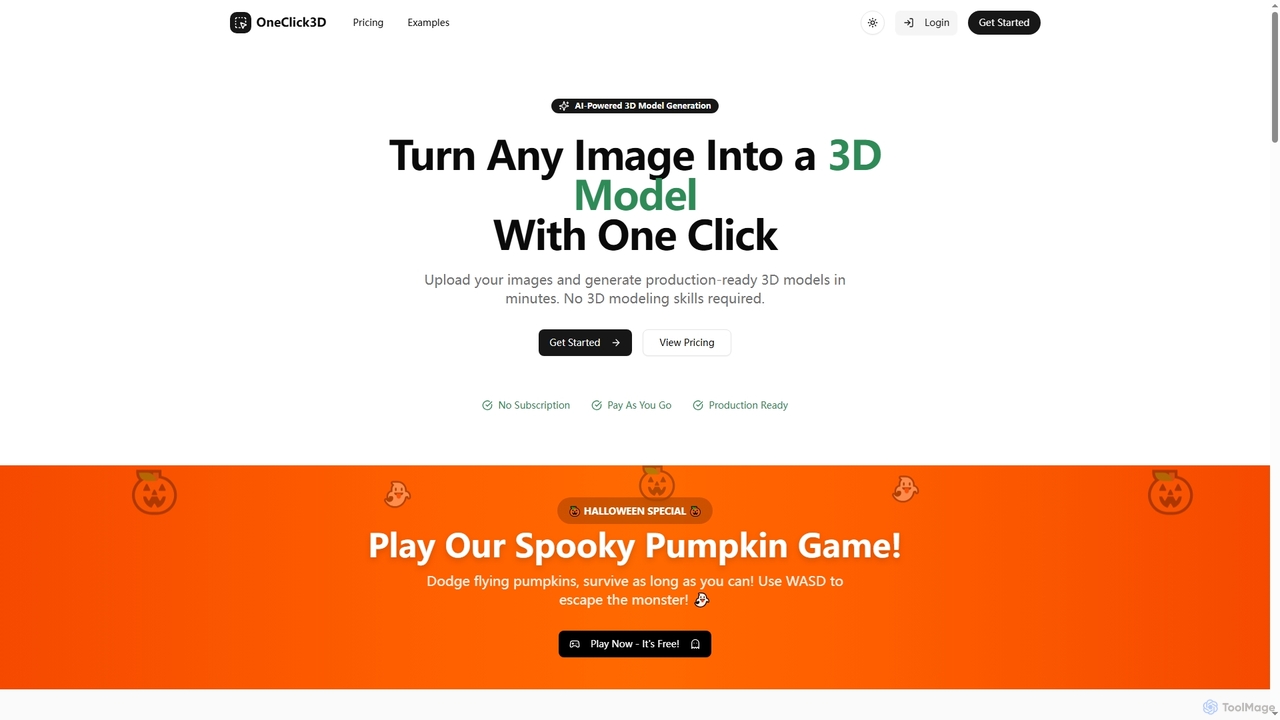
OneClick3D is an AI-powered tool that transforms images into production-ready 3D models in minutes. It requires no 3D modeling skills, supporting multiple export formats (GLB, FBX, OBJ, STL, USDZ) and PBR textures for professional results in game development, 3D printing, and Web3.
Image To 3D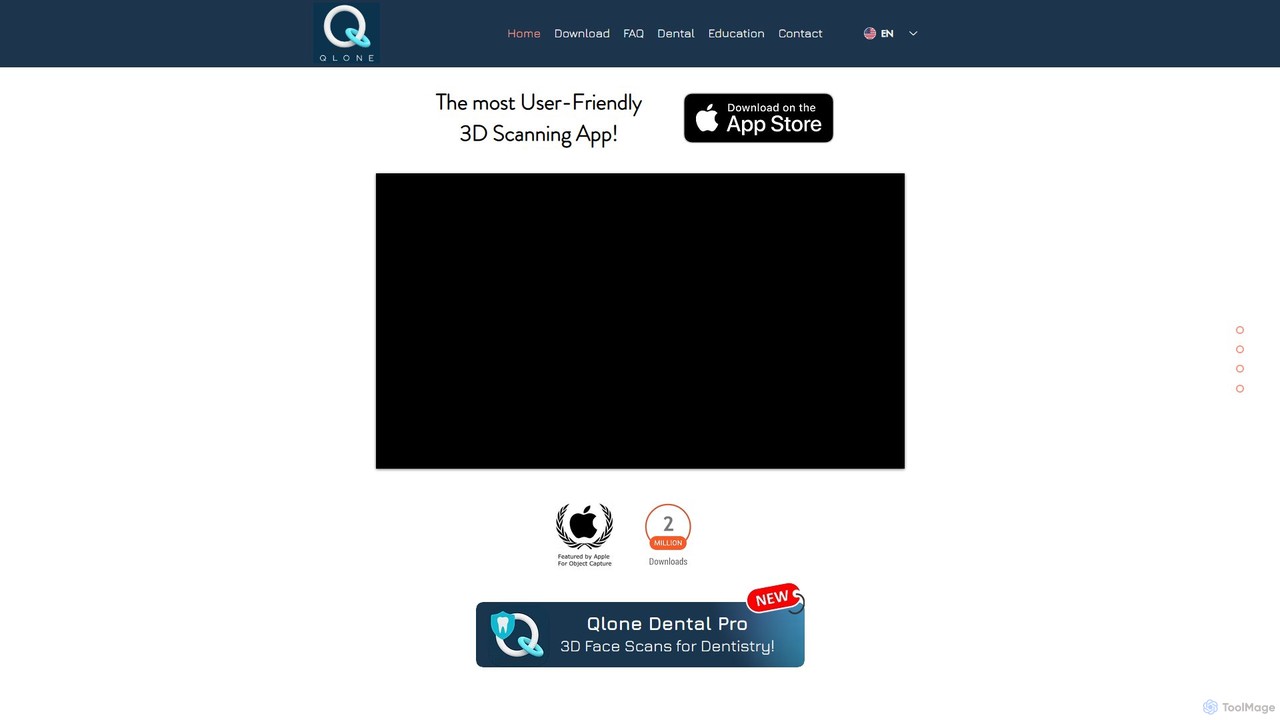
Qlone
Qlone is a user-friendly, all-in-one 3D scanning app for mobile devices. It allows anyone to easily capture real-world objects and people, turning them into high-quality 3D models directly on their phone. With its unique AR mat for guidance, on-device processing, and seamless export options, Qlone makes 3D creation accessible for 3D printing, AR/VR content, e-commerce, and art.
3D Scanning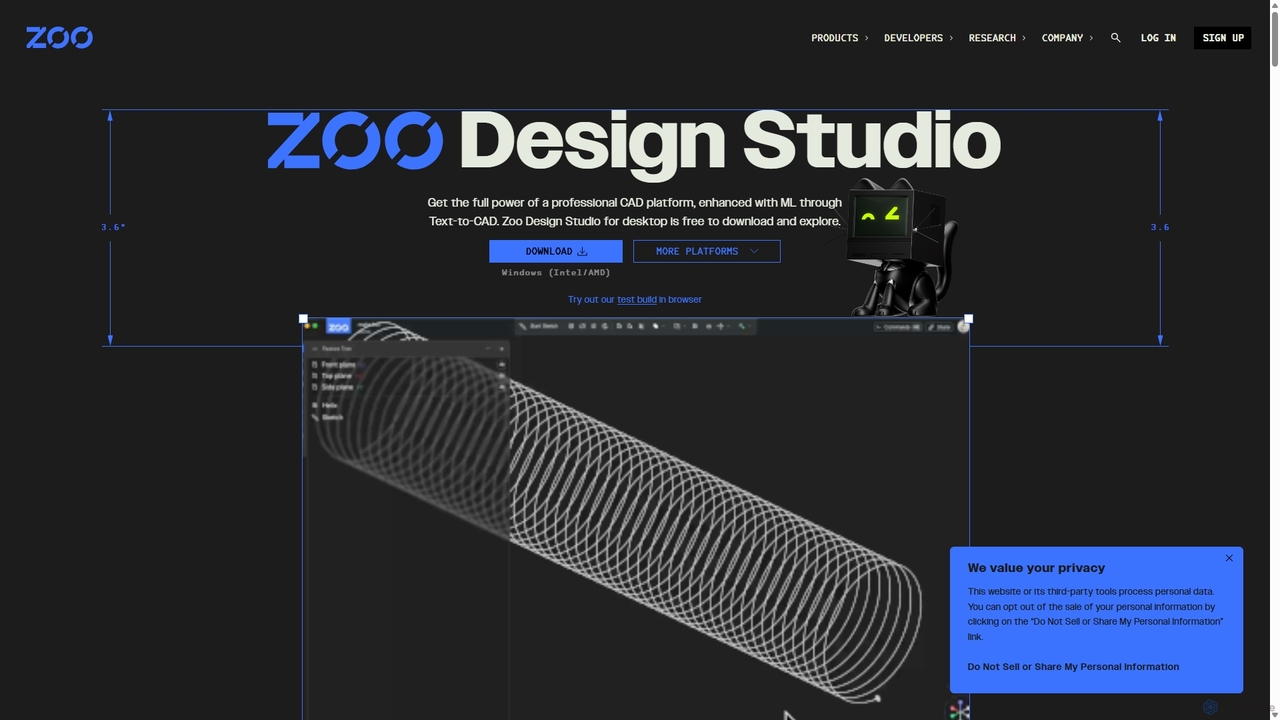
Zoo
Zoo is a next-generation, AI-powered CAD platform featuring Text-to-CAD technology. It combines traditional 3D modeling with machine learning and programmatic design, enabling engineers and designers to create complex mechanical models from simple text prompts. Built on a high-performance, GPU-accelerated geometry engine, Zoo accelerates the entire design workflow from concept to manufacturing.
3D Modeling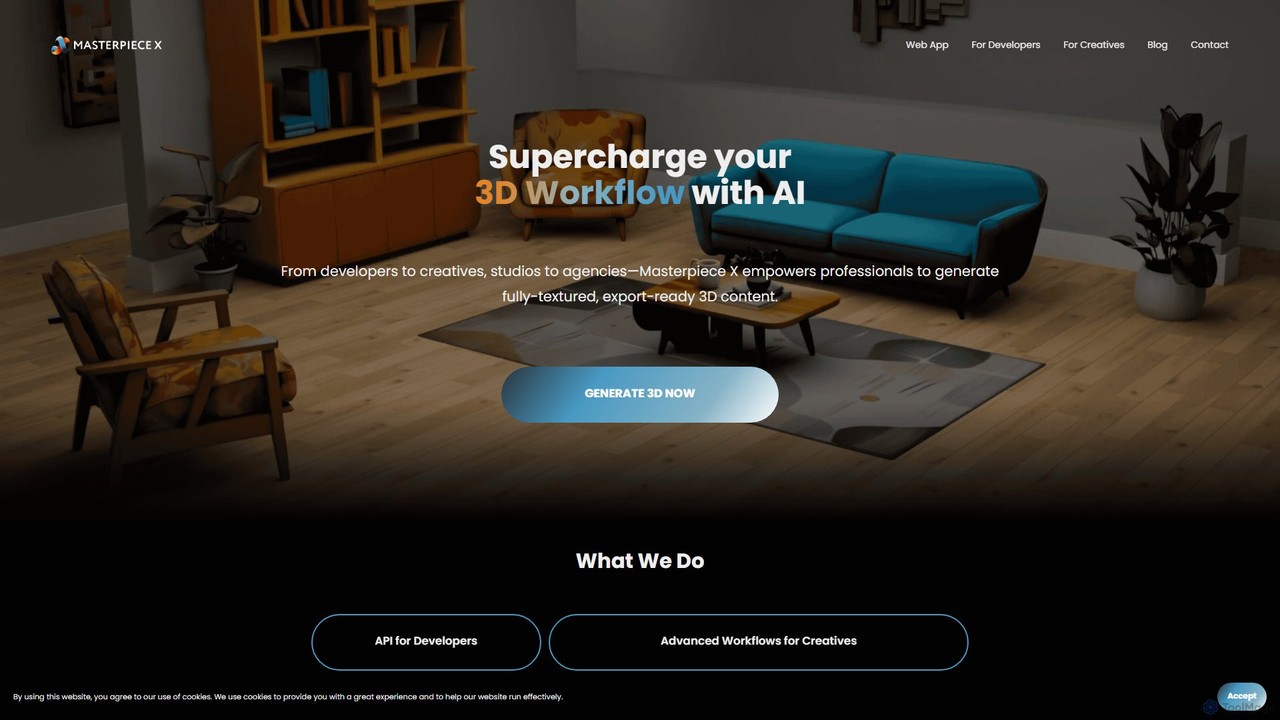
Masterpiece X
Masterpiece X is an advanced AI-powered 3D creation platform designed for professionals and creatives. It enables users to generate fully-textured, animated, and export-ready 3D models from simple text prompts or images, significantly accelerating workflows in game development, concept art, and metaverse creation.
3D Modeling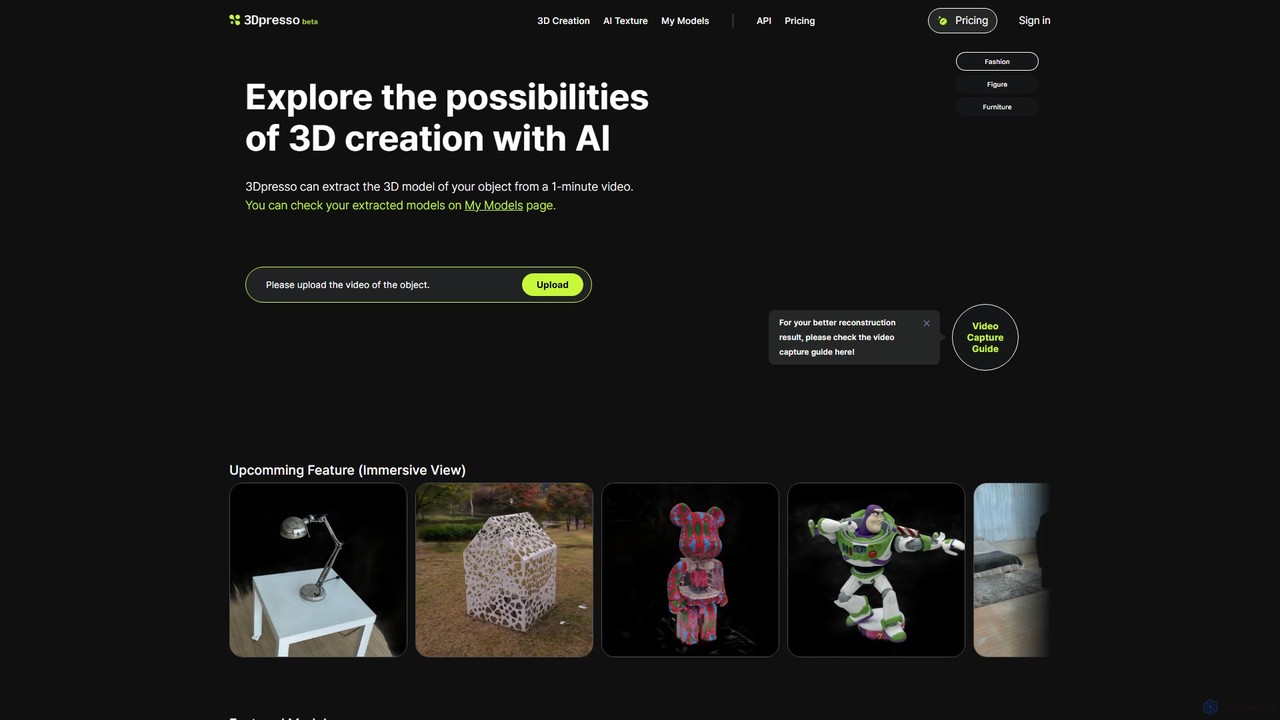
3dpresso
3dpresso is an AI-powered platform that transforms simple videos of real-world objects into high-quality 3D models. It also features a generative AI tool to change model textures using text prompts, making 3D creation fast and accessible for creators, designers, and developers.
Ai 3D GeneratorMagiscan Categories
Magiscan Embed Widget
Copy this embed code to place the badge on your blog, article, or product site and send readers directly to this ToolMage detail page.

Related AI tools
Oneclick3d
OneClick3D is an AI-powered tool that transforms images into production-ready 3D models in minutes. It requires no 3D modeling skills, supporting multiple export formats (GLB, FBX, OBJ, STL, USDZ) and PBR textures for professional results in game development, 3D printing, and Web3.
Image To 3D3dpresso
3dpresso is an AI-powered platform that transforms simple videos of real-world objects into high-quality 3D models. It also features a generative AI tool to change model textures using text prompts, making 3D creation fast and accessible for creators, designers, and developers.
Ai 3D Generator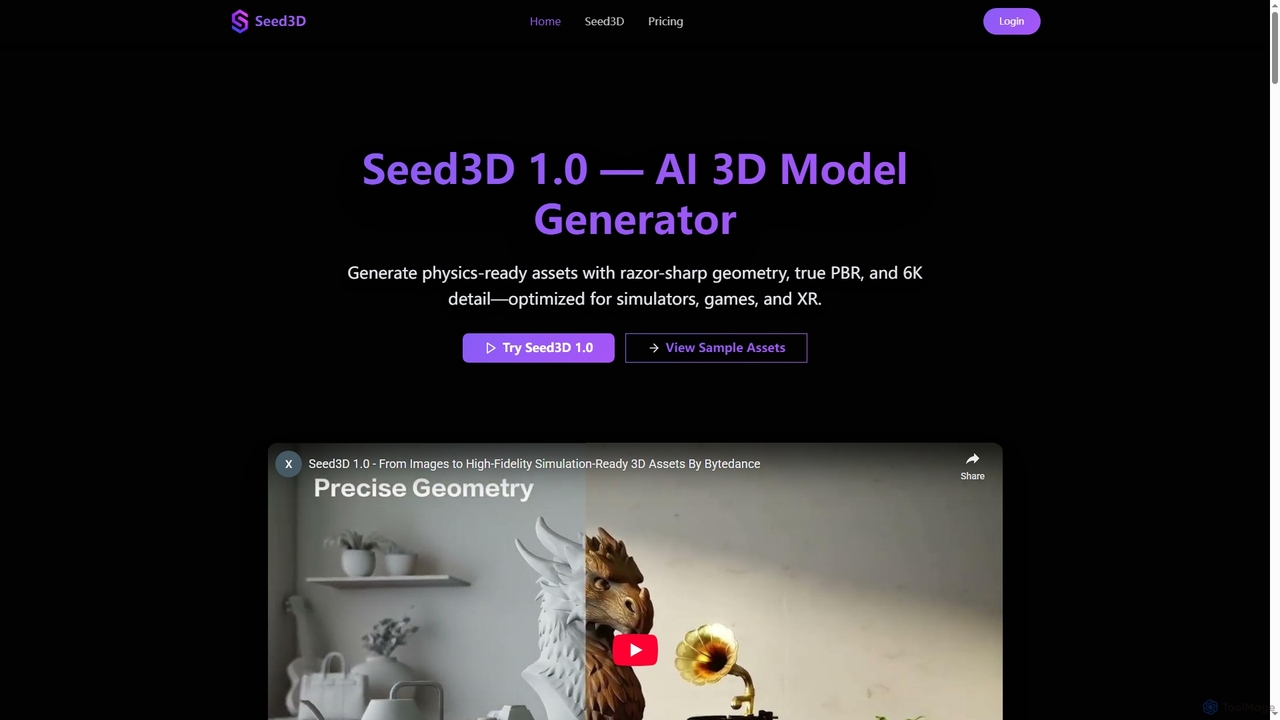
Seed3D
Seed3D is an AI-powered 3D model generator that creates high-fidelity, physics-ready 3D assets from a single image. It delivers razor-sharp geometry, true PBR materials, and 6K textures, optimized for simulators, games, and XR applications.
3D Modeling
Polycam
Polycam is a leading 3D capture application for iOS, Android, and Web, using LiDAR and photogrammetry to create high-quality 3D models, floor plans, and drone maps. It's designed for professionals in architecture, construction, real estate, and e-commerce, as well as for creators and hobbyists.
3D Modeling
Meshy
Meshy is an all-in-one AI 3D content creation suite. Generate stunning 3D models, textures, and animations from text or images in minutes. It's the ultimate toolkit for game developers, artists, and creators, simplifying the entire 3D workflow from concept to a fully animated asset.
Generator
Snap AR
Snap AR is a comprehensive platform for creators, developers, and brands to build and deploy powerful augmented reality experiences. It features the advanced Lens Studio for creation, the Camera Kit SDK for cross-platform integration, and a new GenAI Suite to accelerate development from a simple prompt to a published AR Lens.
3D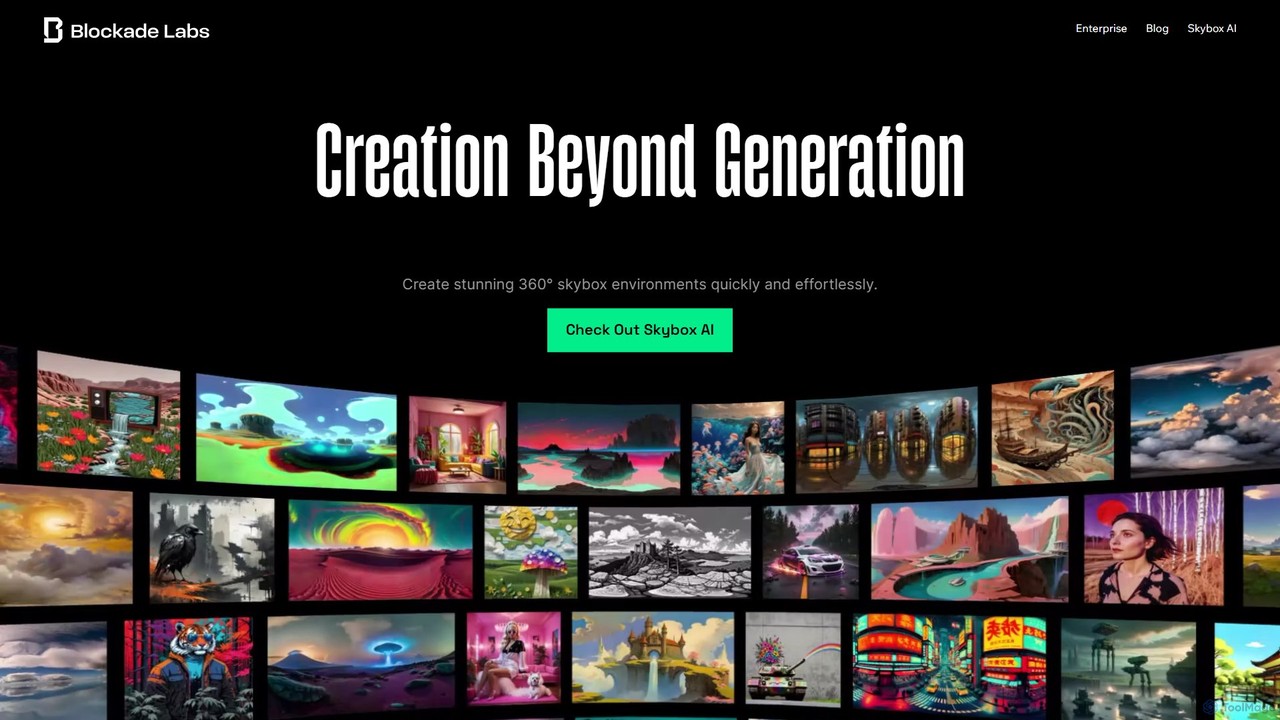
Blockade Labs
Blockade Labs offers Skybox AI, a powerful tool for creating stunning 360° panoramic environments from text prompts. Ideal for game developers, 3D artists, and VR creators, it generates high-resolution worlds, 32-bit HDRI for lighting, and 3D meshes in seconds, accelerating creative workflows.
Game Development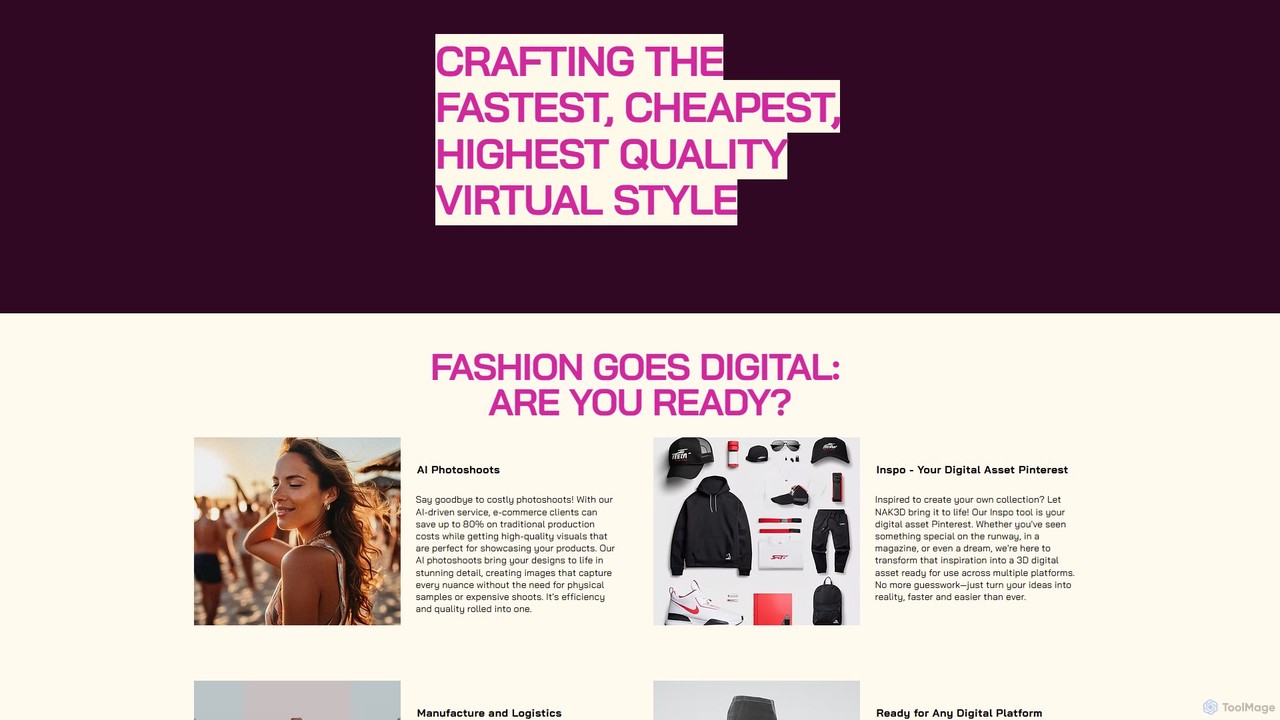
nak3d
nak3d is an AI-powered digital fashion factory that transforms the industry by creating high-quality virtual styles. It offers AI photoshoots that save up to 80% on costs, turns inspiration into 3D assets, and provides end-to-end manufacturing and logistics solutions. Its digital garments are compatible with any platform, from e-commerce to gaming and the metaverse.
FashionQlone
Qlone is a user-friendly, all-in-one 3D scanning app for mobile devices. It allows anyone to easily capture real-world objects and people, turning them into high-quality 3D models directly on their phone. With its unique AR mat for guidance, on-device processing, and seamless export options, Qlone makes 3D creation accessible for 3D printing, AR/VR content, e-commerce, and art.
3D Scanning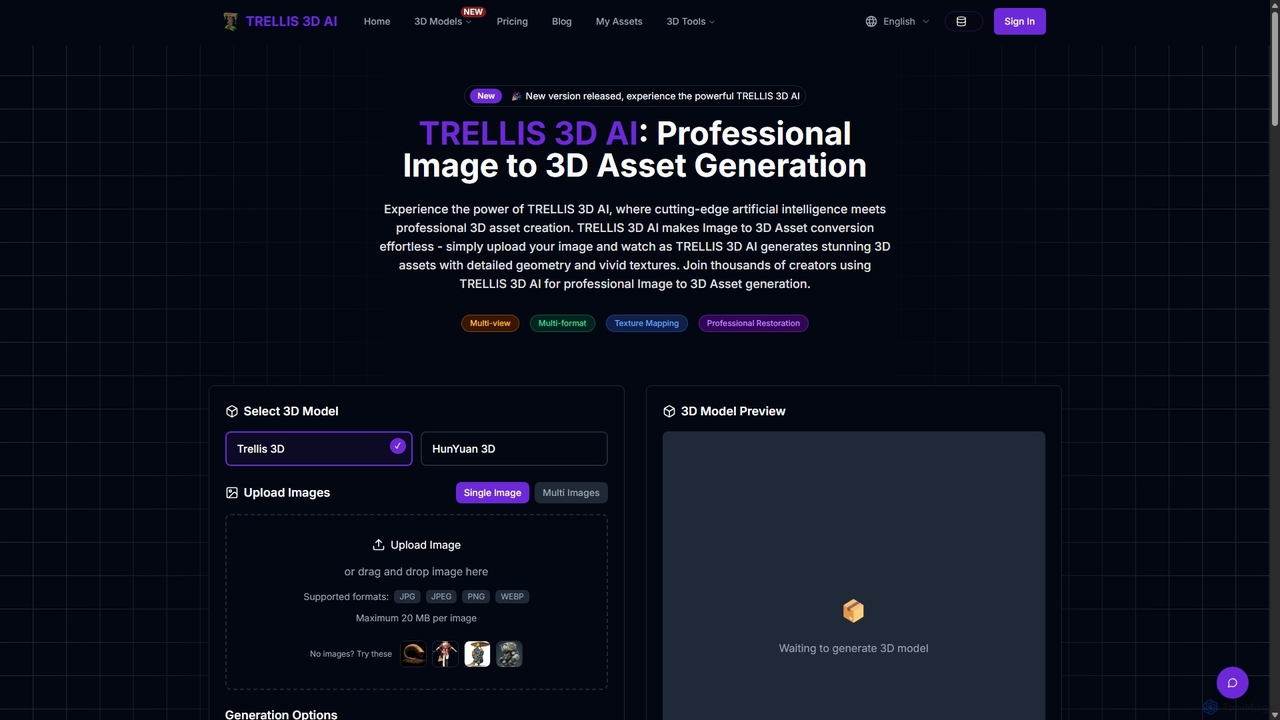
TRELLIS 3D AI
TRELLIS 3D AI is a cutting-edge tool that transforms 2D images into high-quality 3D assets in seconds. Using advanced AI technology, it generates detailed geometry and vivid textures from single or multiple images. It supports various export formats, making it ideal for game developers, 3D artists, and designers looking to accelerate their workflow and create professional-grade 3D models effortlessly.
Image To 3D
Kaedim3D
Kaedim3D is an AI-powered platform that accelerates 3D asset creation by transforming 2D images or text descriptions into production-ready 3D models. It combines machine learning with a team of in-house artists to deliver high-quality, optimized assets 10x faster for game development, e-commerce, and product design.
3D Modeling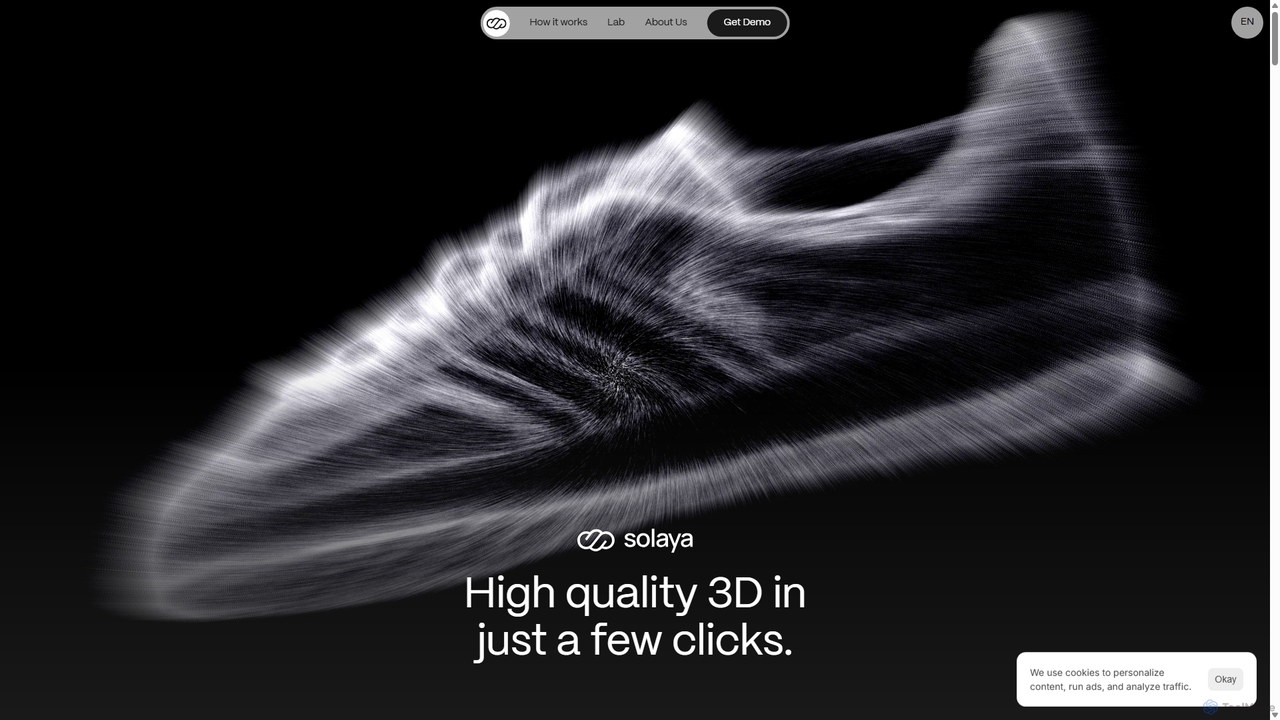
Solaya
Solaya is an AI-powered platform that transforms simple smartphone scans into high-quality 3D models and unlimited product visuals. It enables e-commerce brands to create stunning images and videos in minutes, drastically reducing production time and costs while boosting sales conversions.
3D Scanning
heroify
Heroify is an AI-powered platform for generating high-quality 3D models and design assets from 2D images and text prompts. It's designed for designers, developers, and creators to accelerate their workflow and bring creative visions to life with ease.
Image To 3D
Copresence
Copresence is an AI-powered platform that enables users to create photorealistic, fully rigged 3D head avatars using just a smartphone. In minutes, it transforms a simple face scan into a high-quality digital twin, compatible with major game engines, VR/AR applications, and VFX workflows, bridging the gap between the physical and virtual worlds.
Avatar Generation
mondial3d
mondial3d is a powerful AI-driven platform for the rapid creation of high-quality 3D models and immersive environments. By leveraging advanced generative AI, it enables users to generate detailed 3D assets from simple text prompts or 2D images. It's tailored for game developers, architects, and designers, streamlining the 3D content creation pipeline and significantly reducing production time and costs.
Generative 3D
Magiscan Comments (0)
Sign in to comment.
Sign inNo comments yet.