ToolMage
Sign in

Best 5 3D Modeling AI tools for 3D & Animation

Popular 3D Modeling AI tools in 3D & Animation include Matterport, Unity, Polycam, Seeles, and DreamWorld, helping you work more efficiently.

Seeles
Freemium

Seeles

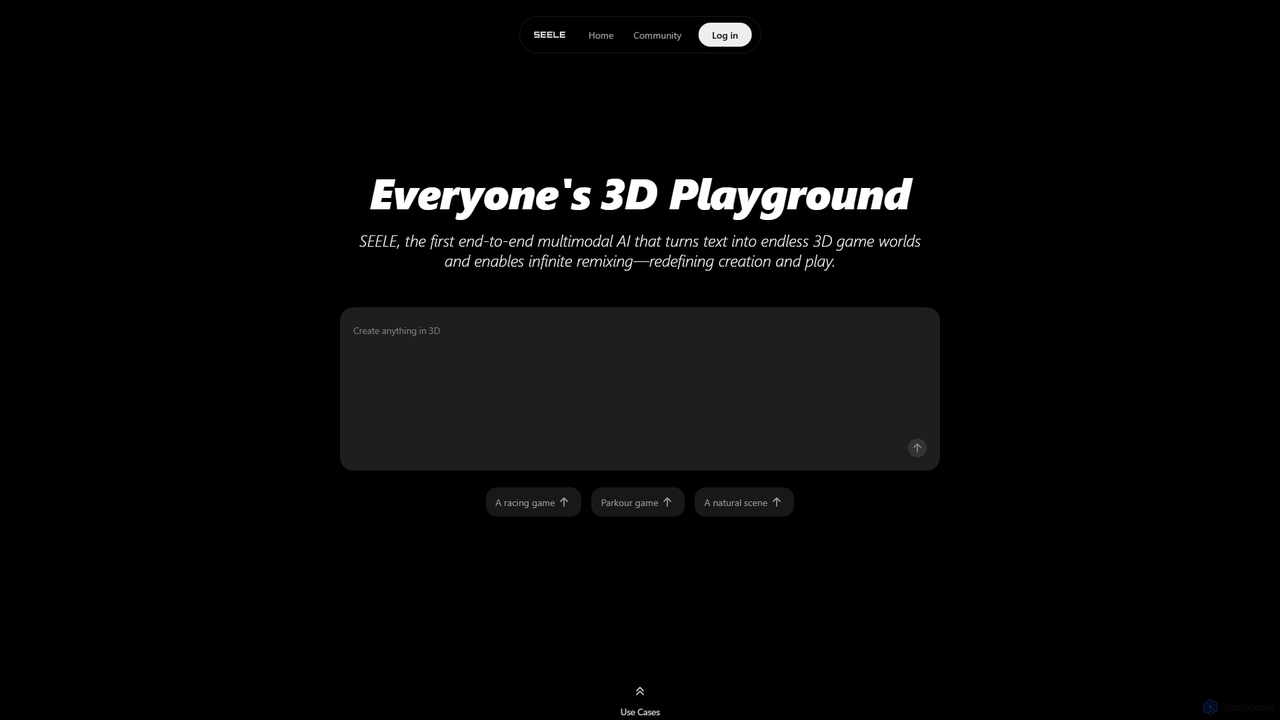
Seeles is a pioneering end-to-end multimodal AI platform that transforms simple text prompts into fully playable 3D game worlds. It empowers creators of all levels to generate and infinitely remix interactive environments, characters, and game mechanics without coding. From racing games to mystery adventures, Seeles redefines creation and play by making game development accessible to everyone.

3D Modeling
Visits 212.4KFavorites 141Likes 137
DreamWorld
Freemium

DreamWorld

DreamWorld is an infinite sandbox MMO game where players build, explore, and fight together in a single, procedurally generated world. Its standout feature is the AI-powered 'DreamForge,' which allows players to create 3D objects simply by typing text descriptions, bringing any idea to life within the game.

3D Modeling
Visits 19.6KFavorites 128Likes 121
Matterport
Freemium

Matterport

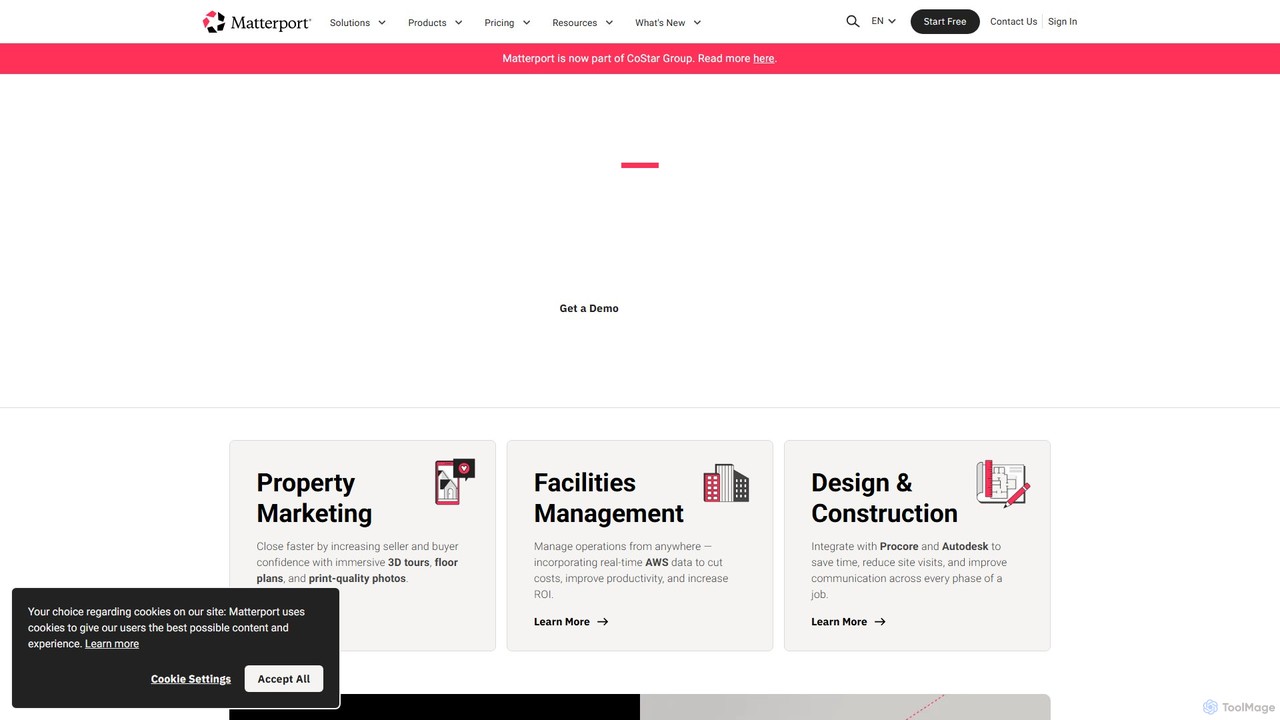
Matterport is a leading AI-powered platform for creating immersive 3D digital twins of physical spaces. It enables users to capture, share, and collaborate on interactive 3D models for industries like real estate, construction, and facilities management. The platform transforms spatial data into photorealistic, dimensionally-accurate virtual experiences, complete with integrated data and tools.

3D Modeling
Visits 12.4MFavorites 148Likes 141
Polycam
Freemium

Polycam

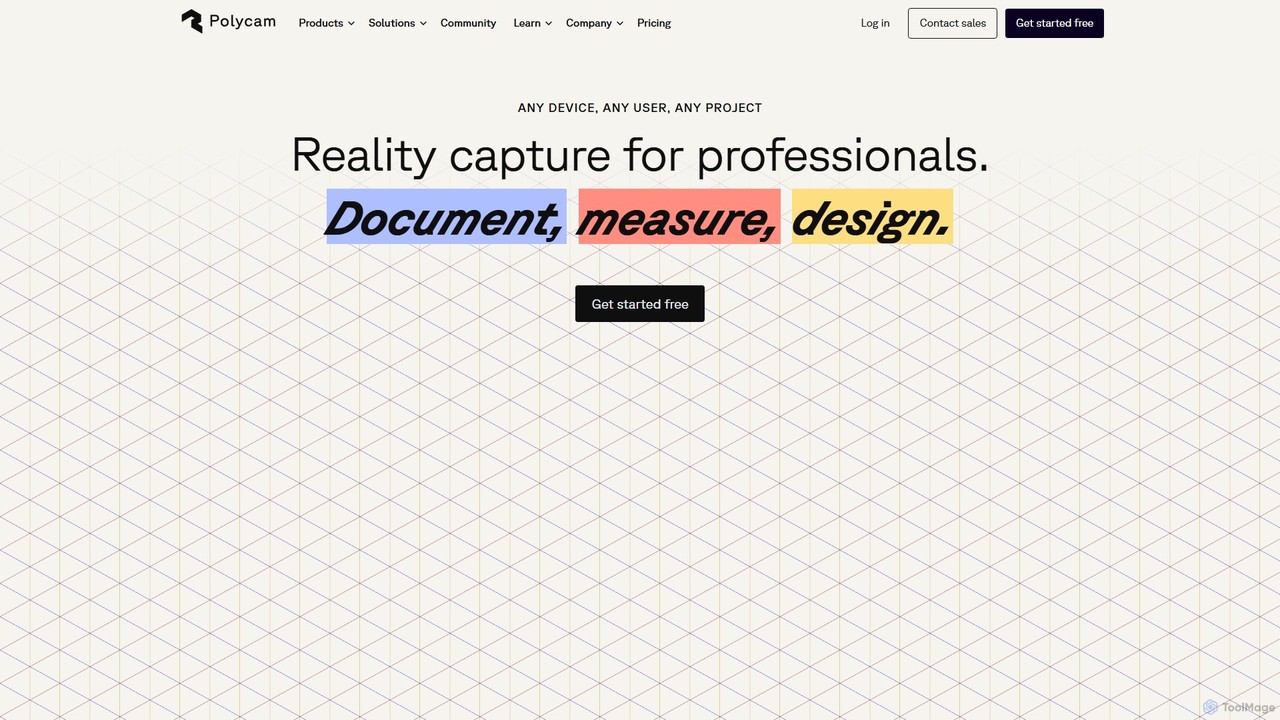
Polycam is a leading 3D capture application for iOS, Android, and Web, using LiDAR and photogrammetry to create high-quality 3D models, floor plans, and drone maps. It's designed for professionals in architecture, construction, real estate, and e-commerce, as well as for creators and hobbyists.

3D Modeling
Visits 623.3KFavorites 144Likes 147
Unity
Freemium

Unity

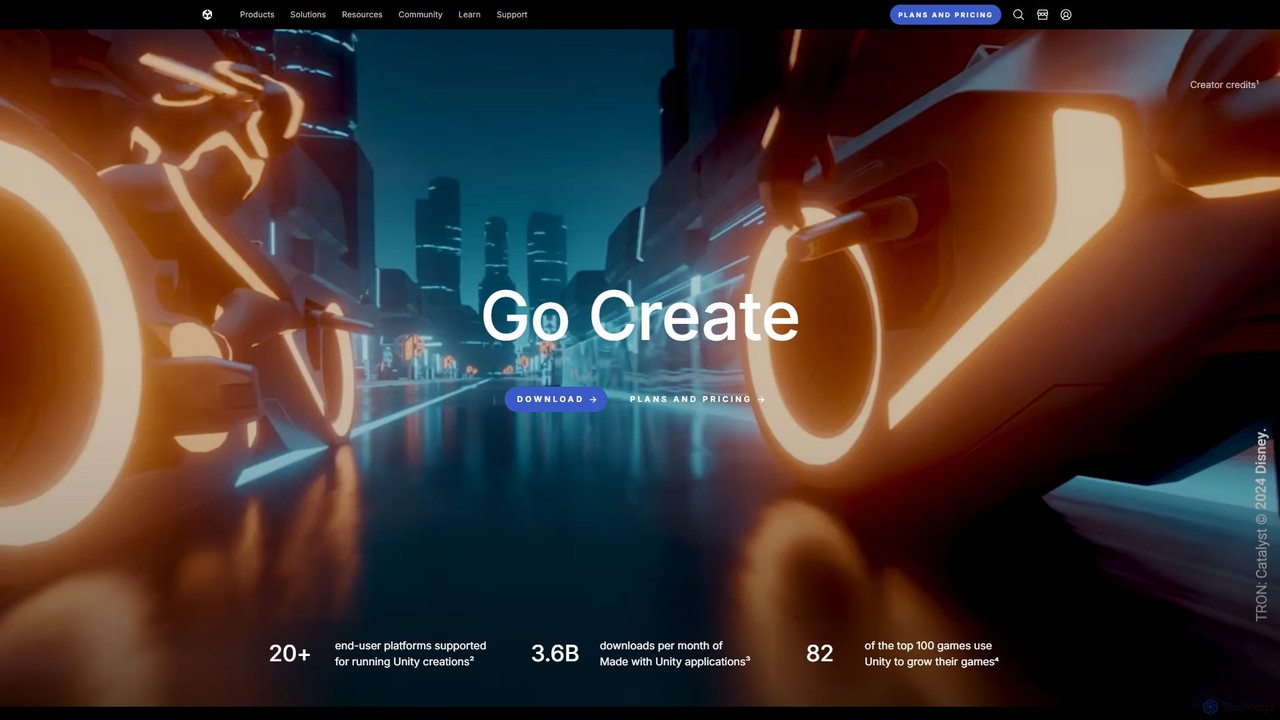
Unity is the world's leading real-time 3D development platform for creating and operating interactive content. It empowers creators across industries, from gaming and film to automotive and architecture, to build immersive experiences for over 20 platforms, including PC, mobile, console, VR, and AR.

3D Modeling
Visits 8.7MFavorites 128Likes 137

About 3D Modeling

3D Modeling tools powered by AI are a category of advanced software that leverage artificial intelligence to automate and enhance the creation of three-dimensional digital models. These tools utilize sophisticated algorithms, often based on deep learning, to interpret various inputs—such as text descriptions, 2D images, or even simple sketches—and generate complex 3D geometries, textures, and animations. They significantly accelerate the design process, enabling users to rapidly prototype, iterate, and produce high-quality digital assets for a wide range of applications, from game development to industrial design.

Core Features

  • Text-to-3D Generation: Converts natural language descriptions into detailed 3D models.
  • Image-to-3D Reconstruction: Transforms 2D images or multiple photographs into realistic 3D objects.
  • Automated Mesh Optimization: Intelligently simplifies or refines 3D model geometry for performance or detail.
  • AI-Powered Texturing: Automatically generates or applies realistic textures and materials to 3D models.
  • Parametric Design Assistance: Aids in creating adaptable 3D models based on user-defined parameters and AI suggestions.

Applicable Scenarios

AI 3D Modeling tools are invaluable across industries requiring rapid digital asset creation. Game developers use them to quickly populate virtual worlds with props and environments. Product designers leverage AI for rapid prototyping and concept visualization, transforming initial ideas into tangible 3D forms. Architects and interior designers utilize these tools for generating conceptual building models or furnishing layouts, streamlining the early design phases.

How to Choose

When selecting an AI 3D Modeling tool, consider its core generative capabilities, such as text-to-3D or image-to-3D accuracy, and the range of supported output formats for compatibility with existing workflows (e.g., OBJ, FBX, GLB). Evaluate the complexity of models it can handle and its integration with other design software. Finally, assess the user interface's intuitiveness and the pricing model, balancing advanced features with ease of use and budget constraints.

3D Modeling use cases

1

Rapid Prototyping for Industrial Design

Industrial designers can utilize AI 3D modeling tools to quickly generate multiple design iterations from simple text prompts or 2D sketches. For instance, a designer needing a new ergonomic chair concept can input "modern office chair with lumbar support and adjustable armrests" to receive several distinct 3D models. This significantly reduces the initial concept development time, allowing for faster feedback and refinement cycles, potentially cutting design lead times by 50%.

2

Accelerating Game Asset Creation

Game developers often require a vast library of 3D assets for environments, props, and characters. AI 3D modeling tools enable artists to generate base meshes or textured models from simple descriptions or reference images. An artist can input "ancient stone pillar with moss" to instantly get a game-ready asset, freeing up time for more complex artistic detailing. This automation can accelerate asset production by up to 70%, allowing for richer game worlds.

3

Conceptual Architectural Visualization

Architects and urban planners can leverage AI 3D modeling for early-stage conceptual visualization. By providing basic floor plans or textual descriptions like "modern minimalist house with large windows and a flat roof," the AI can generate preliminary 3D building models. This allows for quick exploration of different design options and client presentations without extensive manual modeling, enhancing client engagement and reducing initial design costs.

4

E-commerce Product 3D Visualization

E-commerce businesses can transform 2D product photos into interactive 3D models for augmented reality (AR) viewing or virtual try-on experiences. An online retailer can upload a series of product images (e.g., a shoe from different angles), and the AI tool reconstructs a high-fidelity 3D model. This provides customers with a more immersive shopping experience, potentially increasing conversion rates by offering a clearer product understanding.

5

Custom 3D Print Model Generation

Hobbyists and small businesses involved in 3D printing can use AI 3D modeling to create unique, custom objects without needing advanced CAD skills. By describing the desired object, such as "a decorative vase with a swirling pattern and a narrow neck," the AI generates a printable 3D model. This democratizes complex design, allowing for personalized creations and rapid iteration of physical prototypes for various applications.

6

Pre-visualization for Film and Animation

Film and animation studios can utilize AI 3D modeling for rapid pre-visualization (pre-vis) of scenes and character blocking. Directors or animators can quickly generate placeholder 3D models of objects, environments, or even basic character poses from textual prompts. This allows for efficient scene composition and camera angle testing before committing to detailed asset creation, streamlining the production pipeline and saving significant resources.

3D Modeling FAQ

What are AI 3D Modeling tools?

AI 3D Modeling tools are software applications that use artificial intelligence, particularly machine learning and deep learning algorithms, to automate and assist in the creation of three-dimensional digital models. They can interpret various inputs like text, images, or sketches to generate complex geometries, textures, and materials. These tools aim to accelerate the traditional 3D design workflow, making it more accessible and efficient for designers, artists, and engineers.

How do AI 3D Modeling tools differ from traditional 3D software?

Traditional 3D software (like Blender or Maya) relies heavily on manual input and precise manipulation by the user, offering granular control over every vertex and polygon. AI 3D Modeling tools, conversely, leverage generative AI to automate significant portions of the modeling process, often creating models from high-level descriptions or 2D inputs. While traditional tools offer ultimate control, AI tools excel in speed, rapid prototyping, and democratizing 3D creation for users with less technical expertise, often serving as a powerful starting point for further refinement.

What specific tasks can AI 3D Modeling tools automate?

AI 3D Modeling tools can automate several key tasks. They can generate initial 3D models from text prompts (text-to-3D) or reconstruct models from 2D images (image-to-3D). Beyond creation, they can automate texture generation and application, optimize mesh geometry for performance, and even assist in rigging or animation setup. This automation significantly reduces repetitive manual work, allowing designers to focus on creative direction and refinement.

Who benefits most from using AI 3D Modeling tools?

A wide range of professionals and hobbyists can benefit. Game developers and VFX artists gain from accelerated asset creation and rapid prototyping. Product designers and architects can quickly visualize concepts and iterate on designs. E-commerce businesses can generate 3D product views for immersive online experiences. Even hobbyists and educators can create custom 3D printable models or educational content without needing extensive traditional 3D modeling skills, democratizing access to complex design.

What should I consider when choosing an AI 3D Modeling tool?

When selecting an AI 3D Modeling tool, evaluate its core generative capabilities, such as the accuracy and versatility of its text-to-3D or image-to-3D features. Consider the output formats it supports (e.g., OBJ, FBX, GLB) to ensure compatibility with your existing design pipeline. Assess the level of control and customization it offers post-generation, as well as its integration with other software. Finally, review the pricing structure, community support, and the learning curve to match it with your specific project needs and technical proficiency.