
Unity Overview
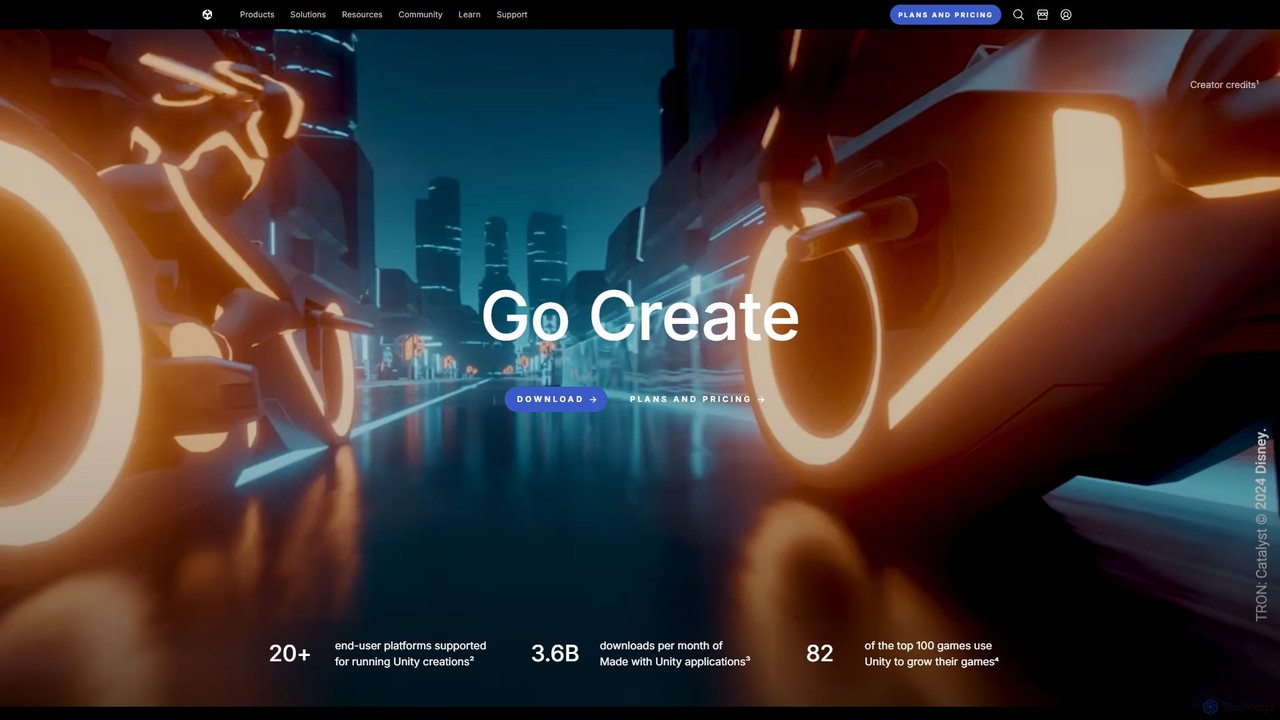
Unity is a comprehensive real-time development platform used by millions of creators worldwide to build, operate, and monetize interactive 2D, 3D, VR, and AR experiences. It provides an all-in-one ecosystem that combines a powerful rendering engine with a full suite of tools and services, enabling developers to bring their creative visions to life on more than 20 different platforms. With a staggering 3.6 billion monthly downloads of applications made with Unity, its impact spans across gaming, industrial design, automotive, architecture, and film.
How to use Unity
The development process in Unity is structured to maximize creativity and efficiency:
- Setup and Project Creation: Download the Unity Hub to manage your Unity Editor versions and projects. Create a new project, selecting from templates optimized for 2D, 3D, High-Definition Render Pipeline (HDRP), or Universal Render Pipeline (URP).
- Asset Integration: Import 3D models, textures, audio, and other assets into your project. You can create your own assets or acquire them from the vast Unity Asset Store, which offers a massive library of free and paid resources.
- Scene Building and Design: Use the intuitive Unity Editor to assemble your scenes. Drag and drop assets, position cameras and lighting, and design levels with visual tools.
- Scripting and Interactivity: Bring your project to life by adding interactivity through C# scripting. Attach scripts to GameObjects to define behaviors, control physics, and manage game logic.
- Testing and Optimization: Continuously test your project in real-time using the Editor's Play mode. Utilize Unity's built-in profilers to analyze performance, identify bottlenecks, and optimize your application for smooth execution on target devices.
- Build and Deploy: Once your project is complete, build and deploy it to your chosen platforms. Unity's cross-platform capabilities allow you to reach a wide audience on PC, macOS, Linux, iOS, Android, major consoles, WebGL, and leading VR/AR headsets.
- Operate and Grow: After launch, leverage Unity Gaming Services to manage your live game. Use tools for analytics, cloud saves, multiplayer networking, and monetization (Unity Ads) to engage your audience and grow your business.
Core Features of Unity
- Real-time 3D Engine: A powerful and flexible engine for creating high-fidelity, real-time graphics and interactive experiences.
- Cross-Platform Support: Build once and deploy to over 20 platforms, including mobile, desktop, console, and web, saving significant development time.
- Intuitive Unity Editor: A visual-centric workspace that streamlines the process of scene creation, animation, and level design.
- Robust C# Scripting: Utilize the power and flexibility of the C# programming language to implement complex game mechanics and application logic.
- Unity Gaming Services: A comprehensive suite of backend services for operating, monetizing, and growing live games and applications.
- Unity Asset Manager: An enterprise-grade solution for managing, versioning, and distributing 3D assets across large teams and complex projects, ensuring data integrity and collaboration.
- Extensive Asset Store: A marketplace with tens of thousands of assets, tools, and extensions to accelerate development.
- Advanced VR/AR Capabilities: Native support and optimized pipelines for creating immersive virtual and augmented reality applications.
Use Cases for Unity
Unity's versatility makes it the tool of choice for a wide range of applications:
- Game Development: Powering a vast spectrum of games, from beloved indie titles like Dredge and Worldless to global blockbusters like Genshin Impact.
- Automotive & Manufacturing: Companies like the BMW Group use Unity to create platforms like '3D Mine' for centralized 3D asset management. This revolutionizes workflows for design, engineering, and marketing by creating a single source of truth for digital twins and promotional materials.
- Architecture & Construction: Professionals create interactive, real-time architectural visualizations from CAD and 3D data, allowing clients to explore designs in immersive VR before construction begins.
- Film & Animation: Studios use Unity's real-time rendering capabilities for pre-visualization, virtual production, and creating final-frame animated content, drastically reducing production times.
Advantages of Unity
Unity offers a distinct competitive edge for creators and businesses:
- Complete Ecosystem: It provides an end-to-end solution, from initial creation in the Editor to long-term operation and monetization with Gaming Services.
- Scalability: The platform scales to meet the needs of any user, from an individual hobbyist using the free Personal plan to a large-scale enterprise leveraging the Enterprise plan with source code access and dedicated support.
- Vibrant Community and Resources: Access to a massive global community, extensive documentation, Unity Learn for structured courses, and a wealth of tutorials.
- Professional Support: Tiered 'Success Plans' (Starter, Essential, Integrated) offer dedicated technical support, proactive guidance, and faster response times to minimize project risks and downtime.
Pricing and Plans
Unity offers a flexible pricing structure to suit different needs and team sizes:
- Unity Personal: A free plan for students, hobbyists, and small studios with less than $100,000 in revenue or funding in the last 12 months. It provides access to the core engine.
- Unity Pro: A paid subscription designed for professional individuals and teams. It includes advanced features, customization options, and removes the mandatory 'Made with Unity' splash screen.
- Unity Enterprise: The ultimate solution for large organizations managing complex real-time 3D projects. It includes source code access, enterprise-level support, and customizable solutions to scale with your team.
- Unity Industry: A specialized package for developers in industries outside of gaming, bundling essential tools and support for creating custom real-time 3D experiences.
Traffic
Latest traffic
Status
Monthly traffic trend
- 2026-2: 8.3M
- 2026-3: 8.9M
- 2026-4: 8.3M
- 2026-5: 8.7M
Geography
Top 5 countries / regions
- 🇺🇸United States44.2%
- 🇮🇳India15.9%
- 🇰🇷South Korea13.7%
- 🇨🇳China13.3%
- 🇹🇷Türkiye12.9%
Traffic sources
| Source type | Percentage |
|---|---|
Direct | 84.3% |
Referral | 13.7% |
Email | 2.0% |
Top keywords
| Keyword | Cost per click |
|---|---|
| unity | $0.61 |
| unity ai | $2.27 |
| unity asset store | $0.17 |
| unity download | $0.39 |
| unity hub | $0.60 |
Unity Videos on YouTube


immersive insiders



SpeedTutor


Unity Alternatives
Matterport
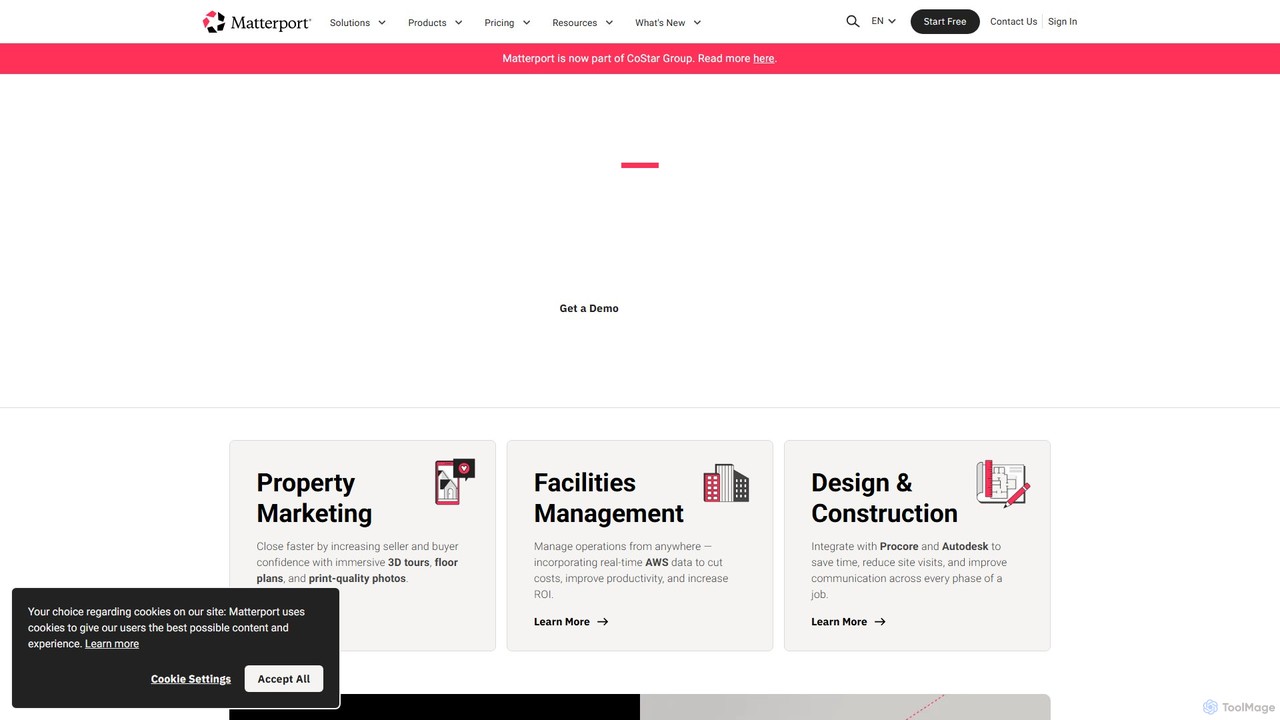
Matterport is a leading AI-powered platform for creating immersive 3D digital twins of physical spaces. It enables users to capture, share, and collaborate on interactive 3D models for industries like real estate, construction, and facilities management. The platform transforms spatial data into photorealistic, dimensionally-accurate virtual experiences, complete with integrated data and tools.
3D Modeling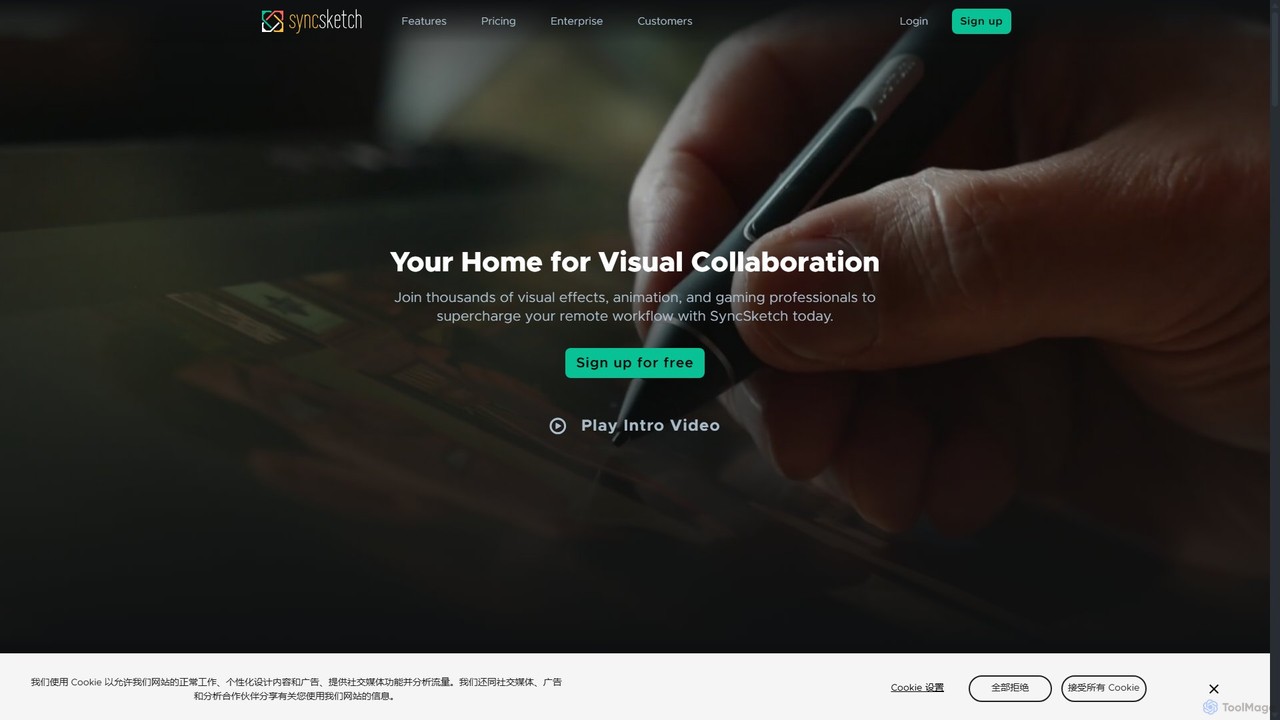
SyncSketch
SyncSketch is a real-time visual collaboration and review platform designed for creative teams in animation, VFX, and gaming. It enables synchronized review sessions for 2D/3D assets, videos, and images, with powerful annotation tools for frame-accurate feedback, streamlining creative workflows for remote and in-house teams.
3D Modeling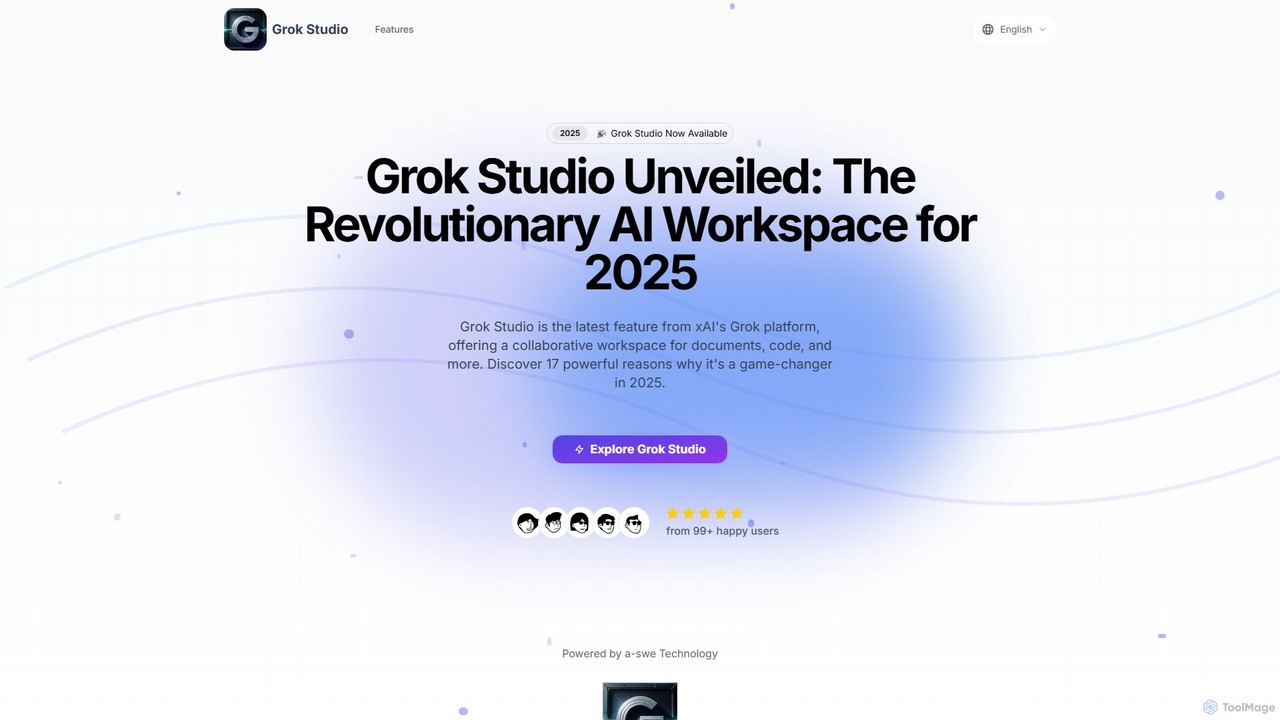
Grok Studio
Grok Studio is a revolutionary AI-powered collaborative workspace from xAI. It features a dual-pane interface for real-time interaction with the Grok AI while you create and edit documents, code in multiple languages, build reports, and even develop browser games. With seamless Google Drive integration and a sandboxed code execution environment, it's designed to boost productivity for developers, writers, and creators of all skill levels. Core features are accessible to both free and premium Grok users.
Code Assistant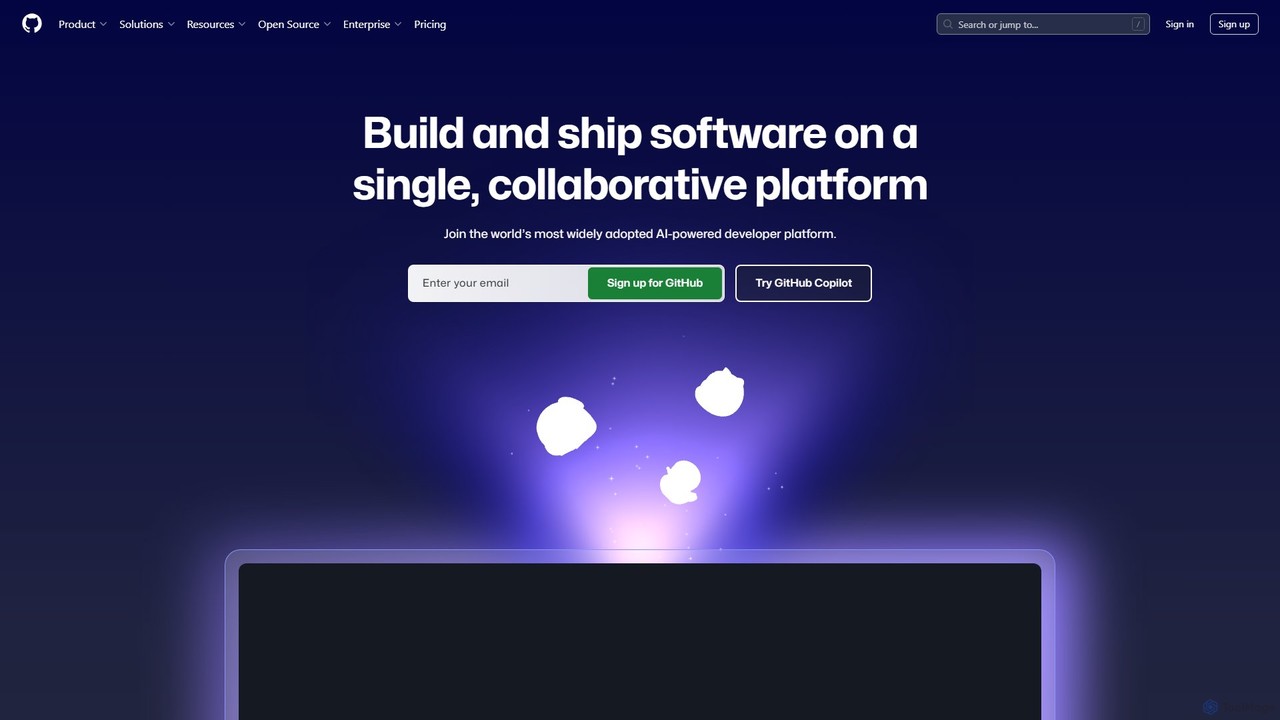
GitHub
GitHub is the world's leading AI-powered developer platform for building, shipping, and maintaining software. It provides Git-based version control, collaborative tools, and a complete DevOps lifecycle, supercharged by GitHub Copilot, an advanced AI code assistant that accelerates development and enhances code quality.
Code Assistant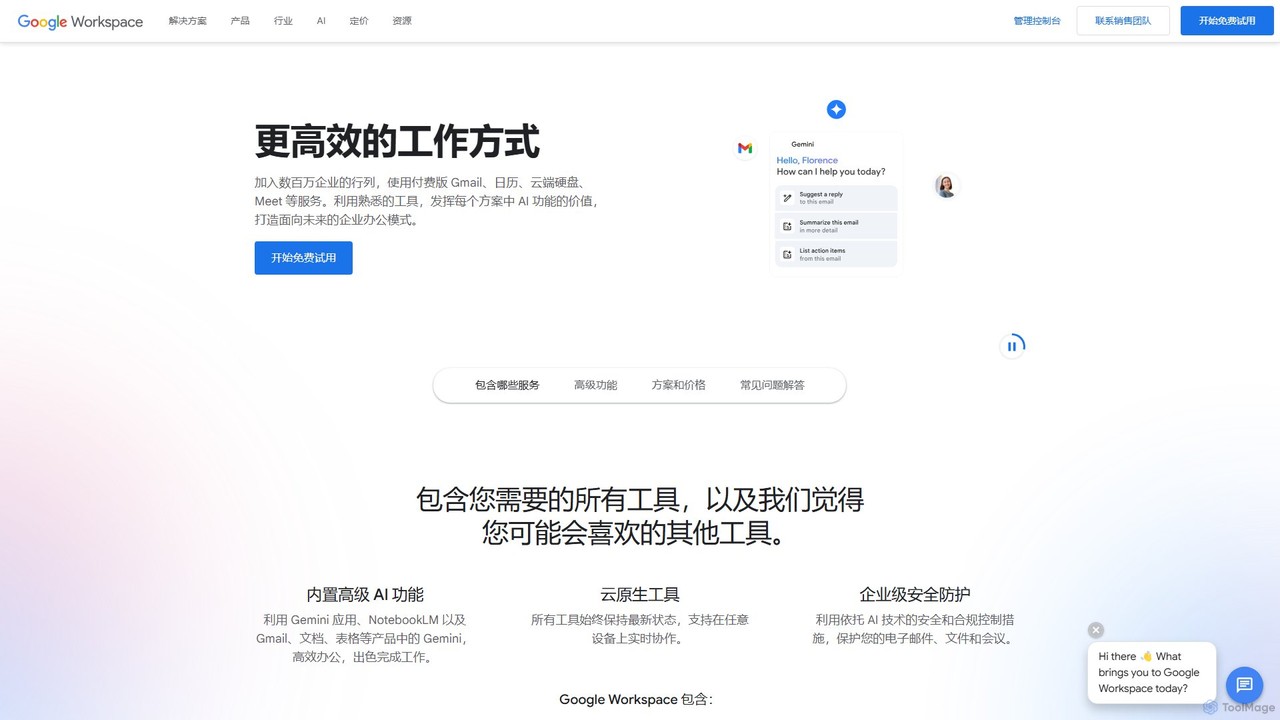
Google Workspace
Google Workspace is an integrated suite of secure, cloud-native collaboration and productivity apps powered by Google AI. It includes Gmail, Docs, Drive, Calendar, Meet, and more, designed to help teams of all sizes connect, create, and collaborate efficiently and securely from any device.
Office SuiteUnity Categories
Unity Embed Widget
Copy this embed code to place the badge on your blog, article, or product site and send readers directly to this ToolMage detail page.

Related AI tools
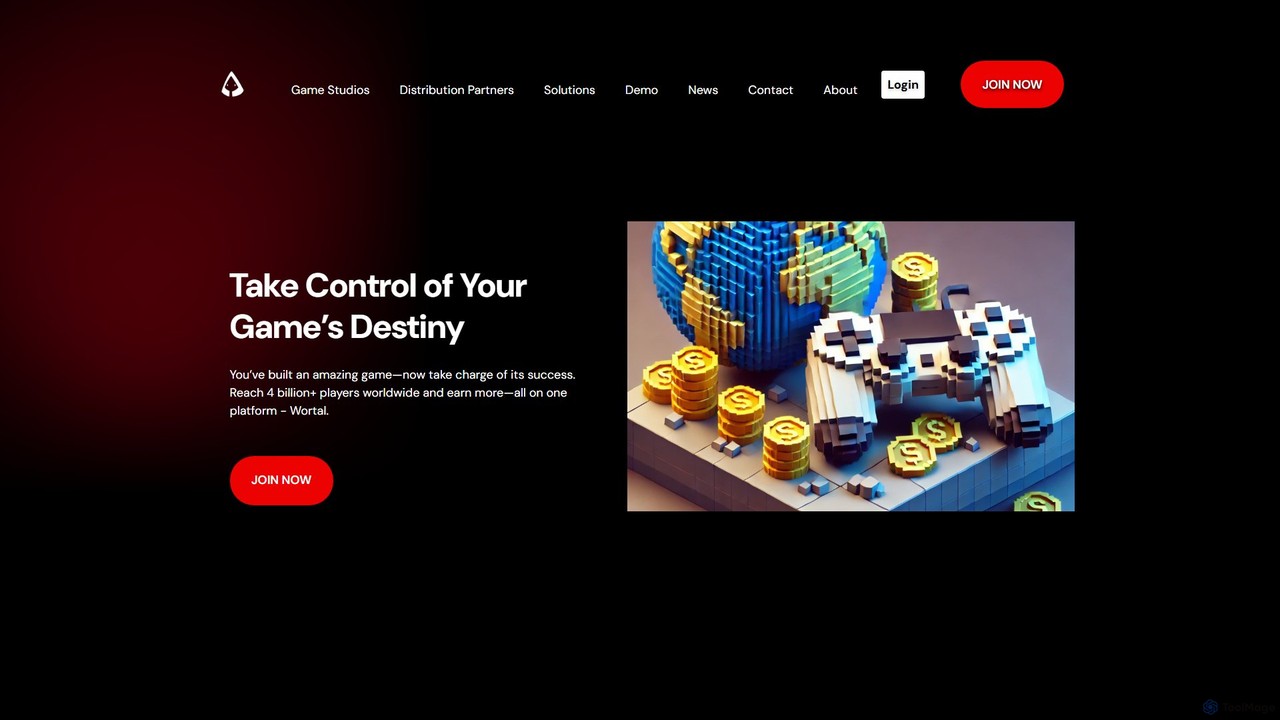
Wortal.AI
Wortal.AI is an all-in-one platform for game developers to distribute, monetize, and grow their games globally. Using a single SDK, developers can launch on web, mobile, and super-apps, reaching over 4 billion players. The platform features AI-powered analytics, automated testing, direct-to-player monetization, and Web3 integration, empowering studios of all sizes to maximize their reach and revenue without platform lock-in or revenue cuts.
Publishing
Copresence
Copresence is an AI-powered platform that enables users to create photorealistic, fully rigged 3D head avatars using just a smartphone. In minutes, it transforms a simple face scan into a high-quality digital twin, compatible with major game engines, VR/AR applications, and VFX workflows, bridging the gap between the physical and virtual worlds.
Avatar GenerationMatterport
Matterport is a leading AI-powered platform for creating immersive 3D digital twins of physical spaces. It enables users to capture, share, and collaborate on interactive 3D models for industries like real estate, construction, and facilities management. The platform transforms spatial data into photorealistic, dimensionally-accurate virtual experiences, complete with integrated data and tools.
3D ModelingSyncSketch
SyncSketch is a real-time visual collaboration and review platform designed for creative teams in animation, VFX, and gaming. It enables synchronized review sessions for 2D/3D assets, videos, and images, with powerful annotation tools for frame-accurate feedback, streamlining creative workflows for remote and in-house teams.
3D ModelingGrok Studio
Grok Studio is a revolutionary AI-powered collaborative workspace from xAI. It features a dual-pane interface for real-time interaction with the Grok AI while you create and edit documents, code in multiple languages, build reports, and even develop browser games. With seamless Google Drive integration and a sandboxed code execution environment, it's designed to boost productivity for developers, writers, and creators of all skill levels. Core features are accessible to both free and premium Grok users.
Code Assistant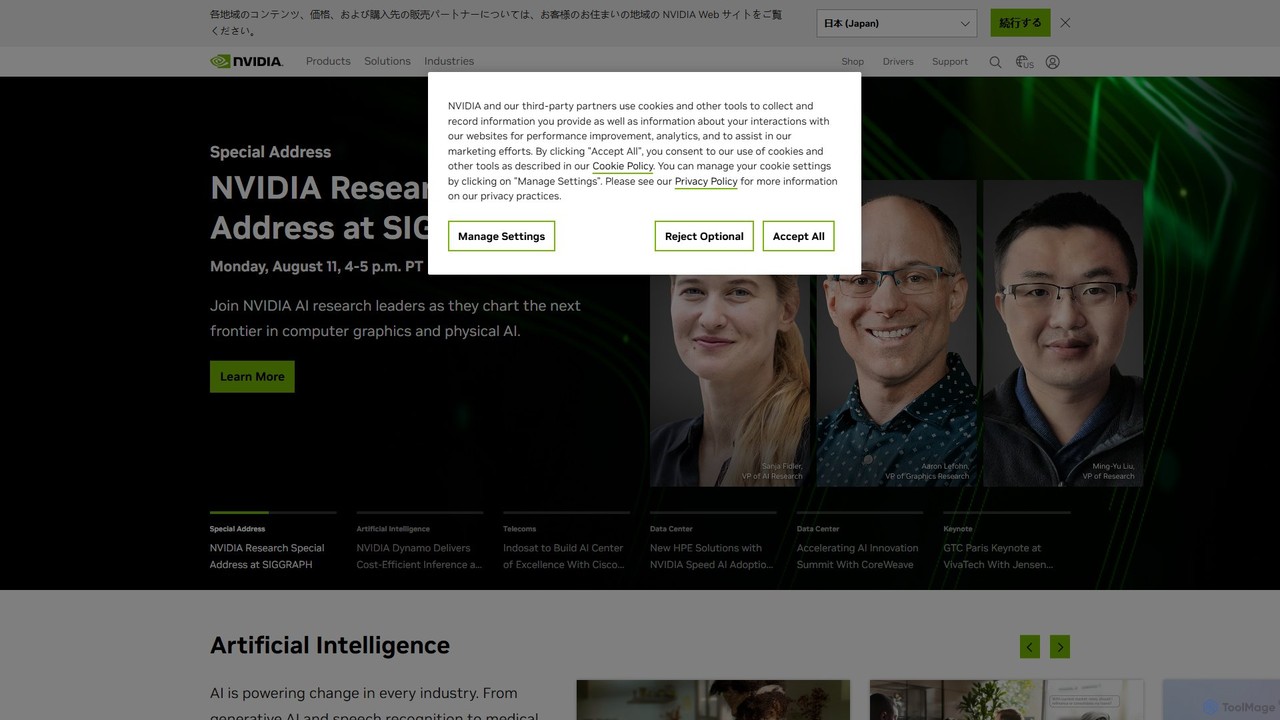
NVIDIA
NVIDIA is a global leader in artificial intelligence computing, providing a full-stack platform of hardware, software, and services. Its solutions power everything from gaming and professional graphics with GeForce and RTX GPUs to advanced AI, data science, and high-performance computing in data centers and the cloud.
Infrastructure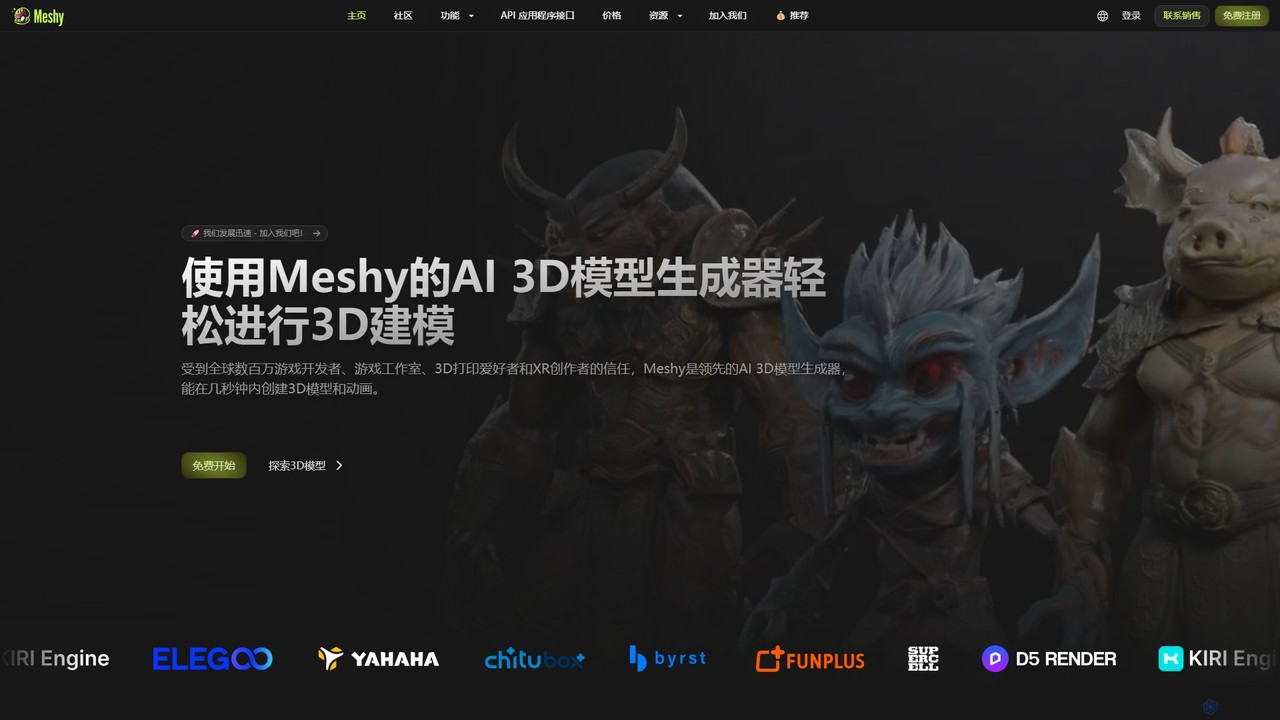
Meshy
Meshy is an all-in-one AI 3D content creation suite. Generate stunning 3D models, textures, and animations from text or images in minutes. It's the ultimate toolkit for game developers, artists, and creators, simplifying the entire 3D workflow from concept to a fully animated asset.
Generator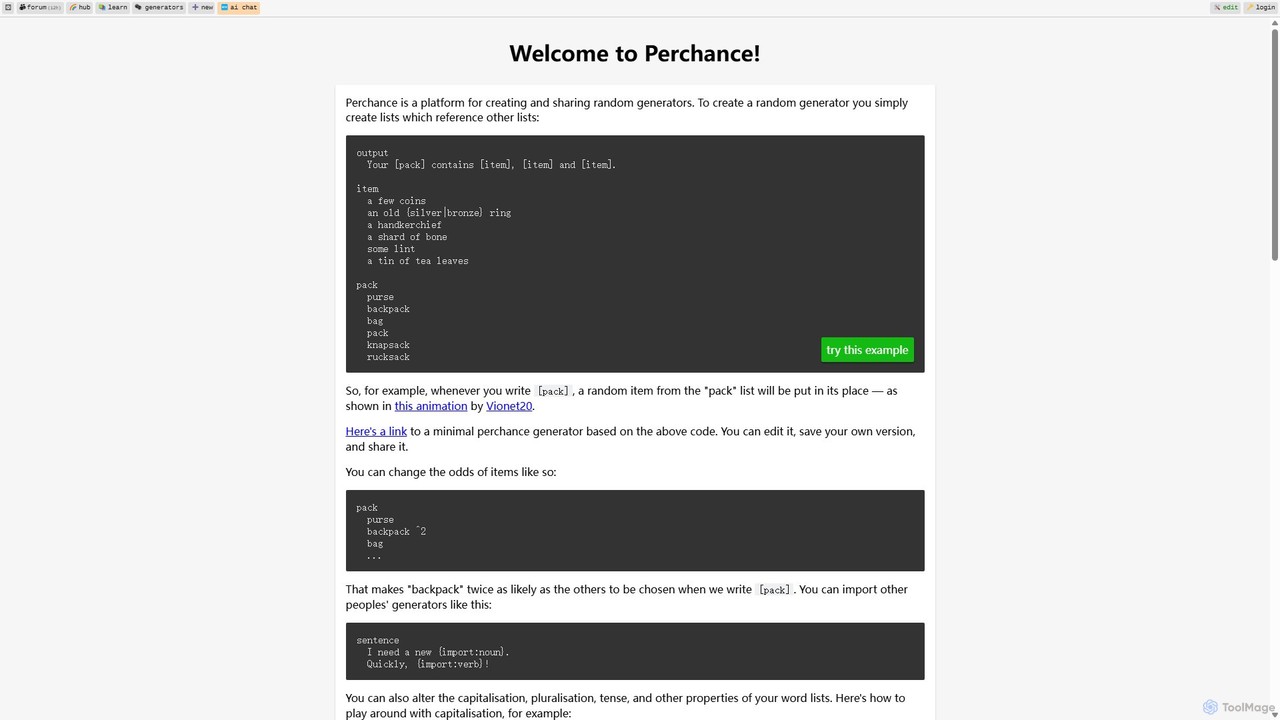
Perchance
Perchance is a powerful, free platform for creating and sharing complex random text generators. It uses a simple, list-based syntax that is easy for beginners but offers advanced features like probability weighting, dynamic odds, and API integration for developers and creative professionals.
No Code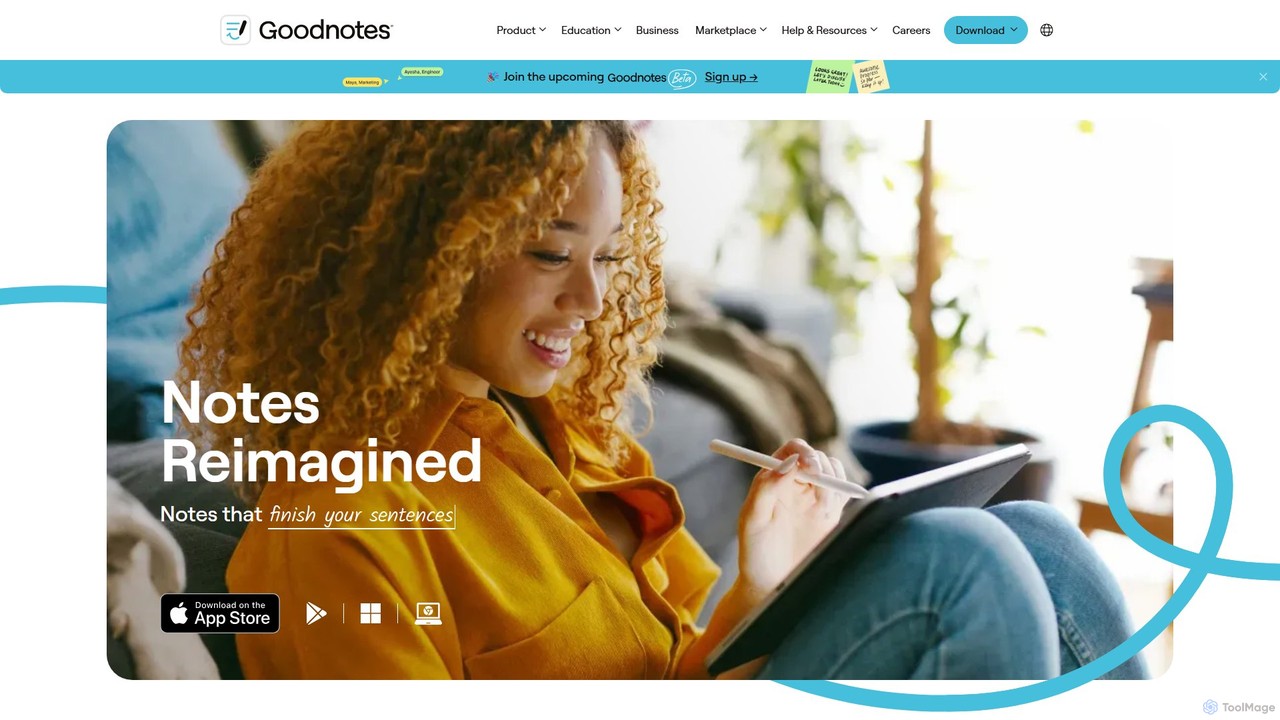
Goodnotes
Goodnotes is a leading digital note-taking app that enhances the handwriting experience with powerful AI features. It allows users to create, organize, and search handwritten notes, annotate PDFs, and study with interactive flashcards. Available across iOS, Android, Windows, and Web, it's designed for students, professionals, and anyone looking to digitize their notebooks and boost productivity.
Document Management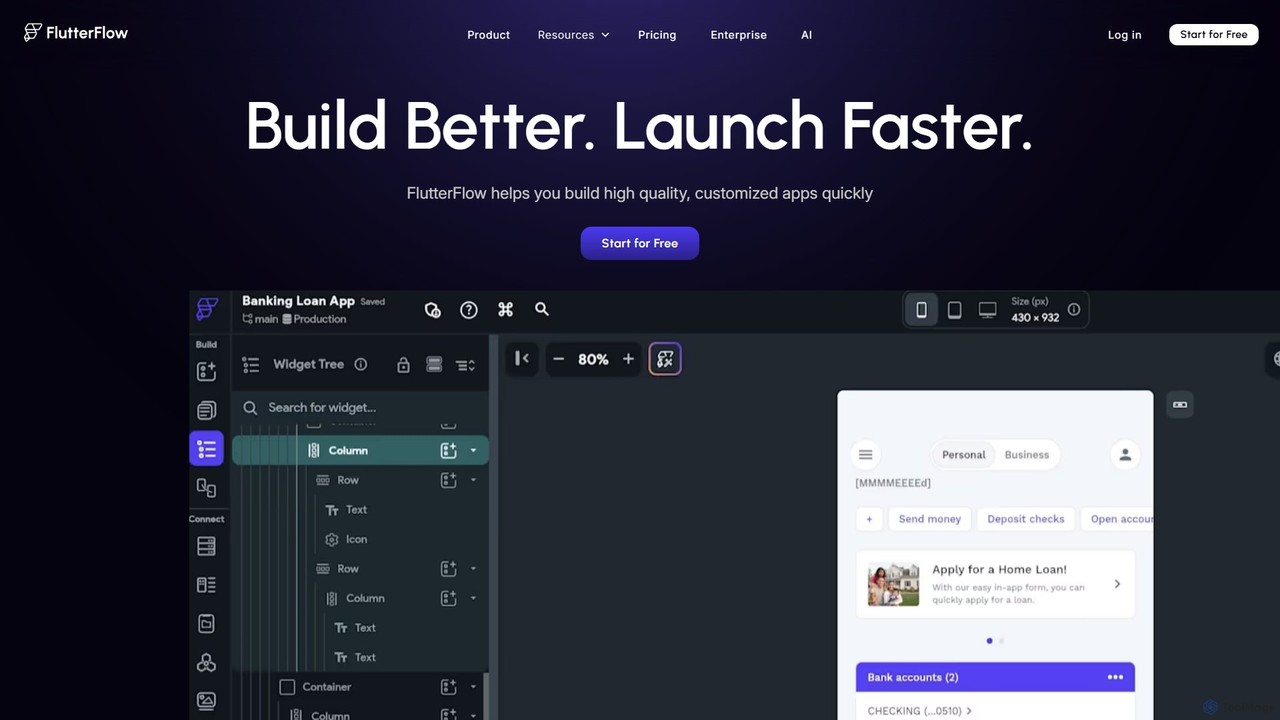
FlutterFlow
FlutterFlow is a low-code platform for visually building native mobile, web, and desktop applications. It empowers developers and non-developers to create high-quality, customized apps with a drag-and-drop interface, pre-built components, and powerful integrations like Firebase and Supabase, significantly accelerating the development process.
Low Code No Code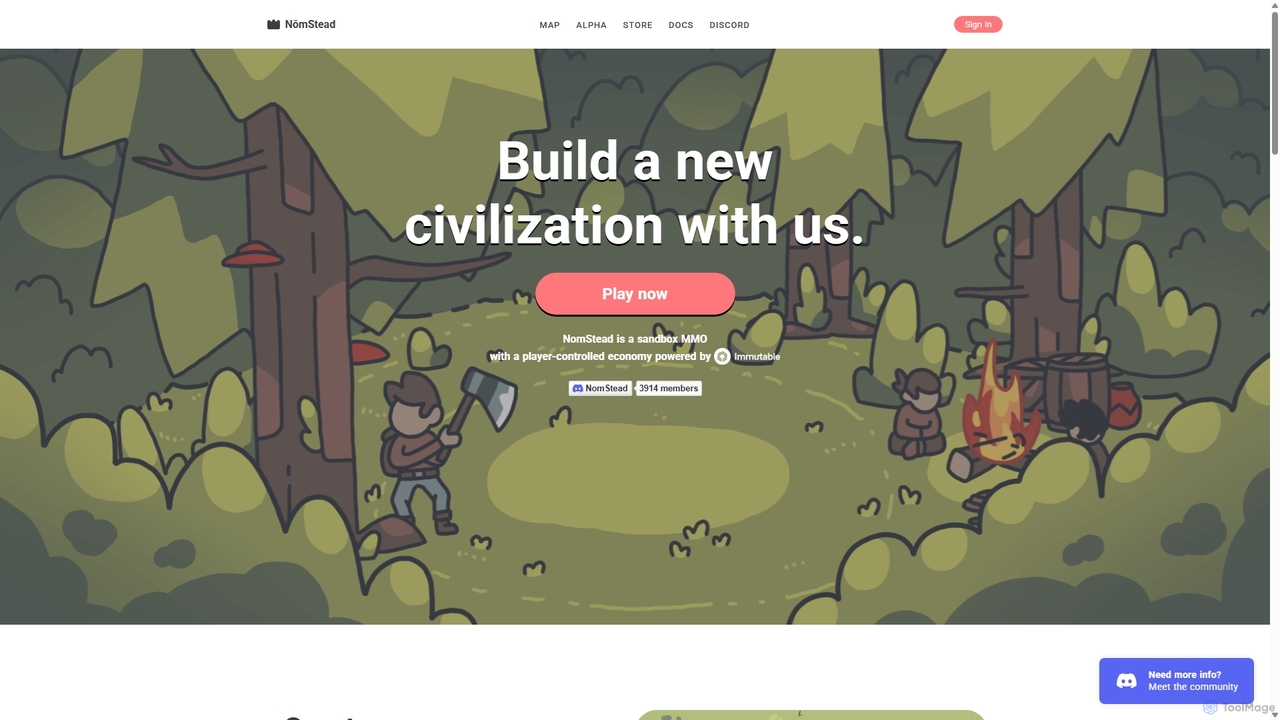
Kingdom
Kingdom is a development platform for creating on-chain, sandbox MMORPGs and persistent virtual worlds with player-controlled economies. It leverages blockchain technology to enable true digital ownership and community-driven game development, as showcased by its flagship game, NomStead.
Game Development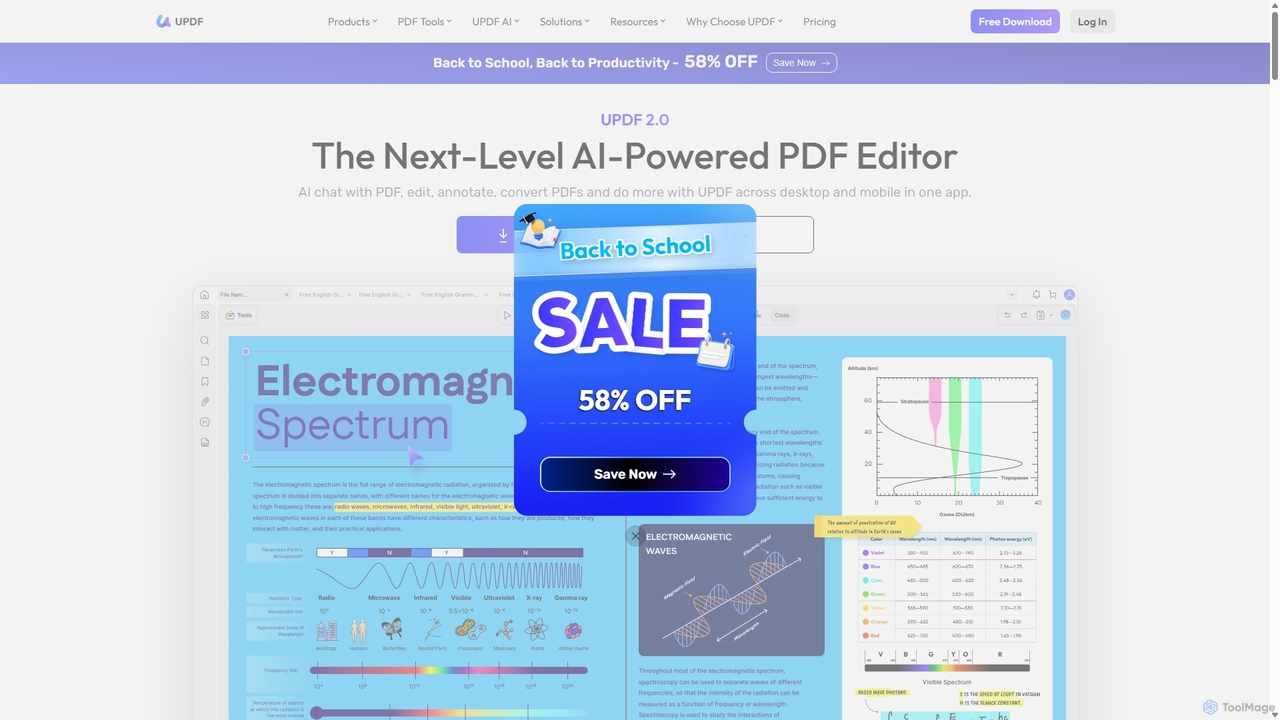
UPDF
UPDF is an AI-integrated, all-in-one PDF editor that allows users to edit, annotate, convert, summarize, translate, and chat with PDF documents. It offers a seamless experience across Windows, macOS, iOS, and Android, boosting productivity for individuals, students, and businesses.
Document Analysis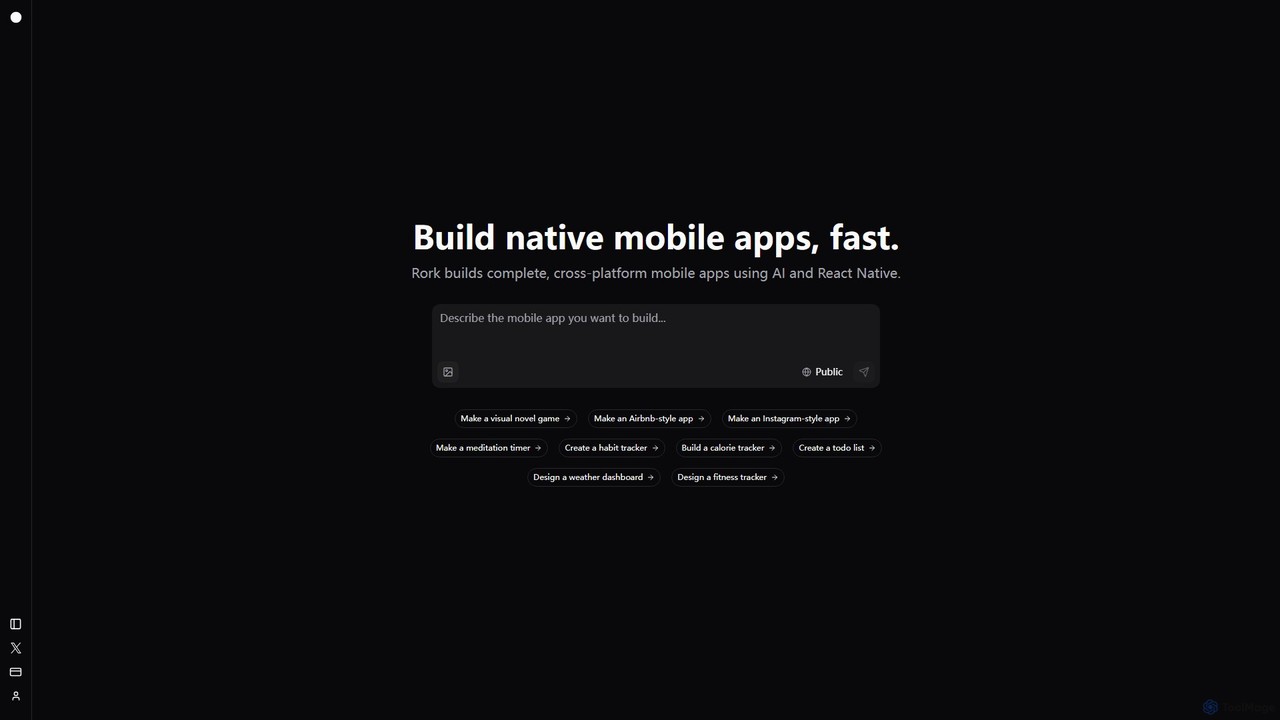
Rork
Rork is an AI-powered development platform that transforms simple text prompts into complete, native, cross-platform mobile apps in minutes. Using React Native, it allows users to "vibe code" their ideas, generating functional applications for iOS and Android without writing a single line of code. Ideal for rapid prototyping, MVPs, and accelerating development, Rork makes app creation accessible to everyone, from entrepreneurs to seasoned developers.
Mobile App Building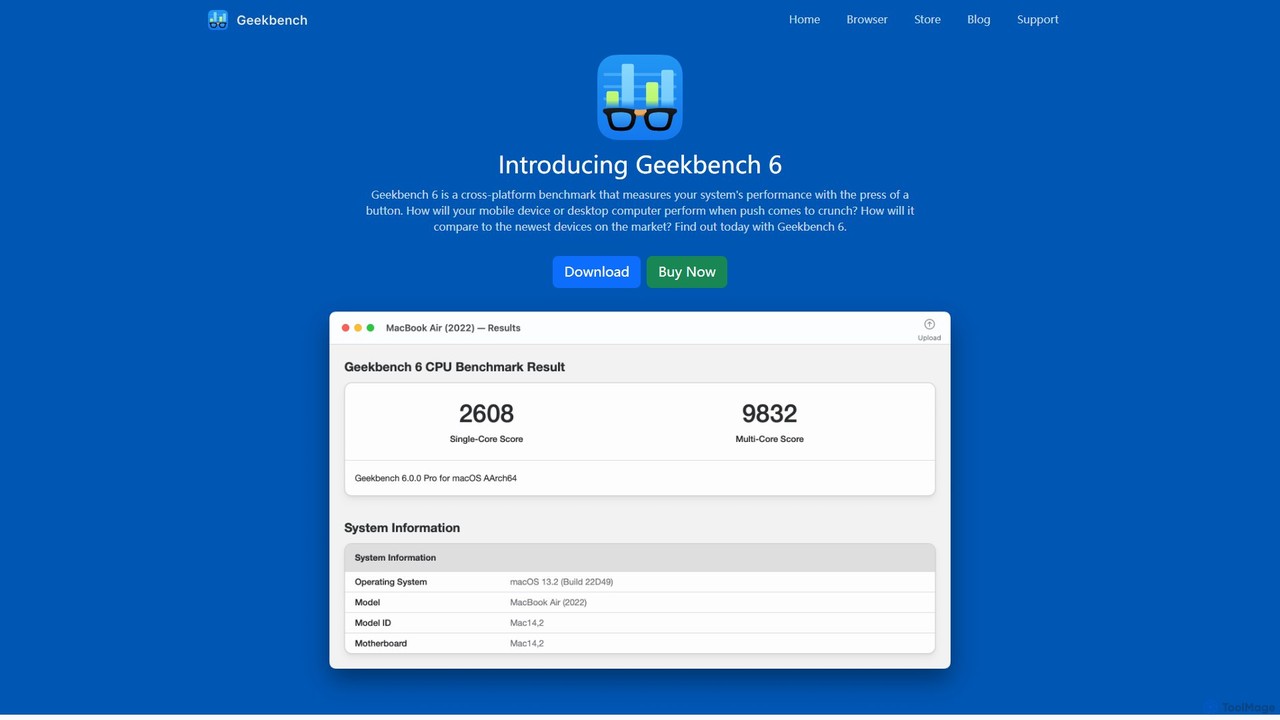
Geekbench
Geekbench is a leading cross-platform benchmarking tool that measures the performance of CPUs, GPUs, and AI/ML workloads. It uses real-world tests to provide accurate single-core and multi-core scores, allowing users to compare performance across a wide range of devices, operating systems (Windows, macOS, Linux, iOS, Android), and processor architectures.
Performance Testing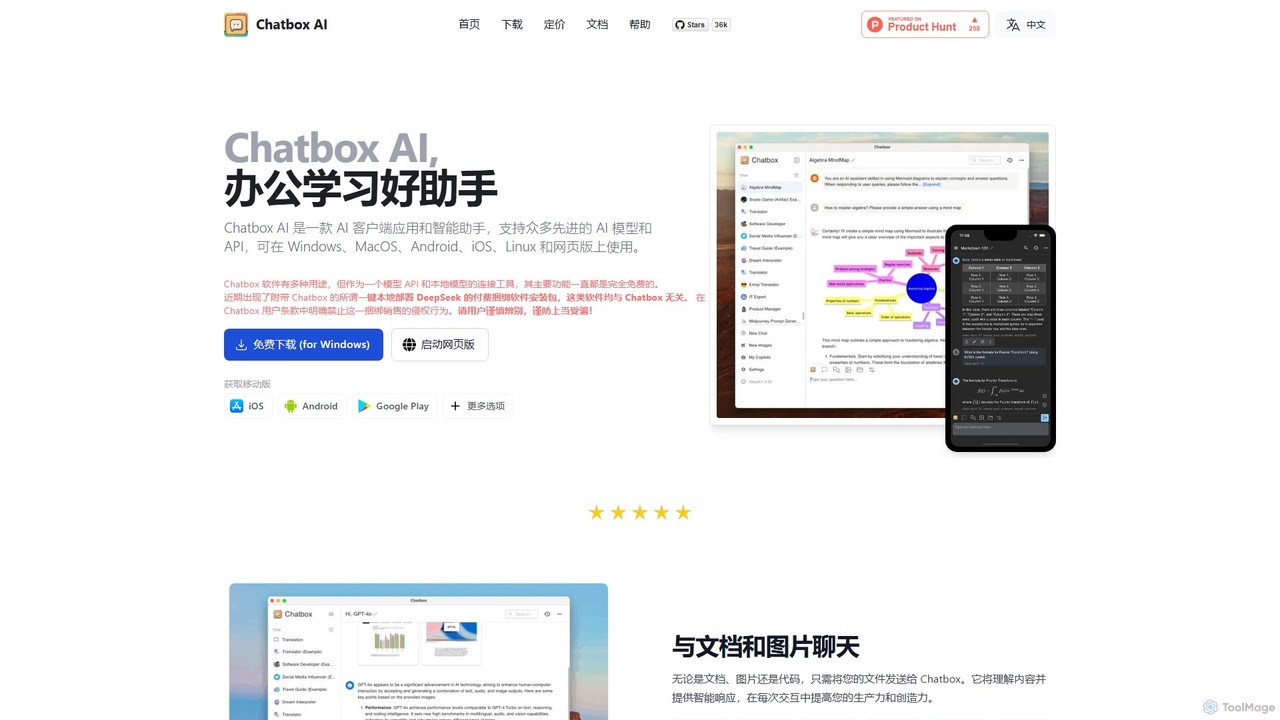
Chatbox AI
Chatbox AI is a powerful, cross-platform AI client for desktop and mobile. It integrates chat with documents, images, and code, offers real-time web search, AI image generation, and prioritizes user privacy with local data storage. Use your own API keys or subscribe to their all-in-one service.
Writing
Unity Comments (0)
Sign in to comment.
Sign inNo comments yet.