ToolMage
Sign in

Best 3 Mobile App Building AI tools for Development

Popular Mobile App Building AI tools in Development include Rork, Vibecode, and nowa, helping you work more efficiently.

Vibecode
Freemium

Vibecode

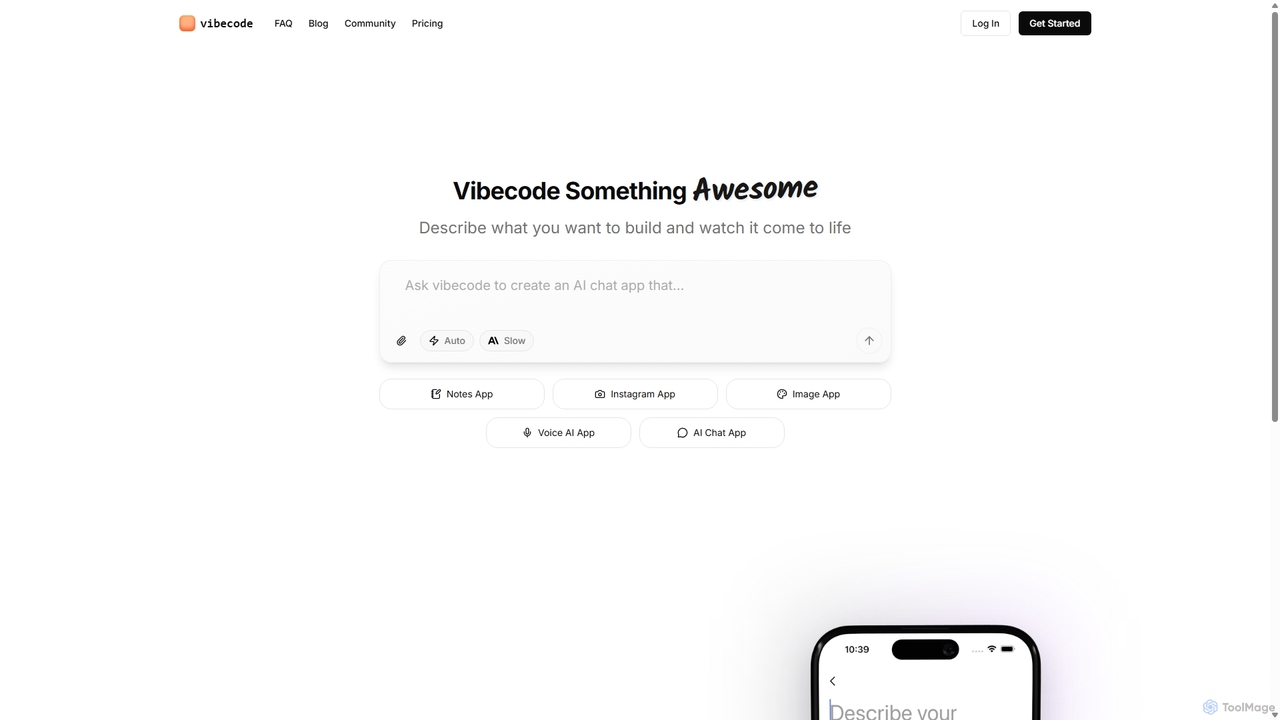
Vibecode is an AI-powered mobile app builder that transforms text descriptions into functional, native React Native applications. It enables users, from non-technical creators to professional developers, to rapidly prototype, test via App Clips, and deploy mobile apps without writing code from scratch.

Mobile App Building
Visits 370.8KFavorites 110Likes 100
Rork
Freemium

Rork

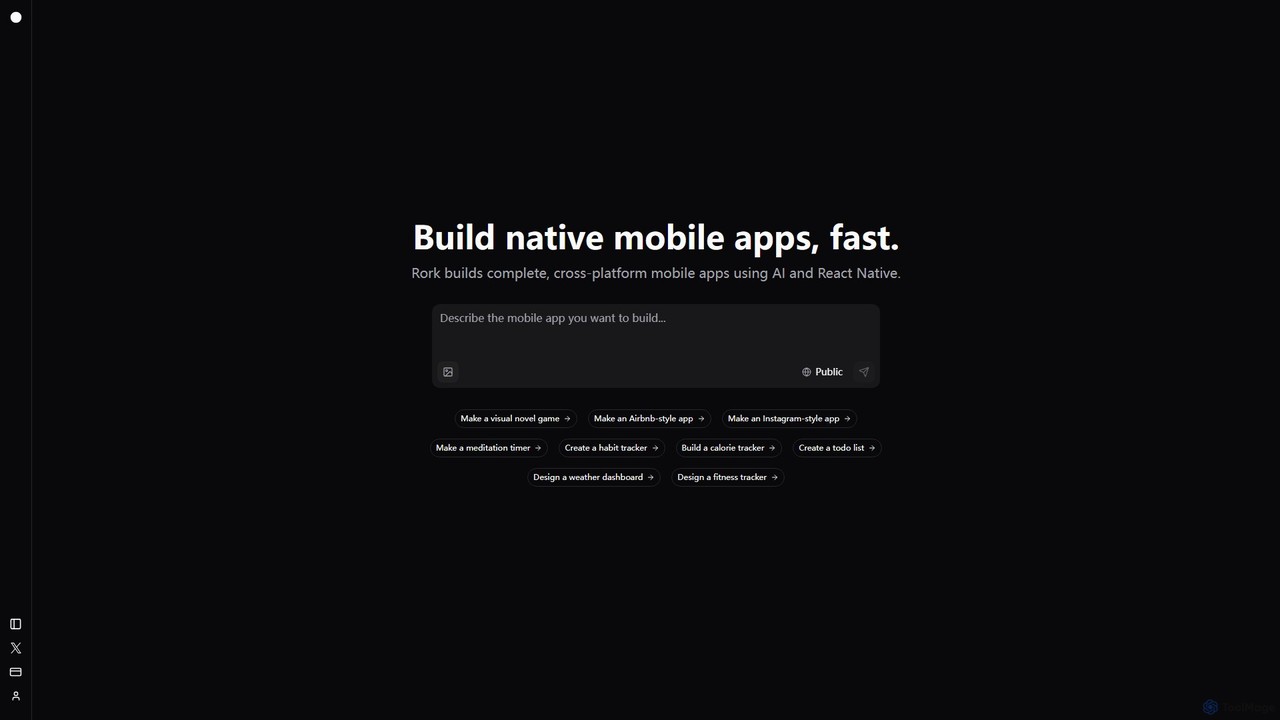
Rork is an AI-powered development platform that transforms simple text prompts into complete, native, cross-platform mobile apps in minutes. Using React Native, it allows users to "vibe code" their ideas, generating functional applications for iOS and Android without writing a single line of code. Ideal for rapid prototyping, MVPs, and accelerating development, Rork makes app creation accessible to everyone, from entrepreneurs to seasoned developers.

Mobile App Building
Visits 1.1MFavorites 107Likes 123
nowa
Freemium

nowa

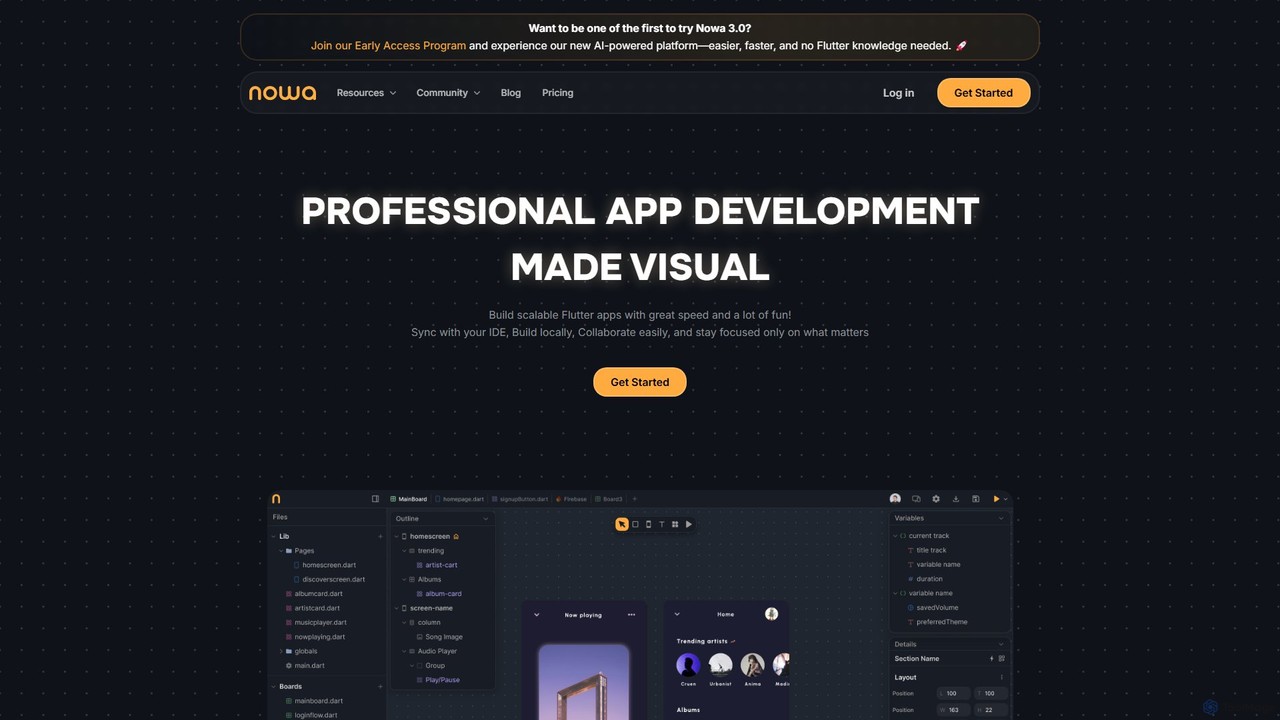
nowa is a visual, AI-powered Flutter app builder for professional development. It enables developers and designers to build scalable, high-quality applications with incredible speed, combining visual design, logic building, and seamless IDE integration without vendor lock-in.

Low Code No Code
Visits 58.2KFavorites 95Likes 93

About Mobile App Building

AI Mobile App Building tools are platforms that leverage artificial intelligence to automate and accelerate the creation of mobile applications. These tools interpret natural language descriptions, sketches, or data inputs to generate functional code, user interface (UI) designs, and backend logic. This approach dramatically reduces the complexity and time required for app development, making it accessible to individuals without extensive programming skills. They empower entrepreneurs, designers, and businesses to transform ideas into working prototypes and full-fledged apps more efficiently.

Core Features

  • Natural Language to App Generation: Describe your app's functionality and features in plain text to automatically generate corresponding code and UI elements.
  • AI-Powered UI/UX Design: Automatically creates visually appealing and user-friendly layouts, color schemes, and component placements based on your app's purpose.
  • Automated Code Production: Generates source code for native iOS, Android, or cross-platform frameworks, significantly speeding up the development cycle.
  • Backend Logic Automation: Creates necessary server-side logic, database schemas, and APIs from high-level requirements, handling data management tasks.
  • Intelligent Testing and Debugging: Identifies potential bugs, performance bottlenecks, and usability issues in the generated app and suggests code fixes.

Use Cases

These tools are ideal for startups and entrepreneurs needing to quickly build a Minimum Viable Product (MVP) to validate ideas and attract investors. Small to medium-sized businesses use them to create custom internal tools for operations, such as inventory management or employee scheduling, without hiring a dedicated development team. Designers and product managers also leverage them to create high-fidelity, interactive prototypes that function like real apps.

How to Choose

When selecting an AI Mobile App Building tool, first consider the target platforms (native iOS/Android, web app). Evaluate the level of customization and control you have over the generated design and code. Check if you can export the source code for future development. Also, assess its integration capabilities with third-party services and APIs, and review the pricing model to ensure it aligns with your project's scale and budget.

Featured tool rankings

Mobile App Building use cases

1

Rapid MVP Prototyping for Startups

A non-technical founder has a groundbreaking idea for a social networking app but lacks the coding skills and budget to hire a development team. Using an AI mobile app builder, they describe the core features in plain English: user profiles, a news feed, direct messaging, and photo uploads. The AI interprets these requirements, generates a complete UI/UX design, and produces the underlying code for both iOS and Android. Within days, they have a functional Minimum Viable Product (MVP) to present to potential investors and gather early user feedback, drastically reducing the time-to-market and initial investment costs.

2

Creating Custom Internal Business Tools

A logistics manager at a medium-sized company needs a simple mobile app for delivery drivers to update shipment statuses and capture proof-of-delivery signatures. Instead of waiting months for the overloaded IT department, the manager uses an AI app builder. They specify the required fields (tracking number, status dropdown, signature pad, camera access) and the desired workflow. The tool generates a secure, cross-platform app that connects to their existing database via an API. This empowers the operations team to solve their own problems quickly, improving efficiency and data accuracy without writing a single line of code.

3

Building an E-commerce App from a Store Concept

An entrepreneur wants to launch an online store for handmade jewelry. They use an AI app builder and provide it with their brand name, logo, color palette, and a list of product categories. The AI generates a complete, ready-to-use e-commerce app featuring product listings, a shopping cart, a secure checkout process integrated with a payment gateway, and an order management dashboard. The tool even suggests UI layouts optimized for conversion based on successful e-commerce app patterns. This allows the entrepreneur to establish a mobile presence and start selling in a fraction of the time it would take with traditional methods.

4

Converting a Website into a Native Mobile App

A popular food blogger wants to offer a better mobile experience for their audience than a mobile-responsive website. They use an AI tool that can analyze their existing WordPress site. The tool automatically imports all blog posts, images, and categories, then restructures the content into a native app format. It creates features like push notifications for new recipes, a "favorites" section for users to save recipes, and an offline reading mode. The blogger can launch a professional-looking app on the App Store and Google Play, increasing user engagement and creating a new monetization channel.

5

Developing Niche Community Applications

An organizer of a local book club wants to create a dedicated app for members to track reading progress, discuss books, and schedule meetings. Using an AI app builder, they describe the desired features: a shared library, discussion forums for each book, an event calendar, and member profiles. The AI platform generates the entire application, including the database schema for storing book information and user data. This provides a centralized hub for the community, fostering more interaction than a generic chat group and strengthening the club's engagement without requiring any technical expertise from the organizer.

6

Automating App Design and Component Generation

A UI/UX designer is tasked with creating a new mobile banking app. To accelerate the process, they use an AI app builder as a design and prototyping tool. They upload their wireframes or even hand-drawn sketches of the app's screens. The AI's computer vision capabilities analyze the sketches and convert them into a fully interactive, high-fidelity prototype with standard UI components. It also generates multiple design variations based on different style guides. This allows the designer to test user flows and present a functional concept to stakeholders much faster than building a prototype from scratch in traditional design software.

Mobile App Building FAQ

What are AI Mobile App Building tools?

AI Mobile App Building tools are advanced software platforms that use artificial intelligence, particularly generative AI, to automate the process of creating mobile applications. Unlike traditional builders, you can describe your app idea in natural language, and the AI will generate the corresponding user interface, features, and code. They are designed to significantly lower the technical barrier, enabling non-programmers to build functional apps and helping developers to prototype and build much faster.

How do AI app builders differ from traditional no-code platforms?

The primary difference lies in the generation process. Traditional no-code platforms provide a library of pre-built templates and drag-and-drop components that you assemble manually. AI app builders use generative AI to create unique code and designs from scratch based on your text prompts or descriptions. This offers greater flexibility and can produce more customized results than template-based systems. While no-code is about assembling, AI app building is about generating.

Can I build and publish a real, complex app with these tools?

Yes, you can build and publish real apps to the App Store and Google Play. These tools are particularly effective for creating MVPs, internal business tools, e-commerce apps, and content-based applications. For highly complex applications with unique performance requirements or specialized hardware integrations, you might still need custom development. However, many advanced AI builders allow you to export the generated source code, providing a strong foundation that professional developers can then extend and customize.

Who are AI Mobile App Building tools best suited for?

These tools are ideal for a wide range of users. This includes:

  • Entrepreneurs and Startups: To quickly build and test business ideas with a functional MVP without high initial costs.
  • Small Business Owners: To create custom internal apps for operations, marketing, or customer management.
  • Designers and Product Managers: To turn wireframes and concepts into interactive, high-fidelity prototypes.
  • Developers: To accelerate the initial development and boilerplate code generation, freeing them to focus on complex logic.
What should I consider when choosing an AI app builder?

When selecting a tool, consider the following key factors:

  • Platform Output: Does it generate native iOS and Android code, a progressive web app (PWA), or cross-platform code?
  • Customization and Ejectability: How much control do you have over the AI-generated design and functionality? Can you export the source code to take over development manually?
  • Integration Capabilities: Can it easily connect to external databases, APIs, and third-party services like payment gateways or analytics tools?
  • Data and IP Ownership: Clarify who owns the generated code and the user data your app collects.
  • Scalability and Pricing: Ensure the platform's architecture and pricing plans can support your app as its user base grows.