Ai Chatbots Best in category 3 results Document Analysis AI Tool

Popular AI tools in the Document Analysis field of Ai Chatbots include PDFgear、UPDF、Slik Safe, etc., helping you quickly improve efficiency.

UPDF

UPDF

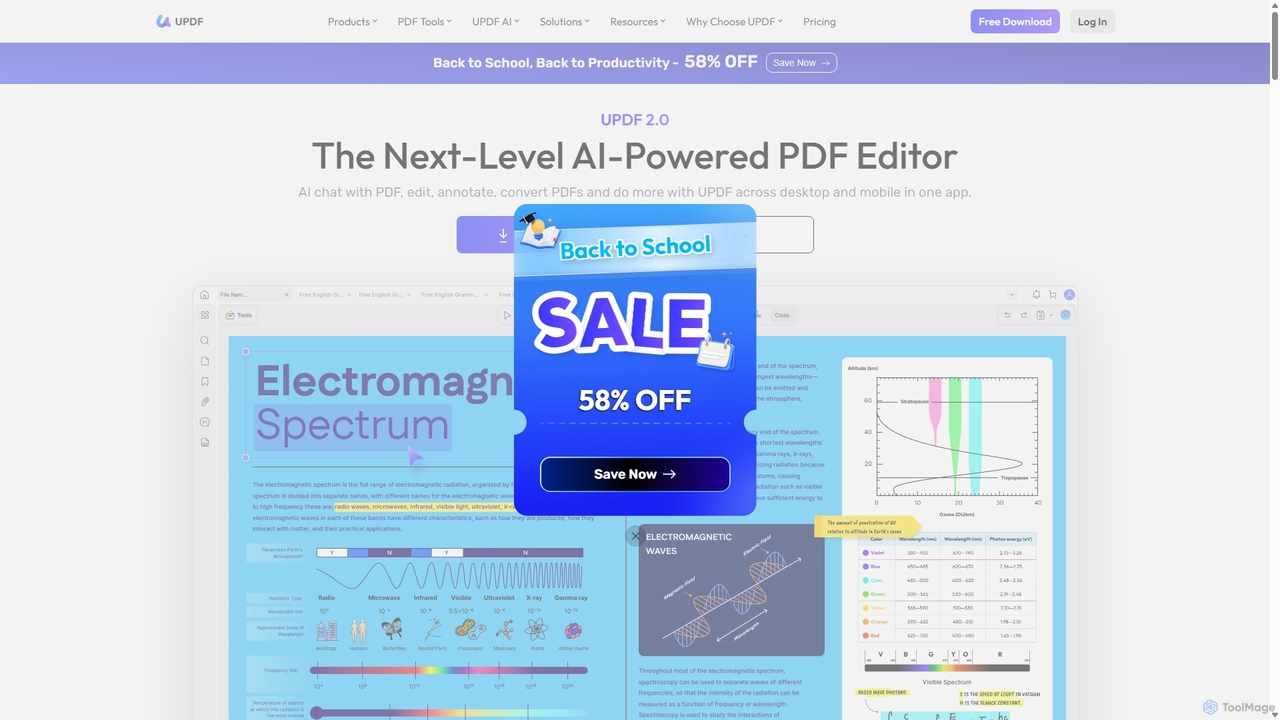
UPDF is an AI-integrated, all-in-one PDF editor that allows users to edit, annotate, convert, summarize, translate, and chat …

1.0M
Free
PDFgear

PDFgear

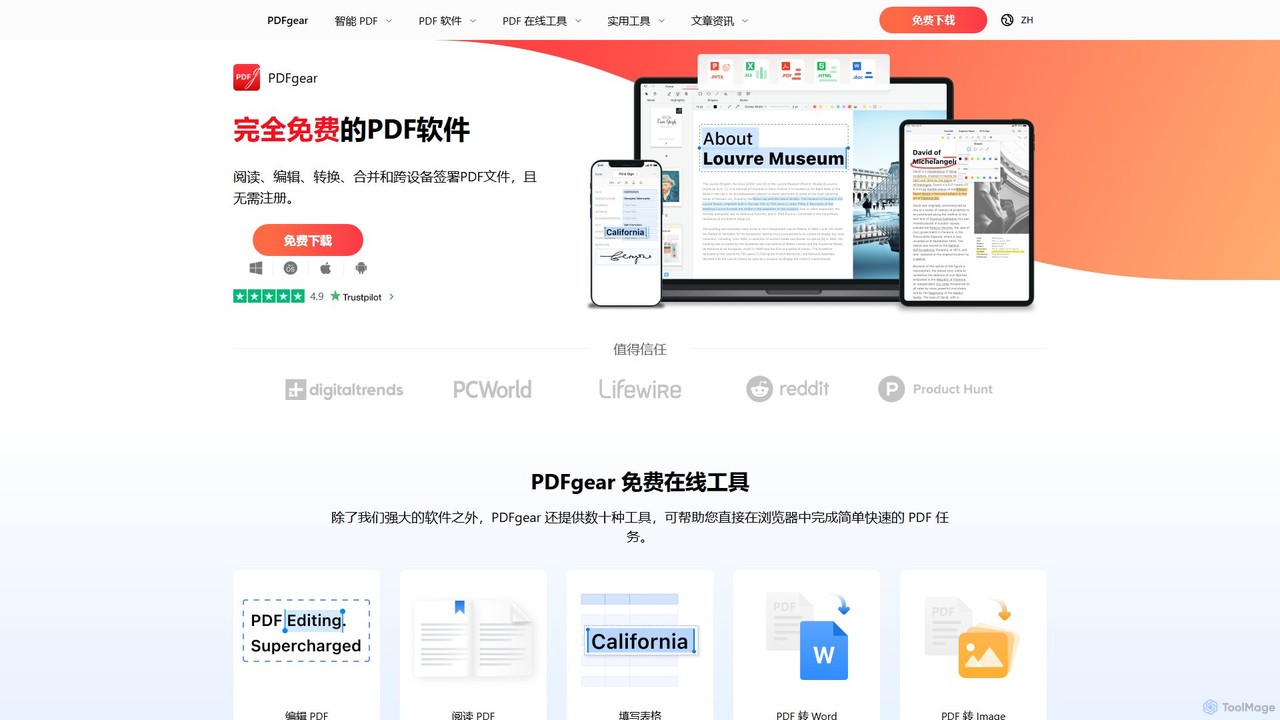
PDFgear is a completely free, AI-powered PDF editor and management suite. It integrates a ChatGPT-based Copilot to chat …

3.1M
Slik Safe

Slik Safe

Slik Safe is an AI-powered, end-to-end encrypted file management platform. It offers blazing-fast search, multi-device sync, and a …

4.4K

About Document Analysis

Document Analysis tools are a specialized type of AI chatbot designed to let you interact with your files through conversation. Leveraging technologies like Retrieval-Augmented Generation (RAG), they read, understand, and index content from PDFs, Word documents, and other files. This allows users to ask specific questions, get instant summaries, and extract key information without manually reading entire documents. They effectively transform static files into interactive, queryable knowledge bases, making complex information highly accessible.

Core Features

  • Conversational Q&A: Ask questions in natural language and receive context-aware answers sourced directly from your documents.
  • Automated Summarization: Generate concise summaries of lengthy reports, academic papers, or legal contracts in seconds.
  • Targeted Information Extraction: Pinpoint and pull specific data points like names, dates, financial figures, or contract clauses.
  • Multi-Document Synthesis: Upload multiple files and ask comparative questions to synthesize information across the entire collection.
  • Source Citation: Provide references and page numbers for the answers given, allowing for quick verification and building trust in the output.

Use Cases

These tools are invaluable for professionals and students who handle large volumes of text. Legal professionals use them to quickly analyze contracts, researchers to review academic literature, and financial analysts to dissect reports. In corporate settings, they create searchable knowledge bases from internal documentation, improving information access for all employees.

How to Choose

When selecting a Document Analysis tool, consider the supported file types (PDF, DOCX, etc.) and size limits. Evaluate the accuracy of its answers and whether it provides clear source citations. For sensitive information, prioritize tools with robust security policies and data privacy controls. Also, check for integration capabilities with cloud storage services like Google Drive or Dropbox and a pricing model that aligns with your usage volume.

Document AnalysisUse Cases

1

Accelerate Academic Research and Literature Reviews

A postgraduate researcher is tasked with writing a literature review on a complex scientific topic. Instead of spending weeks manually sifting through hundreds of academic papers, they upload their entire collection of PDFs to a Document Analysis tool. They can then ask questions like, 'Which papers discuss the methodology of CRISPR-Cas9 in human cells?' or 'Summarize the key findings related to protein folding from these documents.' The tool instantly provides synthesized answers with citations, allowing the researcher to quickly identify core themes, compare studies, and build a comprehensive review outline in a fraction of the time.

2

Efficient Legal Contract Analysis

A corporate lawyer needs to review a 150-page service agreement from a new vendor. To expedite the process, she uploads the document to an AI analysis tool. She immediately asks, 'What are the liability limits for both parties?' and 'Identify all clauses related to data privacy and compliance with GDPR.' The AI extracts the relevant clauses verbatim and provides a summary. This allows the lawyer to focus her attention on the most critical sections, verify compliance, and draft negotiation points, reducing the initial review time by over 70%.

3

Extracting Insights from Financial Reports

A financial analyst is comparing the quarterly performance of three competitor companies. They upload the latest 10-Q reports for all three into a Document Analysis tool. Instead of manually searching each PDF for specific figures, they ask the tool: 'What was the reported revenue and net income for Company A, B, and C in Q3?' and 'Compare the R&D expenditures across all three reports.' The tool aggregates the data into a clear, comparable format, instantly highlighting key performance indicators and saving the analyst hours of tedious data entry and consolidation.

4

Creating an Interactive Corporate Knowledge Base

An HR department wants to make its internal policies, employee handbooks, and benefits documents more accessible. They upload all these documents into a Document Analysis tool, creating a centralized, conversational knowledge base. Now, instead of searching through folders or emailing HR, an employee can simply ask the chatbot: 'What is the company's policy on remote work?' or 'How many vacation days do I get per year?' The tool provides immediate, accurate answers with links to the source documents, empowering employees and freeing up HR's time.

5

Streamlining Technical Support with Manuals

A customer support agent for a complex software product frequently needs to consult lengthy technical manuals to resolve user issues. The support team uploads all product documentation into an AI analysis tool. When a customer reports an error code, the agent can ask the tool, 'What are the troubleshooting steps for error code 503?' The AI instantly extracts the relevant section from the manual, providing a step-by-step guide. This dramatically reduces response times and improves the accuracy of technical support, leading to higher customer satisfaction.

6

Synthesizing Market Research and Competitor Analysis

A marketing manager is preparing a strategy presentation and has gathered dozens of market research reports, competitor press releases, and industry analysis documents. They upload all these files to a Document Analysis tool. They then query the system with questions like, 'What are the top three trends mentioned across all market reports?' and 'Summarize competitor X's strategy based on their recent announcements.' The tool synthesizes information from multiple sources, providing a high-level overview and identifying patterns that would be difficult to spot manually, enabling the manager to build a data-driven strategy with greater confidence.

Document AnalysisFrequently Asked Questions