ToolMage
Sign in

Best 4 Ai Assistant for Ai Chatbots

Popular Ai Assistant in Ai Chatbots include Kagi, AI Chat, ActionGPT, and Knowunity, helping you work more efficiently.

ActionGPT
Freemium

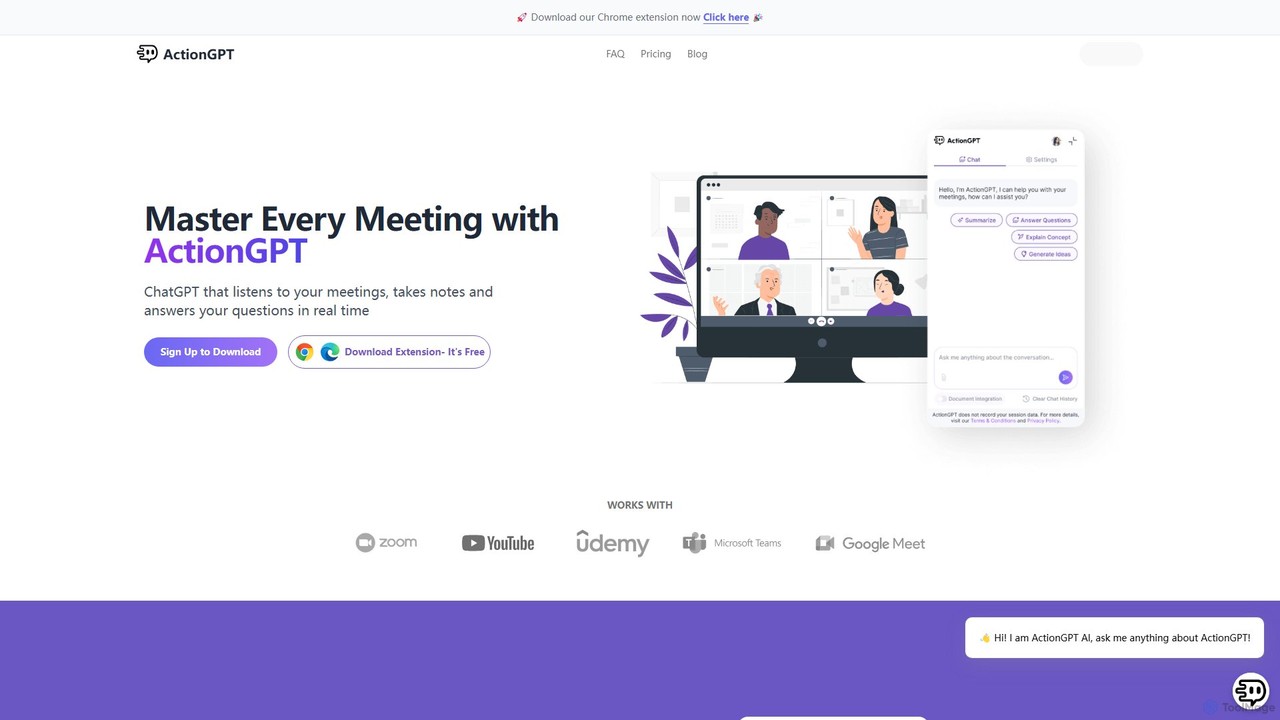
ActionGPT

ActionGPT is an AI-powered Chrome extension that acts as your personal meeting assistant. It listens to your meetings, provides real-time, context-aware answers, takes notes, and automatically generates summaries with actionable follow-ups. Enhance your productivity by personalizing its knowledge with your own documents, ensuring every response is aligned with your expertise and company policies.

Ai Assistant
Visits 5.7KFavorites 116Likes 124
AI Chat
Freemium

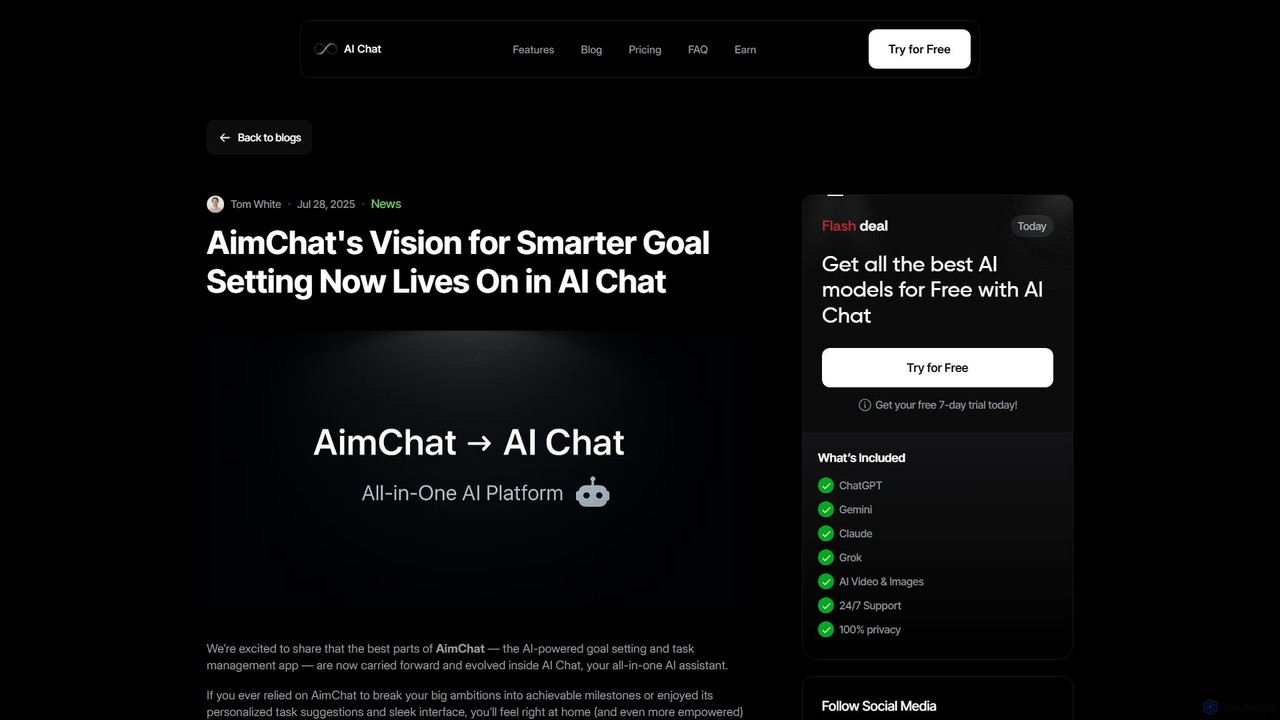
AI Chat

AI Chat is an all-in-one AI assistant that integrates the powerful goal-setting and task management capabilities of the former AimChat. It empowers users to turn ambitious goals into actionable plans by leveraging multiple advanced AI models like ChatGPT, Claude, and Gemini. Go beyond simple to-do lists with intelligent task breakdown, multi-modal workflows (text, image, voice), and personalized AI coaching, all within a single, privacy-first interface designed for ultimate productivity.

Ai Assistant
Visits 14.1KFavorites 115Likes 121
Knowunity
Freemium

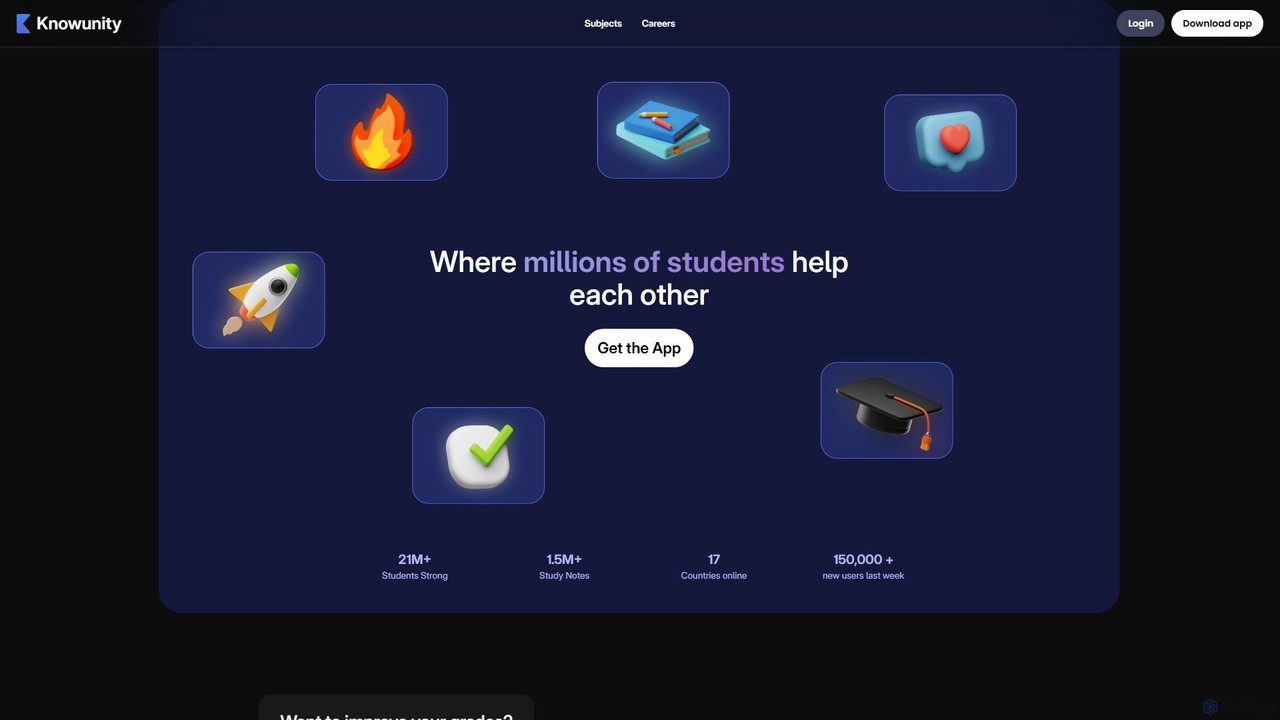
Knowunity

Knowunity is an all-in-one AI-powered study app designed for students. It combines a powerful AI tutor with a vast library of over 1.5 million peer-to-peer study notes. Get instant homework help, create personalized study plans, generate summaries, use flashcards, and take mock exams to boost your grades and learn more efficiently.

Ai Assistant
Visits 5.3KFavorites 152Likes 149
Kagi
Freemium

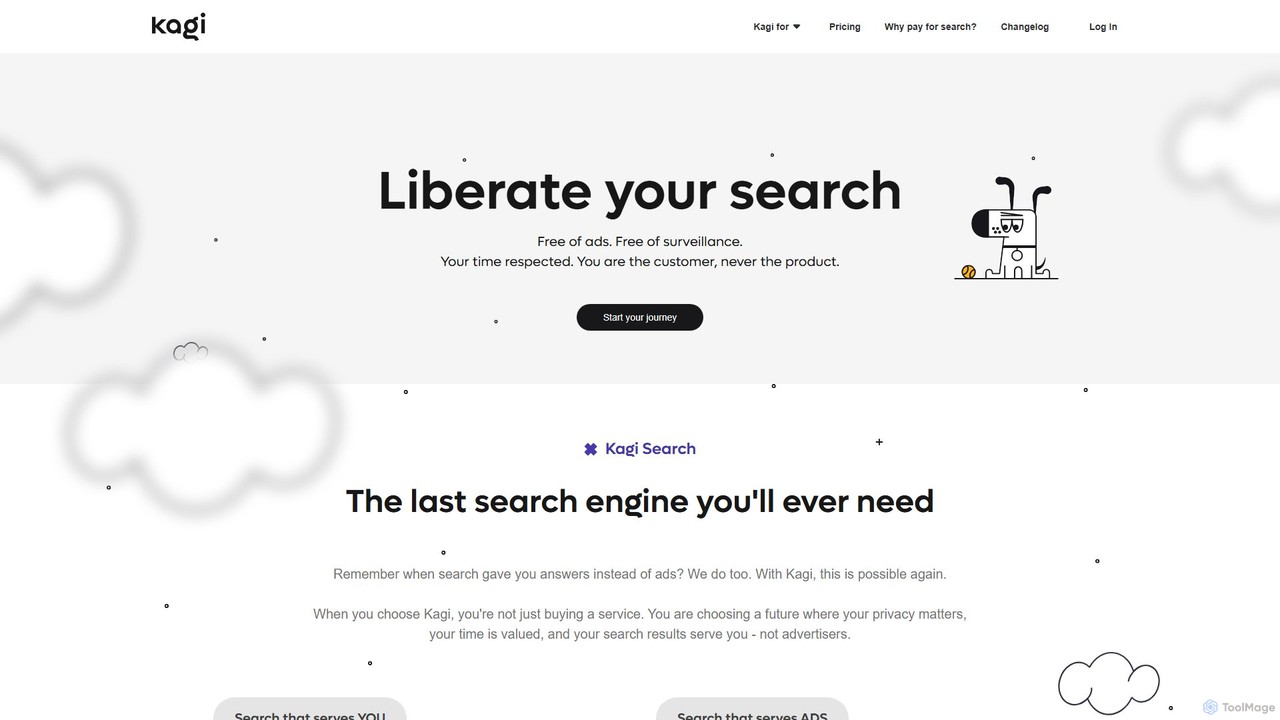
Kagi

Kagi is a premium, user-funded search engine that provides a 100% ad-free, private, and customizable search experience. It enhances productivity with high-quality, unbiased results and an integrated AI Assistant powered by leading large language models. Kagi puts users in control, allowing them to personalize search results and ensuring their data is never sold or used for advertising.

Ai Assistant
Visits 5.2MFavorites 151Likes 143

About Ai Assistant

AI Assistants are intelligent software tools designed to proactively support users by automating tasks, managing information, and providing personalized assistance across various digital environments. Unlike general AI chatbots that primarily engage in conversational Q&A, AI Assistants integrate deeply into workflows, learning user habits and preferences to anticipate needs and streamline operations. They leverage advanced natural language processing, machine learning, and contextual understanding to enhance productivity and simplify complex daily routines.

Core Features

  • Task Automation: Automatically schedules meetings, sets reminders, manages emails, and organizes files based on user commands or learned patterns.
  • Personalized Information Retrieval: Summarizes documents, extracts key data, and provides relevant information tailored to individual user context and preferences.
  • Workflow Integration: Seamlessly connects with other applications like calendars, project management tools, and communication platforms to synchronize data and actions.
  • Proactive Suggestions: Offers intelligent recommendations for content creation, decision-making, or next steps based on ongoing activities and historical data.
  • Natural Language Interaction: Understands and responds to complex voice or text commands, facilitating intuitive and efficient user interaction.

Applicable Scenarios

AI Assistants are invaluable for professionals seeking to optimize their daily operations, from busy executives managing packed schedules to content creators needing help with research and drafting. They are also widely adopted by small business owners for administrative support and by students for academic organization and study aid. These tools excel in environments where repetitive tasks consume significant time or where quick access to personalized, contextual information is critical.

How to Choose

When selecting an AI Assistant, consider its integration capabilities with your existing software ecosystem (e.g., Google Workspace, Microsoft 365). Evaluate the breadth and depth of its task automation features, ensuring it covers your most time-consuming routines. Assess its personalization and learning capabilities, as a truly effective assistant adapts to your unique working style. Finally, review its security protocols and data privacy policies, especially if handling sensitive information.

Ai Assistant use cases

1

Streamline Meeting Scheduling and Reminders

For busy professionals, an AI Assistant can take over the tedious process of coordinating meeting times. Users simply state their availability and the assistant automatically checks calendars, sends invitations, and sets reminders for all participants, significantly reducing administrative overhead and preventing scheduling conflicts. This frees up valuable time for more strategic tasks.

2

Intelligent Email Prioritization and Drafting

Marketing managers or customer support agents often face an overwhelming inbox. An AI Assistant can analyze incoming emails, prioritize urgent messages, draft responses based on common queries, and even summarize long threads. This ensures critical communications are addressed promptly, improving response times and maintaining professional correspondence standards without constant manual intervention.

3

Accelerate Research and Content Summarization

Content creators, researchers, and students can leverage AI Assistants to quickly gather and synthesize information. By providing a topic, the assistant can search multiple sources, extract key facts, and generate concise summaries or outlines. This dramatically cuts down research time, allowing users to focus on creative development and critical analysis rather than extensive data collection.

4

Proactive Daily Task and Project Oversight

Project managers and team leads can use AI Assistants to keep track of project milestones, assign tasks, and monitor progress. The assistant can send automated reminders for deadlines, flag potential bottlenecks, and even suggest resource reallocations based on project status. This ensures projects stay on track and teams remain productive, minimizing manual follow-ups.

5

Tailored Learning Path and Skill Development

Individuals aiming for continuous professional development can utilize AI Assistants to curate learning resources. Based on career goals and current skill sets, the assistant can recommend courses, articles, and tutorials, track progress, and even schedule study sessions. This provides a personalized learning journey, making skill acquisition more efficient and targeted.

6

Efficient Business Travel Planning and Logistics

For business travelers, an AI Assistant can manage complex itineraries. It can book flights and accommodations, arrange ground transportation, provide real-time updates on delays, and even suggest local amenities. By automating these logistical details, the assistant ensures a smoother travel experience, allowing the traveler to focus on their core business objectives.

Ai Assistant FAQ

What are AI Assistants?

AI Assistants are intelligent software programs designed to help users with a wide range of tasks by understanding natural language and learning from interactions. They go beyond simple chatbots by proactively managing schedules, automating routine tasks, providing personalized information, and integrating with various applications to streamline daily workflows and boost productivity.

How do AI Assistants differ from general AI Chatbots?

While both use AI, AI Assistants are more proactive and integrated into workflows, focusing on task automation, personalized support, and learning user habits to anticipate needs. General AI Chatbots, a broader category, are primarily conversational interfaces for answering questions or providing information on demand. Assistants aim to *do* things for you, whereas chatbots primarily *talk* to you.

What are the key benefits of using an AI Assistant?

The primary benefits include significant time savings through task automation (e.g., scheduling, email management), enhanced productivity by streamlining workflows, and access to personalized, context-aware information. They also help reduce cognitive load by handling repetitive tasks, allowing users to focus on more complex and creative work, ultimately leading to better decision-making and efficiency.

Can AI Assistants integrate with my existing tools?

Yes, integration capabilities are a core strength of many AI Assistants. They are often designed to connect seamlessly with popular productivity suites like Google Workspace, Microsoft 365, project management platforms (e.g., Asana, Trello), and communication apps (e.g., Slack, Teams). This allows them to synchronize data, automate actions across platforms, and provide a unified assistant experience.

What should I consider regarding data privacy when using an AI Assistant?

When using an AI Assistant, it's crucial to review its data privacy policy and security measures. Consider what data it collects, how it's stored, and whether it's used for training purposes. Opt for assistants that offer robust encryption, comply with relevant data protection regulations (like GDPR), and provide clear controls over your personal information to ensure your sensitive data remains secure.