ToolMage
Sign in

Best 2 Assistant for Ai Chatbots

Popular Assistant in Ai Chatbots include Texts and AI Pro Management, helping you work more efficiently.

Texts
Paid

Texts

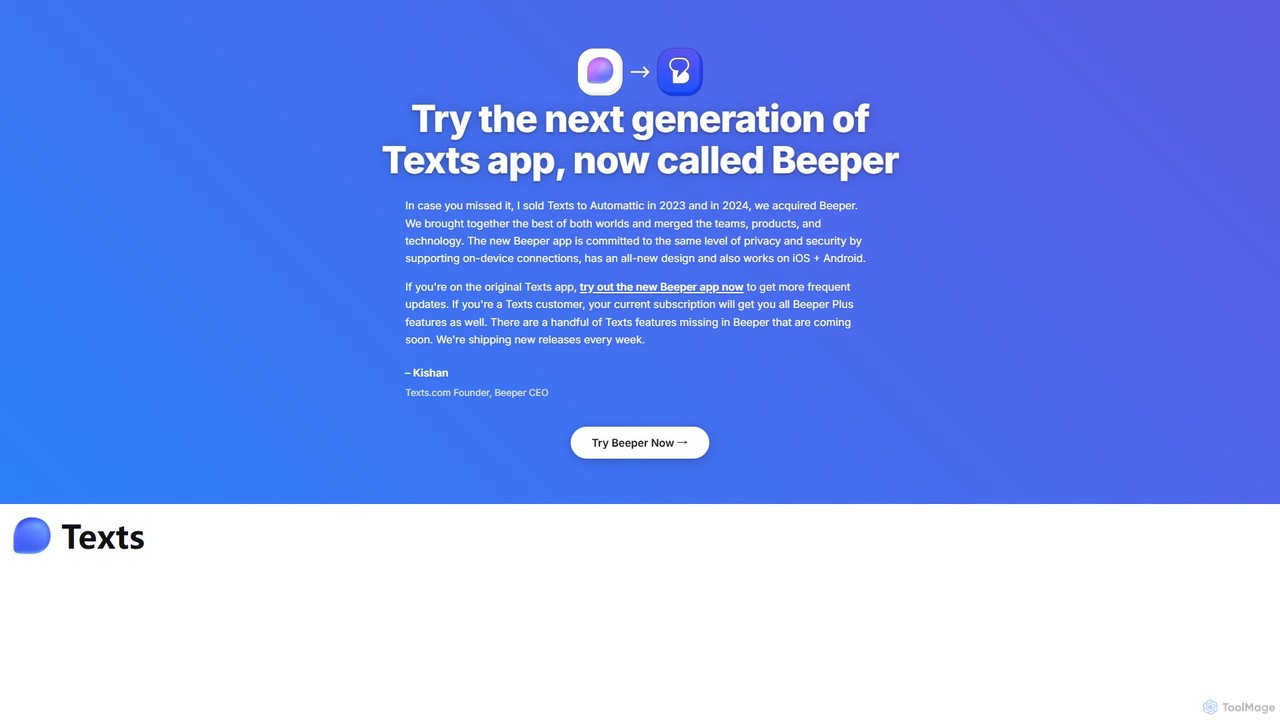
Texts is a unified messaging application that consolidates all your chats from iMessage, WhatsApp, Telegram, and more into a single, privacy-focused inbox. Boost your productivity with AI-powered features like chat summaries, response drafting, and real-time translation.

Assistant
Visits 65.3KFavorites 109Likes 124
AI Pro Management
Paid

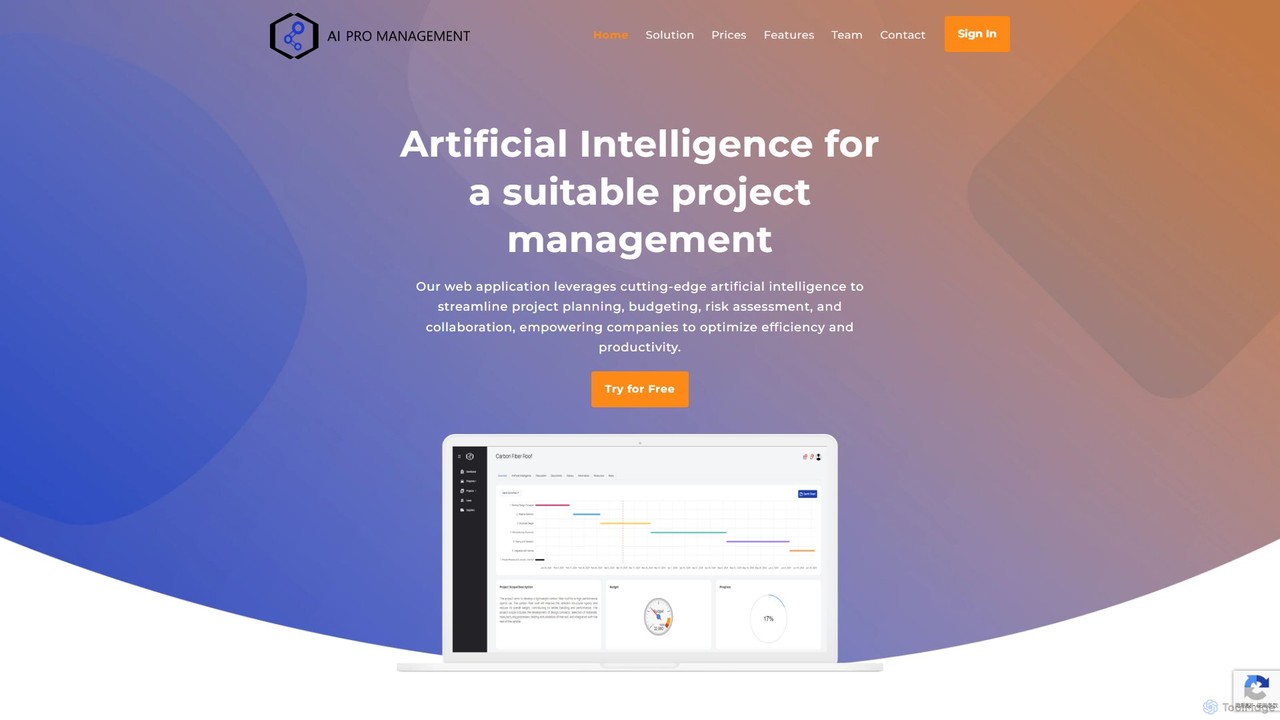
AI Pro Management

AI Pro Management is an advanced project management platform that leverages AI to streamline workflows. It features a GPT-4o powered chatbot for managing tasks, generating reports, and estimating costs, along with predictive algorithms for risk assessment and duration prediction. This tool enhances project efficiency, collaboration, and success through intelligent automation and data-driven insights, while prioritizing data security.

Assistant
Visits 4KFavorites 143Likes 140

About Assistant

AI Assistants are intelligent tools designed to proactively support users in various tasks, manage information, and enhance overall productivity. Leveraging advanced natural language processing and machine learning, these assistants understand context, automate routine actions, and provide personalized insights. They act as digital co-pilots, streamlining workflows and freeing up human capacity for more complex, creative work.

Core Features

  • Task Automation: Automate drafting emails, summarizing documents, scheduling appointments, and data entry.
  • Information Synthesis: Quickly extract, analyze, and summarize key information from large volumes of text or data.
  • Contextual Understanding: Adapt responses and actions based on the user's current project, communication history, and preferences.
  • Proactive Suggestions: Offer relevant insights, next steps, or resources without explicit prompting.
  • Integration Capabilities: Seamlessly connect with existing productivity apps like calendars, email clients, CRM, and project management tools.

Applicable Scenarios

Busy professionals utilize AI assistants to manage overflowing inboxes and complex schedules. Content creators employ them for rapid research, generating outlines, and drafting initial content. Researchers benefit from their ability to synthesize vast amounts of information, extracting key findings and identifying trends from academic papers or reports.

How to Choose

When selecting an AI Assistant, consider its specific task automation scope and how well it aligns with your daily workflow. Evaluate its integration ecosystem to ensure compatibility with your existing tools. Assess its personalization and learning capabilities for adaptability to your unique habits, and prioritize solutions with robust security and privacy features, especially for sensitive data.

Featured tool rankings

Assistant use cases

1

Automated Email Drafting & Response

Sales and marketing professionals can significantly reduce time spent on communication. By integrating with their email client, an AI assistant can draft personalized follow-up emails, compose quick replies to common inquiries, or summarize long email threads, allowing them to focus on strategic outreach rather than repetitive typing.

2

Meeting Summary & Action Item Extraction

Project managers and team leads can enhance meeting productivity. An AI assistant can attend virtual meetings, transcribe discussions, automatically summarize key decisions, and identify actionable items with assigned owners and deadlines, distributing a concise report to all participants post-meeting.

3

Research & Content Outline Generation

Content creators, journalists, and academic researchers can accelerate their preliminary work. An AI assistant can quickly scour the web or internal databases for relevant information, summarize lengthy articles, identify key themes, and generate structured outlines for blog posts, reports, or research papers, providing a solid starting point.

4

Data Analysis & Report Drafting

Business analysts and data scientists can streamline their reporting process. By feeding raw data or specific queries to an AI assistant, it can identify trends, generate basic statistical summaries, and even draft initial sections of a business report or presentation, highlighting crucial insights and saving hours of manual compilation.

5

Personalized Learning & Skill Development

Individuals seeking to upskill or learn new topics can leverage AI assistants as a personal tutor. The assistant can summarize complex educational materials, explain difficult concepts in simpler terms, suggest relevant learning resources, or even create personalized quizzes to test understanding, adapting to the user's learning pace and style.

6

Project Management & Task Delegation

Team leaders and entrepreneurs can simplify project oversight. An AI assistant can interpret conversational commands to break down large projects into smaller tasks, assign them to team members, set deadlines, and track progress. It can also send reminders and provide status updates, acting as a virtual project coordinator.

Assistant FAQ

What are AI Assistants?

AI Assistants are intelligent software tools that use artificial intelligence to help users perform various tasks, manage information, and improve productivity. Unlike general chatbots, they are often proactive, context-aware, and designed to automate specific workflows or provide personalized support, acting as a digital co-pilot in daily activities.

What are AI Assistants?

AI Assistants are intelligent software tools that use artificial intelligence to help users perform various tasks, manage information, and improve productivity. Unlike general chatbots, they are often proactive, context-aware, and designed to automate specific workflows or provide personalized support, acting as a digital co-pilot in daily activities.

How do AI Assistants differ from traditional chatbots?

AI Assistants are distinct from traditional chatbots primarily in their proactivity and task-oriented nature. While chatbots typically respond to direct queries for information or customer service, assistants often anticipate needs, automate complex tasks, and integrate deeply into workflows. They learn user preferences and context to offer personalized, ongoing support beyond simple Q&A.

How can I choose the best AI Assistant for my needs?

To choose the best AI Assistant, first identify your primary needs: what specific tasks do you want to automate or simplify? Evaluate its integration capabilities with your existing software (email, calendar, CRM). Consider its personalization features, security protocols for data handling, and pricing model. User reviews and ease of use are also important factors.

What tasks can an AI Assistant help me with?

AI Assistants can assist with a wide range of tasks, including drafting emails and documents, summarizing lengthy texts, scheduling meetings and managing calendars, conducting research and synthesizing information, generating content outlines, and even basic data analysis. Their capabilities often extend to automating repetitive administrative duties and providing proactive suggestions.

What tasks can an AI Assistant help me with?

AI Assistants can assist with a wide range of tasks, including drafting emails and documents, summarizing lengthy texts, scheduling meetings and managing calendars, conducting research and synthesizing information, generating content outlines, and even basic data analysis. Their capabilities often extend to automating repetitive administrative duties and providing proactive suggestions.

How can I choose the best AI Assistant for my needs?

To choose the best AI Assistant, first identify your primary needs: what specific tasks do you want to automate or simplify? Evaluate its integration capabilities with your existing software (email, calendar, CRM). Consider its personalization features, security protocols for data handling, and pricing model. User reviews and ease of use are also important factors.

How can I choose the best AI Assistant for my needs?

To choose the best AI Assistant, first identify your primary needs: what specific tasks do you want to automate or simplify? Evaluate its integration capabilities with your existing software (email, calendar, CRM). Consider its personalization features, security protocols for data handling, and pricing model. User reviews and ease of use are also important factors.

Are AI Assistants secure for sensitive information?

The security of AI Assistants for sensitive information varies by provider. Reputable AI assistant tools employ robust security measures such as end-to-end encryption, strict data privacy policies, and compliance with industry standards (e.g., GDPR, HIPAA). Always review the provider's security documentation and privacy policy to ensure it meets your requirements before entrusting sensitive data.

Are AI Assistants secure for sensitive information?

The security of AI Assistants for sensitive information varies by provider. Reputable AI assistant tools employ robust security measures such as end-to-end encryption, strict data privacy policies, and compliance with industry standards (e.g., GDPR, HIPAA). Always review the provider's security documentation and privacy policy to ensure it meets your requirements before entrusting sensitive data.