

UPDF Overview
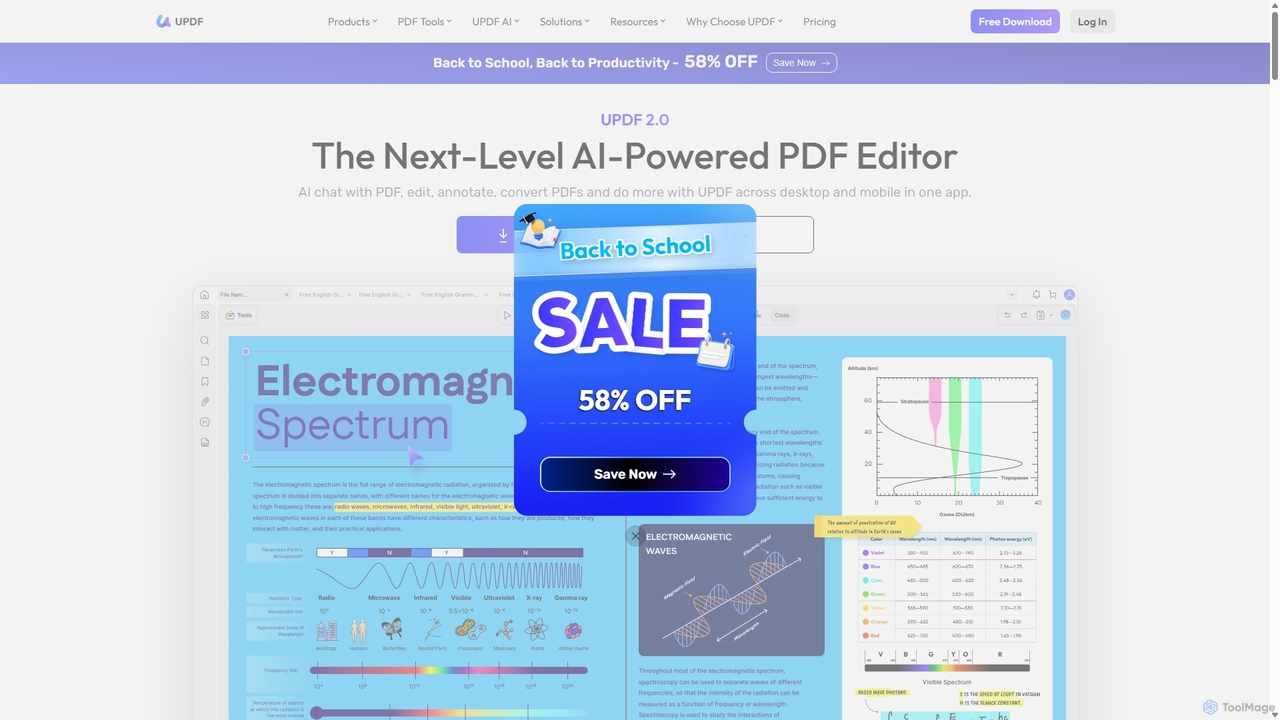
UPDF is a next-generation, AI-powered PDF editor designed to be a comprehensive solution for all your document management needs. It integrates advanced AI capabilities, powered by models like GPT-5 and DeepSeek, to revolutionize how you interact with PDFs. Whether you're a student, a professional, or part of a large enterprise, UPDF provides a powerful, intuitive, and cross-platform suite of tools to enhance productivity and streamline workflows. It goes beyond simple editing, offering features to read, annotate, convert, organize, and even have intelligent conversations with your documents.
How to use UPDF
Getting started with UPDF is straightforward. First, download and install the application on your desired device (Windows, macOS, iOS, or Android). You can open an existing PDF file or create a new one. The main interface is divided into intuitive modes like 'Comment', 'Edit PDF', and 'Organize Pages'.
To interact with the AI, simply open a document and click the 'UPDF AI' icon. You can then ask it to summarize the entire document, translate specific sections of text, or explain complex concepts. You can also enter a chat-based interface to ask direct questions about the content of the PDF. For editing, select the 'Edit PDF' mode to modify text, images, and links as if you were working in a word processor. Annotations like highlighting, adding notes, or drawing shapes are available in the 'Comment' mode. The tool also supports advanced features like drag-and-drop for adding images or extracting pages, and using hotkeys for faster navigation and actions.
Core Features of UPDF
- AI Assistant: Summarize long documents into concise points, translate text into multiple languages, explain complex terms, and chat with your PDFs to get instant answers. It can also transform PDF content into mind maps for better visualization.
- Comprehensive PDF Editing: Edit text, images, and links directly within your PDF. You can add new content, correct typos, or replace images with ease.
- Advanced Annotation and Markup: A full suite of annotation tools including highlighting, underlining, strikethrough, sticky notes, text boxes, shapes, stamps, and stickers. You can also add legally binding electronic and digital signatures.
- Powerful PDF Conversion: Convert PDFs to and from various formats, including Word, Excel, PowerPoint, images (JPEG, PNG), HTML, and text, while retaining the original layout and formatting.
- OCR (Optical Character Recognition): Turn scanned PDFs or images into fully editable and searchable documents with high accuracy, supporting multiple languages.
- Page Organization: Effortlessly manage PDF pages by reordering, rotating, inserting, extracting, splitting, or deleting them.
- Form Creation and Filling: Create interactive PDF forms with text fields, checkboxes, and buttons, or fill out and sign existing forms digitally.
- Robust Security: Protect your documents with password encryption, add watermarks to prevent unauthorized use, and redact sensitive information permanently.
- Cross-Platform Syncing: With a single license, use UPDF on up to 4 devices (2 desktop, 2 mobile) and keep your files synced across platforms with UPDF Cloud storage.
Use Cases for UPDF
For Students and Researchers: Quickly summarize lengthy academic papers, translate research from foreign languages, annotate lecture notes with highlights and comments, and create mind maps to organize study materials.
For Business Professionals: Edit reports and proposals, collaborate on documents by adding comments and feedback, sign contracts with e-signatures, redact confidential data before sharing, and convert PDFs into editable formats for presentations.
For Legal and Administrative Staff: Use OCR to digitize paper documents, compare two versions of a PDF to spot differences, add watermarks for document protection, and organize large case files by merging or splitting PDFs.
Advantages of UPDF
UPDF stands out as a cost-effective yet powerful alternative to other premium PDF editors. Its primary advantage is the deep integration of AI, which transforms static documents into interactive knowledge bases. The all-in-one nature of the tool eliminates the need for multiple software for converting, editing, and reading PDFs. Its lightning-fast performance and user-friendly interface make complex tasks simple. Furthermore, the cross-platform availability and cloud sync ensure that you can work on your documents anytime, anywhere, on any device.
Pricing and Plans
UPDF operates on a freemium model, offering a free version with basic features and some limitations (e.g., watermarks on saved files, limited conversions).
- UPDF Pro (Individuals): Available as a Yearly subscription or a one-time Lifetime purchase. This plan unlocks all PDF editing features, removes all trial limitations, and includes cloud storage (10GB for Yearly, 2GB for Lifetime).
- AI Assistant Add-on: This can be purchased as a yearly subscription and added to a Pro plan. It unlocks unlimited AI features, including summarizing, translating, and chatting with an unlimited number of documents.
- Enterprise Plan: Designed for teams and businesses, this plan offers volume licensing, a dedicated license management dashboard, enhanced cloud storage (20GB+), commercial use rights, and dedicated support. It is available in both Yearly and Lifetime options.
- Education Discount: Students and educators can receive a significant discount on the Pro plans.
All paid plans come with a 30-day money-back guarantee.
Traffic
Latest traffic
Status
Monthly traffic trend
- 2025-9: 1.6M
- 2026-1: 1.6M
- 2026-2: 1.2M
- 2026-3: 1.1M
- 2026-4: 1.0M
- 2026-5: 1.1M
Geography
Top 5 countries / regions
- 🇧🇷Brazil24.3%
- 🇺🇸United States20.3%
- 🇰🇷South Korea19.1%
- 🇫🇷France19.0%
- 🇮🇹Italy17.3%
Traffic sources
| Source type | Percentage |
|---|---|
Direct | 65.6% |
Referral | 31.2% |
Email | 3.2% |
Top keywords
| Keyword | Cost per click |
|---|---|
| annas archive | $0.47 |
| deepseek | $0.45 |
| parafrase ai | $0.11 |
| updf | $1.32 |
| updf ai | $1.10 |
UPDF Videos on YouTube

David's Review Roundup




Grégory Beyrouti

Federico Zappaterra, PhD
UPDF Alternatives
PDFflex
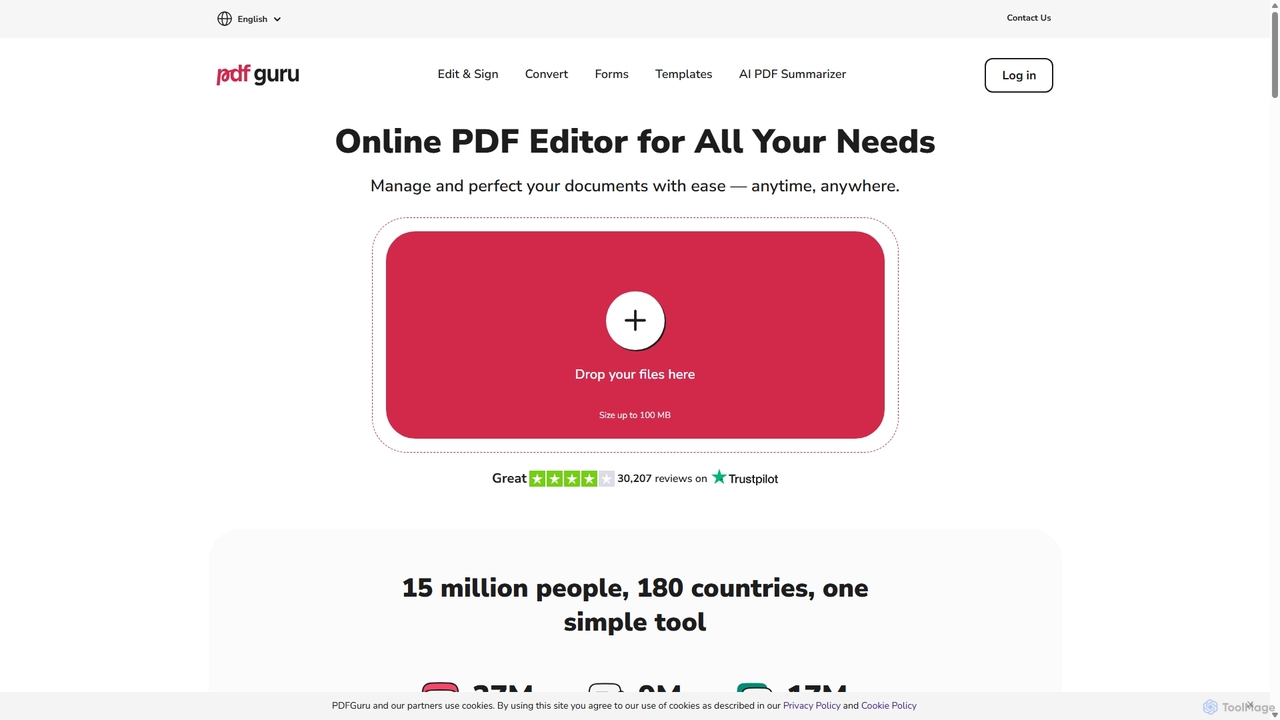
PDFflex is a comprehensive, all-in-one online platform for managing PDF documents. It allows users to edit, convert, merge, split, and sign PDFs with ease. Featuring an intuitive interface and robust security, PDFflex also incorporates AI-powered tools like OCR for scanned documents and summarizers for long texts. It supports a vast range of file formats, making it a versatile solution for both personal and professional use, accessible from any browser without installation.
Summarizer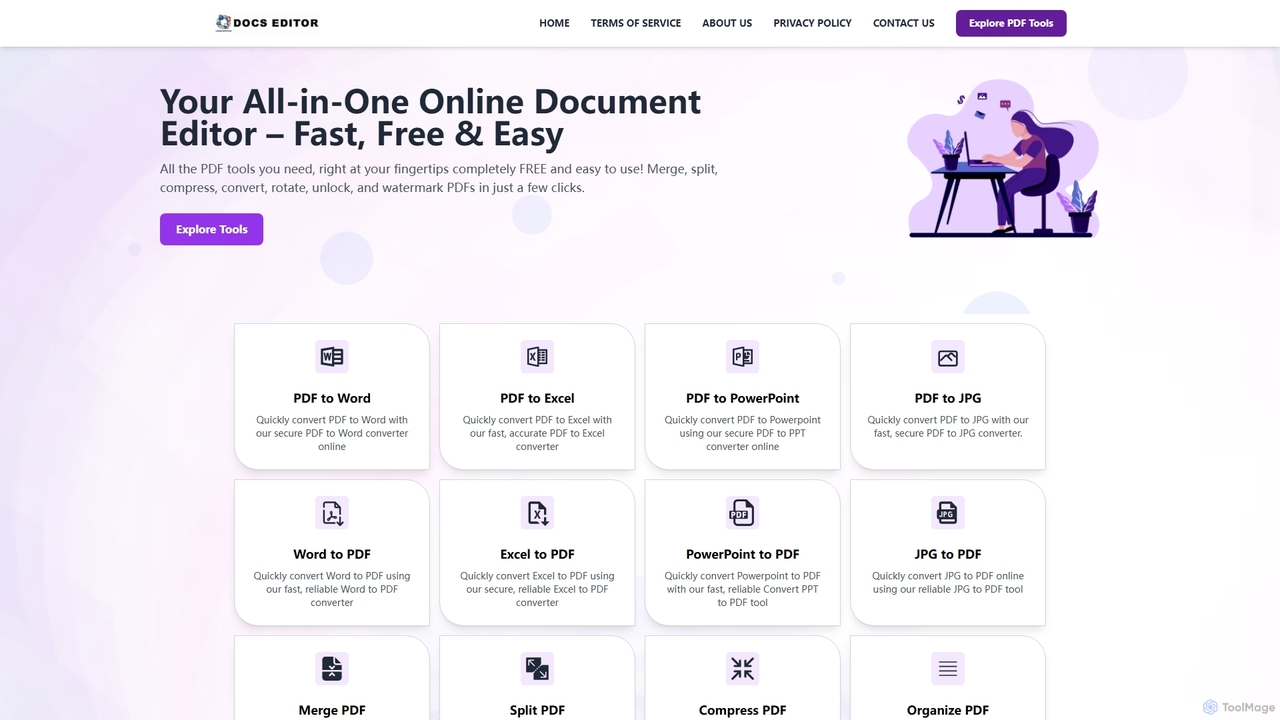
Docseditor
Docseditor is a comprehensive, free online document toolkit for all your PDF needs. It allows users to effortlessly edit, convert, merge, split, compress, sign, and manage PDF files directly in their browser without any installation.
Document Management
Docbot
Docbot is an AI-powered tool that transforms your documents, websites, and texts into interactive chatbots. Upload various file formats to create a personalized knowledge base, ask questions in natural language, and collaborate by sharing your bots with friends, family, or teams. It's a mobile-first platform designed for easy information retrieval and sharing.
Knowledge Base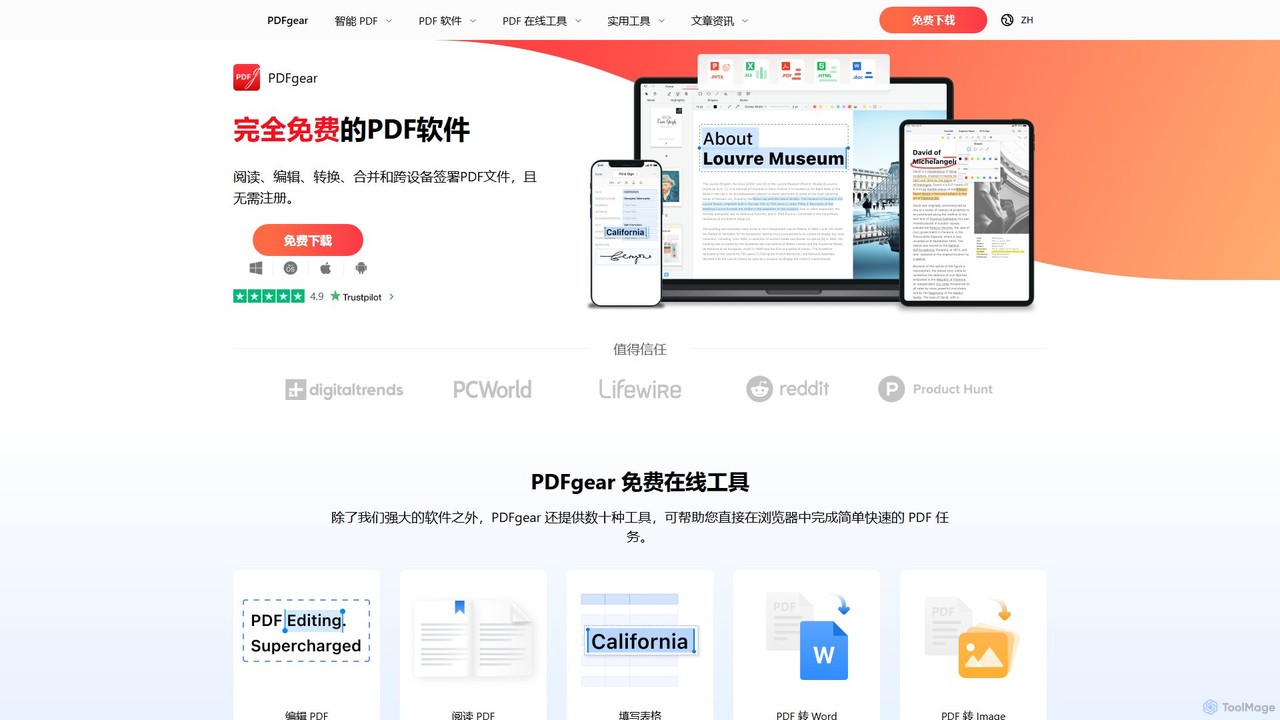
PDFgear
PDFgear is a completely free, AI-powered PDF editor and management suite. It integrates a ChatGPT-based Copilot to chat with, summarize, and analyze your documents. It offers comprehensive features like editing, converting, OCR, and signing across all platforms (Windows, macOS, iOS, Android) and online.
Document Analysis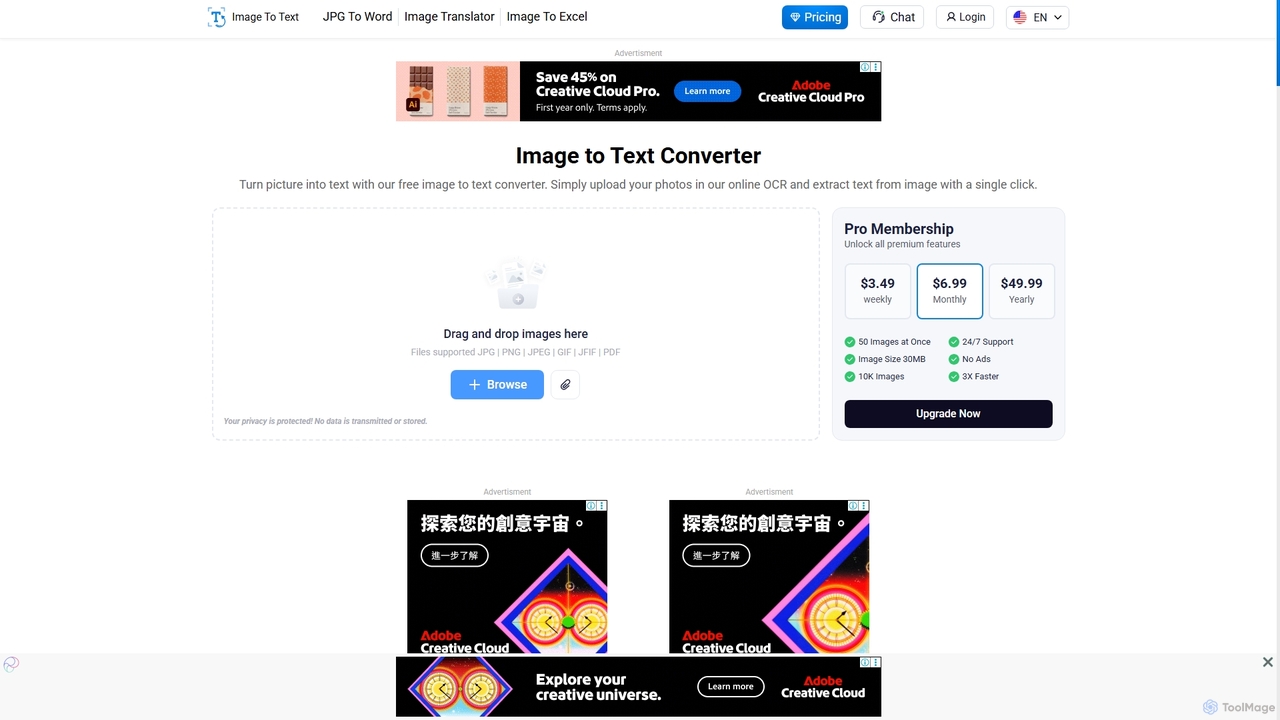
Imagetotext.io
A powerful online OCR tool that accurately converts images into editable text. It supports various formats, multiple languages, and even extracts text from low-resolution images and mathematical equations. Ideal for students, professionals, and anyone needing to digitize documents quickly and for free.
Study ToolsUPDF Categories
UPDF Jobs
UPDF Embed Widget
Copy this embed code to place the badge on your blog, article, or product site and send readers directly to this ToolMage detail page.

Related AI tools
PDFflex
PDFflex is a comprehensive, all-in-one online platform for managing PDF documents. It allows users to edit, convert, merge, split, and sign PDFs with ease. Featuring an intuitive interface and robust security, PDFflex also incorporates AI-powered tools like OCR for scanned documents and summarizers for long texts. It supports a vast range of file formats, making it a versatile solution for both personal and professional use, accessible from any browser without installation.
SummarizerDocseditor
Docseditor is a comprehensive, free online document toolkit for all your PDF needs. It allows users to effortlessly edit, convert, merge, split, compress, sign, and manage PDF files directly in their browser without any installation.
Document Management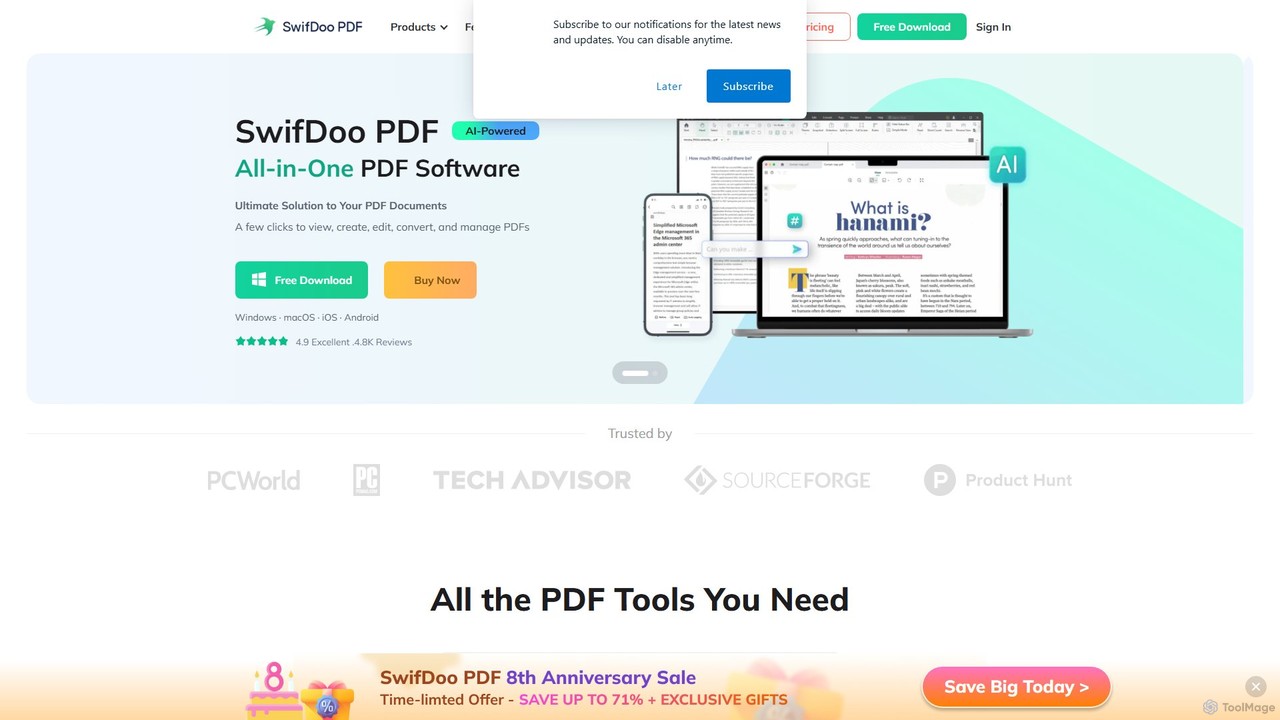
SwifDoo PDF
SwifDoo PDF is an all-in-one, AI-powered PDF software for effortless document management. It allows users to create, edit, convert, merge, compress, and sign PDF files. With integrated AI features, you can summarize, translate, proofread, and chat with your documents. Available on Windows, macOS, iOS, and Android, it offers a lightweight yet powerful solution for both individual and business users.
Document Signing
UPDF AI
UPDF AI is a powerful AI assistant integrated into the UPDF editor, designed to revolutionize how you interact with PDF documents. It allows you to chat with your PDFs, get instant summaries, translate entire documents or selected text, explain complex data, and even convert dense content into visual mind maps. Available on Windows, macOS, iOS, Android, and the web, it streamlines workflows for students, researchers, and professionals by making document comprehension and analysis faster and more efficient.
Research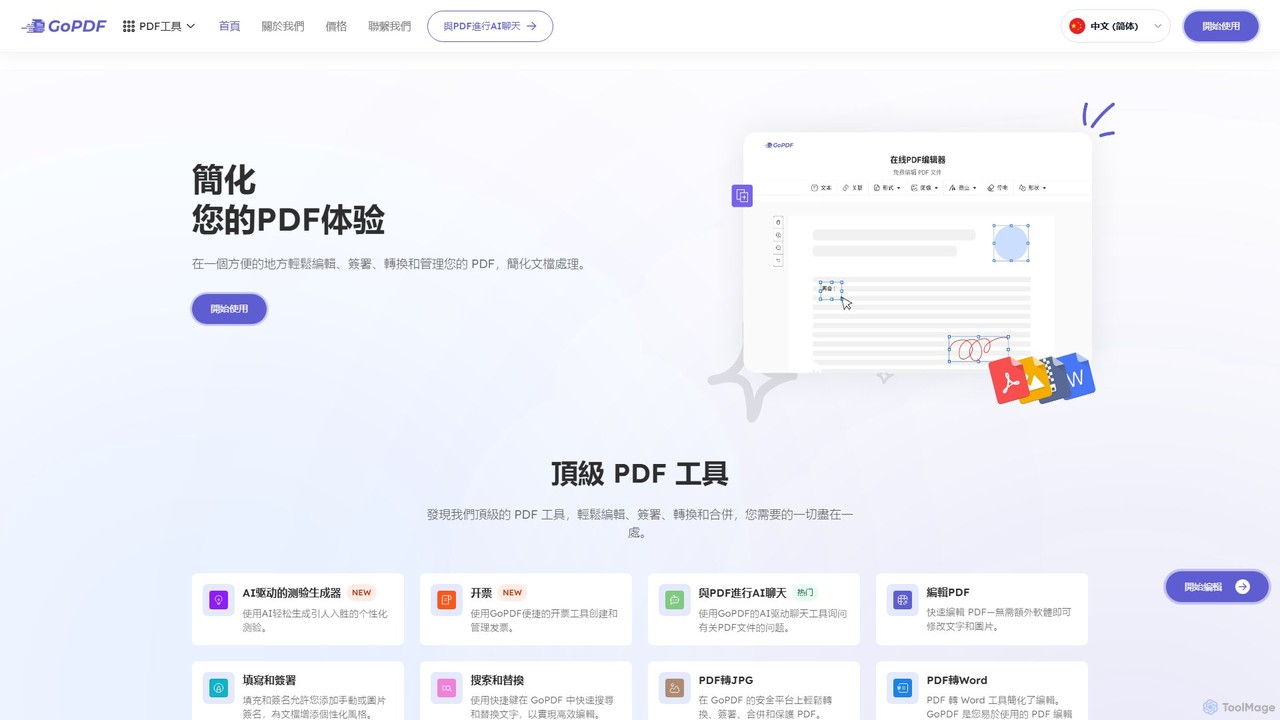
GoPDF
GoPDF is an AI-powered, all-in-one online PDF solution. It allows users to easily edit, convert, sign, merge, compress, and interact with PDF documents through an intuitive web interface and mobile app. AI features enable users to chat with their documents for quick summaries and answers.
Chat With Document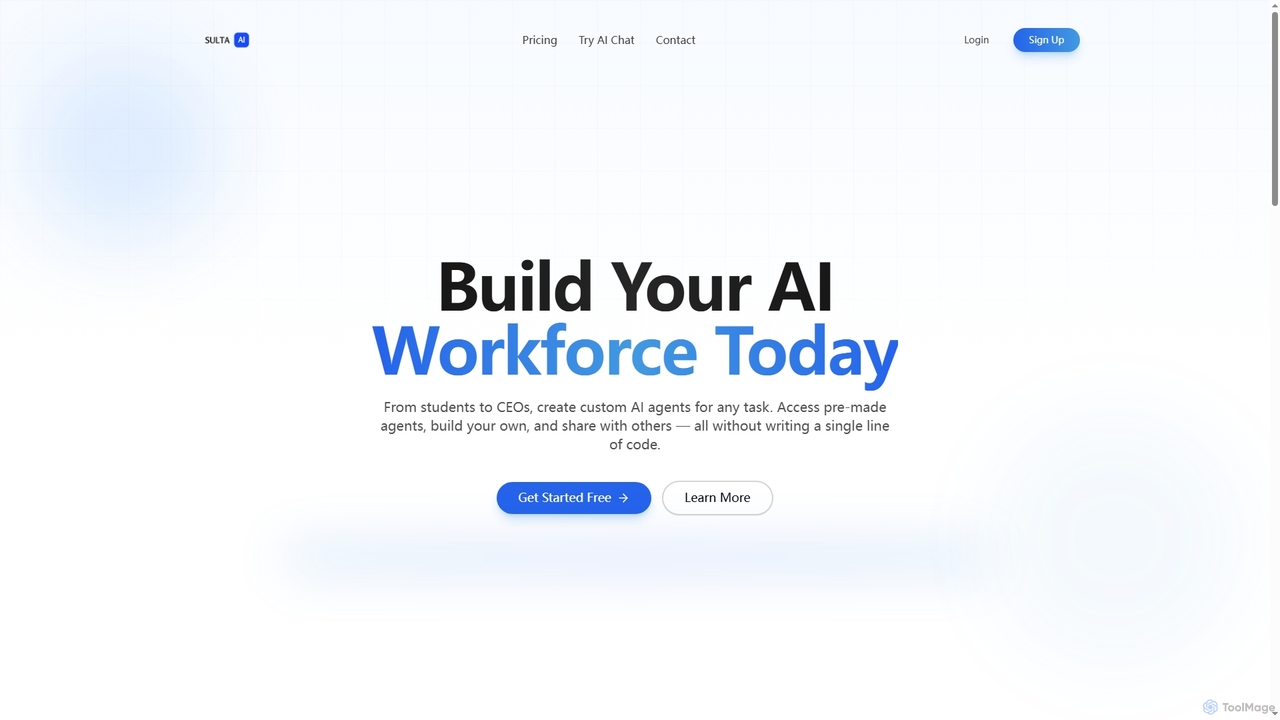
Sulta AI
Sulta AI is a no-code platform empowering users to build and deploy custom AI agents for any task, from student research to business operations. It offers a rich library of pre-built agents, community sharing, and data training capabilities to revolutionize individual and team workflows without writing a single line of code.
Content Generation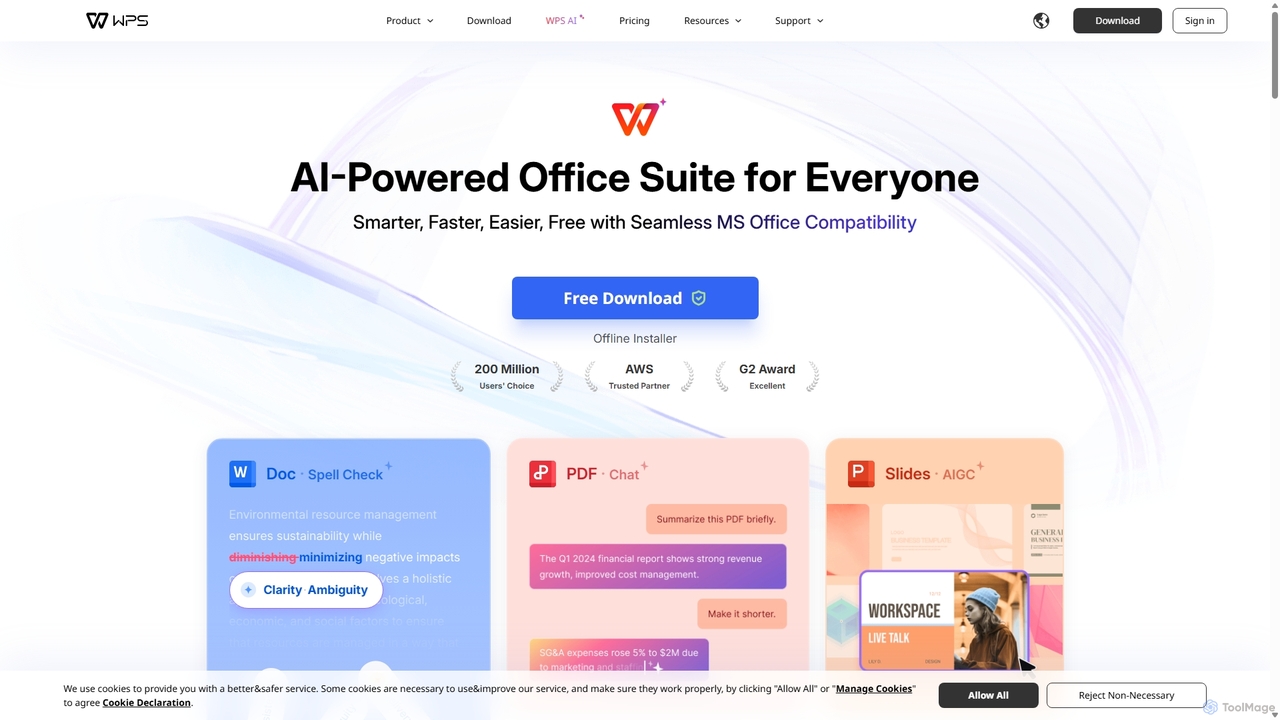
WPS Office
WPS Office is an AI-powered, all-in-one office suite offering a free and lightweight alternative to Microsoft Office. It integrates Writer, Spreadsheet, Presentation, and PDF tools with advanced AI features like content generation, spell checking, PDF summarization, and one-click presentation creation. With seamless MS Office compatibility and cross-platform support, it boosts productivity for individuals and teams.
Presentation GeneratorPDFgear
PDFgear is a completely free, AI-powered PDF editor and management suite. It integrates a ChatGPT-based Copilot to chat with, summarize, and analyze your documents. It offers comprehensive features like editing, converting, OCR, and signing across all platforms (Windows, macOS, iOS, Android) and online.
Document Analysis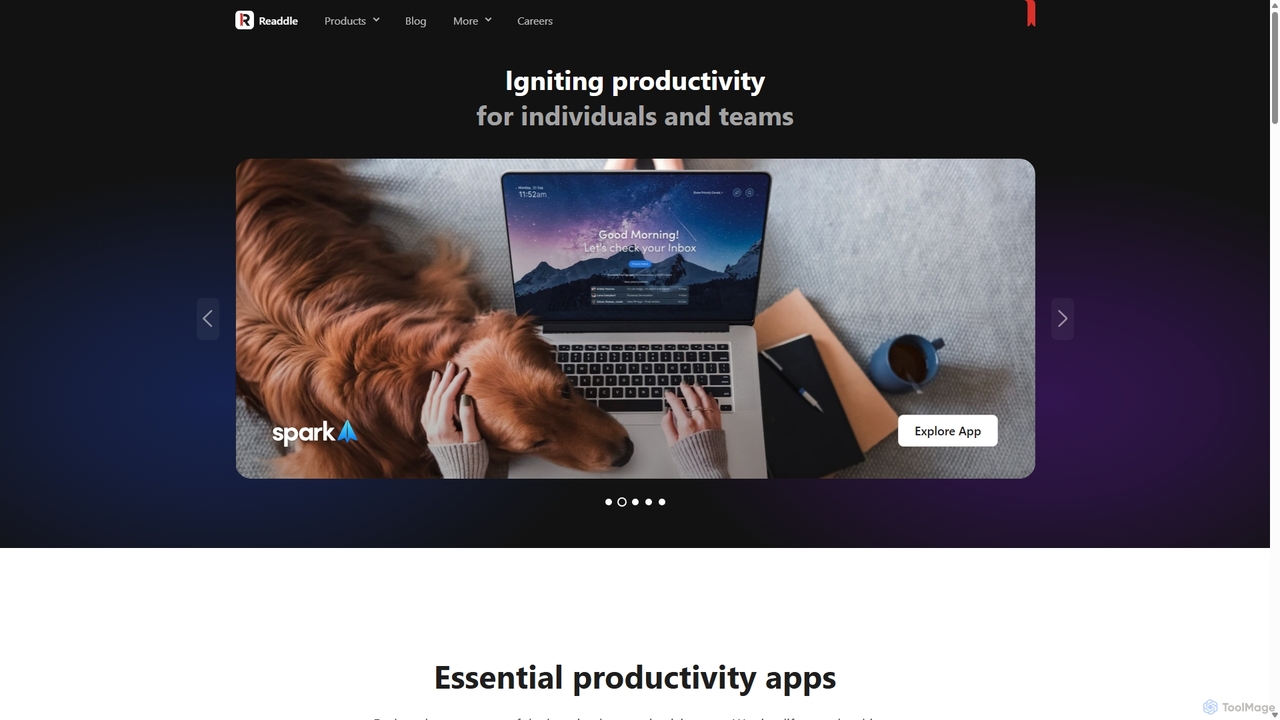
Readdle
Readdle is a leading developer of a suite of award-winning productivity apps for iPhone, iPad, and Mac. Its ecosystem, including PDF Expert, Spark, Calendars, and Scanner Pro, is designed to streamline workflows, enhance efficiency, and simplify digital life for millions of individuals and teams worldwide. By integrating advanced technology like AI, Readdle's apps provide powerful solutions for document management, email, scheduling, and more.
Workflow Automation
Wondershare
Wondershare offers a comprehensive suite of AI-powered creative and productivity software. From the industry-leading Filmora video editor to the intelligent PDFelement and versatile Edraw diagramming tools, Wondershare empowers creators, professionals, and students to bring their ideas to life. Its integrated AI features streamline workflows, automate complex tasks, and unlock new creative possibilities in video, document management, and visual communication.
Diagramming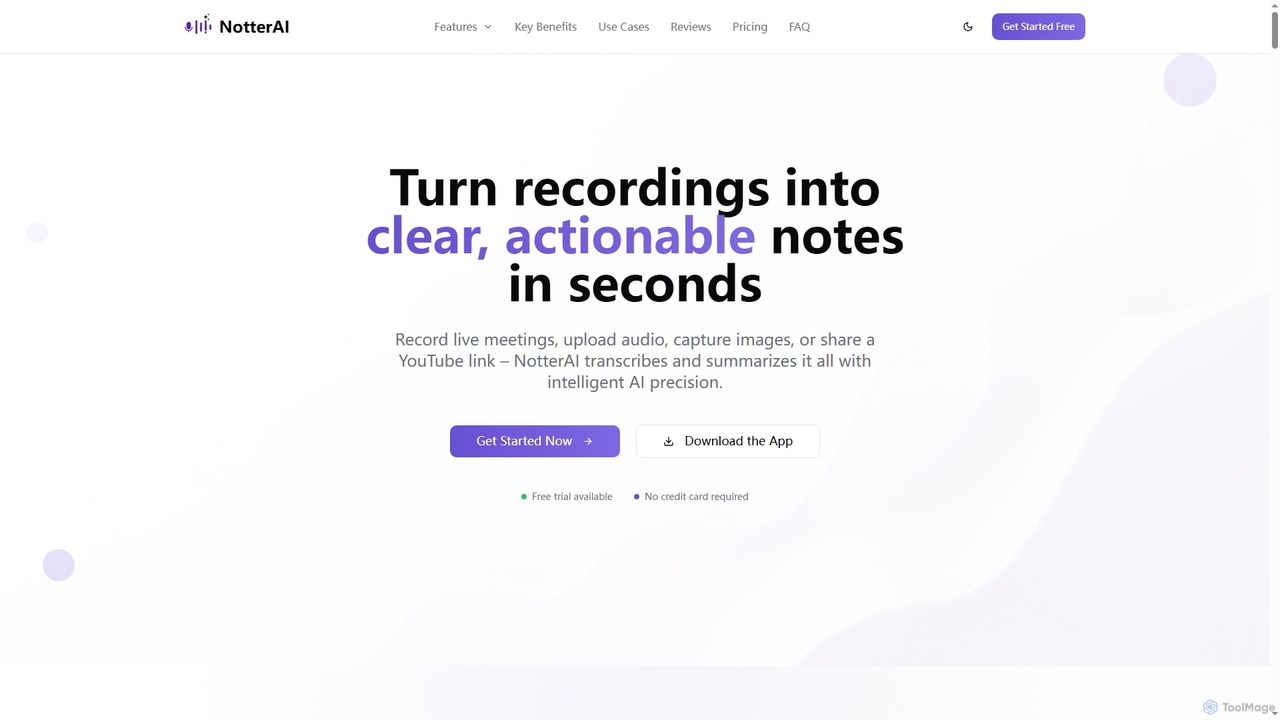
Notterai
Notterai is an AI-powered note-taker that transforms recordings, audio files, images, PDFs, and even YouTube videos into clear, actionable notes. It offers real-time transcription, intelligent summaries, and multi-language support to boost productivity for students, professionals, and creators.
Study Tools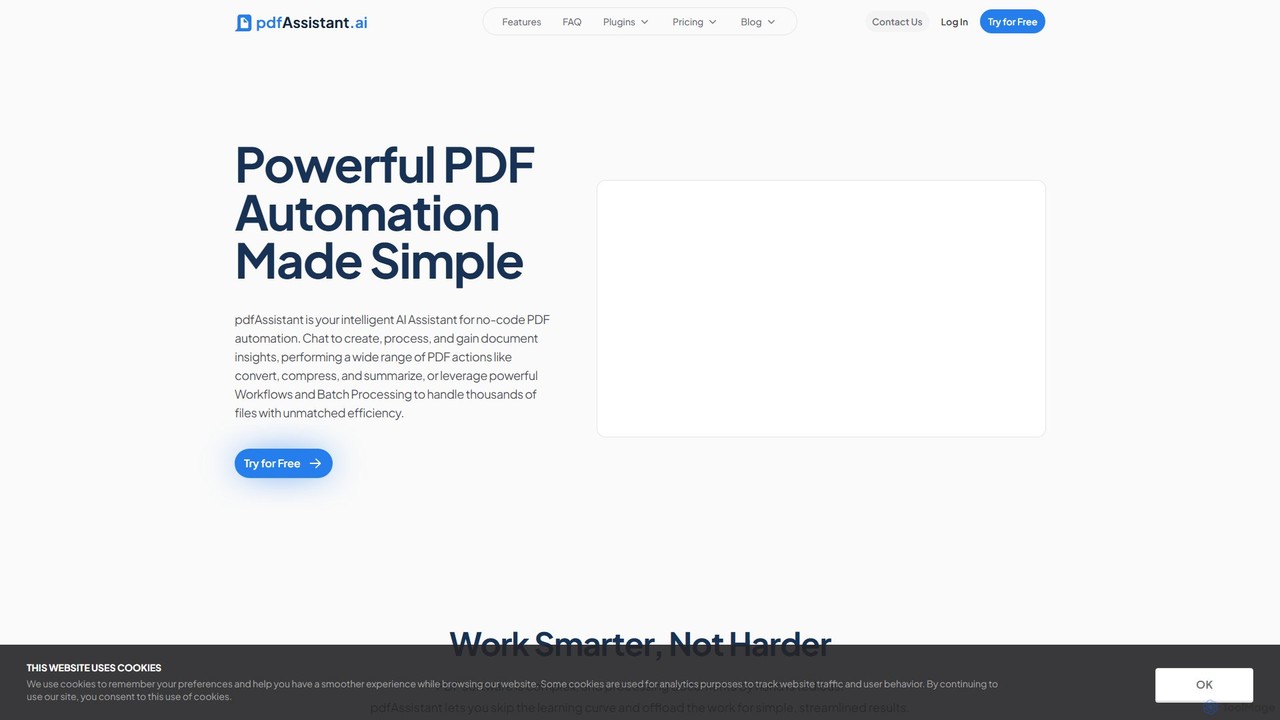
pdfAssistant.ai
pdfAssistant.ai is an intelligent, no-code platform for PDF automation. Use its intuitive chat interface to create, convert, compress, summarize, and manage PDFs with simple natural language commands. Automate complex, multi-step tasks with Workflows and process thousands of files efficiently using Batch Processing.
Automation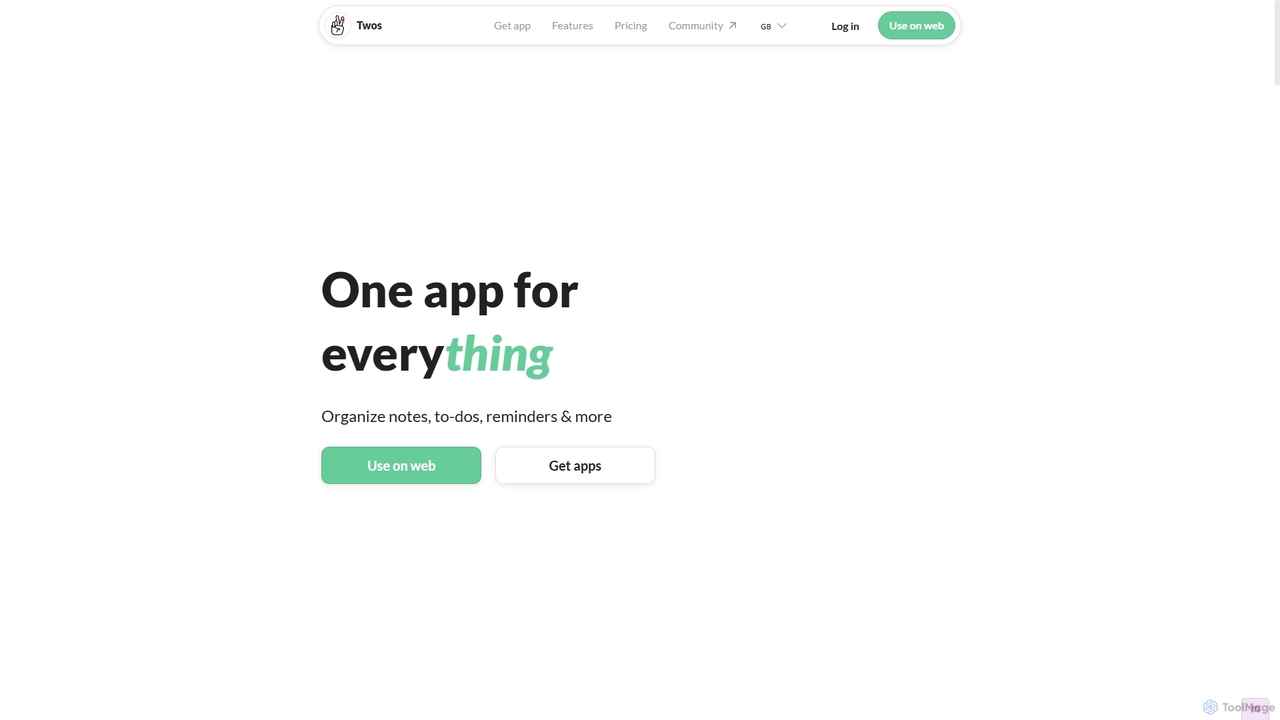
Twos
Twos is an all-in-one productivity app powered by AI that helps you organize notes, to-dos, reminders, lists, and calendar events in one simple place. Capture thoughts quickly as "things" and let the AI assistant, PALs, provide smart suggestions to help you stay organized and productive across all your devices.
Note Taking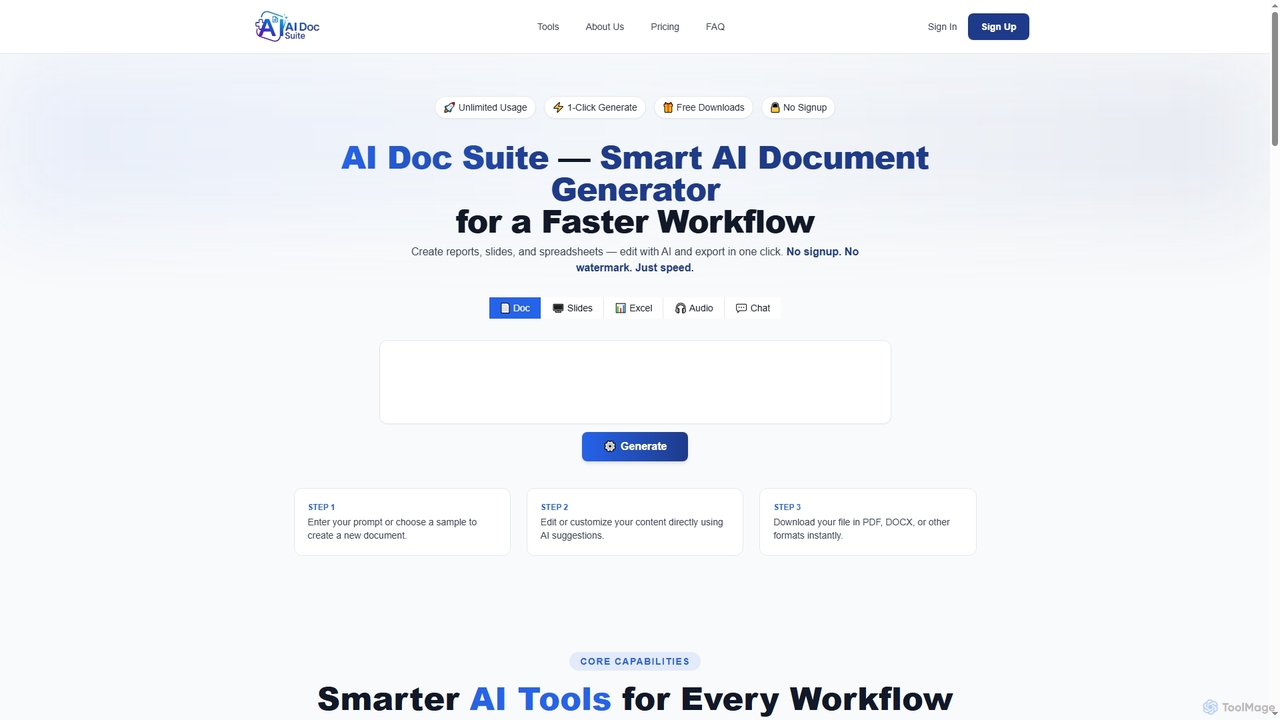
AI Doc Suite
AI Doc Suite is an advanced, browser-based AI workspace for creating, editing, and converting professional documents, slides, spreadsheets, audio, images, and videos. It streamlines content generation with intelligent automation and customizable templates, offering a comprehensive solution for various creative and business needs.
Document Sharing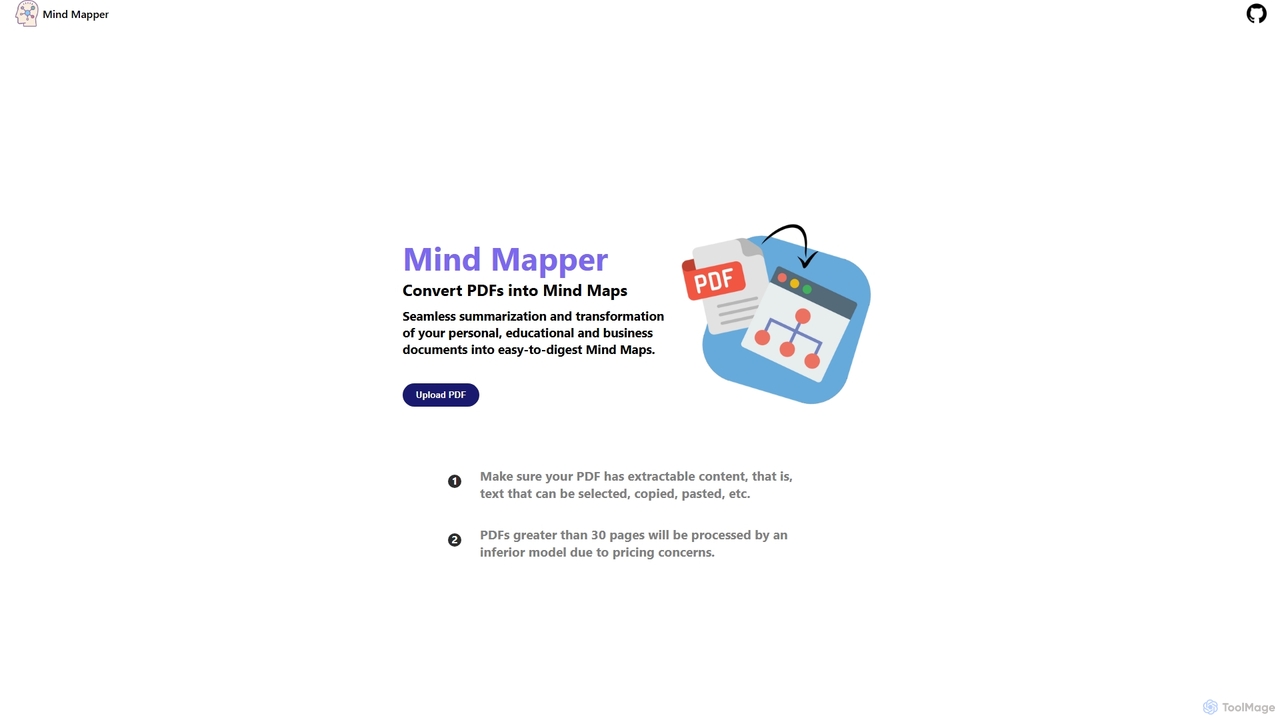
MindmapAI
MindmapAI is an AI-powered tool that transforms PDF documents into clear, structured mind maps. Using Google's Gemini AI, it automatically summarizes and visualizes complex information, making it ideal for students, researchers, and professionals to quickly grasp key concepts from dense texts.
Document Management
UPDF Comments (0)
Sign in to comment.
Sign inNo comments yet.