GoPDF
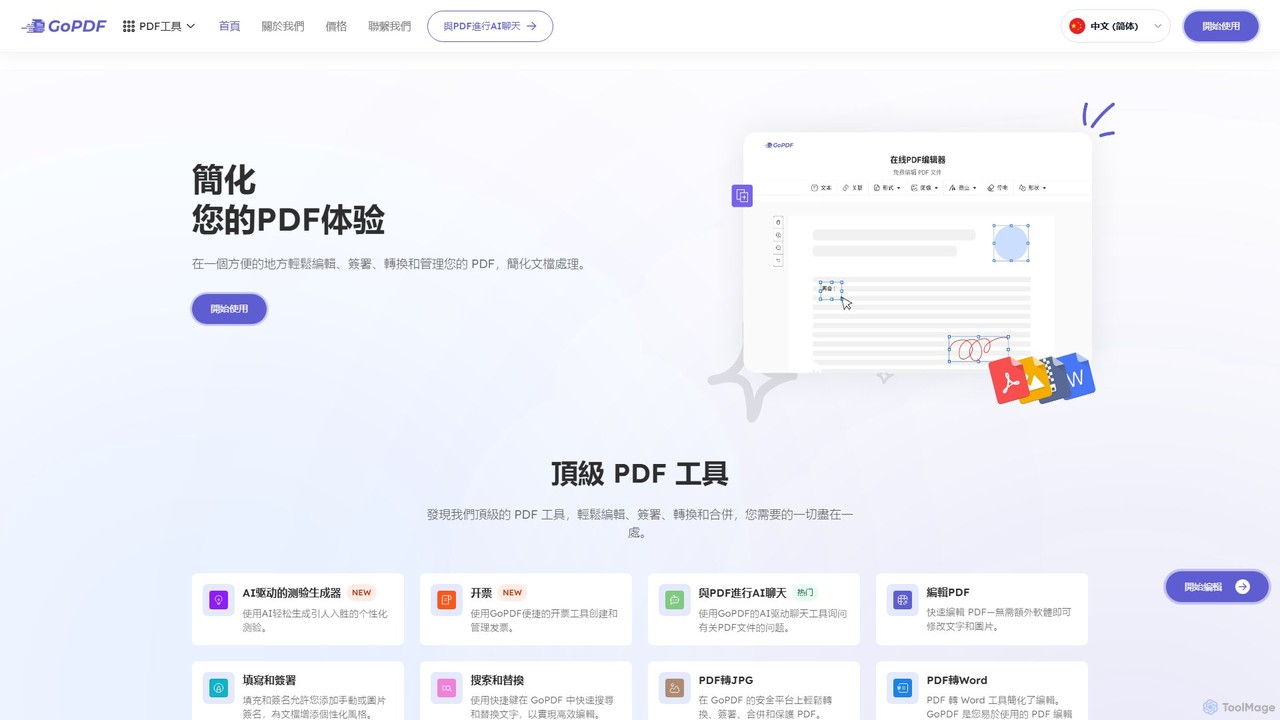
GoPDF is an AI-powered, all-in-one online PDF solution. It allows users to easily edit, convert, sign, merge, compress, …
GoPDF is an AI-powered, all-in-one online PDF solution. It allows users to easily edit, convert, sign, merge, compress, and interact with PDF documents through an intuitive web interface and mobile app. AI features enable users to chat with their documents for quick summaries and answers.
About Chat With Document
Chat With Document tools are AI applications that enable users to have interactive, conversational exchanges with their files. These tools utilize Large Language Models (LLMs) combined with Retrieval-Augmented Generation (RAG) to comprehend the content of documents such as PDFs, Word files, and presentations. This allows users to ask specific questions, extract key information, and generate summaries directly from the source material without manual reading. Unlike general AI chatbots, their responses are grounded in the provided documents, ensuring high accuracy and contextual relevance.
Core Features
- Conversational Q&A: Ask questions in natural language and receive precise answers extracted from the document's content.
- Source-Cited Responses: Get answers that include direct quotes and page number references, allowing for easy verification.
- Multi-Document Analysis: Upload and chat with a collection of documents simultaneously to synthesize information across multiple sources.
- Automated Summarization: Generate concise summaries of entire documents or specific sections to grasp key points quickly.
- Broad Format Support: Process a wide range of file types, including PDF, DOCX, PPTX, TXT, and sometimes spreadsheets or images.
Use Cases
These tools are widely used by professionals and students who handle text-heavy documents. For example, legal professionals use them to quickly review contracts for specific clauses. Researchers and academics analyze scholarly articles and papers to accelerate literature reviews. Business analysts extract insights from financial reports and market research without sifting through hundreds of pages.
How to Choose
When selecting a Chat With Document tool, consider the following: data security and privacy policies, especially for sensitive information. Evaluate the accuracy of its information retrieval and the quality of its source citations. Check the supported file formats, size limits, and multi-language capabilities. Finally, compare pricing models, whether it's a subscription, pay-per-document, or based on usage.

Chat With DocumentUse Cases
Accelerate Academic Research and Study
A graduate student is writing a literature review for their thesis, facing dozens of dense academic papers. Instead of spending days reading each one, they upload the papers into a Chat With Document tool. They can then ask specific questions like, 'What was the sample size in this study?' or 'Summarize the key findings related to social impact.' The tool provides instant, source-cited answers, allowing the student to quickly synthesize information, identify research gaps, and build their arguments, reducing research time by over 70%.
Streamline Legal Document Review
A paralegal at a law firm needs to review a 200-page contract to identify all clauses related to intellectual property rights and termination conditions. This task would typically take several hours of careful reading. By using a Chat With Document tool, they upload the contract and ask, 'List all clauses that mention intellectual property' and 'What are the conditions for contract termination?' The AI scans the document in seconds and presents the relevant sections with page numbers, ensuring accuracy and freeing up the paralegal to focus on higher-value legal analysis.
Extract Insights from Financial Reports
A financial analyst needs to quickly understand the performance of a competitor by analyzing their latest quarterly report. The report is a dense 80-page PDF filled with tables and text. The analyst uploads the report to a Chat With Document tool and asks direct questions like 'What was the total revenue for Q3?' and 'Compare the R&D spending this quarter to the same quarter last year.' The tool extracts the precise figures, even from tables, and provides them instantly. This allows the analyst to quickly gather data points for their financial model, saving significant time on manual data extraction.
Query Technical Manuals for Troubleshooting
A customer support agent receives a query about a complex product malfunction. Instead of manually searching a 500-page technical manual, the agent uploads it to a Chat With Document tool. They type in the customer's issue, such as 'Error code 501 on model X,' and the AI instantly locates the relevant troubleshooting steps, required tools, and safety warnings. This enables the agent to provide a fast, accurate, and comprehensive solution to the customer, significantly improving first-call resolution rates and customer satisfaction.
Interact with Corporate Knowledge Bases
A new employee needs to find information about the company's reimbursement policy. Instead of navigating a complex intranet or asking colleagues, they access a knowledge base powered by a Chat With Document tool. This knowledge base contains all HR policies, guides, and internal memos. The employee simply asks, 'What is the daily limit for meal expenses on business trips?' The system instantly provides the exact policy details and links to the relevant section in the official HR document, enabling self-service and ensuring consistent, accurate information delivery.
Synthesize Market Research from Multiple Reports
A product manager is tasked with analyzing market trends for a new product launch. They have three different industry reports, each over 50 pages long. Using a multi-document analysis feature, they upload all three reports at once. They can then ask comparative questions like, 'According to all sources, what is the projected market growth rate for the next five years?' or 'What are the common risks identified across these reports?' The tool synthesizes information from all documents, providing a consolidated answer and highlighting where each piece of information came from, enabling a comprehensive analysis in a fraction of the time.