Ai Best in category 2 results Ai App Builders AI Tool

Popular AI tools in the Ai App Builders field of Ai include Momen、DronaHQ, etc., helping you quickly improve efficiency.

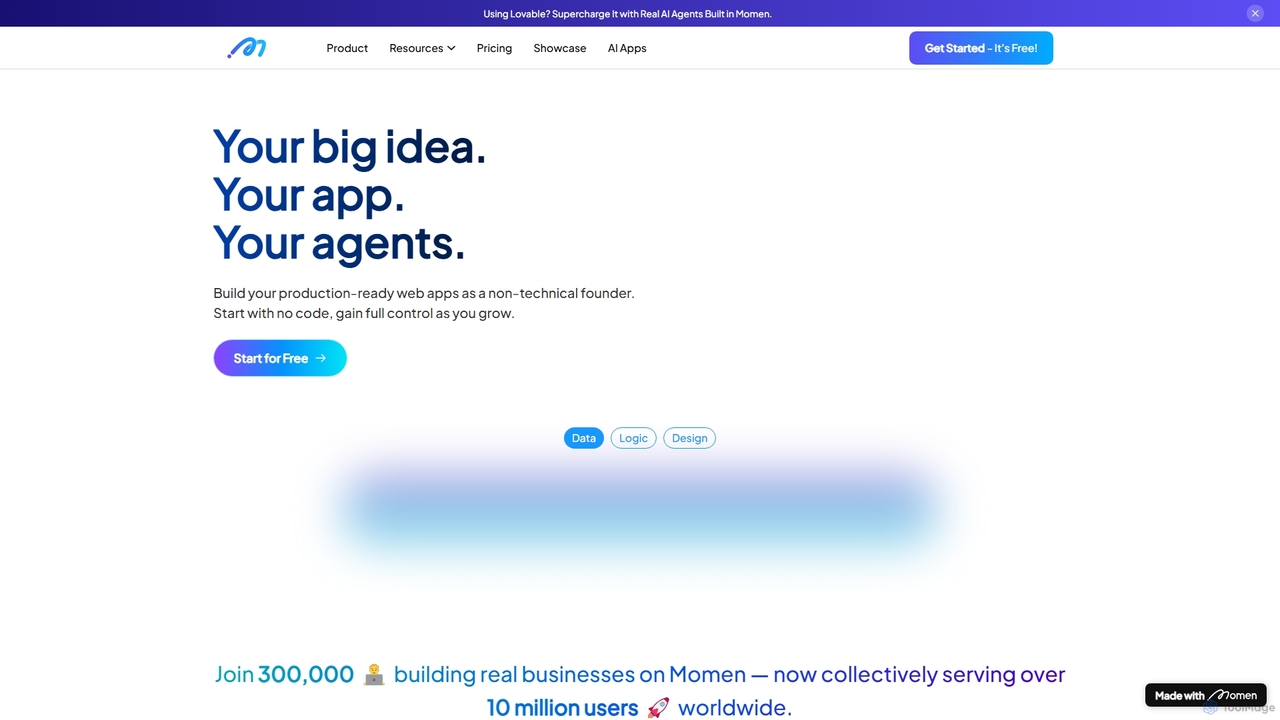
Momen

Momen

Momen is a powerful no-code platform for building, launching, and scaling production-ready web applications and AI agents. It …

66.5K
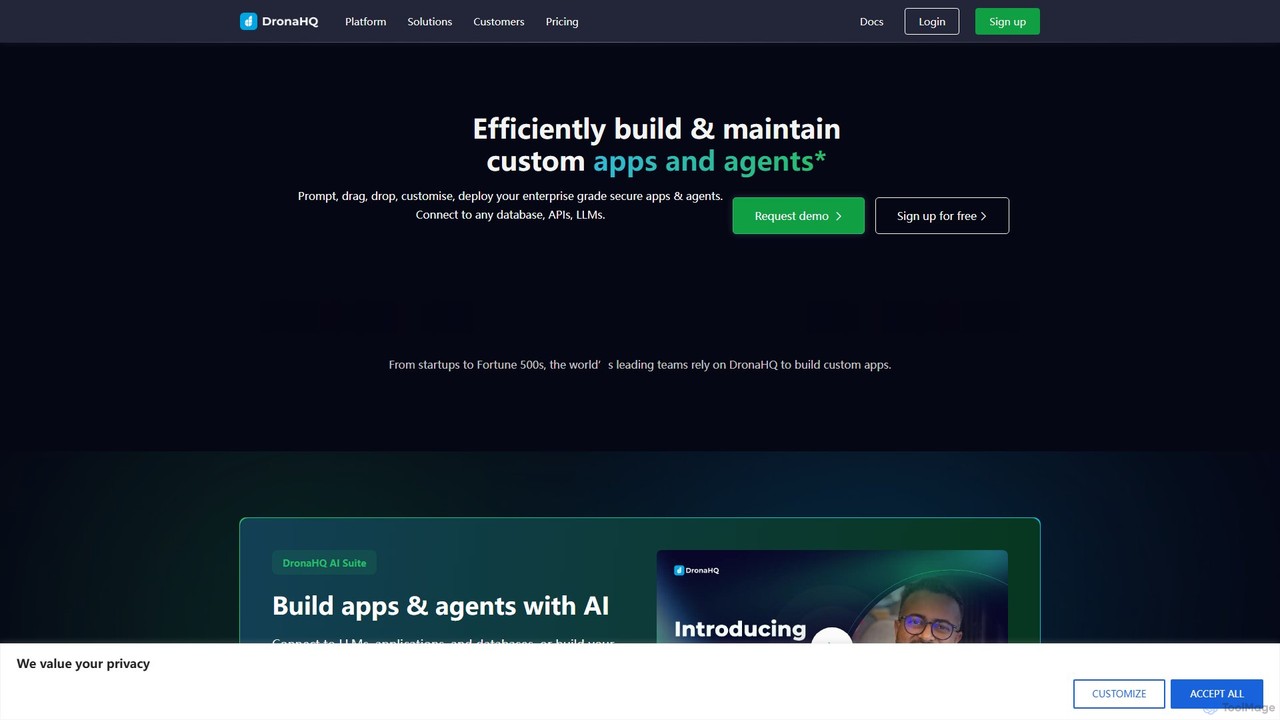
DronaHQ

DronaHQ

DronaHQ is a low-code AI platform designed for building custom internal applications, AI agents, and automated workflows with …

47.8K

About Ai App Builders

AI App Builders are platforms that enable users to create and deploy functional, AI-powered applications, often with little to no coding. These tools provide a visual interface to connect pre-trained AI models, such as large language models (LLMs) or image generators, with data sources and user interfaces. They empower entrepreneurs, developers, and businesses to rapidly prototype and launch custom AI solutions without deep machine learning expertise. This approach significantly reduces development time and cost, making AI application creation accessible to a broader audience.

Core Features

  • Visual Workflow Editor: Design application logic and AI processes using a drag-and-drop interface.
  • AI Model Integration: Seamlessly connect to popular AI APIs from providers like OpenAI, Anthropic, and Stability AI.
  • No-Code/Low-Code Interface: Build applications without writing extensive code, with options for custom scripts for advanced users.
  • Frontend Builder: Create and customize user-facing interfaces with forms, buttons, and data displays.
  • One-Click Deployment: Publish and host the finished application on the web with minimal technical overhead.

Use Cases

AI App Builders are widely used by startups to create minimum viable products (MVPs) for niche AI services. Businesses use them to build internal tools for automating tasks like data analysis, customer support routing, or content generation. Individual creators and marketers also leverage these platforms to develop specialized tools that streamline their workflows.

How to Choose

When selecting an AI App Builder, consider the range of supported AI models and APIs. Evaluate the platform's ease of use—whether it's purely no-code or requires some scripting knowledge. Assess the scalability and performance for your expected user load. Also, carefully review the pricing model, which may be based on users, features, or AI usage, and check its data handling and privacy policies.

Ai App BuildersUse Cases

1

Build an Internal Customer Feedback Analysis Tool

A product manager without coding skills needs to analyze thousands of customer feedback entries from surveys and support tickets. Using an AI App Builder, they create an internal tool. The app allows team members to upload a CSV file of feedback. The workflow then sends each entry to an AI model to perform sentiment analysis, identify key topics (e.g., 'UI issue', 'pricing', 'feature request'), and summarize the main points. The results are displayed in a clean, filterable dashboard, enabling the product team to quickly identify trends and prioritize improvements without manual sorting, saving dozens of hours each month.

2

Launch a Niche Micro-SaaS Product

An entrepreneur identifies a need for a tool that generates creative bios for social media profiles. Using an AI App Builder, they design and launch a web application in a matter of days. The app features a simple interface where users input their profession, hobbies, and desired tone (e.g., 'professional', 'witty', 'casual'). This input is sent to a fine-tuned language model via an API, which then generates five different bio options. The builder handles user authentication, payment processing via Stripe integration, and hosting, allowing the founder to focus on marketing and user acquisition for their new micro-SaaS business.

3

Automate Marketing Content Ideation

A small marketing team struggles to consistently generate fresh ideas for blog posts and social media campaigns. They use an AI App Builder to create a 'Content Idea Generator'. The app's interface includes fields for a target audience, core topic, and desired content format (e.g., 'listicle', 'how-to guide', 'case study'). When submitted, the tool queries an LLM to brainstorm a list of 10 relevant and engaging headlines, a brief outline for each, and suggested keywords. This internal application becomes a central part of their content strategy sessions, automating the initial brainstorming phase and allowing the team to focus on creating high-quality content.

4

Develop a Rapid Prototyping Tool for Game Assets

A solo indie game developer needs to create numerous character portraits and item icons but lacks advanced artistic skills. They use an AI App Builder to create a simple asset generation tool. The app's interface has input fields for 'Character Class', 'Art Style' (e.g., 'pixel art', 'anime', 'fantasy'), and 'Description'. This information is passed to an image generation AI model. The app then displays a gallery of generated images, which the developer can use as placeholders or final assets. This allows for rapid visual prototyping and iteration, significantly speeding up the game development process without needing to hire an artist early on.

5

Create a Personalized Learning Plan Generator

An online educator wants to provide personalized study plans for hundreds of students. Manually creating these is time-consuming. Using an AI App Builder, they create a web app where students input their learning goals, current knowledge level, preferred learning style (visual, text-based), and available study time per week. The application processes this data and uses an AI model to generate a structured, week-by-week study plan with recommended resources and topics. This automated tool enhances the value of their courses and provides a scalable way to offer personalized guidance to every student.

6

Streamline HR Onboarding Document Generation

An HR department spends significant time creating customized onboarding documents for new hires. They build an internal app using an AI App Builder to automate this. The app has a form where HR staff input the new hire's name, role, start date, and department. This data is then used by an AI writing model, combined with standard company templates, to automatically generate a personalized welcome letter, a 30-day plan, and a list of relevant contacts. The app outputs a downloadable PDF, reducing the time to prepare onboarding materials from an hour to just a few minutes per employee.

Ai App BuildersFrequently Asked Questions