ToolMage
Sign in

Best 2 Ai Agent Builder AI tools for Ai

Popular Ai Agent Builder AI tools in Ai include Zapier and Vertesia, helping you work more efficiently.

Zapier
Freemium

Zapier

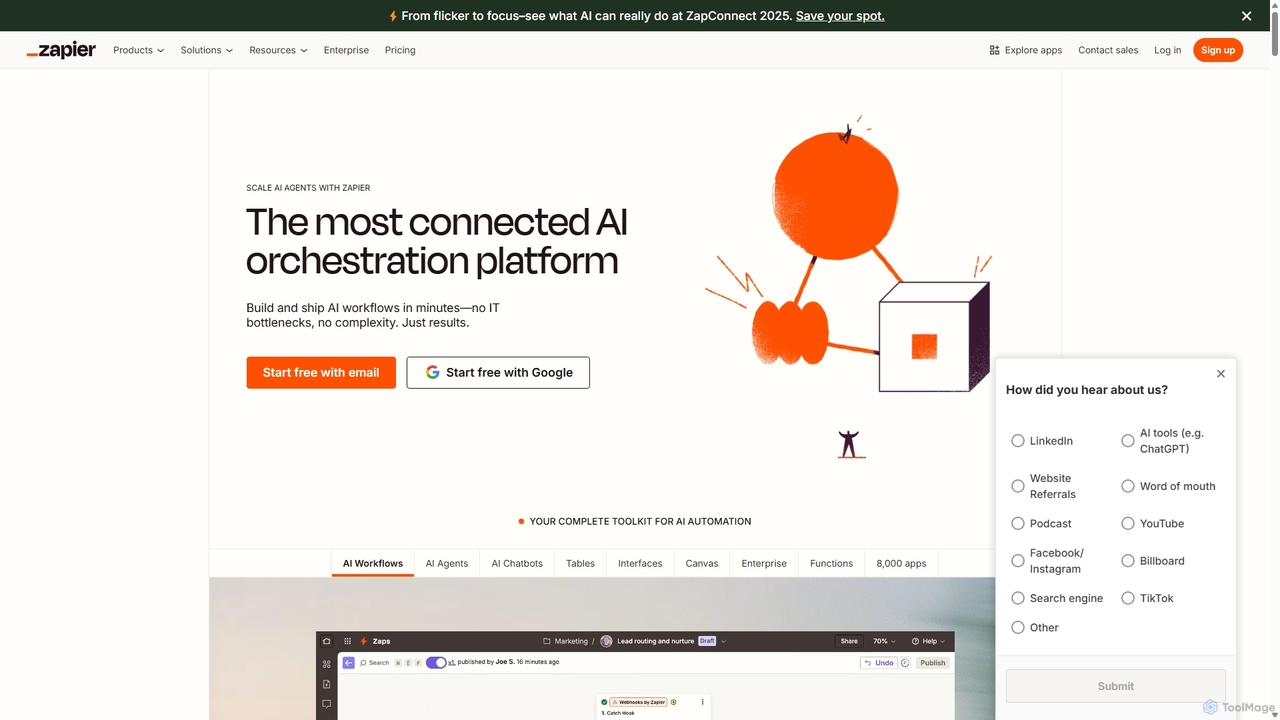
Zapier is a leading no-code automation platform that empowers you to connect over 8,000 web apps. It now features a powerful AI toolkit, allowing you to build custom AI workflows, agents, and chatbots to automate tasks, streamline processes, and scale your business operations without writing a single line of code. From simple two-step integrations to complex, multi-step AI-powered workflows, Zapier makes automation accessible to everyone.

Ai Agent Builder
Visits 6MFavorites 120Likes 113
Vertesia
Paid

Vertesia

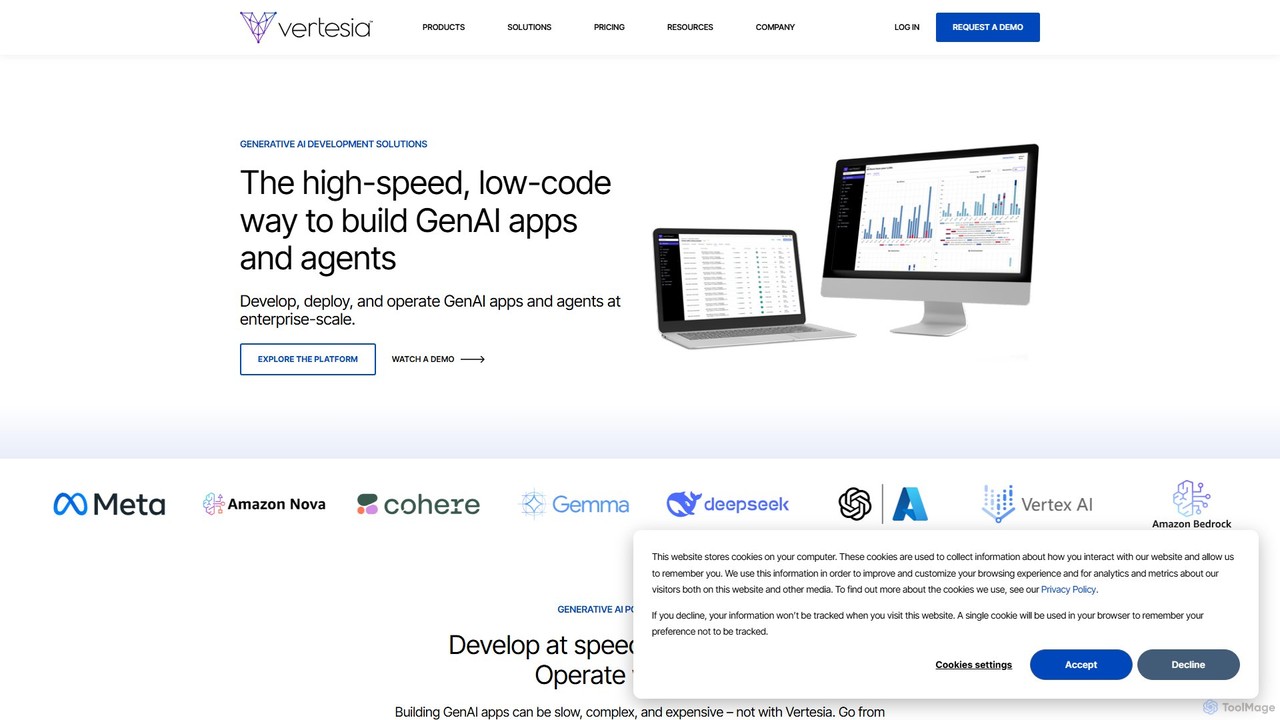
Vertesia is a high-speed, low-code generative AI development platform for enterprises. It enables businesses to rapidly build, deploy, and operate custom GenAI applications and agents at scale, transforming complex business processes and accelerating time-to-value without heavy infrastructure or spiraling costs.

Ai Agent Builder
Visits 8.7KFavorites 165Likes 149

About Ai Agent Builder

AI Agent Builders are platforms designed for creating, customizing, and deploying autonomous AI agents. These tools provide a structured environment, often with no-code or low-code interfaces, allowing users to define an agent's goals, capabilities, and access to external tools like APIs or databases. By leveraging Large Language Models (LLMs) for reasoning and planning, these agents can independently execute complex, multi-step tasks. This enables the automation of sophisticated workflows that go beyond simple, predefined rules, empowering users to build specialized digital assistants for various business and personal needs.

Core Features

  • No-Code/Low-Code Interface: Visually design agent workflows, define goals, and connect tools without extensive programming knowledge.
  • Task Decomposition: Automatically break down a high-level goal into smaller, manageable sub-tasks for the agent to execute sequentially.
  • Tool & API Integration: Equip agents with capabilities by connecting them to external applications, databases, and web services.
  • Autonomous Execution Loop: Enable agents to operate independently, making decisions, executing tasks, and learning from outcomes without constant human intervention.
  • Memory and Context Management: Provide agents with short-term and long-term memory to maintain context across complex interactions and tasks.

Use Cases

AI Agent Builders are utilized across various sectors. In e-commerce, they power agents that manage inventory and automate customer service inquiries. Marketing teams use them to build agents for lead generation and social media management. For developers and IT operations, these builders help create agents that monitor systems, automate testing, and manage infrastructure tasks.

How to Choose

When selecting an AI Agent Builder, consider the platform's ease of use and the balance between no-code simplicity and advanced customization options. Evaluate its library of pre-built integrations and the flexibility to connect custom tools or APIs. Also, assess the agent's level of autonomy, its reasoning capabilities, and the available deployment options (cloud vs. on-premise). Finally, review the pricing model, which may be based on the number of agents, tasks executed, or API calls.

Ai Agent Builder use cases

1

Create an Automated Customer Support Agent

A customer support manager for an online software company needs to reduce response times and handle common queries more efficiently. Using an AI Agent Builder, they design an agent with a clear goal: resolve user issues without human intervention. They connect the agent to the company's knowledge base, ticketing system (like Zendesk), and internal user database via APIs. The agent is trained to understand user queries, retrieve relevant articles, guide users through troubleshooting steps, and create a support ticket with all context if the issue requires escalation. This automates over 60% of tier-1 support requests, freeing up human agents for complex problems.

2

Develop a Personalized Sales Outreach Assistant

A sales team wants to increase the effectiveness of their cold outreach campaigns. A sales operations specialist uses an AI Agent Builder to create a personalized assistant. The agent is tasked with researching potential leads from a list. It connects to tools like LinkedIn for professional background, company websites for recent news, and search engines for industry trends. For each lead, the agent autonomously gathers key information, identifies pain points, and drafts a highly personalized email introduction. The sales representative simply reviews and approves the drafts, saving hours of manual research and improving email response rates significantly.

3

Build an Autonomous Market Research Analyst

A marketing strategist needs to continuously monitor market trends and competitor activities. They use an AI Agent Builder to construct a research agent. The agent is instructed to track a list of competitor websites, social media channels, and industry news portals daily. It uses web scraping tools to collect data on new product launches, pricing changes, and marketing campaigns. The agent then processes this information, identifies significant events, and compiles a concise summary report delivered to the marketing team's Slack channel every morning. This provides timely, automated competitive intelligence without manual effort.

4

Automate Internal IT Helpdesk Workflows

An IT manager aims to streamline the internal helpdesk process for a growing company. Using a low-code AI Agent Builder, they create an IT support agent. This agent integrates with the company's communication platform (e.g., Slack) and IT service management tool (e.g., Jira). When an employee reports an issue like a password reset or software access request, the agent initiates a dialogue, collects necessary details, and executes the required action through API calls to relevant systems. This resolves common IT requests instantly, 24/7, and reduces the ticket backlog for the IT staff.

5

Design a Content Strategy and Creation Agent

A solo content creator struggles to keep up with research, drafting, and publishing. They use an AI Agent Builder to create a content assistant. The agent's goal is to generate a weekly blog post. It starts by using search trend tools to identify relevant topics. Then, it scours the web for credible sources to gather information and create a detailed outline. After the creator approves the outline, the agent drafts the full article. Finally, it can even prepare social media snippets to promote the post. This system transforms the creator's workflow from manual writing to strategic supervision.

6

Construct a QA Testing and Bug Reporting Agent

A software development team wants to accelerate their quality assurance (QA) process. A QA engineer uses an AI Agent Builder to create a testing agent. The agent is connected to the project's code repository, testing frameworks, and bug tracking system (like Jira). It is tasked with running nightly regression tests. When a test fails, the agent autonomously analyzes the logs, captures screenshots or error messages, and creates a detailed bug report in Jira, automatically assigning it to the correct developer. This ensures that bugs are reported consistently and immediately, speeding up the development cycle.

Ai Agent Builder FAQ

What is an AI Agent Builder?

An AI Agent Builder is a software platform that allows users to create, deploy, and manage autonomous AI agents. Unlike simple bots, these agents can reason, plan, and execute complex, multi-step tasks to achieve a specific goal. Most builders feature no-code or low-code interfaces, enabling users to define an agent's objectives and connect it to various tools and data sources (like APIs and websites) without deep programming expertise. They are used to automate sophisticated workflows in areas like customer support, sales, and operations.

How do AI Agents differ from chatbots or automation tools?

The key difference lies in autonomy and proactivity. Chatbots are primarily reactive, responding to user queries based on predefined scripts or knowledge bases. Traditional automation tools (like Zapier or Make) are great for connecting apps but follow a fixed, linear "if this, then that" logic. AI Agents, created with builders, are proactive and goal-oriented. They can independently break down a complex goal into smaller steps, decide which tools to use, and adapt their actions based on the results, operating much like a human assistant.

What are the key features of an AI Agent Builder?

When evaluating an AI Agent Builder, look for several core features. A good builder should have:

  • A visual workflow editor: A no-code or low-code interface to design the agent's logic and goals.
  • Extensive tool integration: A library of pre-built connectors for popular APIs and the ability to add custom tools.
  • Long-term memory: The capacity for the agent to remember past interactions and data to inform future actions.
  • Autonomous planning and execution: The ability to reason, create a plan, and execute it without step-by-step human guidance.
  • Robust deployment and monitoring tools: Options to run the agent reliably and track its performance and decision-making process.
Who should use an AI Agent Builder?

AI Agent Builders are designed for a wide range of users. Business professionals and entrepreneurs can use no-code builders to automate complex operational tasks, marketing campaigns, or customer service processes without hiring developers. Developers and IT professionals can use more advanced, low-code builders to create sophisticated agents for software testing, system monitoring, or complex data processing, significantly accelerating their work. Essentially, anyone looking to delegate complex, repeatable digital tasks to an autonomous assistant can benefit from these tools.

Do I need to know how to code to use an AI Agent Builder?

Not necessarily. The majority of modern AI Agent Builders are designed with no-code or low-code principles in mind. They provide visual interfaces where you can drag-and-drop components, write instructions in plain language, and connect tools through simple configuration menus. This makes agent creation accessible to non-technical users. However, having some coding knowledge (e.g., for writing API requests or custom scripts) can unlock more advanced customization and allow you to build more powerful and specialized agents on platforms that support it.