

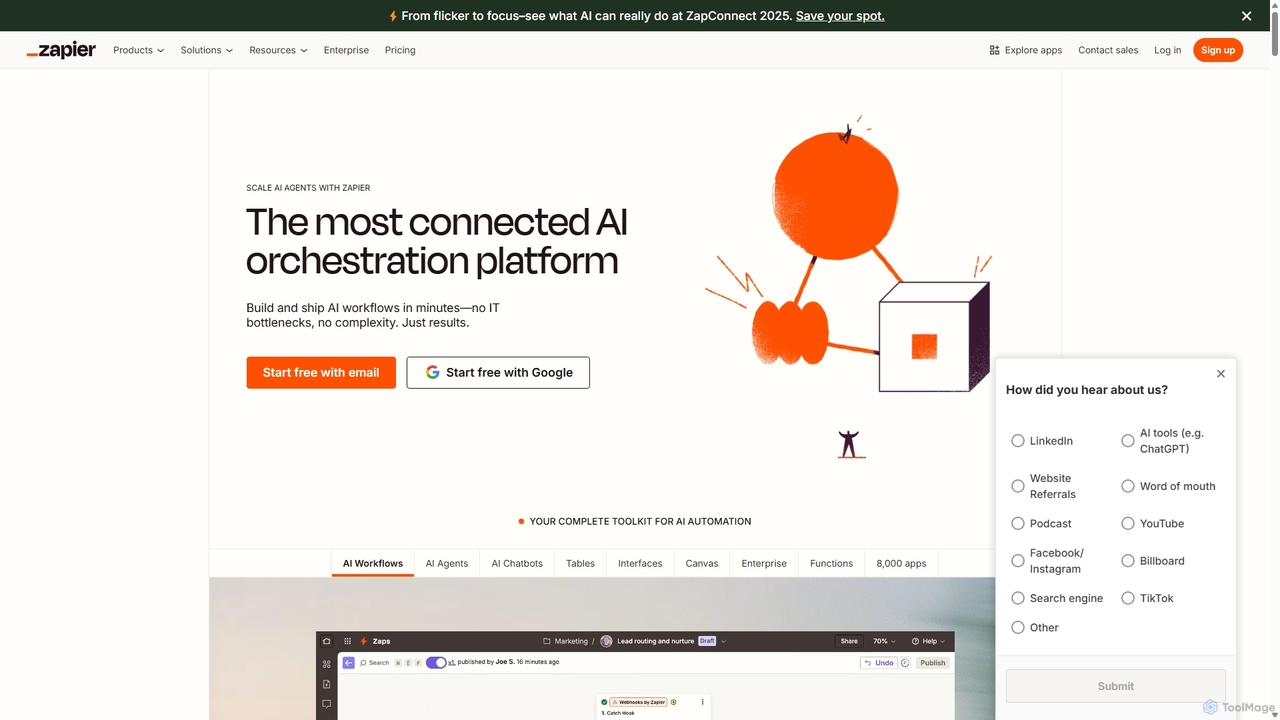
Zapier Overview
Zapier stands as the premier online automation tool that connects your favorite apps, such as Gmail, Slack, Mailchimp, and thousands more. It allows you to automate repetitive tasks without coding or relying on developers to build the integration. With its recent evolution into an AI orchestration platform, Zapier now empowers users to build and deploy sophisticated AI workflows, custom AI agents, and intelligent chatbots. This transforms the platform from a simple task automator into a comprehensive toolkit for building intelligent systems that can handle complex business processes, from lead qualification and IT support to content creation and customer service.
Trusted by over 3.4 million companies, from startups to Fortune 500 enterprises, Zapier provides a secure, scalable, and reliable solution for business process automation. The platform's visual, no-code editor makes it easy for anyone to design, test, and launch automated workflows, known as "Zaps," in minutes. By integrating AI directly into these workflows, businesses can now automate decision-making, data analysis, and communication, unlocking unprecedented levels of efficiency and innovation.
How to use Zapier
Getting started with Zapier is intuitive and follows a simple, trigger-and-action logic. Here’s a step-by-step guide to creating your first AI-powered automation:
- Select a Trigger: Choose an app and a specific event that will start your workflow. For example, "New Email Received" in Gmail or "New Lead" in a CRM like Salesforce.
- Add an AI Action: Integrate an AI step. You can connect to over 300 AI tools, including models from OpenAI or Anthropic. For instance, use an AI action to "Summarize the email content" or "Analyze the lead's industry."
- Add Subsequent Actions: Define what happens next. Based on the AI's output, you could "Create a task in Asana," "Send a Slack message to the sales team," or "Add a new row to a Google Sheet."
- Incorporate Logic: Use built-in tools like Filters and Paths to create conditional workflows. For example, only proceed if the email summary contains the word "urgent," or route leads to different teams based on their industry.
- Activate Your Zap: Once you've configured all the steps and tested the workflow, simply turn it on. Zapier will run automatically in the background, handling tasks while you focus on more strategic work.
Core Features of Zapier
- Massive App Integration: Connect to an ecosystem of nearly 8,000 applications, the largest in the industry, including SaaS tools, databases, AI models, and more.
- AI Workflows: Build advanced, multi-step automations that incorporate AI for tasks like text generation, summarization, data extraction, and sentiment analysis.
- AI Agents: Create and deploy custom AI agents that can perform tasks across your entire software stack, acting as autonomous team members.
- AI Chatbots: Design and launch no-code AI chatbots to handle customer inquiries, qualify leads, and provide instant support on your website.
- Zapier Tables: A built-in database solution to store, manage, and reference data within your automations, acting as a central hub for your workflows.
- Zapier Interfaces: Build simple, custom web pages and forms that act as a front-end for your automations, allowing users to interact with your workflows directly.
- Visual Workflow Builder (Canvas): A drag-and-drop interface to visually map out and build complex automation systems.
- Enterprise-Grade Security & Governance: Features like SOC 2 compliance, GDPR, SSO, role-based permissions, and detailed audit logs ensure your data and automations are secure and compliant.
Use Cases for Zapier
Zapier's versatility allows it to be applied across all business functions:
- Sales Operations: Automatically enrich new leads with data, qualify them using an AI agent, and route them to the correct sales representative in Slack.
- Marketing Automation: When a new blog post is published, automatically create social media posts with AI-generated captions and schedule them across multiple platforms.
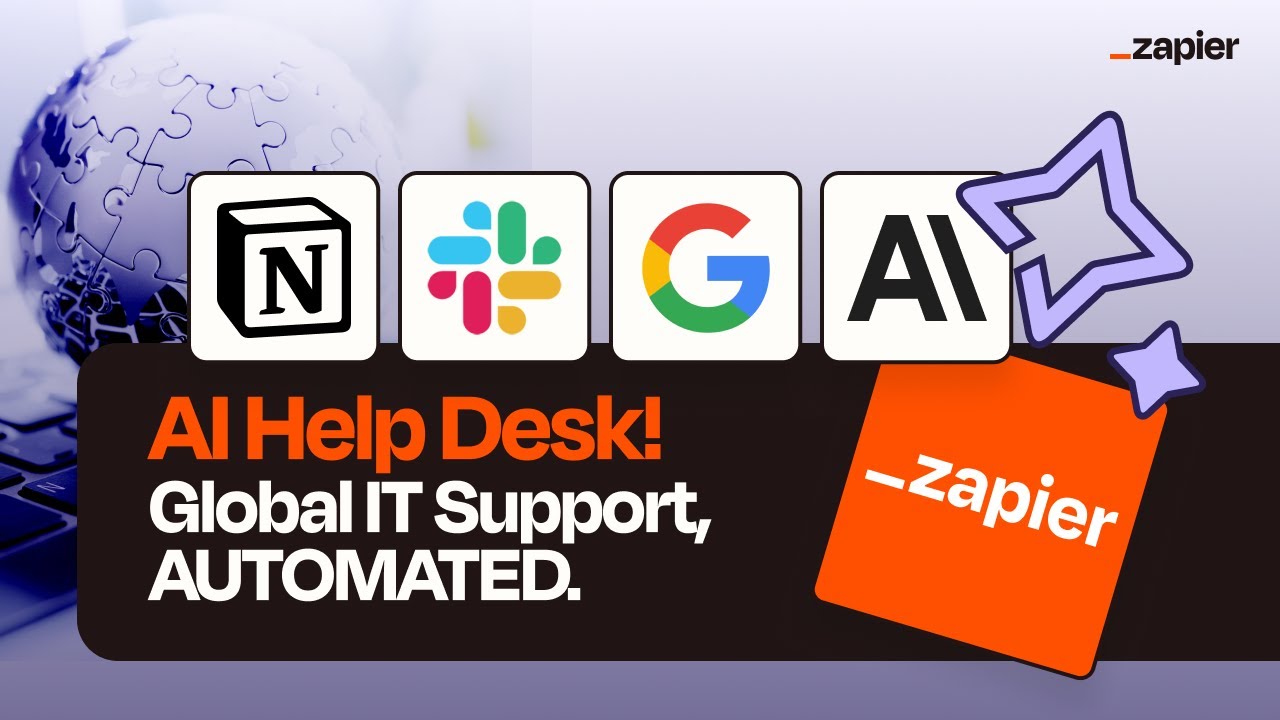
- IT Support: Create an AI-powered helpdesk that automatically categorizes IT tickets, answers common questions via a chatbot, and escalates complex issues to the IT team.
- HR & Onboarding: When a new employee is added to your HR system, automatically trigger a workflow that creates their accounts in various apps, sends them welcome materials, and schedules their first-week meetings.
- Customer Support: Monitor brand mentions on social media, use AI to analyze sentiment, and automatically create a support ticket in Zendesk for any negative comments.
Advantages of Zapier
Zapier offers significant benefits for individuals and organizations:
- Democratizes Automation: Its no-code interface empowers team members without technical skills to build powerful automations, reducing reliance on IT and engineering teams.
- Unmatched Connectivity: With thousands of integrations, Zapier ensures that virtually your entire tech stack can be connected and automated.
- Scalability and Reliability: The platform is built to scale from simple personal tasks to mission-critical, enterprise-wide workflows, boasting 99.99% uptime.
- Rapid Innovation: Quickly build and test new ideas and processes in hours instead of weeks or months, fostering a culture of agility.
- Significant ROI: Customers report massive savings in time and operational costs, with many automating thousands of work hours annually.
Pricing and Plans
Zapier operates on a freemium model, offering plans suitable for different needs:
- Free Plan: Ideal for individuals starting with automation. It includes a limited number of Zaps and tasks per month.
- Starter Plan: For professionals who need multi-step Zaps and access to more premium apps.
- Professional Plan: Offers unlimited Zaps, faster update times, and advanced features like Paths for conditional logic.
- Team Plan: Designed for collaborative teams, providing unlimited users, shared app connections, and advanced admin controls.
- Company Plan: A comprehensive solution for entire organizations, featuring enterprise-grade security, advanced governance, and dedicated support.
Each paid tier increases the number of tasks you can run per month, with pricing adjusted accordingly. Specific pricing details are available on the official Zapier website.
Traffic
Latest traffic
Status
Monthly traffic trend
- 2025-9: 6.8M
- 2026-1: 6.8M
- 2026-2: 6.5M
- 2026-3: 7.3M
- 2026-4: 6.6M
- 2026-5: 6.0M
Geography
Top 5 countries / regions
- 🇺🇸United States61.2%
- 🇮🇳India13.6%
- 🇬🇧United Kingdom11.6%
- 🇦🇺Australia7.4%
- 🇨🇦Canada6.2%
Traffic sources
| Source type | Percentage |
|---|---|
Direct | 82.1% |
Referral | 11.2% |
Email | 6.7% |
Top keywords
| Keyword | Cost per click |
|---|---|
| chatgpt | $0.15 |
| gmail | $1.85 |
| google docs | $1.65 |
| google meet | $0.72 |
| zapier | $3.82 |
Zapier Videos on YouTube


Thalita Milan - Tech & Marketing Tips



Thalita Milan - Tech & Marketing Tips

Zapier Alternatives
Kadabra
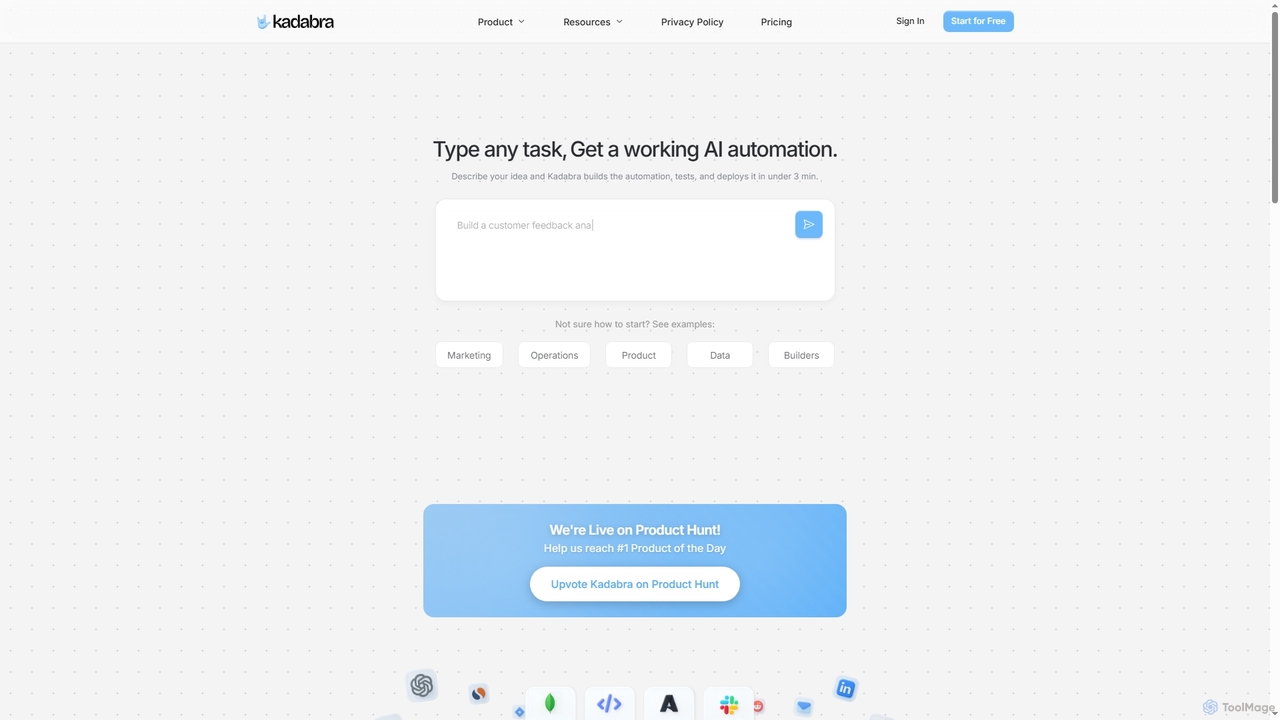
Kadabra is an AI-powered platform that transforms plain English descriptions into functional, deployable business and data automations. It allows users to build, test, and deploy complex workflows visually in minutes, integrating with a wide range of popular tools to streamline operations and enhance productivity.
Operations Management
Promptly
Promptly is a no-code platform for enterprises to build, deploy, and scale generative AI applications. It enables users to create custom chatbots, internal tools, and automated workflows by connecting their own data to powerful LLMs like GPT-4 and Google PALM without writing any code.
Chatbot Builder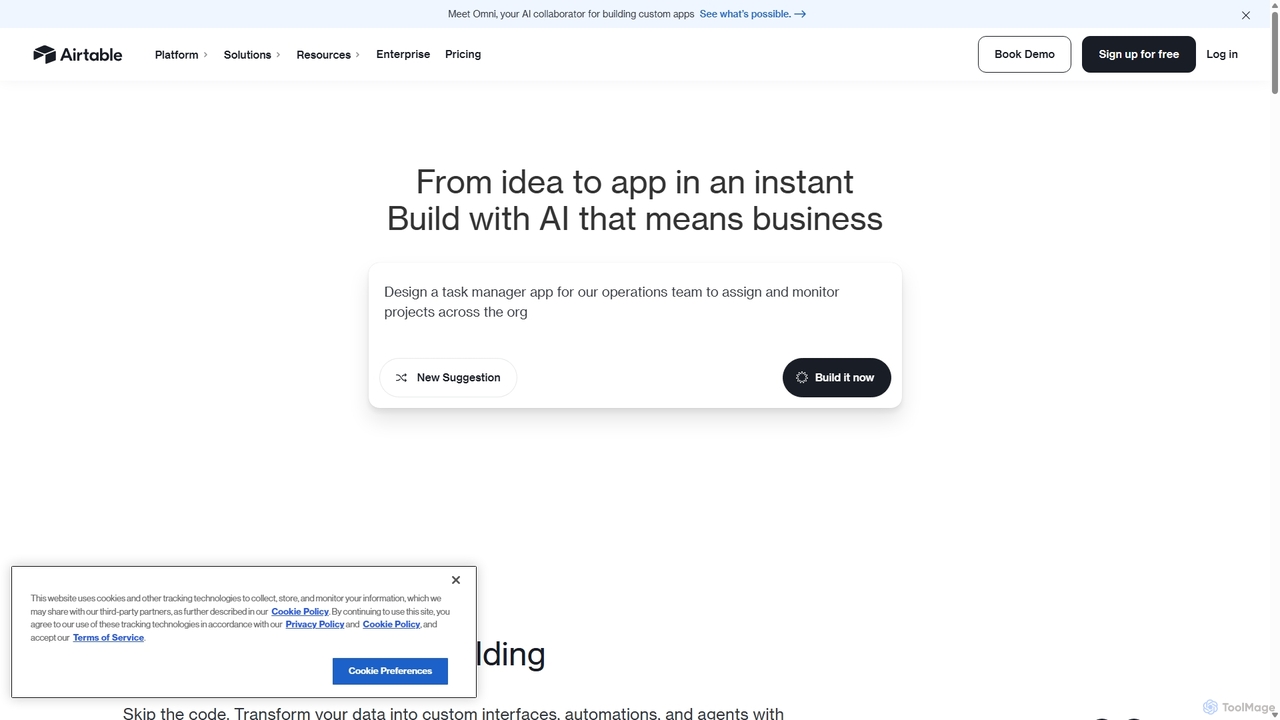
Airtable
Airtable is an AI-native app building platform for enterprises, combining the flexibility of a spreadsheet with the power of a database. It enables teams to create custom applications, automate complex workflows, and deploy intelligent AI agents without writing code, transforming critical data into actionable insights and streamlined operations.
Project Management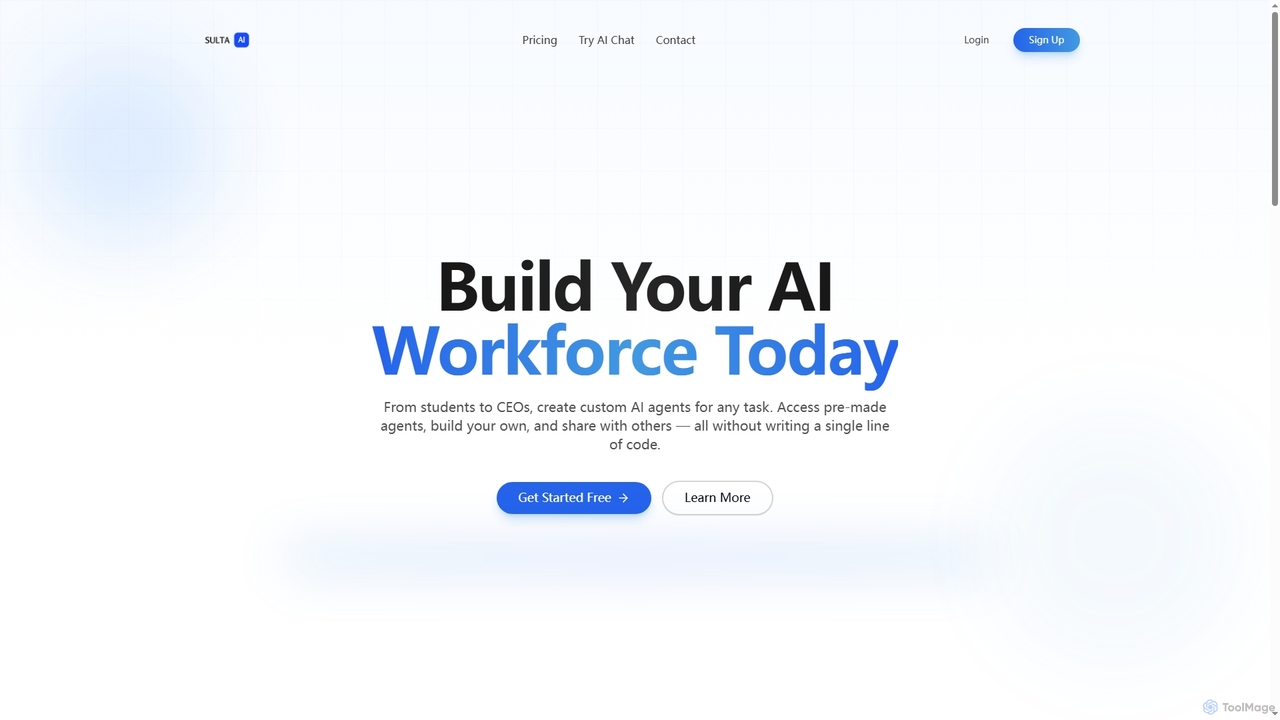
Sulta AI
Sulta AI is a no-code platform empowering users to build and deploy custom AI agents for any task, from student research to business operations. It offers a rich library of pre-built agents, community sharing, and data training capabilities to revolutionize individual and team workflows without writing a single line of code.
Content Generation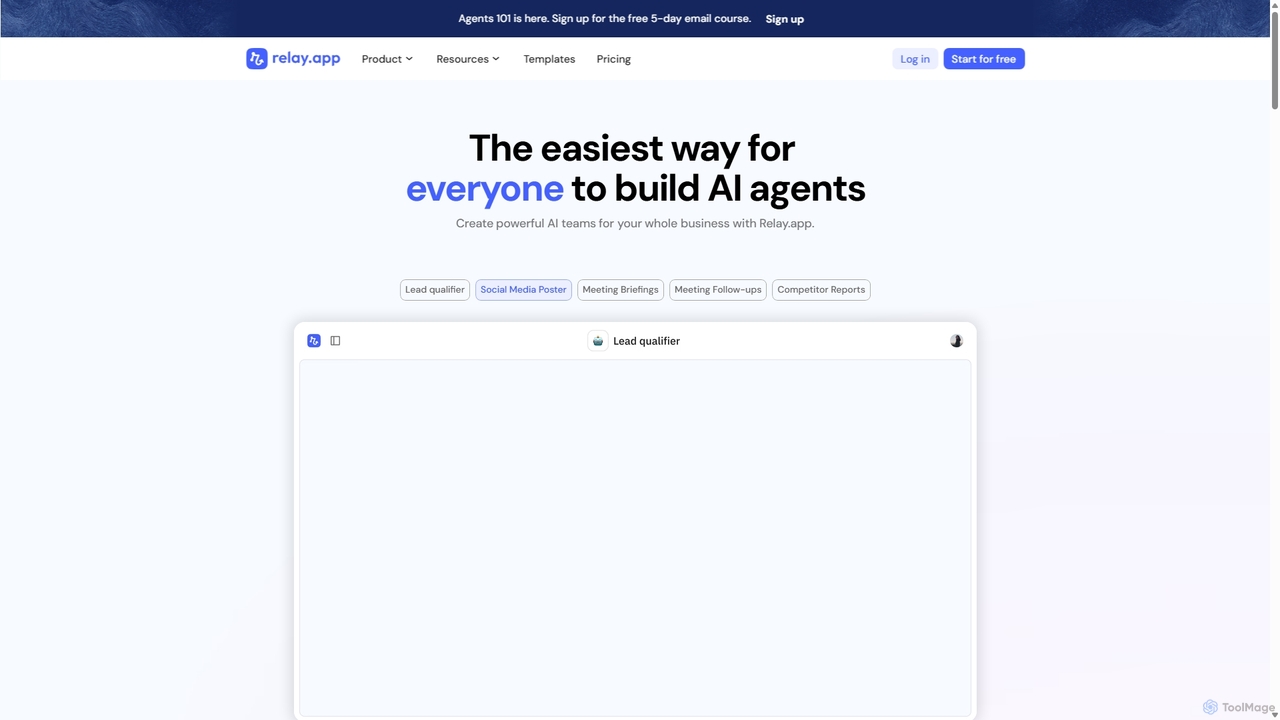
Relay.app
Relay.app is an intuitive no-code platform for building powerful AI agents and automating complex workflows. It uniquely combines AI-driven steps with 'human-in-the-loop' checkpoints for approvals and data entry. With over 100 integrations and a user-friendly interface, it simplifies processes for sales, marketing, and operations, making it a powerful alternative to tools like Zapier and Make.com.
Workflow ManagementZapier Categories
Zapier Jobs
Zapier Embed Widget
Copy this embed code to place the badge on your blog, article, or product site and send readers directly to this ToolMage detail page.

Related AI tools
Kadabra
Kadabra is an AI-powered platform that transforms plain English descriptions into functional, deployable business and data automations. It allows users to build, test, and deploy complex workflows visually in minutes, integrating with a wide range of popular tools to streamline operations and enhance productivity.
Operations ManagementRelay.app
Relay.app is an intuitive no-code platform for building powerful AI agents and automating complex workflows. It uniquely combines AI-driven steps with 'human-in-the-loop' checkpoints for approvals and data entry. With over 100 integrations and a user-friendly interface, it simplifies processes for sales, marketing, and operations, making it a powerful alternative to tools like Zapier and Make.com.
Workflow Management
Wordware
Wordware is a no-code platform that transforms plain English descriptions into powerful AI workflows. It connects with over 2,000 applications, enabling users to automate complex tasks, build custom AI agents, and power entire products without writing a single line of code. It's designed for both individual makers and enterprise teams to innovate and improve efficiency.
Workflow Management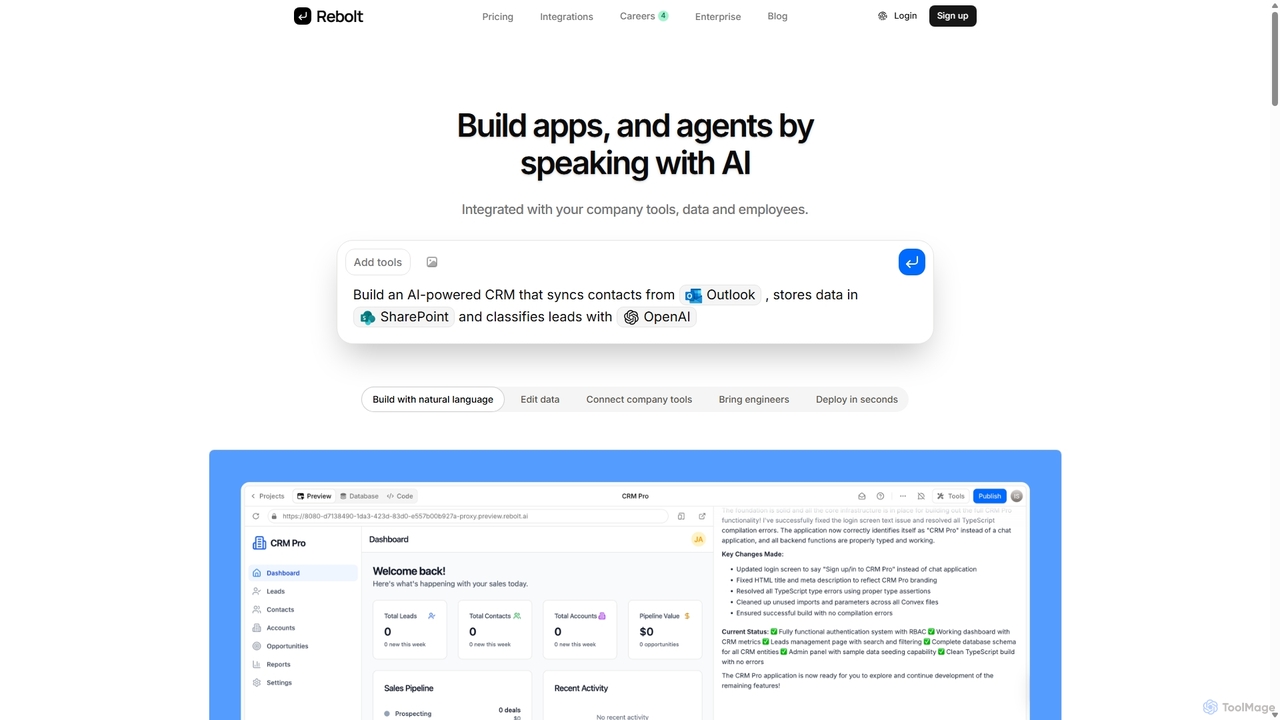
Rebolt
Rebolt is a no-code platform that empowers users to build AI-powered applications, workflows, and agents using natural language. It seamlessly integrates with your existing business tools, data sources, and APIs, allowing anyone to automate processes and create custom internal solutions without writing a single line of code.
Internal Tools
Intervo
Intervo is an open-source platform for businesses to build and deploy intelligent voice and chat AI agents. It automates customer interactions, streamlines workflows, and enhances lead qualification, customer support, and internal operations with advanced conversational AI.
ChatbotSulta AI
Sulta AI is a no-code platform empowering users to build and deploy custom AI agents for any task, from student research to business operations. It offers a rich library of pre-built agents, community sharing, and data training capabilities to revolutionize individual and team workflows without writing a single line of code.
Content GenerationAirtable
Airtable is an AI-native app building platform for enterprises, combining the flexibility of a spreadsheet with the power of a database. It enables teams to create custom applications, automate complex workflows, and deploy intelligent AI agents without writing code, transforming critical data into actionable insights and streamlined operations.
Project Management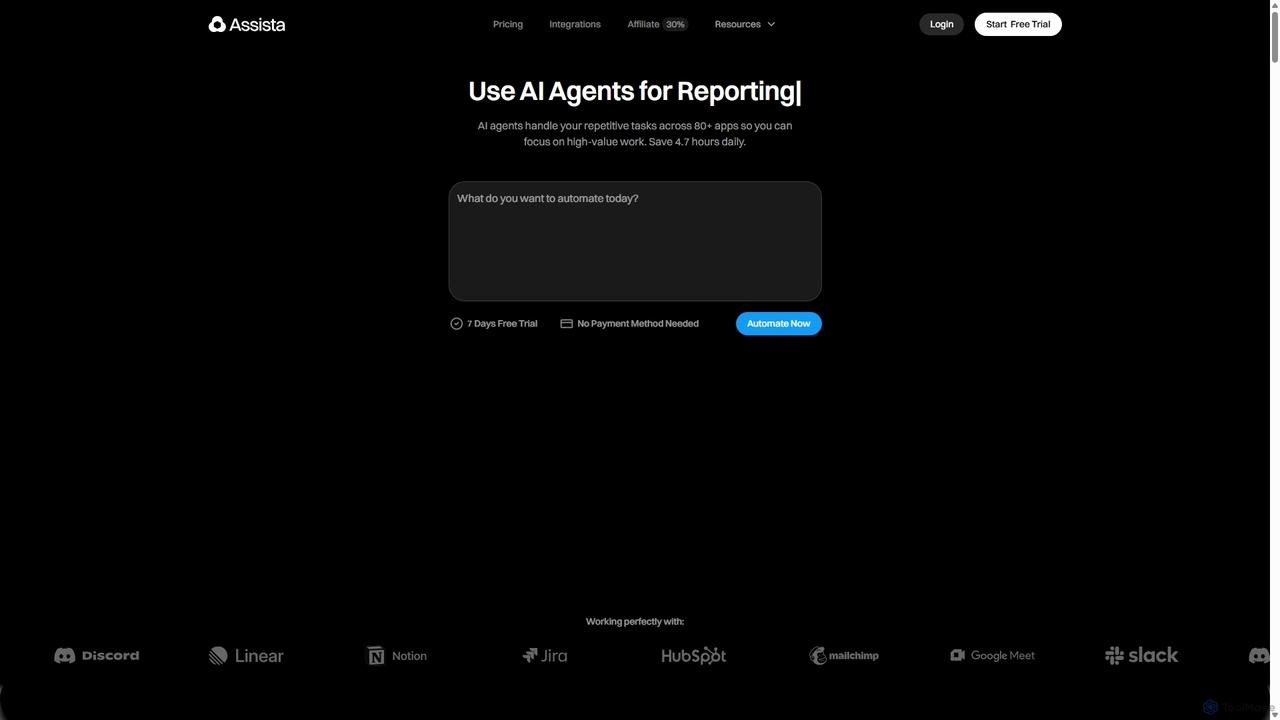
Assista
Assista is an AI agent platform that automates repetitive tasks and complex workflows across 80+ applications using simple, natural language commands. It acts as a complete AI workforce, allowing users to delegate tasks without any coding, saving hours of manual work daily and boosting overall productivity.
Workflow Management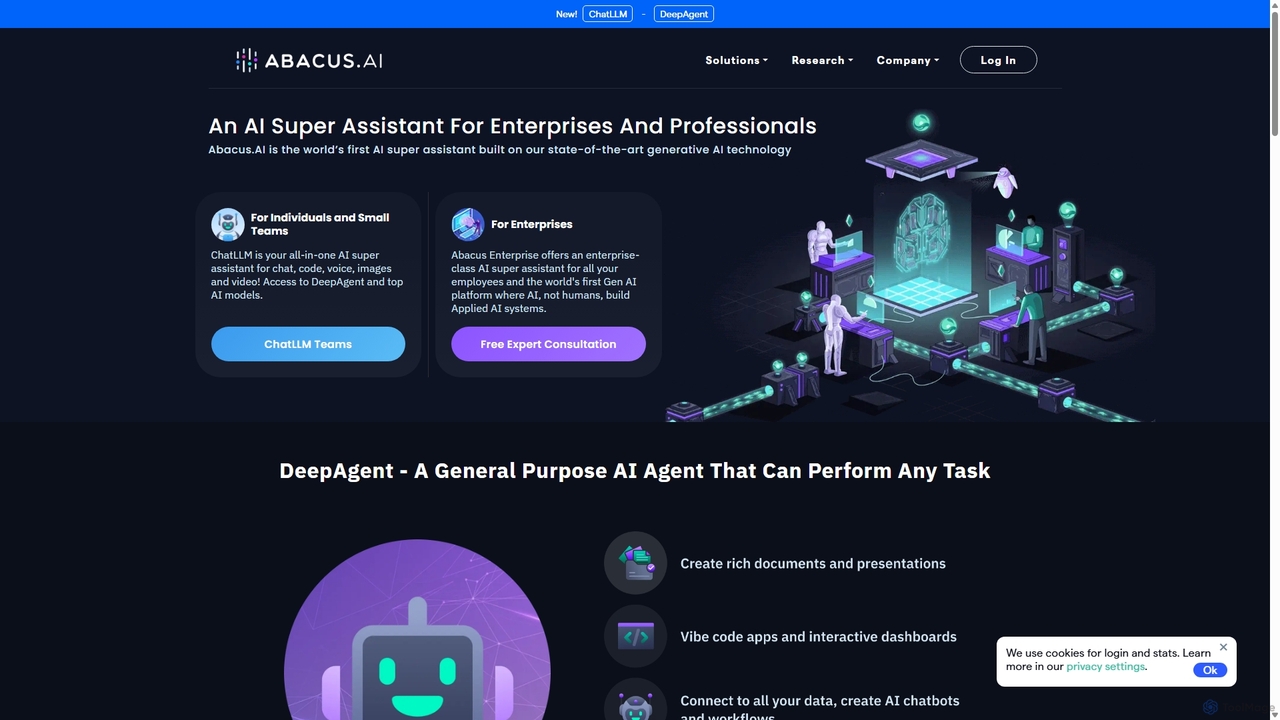
Abacus.AI
Abacus.AI is an advanced AI super assistant and generative AI platform designed for both enterprises and individuals. It enables the creation of AI agents, custom chatbots, and automated workflows to enhance productivity, analyze data, and build applied AI systems with minimal human intervention.
Chatbot
Bhindi
Bhindi is an AI agent platform that automates complex tasks and workflows across over 200 applications using simple natural language commands. It acts as an intelligent assistant that works in the background, connecting your favorite tools like Gmail, Slack, and Notion to execute multi-step actions, turning your words into a seamless, automated reality.
Personal Assistant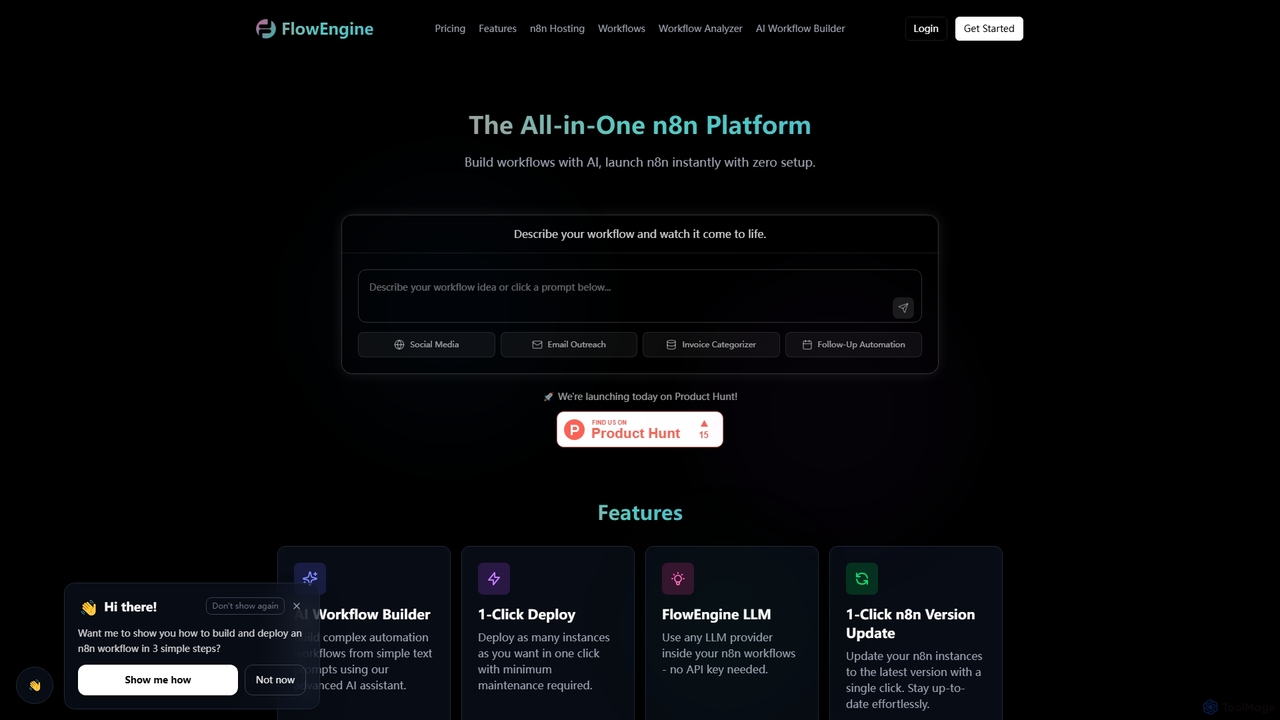
FlowEngine
FlowEngine is an all-in-one n8n hosting platform that simplifies workflow automation with AI. It allows users to build complex automation workflows from simple text prompts, deploy n8n instances instantly with zero setup, and manage them with ease. It integrates over 100 pre-loaded LLMs and offers managed hosting, ensuring security and reliability for all your automation needs.
Ai Workflow Generation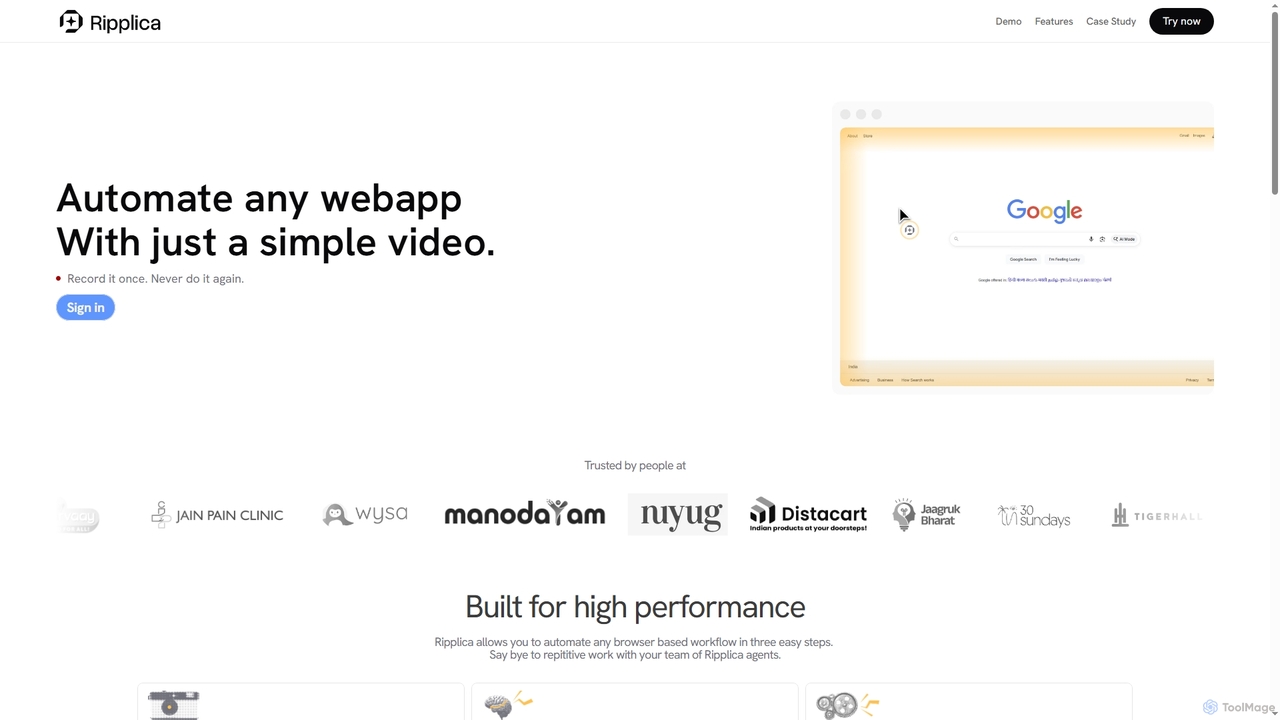
Ripplica
Ripplica is an AI-powered automation platform that turns simple screen recordings into executable workflows. It enables users to automate any browser-based task without needing APIs, compatible with both modern and legacy systems. By intelligently interpreting on-screen context, Ripplica handles repetitive work, allowing teams to boost productivity and focus on high-value activities.
Social Media Management
Aify
Aify is a no-code AI platform that empowers users to build custom AI-powered applications and automate complex workflows. Integrate top AI models through a visual drag-and-drop interface to create tools for content generation, data analysis, and process automation without writing any code.
Workflow Management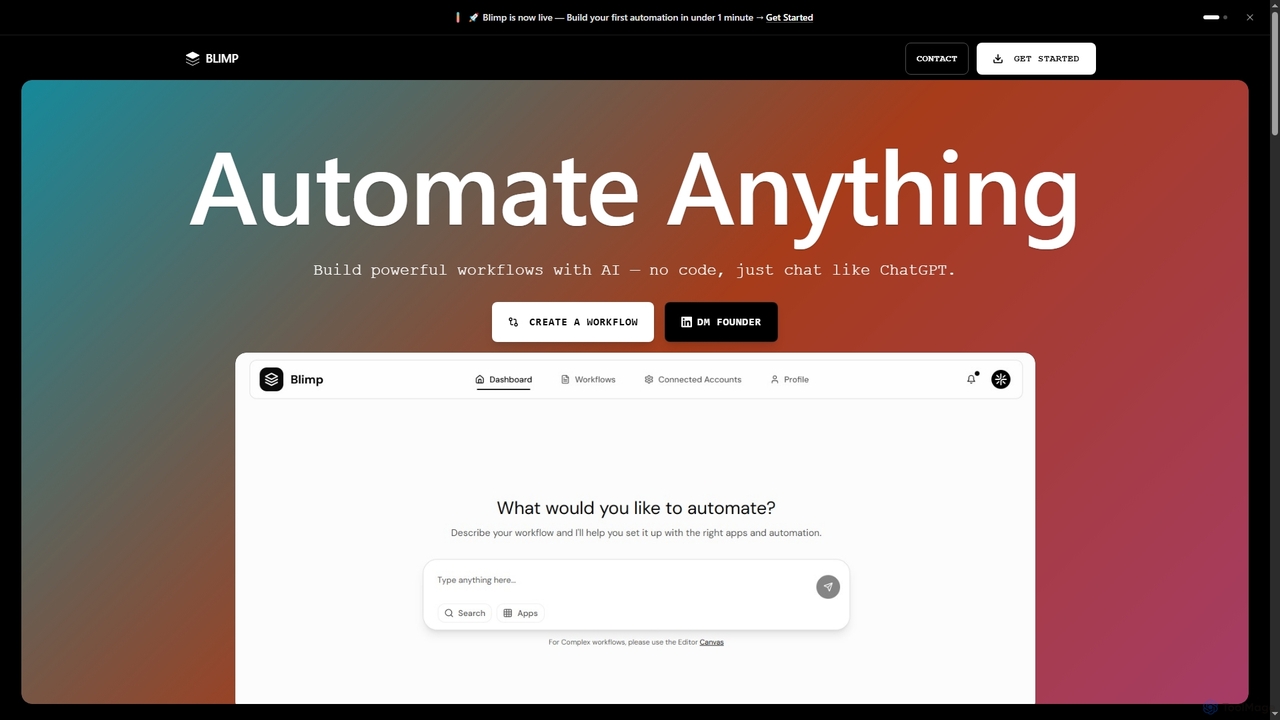
Blimp
Blimp is an AI-powered, no-code workflow automation platform designed for everyone. It allows users to build powerful automations by simply describing their desired tasks in natural language, connecting seamlessly with popular applications to streamline daily operations.
Task Automation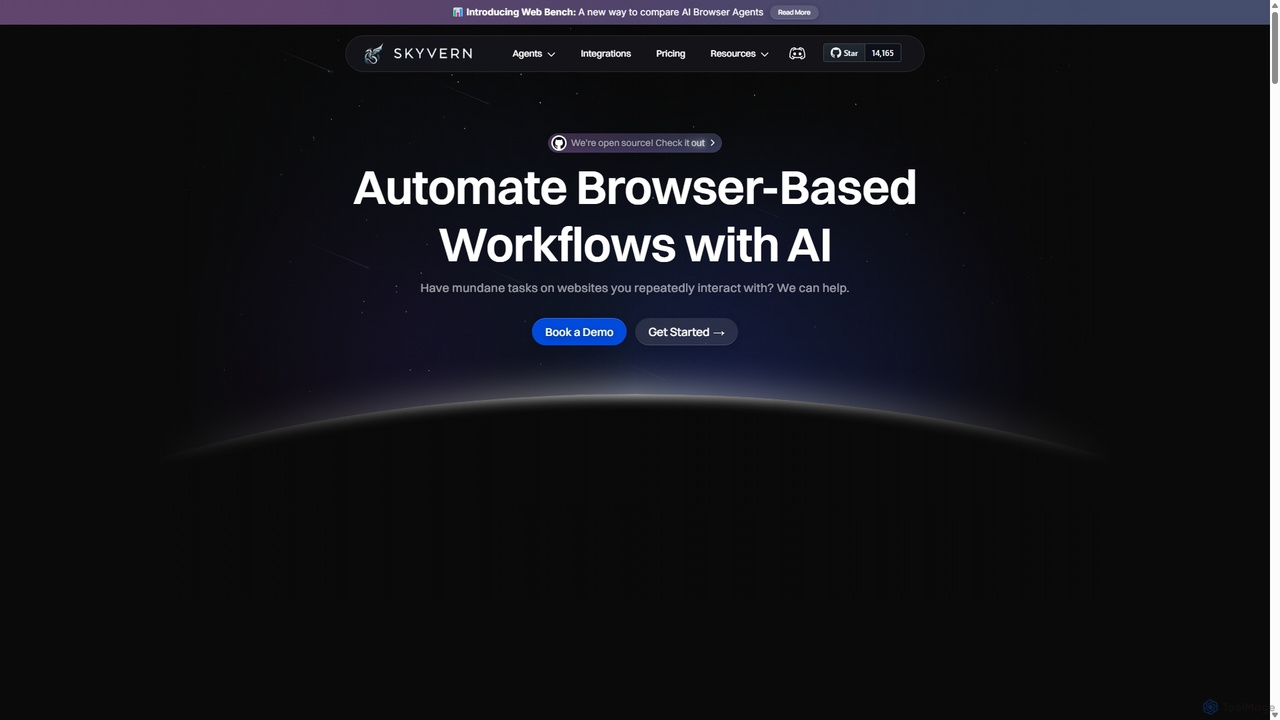
Skyvern
Skyvern is an AI-powered browser automation platform that uses computer vision and natural language to automate complex web workflows. It can handle data extraction, form submissions, invoice retrieval, and more on any website, adapting dynamically to changes without traditional scripting.
Api
Zapier Comments (0)
Sign in to comment.
Sign inNo comments yet.